
Introduction To C Programming You will learn basic
Introduction To ‘C’ Programming You will learn basic programming concepts in a low level procedural language. James Tam
Programming Languages • There are many different languages - (Just a small sample): ‘C’, ‘C++’, ‘C#’, Tcl/Tk, Java, Python, Pascal, Assembly language (many kinds) etc. • No one language is the best for all situations - Different languages were written for solving different types of problems. • Languages can be classified according to different criteria - High vs. low level languages. - The programming paradigm employed (approach to writing the solution to a problem). James Tam

High Vs. Low Level Languages Human languages E. g. , English, French, Spanish, Chinese, German, Arabic etc. High level programming language E. g. , Python, Java, C++ Low level programming language Assembly Machine language Binary High level for (i = 1; i <= 10; i++) MOV #10, R 0 10100000 1010 00 Computer hardware Low level James Tam
High Vs. Low Level Languages • Although there are obvious benefits to writing a program in a high vs. low level language it’s not a continuum of best vs. worst • Each level of language has it’s place and is used for a different category of problem. James Tam
Programming Paradigms • Programming paradigm: - The way in which in a solution to a problem is implemented. - The approach taken to decompose a large and complex problem into manageable parts. • There are several paradigms but you will learn (re-learn) two in this course: - Procedural programming (you’ve already worked with this one) - Object-oriented programming James Tam
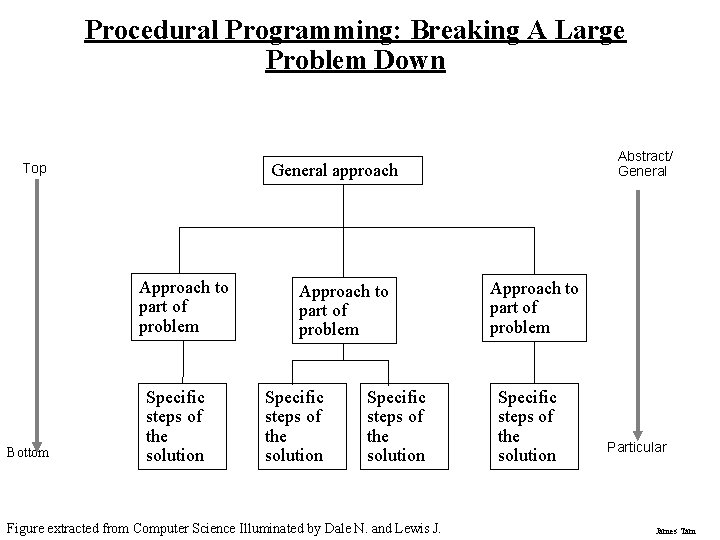
Procedural Programming: Breaking A Large Problem Down Approach to part of problem Bottom Abstract/ General approach Top Specific steps of the solution Approach to part of problem Specific steps of the solution Figure extracted from Computer Science Illuminated by Dale N. and Lewis J. Approach to part of problem Specific steps of the solution Particular James Tam
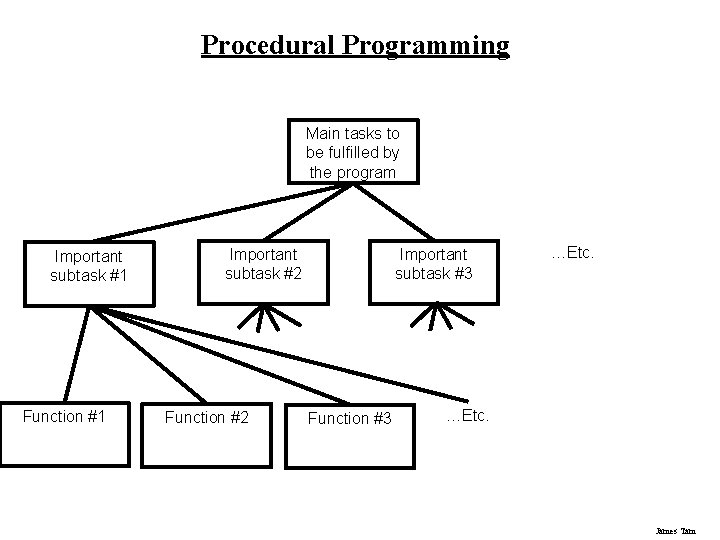
Procedural Programming Main tasks to be fulfilled by the program Important subtask #1 Function #1 Important subtask #2 Function #2 Important subtask #3 Function #3 …Etc. James Tam
Decomposing A Problem Into Procedures • Break down the program by what it does (described with actions/verbs). • Eventually the different parts of the program will be implemented as functions. James Tam
Procedural Programming: An Example • How would a word processing program be decomposed into subtasks and functions? James Tam
Object-Oriented Programming • Break down the program into ‘physical’ components (nouns). • Each of these physical components is an ‘object’. • Objects include operations (functions which are referred to as ‘methods’ in the Object-Oriented paradigm) but also data (information about each object). - The methods can be determined by the actions (verbs) that each object should be able to complete. - The data can be determined by examining the type of information that each object needs to store. • Example of an everyday object (from “Starting out with Python” by Tony Gaddis): An Alarm clock - What are the attributes of the alarm clock (information needed by the clock in order to properly function) - What are the methods of the alarm clock (operations that the clock must perform). James Tam
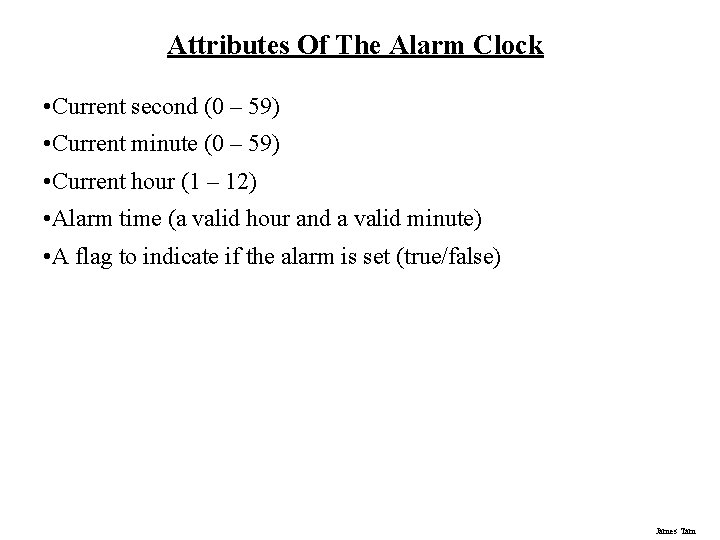
Attributes Of The Alarm Clock • Current second (0 – 59) • Current minute (0 – 59) • Current hour (1 – 12) • Alarm time (a valid hour and a valid minute) • A flag to indicate if the alarm is set (true/false) James Tam
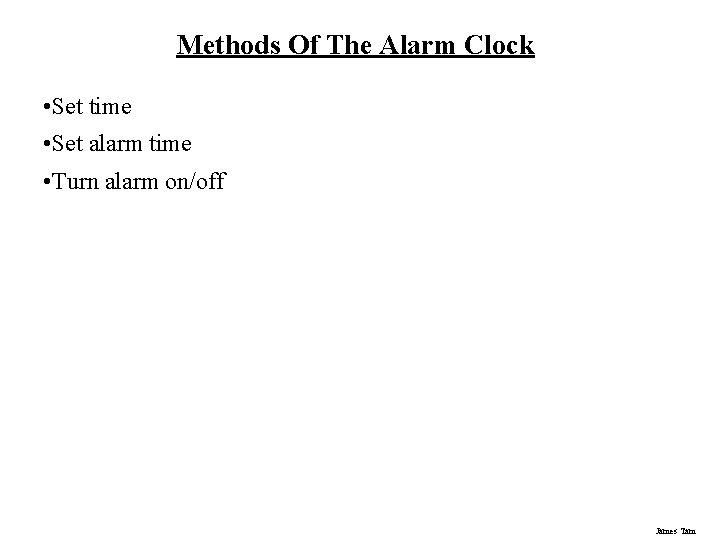
Methods Of The Alarm Clock • Set time • Set alarm time • Turn alarm on/off James Tam
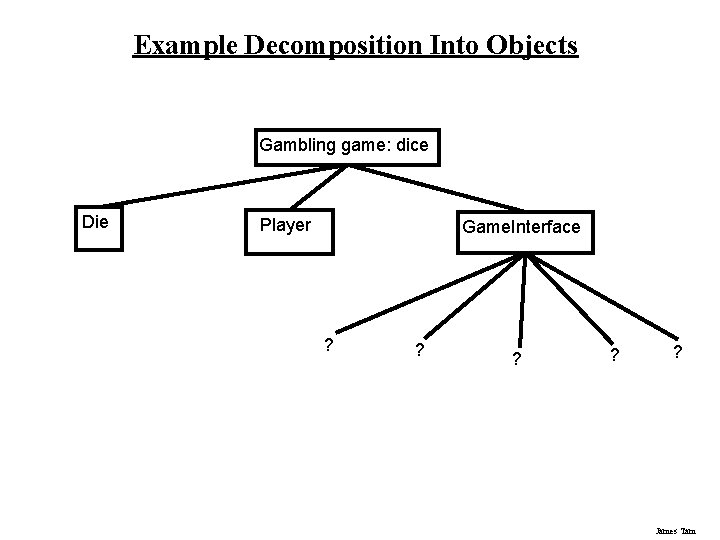
Example Decomposition Into Objects Gambling game: dice Die Player Game. Interface ? ? ? James Tam
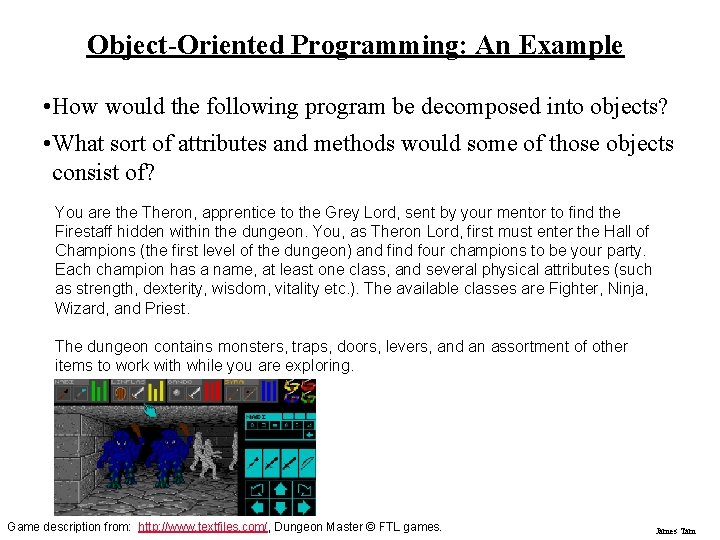
Object-Oriented Programming: An Example • How would the following program be decomposed into objects? • What sort of attributes and methods would some of those objects consist of? You are the Theron, apprentice to the Grey Lord, sent by your mentor to find the Firestaff hidden within the dungeon. You, as Theron Lord, first must enter the Hall of Champions (the first level of the dungeon) and find four champions to be your party. Each champion has a name, at least one class, and several physical attributes (such as strength, dexterity, wisdom, vitality etc. ). The available classes are Fighter, Ninja, Wizard, and Priest. The dungeon contains monsters, traps, doors, levers, and an assortment of other items to work with while you are exploring. Game description from: http: //www. textfiles. com/, Dungeon Master © FTL games. James Tam
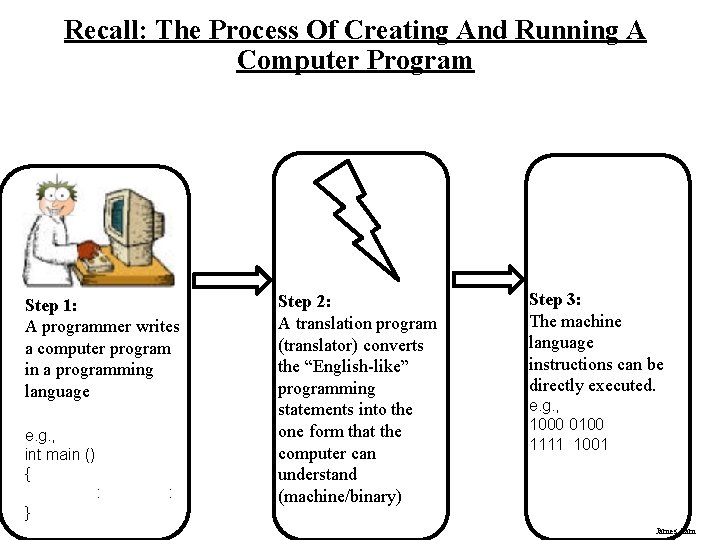
Recall: The Process Of Creating And Running A Computer Program Step 1: A programmer writes a computer program in a programming language e. g. , int main () { : } : Step 2: A translation program (translator) converts the “English-like” programming statements into the one form that the computer can understand (machine/binary) Step 3: The machine language instructions can be directly executed. e. g. , 1000 0100 1111 1001 James Tam
Translators • Convert computer programs to machine language • Types 1) Interpreters • • • Each time that the program is run the interpreter translates the program (translating a part at a time). If there any errors during the process of interpreting the program, the program will stop running right when the error is encountered. Advantage: partial execution of a program is possible. 2) Compilers • • Before the program is run the compiler translates the program (compiling it all at once). If there any errors during the compilation process, no machine language executable will be produced. If there are no errors during compilation the translated machine language program can be run. Advantage: programs execute must faster. James Tam
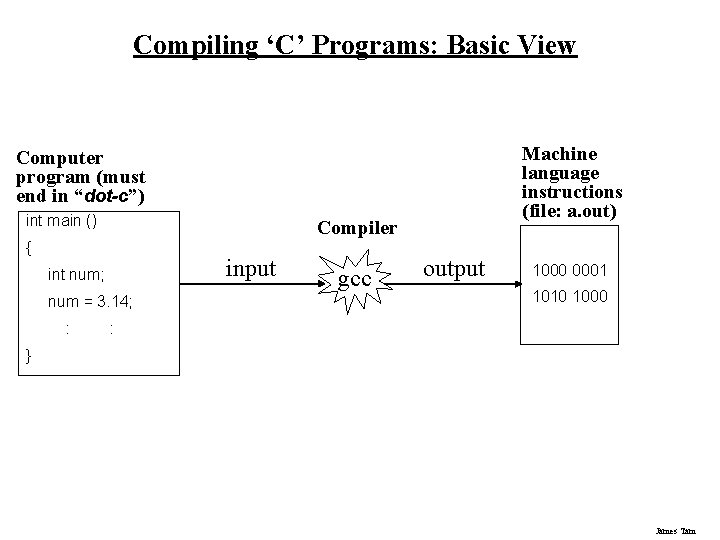
Compiling ‘C’ Programs: Basic View Machine language instructions (file: a. out) Computer program (must end in “dot-c”) int main () Compiler { input int num; num = 3. 14; : gcc output 1000 0001 1010 1000 : } James Tam
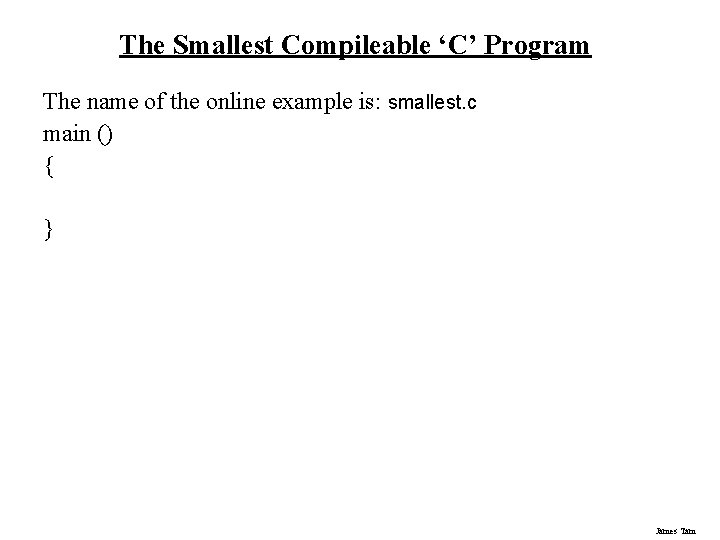
The Smallest Compileable ‘C’ Program The name of the online example is: smallest. c main () { } James Tam
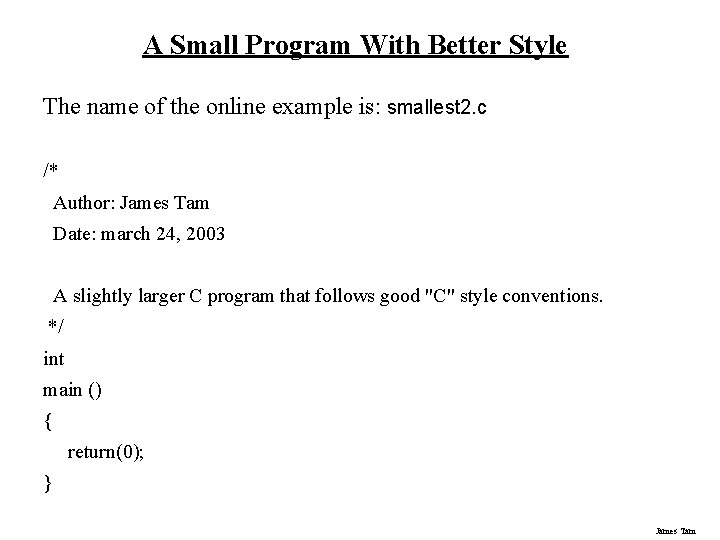
A Small Program With Better Style The name of the online example is: smallest 2. c /* Author: James Tam Date: march 24, 2003 A slightly larger C program that follows good "C" style conventions. */ int main () { return(0); } James Tam
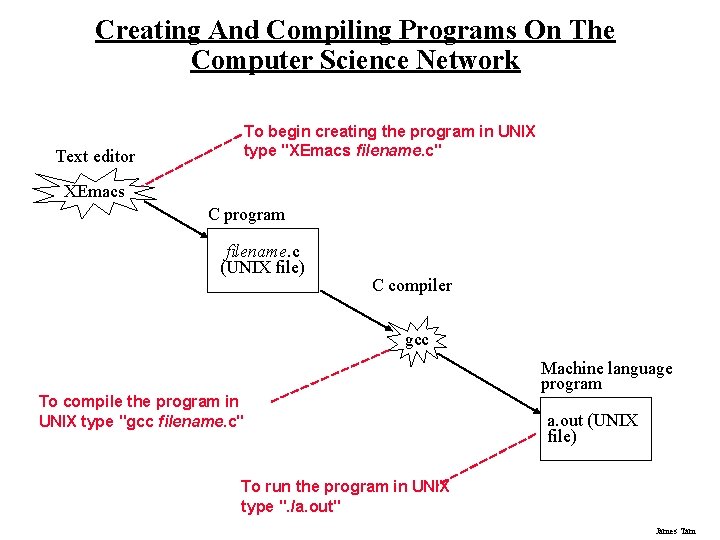
Creating And Compiling Programs On The Computer Science Network Text editor To begin creating the program in UNIX type "XEmacs filename. c" XEmacs C program filename. c (UNIX file) C compiler gcc Machine language program To compile the program in UNIX type "gcc filename. c" a. out (UNIX file) To run the program in UNIX type ". /a. out" James Tam
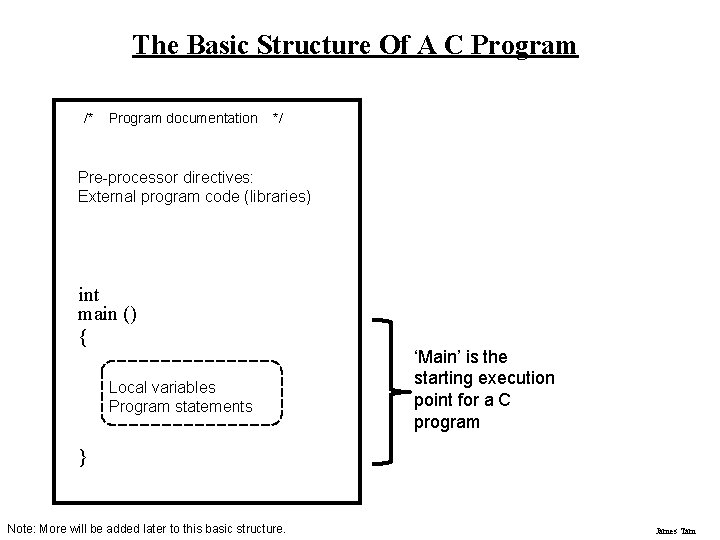
The Basic Structure Of A C Program /* Program documentation */ Pre-processor directives: External program code (libraries) int main () { Local variables Program statements ‘Main’ is the starting execution point for a C program } Note: More will be added later to this basic structure. James Tam
Program Documentation • It doesn’t get translated into binary. • It doesn’t contain instructions for the computer to execute. • It is for the reader of the program: - What does the program do e. g. , tax program. - What are it’s capabilities e. g. , it calculates personal or small business tax. - What are it’s limitations e. g. , it only follows Canadian tax laws and cannot be used in the US. - What is the version of the program • If you don’t use numbers for the different versions of your program then consider using dates. - How does the program work. • This is often a description in English (or another high-level) language that describes the way in which the program fulfills its functions. • The purpose of this description is to help the reader quickly understand how the program works James Tam
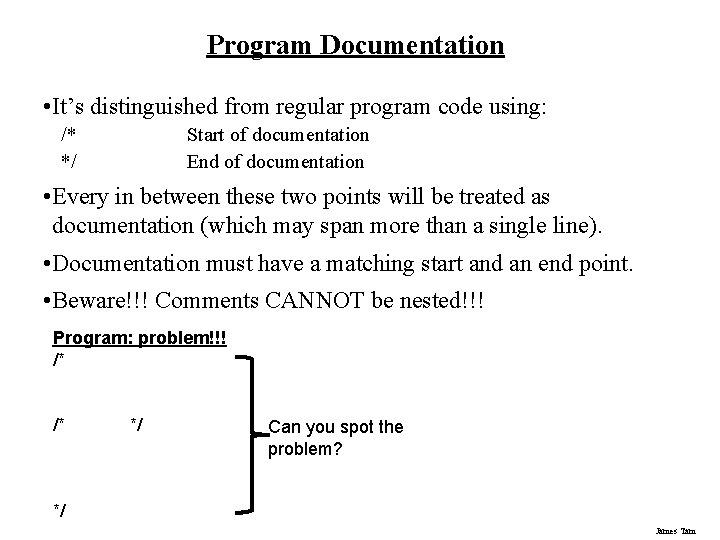
Program Documentation • It’s distinguished from regular program code using: /* */ Start of documentation End of documentation • Every in between these two points will be treated as documentation (which may span more than a single line). • Documentation must have a matching start and an end point. • Beware!!! Comments CANNOT be nested!!! Program: problem!!! /* /* */ Can you spot the problem? */ James Tam
Declaring Variables • Format: <type of information stored in the variable> <name of the variable>; • Example: int main () { int num; } James Tam
Variable Naming Conventions - Should be meaningful - Any combination of letters, numbers or underscore (first character must be a letter or an underscore). - Can't be a reserved word (see the “Reserved Words” slide) - Avoid distinguishing variable names only by case (even though the language is case sensitive). - For variable names composed of multiple words separate each word by capitalizing the first letter of each word (save for the first word) or by using an underscore. James Tam
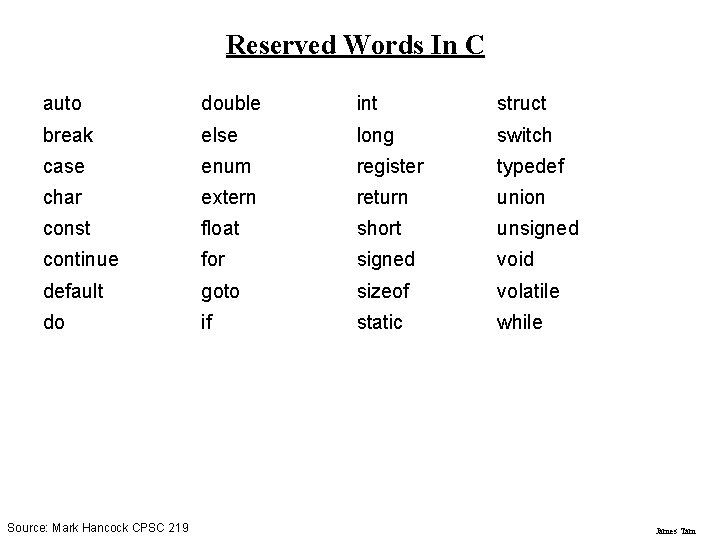
Reserved Words In C auto double int struct break else long switch case enum register typedef char extern return union const float short unsigned continue for signed void default goto sizeof volatile do if static while Source: Mark Hancock CPSC 219 James Tam
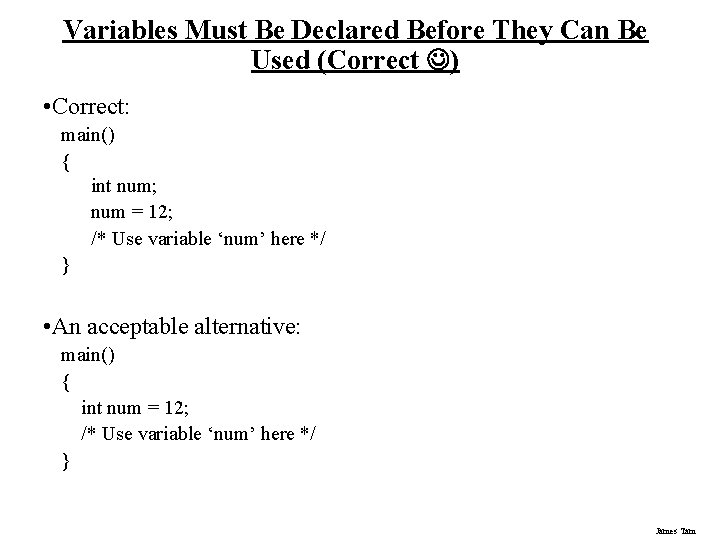
Variables Must Be Declared Before They Can Be Used (Correct ) • Correct: main() { int num; num = 12; /* Use variable ‘num’ here */ } • An acceptable alternative: main() { int num = 12; /* Use variable ‘num’ here */ } James Tam
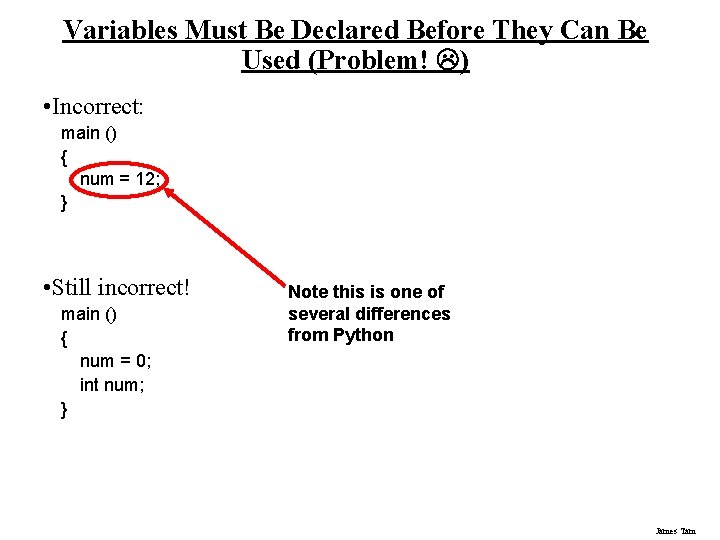
Variables Must Be Declared Before They Can Be Used (Problem! ) • Incorrect: main () { num = 12; } • Still incorrect! main () { num = 0; int num; } Note this is one of several differences from Python James Tam
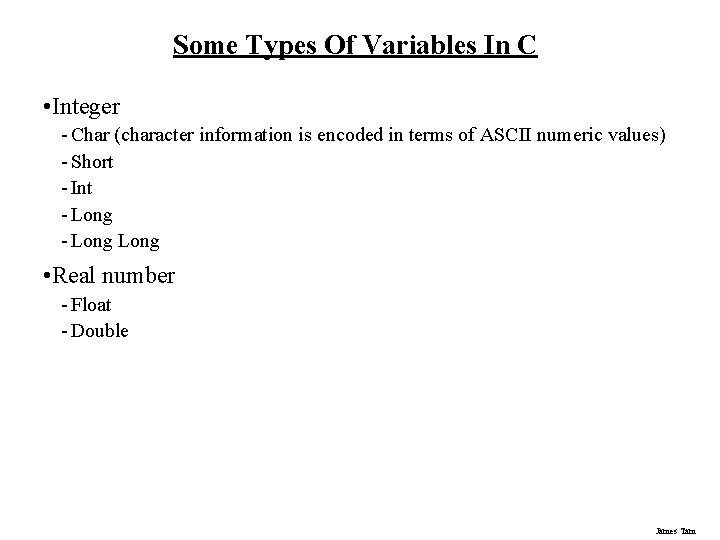
Some Types Of Variables In C • Integer - Char (character information is encoded in terms of ASCII numeric values) - Short - Int - Long • Real number - Float - Double James Tam
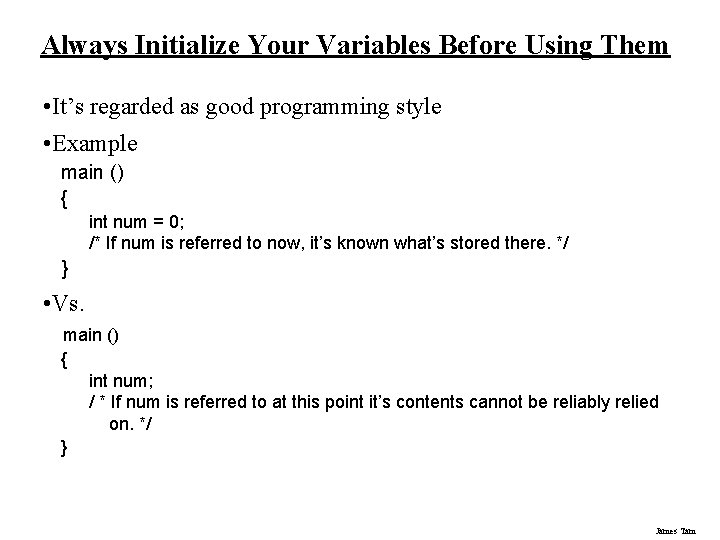
Always Initialize Your Variables Before Using Them • It’s regarded as good programming style • Example main () { int num = 0; /* If num is referred to now, it’s known what’s stored there. */ } • Vs. main () { int num; / * If num is referred to at this point it’s contents cannot be reliably relied on. */ } James Tam
Statement • A statement in the C programming language can be thought of as an instruction. • As you know from your previous programming experience instructions can take many forms e. g. , declare variables, display output, get user input, call a function etc. • Compiler requirement: All statements in C must be followed by a semi-colon (even the last one in the program). James Tam
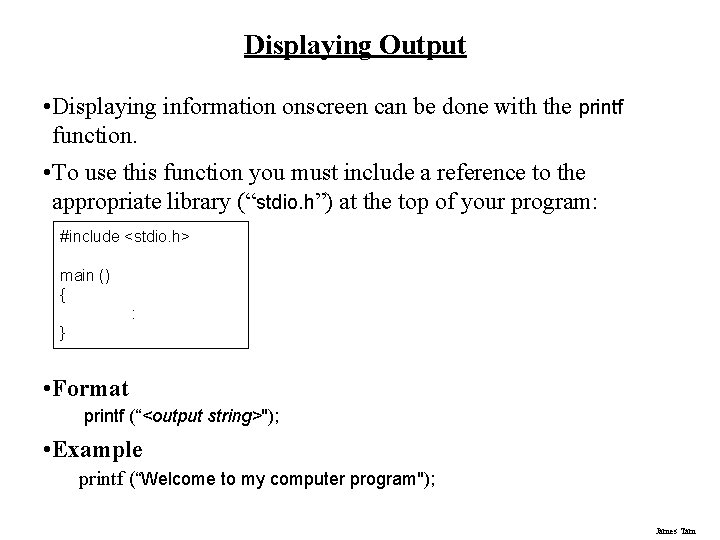
Displaying Output • Displaying information onscreen can be done with the printf function. • To use this function you must include a reference to the appropriate library (“stdio. h”) at the top of your program: #include <stdio. h> main () { : } • Format printf (“<output string>"); • Example printf (“Welcome to my computer program"); James Tam
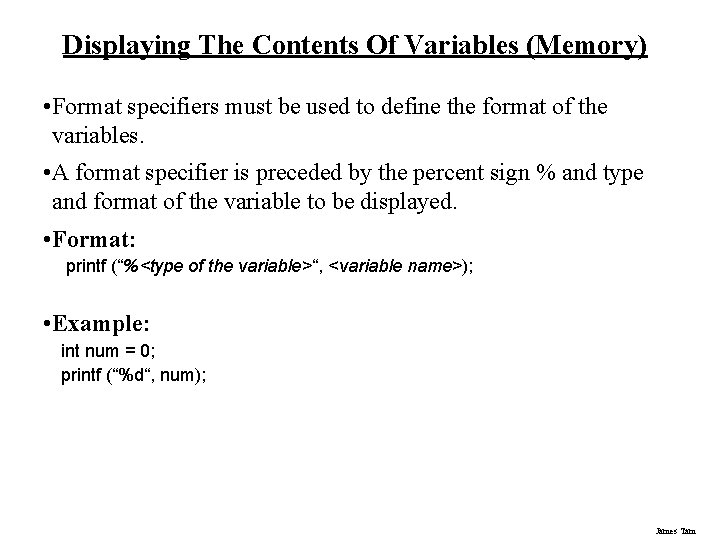
Displaying The Contents Of Variables (Memory) • Format specifiers must be used to define the format of the variables. • A format specifier is preceded by the percent sign % and type and format of the variable to be displayed. • Format: printf (“%<type of the variable>“, <variable name>); • Example: int num = 0; printf (“%d“, num); James Tam
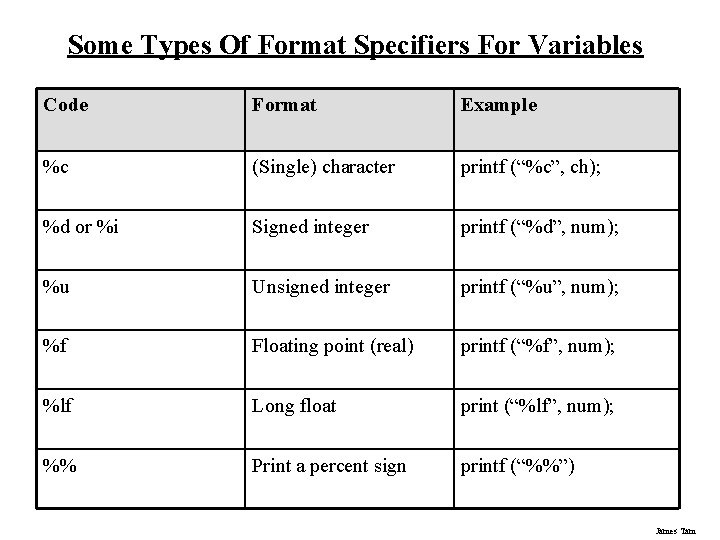
Some Types Of Format Specifiers For Variables Code Format Example %c (Single) character printf (“%c”, ch); %d or %i Signed integer printf (“%d”, num); %u Unsigned integer printf (“%u”, num); %f Floating point (real) printf (“%f”, num); %lf Long float print (“%lf”, num); %% Print a percent sign printf (“%%”) James Tam
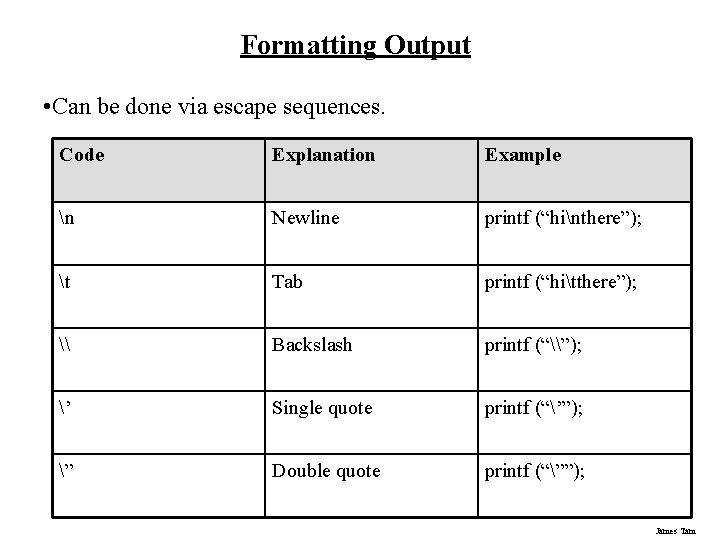
Formatting Output • Can be done via escape sequences. Code Explanation Example n Newline printf (“hinthere”); t Tab printf (“hitthere”); \ Backslash printf (“\”); ’ Single quote printf (“’”); ” Double quote printf (“””); James Tam
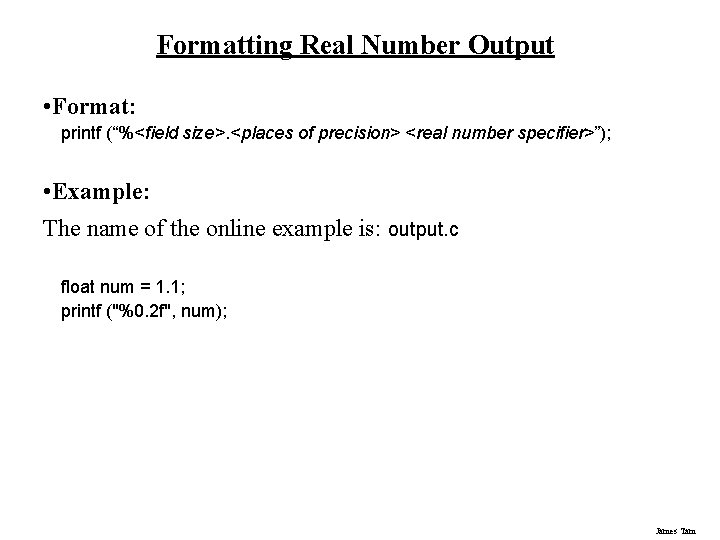
Formatting Real Number Output • Format: printf (“%<field size>. <places of precision> <real number specifier>”); • Example: The name of the online example is: output. c float num = 1. 1; printf ("%0. 2 f", num); James Tam
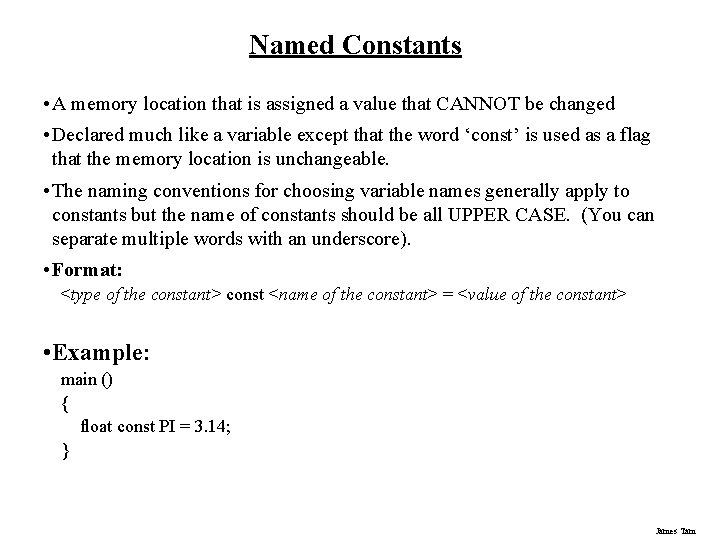
Named Constants • A memory location that is assigned a value that CANNOT be changed • Declared much like a variable except that the word ‘const’ is used as a flag that the memory location is unchangeable. • The naming conventions for choosing variable names generally apply to constants but the name of constants should be all UPPER CASE. (You can separate multiple words with an underscore). • Format: <type of the constant> const <name of the constant> = <value of the constant> • Example: main () { float const PI = 3. 14; } James Tam
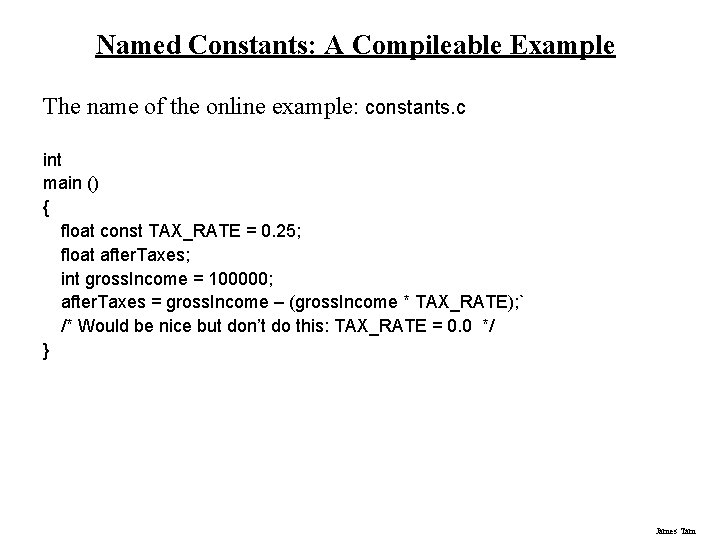
Named Constants: A Compileable Example The name of the online example: constants. c int main () { float const TAX_RATE = 0. 25; float after. Taxes; int gross. Income = 100000; after. Taxes = gross. Income – (gross. Income * TAX_RATE); ` /* Would be nice but don’t do this: TAX_RATE = 0. 0 */ } James Tam
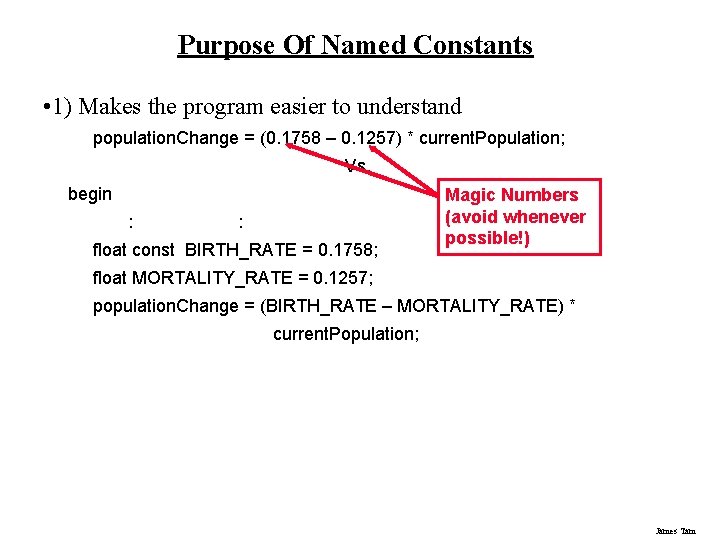
Purpose Of Named Constants • 1) Makes the program easier to understand population. Change = (0. 1758 – 0. 1257) * current. Population; Vs. begin : : float const BIRTH_RATE = 0. 1758; Magic Numbers (avoid whenever possible!) float MORTALITY_RATE = 0. 1257; population. Change = (BIRTH_RATE – MORTALITY_RATE) * current. Population; James Tam
Purpose Of Named Constants (2) • 2) Makes the program easier to maintain • If the constant is referred to several times throughout the program then changing the value of the constant once will change it throughout the program. James Tam
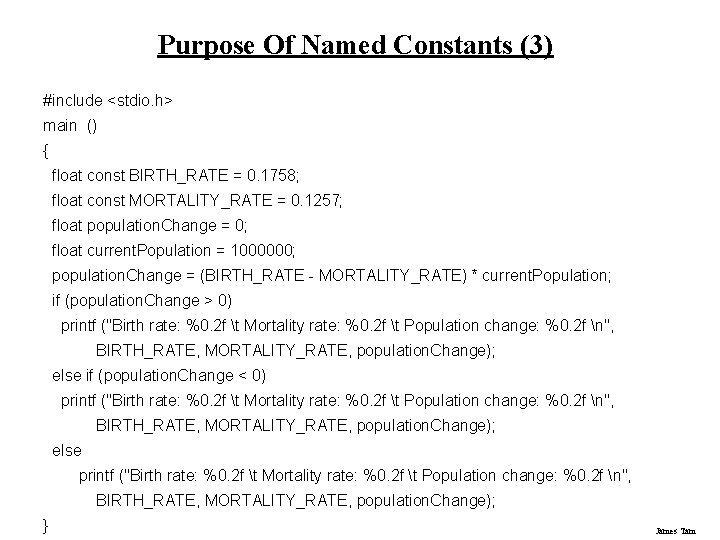
Purpose Of Named Constants (3) #include <stdio. h> main () { float const BIRTH_RATE = 0. 1758; float const MORTALITY_RATE = 0. 1257; float population. Change = 0; float current. Population = 1000000; population. Change = (BIRTH_RATE - MORTALITY_RATE) * current. Population; if (population. Change > 0) printf ("Birth rate: %0. 2 f t Mortality rate: %0. 2 f t Population change: %0. 2 f n", BIRTH_RATE, MORTALITY_RATE, population. Change); else if (population. Change < 0) printf ("Birth rate: %0. 2 f t Mortality rate: %0. 2 f t Population change: %0. 2 f n", BIRTH_RATE, MORTALITY_RATE, population. Change); else printf ("Birth rate: %0. 2 f t Mortality rate: %0. 2 f t Population change: %0. 2 f n", BIRTH_RATE, MORTALITY_RATE, population. Change); } James Tam
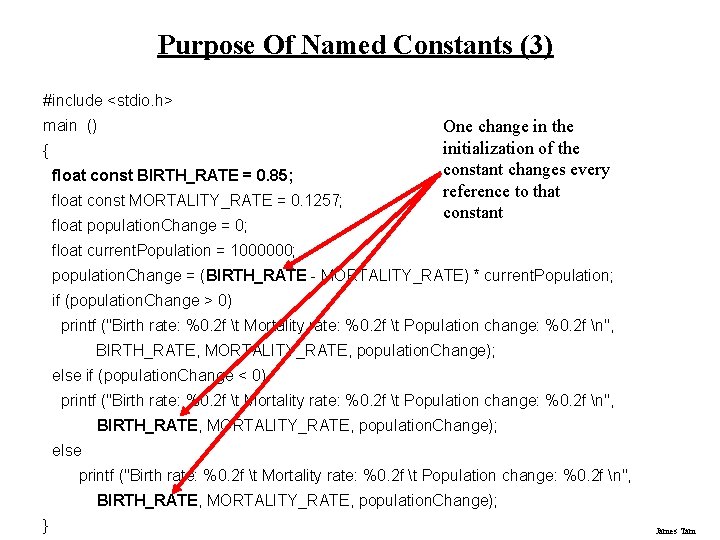
Purpose Of Named Constants (3) #include <stdio. h> main () { float const BIRTH_RATE = 0. 85; float const MORTALITY_RATE = 0. 1257; float population. Change = 0; One change in the initialization of the constant changes every reference to that constant float current. Population = 1000000; population. Change = (BIRTH_RATE - MORTALITY_RATE) * current. Population; if (population. Change > 0) printf ("Birth rate: %0. 2 f t Mortality rate: %0. 2 f t Population change: %0. 2 f n", BIRTH_RATE, MORTALITY_RATE, population. Change); else if (population. Change < 0) printf ("Birth rate: %0. 2 f t Mortality rate: %0. 2 f t Population change: %0. 2 f n", BIRTH_RATE, MORTALITY_RATE, population. Change); else printf ("Birth rate: %0. 2 f t Mortality rate: %0. 2 f t Population change: %0. 2 f n", BIRTH_RATE, MORTALITY_RATE, population. Change); } James Tam
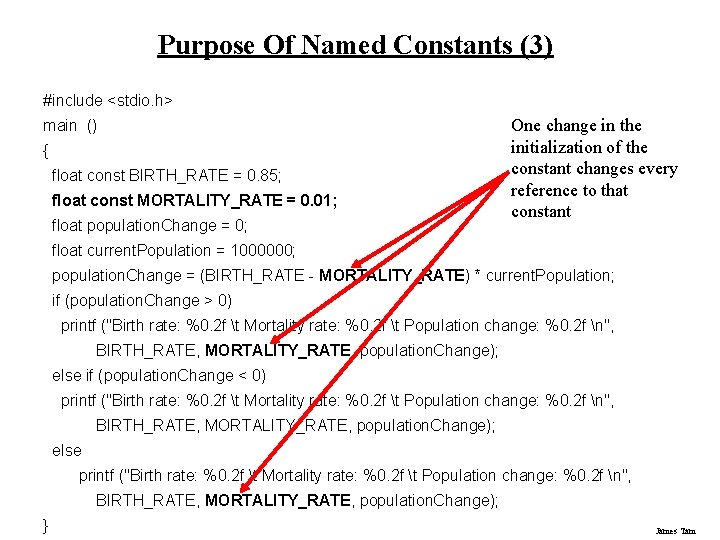
Purpose Of Named Constants (3) #include <stdio. h> main () { float const BIRTH_RATE = 0. 85; float const MORTALITY_RATE = 0. 01; float population. Change = 0; One change in the initialization of the constant changes every reference to that constant float current. Population = 1000000; population. Change = (BIRTH_RATE - MORTALITY_RATE) * current. Population; if (population. Change > 0) printf ("Birth rate: %0. 2 f t Mortality rate: %0. 2 f t Population change: %0. 2 f n", BIRTH_RATE, MORTALITY_RATE, population. Change); else if (population. Change < 0) printf ("Birth rate: %0. 2 f t Mortality rate: %0. 2 f t Population change: %0. 2 f n", BIRTH_RATE, MORTALITY_RATE, population. Change); else printf ("Birth rate: %0. 2 f t Mortality rate: %0. 2 f t Population change: %0. 2 f n", BIRTH_RATE, MORTALITY_RATE, population. Change); } James Tam
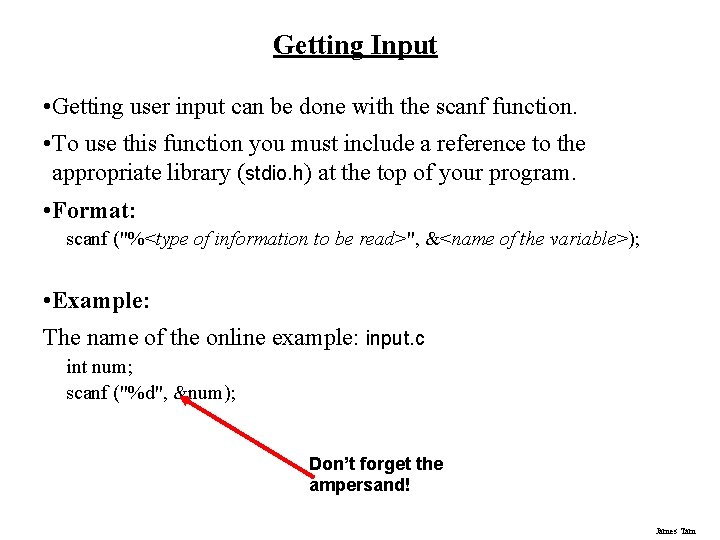
Getting Input • Getting user input can be done with the scanf function. • To use this function you must include a reference to the appropriate library (stdio. h) at the top of your program. • Format: scanf ("%<type of information to be read>", &<name of the variable>); • Example: The name of the online example: input. c int num; scanf ("%d", &num); Don’t forget the ampersand! James Tam
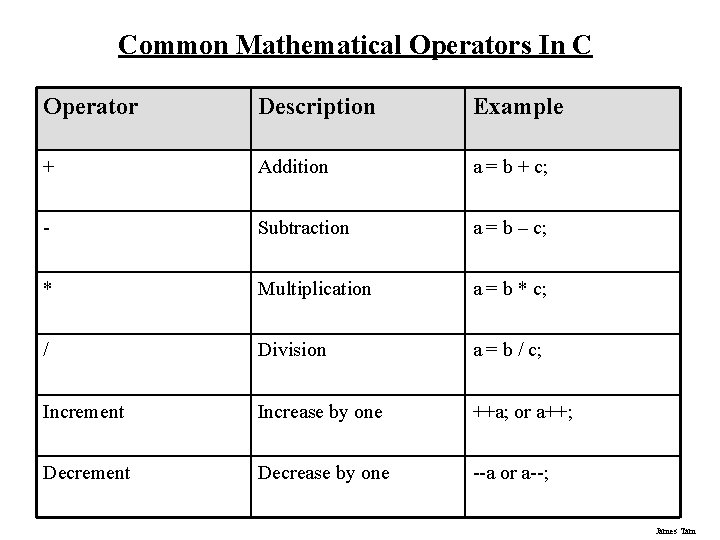
Common Mathematical Operators In C Operator Description Example + Addition a = b + c; - Subtraction a = b – c; * Multiplication a = b * c; / Division a = b / c; Increment Increase by one ++a; or a++; Decrement Decrease by one --a or a--; James Tam
Branching • Branching statements implemented in C: - If, - Else-if - Switch James Tam
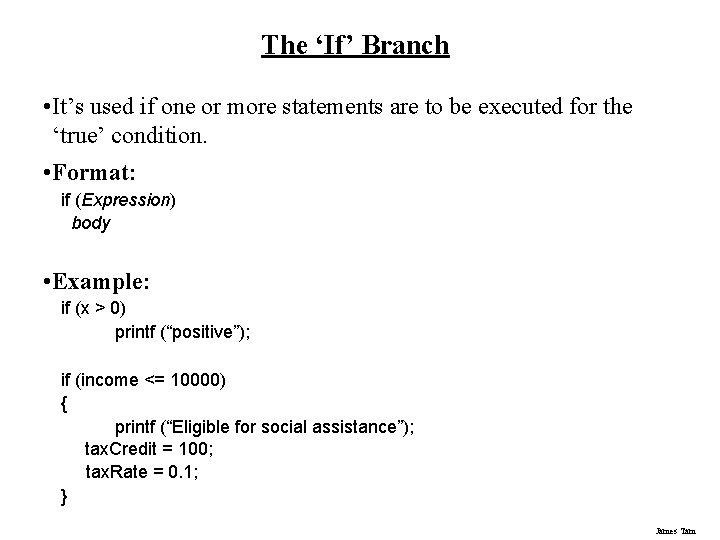
The ‘If’ Branch • It’s used if one or more statements are to be executed for the ‘true’ condition. • Format: if (Expression) body • Example: if (x > 0) printf (“positive”); if (income <= 10000) { printf (“Eligible for social assistance”); tax. Credit = 100; tax. Rate = 0. 1; } James Tam
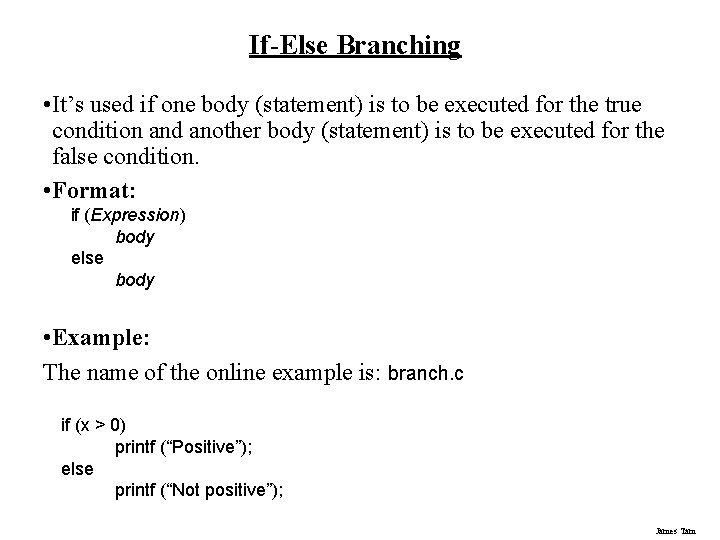
If-Else Branching • It’s used if one body (statement) is to be executed for the true condition and another body (statement) is to be executed for the false condition. • Format: if (Expression) body else body • Example: The name of the online example is: branch. c if (x > 0) printf (“Positive”); else printf (“Not positive”); James Tam
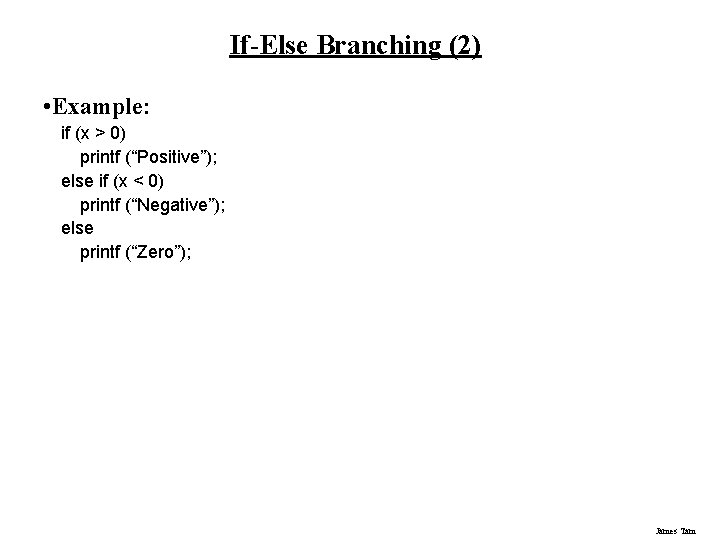
If-Else Branching (2) • Example: if (x > 0) printf (“Positive”); else if (x < 0) printf (“Negative”); else printf (“Zero”); James Tam
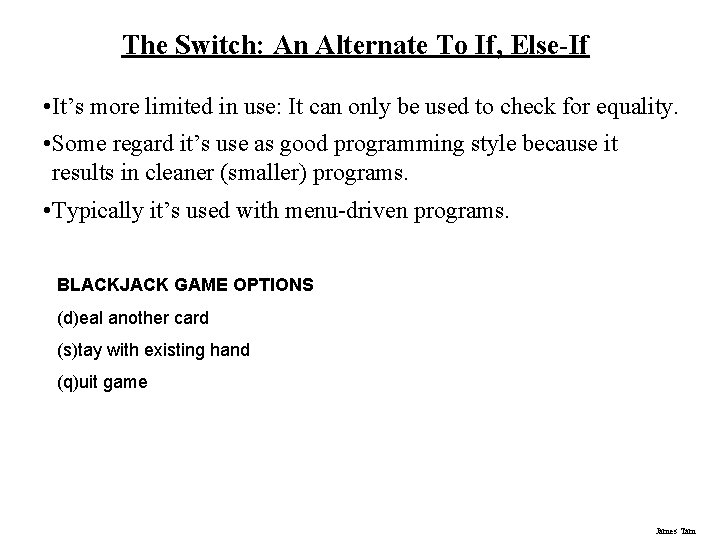
The Switch: An Alternate To If, Else-If • It’s more limited in use: It can only be used to check for equality. • Some regard it’s use as good programming style because it results in cleaner (smaller) programs. • Typically it’s used with menu-driven programs. BLACKJACK GAME OPTIONS (d)eal another card (s)tay with existing hand (q)uit game James Tam
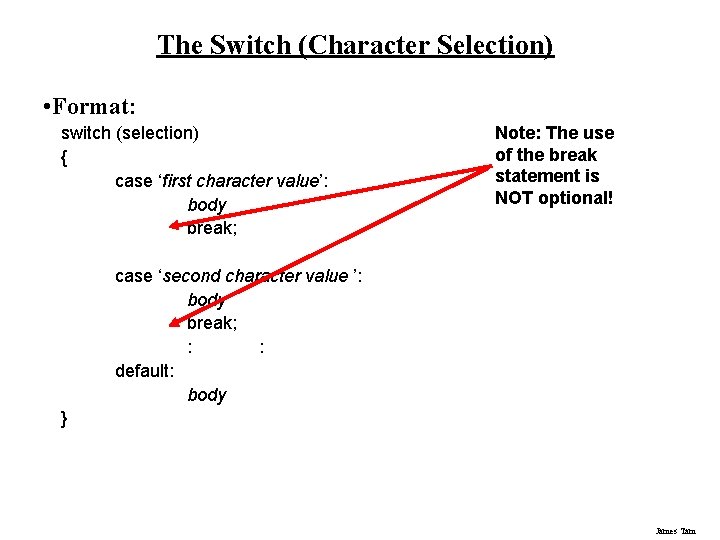
The Switch (Character Selection) • Format: switch (selection) { case ‘first character value’: body break; Note: The use of the break statement is NOT optional! case ‘second character value ’: body break; : : default: body } James Tam
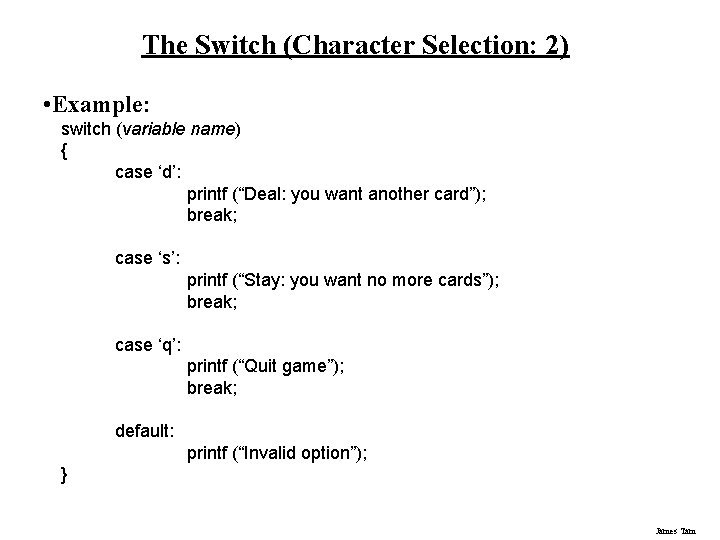
The Switch (Character Selection: 2) • Example: switch (variable name) { case ‘d’: printf (“Deal: you want another card”); break; case ‘s’: printf (“Stay: you want no more cards”); break; case ‘q’: printf (“Quit game”); break; default: printf (“Invalid option”); } James Tam
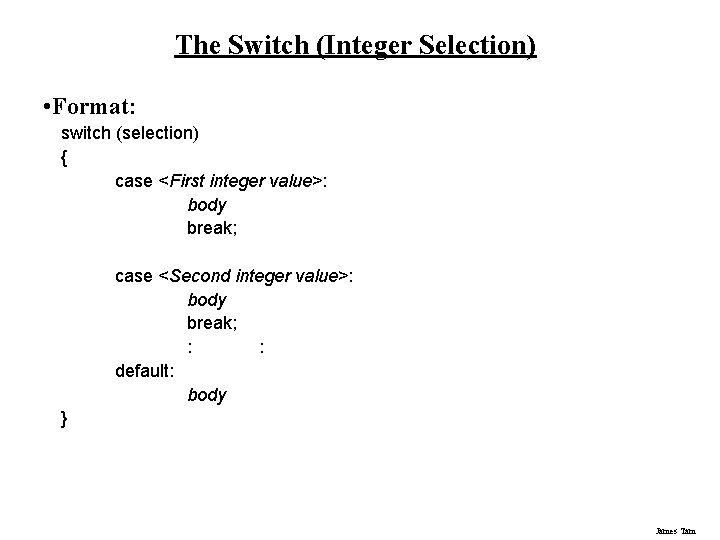
The Switch (Integer Selection) • Format: switch (selection) { case <First integer value>: body break; case <Second integer value>: body break; : : default: body } James Tam
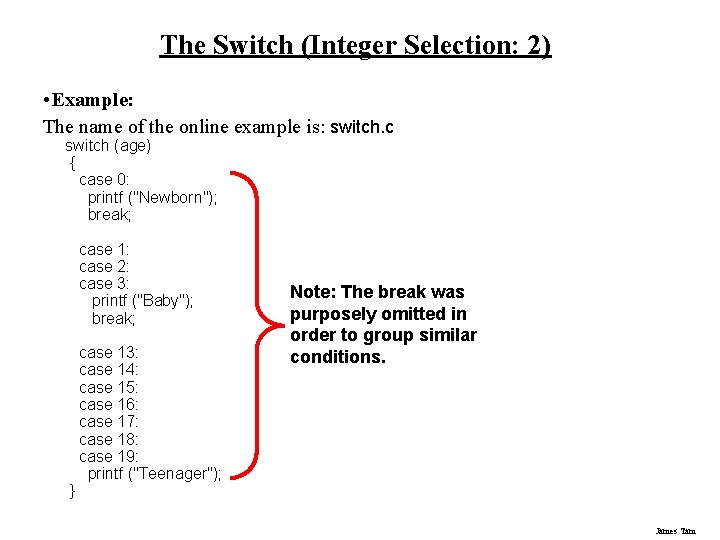
The Switch (Integer Selection: 2) • Example: The name of the online example is: switch. c switch (age) { case 0: printf ("Newborn"); break; case 1: case 2: case 3: printf ("Baby"); break; } case 13: case 14: case 15: case 16: case 17: case 18: case 19: printf ("Teenager"); Note: The break was purposely omitted in order to group similar conditions. James Tam
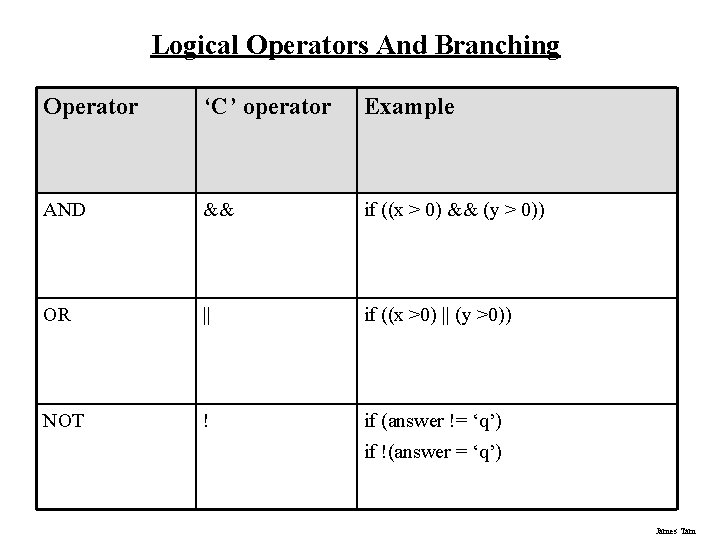
Logical Operators And Branching Operator ‘C’ operator Example AND && if ((x > 0) && (y > 0)) OR || if ((x >0) || (y >0)) NOT ! if (answer != ‘q’) if !(answer = ‘q’) James Tam
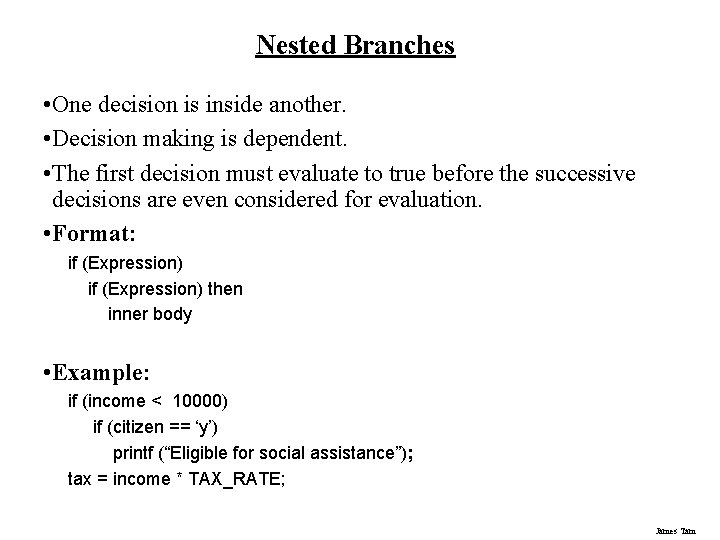
Nested Branches • One decision is inside another. • Decision making is dependent. • The first decision must evaluate to true before the successive decisions are even considered for evaluation. • Format: if (Expression) then inner body • Example: if (income < 10000) if (citizen == ‘y’) printf (“Eligible for social assistance”); tax = income * TAX_RATE; James Tam
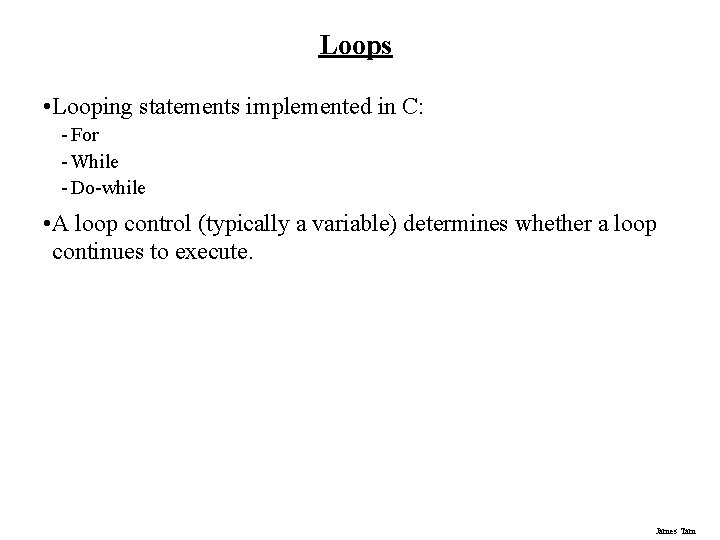
Loops • Looping statements implemented in C: - For - While - Do-while • A loop control (typically a variable) determines whether a loop continues to execute. James Tam
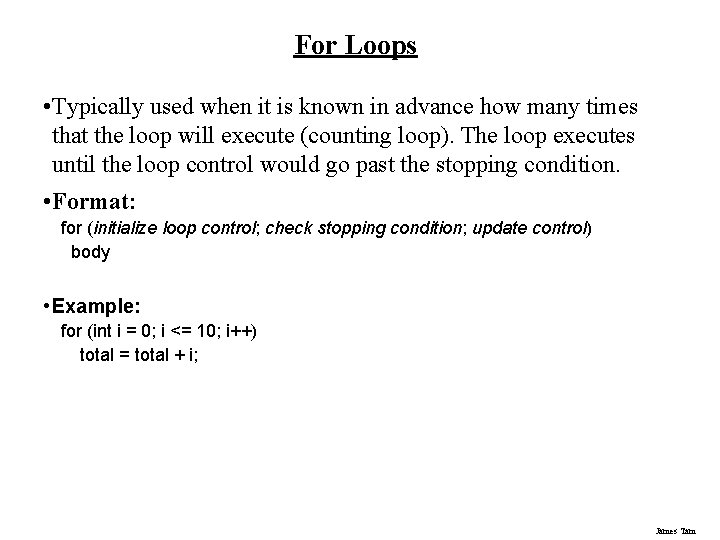
For Loops • Typically used when it is known in advance how many times that the loop will execute (counting loop). The loop executes until the loop control would go past the stopping condition. • Format: for (initialize loop control; check stopping condition; update control) body • Example: for (int i = 0; i <= 10; i++) total = total + i; James Tam
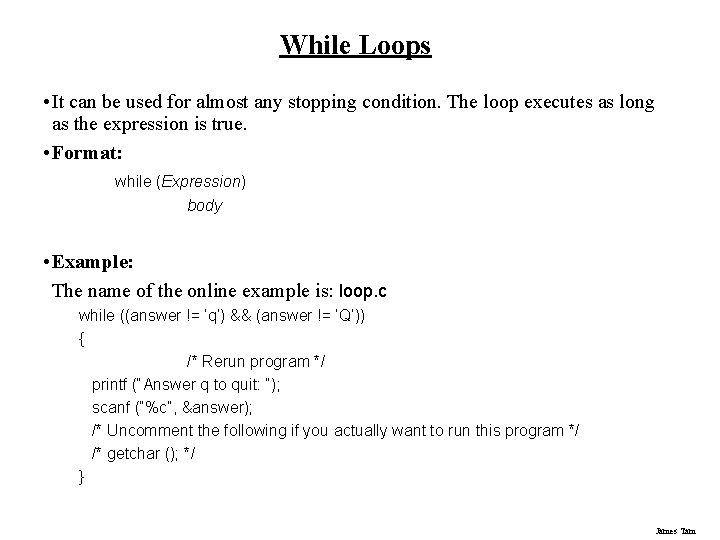
While Loops • It can be used for almost any stopping condition. The loop executes as long as the expression is true. • Format: while (Expression) body • Example: The name of the online example is: loop. c while ((answer != ‘q’) && (answer != ‘Q’)) { /* Rerun program */ printf (“Answer q to quit: “); scanf (“%c”, &answer); /* Uncomment the following if you actually want to run this program */ /* getchar (); */ } James Tam
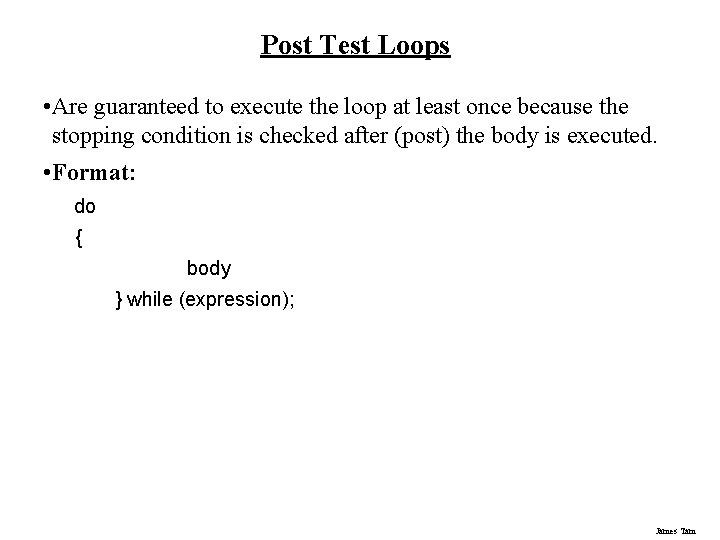
Post Test Loops • Are guaranteed to execute the loop at least once because the stopping condition is checked after (post) the body is executed. • Format: do { body } while (expression); James Tam
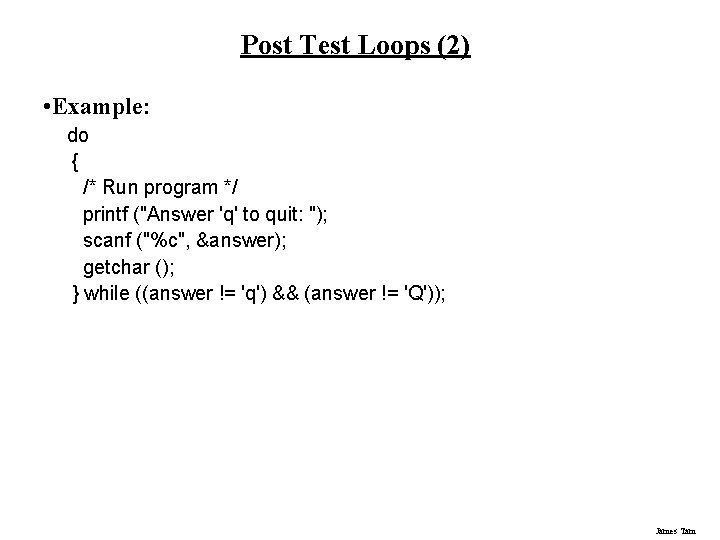
Post Test Loops (2) • Example: do { /* Run program */ printf ("Answer 'q' to quit: "); scanf ("%c", &answer); getchar (); } while ((answer != 'q') && (answer != 'Q')); James Tam
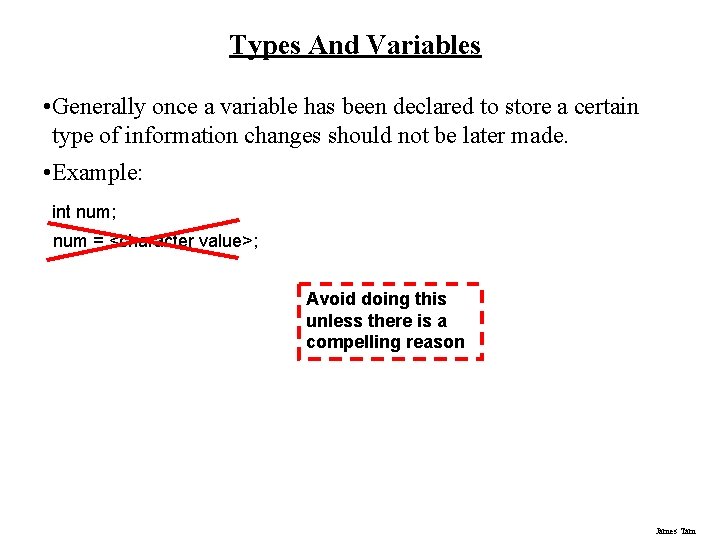
Types And Variables • Generally once a variable has been declared to store a certain type of information changes should not be later made. • Example: int num; num = <character value>; Avoid doing this unless there is a compelling reason James Tam
Casting • Casting: it’s conversion from one type of information to another type. • (Again unless there is a compelling reason to do this then the practice should be avoided). • Format: <variable 1> = (<type of variable 1>) <variable or constant 2>; • Example: int a_value; char ch = ‘A’; a_value = (int) ch; printf (“%d”, a_value); James Tam
After This Section You Should Now Know • The difference between a high and low level programming language • How the procedural and the object-oriented programming paradigms are used to implement computer programs - How to find the candidate functions using the procedural approach - How to find the candidate objects, method and attributes of objects using the object-oriented approach • The difference between an interpreter and a compiler • The process for creating and executing a C program and the basic structure of a C program • How to document a program and why documentation is important James Tam
After This Section You Should Now Know (2) • How to declare and access variables, good naming conventions for variables, some variable types, the importance of initializing variables • How to display formatted output • How to get user input • How to declare and access named constants, the purpose of named constants • Some basic mathematical operators • How to use branching constructs: if, else, if-else-if, switch • How to use looping mechanisms: while, for, do-while • Logical operators that may be used in conjunction with branching and looping James Tam
After This Section You Should Now Know (3) • The importance of types (for variables) in a programming language. • What is casting and how to do it. James Tam
- Slides: 66