
Introduction to C Programming Language By Rajan Datt
Introduction to C Programming Language By Rajan Datt
Overview of C • “C” strange name for programming language. • But this is one of the most popular language. • It is structured, high-level, machine independent language. • It allows software developer to develop program without worrying about hardware platforms. 2
Overview of C • 1960: “ALGOL” - The root of all modern language was introduced. • 1967: Martin Richards developed “BCPL” (Basic Combined Programming Language) primarily developed for system software. • 1970: Ken Thompson developed language called “B” from BCPL. • “B” was used to create early versions of UNIX at Bell Laboratory. • BCPL and B, both were type-less language. 3
Overview of C • 1972: “C” was developed from ALGOL, BCPL and B at Bell Laboratory by Dennis Ritchie. • C uses many concepts from these languages and added many new features including data types. • The UNIX itself was developed using C. • The rapid growth of C lead to many different versions, and some of them were often incompatible. • To assure that C lang. remains standard, American National Standard Institute appointed a committee to define a standard for C. The committee approved a version of C in 1989 which is now known as ANSI C. It was then approved by ISO in 1990. 4
Importance of C • Rich set of built in functions and operators can be used to write any complex program. • Program written in C are efficient and fast. For Exa. A program to increment a variable from 0 -15000 in C lang. takes about 1 Second, while it takes almost 50 seconds in BASIC. • There are only 32 keywords in ANSI C, the strength of C lies in its functions. • C is highly portable: the programs written for one computer can be run on another compute easily. • C is well suited for structured programming. The modular structure makes program debugging, testing and maintenance easier. • Ability to extends itself: we can add our own function to C library. 5
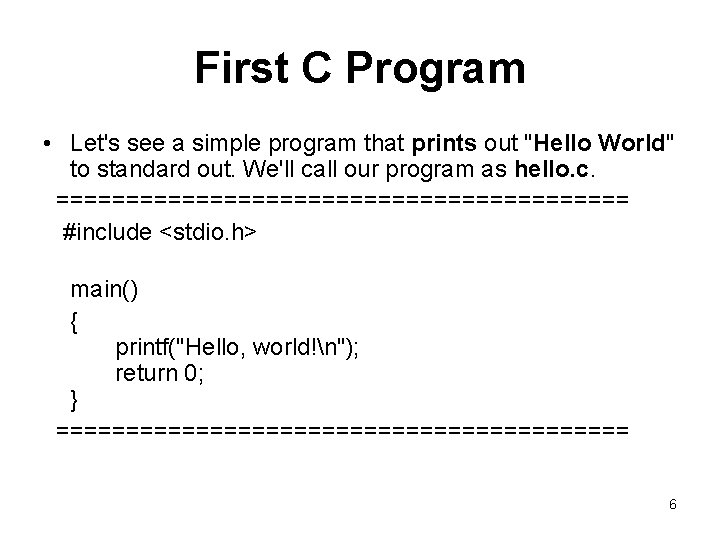
First C Program • Let's see a simple program that prints out "Hello World" to standard out. We'll call our program as hello. c. ===================== #include <stdio. h> main() { printf("Hello, world!n"); return 0; } ===================== 6
Explanation of The Code • #include <stdio. h> -This line tells the compiler to include this header file for compilation. – What is header file? They contain prototypes and other compiler/pre-processor directive. Some common header files are stdio. h, stdlib. h and math. h. • main()- This is a special function of C, a starting point of a program • { } - These curly braces state that "block begin" and "block end". • These can be used at many places, • printf() - This is the actual print statement which is used in our c program frequently. • return 0: we are trying to give something back through a program 7
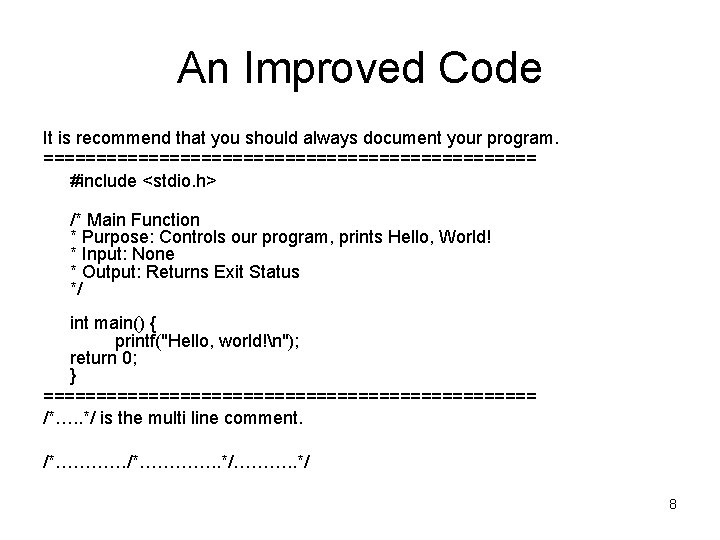
An Improved Code It is recommend that you should always document your program. ======================== #include <stdio. h> /* Main Function * Purpose: Controls our program, prints Hello, World! * Input: None * Output: Returns Exit Status */ int main() { printf("Hello, world!n"); return 0; } ======================== /*…. . */ is the multi line comment. /*…………. . */………. . */ 8
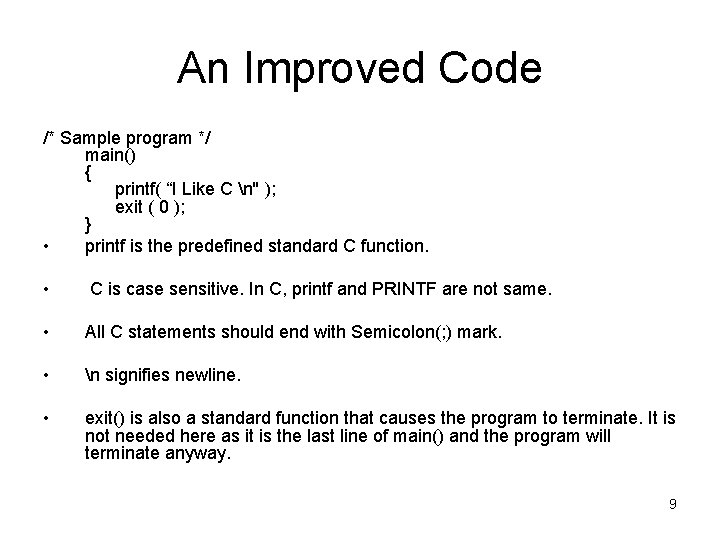
An Improved Code /* Sample program */ main() { printf( “I Like C n'' ); exit ( 0 ); } • printf is the predefined standard C function. • C is case sensitive. In C, printf and PRINTF are not same. • All C statements should end with Semicolon(; ) mark. • n signifies newline. • exit() is also a standard function that causes the program to terminate. It is not needed here as it is the last line of main() and the program will terminate anyway. 9
Variables in C • Like most programming languages, C is able to use and process named variables and their contents. • Variables are simply names used to refer to some location in memory - a location that holds a value with which we are working. 10
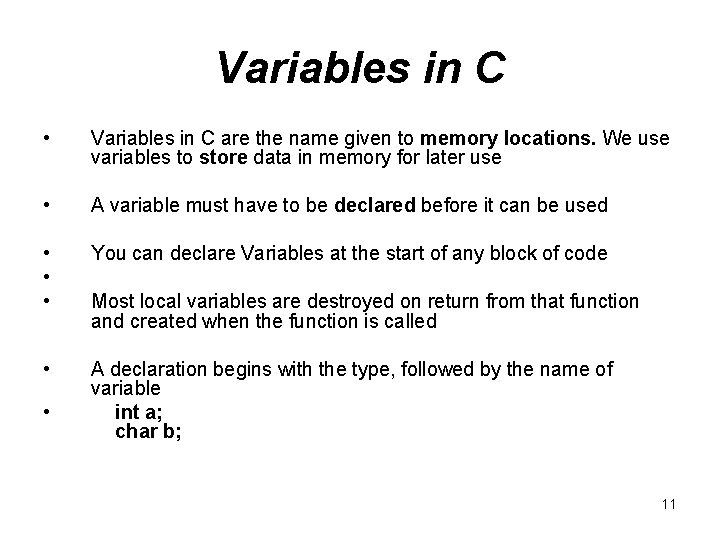
Variables in C • Variables in C are the name given to memory locations. We use variables to store data in memory for later use • A variable must have to be declared before it can be used • • • You can declare Variables at the start of any block of code • A declaration begins with the type, followed by the name of variable int a; char b; • Most local variables are destroyed on return from that function and created when the function is called 11
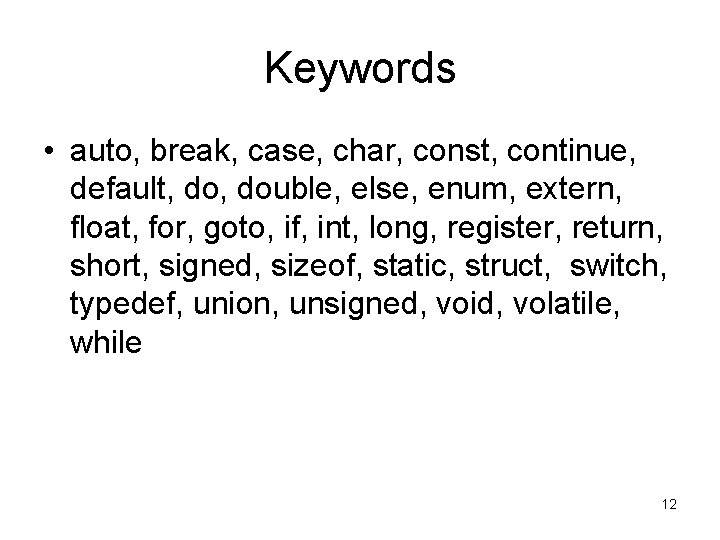
Keywords • auto, break, case, char, const, continue, default, double, else, enum, extern, float, for, goto, if, int, long, register, return, short, signed, sizeof, static, struct, switch, typedef, union, unsigned, void, volatile, while 12
Identifiers in C • Identifiers" or "symbols" are the names you supply for variables, types, labels, and functions in your program. • Identifier names must differ in case and spelling from any keywords. • You cannot use keywords as the identifiers; they are reserved for special use only. 13
Variable declarations • Variables are of three different types which are as follows: • Global Variable • Local Variable • Static Variable • Global Variable: Declare it outside of all the functions if you want to declare a global variable. • Local Variable: Inside the specific function that creates them. They are unknown to the other functions. • Static variables : In a local function scope, a static variable exists only, but it does not lose its value when program execution leaves this scope. 14
Basic types • There are 4 basic types of variable in C; they are: – char, – int, – double and – float 15
Overview of the C Operators • To create more complex expressions, variables and constants can be used in conjunction with C operators. • The C operators fall into the following categories: – Postfix operators, which follow a single operand only. – Unary prefix operators, which precede with a single operand. – Binary operators, which take two operands and perform a variety of logical and arithmetic operations. – The conditional operator (a ternary operator), which takes three operands and evaluates either the second or third expression, depending on the evaluation of the first expression only. – Assignment operators, which only assign a value to a variable. 16
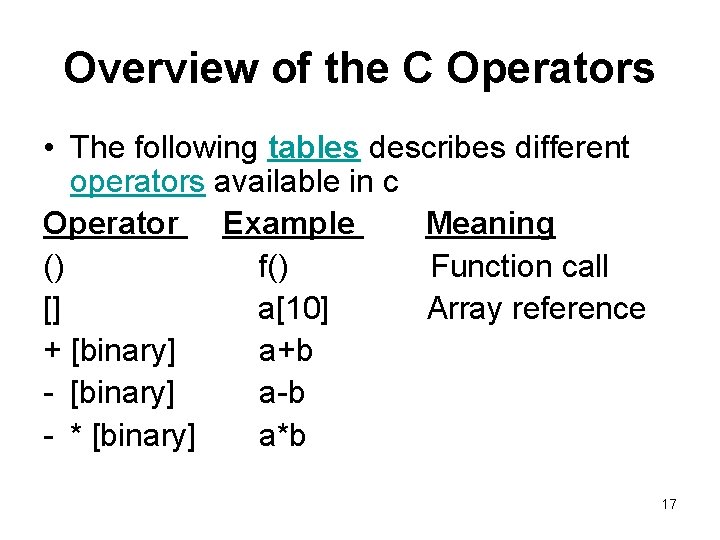
Overview of the C Operators • The following tables describes different operators available in c Operator Example Meaning () f() Function call [] a[10] Array reference + [binary] a+b - [binary] a-b - * [binary] a*b 17
- Slides: 17