
Introduction to ASP NET and Web Forms S
Introduction to ASP. NET and Web Forms
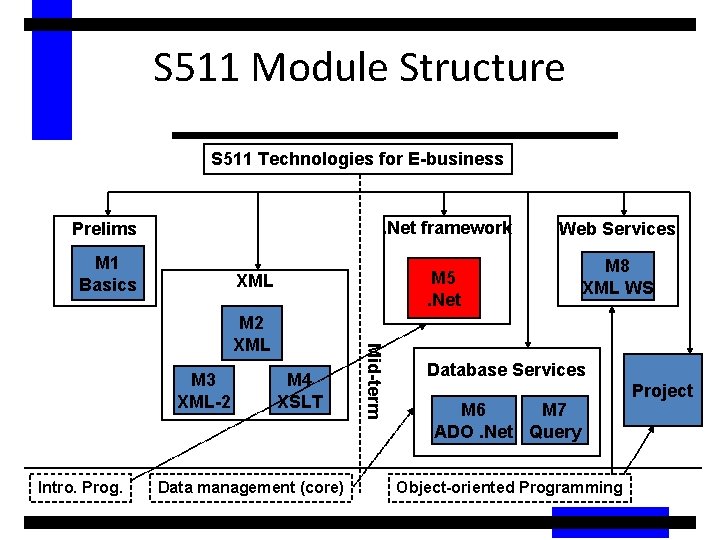
S 511 Module Structure S 511 Technologies for E-business . Net framework Prelims M 1 Basics M 5. Net XML Intro. Prog. M 4 XSLT Data management (core) Mid-term M 2 XML M 3 XML-2 Web Services M 8 XML WS Database Services M 6 M 7 ADO. Net Query Object-oriented Programming Project
Agenda • • Background ASP. NET Overview Programming Model Programming Basics Server Controls Data Binding Conclusion
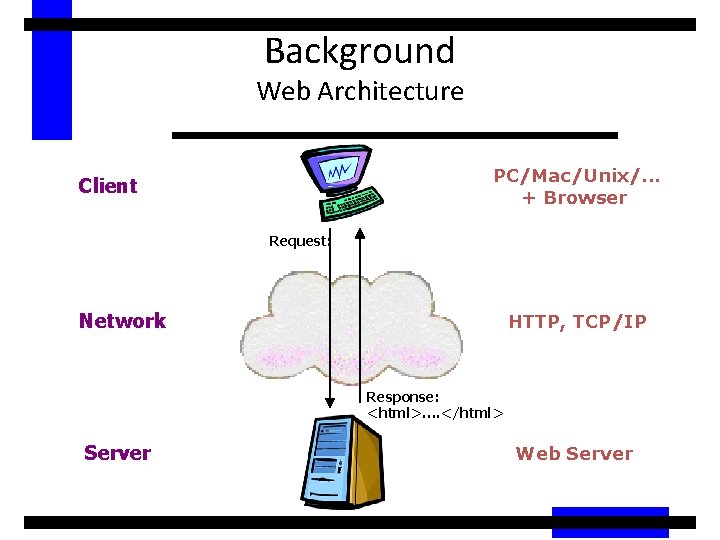
Background Web Architecture PC/Mac/Unix/. . . + Browser Client Request: Network HTTP, TCP/IP Response: <html>…. </html> Server Web Server
Background Web Development Technologies • Client-side technologies – HTML, DHTML, Java. Script • Server-side technologies – ASP (Active Server Pages) • ASP. NET is the next generation of ASP
Background What is ASP? • Server-side programming technology • Consists of static HTML interspersed with script • ASP intrinsic objects (Request, Response, Server, Application, Session) provide services • Commonly uses ADO to interact with databases • Application and session variables • Application and session begin/end events • ASP manages threads, database connections, . . .
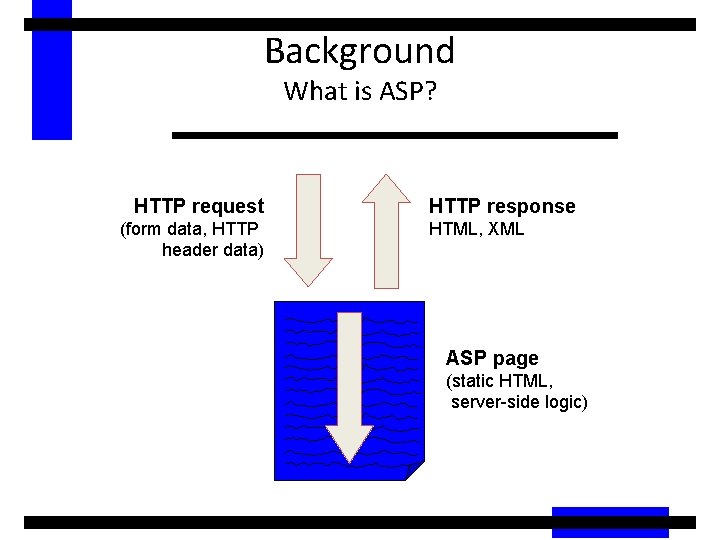
Background What is ASP? HTTP request (form data, HTTP header data) HTTP response HTML, XML ASP page (static HTML, server-side logic)
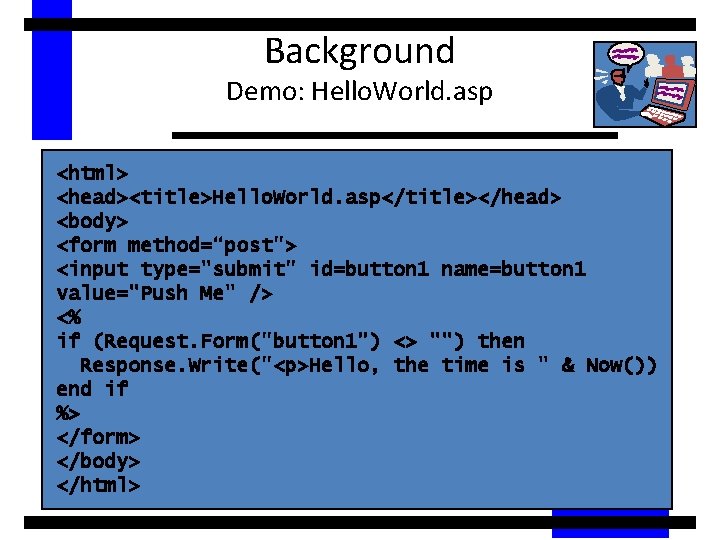
Background Demo: Hello. World. asp <html> <head><title>Hello. World. asp</title></head> <body> <form method=“post"> <input type="submit" id=button 1 name=button 1 value="Push Me" /> <% if (Request. Form("button 1") <> "") then Response. Write("<p>Hello, the time is " & Now()) end if %> </form> </body> </html>
Agenda • • Background ASP. NET Overview Programming Model Programming Basics Server Controls Data Binding Conclusion
ASP. NET Overview • ASP. NET provides services to allow the creation, deployment, and execution of Web Applications and Web Services • Like ASP, ASP. NET is a server-side technology • Web Applications are built using Web Forms • Web Forms are designed to make building web-based applications as easy as building Visual Basic applications
ASP. NET Overview Goals • • • Keep the good parts of ASP and improve the rest Simplify: less code, easier to create and maintain Multiple, compiled languages Fast Scalable Manageable Available Customizable and extensible Secure Tool support
ASP. NET Overview Key Features • • • Web Forms Web Services Built on. NET Framework Simple programming model Maintains page state Multibrowser support XCOPY deployment XML configuration Complete object model w w w w w Session management Caching Debugging Extensibility Separation of code and UI Security ASPX, ASP side by side Simplified form validation Cookieless sessions
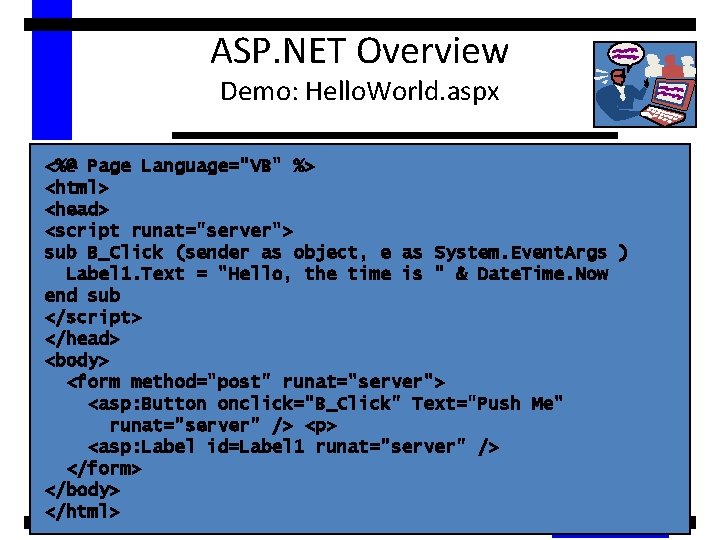
ASP. NET Overview Demo: Hello. World. aspx <%@ Page Language="VB" %> <html> <head> <script runat="server"> sub B_Click (sender as object, e as System. Event. Args ) Label 1. Text = "Hello, the time is " & Date. Time. Now end sub </script> </head> <body> <form method="post" runat="server"> <asp: Button onclick="B_Click" Text="Push Me" runat="server" /> <p> <asp: Label id=Label 1 runat="server" /> </form> </body> </html>
ASP. NET Overview Architecture • ASP. NET is built upon –. NET Framework – Internet Information Server (IIS)
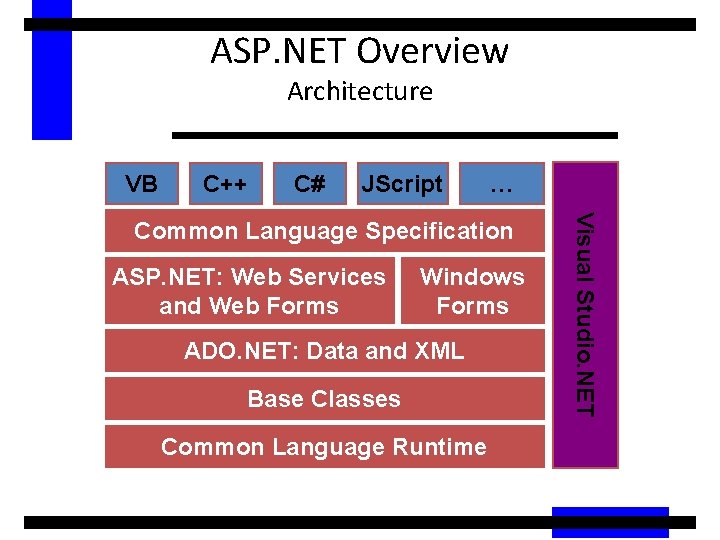
ASP. NET Overview Architecture VB C++ C# JScript … ASP. NET: Web Services and Web Forms Windows Forms ADO. NET: Data and XML Base Classes Common Language Runtime Visual Studio. NET Common Language Specification
Agenda • • Background ASP. NET Overview Programming Model Programming Basics Server Controls Data Binding Conclusion
Programming Model Controls and Events • Server-side programming model • Based on controls and events – Just like Visual Basic – Not “data in, HTML out” • Higher level of abstraction than ASP • Requires less code • More modular, readable, and maintainable
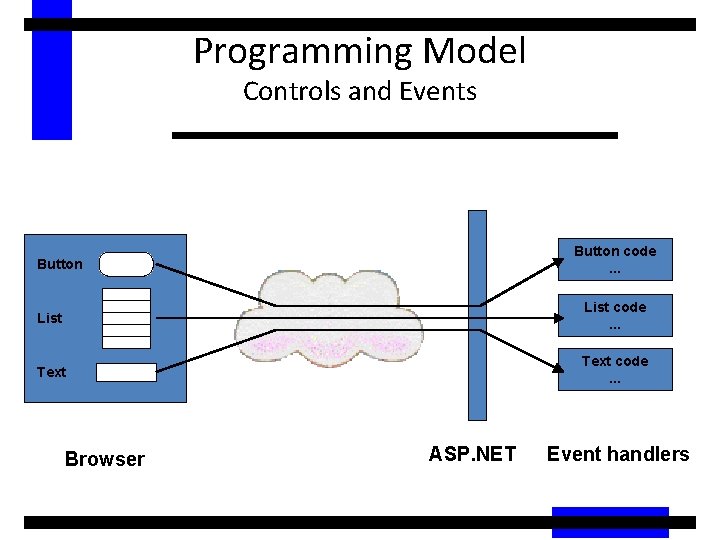
Programming Model Controls and Events Button code. . . Button List code. . . Text code. . . Browser ASP. NET Event handlers
Programming Model ASP. NET Object Model • User code executes on the web server in page or control event handlers • Controls are objects, available in server-side code – Derived from System. Web. UI. Control • The web page is an object too – Derived from System. Web. UI. Page which is a descendant of System. Web. UI. Control – A page can have methods, properties, etc.
Programming Model Postbacks • A postback occurs when a page generates an HTML form whose values are posted back to the same page • A common technique for handling form data • In ASP and other server-side technologies the state of the page is lost upon postback. . . • Unless you explicitly write code to maintain state • This is tedious, bulky and error-prone
Programming Model Postbacks Maintain State • By default, ASP. NET maintains the state of all server-side controls during a postback • Can use method="post" or method="get" • Server-side control objects are automatically populated during postback • No state stored on server • Works with all browsers
Programming Model Server-side Controls • Multiple sources of controls – Built-in – 3 rd party – User-defined • Controls range in complexity and power: button, text, drop down, calendar, data grid, ad rotator, validation • Can be populated via data binding
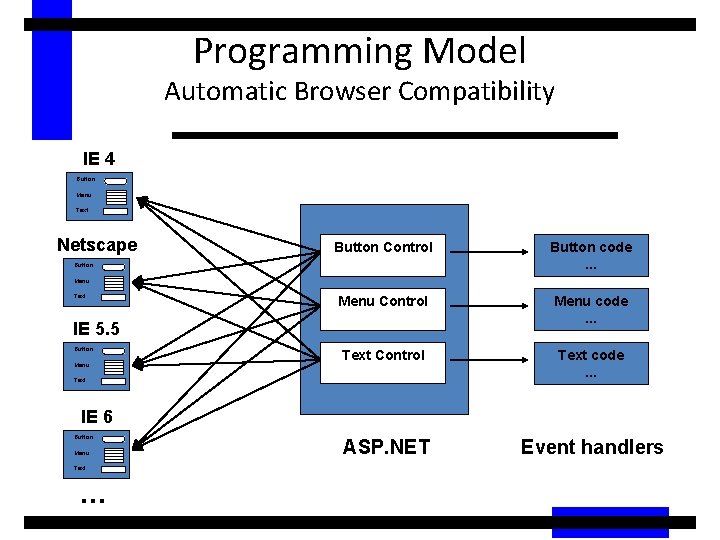
Programming Model Automatic Browser Compatibility IE 4 Button Menu Text Netscape Button Control Button code. . . Menu Control Menu code. . . Text Control Text code. . . ASP. NET Event handlers Button Menu Text IE 5. 5 Button Menu Text IE 6 Button Menu Text . . .
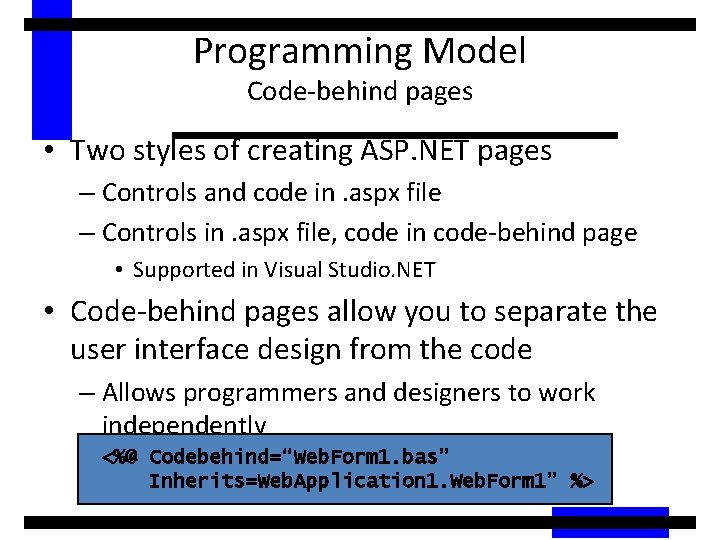
Programming Model Code-behind pages • Two styles of creating ASP. NET pages – Controls and code in. aspx file – Controls in. aspx file, code in code-behind page • Supported in Visual Studio. NET • Code-behind pages allow you to separate the user interface design from the code – Allows programmers and designers to work independently <%@ Codebehind=“Web. Form 1. bas” Inherits=Web. Application 1. Web. Form 1” %>
Programming Model Automatic Compilation • Just edit the code and hit the page • ASP. NET will automatically compile the code into an assembly • Compiled code is cached in the CLR Assembly Cache • Subsequent page hits use compiled assembly • If the text of the page changes then the code is recompiled – Works just like ASP: edit, save and run
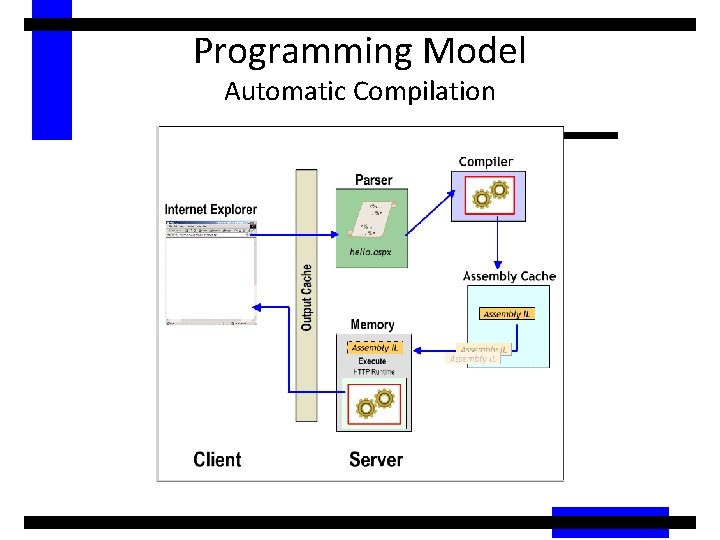
Programming Model Automatic Compilation
Agenda • • Background ASP. NET Overview Programming Model Programming Basics Server Controls Data Binding Conclusion
Programming Basics Page Syntax • The most basic page is just static text – Any HTML page can be renamed. aspx • Pages may contain: – Directives: <%@ Page Language=“VB” %> – Server controls: <asp: Button runat=“server”> – Code blocks: <script runat=“server”>…</script> – Data bind expressions: <%# %> – Server side comments: <%-- --%> – Render code: <%= %> and <% %> • Use is discouraged; use <script runat=server> with code in event handlers instead
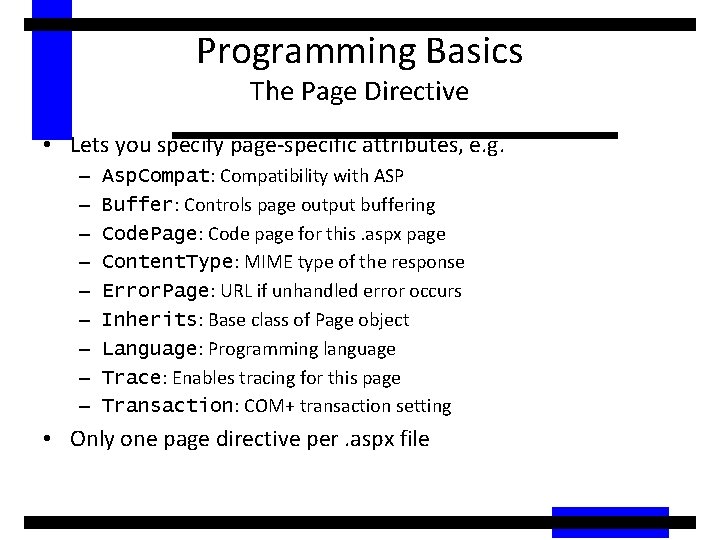
Programming Basics The Page Directive • Lets you specify page-specific attributes, e. g. – – – – – Asp. Compat: Compatibility with ASP Buffer: Controls page output buffering Code. Page: Code page for this. aspx page Content. Type: MIME type of the response Error. Page: URL if unhandled error occurs Inherits: Base class of Page object Language: Programming language Trace: Enables tracing for this page Transaction: COM+ transaction setting • Only one page directive per. aspx file
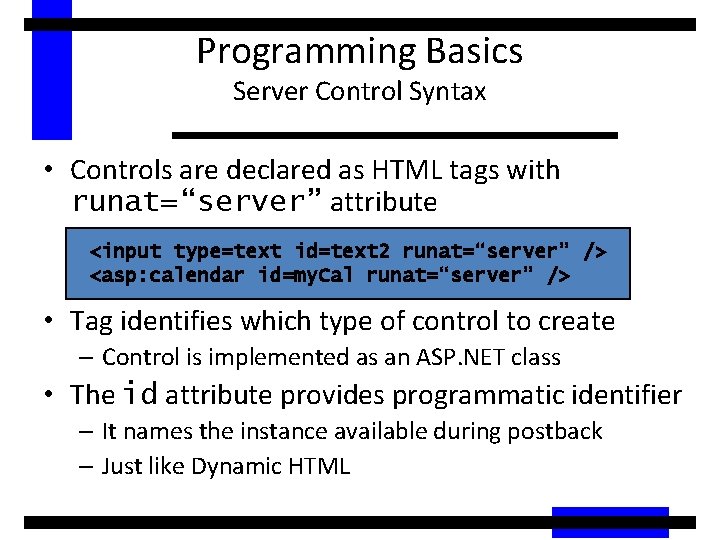
Programming Basics Server Control Syntax • Controls are declared as HTML tags with runat=“server” attribute <input type=text id=text 2 runat=“server” /> <asp: calendar id=my. Cal runat=“server” /> • Tag identifies which type of control to create – Control is implemented as an ASP. NET class • The id attribute provides programmatic identifier – It names the instance available during postback – Just like Dynamic HTML
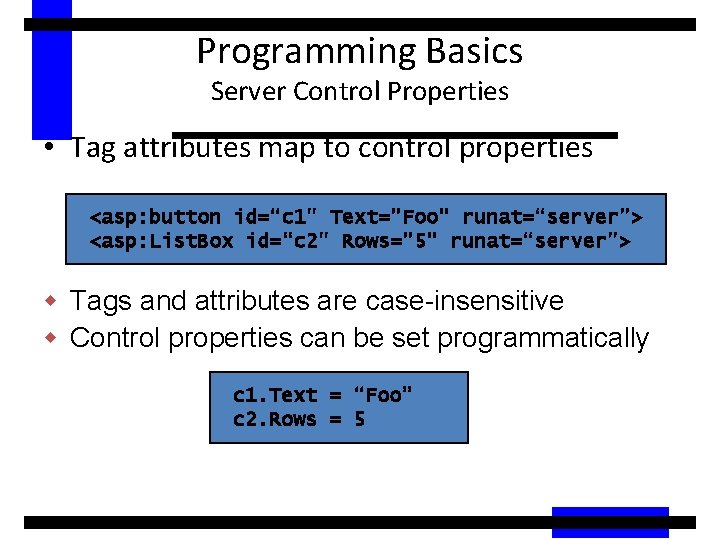
Programming Basics Server Control Properties • Tag attributes map to control properties <asp: button id=“c 1" Text="Foo" runat=“server”> <asp: List. Box id=“c 2" Rows="5" runat=“server”> w Tags and attributes are case-insensitive w Control properties can be set programmatically c 1. Text = “Foo” c 2. Rows = 5
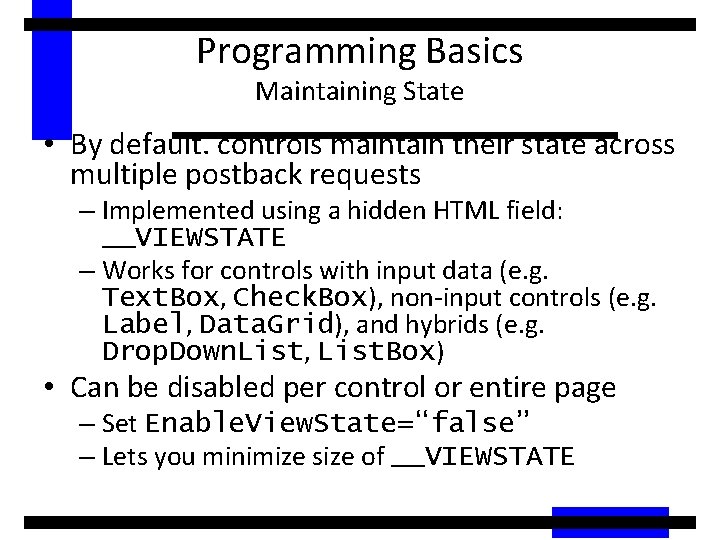
Programming Basics Maintaining State • By default. controls maintain their state across multiple postback requests – Implemented using a hidden HTML field: __VIEWSTATE – Works for controls with input data (e. g. Text. Box, Check. Box), non-input controls (e. g. Label, Data. Grid), and hybrids (e. g. Drop. Down. List, List. Box) • Can be disabled per control or entire page – Set Enable. View. State=“false” – Lets you minimize size of __VIEWSTATE
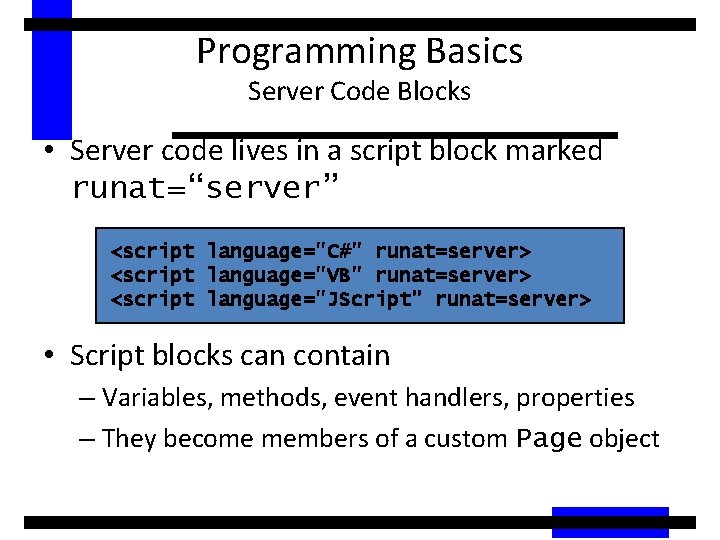
Programming Basics Server Code Blocks • Server code lives in a script block marked runat=“server” <script language="C#" runat=server> <script language="VB" runat=server> <script language="JScript" runat=server> • Script blocks can contain – Variables, methods, event handlers, properties – They become members of a custom Page object
Programming Basics Page Events • Pages are structured using events – Enables clean code organization – Avoids the “Monster IF” statement – Less complex than ASP pages • Code can respond to page events – e. g. Page_Load, Page_Unload • Code can respond to control events – Button 1_Click – Textbox 1_Changed
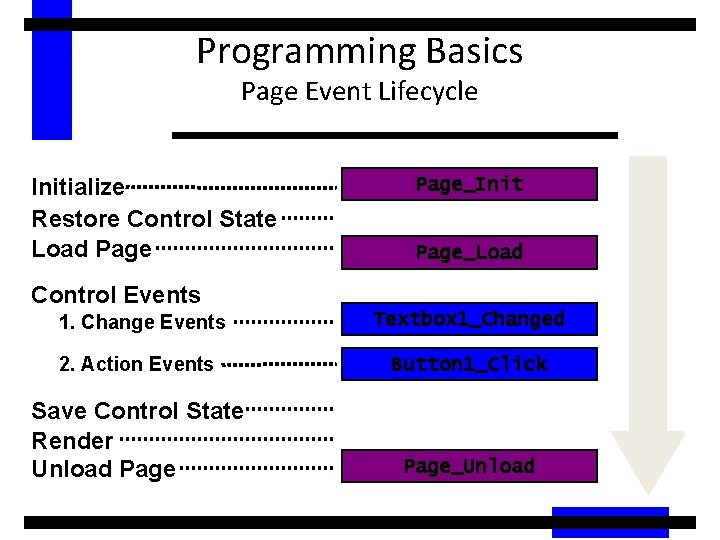
Programming Basics Page Event Lifecycle Initialize Restore Control State Load Page_Init Page_Load Control Events 1. Change Events Textbox 1_Changed 2. Action Events Button 1_Click Save Control State Render Unload Page_Unload
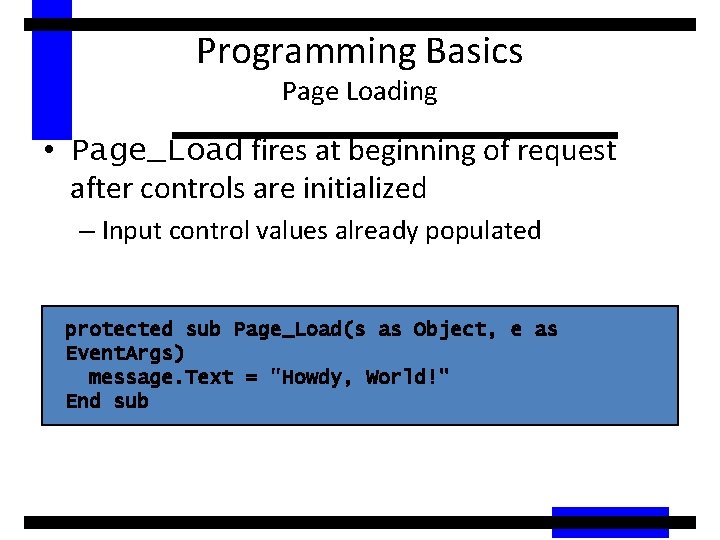
Programming Basics Page Loading • Page_Load fires at beginning of request after controls are initialized – Input control values already populated protected sub Page_Load(s as Object, e as Event. Args) message. Text = "Howdy, World!" End sub
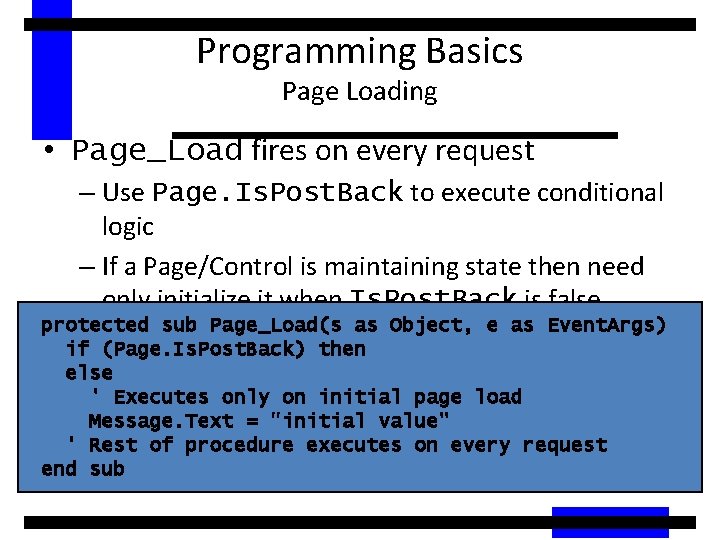
Programming Basics Page Loading • Page_Load fires on every request – Use Page. Is. Post. Back to execute conditional logic – If a Page/Control is maintaining state then need only initialize it when Is. Post. Back is false protected sub Page_Load(s as Object, e as Event. Args) if (Page. Is. Post. Back) then else ' Executes only on initial page load Message. Text = "initial value" ' Rest of procedure executes on every request end sub
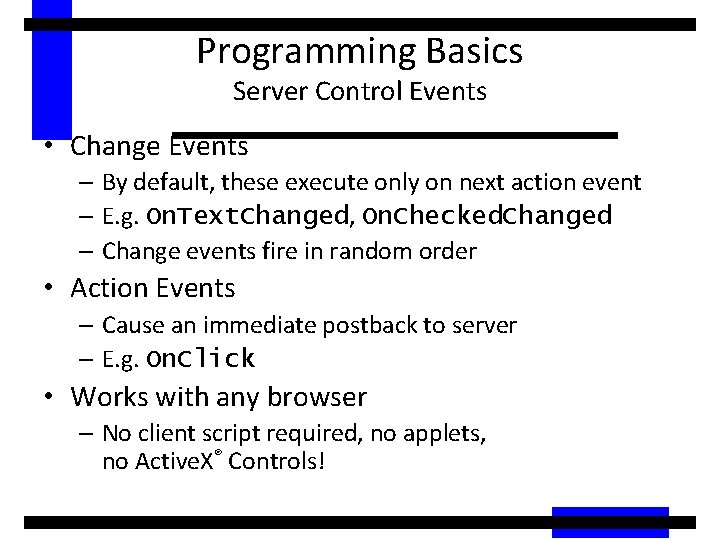
Programming Basics Server Control Events • Change Events – By default, these execute only on next action event – E. g. On. Text. Changed, On. Checked. Changed – Change events fire in random order • Action Events – Cause an immediate postback to server – E. g. On. Click • Works with any browser – No client script required, no applets, no Active. X® Controls!
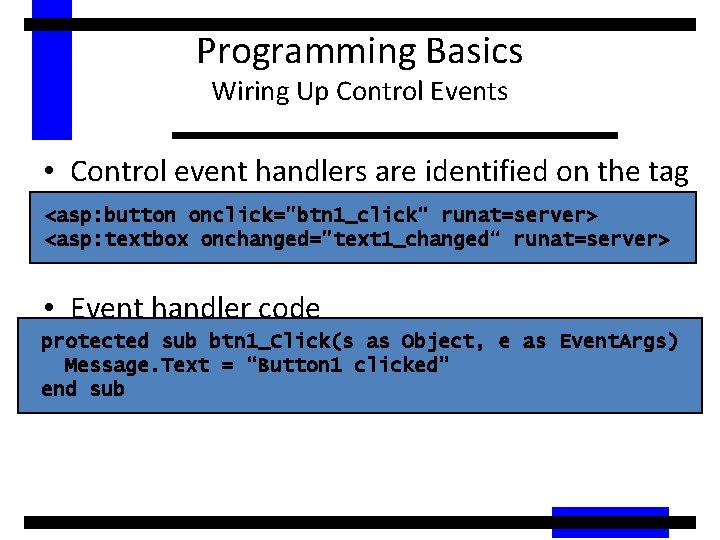
Programming Basics Wiring Up Control Events • Control event handlers are identified on the tag <asp: button onclick="btn 1_click“ runat=server> <asp: textbox onchanged="text 1_changed“ runat=server> • Event handler code protected sub btn 1_Click(s as Object, e as Event. Args) Message. Text = “Button 1 clicked” end sub
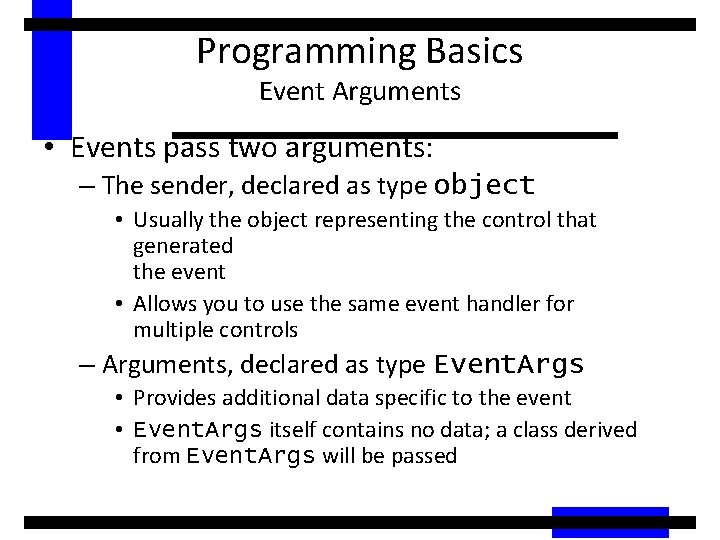
Programming Basics Event Arguments • Events pass two arguments: – The sender, declared as type object • Usually the object representing the control that generated the event • Allows you to use the same event handler for multiple controls – Arguments, declared as type Event. Args • Provides additional data specific to the event • Event. Args itself contains no data; a class derived from Event. Args will be passed
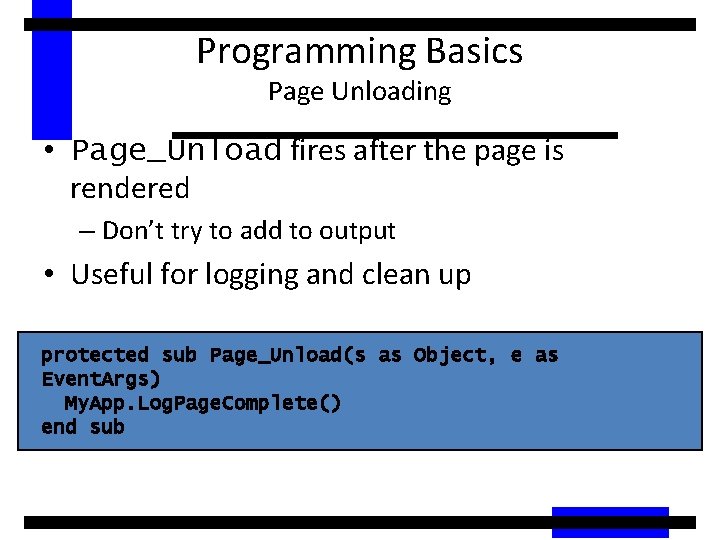
Programming Basics Page Unloading • Page_Unload fires after the page is rendered – Don’t try to add to output • Useful for logging and clean up protected sub Page_Unload(s as Object, e as Event. Args) My. App. Log. Page. Complete() end sub
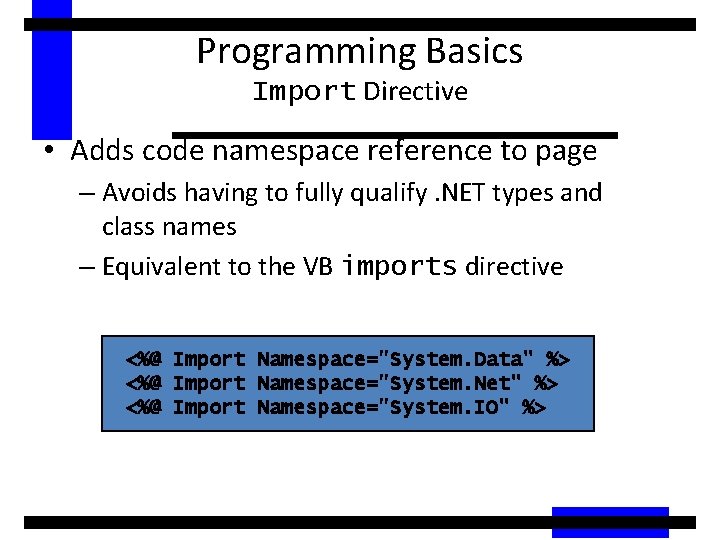
Programming Basics Import Directive • Adds code namespace reference to page – Avoids having to fully qualify. NET types and class names – Equivalent to the VB imports directive <%@ Import Namespace="System. Data" %> <%@ Import Namespace="System. Net" %> <%@ Import Namespace="System. IO" %>
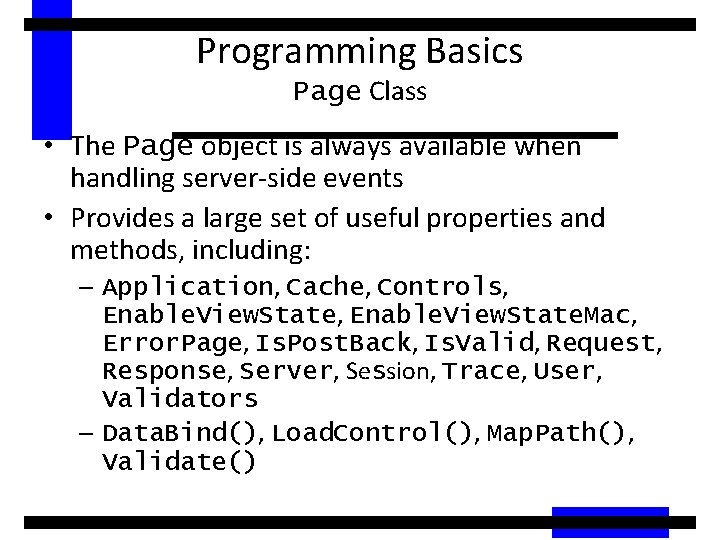
Programming Basics Page Class • The Page object is always available when handling server-side events • Provides a large set of useful properties and methods, including: – Application, Cache, Controls, Enable. View. State. Mac, Error. Page, Is. Post. Back, Is. Valid, Request, Response, Server, Session, Trace, User, Validators – Data. Bind(), Load. Control(), Map. Path(), Validate()
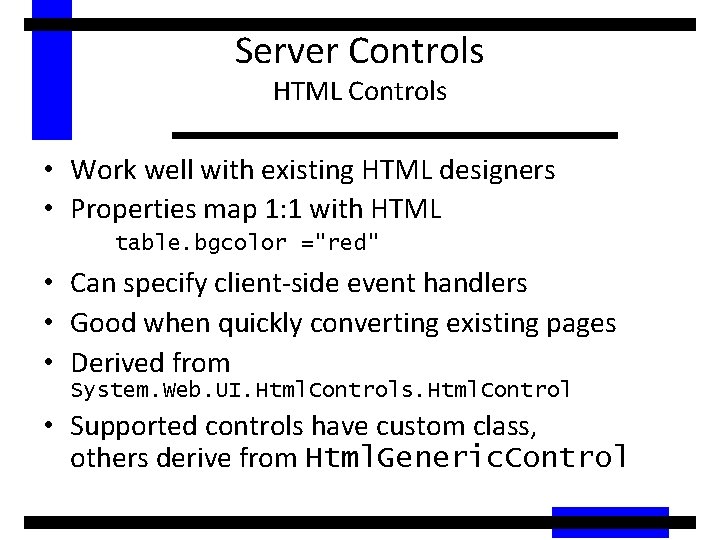
Server Controls HTML Controls • Work well with existing HTML designers • Properties map 1: 1 with HTML table. bgcolor ="red" • Can specify client-side event handlers • Good when quickly converting existing pages • Derived from System. Web. UI. Html. Controls. Html. Control • Supported controls have custom class, others derive from Html. Generic. Control
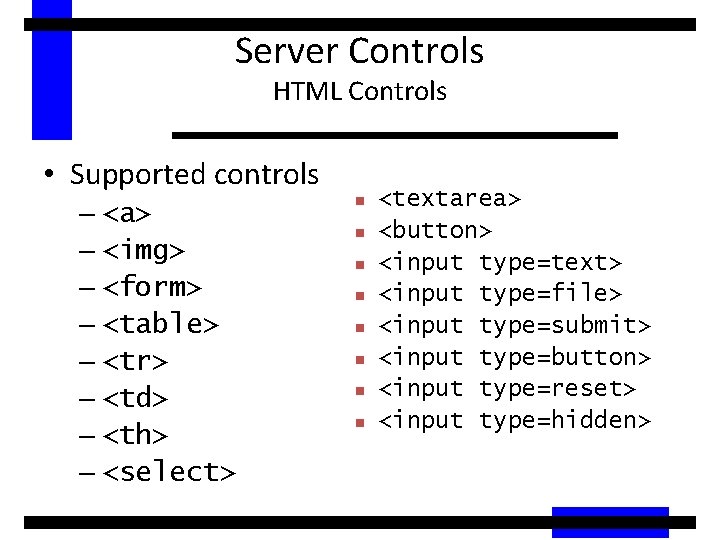
Server Controls HTML Controls • Supported controls – <a> – <img> – <form> – <table> – <tr> – <td> – <th> – <select> n n n n <textarea> <button> <input type=text> <input type=file> <input type=submit> <input type=button> <input type=reset> <input type=hidden>
Server Controls HTML Controls • Demo 1: HTMLControls 1. aspx – Basic page lifecycle with HTML Controls • Demo 2: HTMLControls 2. aspx – More HTML Controls
Server Controls HTML Controls • Can use controls two ways: – Handle everything in action events (e. g. button click) • Event code will read the values of other controls (e. g. text, check boxes, radio buttons, select lists) – Handle change events as well as action events
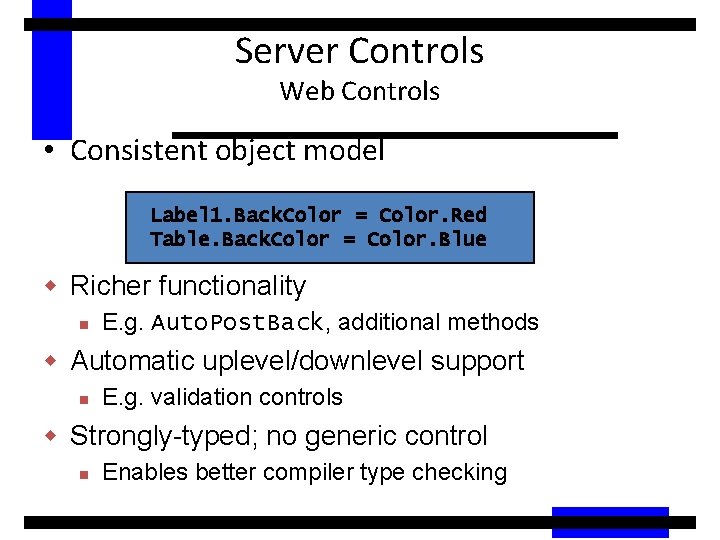
Server Controls Web Controls • Consistent object model Label 1. Back. Color = Color. Red Table. Back. Color = Color. Blue w Richer functionality n E. g. Auto. Post. Back, additional methods w Automatic uplevel/downlevel support n E. g. validation controls w Strongly-typed; no generic control n Enables better compiler type checking
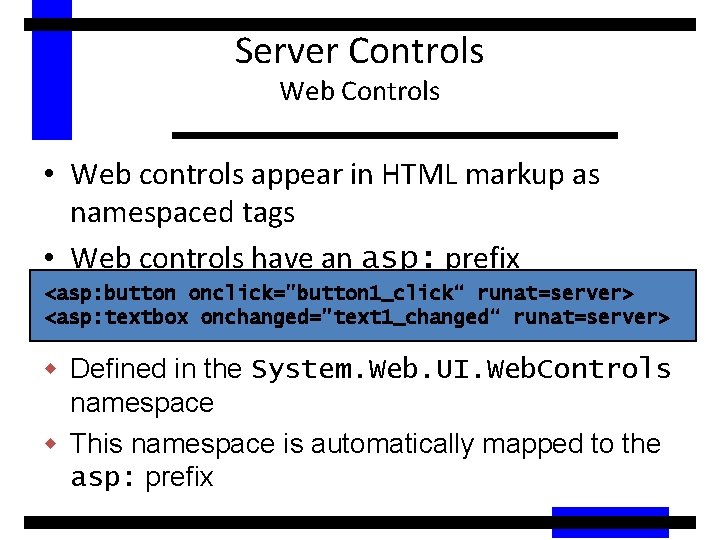
Server Controls Web Controls • Web controls appear in HTML markup as namespaced tags • Web controls have an asp: prefix <asp: button onclick="button 1_click“ runat=server> <asp: textbox onchanged="text 1_changed“ runat=server> w Defined in the System. Web. UI. Web. Controls namespace w This namespace is automatically mapped to the asp: prefix
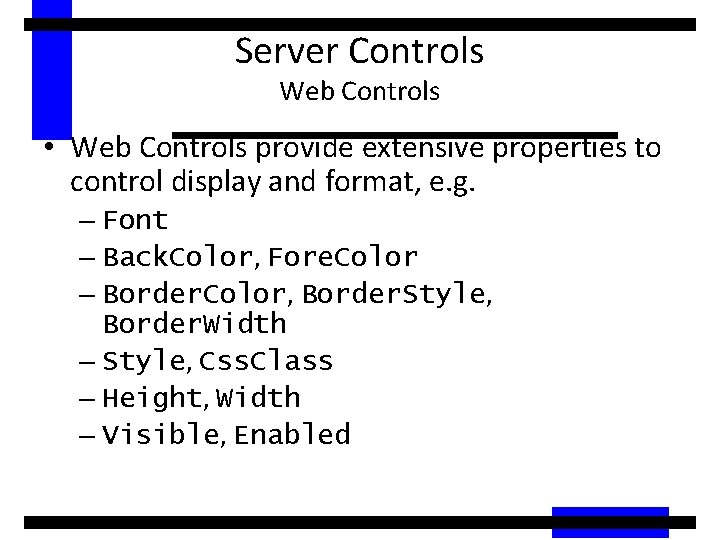
Server Controls Web Controls • Web Controls provide extensive properties to control display and format, e. g. – Font – Back. Color, Fore. Color – Border. Color, Border. Style, Border. Width – Style, Css. Class – Height, Width – Visible, Enabled
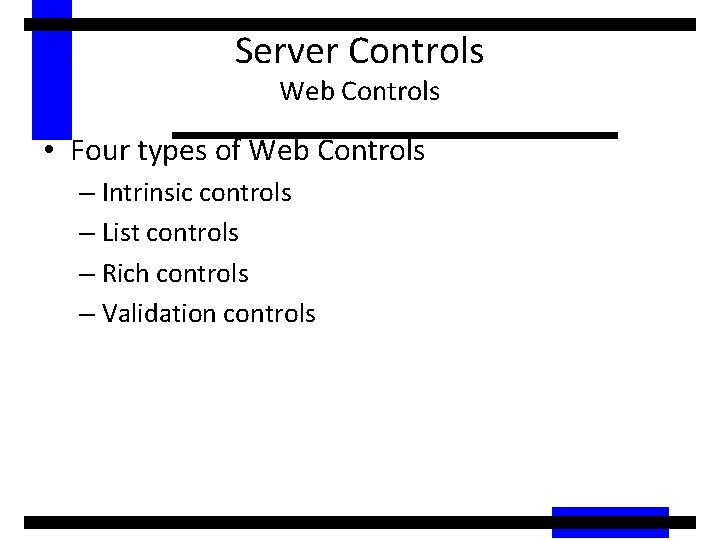
Server Controls Web Controls • Four types of Web Controls – Intrinsic controls – List controls – Rich controls – Validation controls
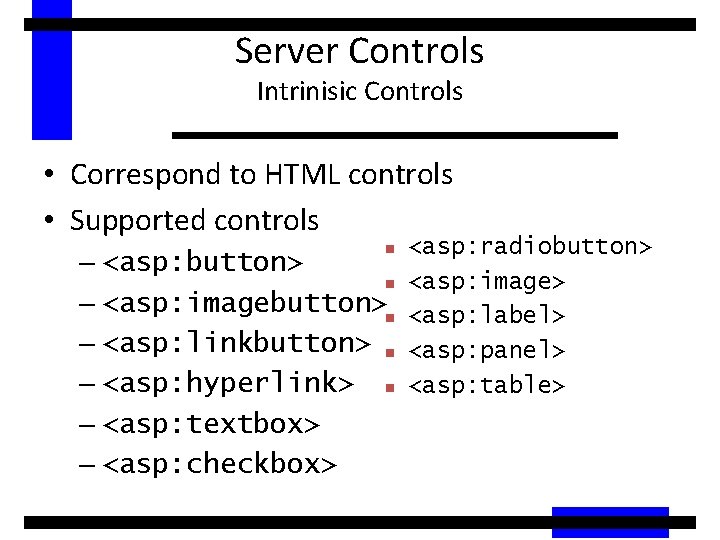
Server Controls Intrinisic Controls • Correspond to HTML controls • Supported controls <asp: radiobutton> – <asp: button> n <asp: image> – <asp: imagebutton>n <asp: label> – <asp: linkbutton> n <asp: panel> – <asp: hyperlink> n <asp: table> n – <asp: textbox> – <asp: checkbox>
Server Controls Intrinisic Controls • Text. Box, List. Control, Check. Box and their subclasses don’t automatically do a postback when their controls are changed • Specify Auto. Post. Back=true to make change events cause a postback
Server Controls List Controls • Controls that handle repetition • Supported controls n n n n <asp: dropdownlist> <asp: listbox> <asp: radiobuttonlist> <asp: checkboxlist> <asp: repeater> <asp: datalist> <asp: datagrid>
Server Controls List Controls • Repeater, Data. List and Data. Grid controls – Powerful, customizable list controls – Expose templates for customization – Can contain other controls – Provide event bubbling through their On. Item. Command event – More about these controls and templates later
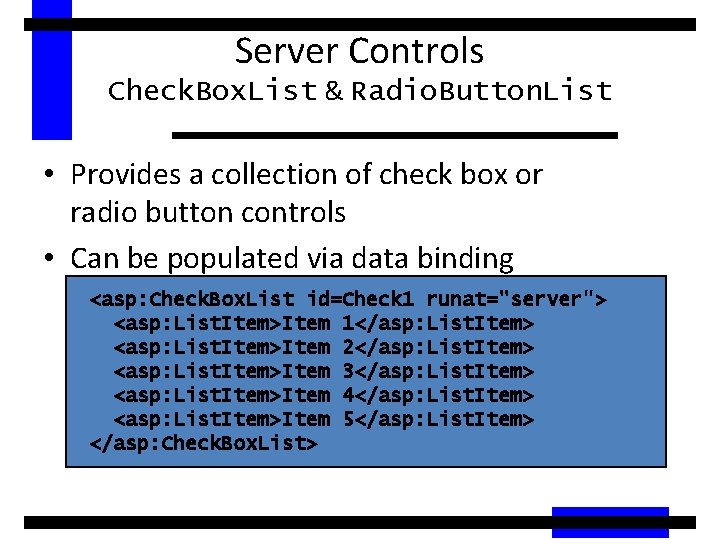
Server Controls Check. Box. List & Radio. Button. List • Provides a collection of check box or radio button controls • Can be populated via data binding <asp: Check. Box. List id=Check 1 runat="server"> <asp: List. Item>Item 1</asp: List. Item> <asp: List. Item>Item 2</asp: List. Item> <asp: List. Item>Item 3</asp: List. Item> <asp: List. Item>Item 4</asp: List. Item> <asp: List. Item>Item 5</asp: List. Item> </asp: Check. Box. List>
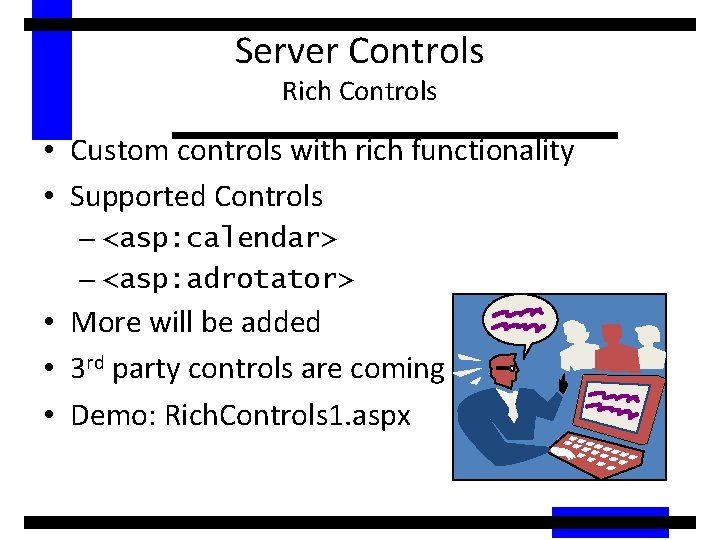
Server Controls Rich Controls • Custom controls with rich functionality • Supported Controls – <asp: calendar> – <asp: adrotator> • More will be added • 3 rd party controls are coming • Demo: Rich. Controls 1. aspx
Server Controls Validation Controls • Rich, declarative validation • Validation declared separately from input control • Extensible validation framework • Supports validation on client and server – Automatically detects uplevel clients – Avoids roundtrips for uplevel clients • Server-side validation is always done – Prevents users from spoofing Web Forms
Server Controls Validation Controls • <asp: Required. Field. Validator> – Ensures that a value is entered • <asp: Range. Validator> – Checks if value is within minimum and maximum values • <asp: Compare. Validator> – Compares value against constant, another control or data type • <asp: Regular. Expression. Validator> – Tests if value matches a predefined pattern • <asp: Custom. Validator> – Lets you create custom client- or server-side validation function • <asp: Validation. Summary> – Displays list of validation errors in one place
Server Controls Validation Controls • Validation controls are derived from System. Web. UI. Web. Controls. Base. Validator, which is derived from the Label control • Validation controls contain text which is displayed only if validation fails • Text property is displayed at control location • Error. Message is displayed in summary
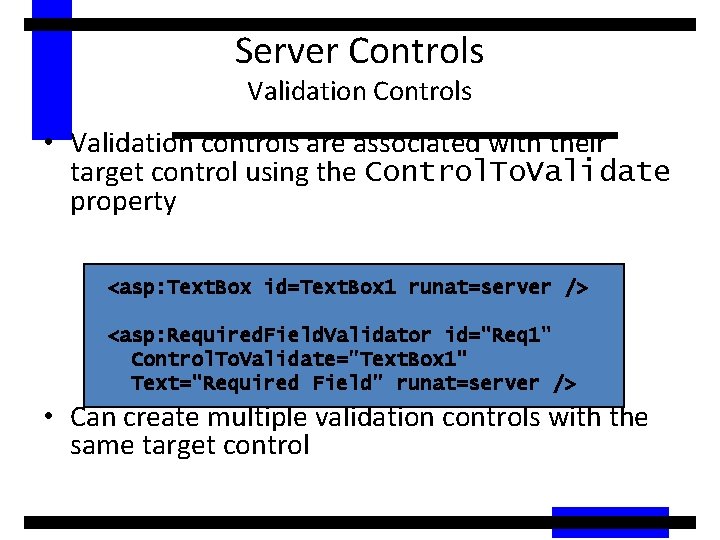
Server Controls Validation Controls • Validation controls are associated with their target control using the Control. To. Validate property <asp: Text. Box id=Text. Box 1 runat=server /> <asp: Required. Field. Validator id="Req 1" Control. To. Validate="Text. Box 1" Text="Required Field" runat=server /> • Can create multiple validation controls with the same target control
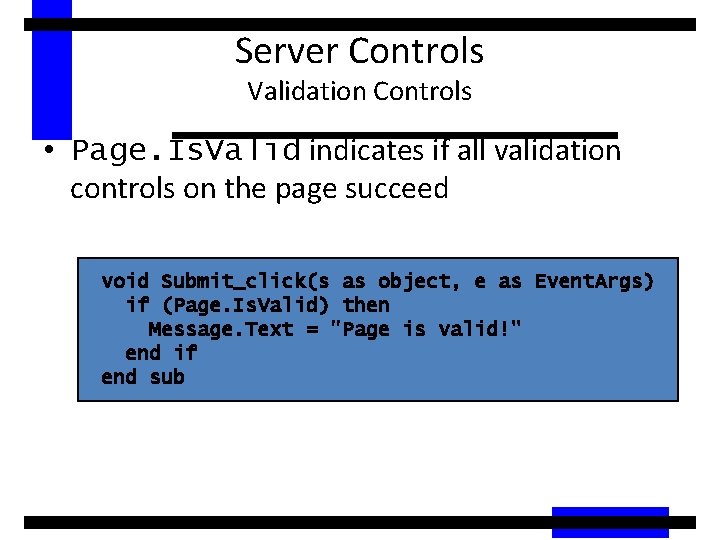
Server Controls Validation Controls • Page. Is. Valid indicates if all validation controls on the page succeed void Submit_click(s as object, e as Event. Args) if (Page. Is. Valid) then Message. Text = "Page is valid!" end if end sub
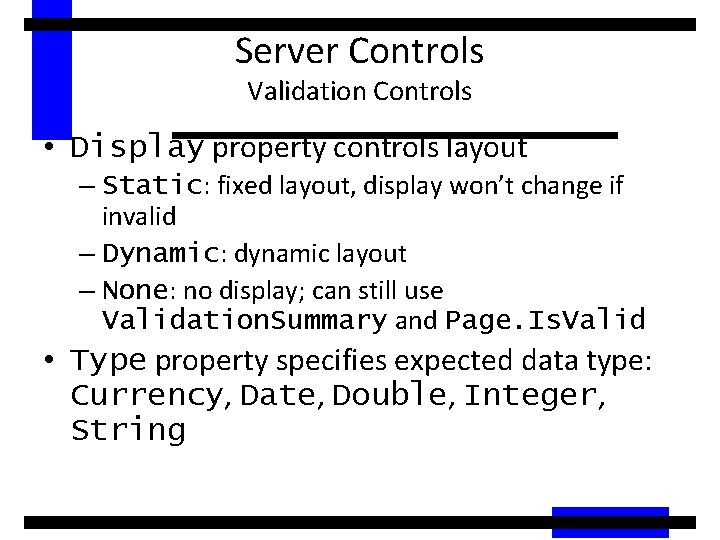
Server Controls Validation Controls • Display property controls layout – Static: fixed layout, display won’t change if invalid – Dynamic: dynamic layout – None: no display; can still use Validation. Summary and Page. Is. Valid • Type property specifies expected data type: Currency, Date, Double, Integer, String
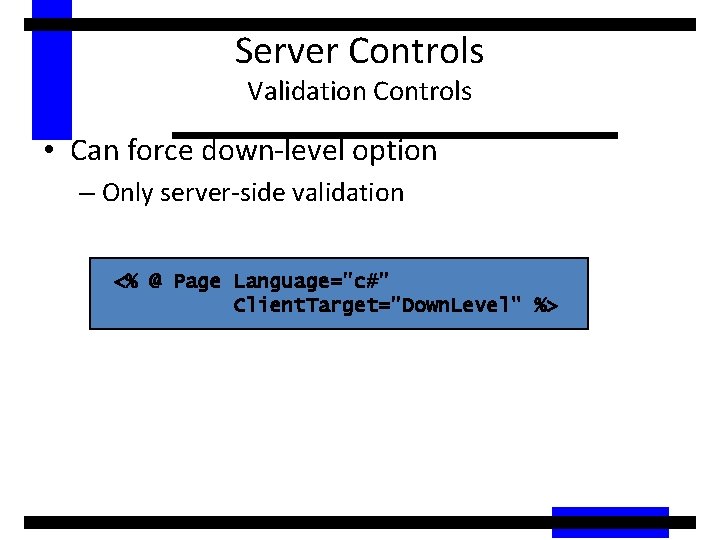
Server Controls Validation Controls • Can force down-level option – Only server-side validation <% @ Page Language="c#" Client. Target="Down. Level" %>
Server Controls Validation Controls • Demo: Validation. Controls 1. aspx – Demonstrates each type of validation control
Data Binding How to Populate Server Controls? • Specify the data in the control’s tags – Not dynamic: can’t get data from a database • Write code that uses the control’s object model – This is okay if you need to populate a simple value or list, but quickly gets too complicated for populating sophisticated displays • Data binding – Create an object that holds the data (Data. Set, Array, string, int, etc. ) – Associate that object with the control
Data Binding What Is It? • Provides a single simple yet powerful way to populate Web Form controls with data – Enables clean separation of code from UI • Supports binding to any data source – Properties, expressions, method calls – Collections (Array, Hashtable, etc. ) – Data. Set, Data. Table, Data. View, Data. Reader – XML • One way snapshot model – Requires code to reapply to data model
Data Binding What Is It? • Allows you to specify an expression • When the Data. Bind method of the control is called, the expression is evaluated and bound – Data. Bind for a single control (and subcontrols) – Page. Data. Bind binds all controls on a page • Works for scalars, e. g. Label control • Works for lists, e. g. Drop. Down control, List. Box control, etc. • Enables the use of templates
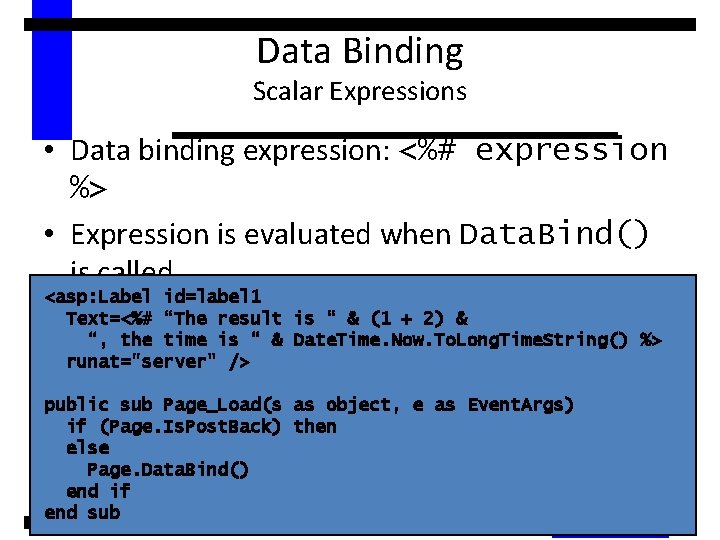
Data Binding Scalar Expressions • Data binding expression: <%# expression %> • Expression is evaluated when Data. Bind() is called <asp: Label id=label 1 Text=<%# “The result is “ & (1 + 2) & “, the time is “ & Date. Time. Now. To. Long. Time. String() %> runat="server" /> public sub Page_Load(s as object, e as Event. Args) if (Page. Is. Post. Back) then else Page. Data. Bind() end if end sub
Data Binding Simple Lists • Data binding a list creates a user interface element for each item in the list • Each item contains text (displayed to user) and an optional value (not displayed) • The simple list controls: – <asp: List. Box> • Single or multiple select – <asp: Drop. Down. List> – <asp: Radio. Button. List> – <asp: Check. Box. List>
- Slides: 70