
Introduction to Advantage CAIDMSDB Database Journals and Journal
Introduction to Advantage CA-IDMS/DB Database Journals and Journal Reporting Tools IUA TAMPA 2003
Abstract Many people have never looked at an Advantage™ CA-IDMS®/DB Database journal and what information it provides. This session is an introductory look at journals and the tools that can be used to report on them. IUA TAMPA 2003
Biography Pete Charles COGITO • I have been working with Advantage CAIDMS/DB for more than 20 years. Six of these were with Cullinet. • In this time I have given many classes and presentations at many Cullinet and CA conferences. • I have spent considerable time analyzing journals. IUA TAMPA 2003
Agenda • • • Types of Journals Journal Record Types Journal Record Formats What Gets Journaled Reporting Tools Summary IUA TAMPA 2003
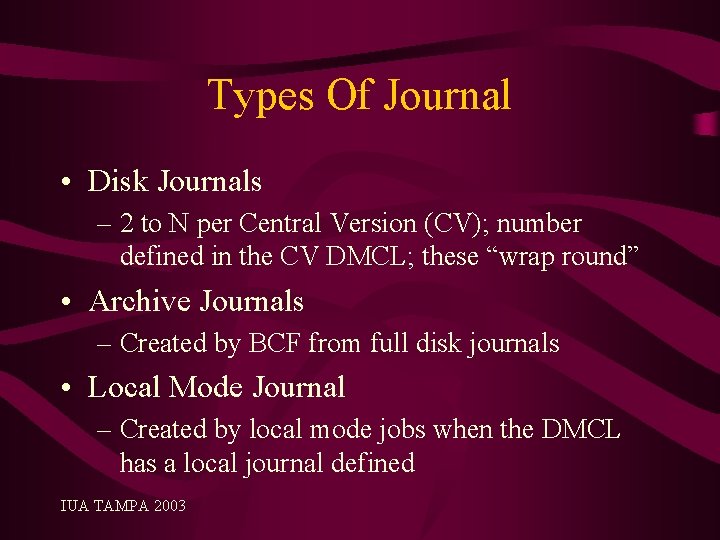
Types Of Journal • Disk Journals – 2 to N per Central Version (CV); number defined in the CV DMCL; these “wrap round” • Archive Journals – Created by BCF from full disk journals • Local Mode Journal – Created by local mode jobs when the DMCL has a local journal defined IUA TAMPA 2003
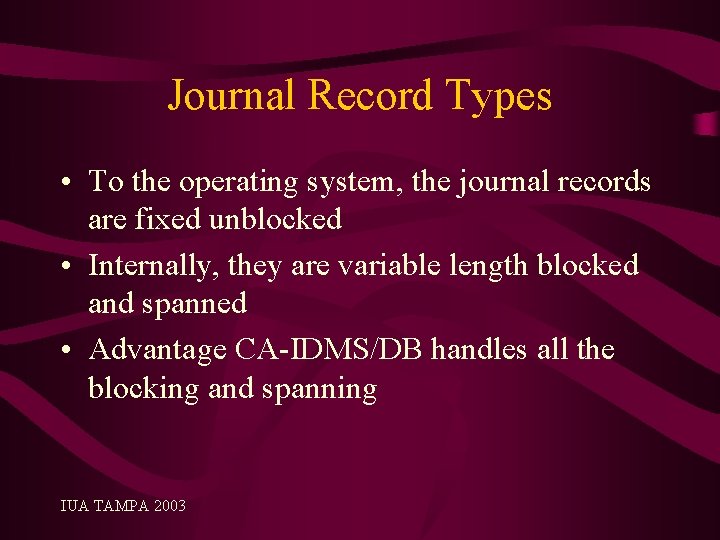
Journal Record Types • To the operating system, the journal records are fixed unblocked • Internally, they are variable length blocked and spanned • Advantage CA-IDMS/DB handles all the blocking and spanning IUA TAMPA 2003
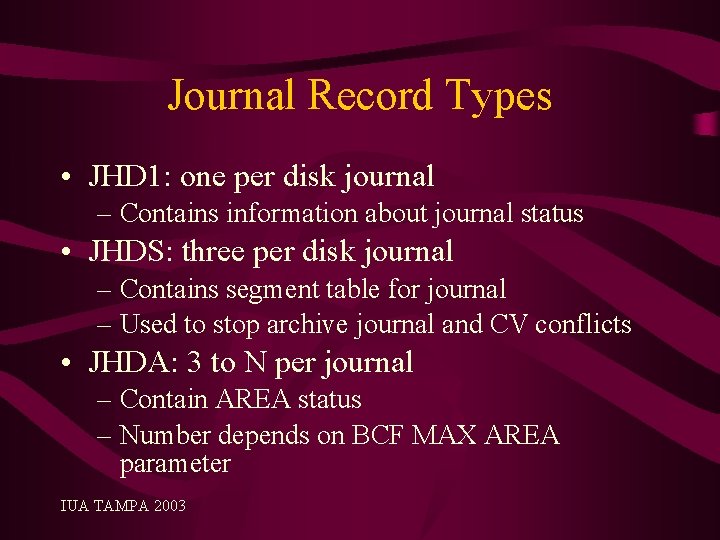
Journal Record Types • JHD 1: one per disk journal – Contains information about journal status • JHDS: three per disk journal – Contains segment table for journal – Used to stop archive journal and CV conflicts • JHDA: 3 to N per journal – Contain AREA status – Number depends on BCF MAX AREA parameter IUA TAMPA 2003
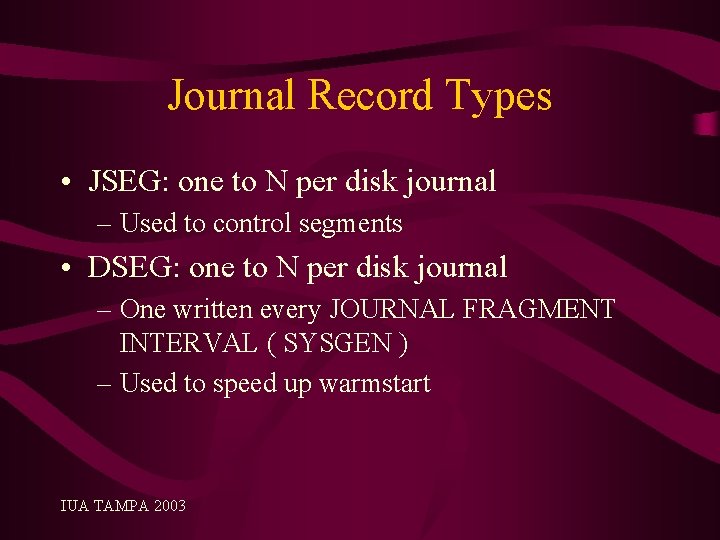
Journal Record Types • JSEG: one to N per disk journal – Used to control segments • DSEG: one to N per disk journal – One written every JOURNAL FRAGMENT INTERVAL ( SYSGEN ) – Used to speed up warmstart IUA TAMPA 2003
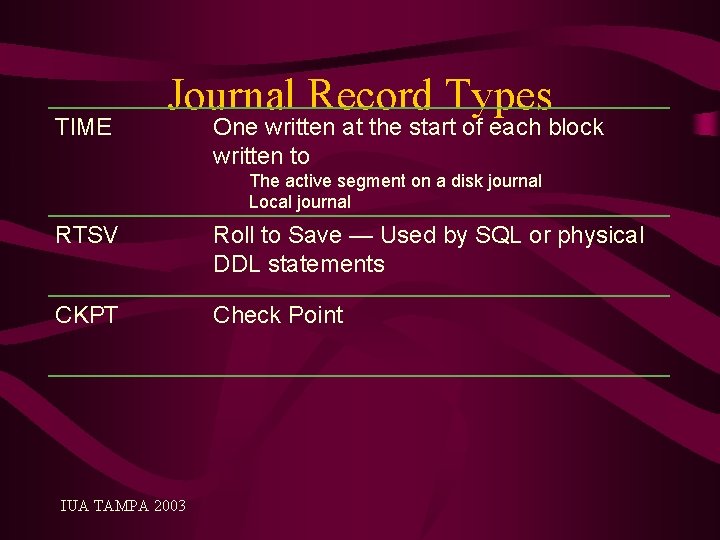
TIME Journal Record Types One written at the start of each block written to The active segment on a disk journal Local journal RTSV Roll to Save — Used by SQL or physical DDL statements CKPT Check Point IUA TAMPA 2003
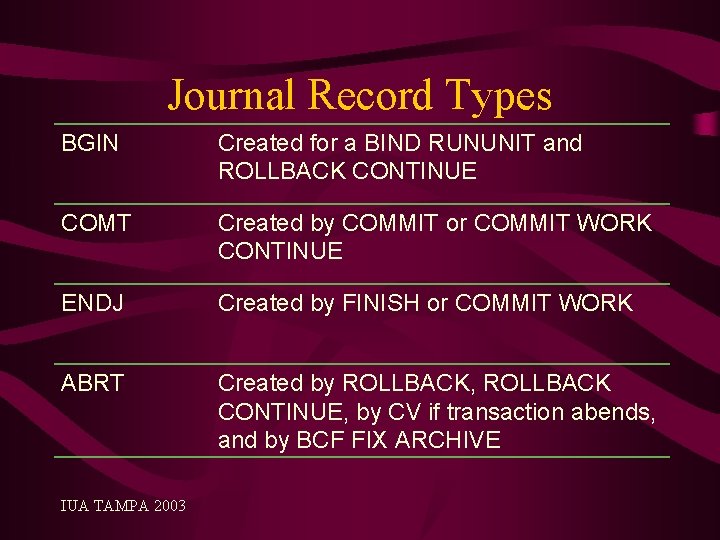
Journal Record Types BGIN Created for a BIND RUNUNIT and ROLLBACK CONTINUE COMT Created by COMMIT or COMMIT WORK CONTINUE ENDJ Created by FINISH or COMMIT WORK ABRT Created by ROLLBACK, ROLLBACK CONTINUE, by CV if transaction abends, and by BCF FIX ARCHIVE IUA TAMPA 2003
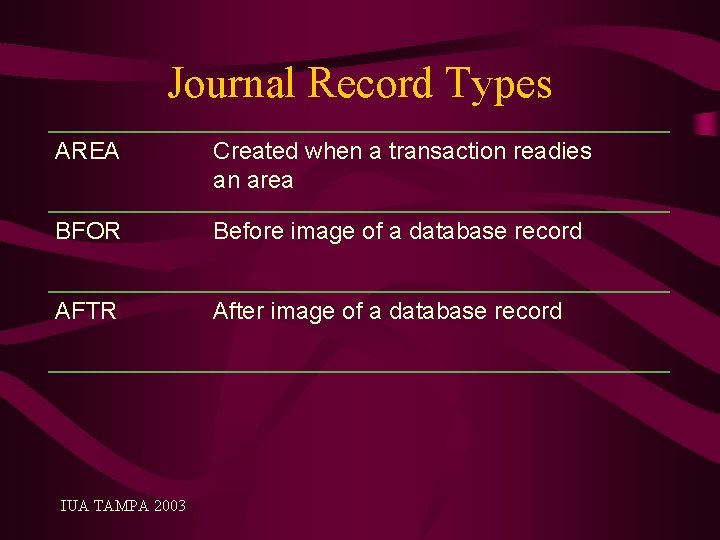
Journal Record Types AREA Created when a transaction readies an area BFOR Before image of a database record AFTR After image of a database record IUA TAMPA 2003
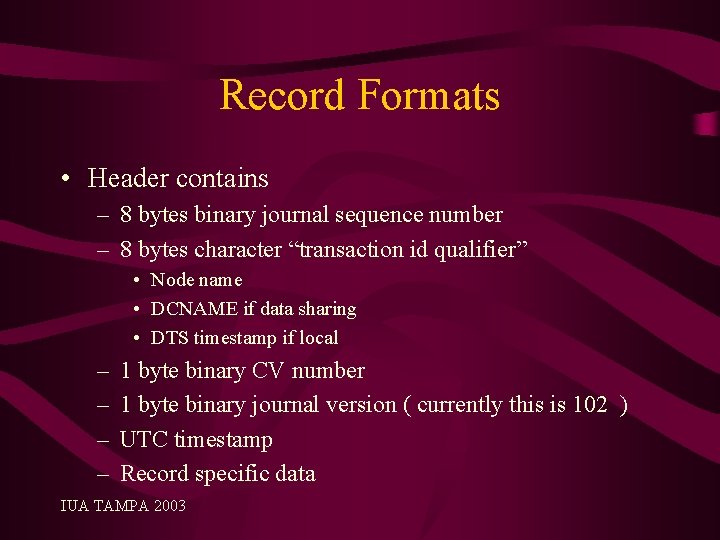
Record Formats • Header contains – 8 bytes binary journal sequence number – 8 bytes character “transaction id qualifier” • Node name • DCNAME if data sharing • DTS timestamp if local – – 1 byte binary CV number 1 byte binary journal version ( currently this is 102 ) UTC timestamp Record specific data IUA TAMPA 2003
Record Formats • All records except JHD 1, JHDS, and JHDA have 4 bytes trailer – 2 bytes binary record length – 2 bytes unused • Used when reading the journal backwards for recovery IUA TAMPA 2003
Record Formats • Contents of records described here do not include all fields just major ones • BGIN contains transaction ID, program name • ABRT, COMT, ENDJ, RTSV contain the same as BGIN plus the database statistics, such as pages read, pages written IUA TAMPA 2003
Record Formats • BFOR and AFTR contain – Transaction ID, DBKEY – DBKEY format, Record ID – DML verb – Record itself either prefix plus data of just prefix • Null records have a record ID of zero and there is no record data IUA TAMPA 2003
What Gets Journaled – There can be a lot of hidden journaling – A STORE can cause a fragments. In this case there will be null “before images” for each fragment ( SR 4 ) and the user record – There will be equivalent “after images” – Also SR 2/SR 3 records can be pulled home • There will be journal images for all this activity • In fact there are 4 before images and 4 after images created when a SR 3 is pulled home (unless the SR 3 is fragmented and then there are even more ) IUA TAMPA 2003
What Gets Journaled – Index splits and spawns can generate a large volume of SR 8 journal images IUA TAMPA 2003
Reporting Tools • JREPORTS – Part of the Advantage CA-IDMS/DB product – Written in Advantage. TM CA-Culprit for CA-IDMS® • Journal Analyzer – Add on product Advantage™ CA-IDMS® Database Journal Analyzer Option • ISP Journal Reporting Facility • ASG-Tracer IUA TAMPA 2003
JREPORTS • Installed into data dictionary • There are 9 installed • JREPORT 000 contains only the journal record layouts copied into others • To display JREPORT n in IDD use DISPLAY MODULE ‘JREPORT 00 n’ LANGUAGE IS CULPRIT. IUA TAMPA 2003
JREPORTS • JREPORT 1 Transaction Summary – Reports all transactions • JREPORT 2 Program Termination Statistics – Prints the DB statistics from ENDJ or ABRT record • JREPORT 3 Program I/O statistics – Prints I/O statistics form ENDJ or ABRT record IUA TAMPA 2003
JREPORTS • JREPORT 4 Program Summary – For each program, reports times run and averages the statistics from the ENDJ or ABRT records • JREPORT 5 Detail Area/Transaction – Sorted by area and for each one reports the program that have readied the area and in what mode IUA TAMPA 2003
JREPORTS • JREPORT 6 Detail Program/Area – Sorted by program and for each one reports the areas that have readied the area and in what mode • JREPORT 7 Area Summary – For each area reports the number of times readied and in what mode IUA TAMPA 2003
JREPORTS • JREPORT 8 Formatted Record Dump – Formats standard information such as journal sequence number record id DML verb – For BFOR and AFTR records, prints the hex content of the data portion that is the record prefix or the record prefix plus the record data • Can produce a lot of output IUA TAMPA 2003
JREPORTS • Can select on fields to limit the output – SELECT WHEN PROGRAM-NAME EQ ‘MYPROG’ – Only report on program ‘MYPROG’ • Do not forgot the PROGRAM-NAME is only in BGIN, COMT, ENDJ, RTSV, and ENDJ records • TYPE should be tested first in the SELECT clause if field is not common to all journal record types IUA TAMPA 2003
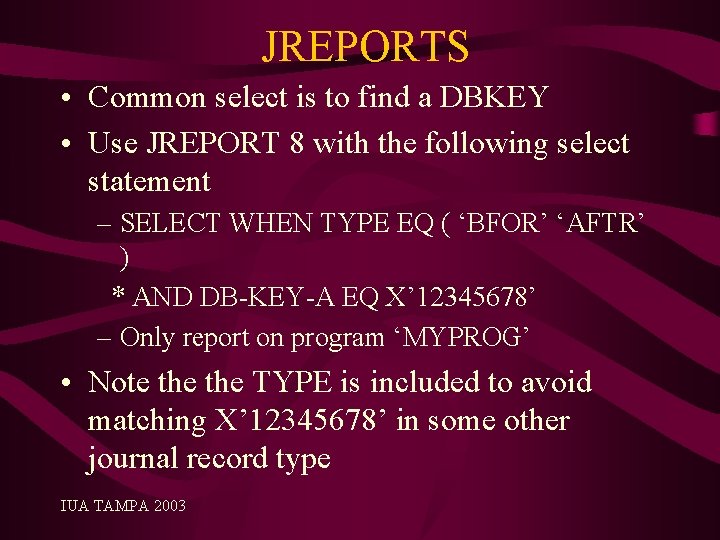
JREPORTS • Common select is to find a DBKEY • Use JREPORT 8 with the following select statement – SELECT WHEN TYPE EQ ( ‘BFOR’ ‘AFTR’ ) * AND DB-KEY-A EQ X’ 12345678’ – Only report on program ‘MYPROG’ • Note the TYPE is included to avoid matching X’ 12345678’ in some other journal record type IUA TAMPA 2003
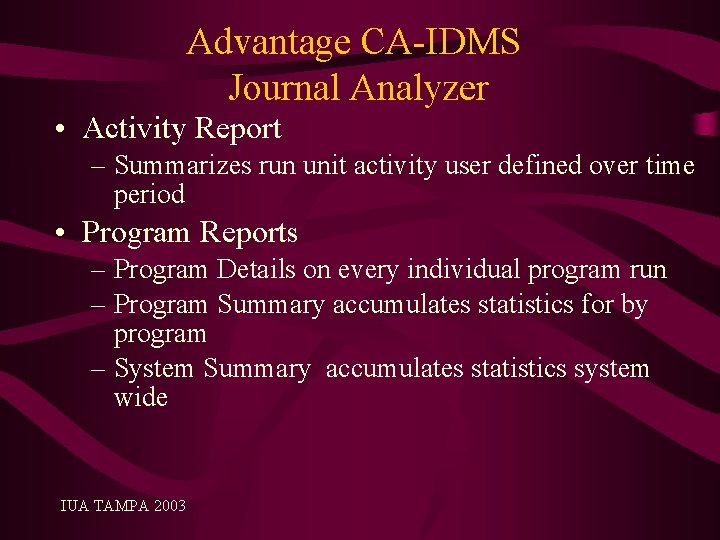
Advantage CA-IDMS Journal Analyzer • Activity Report – Summarizes run unit activity user defined over time period • Program Reports – Program Details on every individual program run – Program Summary accumulates statistics for by program – System Summary accumulates statistics system wide IUA TAMPA 2003
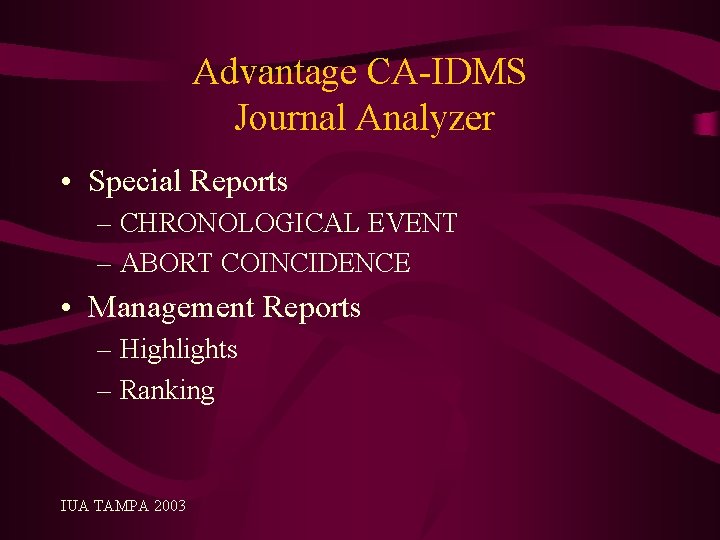
Advantage CA-IDMS Journal Analyzer • Special Reports – CHRONOLOGICAL EVENT – ABORT COINCIDENCE • Management Reports – Highlights – Ranking IUA TAMPA 2003
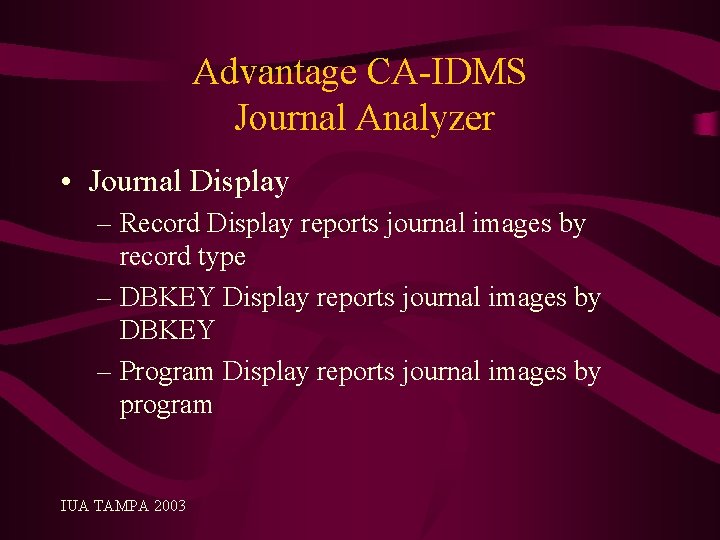
Advantage CA-IDMS Journal Analyzer • Journal Display – Record Display reports journal images by record type – DBKEY Display reports journal images by DBKEY – Program Display reports journal images by program IUA TAMPA 2003
Advantage CA-IDMS Journal Analyzer • Journal display slightly better format than JREPORT 8 • Prefix is formatted • The DML verb is translated e. g. rather than just printing 42 it will show MODIFY • Changes are also highlighted in the AFTR record • Can request only changes in the AFTR record be printed. IUA TAMPA 2003
Report Formats • Both JREPORT 8 and the Advantage CAIDMS Journal Analyzer display the hex of what is on the journal • Not end-user friendly and no use to DBA if records are compressed • Also if fragmented record then can take time to work what the data content is IUA TAMPA 2003
ISP Journal Reporting Facility • From International Software Products • Displays the data in a readable format • Will use the dictionary to get field formats and names • Will reconstruct fragmented records • Decompresses records before reporting both PRESSPACK and IDMSCOMP IUA TAMPA 2003
ASG-Tracer • • • From Allen Systems Group Decompresses records Displays the data in a readable format Uses Dictionary for field formats and names Reports can be used by end users IUA TAMPA 2003
Session Summary We looked at Key Topics • Types of Journals • Journal Record Types • Journal Record Formats • What Gets Journaled • Reporting Tools IUA TAMPA 2003

Questions & Answers
- Slides: 34