
Introduction to a Technology Based Course Why is
Introduction to a Technology Based Course Why is it Relevant? & How To Succeed

Concepts behind the goals of this course KEY TERMS
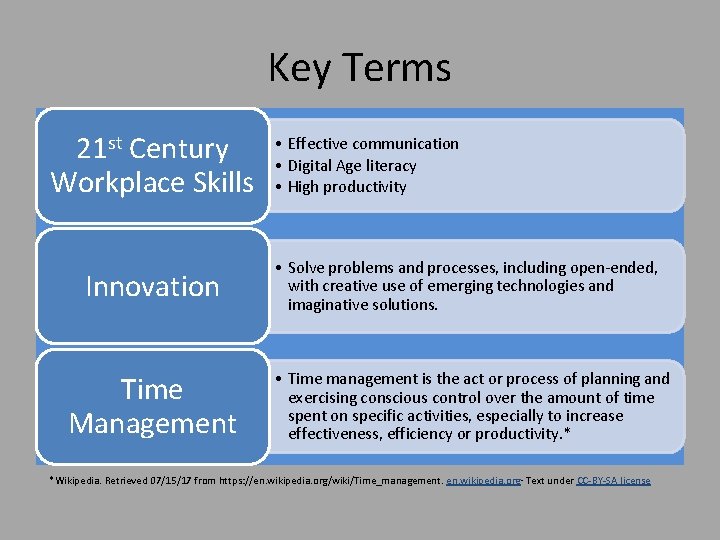
Key Terms 21 st Century Workplace Skills Innovation Time Management • Effective communication • Digital Age literacy • High productivity • Solve problems and processes, including open-ended, with creative use of emerging technologies and imaginative solutions. • Time management is the act or process of planning and exercising conscious control over the amount of time spent on specific activities, especially to increase effectiveness, efficiency or productivity. * *Wikipedia. Retrieved 07/15/17 from https: //en. wikipedia. org/wiki/Time_management. en. wikipedia. org∙ Text under CC-BY-SA license
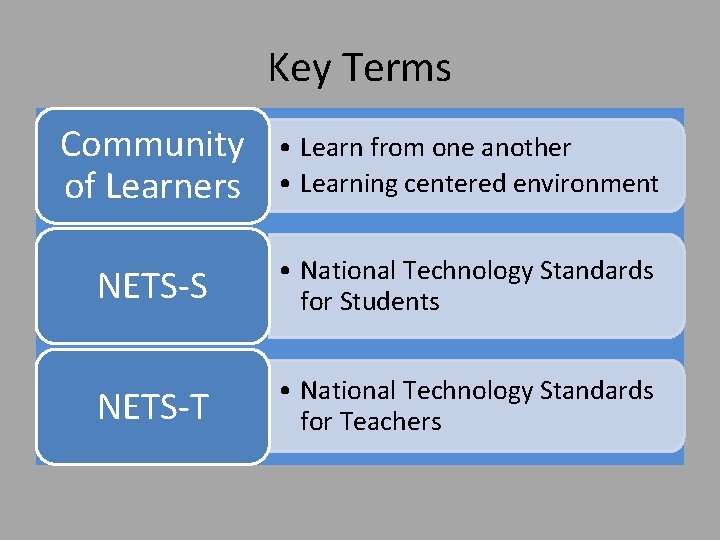
Key Terms Community of Learners • Learn from one another • Learning centered environment NETS-S • National Technology Standards for Students NETS-T • National Technology Standards for Teachers
Technology Literacy: Problem Solving Using Digital Technology DEFINITION AND OVERVIEW

Problem Solving Using Digital Technology COURSE PURPOSE • Self-sufficiency using digital technology • Technology solutions, personal and workplace. COURSE INTRODUCTION • Why is this course relevant? • Tips for course success.
About this Course If you are typical, you fit into one of these categories: INTERESTED: You heard good things about it from former students and advisors, so you are very interested in taking it. ANXIOUS: You are anxious about this course because you have either avoided using technology or never had a good opportunity to learn it. NOT HAPPY: You have an extensive background in technology and are not particularly happy that you cannot test out of the course.
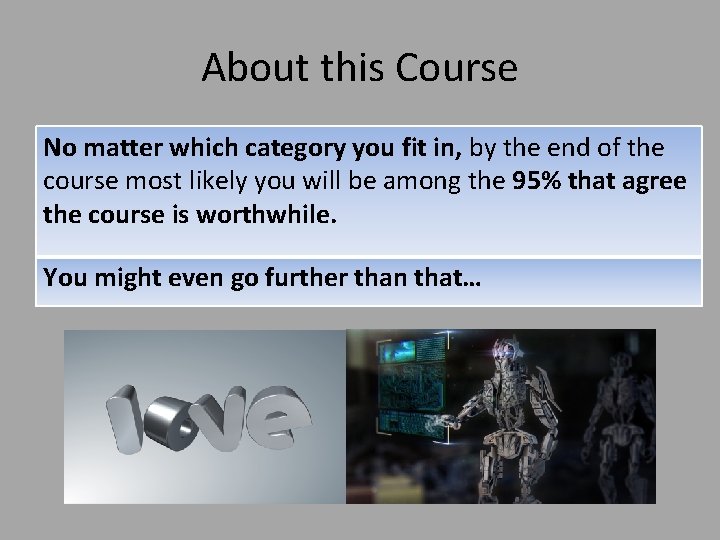
About this Course No matter which category you fit in, by the end of the course most likely you will be among the 95% that agree the course is worthwhile. You might even go further than that…
21 st Century Workplace Skills ∙ NETS-S ∙ NETS-T ∙ Tips for Success CONTENT
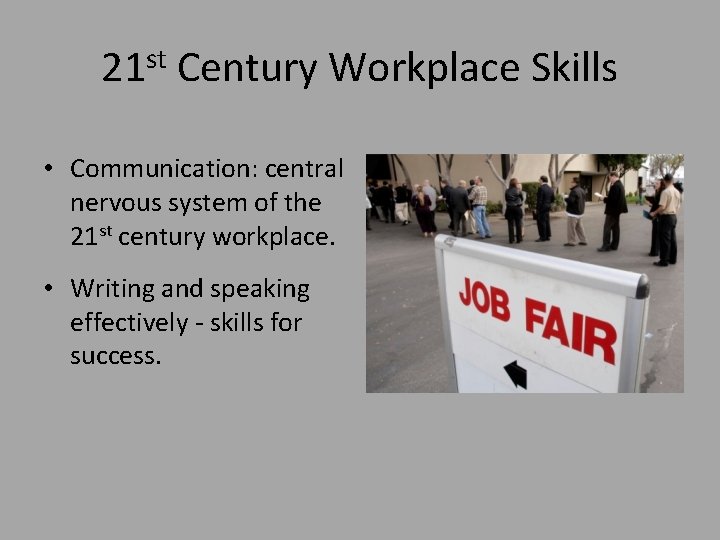
21 st Century Workplace Skills • Communication: central nervous system of the 21 st century workplace. • Writing and speaking effectively - skills for success.
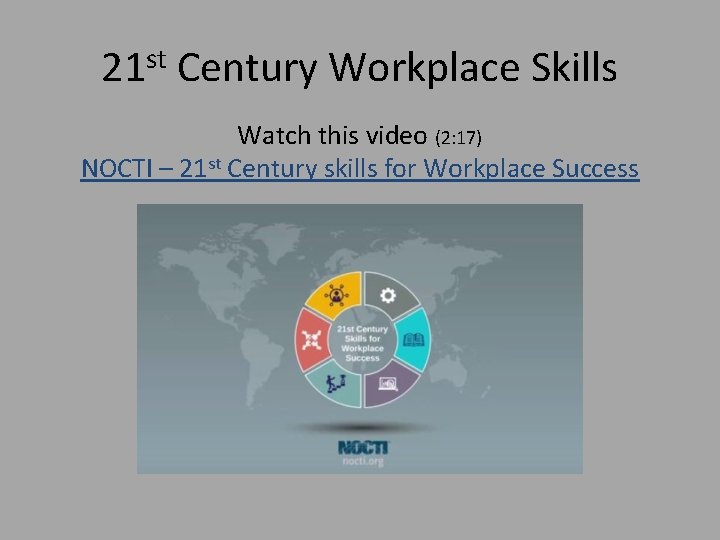
21 st Century Workplace Skills Watch this video (2: 17) NOCTI – 21 st Century skills for Workplace Success
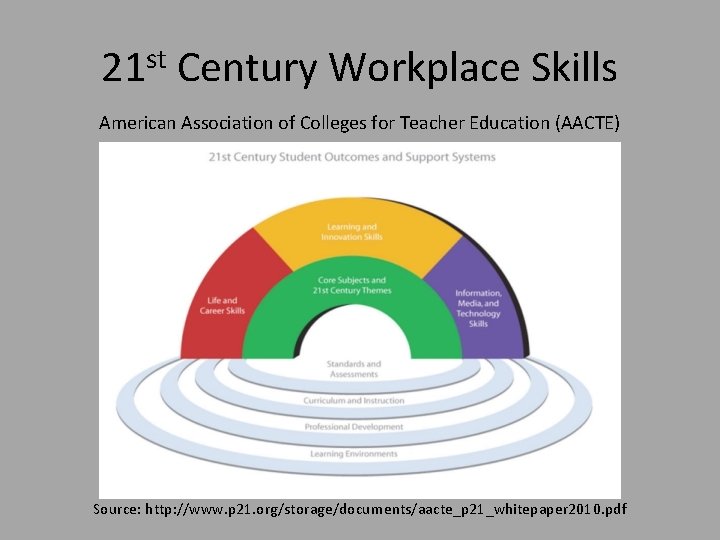
21 st Century Workplace Skills American Association of Colleges for Teacher Education (AACTE) Source: http: //www. p 21. org/storage/documents/aacte_p 21_whitepaper 2010. pdf
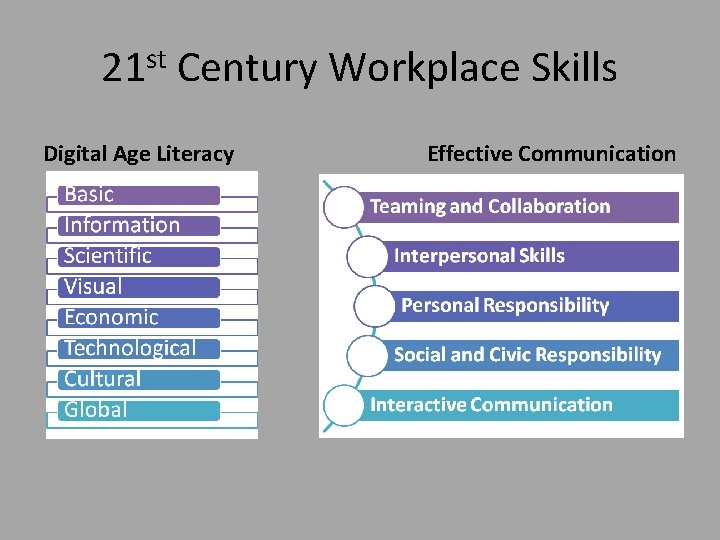
21 st Century Workplace Skills Digital Age Literacy Effective Communication
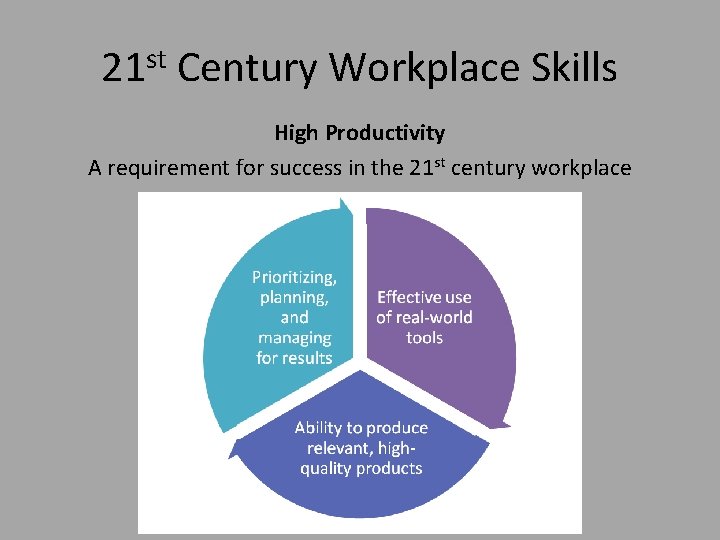
21 st Century Workplace Skills High Productivity A requirement for success in the 21 st century workplace
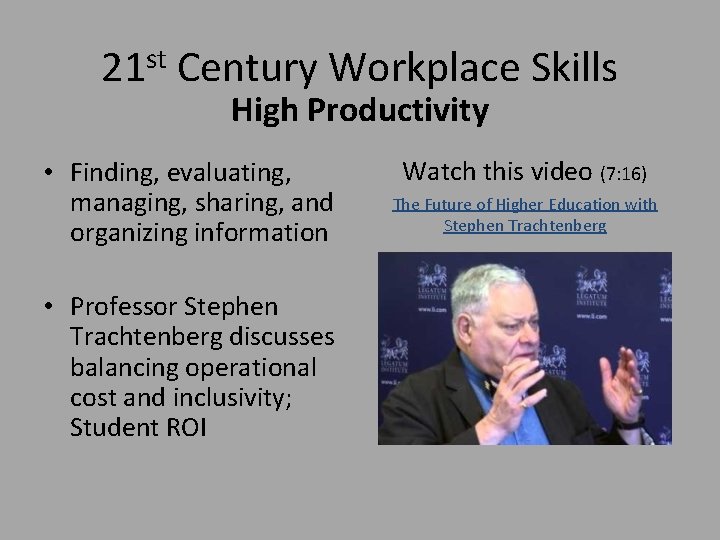
21 st Century Workplace Skills High Productivity • Finding, evaluating, managing, sharing, and organizing information • Professor Stephen Trachtenberg discusses balancing operational cost and inclusivity; Student ROI Watch this video (7: 16) The Future of Higher Education with Stephen Trachtenberg
NETS-S National Technology Standards for Students: • Empowered learner • Digital citizen • Knowledge constructor • Innovative designer • Computational thinker • Creative communicator • Global collaborator 7 Ways The ISTE Standards for Students Music Video Spark student interest in these crucial skills. http: //www. iste. org/standards/for-students
NETS-T National Technology Standards for Teachers: 1) 2) 3) 4) 5) Facilitate and inspire student learning and… Design and develop digital age learning… Model digital age work and… Promote and model digital citizenship and… Engage in professional growth and… http: //www. iste. org/standards/standards-forteachers
Tips for Success FOLLOW INSTRUCTIONS WHY? The art of learning new technologies = following step-by-step instructions READ WATCH Carefully Screencasts Don’t Skim or “Surf” Text Without Distractions
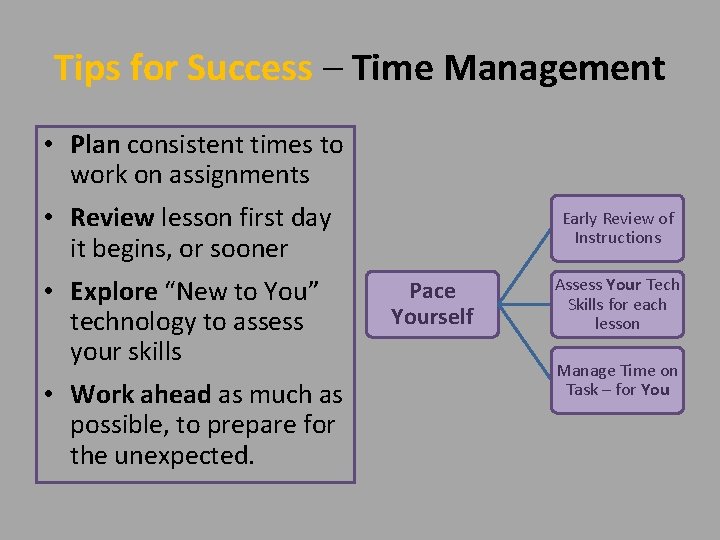
Tips for Success – Time Management • Plan consistent times to work on assignments • Review lesson first day it begins, or sooner • Explore “New to You” technology to assess your skills • Work ahead as much as possible, to prepare for the unexpected. Early Review of Instructions Pace Yourself Assess Your Tech Skills for each lesson Manage Time on Task – for You
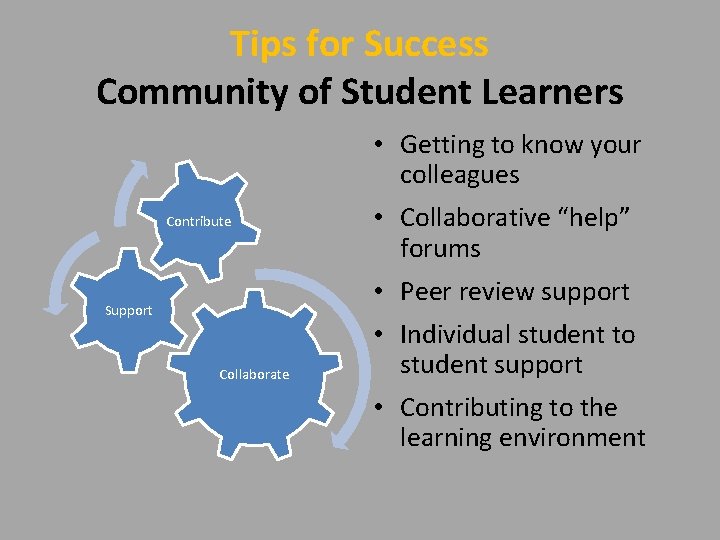
Tips for Success Community of Student Learners • Getting to know your colleagues Contribute • Collaborative “help” forums • Peer review support Support Collaborate • Individual student to student support • Contributing to the learning environment
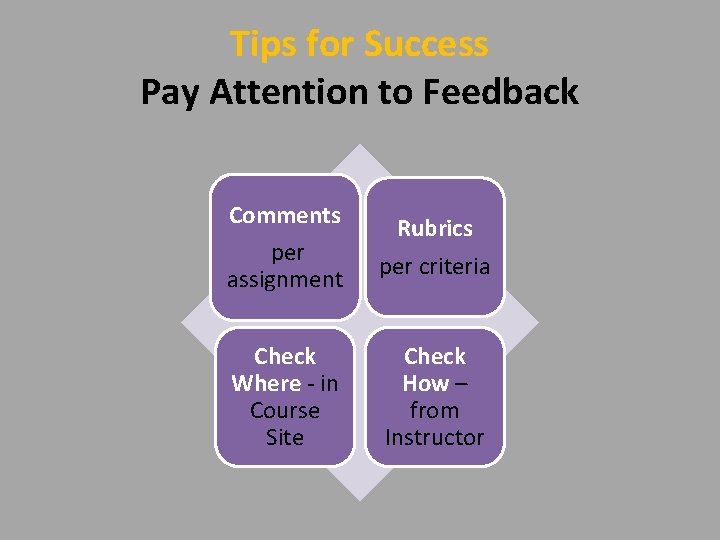
Tips for Success Pay Attention to Feedback Comments per assignment Check Where - in Course Site Rubrics per criteria Check How – from Instructor
Tips for Success Summary • PAY ATTENTION to the module videos, instructions, and rubrics. • DON’T LOSE POINTS for missed details. – Ask questions if you are not clear. • DON'T WAIT TO THE LAST MINUTE. – Personal technology issues are not acceptable reasons for late work. • GIVE YOURSELF TIME FOR TECHNICAL ISSUES that may come up. – Software behaves differently on different browsers and computers. Free software can be quirky. • REVIEW FEEDBACK for each assignment, to apply to future projects
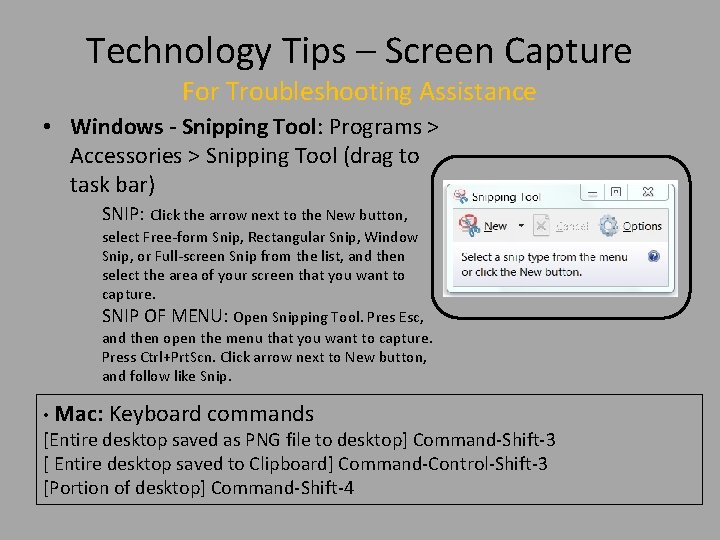
Technology Tips – Screen Capture For Troubleshooting Assistance • Windows - Snipping Tool: Programs > Accessories > Snipping Tool (drag to task bar) SNIP: Click the arrow next to the New button, select Free-form Snip, Rectangular Snip, Window Snip, or Full-screen Snip from the list, and then select the area of your screen that you want to capture. SNIP OF MENU: Open Snipping Tool. Pres Esc, and then open the menu that you want to capture. Press Ctrl+Prt. Scn. Click arrow next to New button, and follow like Snip. • Mac: Keyboard commands [Entire desktop saved as PNG file to desktop] Command-Shift-3 [ Entire desktop saved to Clipboard] Command-Control-Shift-3 [Portion of desktop] Command-Shift-4
Technology Tips – Blackboard • Online Course Survival Guide Pt 1 – Accessing Bb via My. ASU or directly – Bb browser test – Accessing Bb help – Screencast options • Full Screen • Playback speed • Online Course Survival Guide Pt 2 – Strategies for Success – Navigating a course in Bb • Grade Center • Bb Icons and what they mean • Submitting work • Submitting Links
![Media References • [Women Problem-solving] flickr. Retrieved 07/15/17 from COD Newsroom Photo. CC Some](http://slidetodoc.com/presentation_image_h2/a7c26b860eb30ed0c6f350be33de95f3/image-25.jpg "Media References • [Women Problem-solving] flickr. Retrieved 07/15/17 from COD Newsroom Photo. CC Some")
Media References • [Women Problem-solving] flickr. Retrieved 07/15/17 from COD Newsroom Photo. CC Some rights reserved • [Love ] Pixaby. Retrieved 07/ 12/17 from https: //pixabay. com/en/love-computer-happy-people 751527/. Public Domain • [Ai Urban Maching Mech Technology Robot] Maxpixel. Retrieved 07/12/17 from http: //maxpixel. freegreatpicture. com/Ai-Urban-Machine-Mech-Technology-Robot-2301646. Public Domain • [Job Fair] Nellis Air Force Base. Retrieved 07/12/17 from http: //www. nellis. af. mil/News/Art/igphoto/2000331968/mediaid/302083/ • [NOTCI – 21 st Century Skills for Workplace Success] NOTCI. Redtieved 07/26/17 from https: //www. youtube. com/watch? v=9 Lk 0 DDx. Bv. Cc • [AACTE 21 st Century Student Outcomes and Support Systems] AACTE & Partnership for 21 st Century Skills. Retrieved 07/26/17 from http: //www. p 21. org/storage/documents/aacte_p 21_whitepaper 2010. pdf • [The Future of Higher Education with Stephen Trachtenberg] Legatum Institute. Retrieved 07/16/17 from https: //www. youtube. com/watch? v=K 5 xn-g_-_MQ
- Slides: 25