
Introduction to 3 D Printing How to design
- Slides: 12
Introduction to 3 D Printing & How to design your own model today!
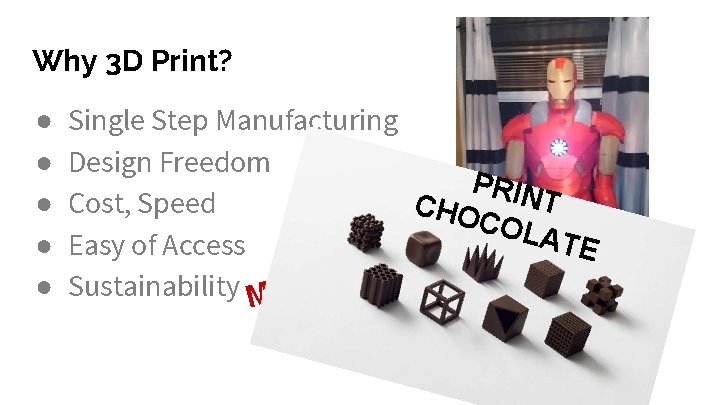
Why 3 D Print? ● ● ● Single Step Manufacturing Design Freedom PRIN T Cost, Speed CHO CNOL ATE W Easy of Access O R U O ! Sustainability MAKE Y N SUIT A M IRON
Additive & Subtractive Printing
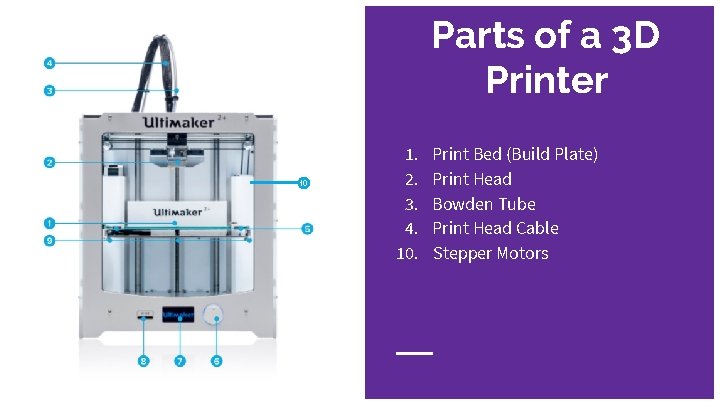
Parts of a 3 D Printer 10 1. 2. 3. 4. 10. Print Bed (Build Plate) Print Head Bowden Tube Print Head Cable Stepper Motors
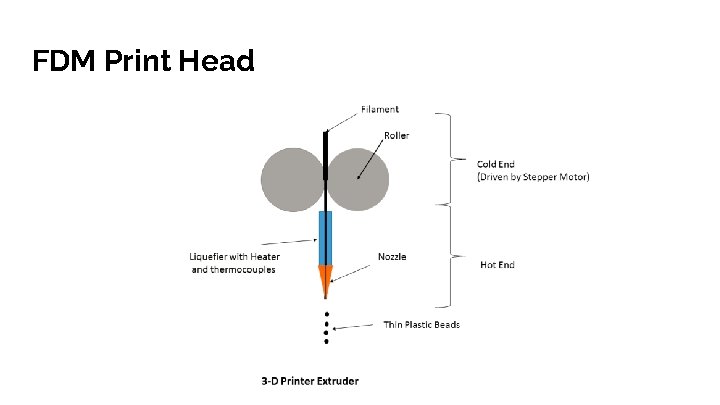
FDM Print Head
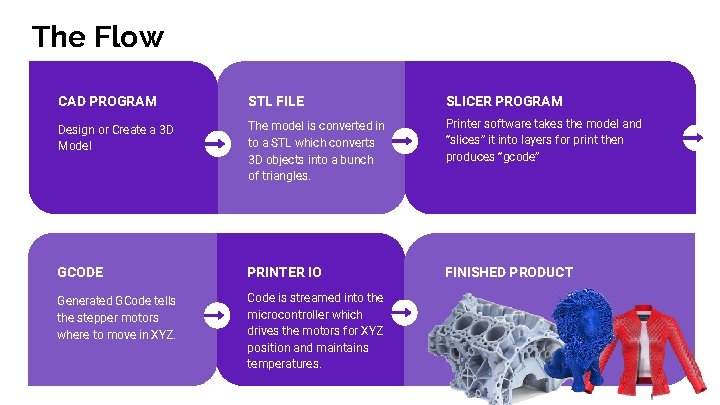
The Flow CAD PROGRAM STL FILE SLICER PROGRAM Design or Create a 3 D Model The model is converted in to a STL which converts 3 D objects into a bunch of triangles. Printer software takes the model and “slices” it into layers for print then produces “gcode” GCODE PRINTER IO FINISHED PRODUCT Generated GCode tells the stepper motors where to move in XYZ. Code is streamed into the microcontroller which drives the motors for XYZ position and maintains temperatures.
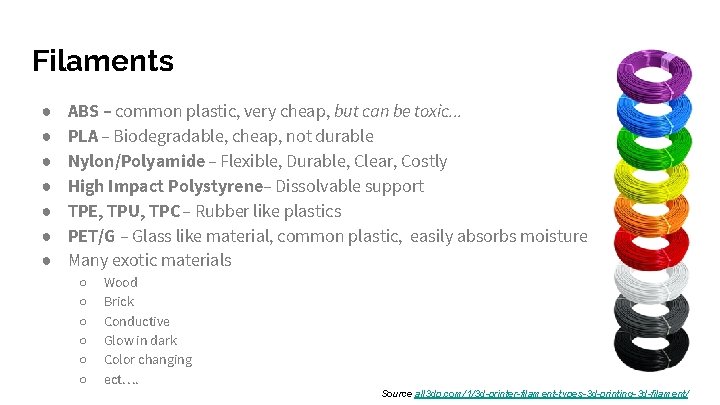
Filaments ● ● ● ● ABS – common plastic, very cheap, but can be toxic. . . PLA – Biodegradable, cheap, not durable Nylon/Polyamide – Flexible, Durable, Clear, Costly High Impact Polystyrene– Dissolvable support TPE, TPU, TPC – Rubber like plastics PET/G – Glass like material, common plastic, easily absorbs moisture Many exotic materials ○ ○ ○ Wood Brick Conductive Glow in dark Color changing ect…. Source all 3 dp. com/1/3 d-printer-filament-types-3 d-printing-3 d-filament/
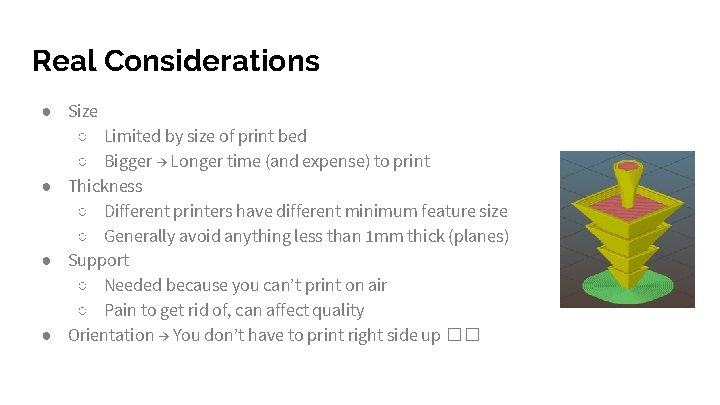
Real Considerations ● Size ○ Limited by size of print bed ○ Bigger → Longer time (and expense) to print ● Thickness ○ Different printers have different minimum feature size ○ Generally avoid anything less than 1 mm thick (planes) ● Support ○ Needed because you can’t print on air ○ Pain to get rid of, can affect quality ● Orientation → You don’t have to print right side up ��
Prebaked Models ● Thingiverse: A great site to share and find 3 D printable designs ● Pinshape: Another 3 D printable content sharing site ● My. Mini. Factory: A site where you can buy and sell 3 D printable designs ● Shapeways: Purchase parts that others have made via Shapeways
3 D CAD (Computer-Aided Design) ● Autodesk 123 D: A group of free apps and programs designed to make 3 D design easy ● Tinkercad: A very simple, free CAD program designed to create and print 3 D content. ● Sketch. Up: Another simple, easy to learn CAD program ● Open. SCAD: A 3 D design tool for programmers used to make easily modifiable designs ● Blender: A 3 D design tool used to design biological and natural shapes ● Plenty more. . . Solidworks. . .
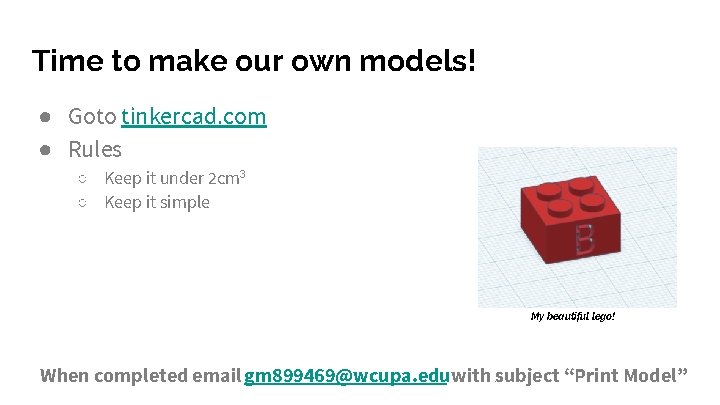
Time to make our own models! ● Goto tinkercad. com ● Rules ○ Keep it under 2 cm 3 ○ Keep it simple My beautiful lego! When completed email gm 899469@wcupa. eduwith subject “Print Model”