
INTRODUCTION MULTIMEDIA PRODUCTION PHOTOGRAPHY MUSIC ENGINEERING AUDIO PRODUCTION



- Slides: 29
INTRODUCTION: MULTIMEDIA PRODUCTION / PHOTOGRAPHY / MUSIC ENGINEERING (AUDIO PRODUCTION) Instructor: Ms. Copeland
Welcome!
Today’s Overview 1 • Student Expectations / Course Objectives 2 • Environment: Class Rules and Expectations 3 • Icebreaker: I Am …. You Are….
Today’s Overview 4 • Soft Skills: Communicating Effectively 5 • Learning Styles 6 • Assignment: Learning Style Inventory
Student Expectations • • What prompted you to take Multimedia / Photography / Music Engineering? What do you think a class in Multimedia / Photography / TV, Music Engineering covers? Are you familiar with the CTE Visual Arts Pathway? If so, are you planning on possibly pursuing the CTE Visual Arts Pathway? – Introductory: Multimedia Production / Photography / Computer Art Capstone: TV, Film and Digital Media, Design Studio, 3 D Design – You will need to complete two of the courses above STRONGLY SUGGESTED: BACK YOUR WORK UP! USE A FLASH DRIVE, EXTERNAL HARD DRIVE or CLOUD STORAGE (GOGGLE DRIVE, ONE DRIVE, i. CLOUD, DROPBOX, etc. )
Course Objectives
Course Objectives Multimedia • Multimedia provides entry-level training in media production and technology. Instruction covers Photoshop, Flash, Illustrator, and / or In. Design with a focus on preparation for the Adobe Certified Associate (ACA) Professional Exams. • REQUIREMENTS: Reading / Note taking / Project Based Exercises / Class Portfolio (website) • You will learn basic computer operation and terminology, file management and integration, computer graphics, desktop publishing, multimedia authoring and presentation and computer animation. Employment opportunities include media production specialist, web designer, animator, graphic designer and desktop publisher. MATERIALS NEEDED: FLASH DRIVE (4 GB minimum) NOTEBOOK (optional)
Course Objectives Photography • This course will help you become well rounded in the fundamentals of digital photography. • Four areas of instruction will be emphasized: – How cameras work – How composition works – How lighting works – How to use photo editing software • You will generally receive basic instruction, and skill or photographic demonstration at the beginning of each project (as applicable).
Course Objectives Photography • You will be required to go outside and shoot assignments, based on what we are learning. You will then create a slide presentation featuring your photos and an analysis of them. This is how you will be graded for the assignments. • OUTCOME: You will see what makes a successful photo and what does not. • At the end of this course, you will: – Know how to use various features of the camera to have creative control of your photographs. – See how composition can make or break a photograph. – Understand how to use Photoshop to edit your images.
Course Objectives Photography • Equipment we will use includes computers, digital cameras, tripods and peripherals. • REQUIREMENTS: • Reading / Note taking / Project Based Exercises / Class Portfolio (website) MATERIALS NEEDED: FLASH / JUMP DRIVE (4 GB minimum) NOTEBOOK
Course Objectives Music Engineering (Audio Production) • This course provides entry-level training in the art of audio production and mixing. Employment possibilities include Master Control Engineer, Audio/Visual Manager and Audio Visual Technician. Instruction covers the following areas: operating audio equipment such as: microphones, speakers, recording equipment, cabling, and mixing boards. Students use equipment which includes: i. Mac and Mac Pro computers, mixing boards, Logic and Pro Tools software, midi boxes, microphones, monitor speakers and the sound room. • The creative and technical process of project management is taught with an emphasis placed on concept to completion planning. Instruction covers the pre-production, production and post-production processes. • REQUIREMENTS: Reading / Note taking / Project Based Exercises / Class Portfolio (website) MATERIALS NEEDED: FLASH DRIVE (32 gig), NOTEBOOK (optional)
Environment: Class Rules and Expectations
Exercise: Class Rules and Expectations • For this class, you will be working in a computer lab with access to and use of other expensive equipment (computers and interfaces, digital cameras, camcorders, microphones, headphones), which you could be financially responsible for. • What type of things do you think would be good practices for such an environment?
Class Rules and Expectations • NO food or drink allowed! • THIS INCLUDES GUM • Beverages with twist on tops must be kept away from computers and put away. • NO electronics: I DO NOT GIVE WARNINGS! • NO USING OR CHARGING OF PHONES, IPODS, ETC. UNLESS PRIOR PERMISSION IS GIVEN BY ME! • Visible items will be confiscated and may require parent pick-up. • NO inappropriate use of the internet or equipment • No games, movies, or videos. • DO NOT UNPLUG OR MOVE THE COMPUTERS OR PERIPHERALS
Class Rules and Expectations • Respect those around you! – NO loud talking or foul language • Punctuality • Arrive on time and be in your seat when the tardy bell rings or you will be counted tardy • Participation • Participate in class discussions and activities • Place your chair under the table and leave your workstation clean and neat for the next student!
I am…. You are…. OPENING WEEK ICE BREAKER PPTX
So far we have discussed: 1 • Student Expectations / Course Objectives 2 • Environment: Class Rules and Expectations 3 • Ice Breaker: I Am…. You Are….
Lastly, we’ll look at: 4 • Soft Skills: Communicating Effectively 5 • Learning Styles 6 • Assignment: Learning Style Inventory
SOFT SKILLS: Listening Skills and Spoken Communication 2017 (Communicating Effectively) All rights reserved.
SOFT SKILLS: Netiquette 2017 (Communicating Effectively) All rights reserved.
REVIEW: What do you know? Kahoot. It – Multimedia, Photography, Music Engineering 2017 -2018
Learning Styles
Learning Styles • Multimodal – using a variety of styles to learn • Visual – prefer pictures, charts, colors, symbols, gestures and picturesque language • Reading and Writing – learn by hearing or seeing words repeated, taking and studying notes, putting pictures or actions into words • Auditory (Aural) – learn by listening • Tactile / Kinesthetic – learn by doing and speaking or talking about a subject
Assignment: Learning Styles
Assignment: Learning Styles Inventory • Getting Started: Access www. vark-learn. com Click Questionnaire > The vark questionnaire for younger people When finished, click OK. Make a note of the top two types of learning modalities that fit you best. – Break into groups by learning style. – Create a Power. Point / Google Slides presentation about your learning style entitled “How I Learn Best – (your learning style)” which summarizes information about your learning style. – Check class website for completed examples: – – • cvhmultimedia. weebly. com • cvhphotography-copeland. weebly. com
Assignment: Learning Styles Inventory • Presentation Creation - PPTX: – A title slide with graphic about your learning modality. You will need graphics for each of your slides. – A slide defining the particular learning modality you’ll be discussing. – Five (5) study strategies that can benefit you based on your learning modality – One (1) question to pose to the class that is answerable from your presentation – An answer slide containing question posed to class and an answer to that question. – Credits slide with group names and responsibilities. – Save your presentation to your student ID, a Flash Drive, Google Drive / Docs, i. Cloud or another external system. • YOUR GROUP WILL BE PRESENTING THE PPTX / SLIDES TO THE CLASS.
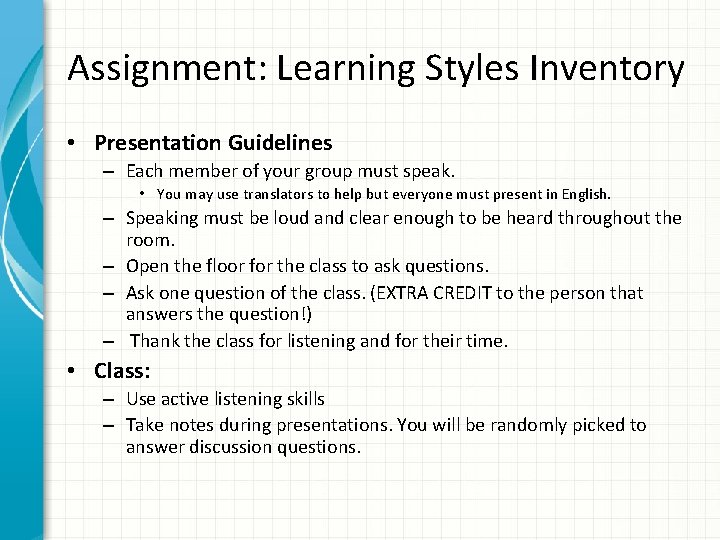
Assignment: Learning Styles Inventory • Presentation Guidelines – Each member of your group must speak. • You may use translators to help but everyone must present in English. – Speaking must be loud and clear enough to be heard throughout the room. – Open the floor for the class to ask questions. – Ask one question of the class. (EXTRA CREDIT to the person that answers the question!) – Thank the class for listening and for their time. • Class: – Use active listening skills – Take notes during presentations. You will be randomly picked to answer discussion questions.
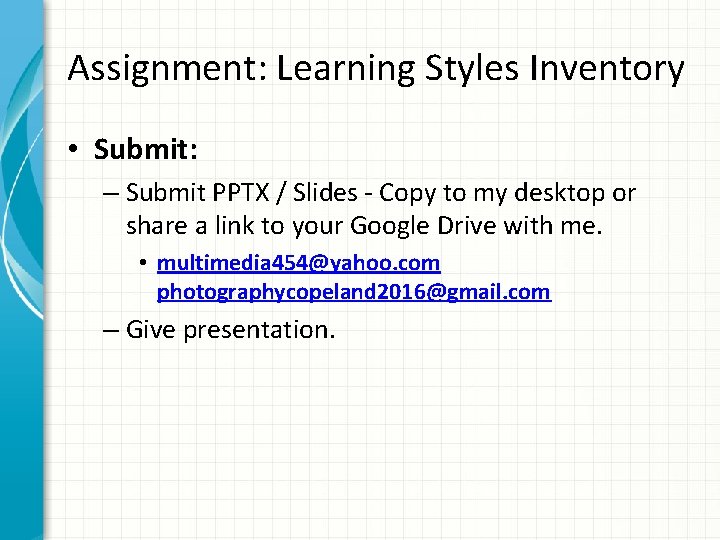
Assignment: Learning Styles Inventory • Submit: – Submit PPTX / Slides - Copy to my desktop or share a link to your Google Drive with me. • multimedia 454@yahoo. com photographycopeland 2016@gmail. com – Give presentation.
Welcome!