
INTRODUCTION Distance Learning Virtual university eEducation Adobe Connect

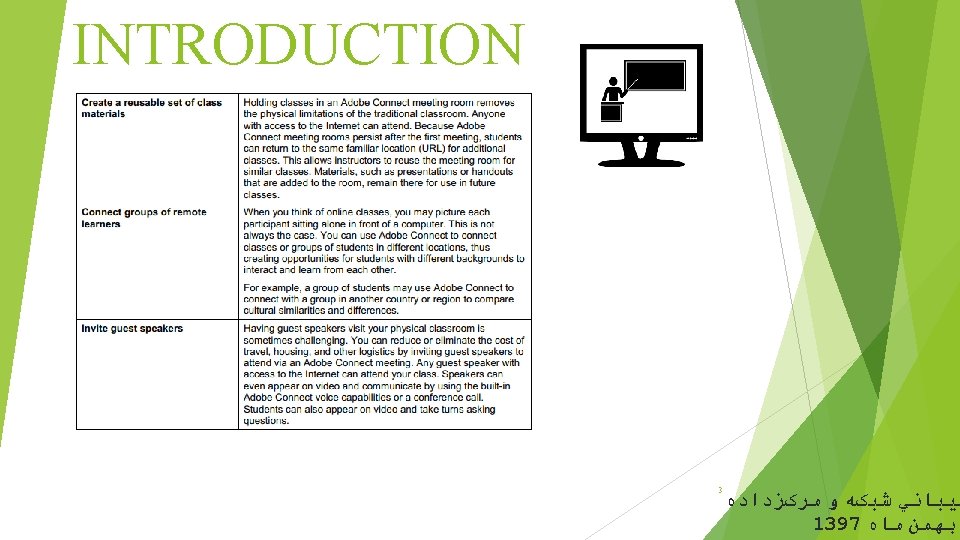

INTRODUCTION Distance Learning Virtual university e-Education Adobe Connect Getting Started Guide OVERVIEW Adobe Connect is Emory University’s web conferencing tool that gives faculty and staff the ability to host online meetings, webinars, and publish on-demand rich media content. Adobe Connect is a solution that is comprised of the following modules: ● Adobe Connect Web Meetings - This module allows you to conduct live, real-time, online meetings. ● Adobe Connect EventsWebinars - This module allows you to create registration pages for online events, meetings, virtual classrooms or other types of content. ● Adobe Connect Pro Authoring – This module allows you to publish. ppts, . swfs, . flvs, . zip, . imgs, . mp 3 s, . mp 4 s, . htmls, and. pdfs to Connect so your end users can access this content via the web. 4 This module is typically used to produce on-demand content. ﺘﻴﺒﺎﻧﻲ ﺷﺒکﻪ ﻭ ﻣﺮکﺰﺩﺍﺩﻩ 1397 ﺑﻬﻤﻦ ﻣﺎﻩ
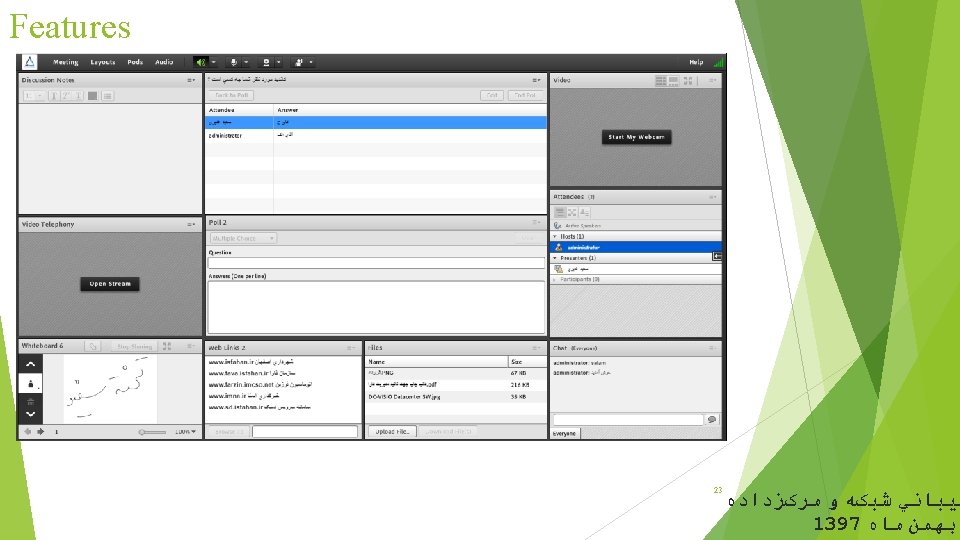
Adobe INTRODUCTION Adobe Connect Web Conferencing Software Features: Ø Manage users and participants in the web conferencing (the ability to fully manage the session manager or instructor on the entire participant) Ø Share Web Links Ø Share Smart Whiteboard (for teaching or presentation) Ø Communication between members in visual, audio or written form Ø Ability to share personal computer screen or operating system for other attendees at a meeting Ø Capable of recording sessions and sharing recorded sessions Ø Share any file between the attendees at the meeting Ø Hold polls and polls to get feedback from participants Ø Specially for virtual classes and applicable to universities and educational institutions Ø No need for dedicated IP for users 5 ﺘﻴﺒﺎﻧﻲ ﺷﺒکﻪ ﻭ ﻣﺮکﺰﺩﺍﺩﻩ 1397 ﺑﻬﻤﻦ ﻣﺎﻩ
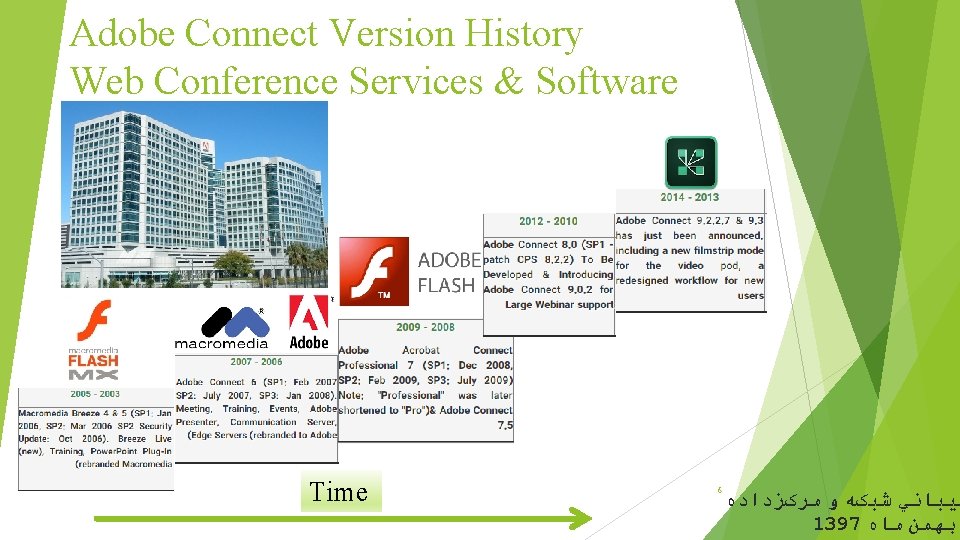
Adobe Connect Version History Web Conference Services & Software Time 6 ﺘﻴﺒﺎﻧﻲ ﺷﺒکﻪ ﻭ ﻣﺮکﺰﺩﺍﺩﻩ 1397 ﺑﻬﻤﻦ ﻣﺎﻩ
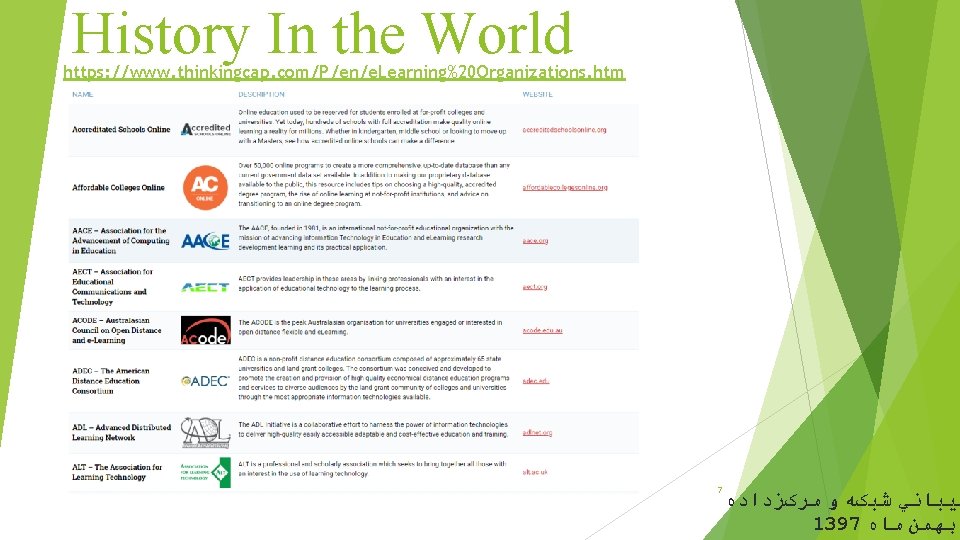
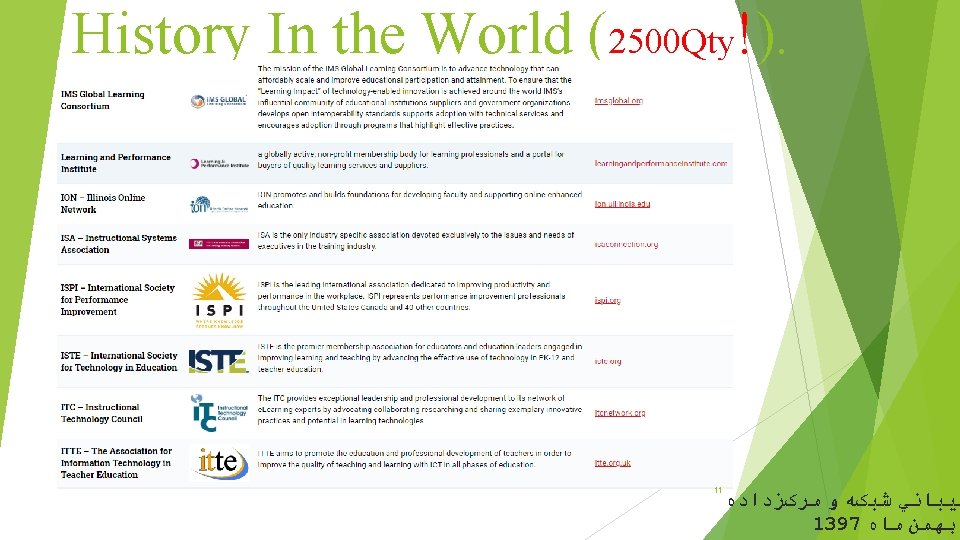
History In the World https: //www. thinkingcap. com/P/en/e. Learning%20 Organizations. htm 7 ﺘﻴﺒﺎﻧﻲ ﺷﺒکﻪ ﻭ ﻣﺮکﺰﺩﺍﺩﻩ 1397 ﺑﻬﻤﻦ ﻣﺎﻩ



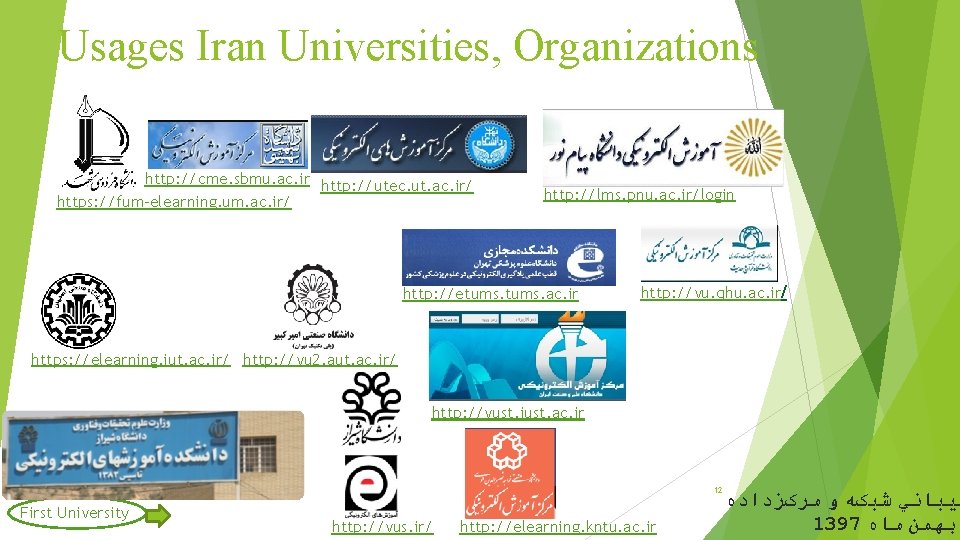
Usages Iran Universities, Organizations http: //cme. sbmu. ac. ir http: //utec. ut. ac. ir/ https: //fum-elearning. um. ac. ir/ http: //lms. pnu. ac. ir/login http: //etums. ac. ir http: //vu. qhu. ac. ir/ https: //elearning. iut. ac. ir/ http: //vu 2. aut. ac. ir/ http: //vust. iust. ac. ir 12 First University http: //vus. ir/ http: //elearning. kntu. ac. ir ﺘﻴﺒﺎﻧﻲ ﺷﺒکﻪ ﻭ ﻣﺮکﺰﺩﺍﺩﻩ 1397 ﺑﻬﻤﻦ ﻣﺎﻩ
Usage IN IRAN Organizations 13 http: //meeting. tehran. ir ﺘﻴﺒﺎﻧﻲ ﺷﺒکﻪ ﻭ ﻣﺮکﺰﺩﺍﺩﻩ 1397 ﺑﻬﻤﻦ ﻣﺎﻩ
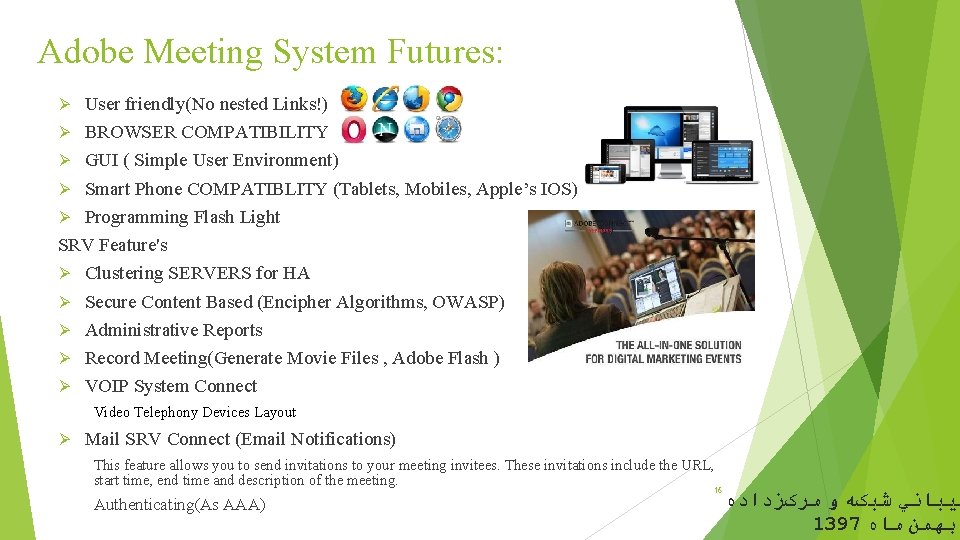
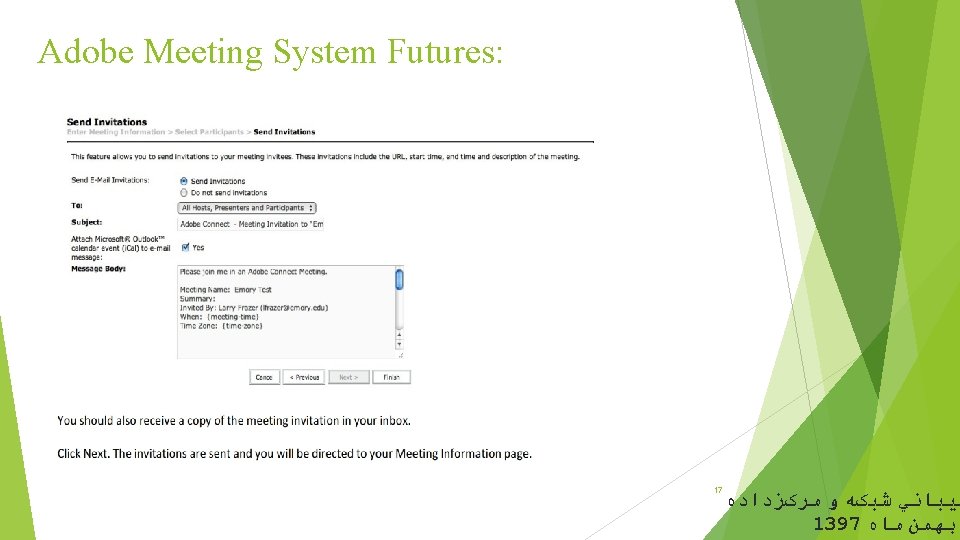
Adobe Meeting System Futures: User friendly(No nested Links!) Ø BROWSER COMPATIBILITY Ø GUI ( Simple User Environment) Ø Smart Phone COMPATIBLITY (Tablets, Mobiles, Apple’s IOS) Ø Programming Flash Light SRV Feature's Ø Clustering SERVERS for HA Ø Secure Content Based (Encipher Algorithms, OWASP) Ø Administrative Reports Ø Record Meeting(Generate Movie Files , Adobe Flash ) Ø VOIP System Connect Ø Video Telephony Devices Layout Ø Mail SRV Connect (Email Notifications) This feature allows you to send invitations to your meeting invitees. These invitations include the URL, start time, end time and description of the meeting. Authenticating(As AAA) 16 ﺘﻴﺒﺎﻧﻲ ﺷﺒکﻪ ﻭ ﻣﺮکﺰﺩﺍﺩﻩ 1397 ﺑﻬﻤﻦ ﻣﺎﻩ
Requirements Server Side 2 GHz quad-core Intel Xeon or faster 16 GB RAM or greater 4 GB of available hard disk space for an enterprise installation, 150 GB of available hard disk space for content storage; disk space requirements increase as more content is stored NTFS file system Network requirements/100 Mbps Ethernet (1 Gbps recommended) Port requirements/1935 (RTMP), 80 or other HTTP port, 443 if SSL is enabled; 25 for SMTP (optional); 1433 for external database (optional) SSL Hardware Accelerator recommended Note: HDD space and RAM vary depending on whether components such as CQ and FMG are installed locally with Adobe Connect or on stand-alone servers. Shared storage requirements Hard disk specs: 10, 000– 15, 000 RPM — Fibre Channel preferred Network link: TCP/IP — 1 Gig. E I/O throughput or better Controller: Dual controllers with Active/Active multi-path capability Protocol: CIFS or equivalent Note: To deploy Adobe Connect Server with network attached storage or storage area networks, the above specifications are recommended. Note that your needs will vary depending on deployment 18 ﻣﺮکﺰﺩﺍﺩﻩ size and usage. ﺘﻴﺒﺎﻧﻲ ﺷﺒکﻪ ﻭ 1397 ﺑﻬﻤﻦ ﻣﺎﻩ
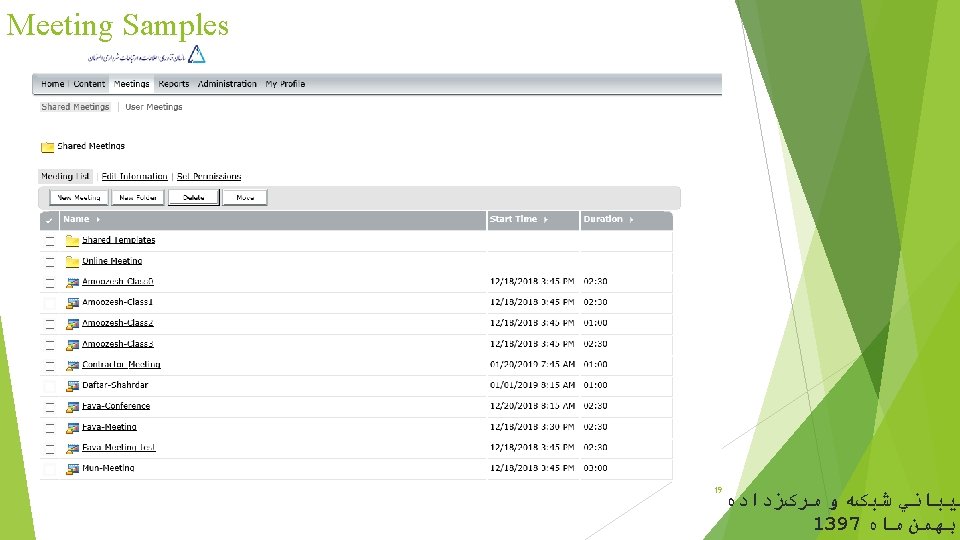
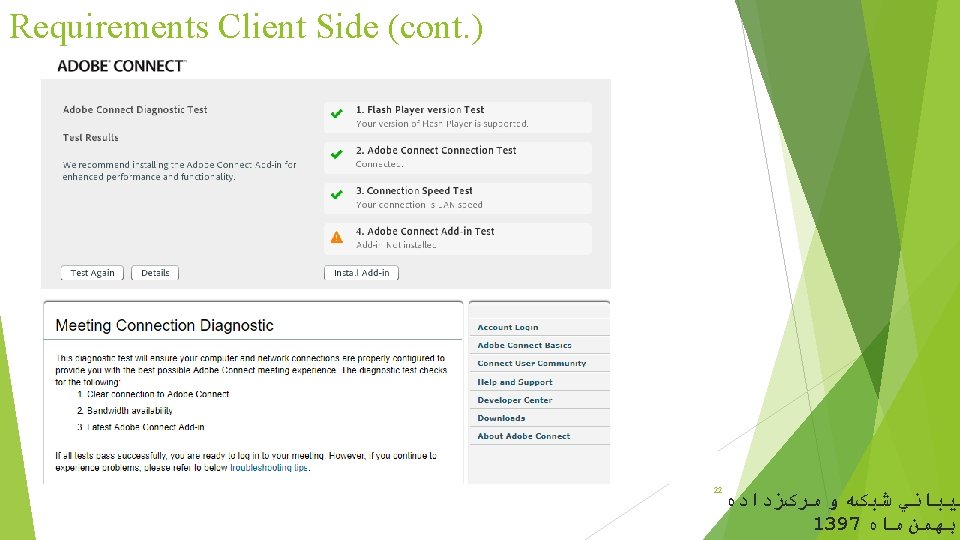
Requirements Client Side (cont. ) Internet Connection - Minimum bandwidth requirement is 700 kbs up, 1 mb down preferred. Windows ● 1. 4 GHz Intel® Pentium® 4 or faster processor for Microsoft® Windows® XP, Windows 7 or Windows 8 ● Windows 8. 1 (32 -bit/64 -bit), Windows 8 (32 -bit/64 -bit), Windows 7 (32 -bit/64 -bit), Windows XP ● 512 MB of RAM (1 GB recommended) for Windows XP, Windows 7 or Windows 8 ● Microsoft Internet Explorer 8, 9, 10, 11; Mozilla Firefox; Google Chrome Mac OS ● 1. 83 GHz Intel Core™ Duo or faster processor ● 512 MB of RAM (1 GB recommended) · Mac OS X 10. 7. 4, 10. 8, 10. 9 ● Mozilla Firefox; Apple Safari; Google Chrome Linux ● Ubuntu 12. 04; Red Hat Enterprise Linux 6; Open. Su. SE 12. 2 ● No Add-in support for Linux. Users on Linux can attend meetings in the browser. ● Mozilla Firefox Mobile ● Apple supported devices: i. Phone 5 S, i. Phone 5, i. Phone 4 S, i. Pad with Retina display, i. Pad 3, i. Pad 2, i. Pad mini, and i. Pod touch (4 th & 5 th generations) ● Apple supported OS versions summary: i. OS 6 and higher ● Android supported devices: Motorola DROID RAZR MAXX, Motorola Atrix, Motorola Xoom, Samsung Galaxy Tab 2 10. 1, Samsung Galaxy S 3 & S 4, Nexus 7 tablet ● Android supported OS versions summary: 2. 3. 4 and higher NOTE: - On Android devices, the Adobe Connect Mobile 2. 1 app no longer requires the Adobe AIR Runtime to be installed. - All features of Adobe Connect Mobile are supported when attending meetings on Adobe Connect Server version 8. 2 and higher, from a supported mobile device. - New features added in Adobe Connect Mobile 2. 1 may not be enabled in all Adobe Connect Server meetings running on an 8. 1 or older server. 21 ﺘﻴﺒﺎﻧﻲ ﺷﺒکﻪ ﻭ ﻣﺮکﺰﺩﺍﺩﻩ 1397 ﺑﻬﻤﻦ ﻣﺎﻩ
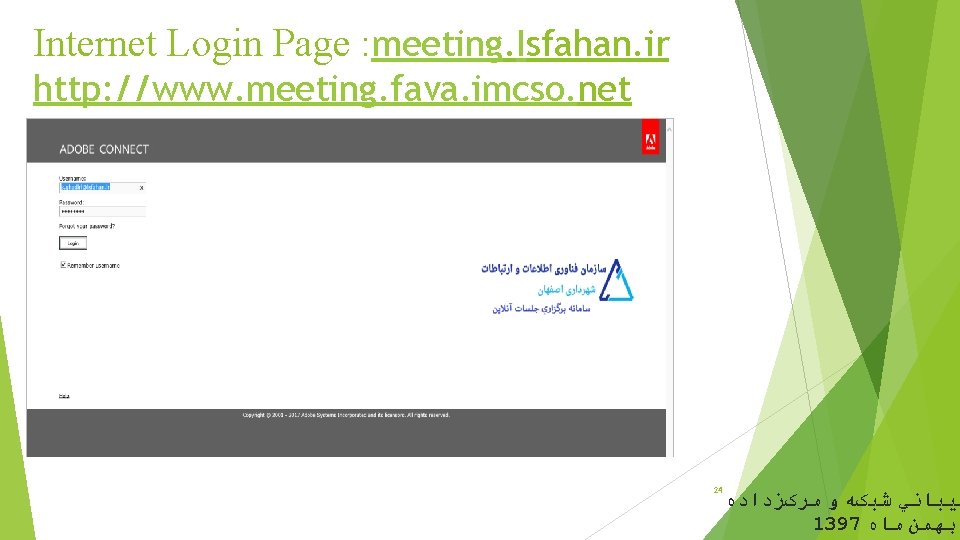
Internet Login Page : meeting. Isfahan. ir http: //www. meeting. fava. imcso. net 24 ﺘﻴﺒﺎﻧﻲ ﺷﺒکﻪ ﻭ ﻣﺮکﺰﺩﺍﺩﻩ 1397 ﺑﻬﻤﻦ ﻣﺎﻩ
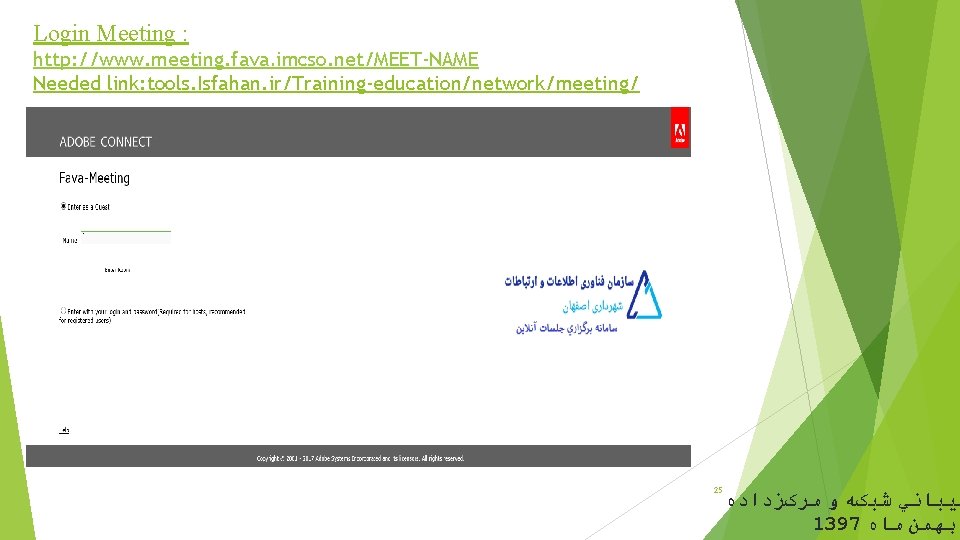
Login Meeting : http: //www. meeting. fava. imcso. net/MEET-NAME Needed link: tools. Isfahan. ir/Training-education/network/meeting/ 25 ﺘﻴﺒﺎﻧﻲ ﺷﺒکﻪ ﻭ ﻣﺮکﺰﺩﺍﺩﻩ 1397 ﺑﻬﻤﻦ ﻣﺎﻩ
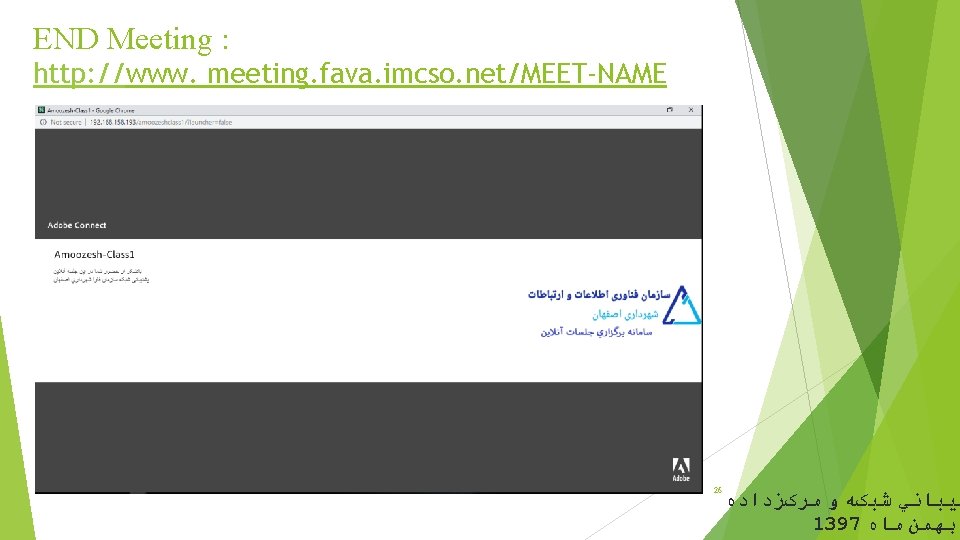
END Meeting : http: //www. meeting. fava. imcso. net/MEET-NAME 26 ﺘﻴﺒﺎﻧﻲ ﺷﺒکﻪ ﻭ ﻣﺮکﺰﺩﺍﺩﻩ 1397 ﺑﻬﻤﻦ ﻣﺎﻩ
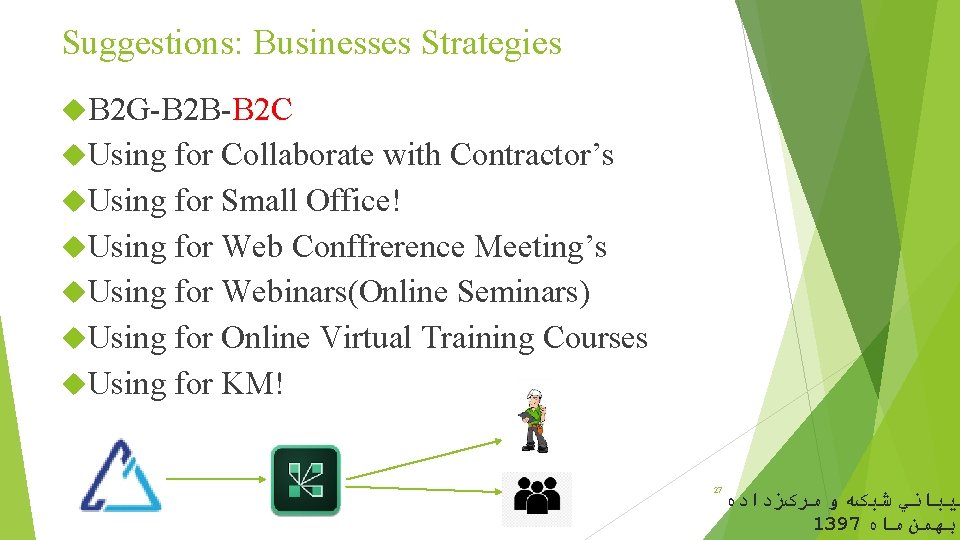
Suggestions: Businesses Strategies B 2 G-B 2 B-B 2 C Using for Collaborate with Contractor’s Using for Small Office! Using for Web Conffrerence Meeting’s Using for Webinars(Online Seminars) Using for Online Virtual Training Courses Using for KM! 27 ﺘﻴﺒﺎﻧﻲ ﺷﺒکﻪ ﻭ ﻣﺮکﺰﺩﺍﺩﻩ 1397 ﺑﻬﻤﻦ ﻣﺎﻩ

- Slides: 29