
Introduction CS 370 Operating Systems This lecture is
- Slides: 15
Introduction – CS 370 Operating Systems This lecture is partially derived from online material copyright Silberschatz, Galvin and Gagne, and partially adopted from online class notes from Prof John Kubiatowicz, Copyright © 2007 UCB © Drexel University Software Engineering Research Group (SERG) http: //serg. cs. drexel. edu 1
So what is an OS? Computer hardware requires software to perform useful operations Types of software n n Systems Programs: manage the operation of the computer itself Application Programs: solve user problems The Operating System (OS) is the most fundamental of all systems programs n n OS OS controls ALL of the computers resources provides VALUABLE services to user programs COORDINATES the execution of user programs PROVIDES resources to user programs © Drexel University Software Engineering Research Group (SERG) http: //serg. cs. drexel. edu 2
Why Use Operating Systems Directly interfacing user programs with hardware is COMPLEX Building programs for specific computer architectures is not portable If every program included code to interface with the computer hardware n n n Redundancy Inconsistent quality Inefficient use of resources DESIRE => Shield programmers from the complexity of the hardware n n OS is a layer that sits on top of the hardware OS provides an interface or virtual machine that is easy to understand program © Drexel University Software Engineering Research Group (SERG) http: //serg. cs. drexel. edu 3
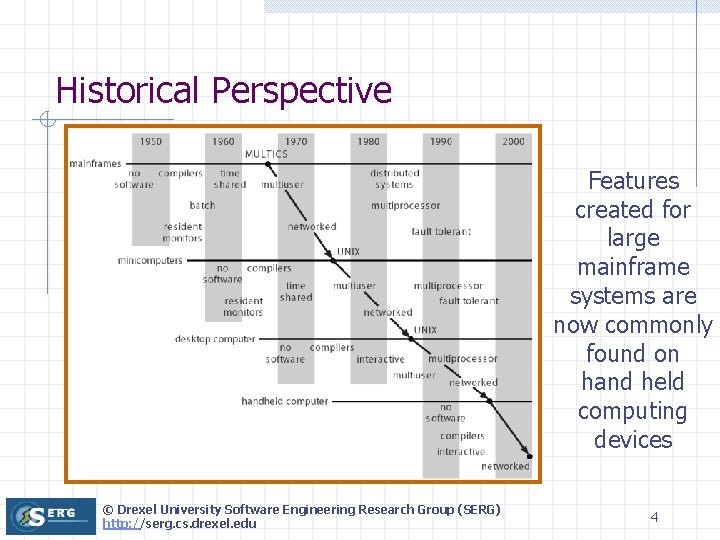
Historical Perspective Features created for large mainframe systems are now commonly found on hand held computing devices © Drexel University Software Engineering Research Group (SERG) http: //serg. cs. drexel. edu 4
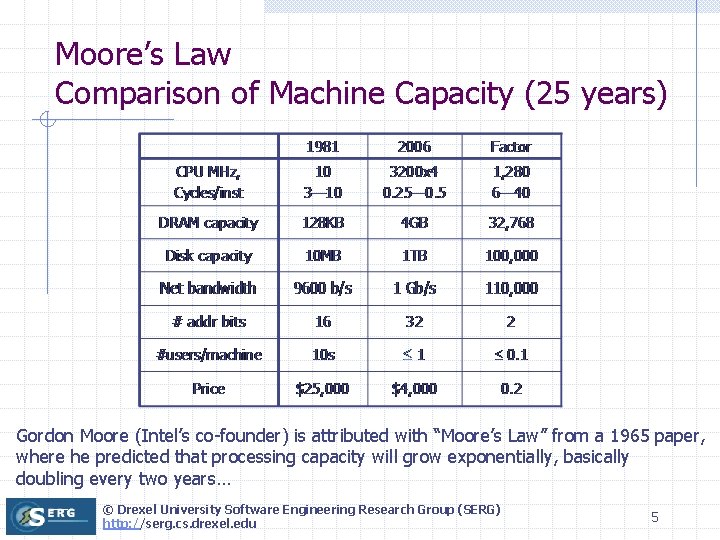
Moore’s Law Comparison of Machine Capacity (25 years) Gordon Moore (Intel’s co-founder) is attributed with “Moore’s Law” from a 1965 paper, where he predicted that processing capacity will grow exponentially, basically doubling every two years… © Drexel University Software Engineering Research Group (SERG) http: //serg. cs. drexel. edu 5
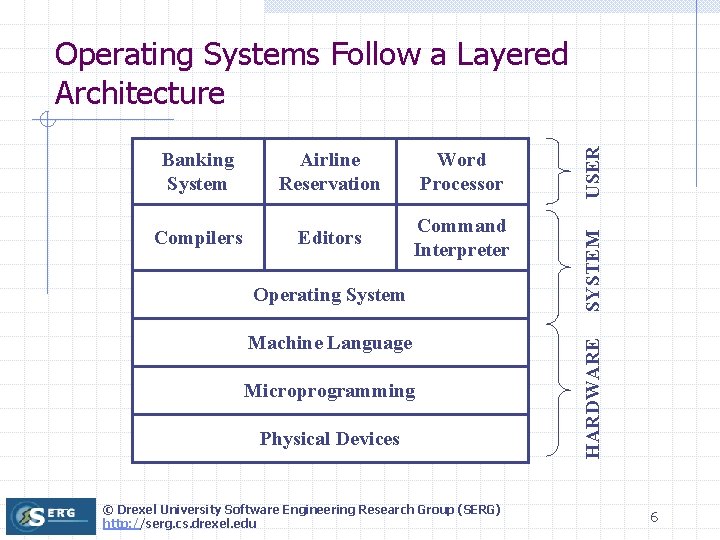
Word Processor Compilers Editors Command Interpreter Operating System Machine Language Microprogramming Physical Devices © Drexel University Software Engineering Research Group (SERG) http: //serg. cs. drexel. edu SYSTEM Airline Reservation HARDWARE Banking System USER Operating Systems Follow a Layered Architecture 6
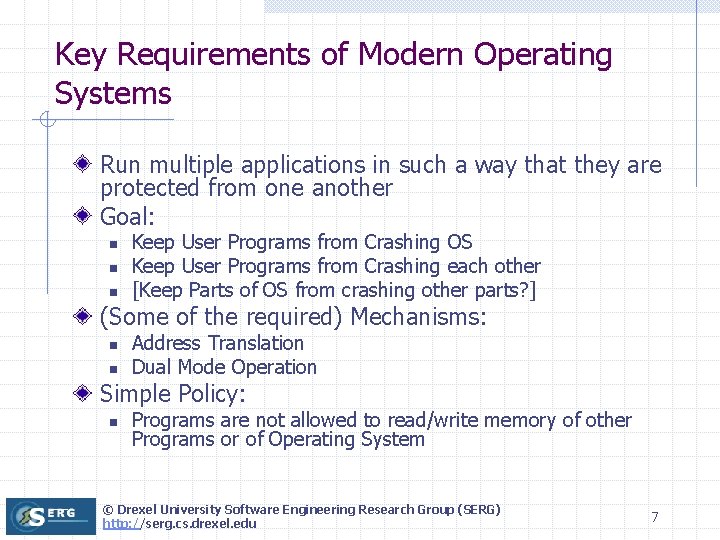
Key Requirements of Modern Operating Systems Run multiple applications in such a way that they are protected from one another Goal: n n n Keep User Programs from Crashing OS Keep User Programs from Crashing each other [Keep Parts of OS from crashing other parts? ] (Some of the required) Mechanisms: n n Address Translation Dual Mode Operation Simple Policy: n Programs are not allowed to read/write memory of other Programs or of Operating System © Drexel University Software Engineering Research Group (SERG) http: //serg. cs. drexel. edu 7
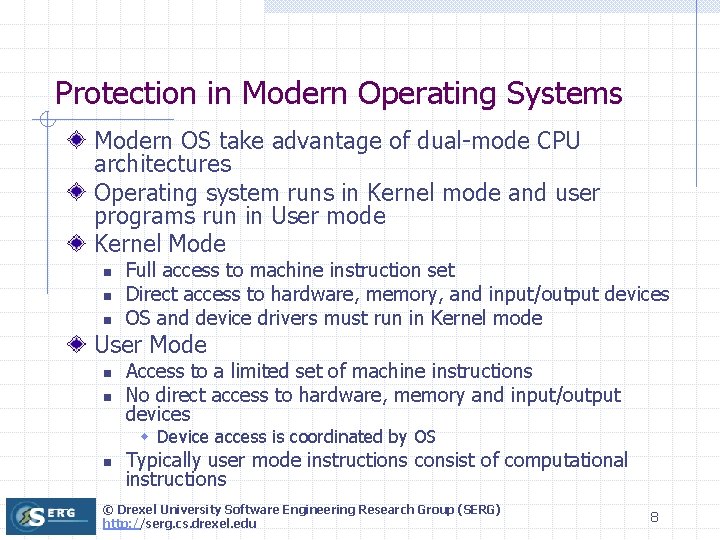
Protection in Modern Operating Systems Modern OS take advantage of dual-mode CPU architectures Operating system runs in Kernel mode and user programs run in User mode Kernel Mode n n n Full access to machine instruction set Direct access to hardware, memory, and input/output devices OS and device drivers must run in Kernel mode User Mode n n Access to a limited set of machine instructions No direct access to hardware, memory and input/output devices w Device access is coordinated by OS n Typically user mode instructions consist of computational instructions © Drexel University Software Engineering Research Group (SERG) http: //serg. cs. drexel. edu 8
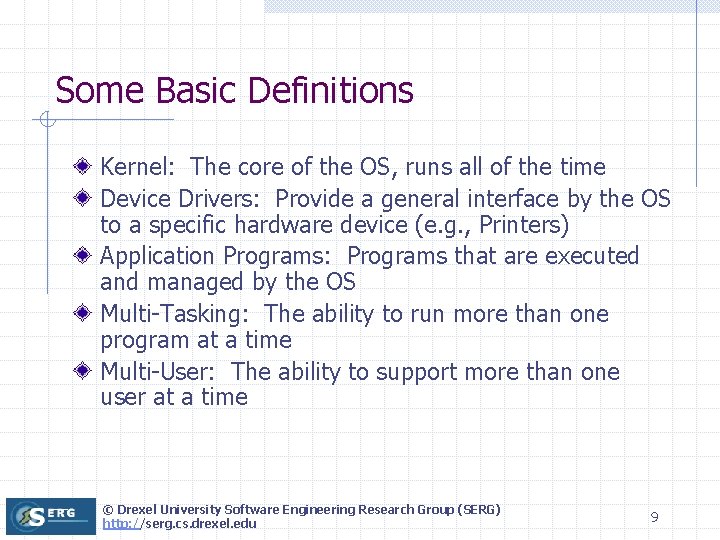
Some Basic Definitions Kernel: The core of the OS, runs all of the time Device Drivers: Provide a general interface by the OS to a specific hardware device (e. g. , Printers) Application Programs: Programs that are executed and managed by the OS Multi-Tasking: The ability to run more than one program at a time Multi-User: The ability to support more than one user at a time © Drexel University Software Engineering Research Group (SERG) http: //serg. cs. drexel. edu 9
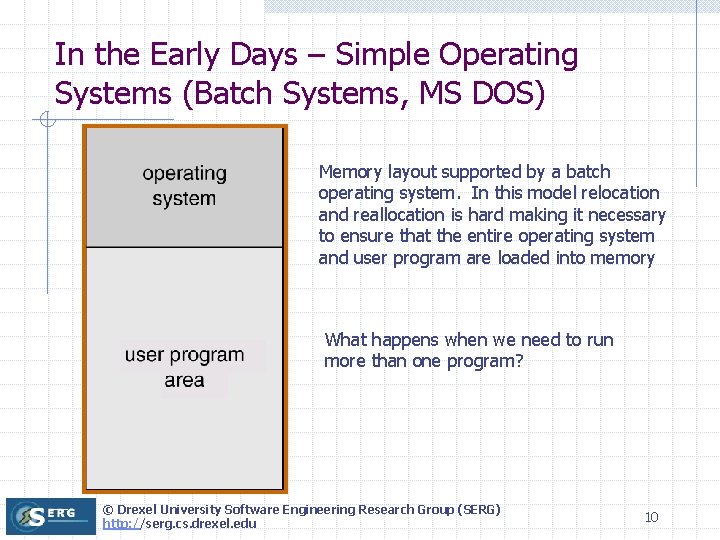
In the Early Days – Simple Operating Systems (Batch Systems, MS DOS) Memory layout supported by a batch operating system. In this model relocation and reallocation is hard making it necessary to ensure that the entire operating system and user program are loaded into memory What happens when we need to run more than one program? © Drexel University Software Engineering Research Group (SERG) http: //serg. cs. drexel. edu 10
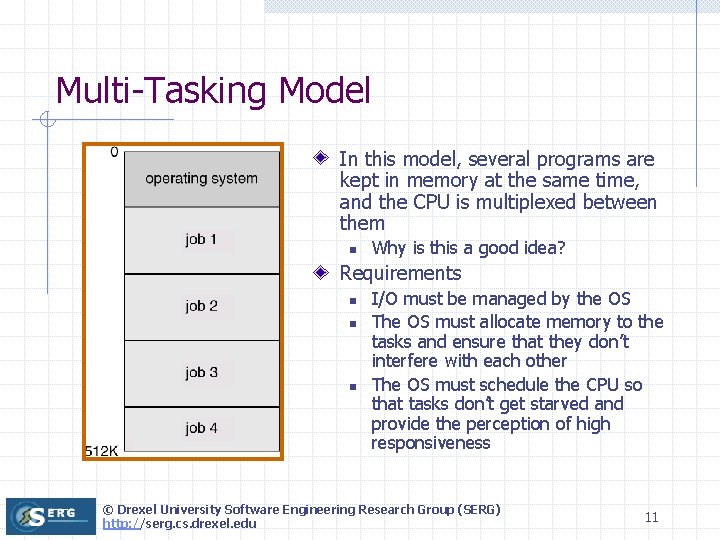
Multi-Tasking Model In this model, several programs are kept in memory at the same time, and the CPU is multiplexed between them n Why is this a good idea? Requirements n n n I/O must be managed by the OS The OS must allocate memory to the tasks and ensure that they don’t interfere with each other The OS must schedule the CPU so that tasks don’t get starved and provide the perception of high responsiveness © Drexel University Software Engineering Research Group (SERG) http: //serg. cs. drexel. edu 11
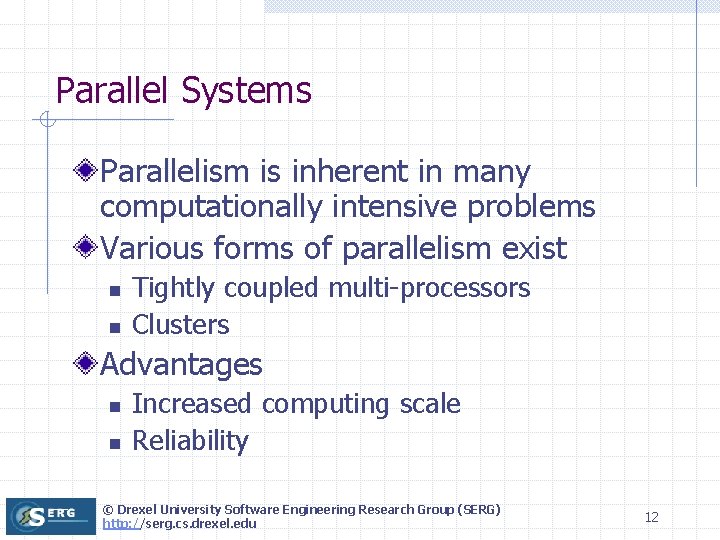
Parallel Systems Parallelism is inherent in many computationally intensive problems Various forms of parallelism exist n n Tightly coupled multi-processors Clusters Advantages n n Increased computing scale Reliability © Drexel University Software Engineering Research Group (SERG) http: //serg. cs. drexel. edu 12
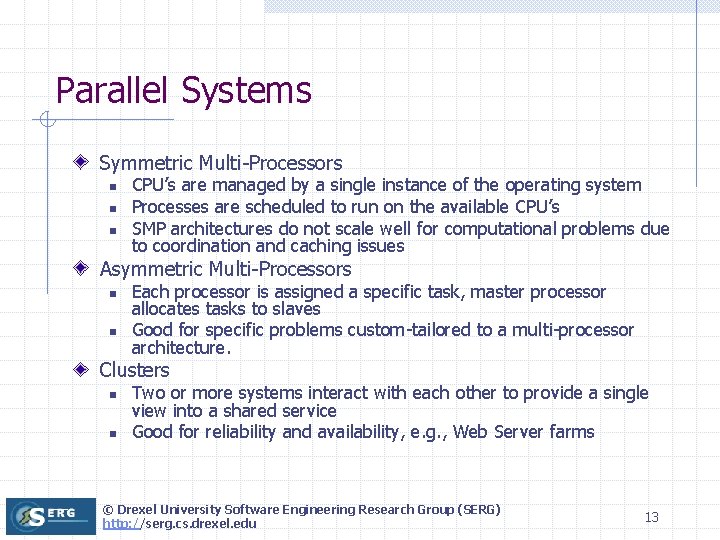
Parallel Systems Symmetric Multi-Processors n n n CPU’s are managed by a single instance of the operating system Processes are scheduled to run on the available CPU’s SMP architectures do not scale well for computational problems due to coordination and caching issues Asymmetric Multi-Processors n n Each processor is assigned a specific task, master processor allocates tasks to slaves Good for specific problems custom-tailored to a multi-processor architecture. Clusters n n Two or more systems interact with each other to provide a single view into a shared service Good for reliability and availability, e. g. , Web Server farms © Drexel University Software Engineering Research Group (SERG) http: //serg. cs. drexel. edu 13
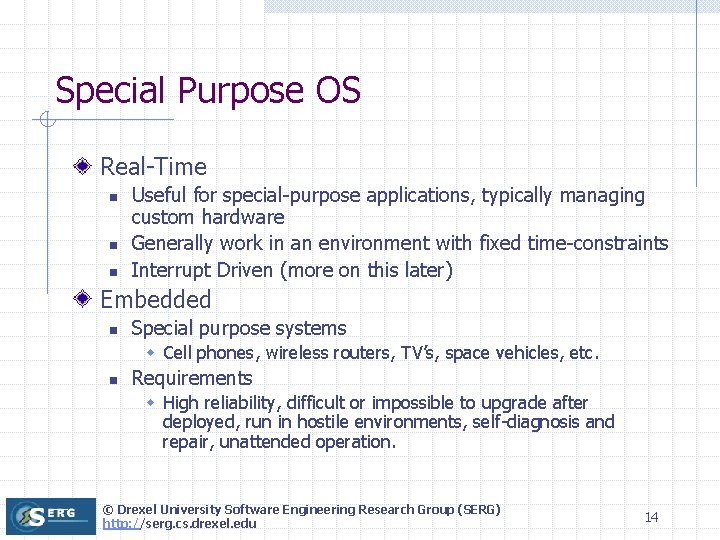
Special Purpose OS Real-Time n n n Useful for special-purpose applications, typically managing custom hardware Generally work in an environment with fixed time-constraints Interrupt Driven (more on this later) Embedded n Special purpose systems w Cell phones, wireless routers, TV’s, space vehicles, etc. n Requirements w High reliability, difficult or impossible to upgrade after deployed, run in hostile environments, self-diagnosis and repair, unattended operation. © Drexel University Software Engineering Research Group (SERG) http: //serg. cs. drexel. edu 14
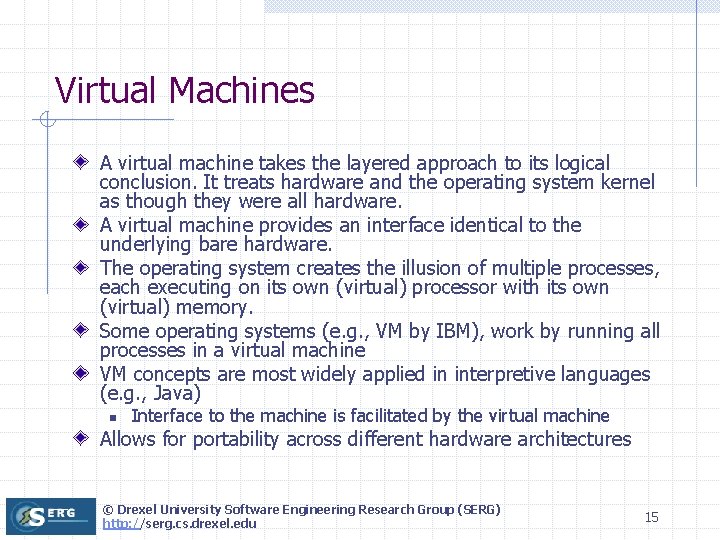
Virtual Machines A virtual machine takes the layered approach to its logical conclusion. It treats hardware and the operating system kernel as though they were all hardware. A virtual machine provides an interface identical to the underlying bare hardware. The operating system creates the illusion of multiple processes, each executing on its own (virtual) processor with its own (virtual) memory. Some operating systems (e. g. , VM by IBM), work by running all processes in a virtual machine VM concepts are most widely applied in interpretive languages (e. g. , Java) n Interface to the machine is facilitated by the virtual machine Allows for portability across different hardware architectures © Drexel University Software Engineering Research Group (SERG) http: //serg. cs. drexel. edu 15