
Introduction CS 111 Winter 2020 Operating System Principles
- Slides: 53
Introduction CS 111 Winter 2020 Operating System Principles Harry Xu CS 111 Winter 2020 Lecture 1 Page 1
Outline • Administrative materials • Introduction to the course – Why study operating systems? – Basics of operating systems CS 111 Winter 2020 Lecture 1 Page 2
Administrative Issues • • • Instructor and TAs Load and prerequisites Web site, syllabus, reading, and lectures Exams, homework, projects Grading Academic honesty CS 111 Winter 2020 Lecture 1 Page 3
Instructor: Harry Xu • Associate Professor at UCLA Computer Science Department • Long history of research in software systems • Email: harryxu@cs. ucla. edu • Office: 496 A Engineering VI – Office hours: W 12 -1: 30 pm – Location: 466 Engineering VI CS 111 Winter 2020 Lecture 1 Page 4
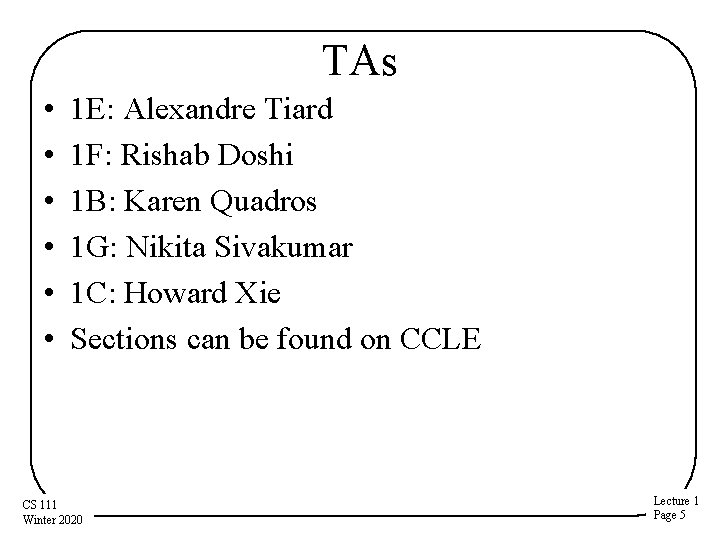
TAs • • • 1 E: Alexandre Tiard 1 F: Rishab Doshi 1 B: Karen Quadros 1 G: Nikita Sivakumar 1 C: Howard Xie Sections can be found on CCLE CS 111 Winter 2020 Lecture 1 Page 5
Instructor/TA Division of Responsibilities • Instructor handles all lectures, readings, and tests – Ask me about issues related to these • TAs handle projects – Ask them about issues related to these • Generally, instructor won’t be involved with project issues – So direct those questions to the TAs CS 111 Winter 2020 Lecture 1 Page 6
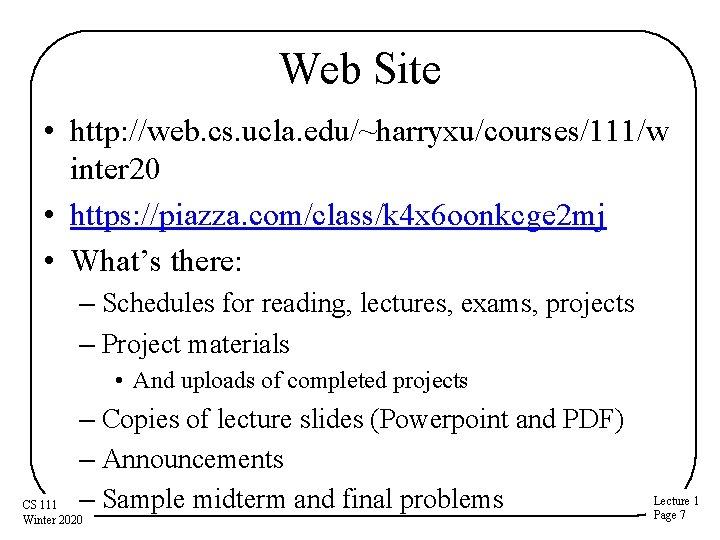
Web Site • http: //web. cs. ucla. edu/~harryxu/courses/111/w inter 20 • https: //piazza. com/class/k 4 x 6 oonkcge 2 mj • What’s there: – Schedules for reading, lectures, exams, projects – Project materials • And uploads of completed projects – Copies of lecture slides (Powerpoint and PDF) – Announcements – Sample midterm and final problems CS 111 Winter 2020 Lecture 1 Page 7
Prerequisite Subject Knowledge • CS 32 programming – Objects, data structures, queues, stacks, tables, trees • CS 33 systems programming – Assembly language, registers, memory – Linkage conventions, stack frames, register saving • CS 35 L Software Construction Laboratory – Useful software tools for systems programming • If you haven’t taken these classes, expect to have a hard time in 111 CS 111 Winter 2020 Lecture 1 Page 8
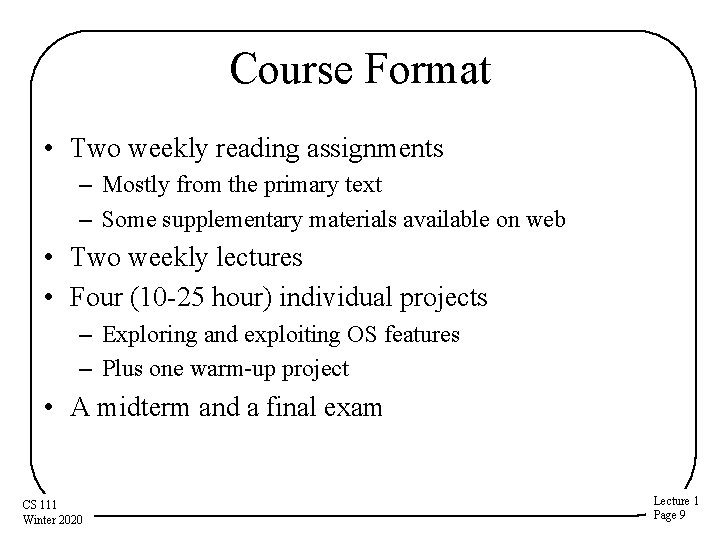
Course Format • Two weekly reading assignments – Mostly from the primary text – Some supplementary materials available on web • Two weekly lectures • Four (10 -25 hour) individual projects – Exploring and exploiting OS features – Plus one warm-up project • A midterm and a final exam CS 111 Winter 2020 Lecture 1 Page 9
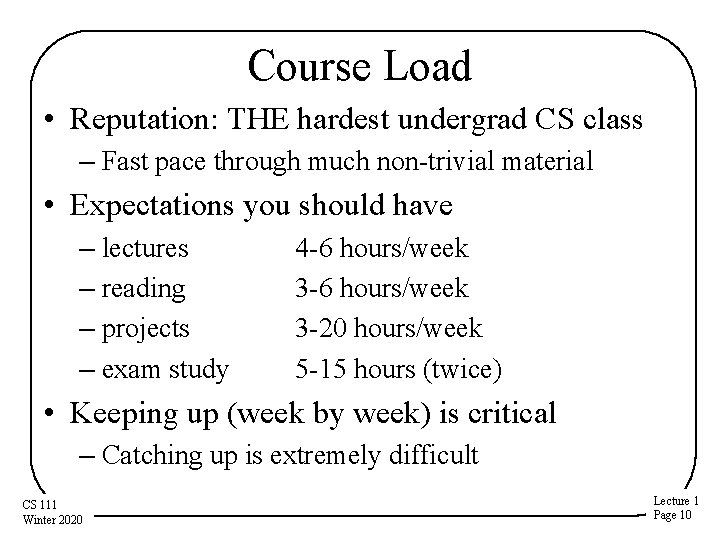
Course Load • Reputation: THE hardest undergrad CS class – Fast pace through much non-trivial material • Expectations you should have – lectures – reading – projects – exam study 4 -6 hours/week 3 -20 hours/week 5 -15 hours (twice) • Keeping up (week by week) is critical – Catching up is extremely difficult CS 111 Winter 2020 Lecture 1 Page 10
Primary Text for Course • Remzi and Andrea Arpaci-Dusseau: Operating Systems: Three Easy Pieces – Freely available on line at http: //pages. cs. wisc. edu/~remzi/OSTEP/ • Supplemented with web-based materials CS 111 Winter 2020 Lecture 1 Page 11
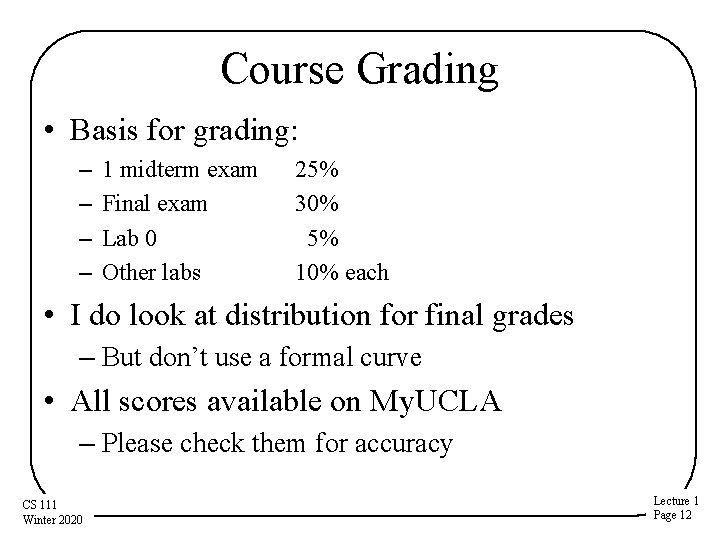
Course Grading • Basis for grading: – – 1 midterm exam Final exam Lab 0 Other labs 25% 30% 5% 10% each • I do look at distribution for final grades – But don’t use a formal curve • All scores available on My. UCLA – Please check them for accuracy CS 111 Winter 2020 Lecture 1 Page 12
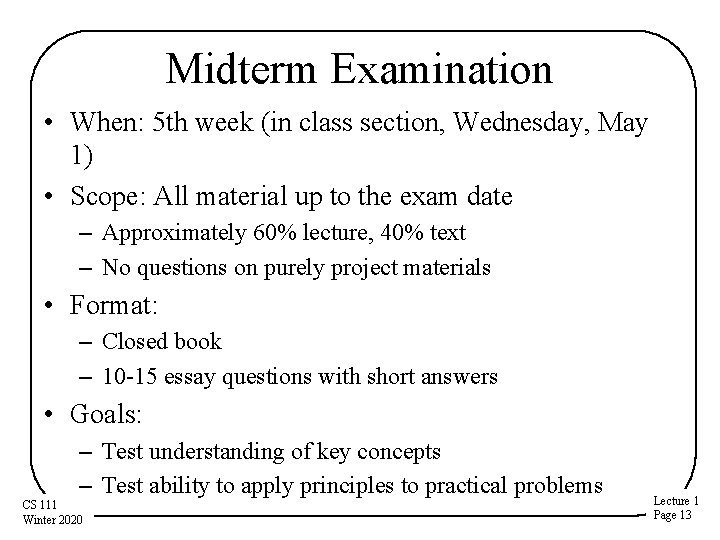
Midterm Examination • When: 5 th week (in class section, Wednesday, May 1) • Scope: All material up to the exam date – Approximately 60% lecture, 40% text – No questions on purely project materials • Format: – Closed book – 10 -15 essay questions with short answers • Goals: – Test understanding of key concepts – Test ability to apply principles to practical problems CS 111 Winter 2020 Lecture 1 Page 13
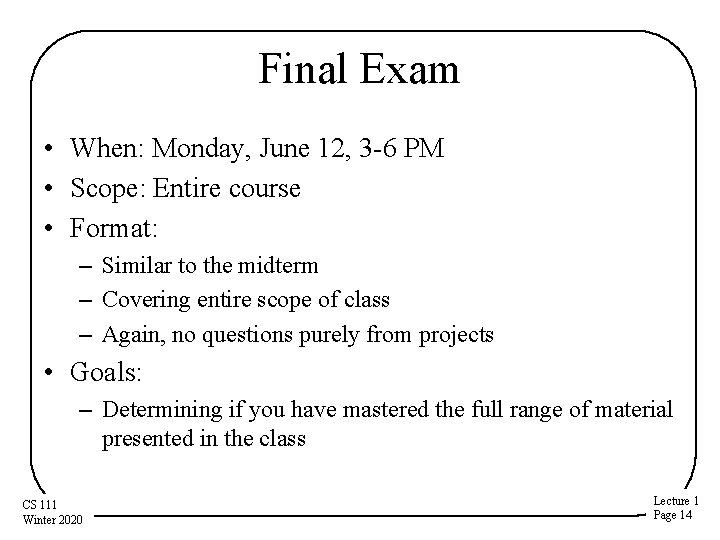
Final Exam • When: Monday, June 12, 3 -6 PM • Scope: Entire course • Format: – Similar to the midterm – Covering entire scope of class – Again, no questions purely from projects • Goals: – Determining if you have mastered the full range of material presented in the class CS 111 Winter 2020 Lecture 1 Page 14
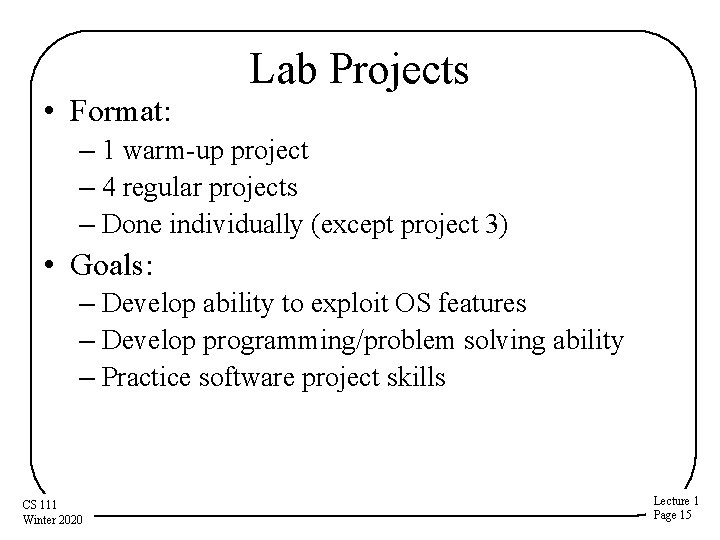
• Format: Lab Projects – 1 warm-up project – 4 regular projects – Done individually (except project 3) • Goals: – Develop ability to exploit OS features – Develop programming/problem solving ability – Practice software project skills CS 111 Winter 2020 Lecture 1 Page 15
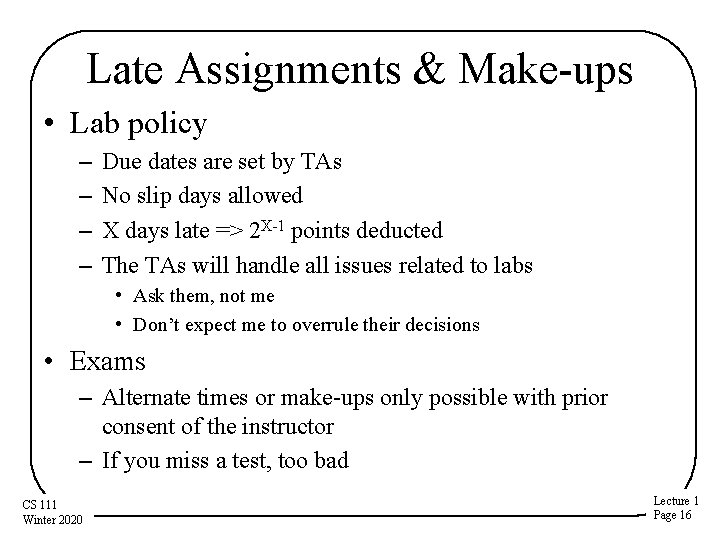
Late Assignments & Make-ups • Lab policy – – Due dates are set by TAs No slip days allowed X days late => 2 X-1 points deducted The TAs will handle all issues related to labs • Ask them, not me • Don’t expect me to overrule their decisions • Exams – Alternate times or make-ups only possible with prior consent of the instructor – If you miss a test, too bad CS 111 Winter 2020 Lecture 1 Page 16
Academic Honesty • It is OK to study with friends – Discussing problems helps you to understand them • It is OK to do independent research on a subject – There are many excellent treatments out there • But all work you submit must be your own – – Do not write your lab answers with a friend Do not copy another student's work Do not turn in solutions from off the web If you do research on a problem, cite your sources • I decide when two assignments are too similar – And I forward them immediately to the Dean • If you need help, ask the instructor CS 111 Winter 2020 Lecture 1 Page 17
Academic Honesty – Projects • Do your own projects – If you need additional help, ask the TA • You must design and write all your own code – – Do not ask others how they solved the problem Do not copy solutions from the web, files or listings Cite any research sources you use Exception: project 3 allows two-person teams • Protect yourself – Do not show other people your solutions – Be careful with old listings CS 111 Winter 2020 Lecture 1 Page 18
Academic Honesty and the Internet • You might be able to find existing answers to some of the assignments on line • Remember, if you can find it, so can we • We will a plagiarism detection software • It IS NOT OK to copy the answers from other people’s old assignments – People who tried that have been caught and referred to the Office of the Dean of Students • ANYTHING you get off the Internet must be treated as reference material – If you use it, quote it and reference it CS 111 Winter 2020 Lecture 1 Page 19
Introduction to the Course • Purpose of course and relationships to other courses • Why study operating systems? • What is an operating system? CS 111 Winter 2020 Lecture 1 Page 20
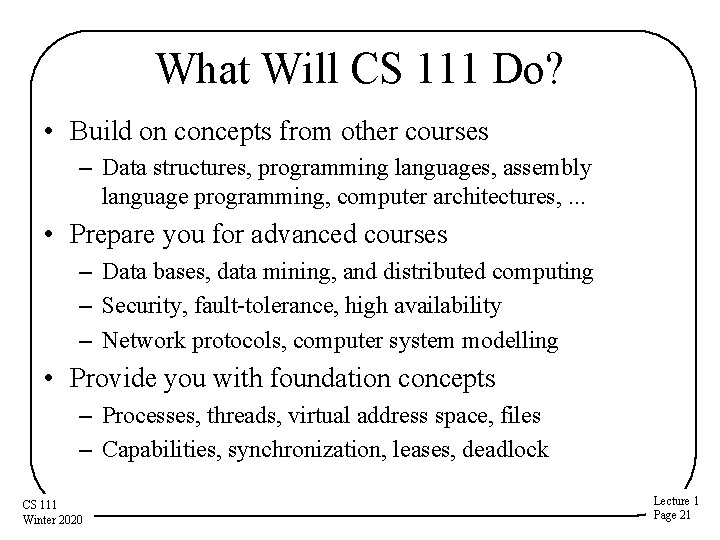
What Will CS 111 Do? • Build on concepts from other courses – Data structures, programming languages, assembly language programming, computer architectures, . . . • Prepare you for advanced courses – Data bases, data mining, and distributed computing – Security, fault-tolerance, high availability – Network protocols, computer system modelling • Provide you with foundation concepts – Processes, threads, virtual address space, files – Capabilities, synchronization, leases, deadlock CS 111 Winter 2020 Lecture 1 Page 21
Why Study Operating Systems? • Why do we have them, in the first place? • Why are they important? • What do they do for us? CS 111 Winter 2020 Lecture 1 Page 22
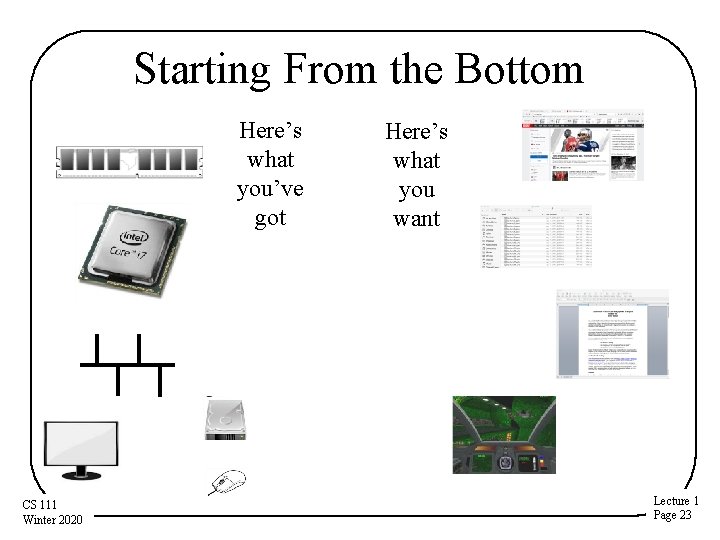
Starting From the Bottom Here’s what you’ve got CS 111 Winter 2020 Here’s what you want Lecture 1 Page 23
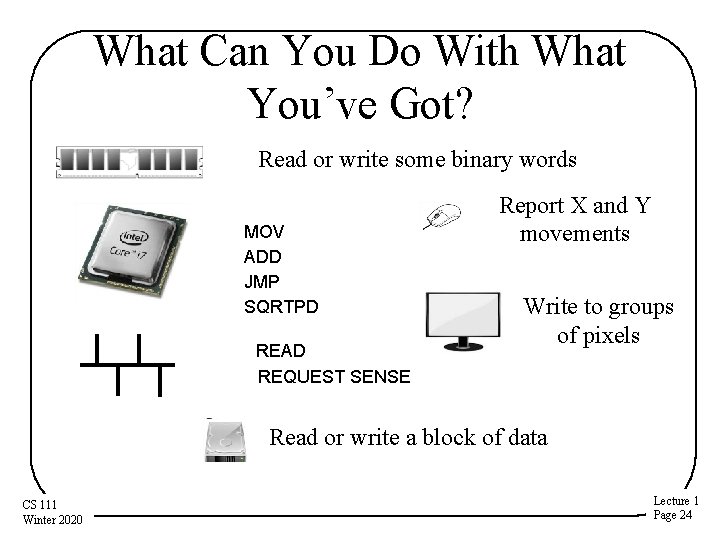
What Can You Do With What You’ve Got? Read or write some binary words MOV ADD JMP SQRTPD READ REQUEST SENSE Report X and Y movements Write to groups of pixels Read or write a block of data CS 111 Winter 2020 Lecture 1 Page 24
You’re Going to Need Some Help • And that’s what the operating system is about • Helping you perform complex operations – Using various hardware – And probably various bits of software • While hiding the complexity • And making sure nothing gets in the way of anything else CS 111 Winter 2020 Lecture 1 Page 25
What Is An Operating System, Anyway? • System software intended to provide support for higher level applications – Some higher level system software applications – But primarily for user processes • The software that sits between the hardware and everything else • The software that hides nasty details – Of hardware, software, and common tasks • On a good day, the OS is your best computing friend CS 111 Winter 2020 Lecture 1 Page 26
But Why Are You Studying Them? • High probability none of you will ever write an operating system – Or even fix an operating system bug • Not very many different operating systems are in use – So the number of developers for them is small • So why should you care about them? CS 111 Winter 2020 Lecture 1 Page 27
Everybody Has One • Practically all computing devices you will ever use has an operating system – Servers, laptops, desktop machines, tablets, smart phones, game consoles, set-top boxes • Many things you don’t think of as computers have CPUs inside – Usually with an operating system – Internet of Things devices • So you will work with operating systems CS 111 Winter 2020 Lecture 1 Page 28
How Do You Work With OSes? • You configure them • You use their features when you write programs • You rely on services that they offer – Memory management – Persistent storage – Scheduling and synchronization – Interprocess communications – Security CS 111 Winter 2020 Lecture 1 Page 29
Another Good Reason • Many hard problems have been tackled in the context of operating systems – How to coordinate separate computations – How to manage shared resources – How to virtualize hardware and software – How to organize communications – How to protect your computing resources • The operating system solutions are often applicable to programs and systems you write CS 111 Winter 2020 Lecture 1 Page 30
What Is An Operating System? • Many possible definitions • One is: – It is low level software. . . – That provides better, more usable abstractions of the hardware below it – To allow easy, safe, fair use and sharing of those resources CS 111 Winter 2020 Lecture 1 Page 31
What Does an OS Do? • It manages hardware for programs – Allocates hardware and manages its use – Enforces controlled sharing (and privacy) – Oversees execution and handles problems • It abstracts the hardware – Makes it easier to use and improves SW portability – Optimizes performance • It provides new abstractions for applications – Powerful features beyond the bare hardware CS 111 Winter 2020 Lecture 1 Page 32
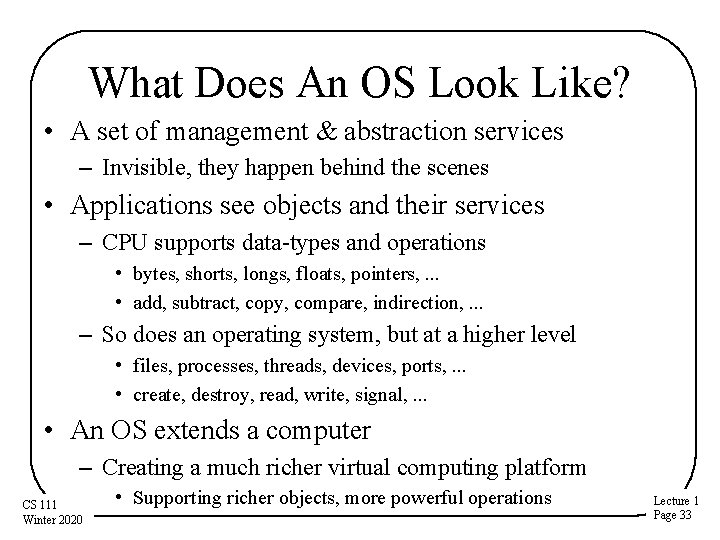
What Does An OS Look Like? • A set of management & abstraction services – Invisible, they happen behind the scenes • Applications see objects and their services – CPU supports data-types and operations • bytes, shorts, longs, floats, pointers, . . . • add, subtract, copy, compare, indirection, . . . – So does an operating system, but at a higher level • files, processes, threads, devices, ports, . . . • create, destroy, read, write, signal, . . . • An OS extends a computer – Creating a much richer virtual computing platform CS 111 Winter 2020 • Supporting richer objects, more powerful operations Lecture 1 Page 33
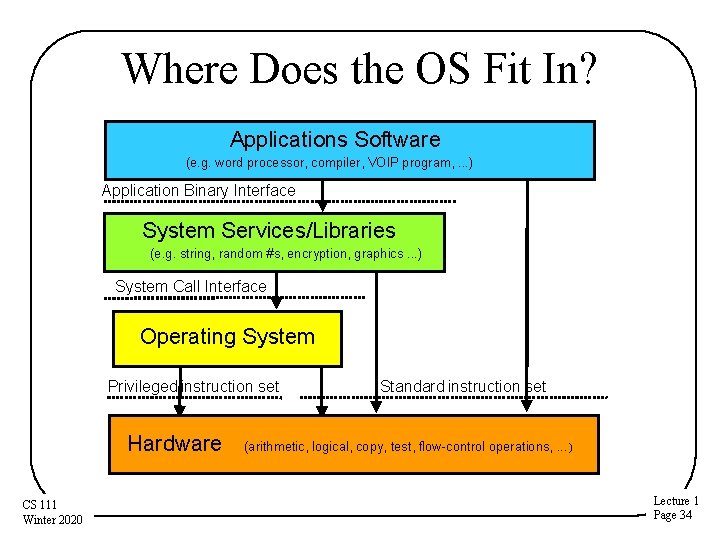
Where Does the OS Fit In? Applications Software (e. g. word processor, compiler, VOIP program, . . . ) Application Binary Interface System Services/Libraries (e. g. string, random #s, encryption, graphics. . . ) System Call Interface Operating System Privileged instruction set Hardware CS 111 Winter 2020 Standard instruction set (arithmetic, logical, copy, test, flow-control operations, . . . ) Lecture 1 Page 34
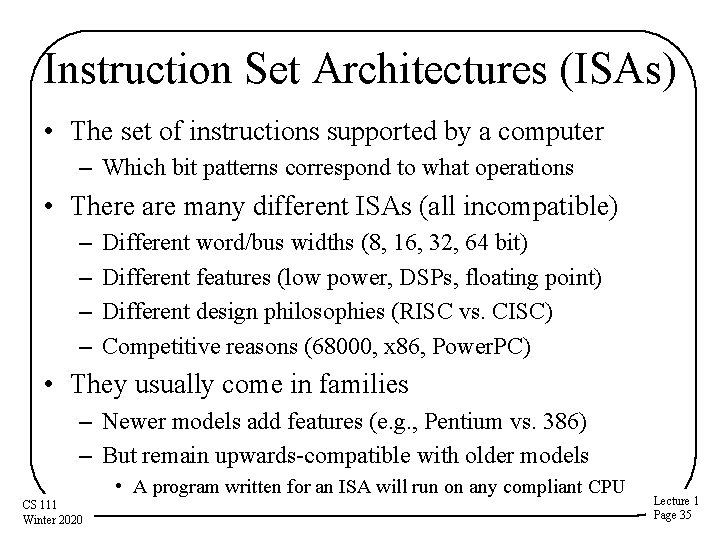
Instruction Set Architectures (ISAs) • The set of instructions supported by a computer – Which bit patterns correspond to what operations • There are many different ISAs (all incompatible) – – Different word/bus widths (8, 16, 32, 64 bit) Different features (low power, DSPs, floating point) Different design philosophies (RISC vs. CISC) Competitive reasons (68000, x 86, Power. PC) • They usually come in families – Newer models add features (e. g. , Pentium vs. 386) – But remain upwards-compatible with older models • A program written for an ISA will run on any compliant CPU CS 111 Winter 2020 Lecture 1 Page 35
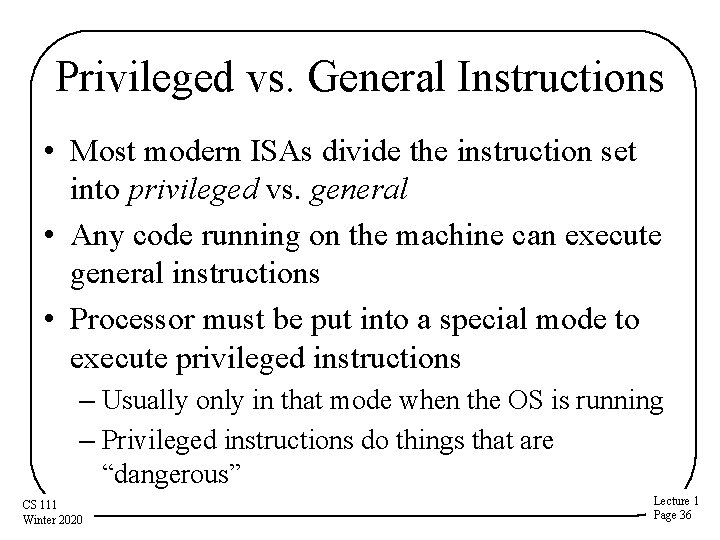
Privileged vs. General Instructions • Most modern ISAs divide the instruction set into privileged vs. general • Any code running on the machine can execute general instructions • Processor must be put into a special mode to execute privileged instructions – Usually only in that mode when the OS is running – Privileged instructions do things that are “dangerous” CS 111 Winter 2020 Lecture 1 Page 36
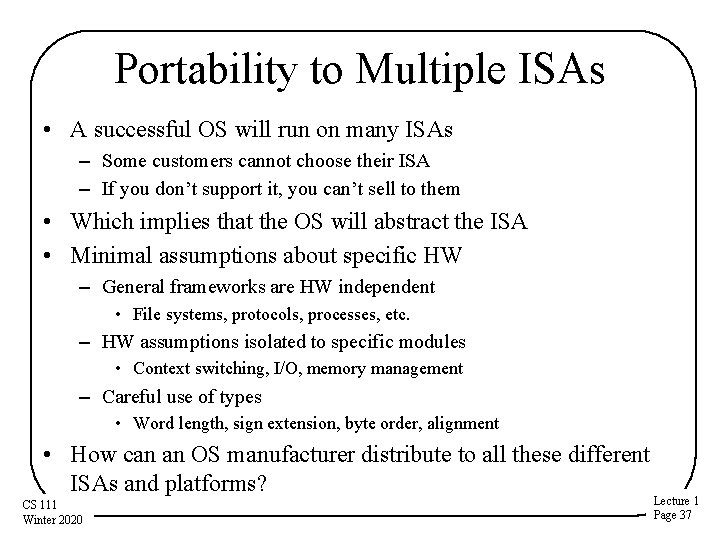
Portability to Multiple ISAs • A successful OS will run on many ISAs – Some customers cannot choose their ISA – If you don’t support it, you can’t sell to them • Which implies that the OS will abstract the ISA • Minimal assumptions about specific HW – General frameworks are HW independent • File systems, protocols, processes, etc. – HW assumptions isolated to specific modules • Context switching, I/O, memory management – Careful use of types • Word length, sign extension, byte order, alignment • How can an OS manufacturer distribute to all these different ISAs and platforms? CS 111 Winter 2020 Lecture 1 Page 37
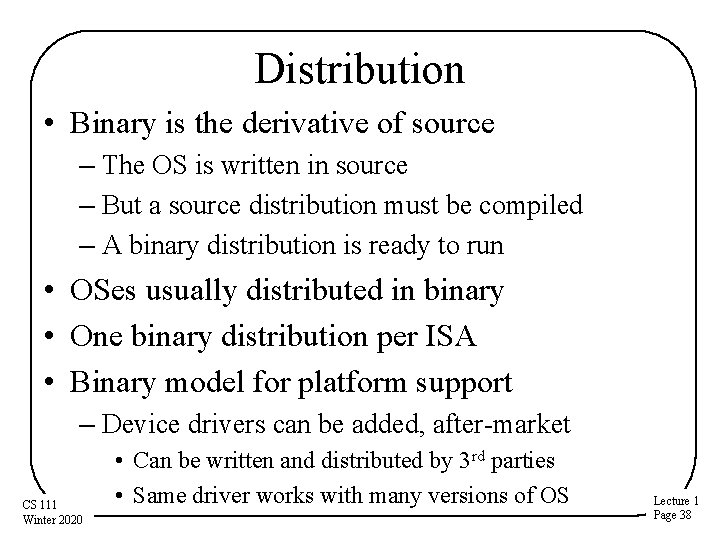
Distribution • Binary is the derivative of source – The OS is written in source – But a source distribution must be compiled – A binary distribution is ready to run • OSes usually distributed in binary • One binary distribution per ISA • Binary model for platform support – Device drivers can be added, after-market CS 111 Winter 2020 • Can be written and distributed by 3 rd parties • Same driver works with many versions of OS Lecture 1 Page 38
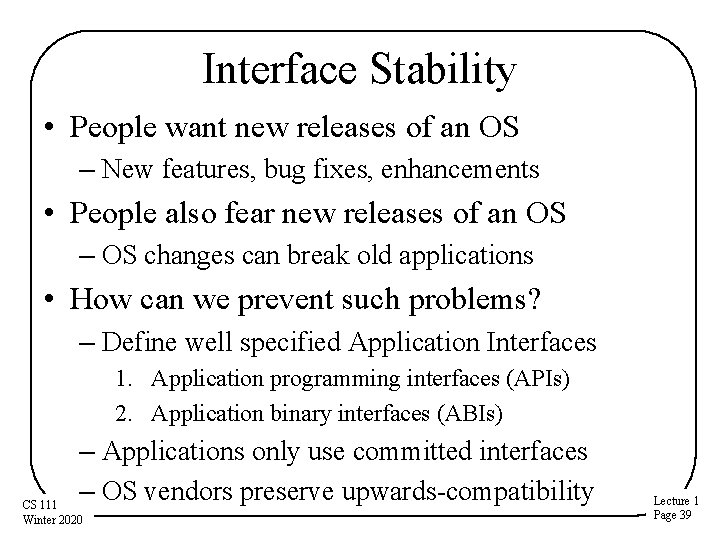
Interface Stability • People want new releases of an OS – New features, bug fixes, enhancements • People also fear new releases of an OS – OS changes can break old applications • How can we prevent such problems? – Define well specified Application Interfaces 1. Application programming interfaces (APIs) 2. Application binary interfaces (ABIs) – Applications only use committed interfaces – OS vendors preserve upwards-compatibility CS 111 Winter 2020 Lecture 1 Page 39
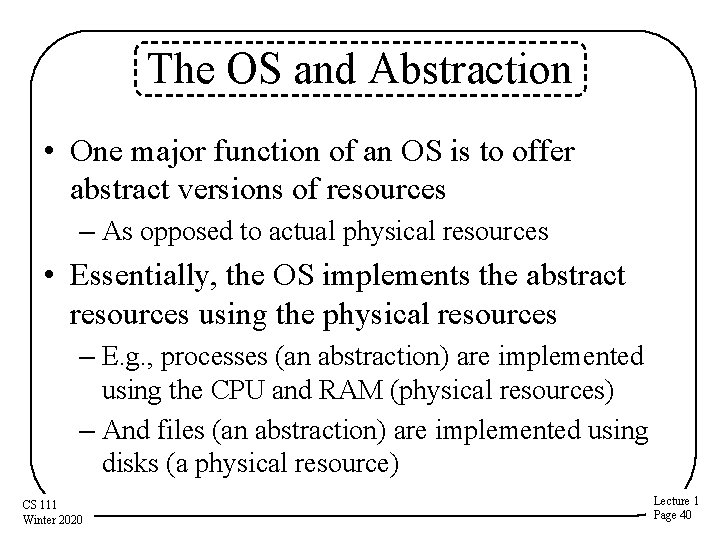
The OS and Abstraction • One major function of an OS is to offer abstract versions of resources – As opposed to actual physical resources • Essentially, the OS implements the abstract resources using the physical resources – E. g. , processes (an abstraction) are implemented using the CPU and RAM (physical resources) – And files (an abstraction) are implemented using disks (a physical resource) CS 111 Winter 2020 Lecture 1 Page 40
Why Abstract Resources? • The abstractions are typically simpler and better suited for programmers and users – Easier to use than the original resources • E. g. , don’t need to worry about keeping track of disk interrupts – Compartmentalize/encapsulate complexity • E. g. , need not be concerned about what other executing code is doing and how to stay out of its way – Eliminate behavior that is irrelevant to user • E. g. , hide the slow erase cycle of flash memory – Create more convenient behavior • E. g. , make it look like you have the network interface entirely for your own use CS 111 Winter 2020 Lecture 1 Page 41
Common Types of OS Resources • Serially reusable resources • Partitionable resources • Sharable resources CS 111 Winter 2020 Lecture 1 Page 42
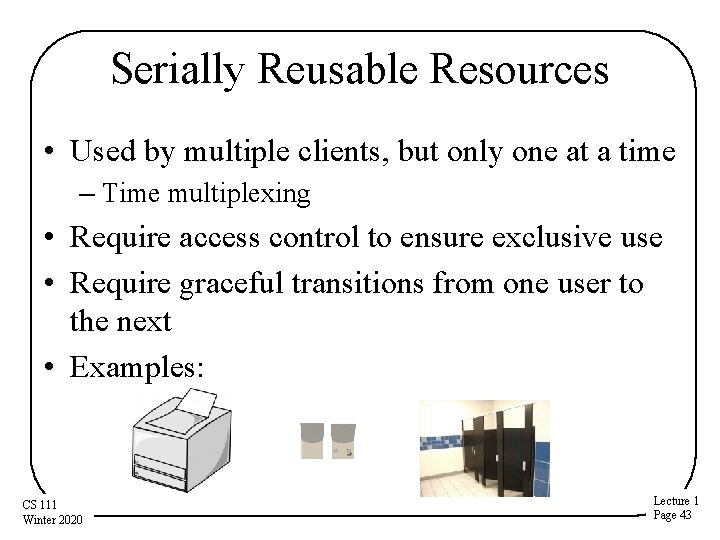
Serially Reusable Resources • Used by multiple clients, but only one at a time – Time multiplexing • Require access control to ensure exclusive use • Require graceful transitions from one user to the next • Examples: CS 111 Winter 2020 Lecture 1 Page 43
What Is A Graceful Transition? • A switch that totally hides the fact that the resource used to belong to someone else – Don’t allow the second user to access the resource until the first user is finished with it • No incomplete operations that finish after the transition – Ensure that each subsequent user finds the resource in “like new” condition • CS 111 Winter 2020 No traces of data or state left over from the first user Lecture 1 Page 44
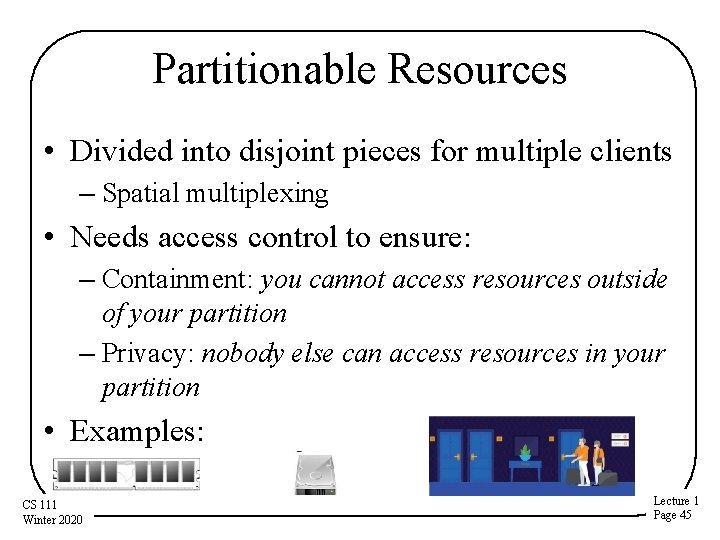
Partitionable Resources • Divided into disjoint pieces for multiple clients – Spatial multiplexing • Needs access control to ensure: – Containment: you cannot access resources outside of your partition – Privacy: nobody else can access resources in your partition • Examples: CS 111 Winter 2020 Lecture 1 Page 45
Do We Still Need Graceful Transitions? • Yes • Most partitionable resources aren’t permanently allocated – The piece of RAM you’re using now will belong to another process later • As long as it’s “yours, ” no transition required • But sooner or later it’s likely to become someone else’s CS 111 Winter 2020 Lecture 1 Page 46
Shareable Resources • Usable by multiple concurrent clients – Clients don’t “wait” for access to resource – Clients don’t “own” a particular subset of the resource • May involve (effectively) limitless resources – Air in a room, shared by occupants – Copy of the operating system, shared by processes CS 111 Winter 2020 Lecture 1 Page 47
• • Do We Still Need Graceful Transitions? Typically not The shareable resource usually doesn’t change state Or isn’t “reused” We never have to clean up what doesn’t get dirty – Like an execute-only copy of the OS • Shareable resources are great! – When you can have them. . . Tip: Design your system to maximize sharable resources. CS 111 Winter 2020 Lecture 1 Page 48
General OS Trends • They have grown larger and more sophisticated • Their role has fundamentally changed – – From shepherding the use of the hardware To shielding the applications from the hardware To providing powerful application computing platform To becoming a sophisticated “traffic cop” • They still sit between applications and hardware • Best understood through services they provide – Capabilities they add – Applications they enable – Problems they eliminate CS 111 Winter 2020 Lecture 1 Page 49
Why? • Ultimately because it’s what users want • The OS must provide core services to applications • Applications have become more complex – More complex internal behavior – More complex interfaces – More interactions with other software • The OS needs to help with all that complexity CS 111 Winter 2020 Lecture 1 Page 50
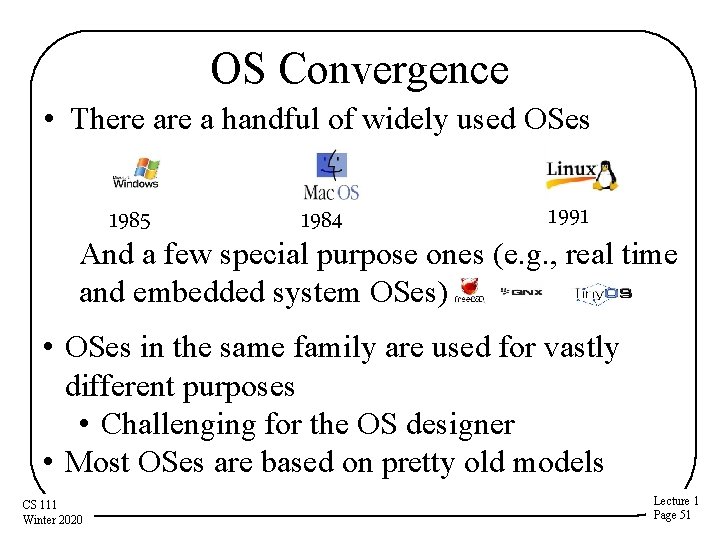
OS Convergence • There a handful of widely used OSes 1991 1985 1984 And a few special purpose ones (e. g. , real time and embedded system OSes) • OSes in the same family are used for vastly different purposes • Challenging for the OS designer • Most OSes are based on pretty old models CS 111 Winter 2020 Lecture 1 Page 51
Why Have OSes Converged? • They’re expensive to build and maintain – So it’s a hard business to get into and stay in • They only succeed if users choose them over other OS options – Which can’t happen unless you support all the apps the users want – Which requires other parties to do a lot of work • You need to have some clear advantage over present acceptable alternatives CS 111 Winter 2020 Lecture 1 Page 52
Conclusion • Understanding operating systems is critical to understanding how computers work • Operating systems interact directly with the hardware • Operating systems provide services via abstractions • Operating systems are constrained by many non-technical factors CS 111 Winter 2020 Lecture 1 Page 53