
Introduction CISC 1600 Dr Xiaolan Zhang Fordham Univ
![UNIX command line • Command name and arguments: command [ [ - ] option](https://slidetodoc.com/presentation_image_h2/7c0cb6d124108174512e8facbbbce5a4/image-31.jpg "UNIX command line • Command name and arguments: command [ [ - ] option")
![Getting around in the file system ls: list directory contents ls [OPTION] … [FILE]](https://slidetodoc.com/presentation_image_h2/7c0cb6d124108174512e8facbbbce5a4/image-38.jpg "Getting around in the file system ls: list directory contents ls [OPTION] … [FILE]")

![File manipulation commands (3) mv: move (rename) files/directories mv [OPTION] SOURCE DEST mv [OPTION]…](https://slidetodoc.com/presentation_image_h2/7c0cb6d124108174512e8facbbbce5a4/image-46.jpg "File manipulation commands (3) mv: move (rename) files/directories mv [OPTION] SOURCE DEST mv [OPTION]…")
- Slides: 67
Introduction CISC 1600 Dr. Xiaolan Zhang, Fordham Univ. , Spring 2013 1 CISC 1600 Xiaolan Zhang Spring 2013
2 In this class… A tour of computer system The first C++ program and the different stages of programming 2 An introduction to the programming environment we use A dissection of a C++ program CISC 1600 Xiaolan Zhang Spring 2013
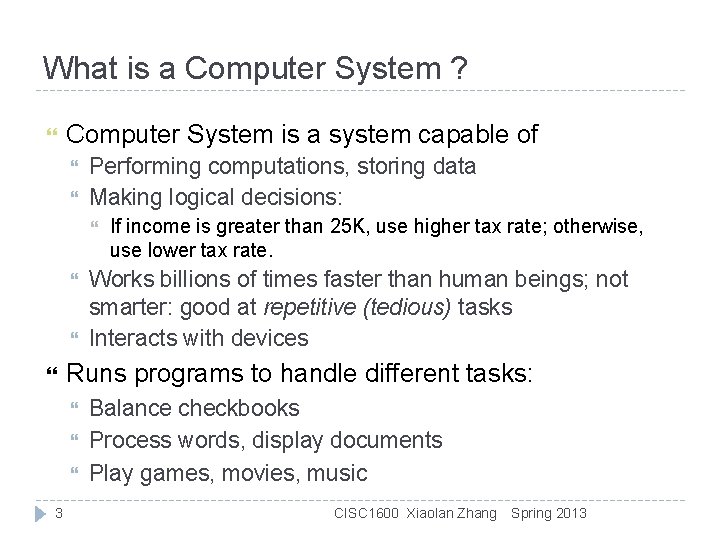
What is a Computer System ? Computer System is a system capable of Performing computations, storing data Making logical decisions: Works billions of times faster than human beings; not smarter: good at repetitive (tedious) tasks Interacts with devices Runs programs to handle different tasks: 3 If income is greater than 25 K, use higher tax rate; otherwise, use lower tax rate. Balance checkbooks Process words, display documents Play games, movies, music CISC 1600 Xiaolan Zhang Spring 2013
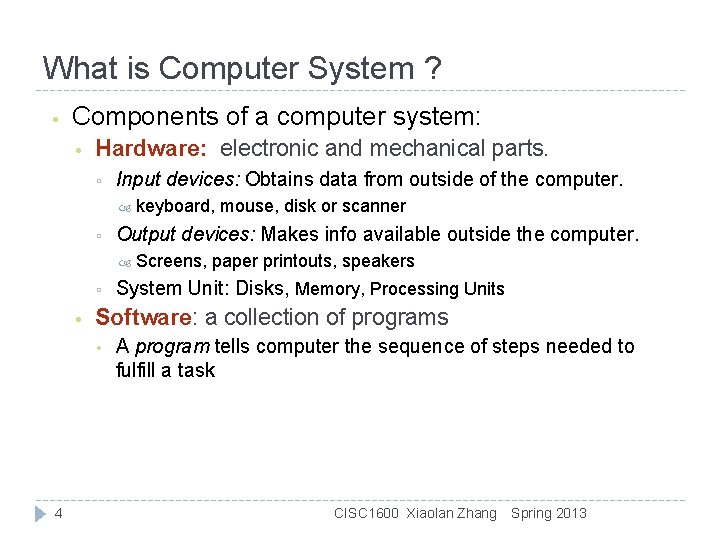
What is Computer System ? • Components of a computer system: • Hardware: electronic and mechanical parts. ▫ Input devices: Obtains data from outside of the computer. ▫ Output devices: Makes info available outside the computer. ▫ • Screens, paper printouts, speakers System Unit: Disks, Memory, Processing Units Software: a collection of programs • 4 keyboard, mouse, disk or scanner A program tells computer the sequence of steps needed to fulfill a task CISC 1600 Xiaolan Zhang Spring 2013
What is Programming? Programming — act of designing and implementing programs 5 Most users are not programmers Programmers write instructions that comprise software in various programming languages Programming is an essential skill for a computer scientist Not the only skill required to be a successful computer scientist Early experiences are mundane, will not rival sophisticated software Once certain skills are developed, even simple programs can be thrilling CISC 1600 Xiaolan Zhang Spring 2013
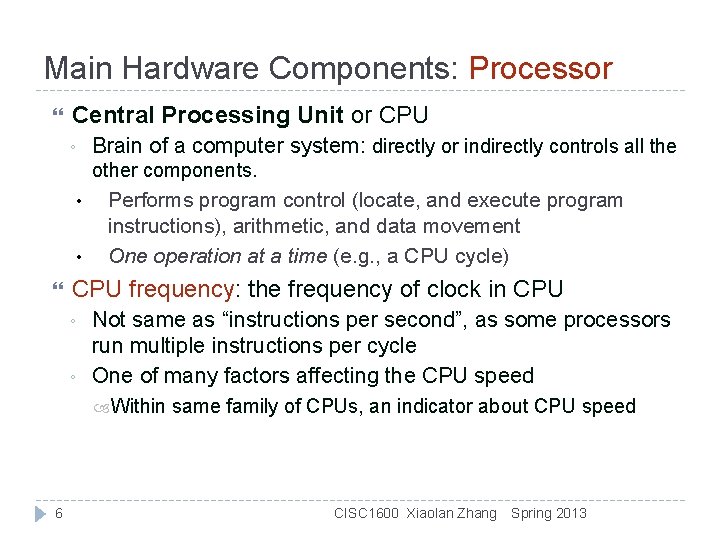
Main Hardware Components: Processor Central Processing Unit or CPU ◦ Brain of a computer system: directly or indirectly controls all the other components. • • Performs program control (locate, and execute program instructions), arithmetic, and data movement One operation at a time (e. g. , a CPU cycle) CPU frequency: the frequency of clock in CPU ◦ ◦ Not same as “instructions per second”, as some processors run multiple instructions per cycle One of many factors affecting the CPU speed Within 6 same family of CPUs, an indicator about CPU speed CISC 1600 Xiaolan Zhang Spring 2013
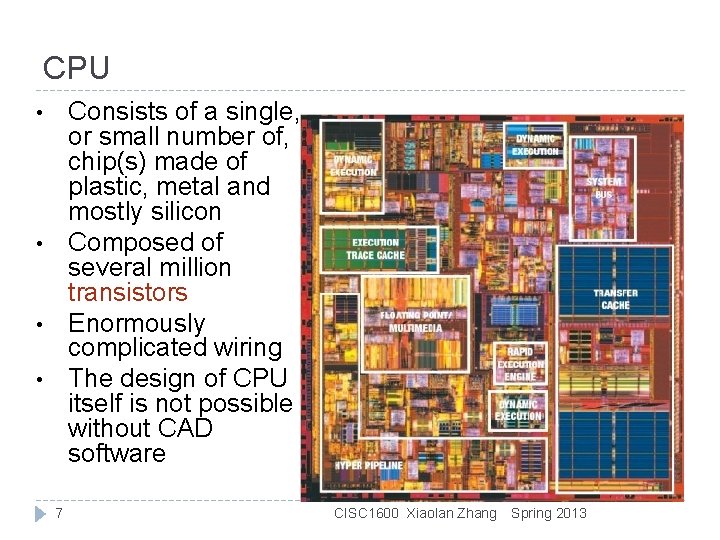
CPU Consists of a single, or small number of, chip(s) made of plastic, metal and mostly silicon Composed of several million transistors Enormously complicated wiring The design of CPU itself is not possible without CAD software • • 7 CISC 1600 Xiaolan Zhang Spring 2013
Major Hardware Components: Memory RAM (Random Access Memory): read-write memory, volatile/temporary storage Holds data and programs that CPU is using, and save results of programs. Rapid access, low capacity (relative) Often called main memory, primary memory ROM (Read Only Memory): contains certain programs that must always be present Secondary storage (e. g. , a hard drive) provides persistent storage 8 Stores programs or data not currently being used by other units on secondary storage devices (like hard disk and floppy disks) Long-term, high-capacity “warehouse” Takes longer to access than primary memory CISC 1600 Xiaolan Zhang Spring 2013
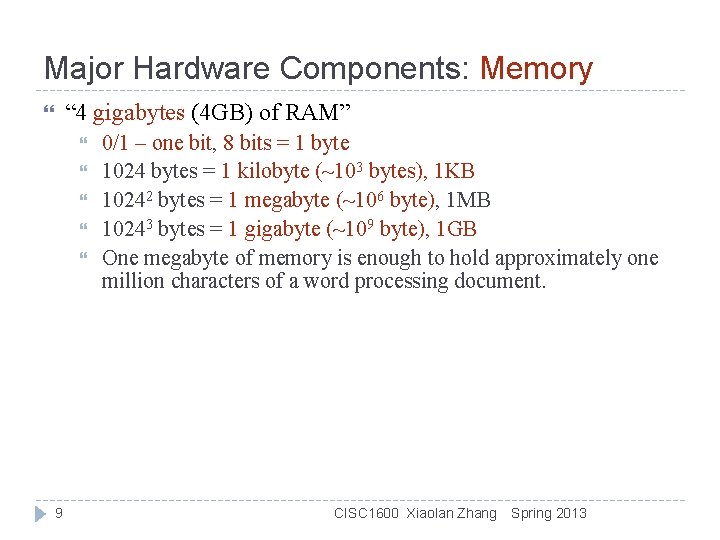
Major Hardware Components: Memory “ 4 gigabytes (4 GB) of RAM” 9 0/1 – one bit, 8 bits = 1 byte 1024 bytes = 1 kilobyte (~103 bytes), 1 KB 10242 bytes = 1 megabyte (~106 byte), 1 MB 10243 bytes = 1 gigabyte (~109 byte), 1 GB One megabyte of memory is enough to hold approximately one million characters of a word processing document. CISC 1600 Xiaolan Zhang Spring 2013
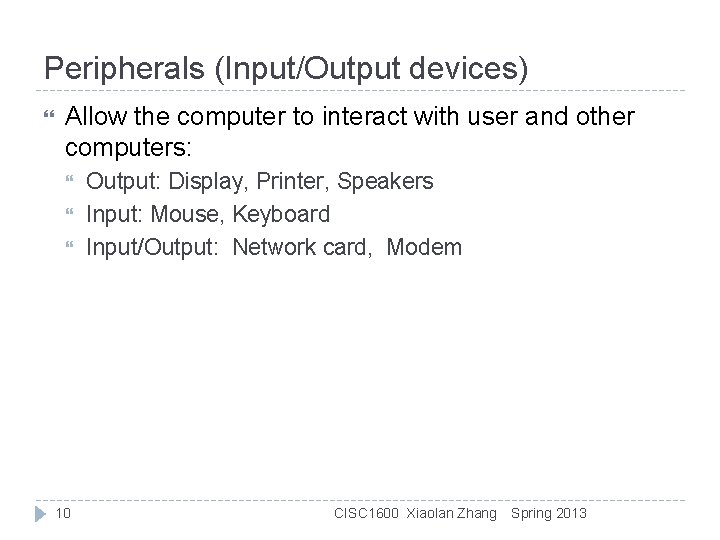
Peripherals (Input/Output devices) Allow the computer to interact with user and other computers: 10 Output: Display, Printer, Speakers Input: Mouse, Keyboard Input/Output: Network card, Modem CISC 1600 Xiaolan Zhang Spring 2013
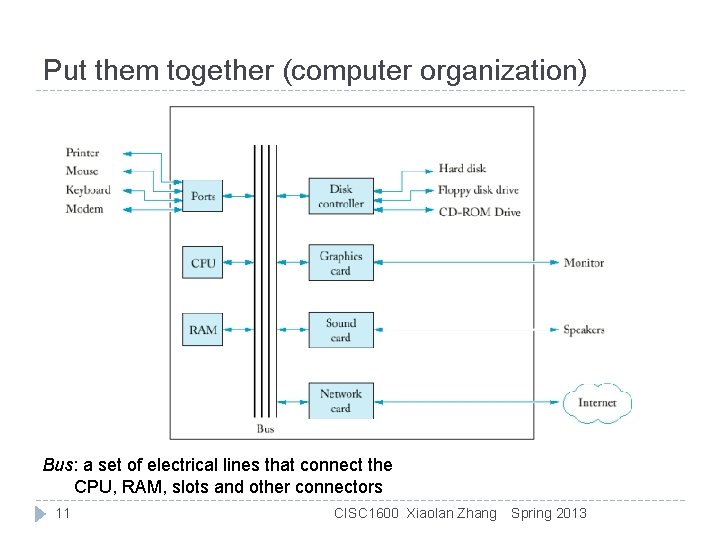
Put them together (computer organization) Bus: a set of electrical lines that connect the CPU, RAM, slots and other connectors 11 CISC 1600 Xiaolan Zhang Spring 2013
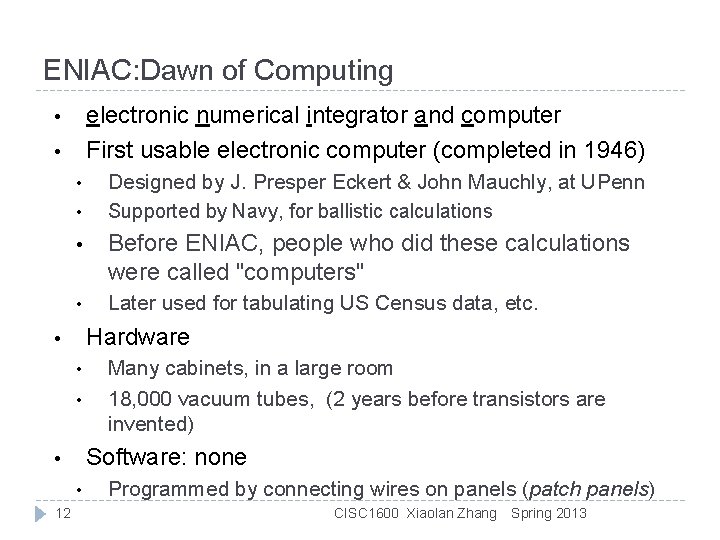
ENIAC: Dawn of Computing electronic numerical integrator and computer First usable electronic computer (completed in 1946) • • • Before ENIAC, people who did these calculations were called "computers" • Later used for tabulating US Census data, etc. Hardware • • • Many cabinets, in a large room 18, 000 vacuum tubes, (2 years before transistors are invented) Software: none • • 12 Designed by J. Presper Eckert & John Mauchly, at UPenn Supported by Navy, for ballistic calculations Programmed by connecting wires on panels (patch panels) CISC 1600 Xiaolan Zhang Spring 2013
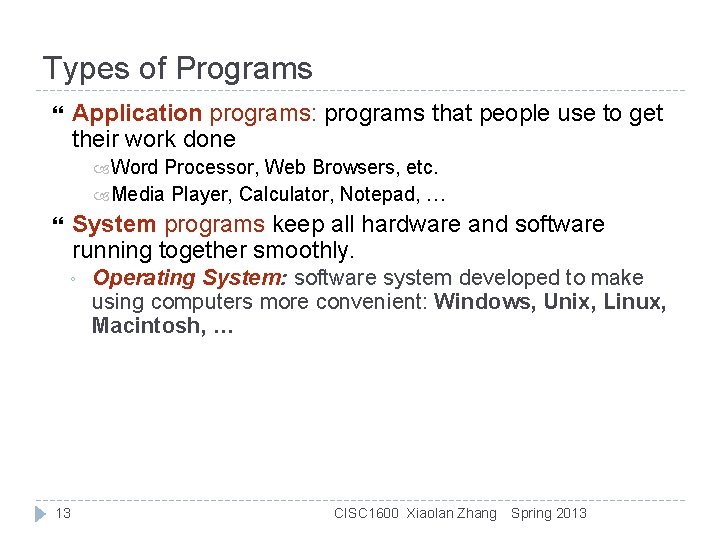
Types of Programs Application programs: programs that people use to get their work done Word Processor, Web Browsers, etc. Media Player, Calculator, Notepad, … System programs keep all hardware and software running together smoothly. ◦ 13 Operating System: software system developed to make using computers more convenient: Windows, Unix, Linux, Macintosh, … CISC 1600 Xiaolan Zhang Spring 2013
So what is programming? Specifying the structure and behavior of a program via a programming language Testing that the program performs its task correctly and with acceptable performance 14 Never forget to check that “it” works CISC 1600 Xiaolan Zhang Spring 2013
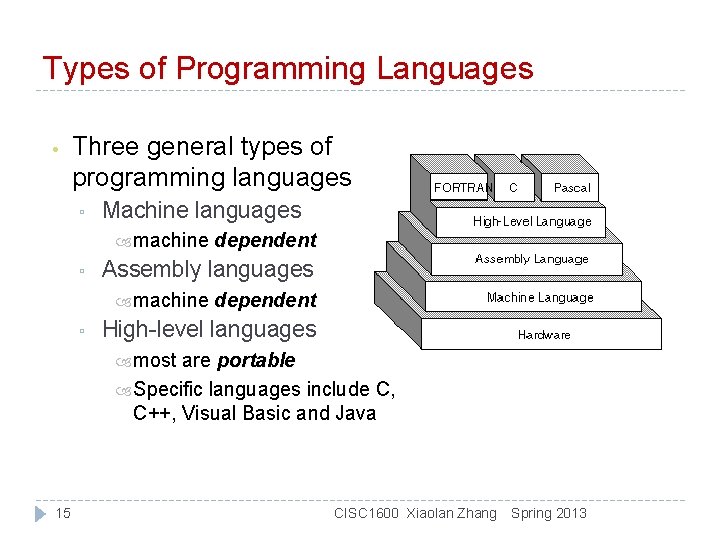
Types of Programming Languages • Three general types of programming languages ▫ Machine languages machine ▫ Assembly languages machine ▫ dependent High-level languages most are portable Specific languages include C, C++, Visual Basic and Java 15 CISC 1600 Xiaolan Zhang Spring 2013
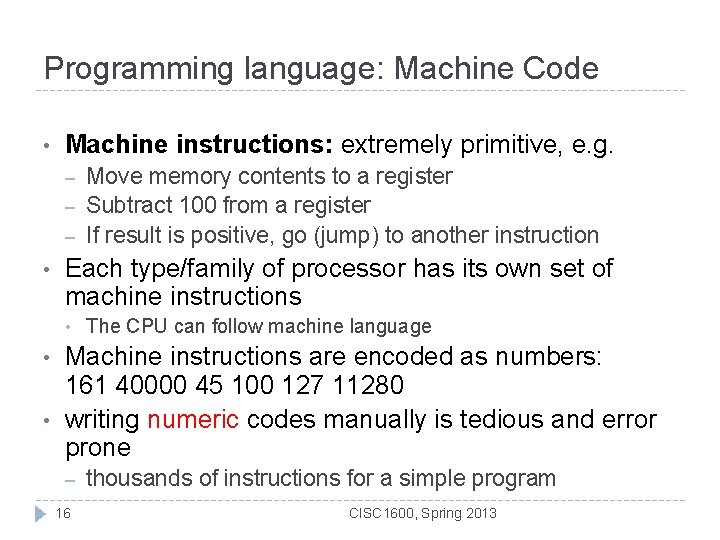
Programming language: Machine Code • Machine instructions: extremely primitive, e. g. – – – • Each type/family of processor has its own set of machine instructions • • • Move memory contents to a register Subtract 100 from a register If result is positive, go (jump) to another instruction The CPU can follow machine language Machine instructions are encoded as numbers: 161 40000 45 100 127 11280 writing numeric codes manually is tedious and error prone – 16 thousands of instructions for a simple program CISC 1600, Spring 2013
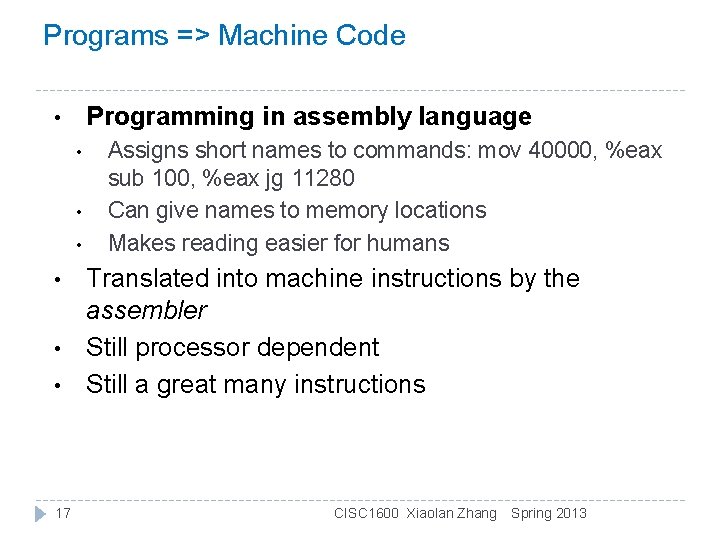
Programs => Machine Code Programming in assembly language • • 17 Assigns short names to commands: mov 40000, %eax sub 100, %eax jg 11280 Can give names to memory locations Makes reading easier for humans Translated into machine instructions by the assembler Still processor dependent Still a great many instructions CISC 1600 Xiaolan Zhang Spring 2013
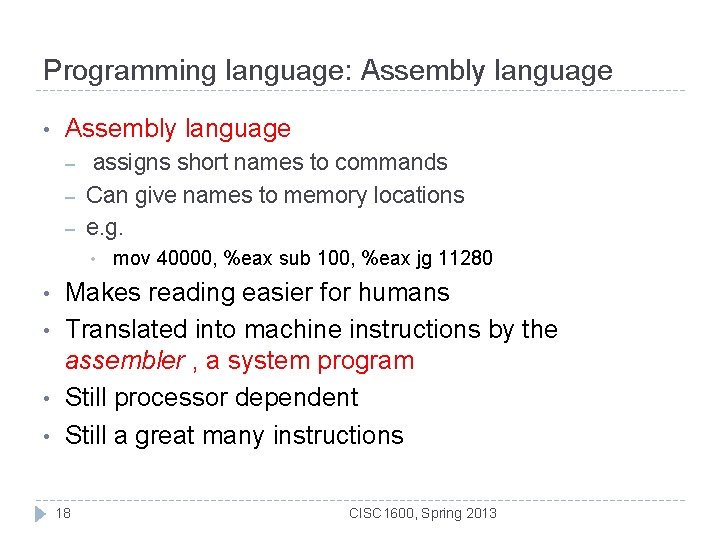
Programming language: Assembly language • Assembly language – – – assigns short names to commands Can give names to memory locations e. g. • • • mov 40000, %eax sub 100, %eax jg 11280 Makes reading easier for humans Translated into machine instructions by the assembler , a system program Still processor dependent Still a great many instructions 18 CISC 1600, Spring 2013
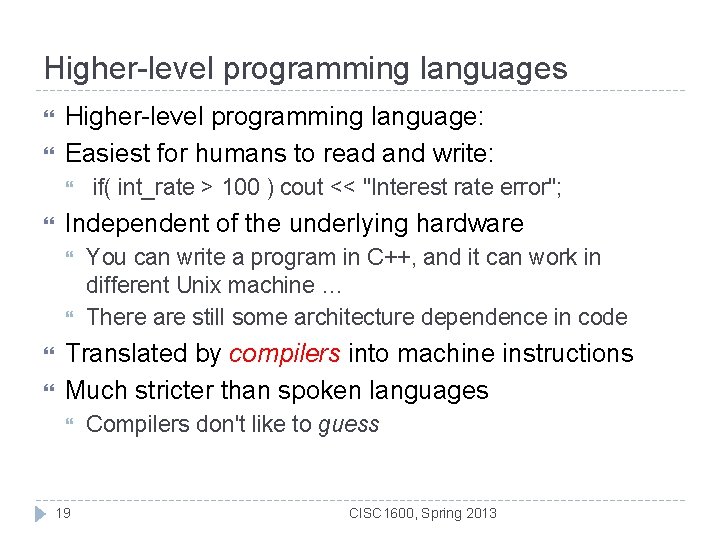
Higher-level programming languages Higher-level programming language: Easiest for humans to read and write: Independent of the underlying hardware if( int_rate > 100 ) cout << "Interest rate error"; You can write a program in C++, and it can work in different Unix machine … There are still some architecture dependence in code Translated by compilers into machine instructions Much stricter than spoken languages 19 Compilers don't like to guess CISC 1600, Spring 2013
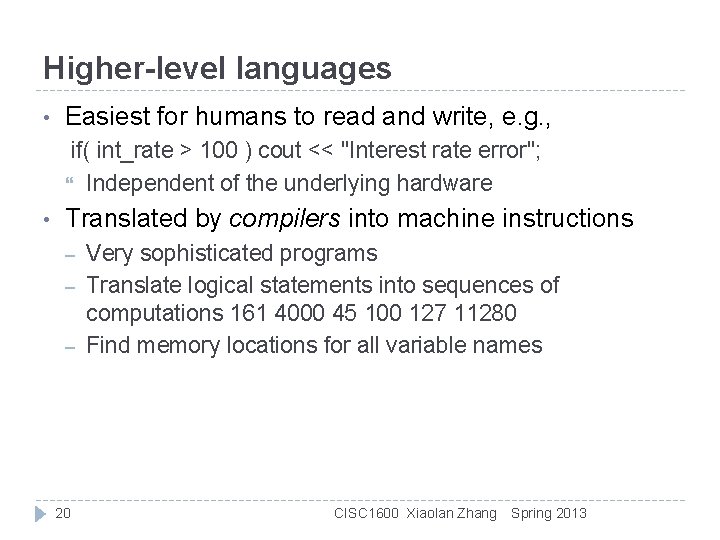
Higher-level languages • Easiest for humans to read and write, e. g. , if( int_rate > 100 ) cout << "Interest rate error"; Independent of the underlying hardware • Translated by compilers into machine instructions – – – 20 Very sophisticated programs Translate logical statements into sequences of computations 161 4000 45 100 127 11280 Find memory locations for all variable names CISC 1600 Xiaolan Zhang Spring 2013
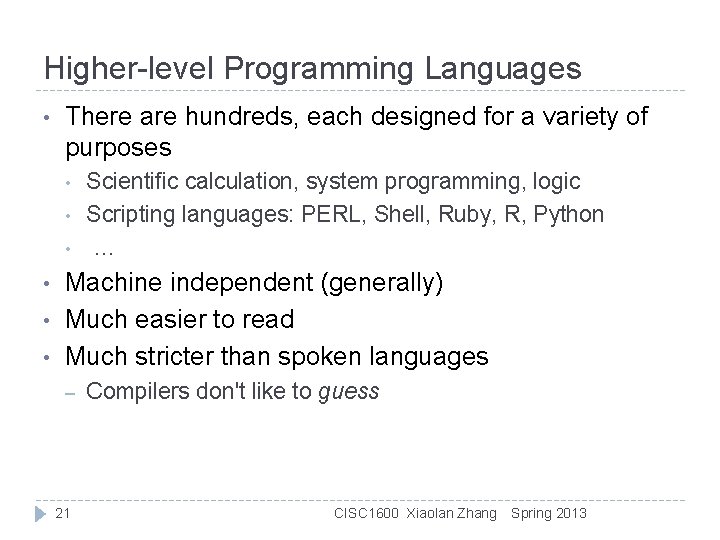
Higher-level Programming Languages • There are hundreds, each designed for a variety of purposes • • • Scientific calculation, system programming, logic Scripting languages: PERL, Shell, Ruby, R, Python … Machine independent (generally) Much easier to read Much stricter than spoken languages – 21 Compilers don't like to guess CISC 1600 Xiaolan Zhang Spring 2013
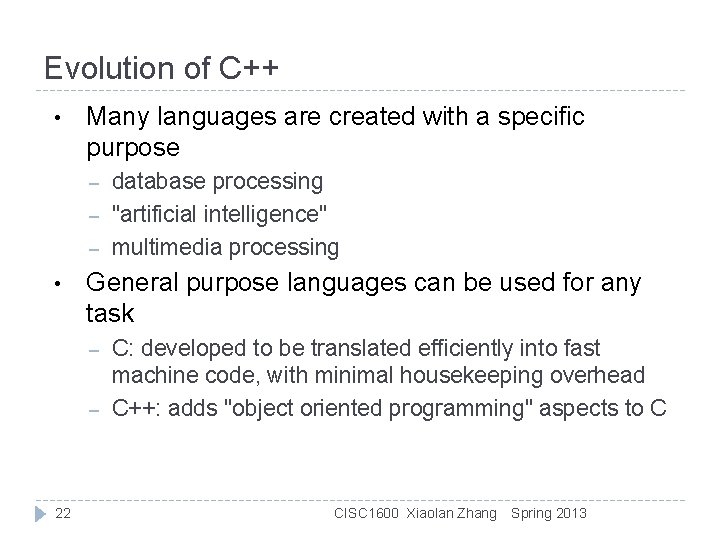
Evolution of C++ • Many languages are created with a specific purpose – – – • General purpose languages can be used for any task – – 22 database processing "artificial intelligence" multimedia processing C: developed to be translated efficiently into fast machine code, with minimal housekeeping overhead C++: adds "object oriented programming" aspects to C CISC 1600 Xiaolan Zhang Spring 2013
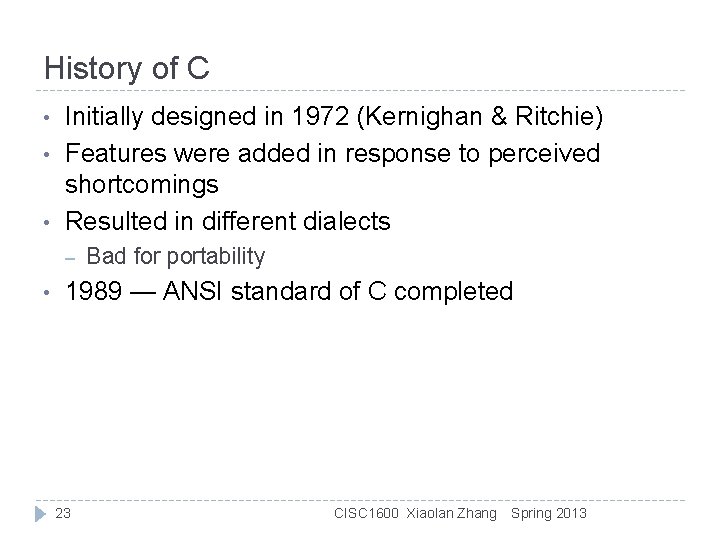
History of C • • • Initially designed in 1972 (Kernighan & Ritchie) Features were added in response to perceived shortcomings Resulted in different dialects – • Bad for portability 1989 — ANSI standard of C completed 23 CISC 1600 Xiaolan Zhang Spring 2013
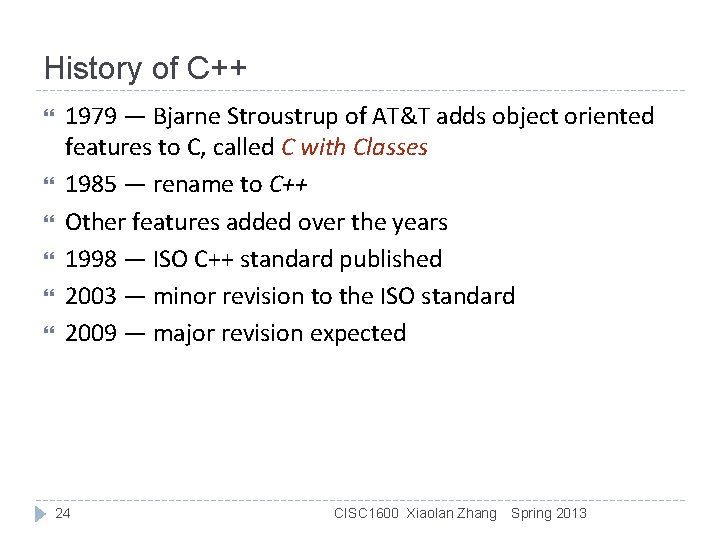
History of C++ 1979 — Bjarne Stroustrup of AT&T adds object oriented features to C, called C with Classes 1985 — rename to C++ Other features added over the years 1998 — ISO C++ standard published 2003 — minor revision to the ISO standard 2009 — major revision expected 24 CISC 1600 Xiaolan Zhang Spring 2013
Why C++? C++ is the language that most directly allows you to express ideas from the largest number of application areas C++ is the most widely used language in engineering areas • • ▫ ▫ Mars rovers, animation, graphics, Photoshop, GUI, OS, compilers, slides, chip design, chip manufacturing, semiconductor tools, etc. http: //www. research. att. com/~bs/applications. html C++ is available on almost all kinds of computers Programming concepts that you learn using C++ can be used fairly directly in other languages • ▫ Including C, Java, C#, and (less directly) Fortran 25 CISC 1600 Xiaolan Zhang Spring 2013
In this course • Teach/learn ▫ ▫ ▫ • After the course, you’ll be able to ▫ ▫ • Fundamental programming concepts Key useful techniques Basic Standard C++ facilities Write small colloquial C++ programs Read much larger programs Learn the basics of many other languages by yourself Proceed with an “advanced” C++ programming course After the course, you will not (yet) be ▫ ▫ ▫ An expert programmer A C++ language expert An expert user of advanced libraries 26 CISC 1600 Xiaolan Zhang Spring 2013
Our programming environment Introduction to Unix 27 CISC 1600 Xiaolan Zhang Spring 2013
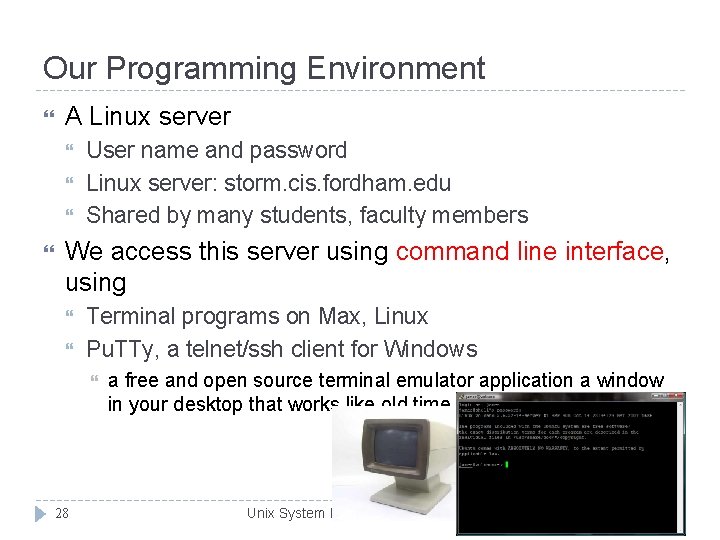
Our Programming Environment A Linux server User name and password Linux server: storm. cis. fordham. edu Shared by many students, faculty members We access this server using command line interface, using Terminal programs on Max, Linux Pu. TTy, a telnet/ssh client for Windows 28 a free and open source terminal emulator application a window in your desktop that works like old time terminal Unix System Programming, Spring 2013
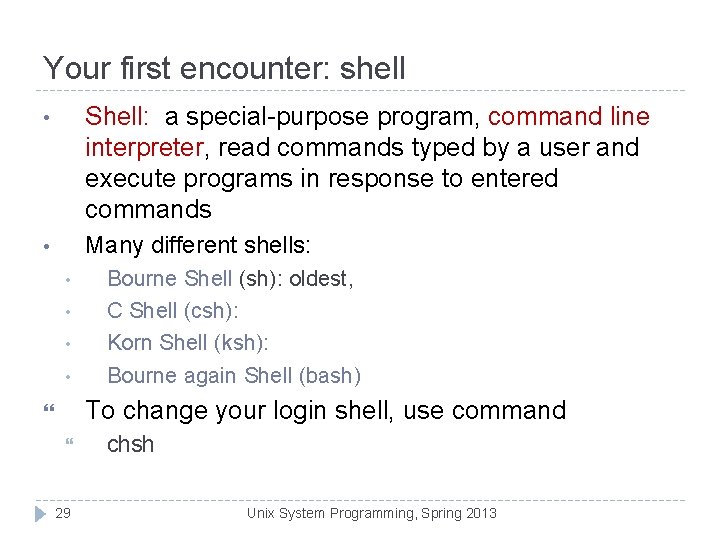
Your first encounter: shell • Shell: a special-purpose program, command line interpreter, read commands typed by a user and execute programs in response to entered commands • Many different shells: • • Bourne Shell (sh): oldest, C Shell (csh): Korn Shell (ksh): Bourne again Shell (bash) To change your login shell, use command 29 chsh Unix System Programming, Spring 2013
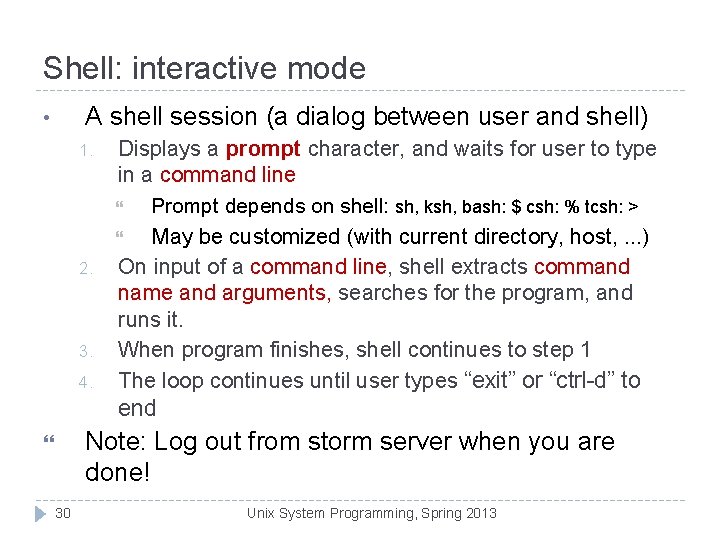
Shell: interactive mode A shell session (a dialog between user and shell) • 1. 2. 3. 4. Displays a prompt character, and waits for user to type in a command line Prompt depends on shell: sh, ksh, bash: $ csh: % tcsh: > May be customized (with current directory, host, . . . ) On input of a command line, shell extracts command name and arguments, searches for the program, and runs it. When program finishes, shell continues to step 1 The loop continues until user types “exit” or “ctrl-d” to end Note: Log out from storm server when you are done! 30 Unix System Programming, Spring 2013
UNIX command line • Command name and arguments: command [ [ - ] option (s) ] ] – cp prog 1. cpp. bak Options: used to control behavior of the command • • • head -20 lab 1. cpp wc –w lab 2. cpp // count how many words Some options come with option argument – – 31 [ command argument (s) Command arguments are mostly file or directory names • – [ option argument (s) ] sort –k 1 data. txt // use the first column of data. txt as the key to sort Unix System Programming, Spring 2013
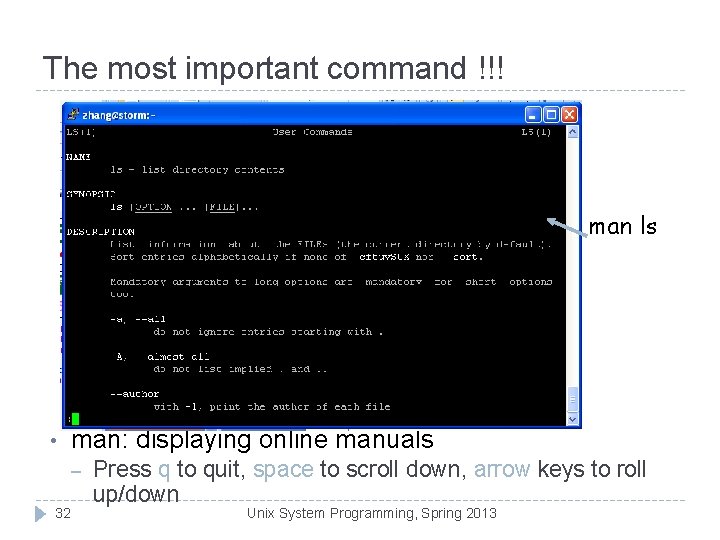
The most important command !!! man ls • man: displaying online manuals – 32 Press q to quit, space to scroll down, arrow keys to roll up/down Unix System Programming, Spring 2013
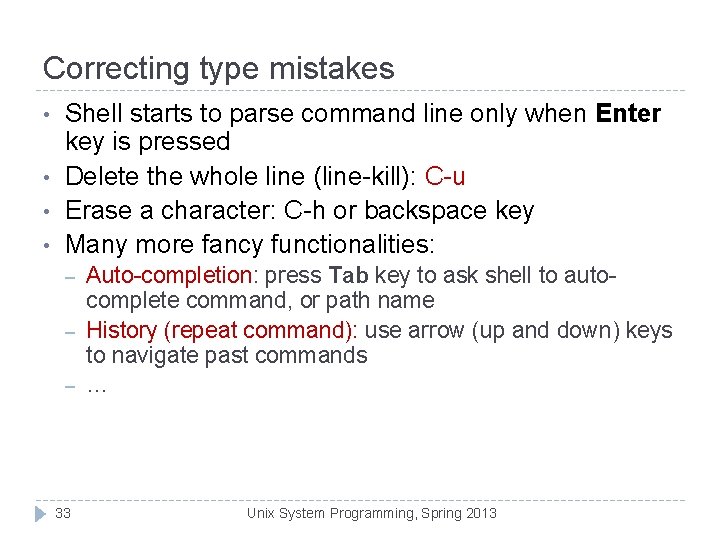
Correcting type mistakes • • Shell starts to parse command line only when Enter key is pressed Delete the whole line (line-kill): C-u Erase a character: C-h or backspace key Many more fancy functionalities: – – – 33 Auto-completion: press Tab key to ask shell to autocomplete command, or path name History (repeat command): use arrow (up and down) keys to navigate past commands … Unix System Programming, Spring 2013
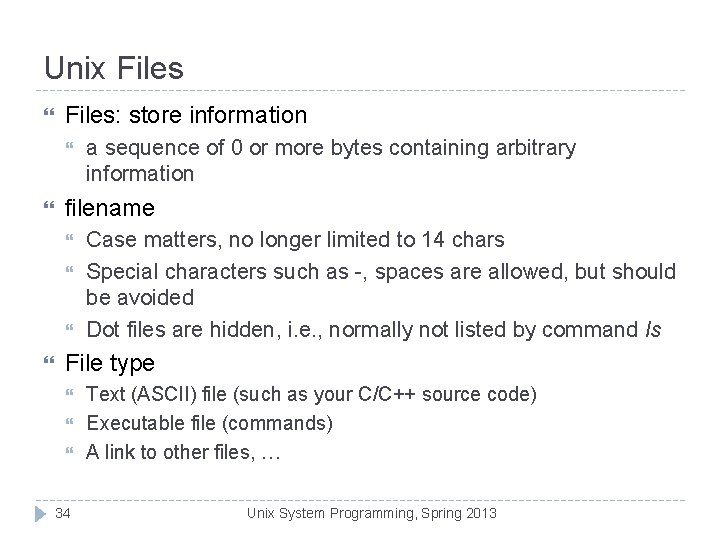
Unix Files: store information filename a sequence of 0 or more bytes containing arbitrary information Case matters, no longer limited to 14 chars Special characters such as -, spaces are allowed, but should be avoided Dot files are hidden, i. e. , normally not listed by command ls File type 34 Text (ASCII) file (such as your C/C++ source code) Executable file (commands) A link to other files, … Unix System Programming, Spring 2013
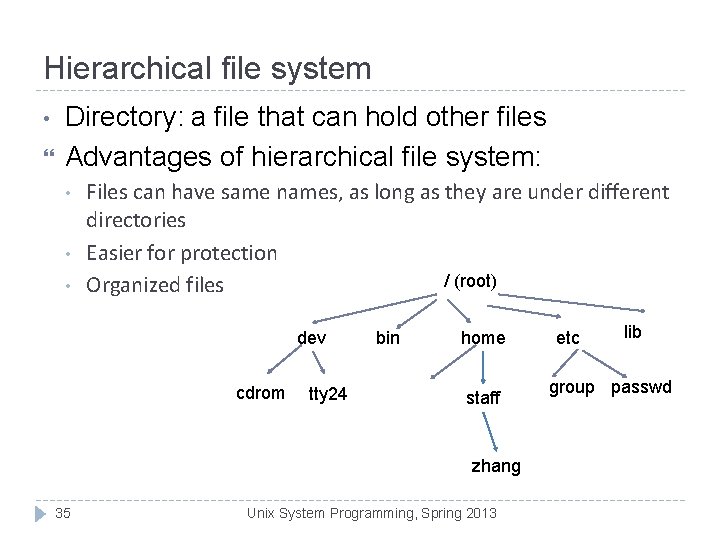
Hierarchical file system • Directory: a file that can hold other files Advantages of hierarchical file system: • • • Files can have same names, as long as they are under different directories Easier for protection / (root) Organized files dev cdrom tty 24 bin home staff zhang 35 Unix System Programming, Spring 2013 etc lib group passwd
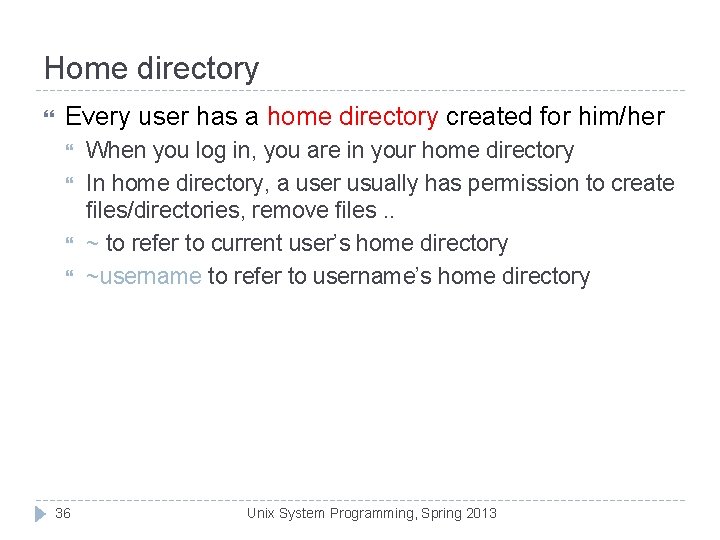
Home directory Every user has a home directory created for him/her 36 When you log in, you are in your home directory In home directory, a user usually has permission to create files/directories, remove files. . ~ to refer to current user’s home directory ~username to refer to username’s home directory Unix System Programming, Spring 2013
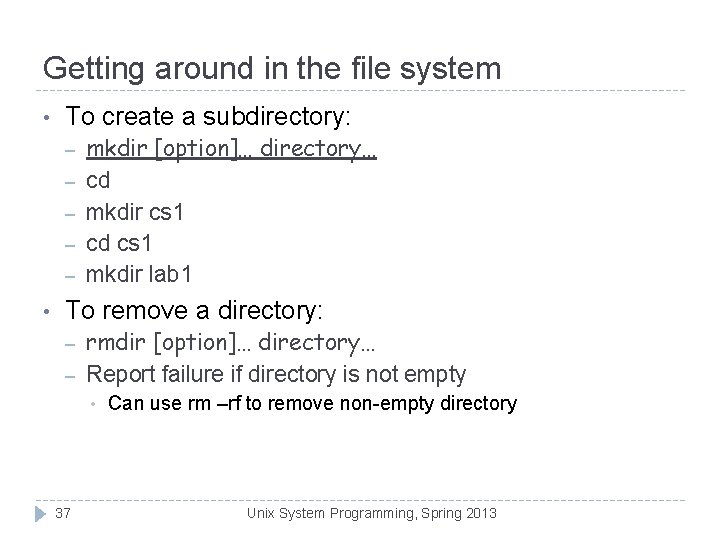
Getting around in the file system • To create a subdirectory: – – – • mkdir [option]… directory… cd mkdir cs 1 cd cs 1 mkdir lab 1 To remove a directory: – – rmdir [option]… directory… Report failure if directory is not empty • 37 Can use rm –rf to remove non-empty directory Unix System Programming, Spring 2013
Getting around in the file system ls: list directory contents ls [OPTION] … [FILE] ls: list files/directories under current directory ls –l: long listing, [zhang@storm CISC 1600]$ ls -l total 59180 -rw-r--r-- 1 zhang staff 509952 Sep 7 13: 02 3_types. ppt -rw-r--r-- 1 zhang staff 593408 Sep 14 23: 38 4_computation. ppt -rw-r--r-- 1 zhang staff 1297 Sep 2 12: 18 account. html -rw-r--r-- 1 zhang staff 3304448 Nov 7 18: 24 Array. Vector 1. ppt drwxr-xr-x 2 zhang staff 4096 Dec 8 22: 36 Codes 38 Unix System Programming, Spring 2013
Absolute pathname, path / (root) dev cdrom tty 24 bin home staff etc lib passwd zhang n Pathname of a file/directory: location of file/directory in the file system n How do you tell other where your prog. Is located ? n Absolute pathname: path name specified relative to root, i. e. , starting with the root (/) n e. g. , /home/staff/zhang 39 Unix System Programming, 2013 n What’s the absolute pathname for. Spring the “passwd” file?
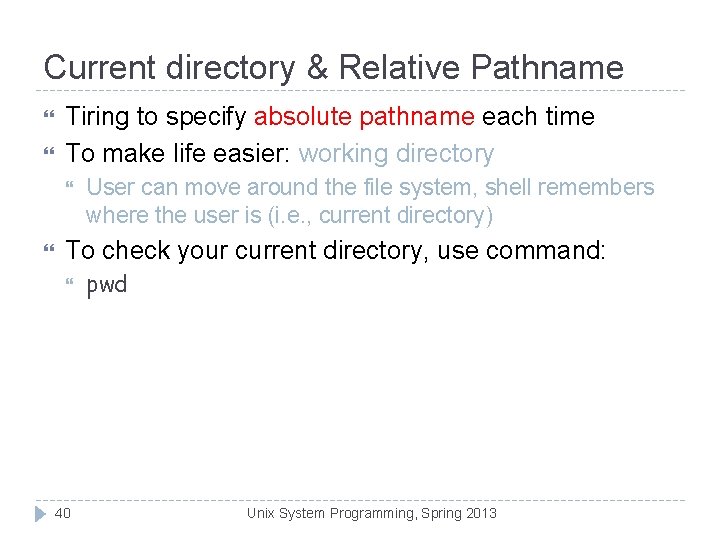
Current directory & Relative Pathname Tiring to specify absolute pathname each time To make life easier: working directory User can move around the file system, shell remembers where the user is (i. e. , current directory) To check your current directory, use command: 40 pwd Unix System Programming, Spring 2013
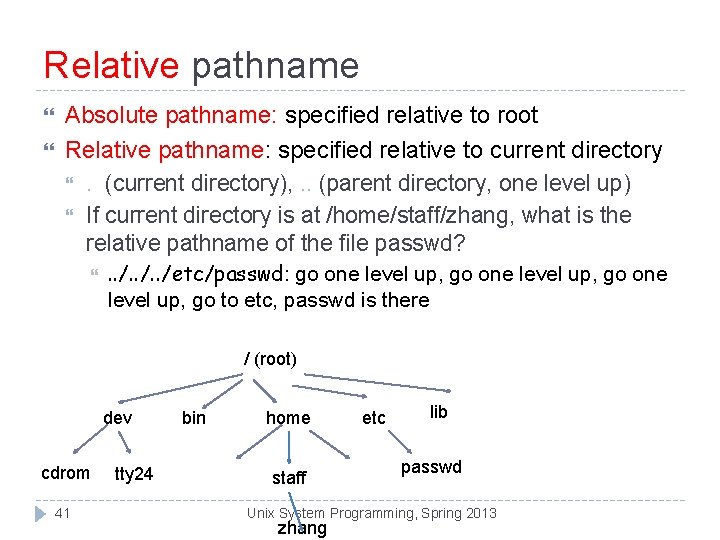
Relative pathname Absolute pathname: specified relative to root Relative pathname: specified relative to current directory . (current directory), . . (parent directory, one level up) If current directory is at /home/staff/zhang, what is the relative pathname of the file passwd? . . /etc/passwd: go one level up, go to etc, passwd is there / (root) dev cdrom 41 tty 24 bin home staff etc lib passwd Unix System Programming, Spring 2013 zhang
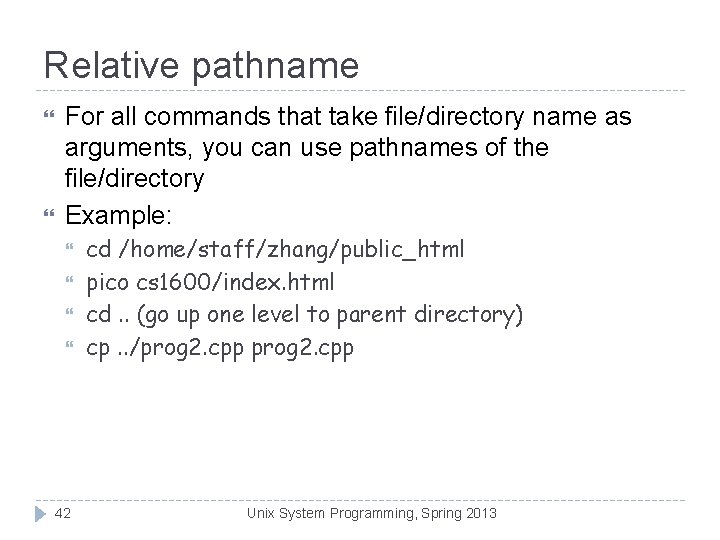
Relative pathname For all commands that take file/directory name as arguments, you can use pathnames of the file/directory Example: 42 cd /home/staff/zhang/public_html pico cs 1600/index. html cd. . (go up one level to parent directory) cp. . /prog 2. cpp Unix System Programming, Spring 2013
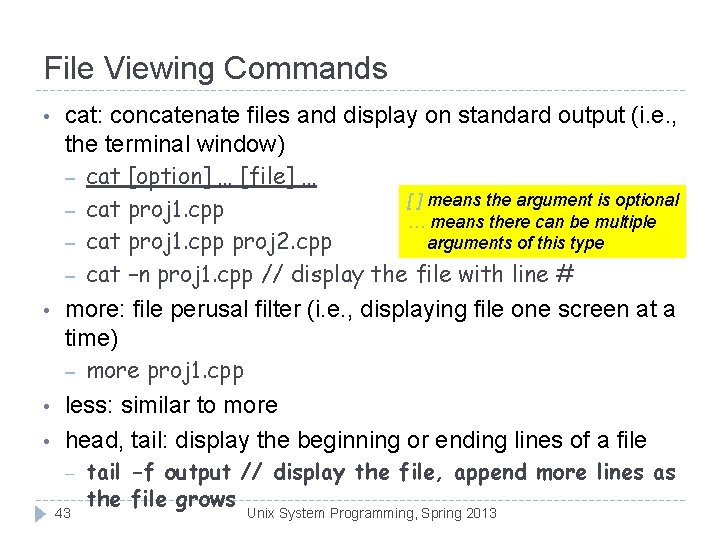
File Viewing Commands • • cat: concatenate files and display on standard output (i. e. , the terminal window) – cat [option] … [file] … [ ] means the argument is optional – cat proj 1. cpp … means there can be multiple – cat proj 1. cpp proj 2. cpp arguments of this type – cat –n proj 1. cpp // display the file with line # more: file perusal filter (i. e. , displaying file one screen at a time) – more proj 1. cpp less: similar to more head, tail: display the beginning or ending lines of a file – 43 tail -f output // display the file, append more lines as the file grows Unix System Programming, Spring 2013
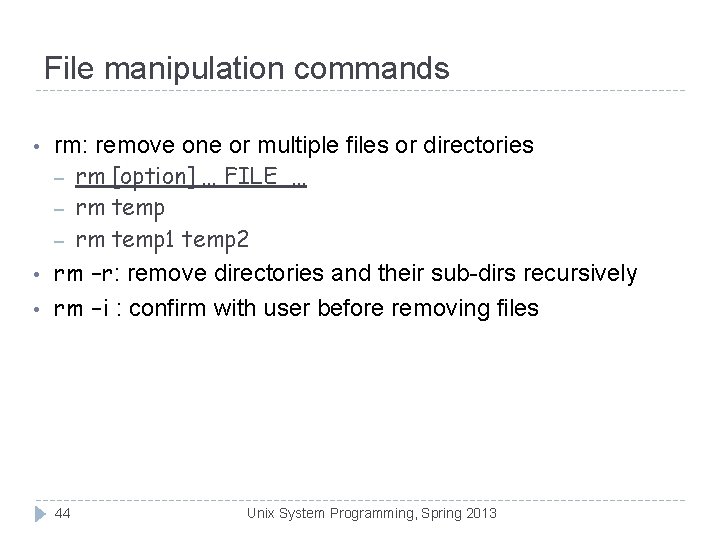
File manipulation commands • • • rm: remove one or multiple files or directories – rm [option] … FILE … – rm temp 1 temp 2 rm –r: remove directories and their sub-dirs recursively rm –i : confirm with user before removing files 44 Unix System Programming, Spring 2013
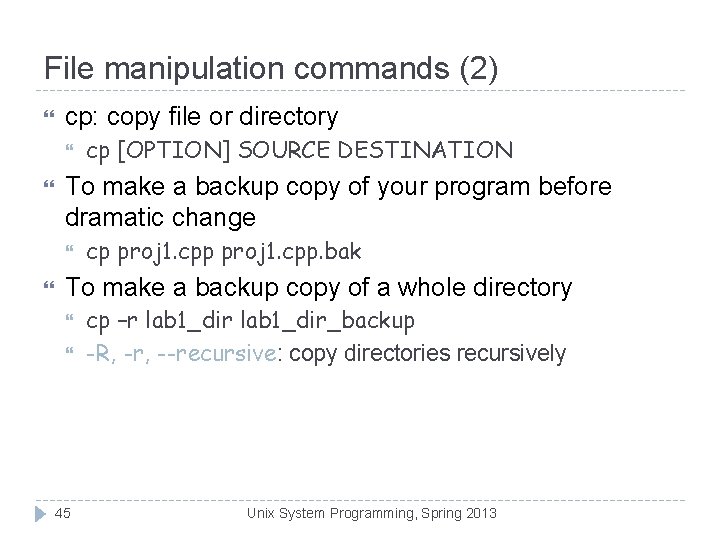
File manipulation commands (2) cp: copy file or directory To make a backup copy of your program before dramatic change cp [OPTION] SOURCE DESTINATION cp proj 1. cpp. bak To make a backup copy of a whole directory 45 cp –r lab 1_dir_backup -R, -r, --recursive: copy directories recursively Unix System Programming, Spring 2013
File manipulation commands (3) mv: move (rename) files/directories mv [OPTION] SOURCE DEST mv [OPTION]… SOURCE… DIRECTORY 46 Rename SOURCE to DEST mv proj 1. cpp lab 1. cpp Move SOURCE to DIRECTORY mv lab 1. cpp lab 2. cpp CISC 3130 Unix System Programming, Spring 2013
First C++ Program 47 CISC 1600 Xiaolan Zhang Spring 2013
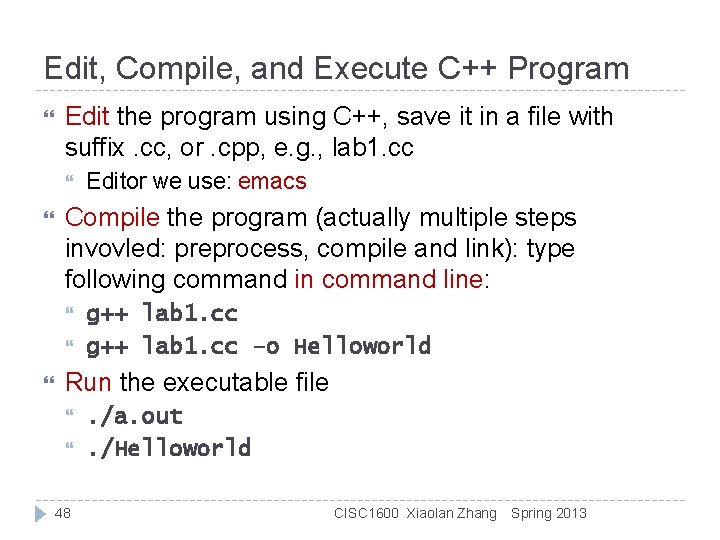
Edit, Compile, and Execute C++ Program Edit the program using C++, save it in a file with suffix. cc, or. cpp, e. g. , lab 1. cc Compile the program (actually multiple steps invovled: preprocess, compile and link): type following command in command line: Editor we use: emacs g++ lab 1. cc –o Helloworld Run the executable file 48 . /a. out. /Helloworld CISC 1600 Xiaolan Zhang Spring 2013
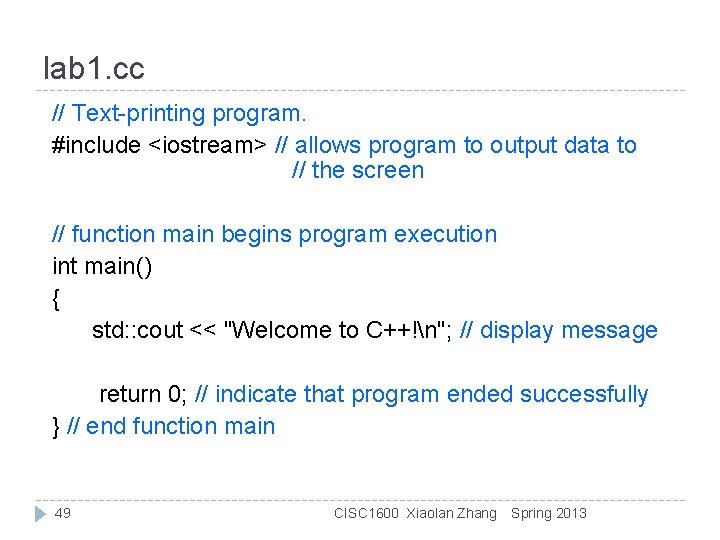
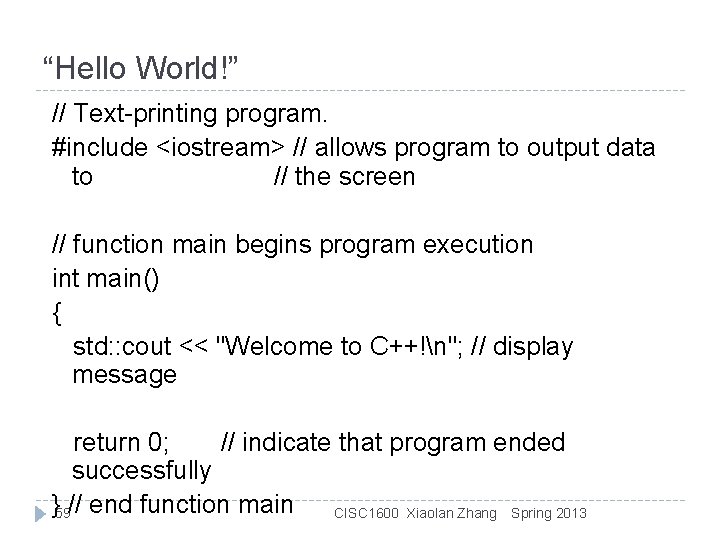
lab 1. cc // Text-printing program. #include <iostream> // allows program to output data to // the screen // function main begins program execution int main() { std: : cout << "Welcome to C++!n"; // display message return 0; // indicate that program ended successfully } // end function main 49 CISC 1600 Xiaolan Zhang Spring 2013
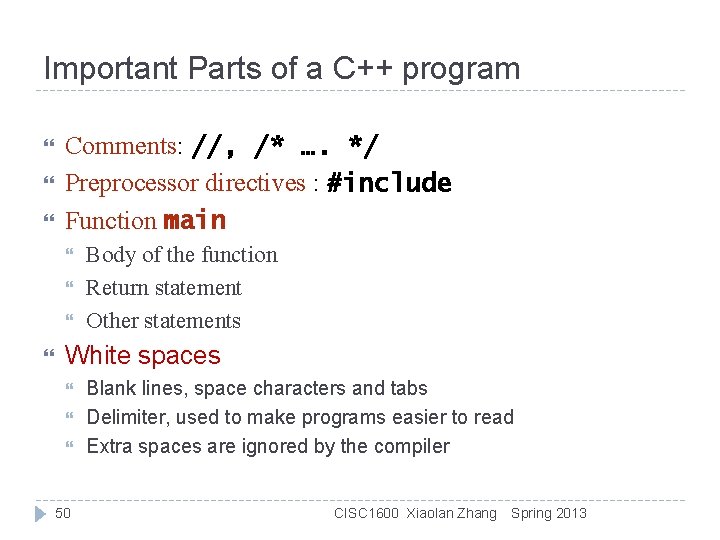
Important Parts of a C++ program Comments: //, /* …. */ Preprocessor directives : #include Function main Body of the function Return statement Other statements White spaces 50 Blank lines, space characters and tabs Delimiter, used to make programs easier to read Extra spaces are ignored by the compiler CISC 1600 Xiaolan Zhang Spring 2013
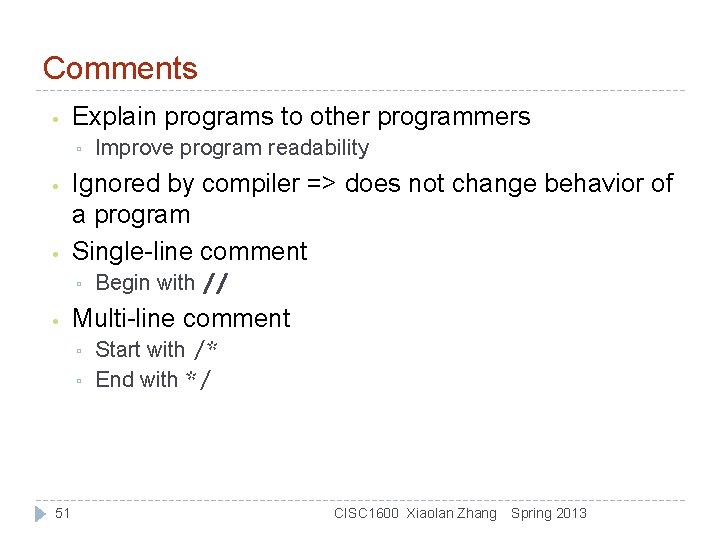
Comments • Explain programs to other programmers ▫ • • Ignored by compiler => does not change behavior of a program Single-line comment ▫ • Begin with // Multi-line comment ▫ ▫ 51 Improve program readability Start with /* End with */ CISC 1600 Xiaolan Zhang Spring 2013
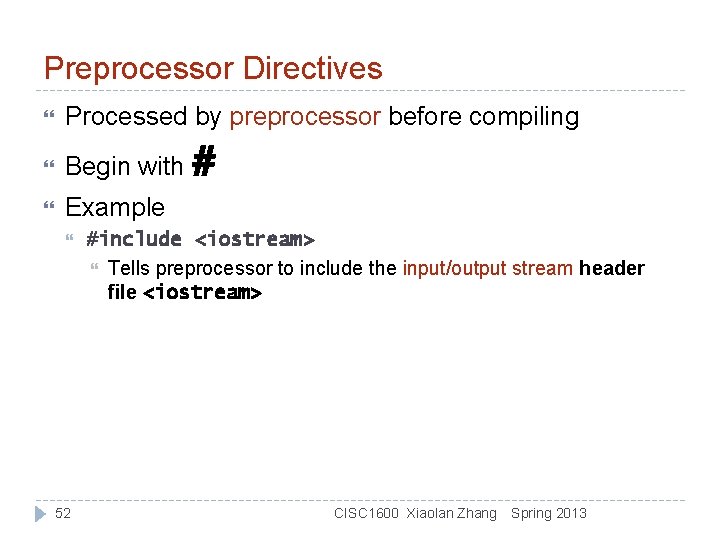
Preprocessor Directives Processed by preprocessor before compiling Begin with # Example 52 #include <iostream> Tells preprocessor to include the input/output stream header file <iostream> CISC 1600 Xiaolan Zhang Spring 2013
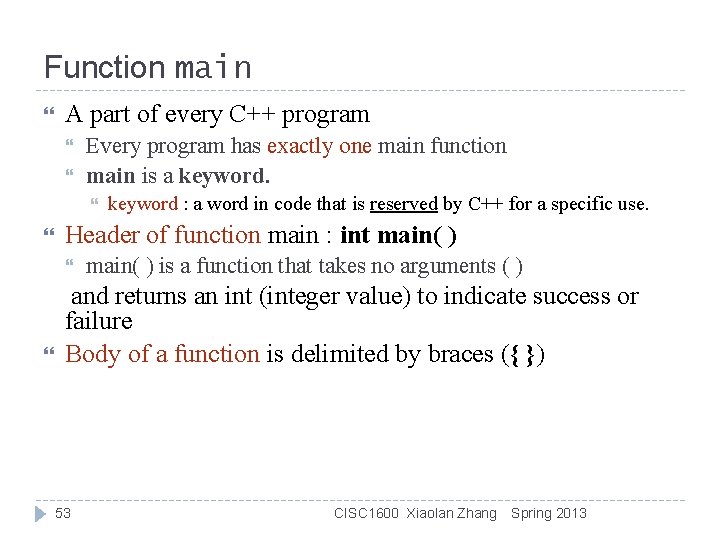
Function main A part of every C++ program Every program has exactly one main function main is a keyword. Header of function main : int main( ) keyword : a word in code that is reserved by C++ for a specific use. main( ) is a function that takes no arguments ( ) and returns an int (integer value) to indicate success or failure Body of a function is delimited by braces ({ }) 53 CISC 1600 Xiaolan Zhang Spring 2013
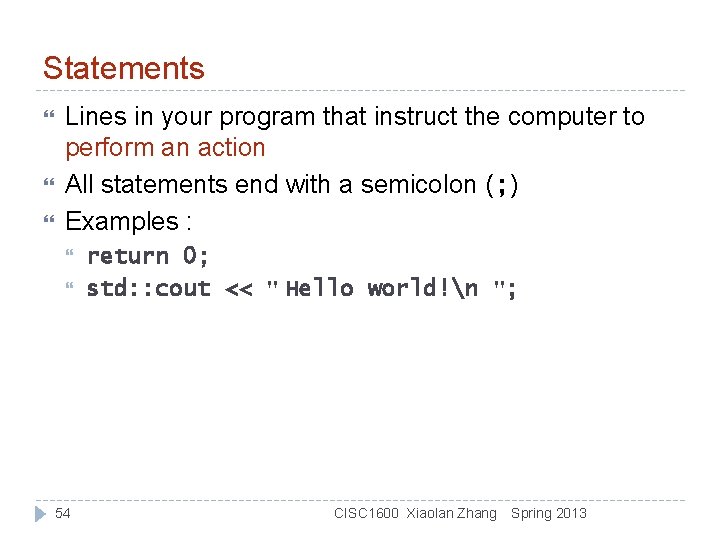
Statements Lines in your program that instruct the computer to perform an action All statements end with a semicolon (; ) Examples : 54 return 0; std: : cout << " Hello world!n "; CISC 1600 Xiaolan Zhang Spring 2013
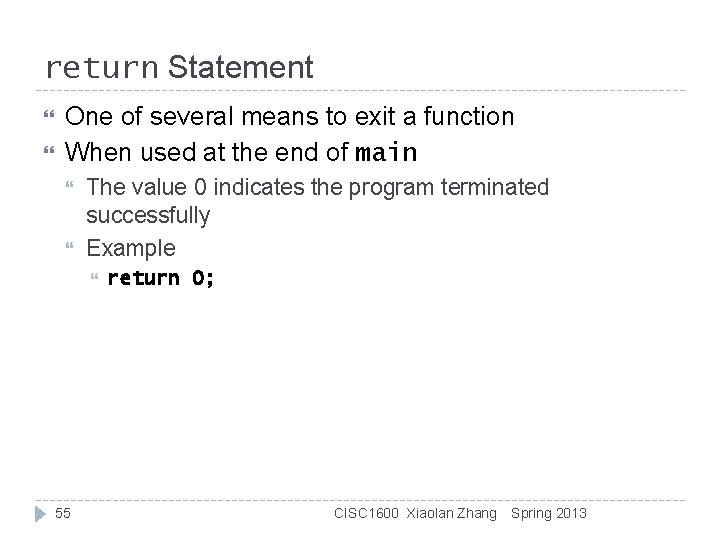
return Statement One of several means to exit a function When used at the end of main The value 0 indicates the program terminated successfully Example 55 return 0; CISC 1600 Xiaolan Zhang Spring 2013
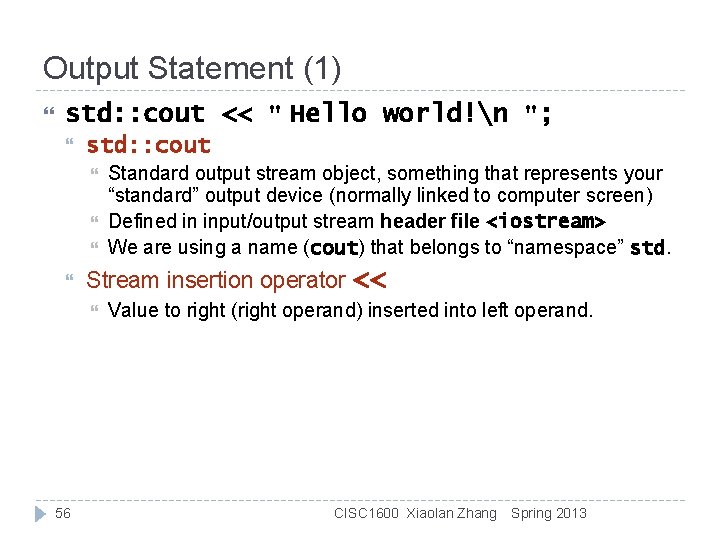
Output Statement (1) std: : cout << " Hello world!n "; std: : cout Stream insertion operator << 56 Standard output stream object, something that represents your “standard” output device (normally linked to computer screen) Defined in input/output stream header file <iostream> We are using a name (cout) that belongs to “namespace” std. Value to right (right operand) inserted into left operand. CISC 1600 Xiaolan Zhang Spring 2013
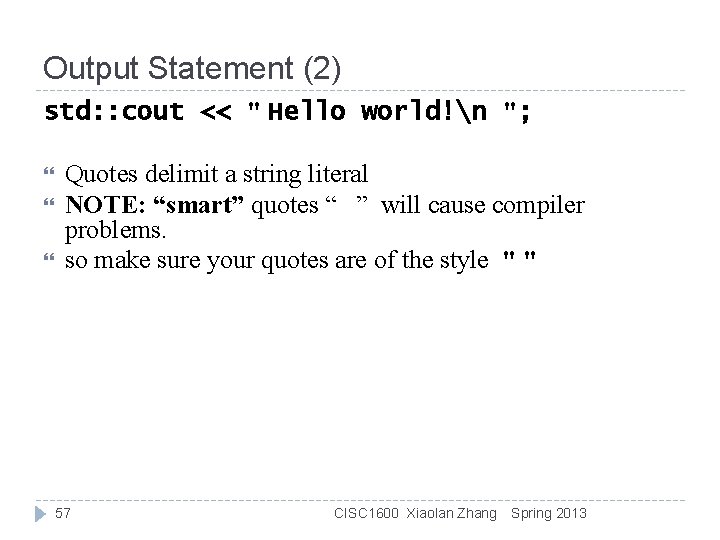
Output Statement (2) std: : cout << " Hello world!n "; Quotes delimit a string literal NOTE: “smart” quotes “ ” will cause compiler problems. so make sure your quotes are of the style " " 57 CISC 1600 Xiaolan Zhang Spring 2013
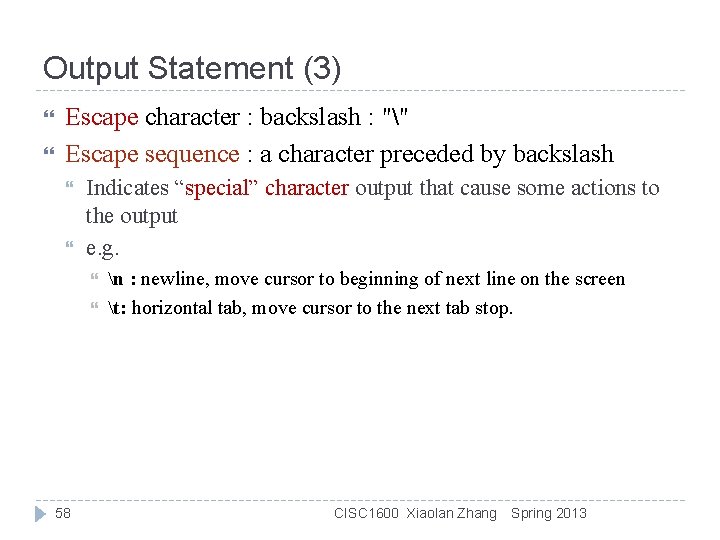
Output Statement (3) Escape character : backslash : "" Escape sequence : a character preceded by backslash Indicates “special” character output that cause some actions to the output e. g. 58 n : newline, move cursor to beginning of next line on the screen t: horizontal tab, move cursor to the next tab stop. CISC 1600 Xiaolan Zhang Spring 2013
“Hello World!” // Text-printing program. #include <iostream> // allows program to output data to // the screen // function main begins program execution int main() { std: : cout << "Welcome to C++!n"; // display message return 0; // indicate that program ended successfully }59// end function main CISC 1600 Xiaolan Zhang Spring 2013
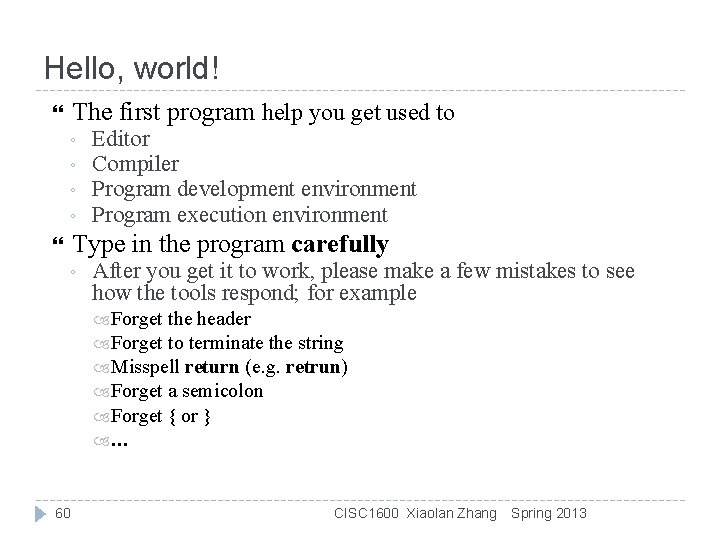
Hello, world! The first program help you get used to ◦ ◦ Editor Compiler Program development environment Program execution environment Type in the program carefully ◦ After you get it to work, please make a few mistakes to see how the tools respond; for example Forget the header Forget to terminate the string Misspell return (e. g. retrun) Forget a semicolon Forget { or } … 60 CISC 1600 Xiaolan Zhang Spring 2013
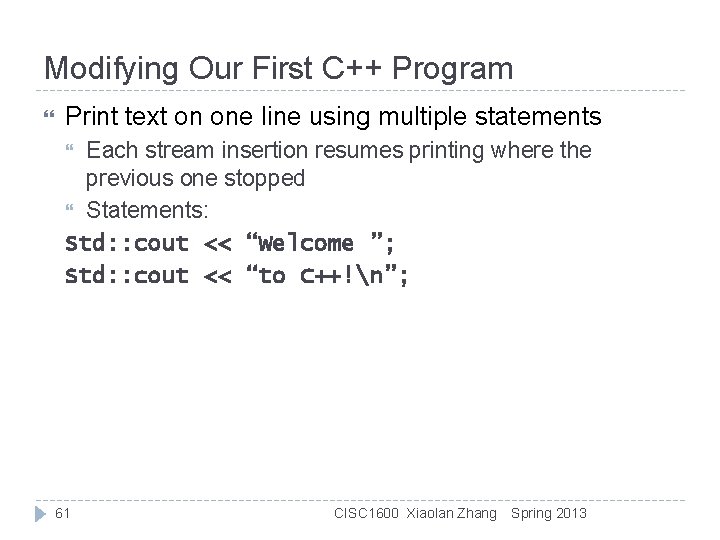
Modifying Our First C++ Program Print text on one line using multiple statements Each stream insertion resumes printing where the previous one stopped Statements: Std: : cout << “Welcome ”; Std: : cout << “to C++!n”; 61 CISC 1600 Xiaolan Zhang Spring 2013
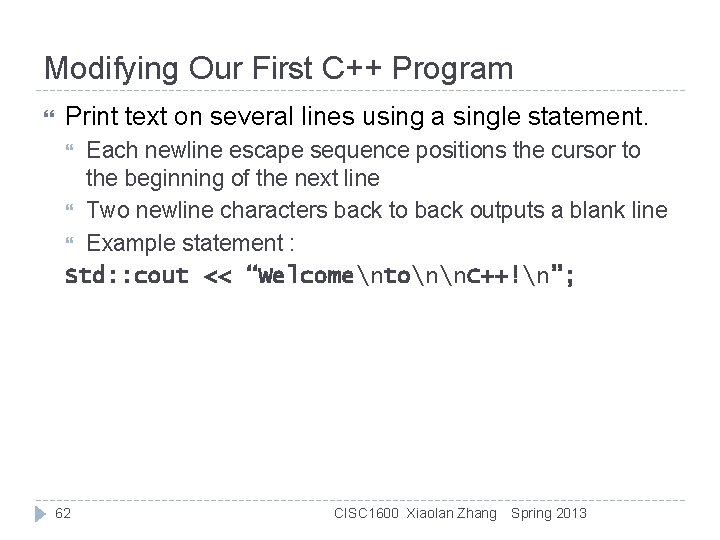
Modifying Our First C++ Program Print text on several lines using a single statement. Each newline escape sequence positions the cursor to the beginning of the next line Two newline characters back to back outputs a blank line Example statement : Std: : cout << “Welcomentonn. C++!n”; 62 CISC 1600 Xiaolan Zhang Spring 2013
Programming is fundamentally simple Just state what the machine is to do So why is programming hard? We want “the machine” to do complex things The world is more complex than we’d like to believe So we don’t always know the implications of what we want “Programming is understanding” 63 And computers are nitpicking, unforgiving, dumb beasts When you can program a task, you understand it When you program, you spend significant time trying to understand the task you want to automate CISC 1600 Xiaolan Zhang Spring 2013
Programming Except for the work you hand in as individual contributions, we strongly encourage you to collaborate and help each other If in doubt if a collaboration is legitimate: ask! Don’t claim to have written code that you copied from others Don’t give anyone else your code (to hand in for a grade) When you rely on the work of others, explicitly list all of your sources – i. e. give credit to those who did the work Don’t study alone when you don’t have to 64 Form study groups Do help each other (without plagiarizing) CISC 1600 Xiaolan Zhang Spring 2013
Comments/Suggestions Please mail questions, constructive comments and feedbacks to xzhang@fordham. edu On style, contents, detail, examples, clarity, conceptual problems, exercises, missing information, depth, etc. Course website http: //storm. cis. fordham. edu/~zhang/cs 1600 65 CISC 1600 Xiaolan Zhang Spring 2013
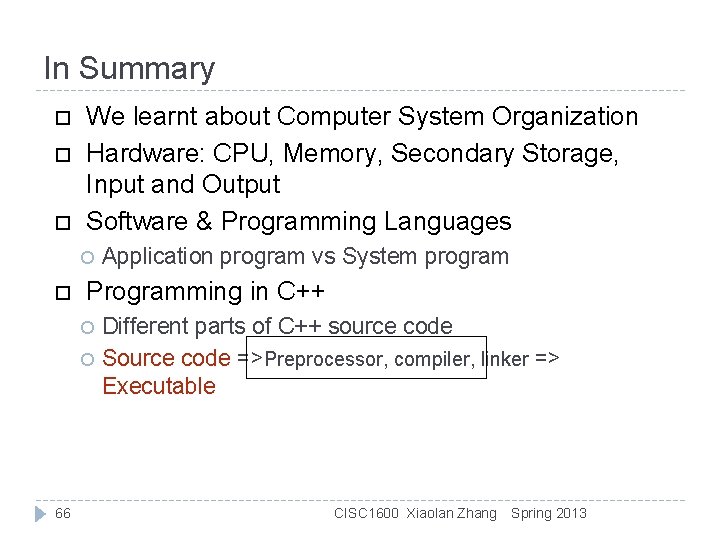
In Summary We learnt about Computer System Organization Hardware: CPU, Memory, Secondary Storage, Input and Output Software & Programming Languages Application program vs System program Programming in C++ Different parts of C++ source code Source code =>Preprocessor, compiler, linker => Executable 66 CISC 1600 Xiaolan Zhang Spring 2013
The next lecture Will talk about types, values, variables, declarations, simple input and output, very simple computations, and type safety. 67 CISC 1600 Xiaolan Zhang Spring 2013