
Introducing JDashboard Easy to Build Easy to Use
Introducing JDashboard: Easy to Build, Easy to Use Tyler Wilchek Marketing Manager Greg Harris Sr. Product Engineer Jinfonet Software Rockville, MD
Agenda 1. 2. 3. 4. 5. 6. 7. Introduction JReport 10. 1 JDashboard Demo Rich Visualization JReport Demo Q&A Invitation to the next webinar

Jinfonet Software • Our Mission: To simplify information delivery and data visualization for enterprise applications. • About Jinfonet Software: – – Privately Held, Self-funded, Debt-free Profitable with Significant Re-investment in R&D Over 160 Java Developers Continue to Enhance JReport First to Offer Embedded Reporting for Java Apps in 1998
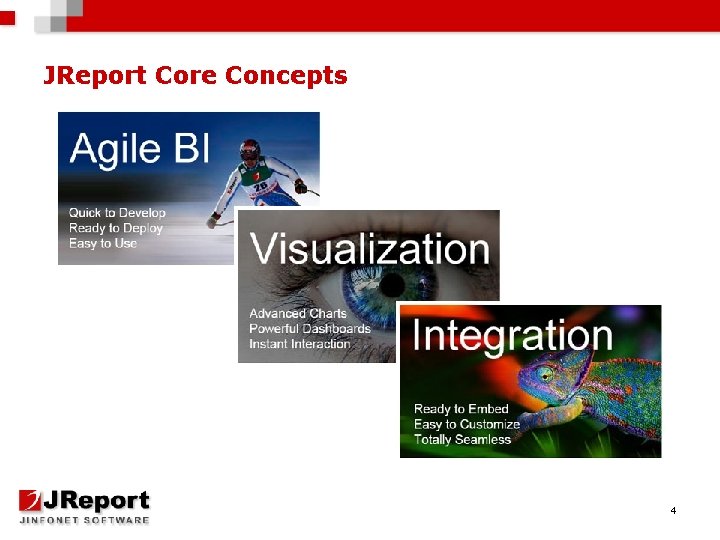
JReport Core Concepts 4
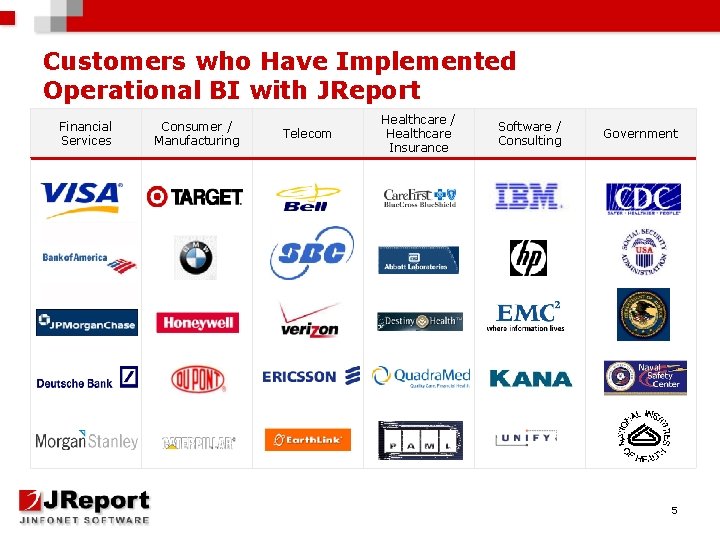
Customers who Have Implemented Operational BI with JReport Financial Services Consumer / Manufacturing Telecom Healthcare / Healthcare Insurance Software / Consulting Government 5
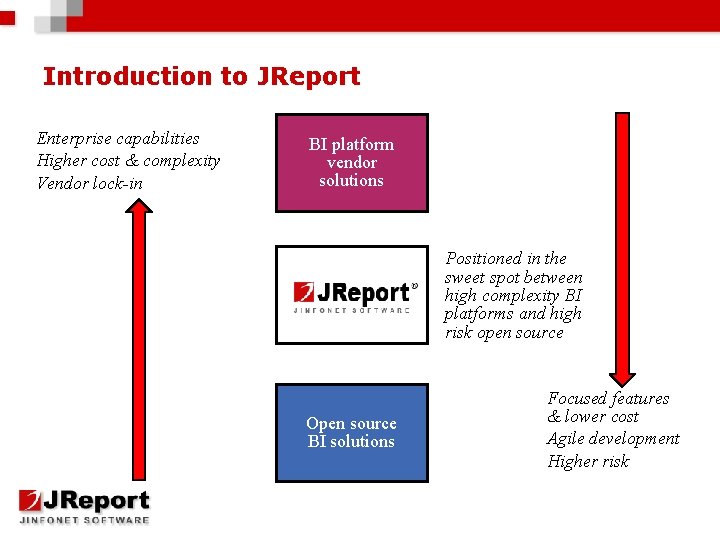
Introduction to JReport Enterprise capabilities Higher cost & complexity Vendor lock-in BI platform vendor solutions Positioned in the sweet spot between high complexity BI platforms and high risk open source Open source BI solutions Focused features & lower cost Agile development Higher risk
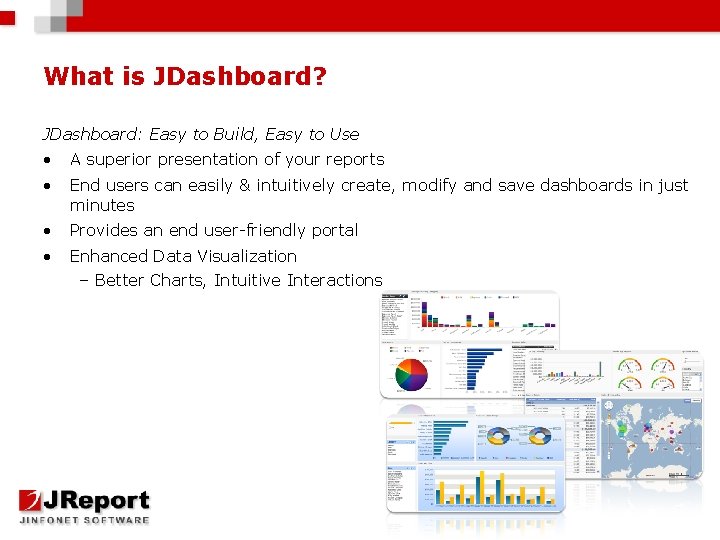
What is JDashboard? JDashboard: Easy to Build, Easy to Use • A superior presentation of your reports • End users can easily & intuitively create, modify and save dashboards in just minutes • Provides an end user-friendly portal • Enhanced Data Visualization – Better Charts, Intuitive Interactions
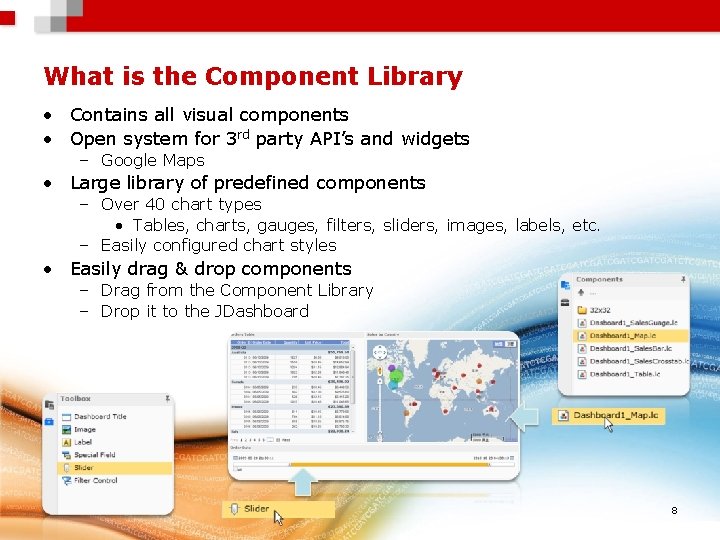
What is the Component Library • Contains all visual components • Open system for 3 rd party API’s and widgets – Google Maps • Large library of predefined components – Over 40 chart types • Tables, charts, gauges, filters, sliders, images, labels, etc. – Easily configured chart styles • Easily drag & drop components – Drag from the Component Library – Drop it to the JDashboard 8
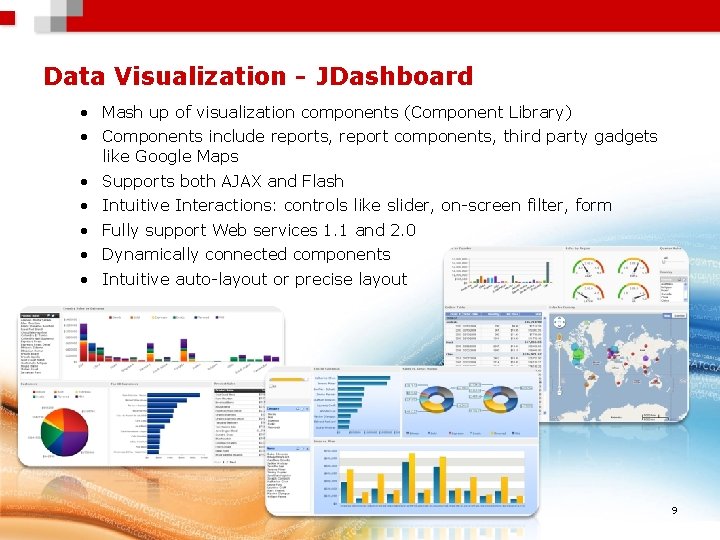
Data Visualization - JDashboard • Mash up of visualization components (Component Library) • Components include reports, report components, third party gadgets like Google Maps • Supports both AJAX and Flash • Intuitive Interactions: controls like slider, on-screen filter, form • Fully support Web services 1. 1 and 2. 0 • Dynamically connected components • Intuitive auto-layout or precise layout 9
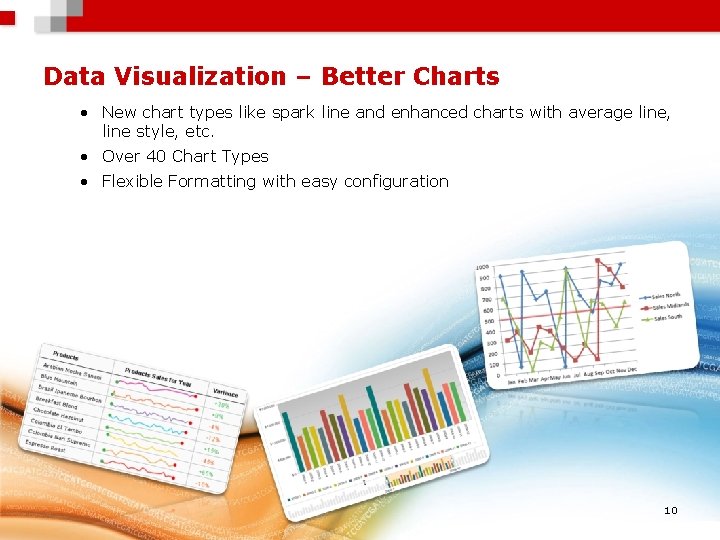
Data Visualization – Better Charts • New chart types like spark line and enhanced charts with average line, line style, etc. • Over 40 Chart Types • Flexible Formatting with easy configuration 10
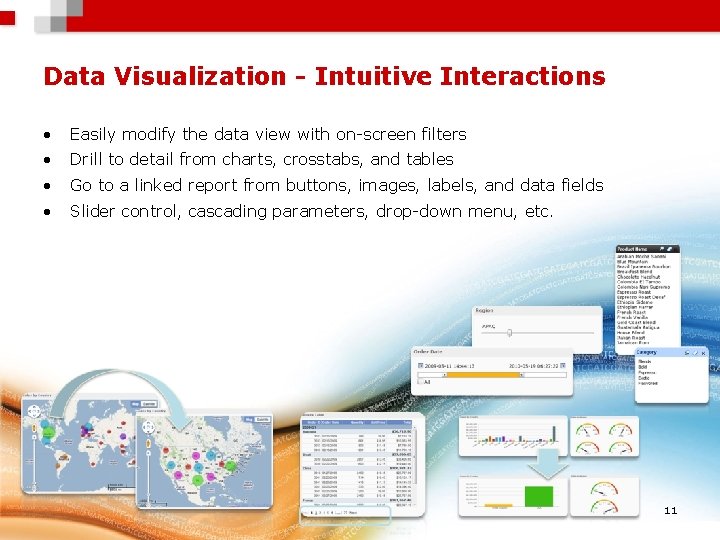
Data Visualization - Intuitive Interactions • Easily modify the data view with on-screen filters • Drill to detail from charts, crosstabs, and tables • Go to a linked report from buttons, images, labels, and data fields • Slider control, cascading parameters, drop-down menu, etc. 11

Performance – Fully Distributed Cluster Server – – Tolerate N-simultaneous failures Scalable capacity and performance Fully scalable to the Cloud Data Cache – In-memory 12
JDashboard Demo • View On-Demand recording to see JDashboard Demo
Why Visualize Data Quick decisions and immediate action Actionable information at your fingertips “Ask Questions” of your Data Make sense of overwhelming amounts of Data 14
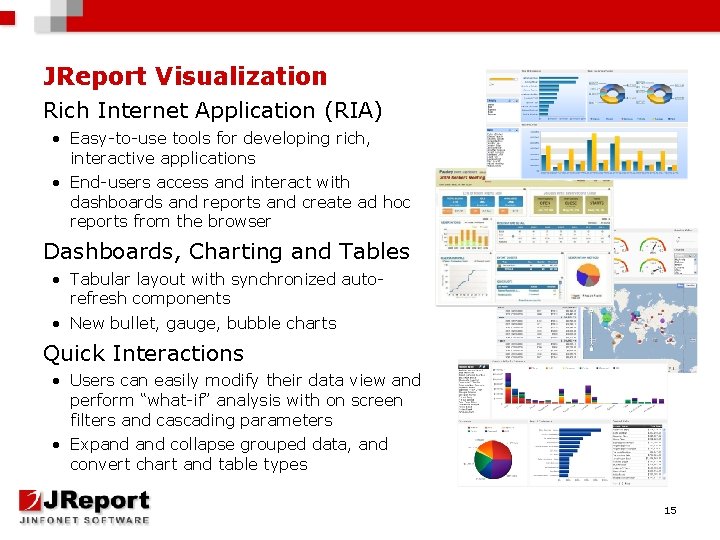
JReport Visualization Rich Internet Application (RIA) • Easy-to-use tools for developing rich, interactive applications • End-users access and interact with dashboards and reports and create ad hoc reports from the browser Dashboards, Charting and Tables • Tabular layout with synchronized autorefresh components • New bullet, gauge, bubble charts Quick Interactions • Users can easily modify their data view and perform “what-if” analysis with on screen filters and cascading parameters • Expand collapse grouped data, and convert chart and table types 15
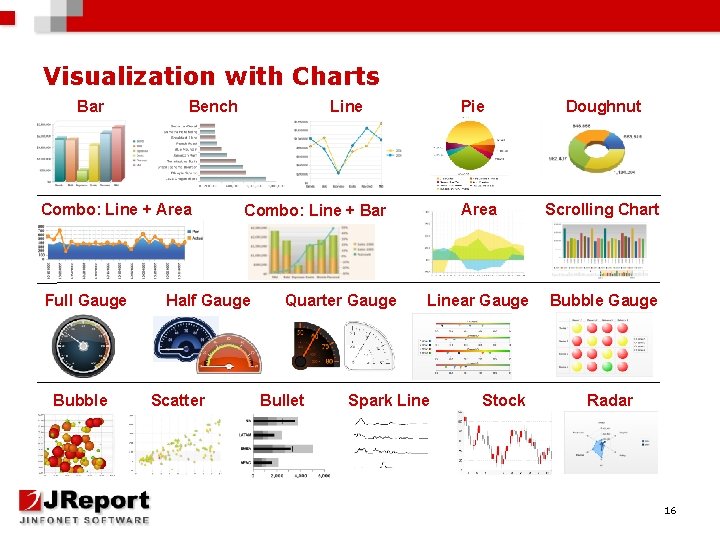
Visualization with Charts Bar Bench Combo: Line + Area Full Gauge Bubble Line Quarter Gauge Bullet Doughnut Area Scrolling Chart Linear Gauge Bubble Gauge Combo: Line + Bar Half Gauge Scatter Pie Spark Line Stock Radar 16
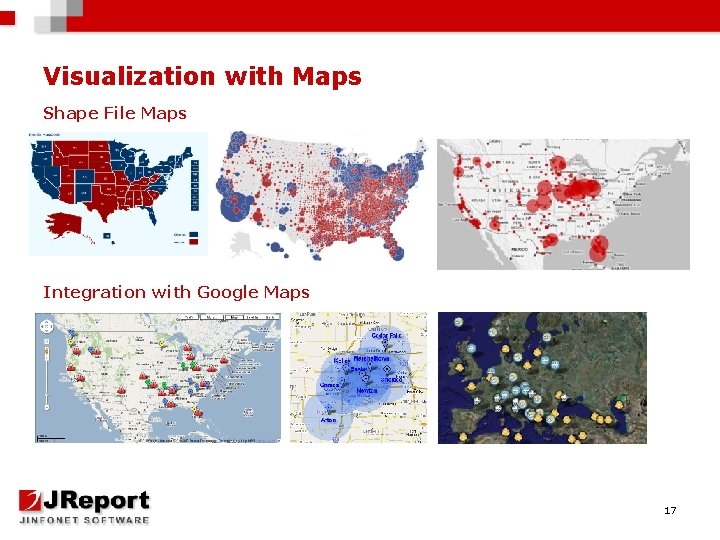
Visualization with Maps Shape File Maps Integration with Google Maps 17
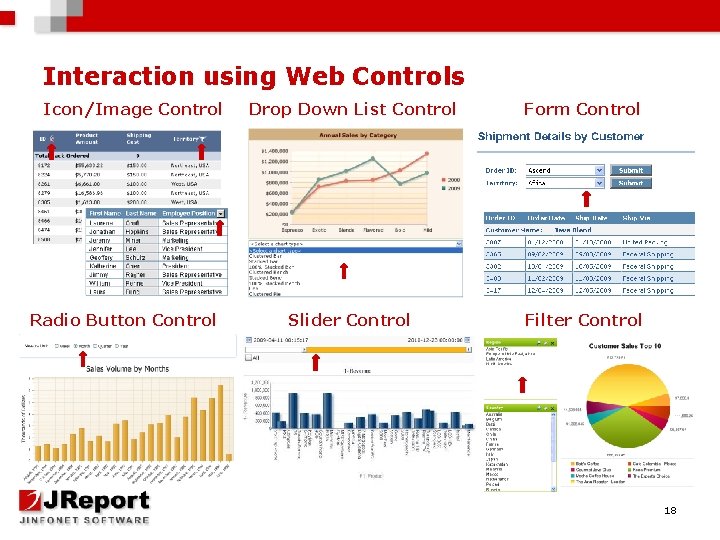
Interaction using Web Controls Icon/Image Control Radio Button Control Drop Down List Control Form Control Slider Control Filter Control 18
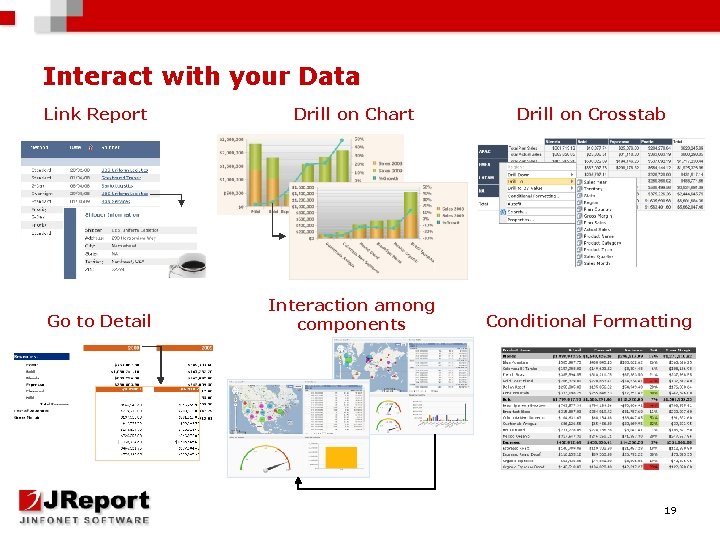
Interact with your Data Link Report Drill on Chart Drill on Crosstab Go to Detail Interaction among components Conditional Formatting 19
JReport Demo • View On-Demand recording to see JReport Demo
Join us for our next webinar Go to our home page to register today! http: //www. Jinfonet. com Embedded Reporting Wednesday, July 13 at 2 PM
Q&A Type your question in the chat box now! Contact us: Web: http: //www. Jinfonet. com E-Mail: Greg. Harris@Jinfonet. com Sales: Sales@Jinfonet. com Phone: 240 -477 -1000
- Slides: 22