
Introducing Comet Lib l What is Comet Lib
Introducing Comet. Lib l What is Comet. Lib? l What capabilities does Comet. Lib provide? l What can Comet. Lib be used for? l What languages can use Comet. Lib?
What is Comet. Lib? Comet. Lib is a “COM” server, that is a server that conforms to the Microsoft “Component Object Model”. The COM model outlines a mechanism for programs to interact with one another using a standardized set of rules. Any language that provides support for the COM object model is capable of working with Comet. Lib.
What capabilities does Comet. Lib provide? Comet. Lib extends to a client program all of the Comet file system features available to a Internet Basic program. Files can be opened, read from, or written to (and all the variations). IB features like FStat and DStat and other supporting functions are also supported by Comet. Lib.
What can Comet. Lib be used for? Often a customer will request a program that must perform a function that cannot easily (if at all) be coded using Internet Basic. An example might be a program to interface to a external piece of equipment or maybe a program that must communicate with another application. Comet. Lib can be used to solve these problems by allowing a programmer to write special programs in other languages while still having full access to the Comet file system.
What languages can use Comet. Lib? Any modern COM compliant language can use Comet. Lib. At Signature Systems we have tested Comet. Lib with Visual C++, Visual Basic, and VB Script and Java (thanks Willie Klein). Some of these languages can also be embedded inside of HTML web pages providing them full access to the Comet file system.
Using Comet. Lib l Issues for IB programmers – Numeric Data Representation – Formatting Data – Exception Handling – True/False Values – File System Function Differences
Numeric Data Representation Internet Basic supports fixed-point numeric values with a maximum length of 16 and a maximum precision of 15. VB Is limited to at most 15 digits of significance and precision digits. Place close attention to the “Numeric Data Limits” section of the Comet. Library Reference.
Formatting Data Internet Basic provides the ability to layout data records using the FORMAT statement. This is NOT the case with Comet. Lib. Instead, you place data into a record at a specified position on a field-by-field basis. Field data is retrieved from a record in a similar manner. Methods have been provided to help ensure data is properly fielded.
Exception Handling Comet file system functions use an exception (EXCP=) mechanism to specify the label of an error handling routine. Not all COM compatible languages have such a mechanism so Comet. Lib handles errors in a more generalized manner as outlined in the COM specification.
True/False Values Internet Basic pre-defines the constants TRUE (1) and FALSE (0) for use by a IB program. In VB the constant True is actually equal to – 1 and False is equal to 0. It is very important that you understand that any reference to a Boolean value of True or False must not be mistaken for 1 or 0. To avoid possible programming errors it is recommended that you always use the appropriate symbolic constant in your code.
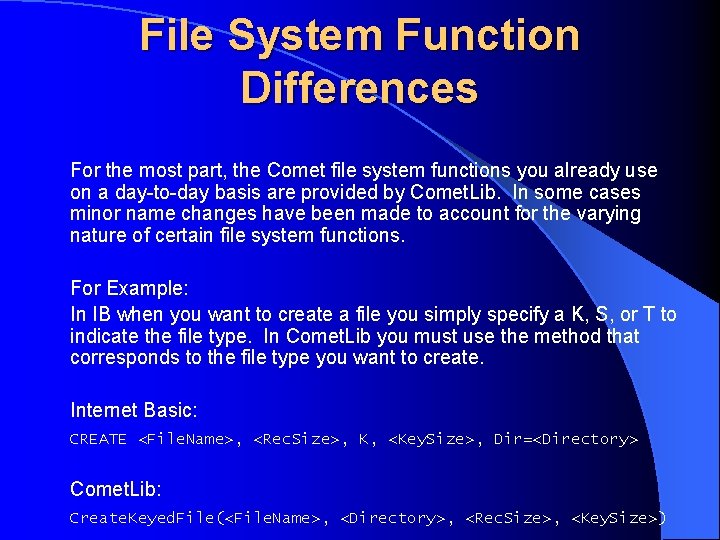
File System Function Differences For the most part, the Comet file system functions you already use on a day-to-day basis are provided by Comet. Lib. In some cases minor name changes have been made to account for the varying nature of certain file system functions. For Example: In IB when you want to create a file you simply specify a K, S, or T to indicate the file type. In Comet. Lib you must use the method that corresponds to the file type you want to create. Internet Basic: CREATE <File. Name>, <Rec. Size>, K, <Key. Size>, Dir=<Directory> Comet. Lib: Create. Keyed. File(<File. Name>, <Directory>, <Rec. Size>, <Key. Size>)
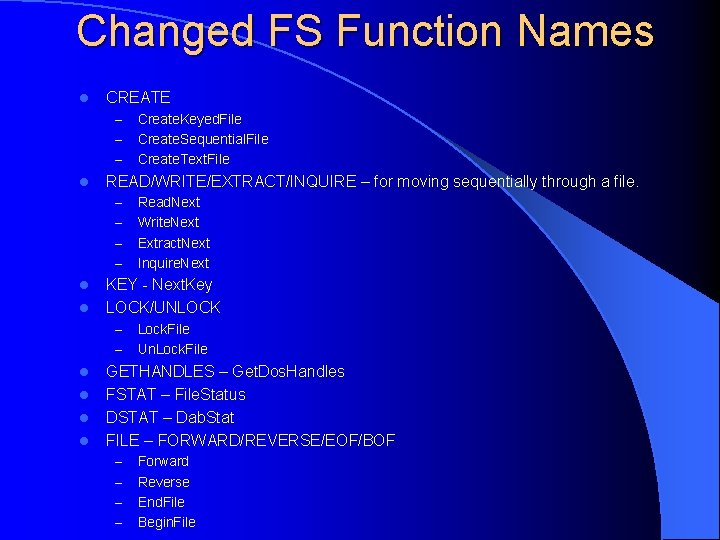
Changed FS Function Names l CREATE – – – l READ/WRITE/EXTRACT/INQUIRE – for moving sequentially through a file. – – l l l Read. Next Write. Next Extract. Next Inquire. Next KEY - Next. Key LOCK/UNLOCK – l Create. Keyed. File Create. Sequential. File Create. Text. File Lock. File Un. Lock. File GETHANDLES – Get. Dos. Handles FSTAT – File. Status DSTAT – Dab. Stat FILE – FORWARD/REVERSE/EOF/BOF – – Forward Reverse End. File Begin. File
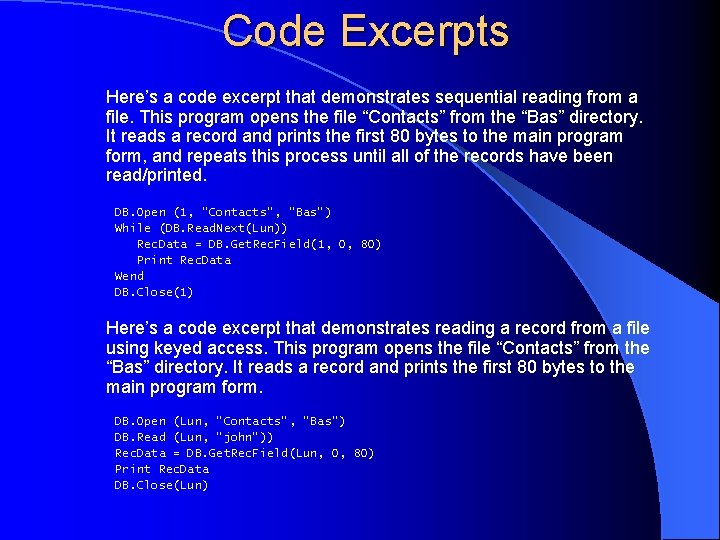
Code Excerpts Here’s a code excerpt that demonstrates sequential reading from a file. This program opens the file “Contacts” from the “Bas” directory. It reads a record and prints the first 80 bytes to the main program form, and repeats this process until all of the records have been read/printed. DB. Open (1, "Contacts", "Bas") While (DB. Read. Next(Lun)) Rec. Data = DB. Get. Rec. Field(1, 0, 80) Print Rec. Data Wend DB. Close(1) Here’s a code excerpt that demonstrates reading a record from a file using keyed access. This program opens the file “Contacts” from the “Bas” directory. It reads a record and prints the first 80 bytes to the main program form. DB. Open (Lun, "Contacts", "Bas") DB. Read (Lun, “john”)) Rec. Data = DB. Get. Rec. Field(Lun, 0, 80) Print Rec. Data DB. Close(Lun)
Want More? A sample VB program called “Contact. Mgr” is available in source form. This program maintains a database of contact information to demonstrate many Comet. Lib features. Please refer to the “Comet. Library Reference” for additional information on Comet. Lib and Comet file system features.
- Slides: 14