
Introducing College Scope Part I Getting Started with
- Slides: 56
Introducing College. Scope
Part I: Getting Started with the Content Survey and Chapter 1 Part II: Common Login Problems and Easy Solutions Part III: Introducing Do What You Are and Chapter 2 Part IV: Introducing the PEPS learning style inventory and Chapter 3
Part I: Getting Started with the Content Survey and Chapter 1
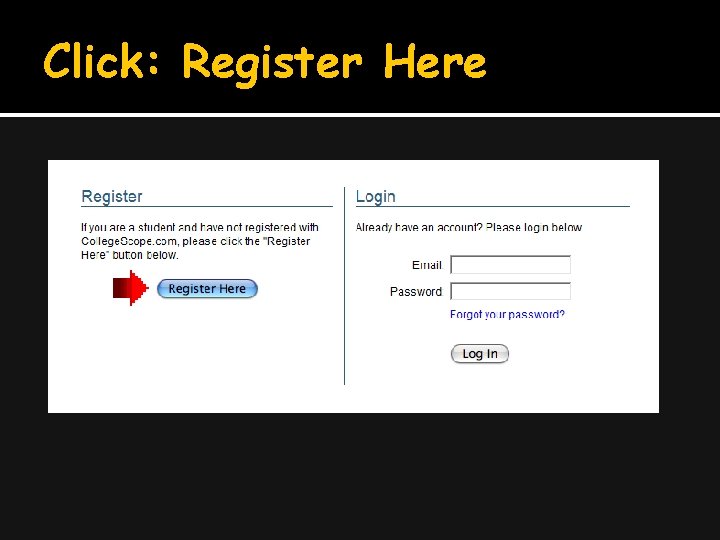
Step 1: Register Go to: http: //www. collegescope. com/ccs/sierracollege
Click: Register Here
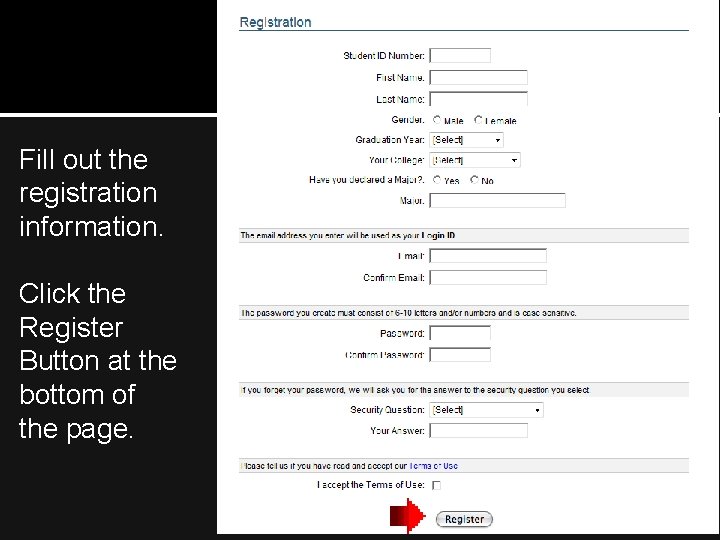
Fill out the registration information. Click the Register Button at the bottom of the page.
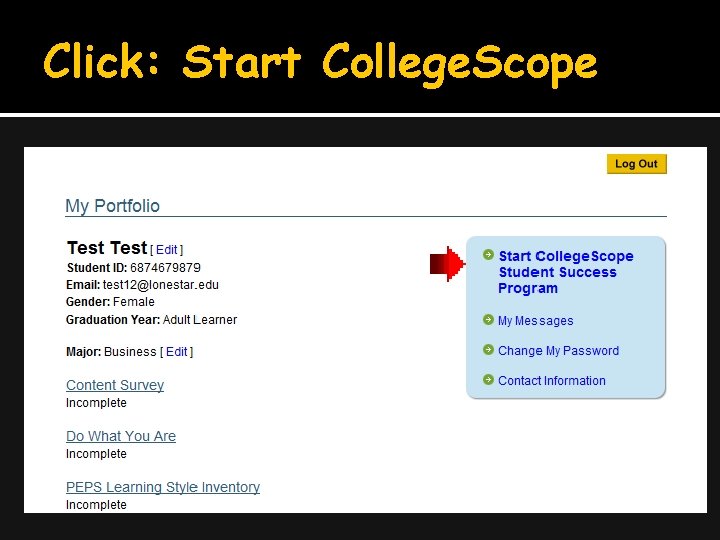
Click: Start College. Scope
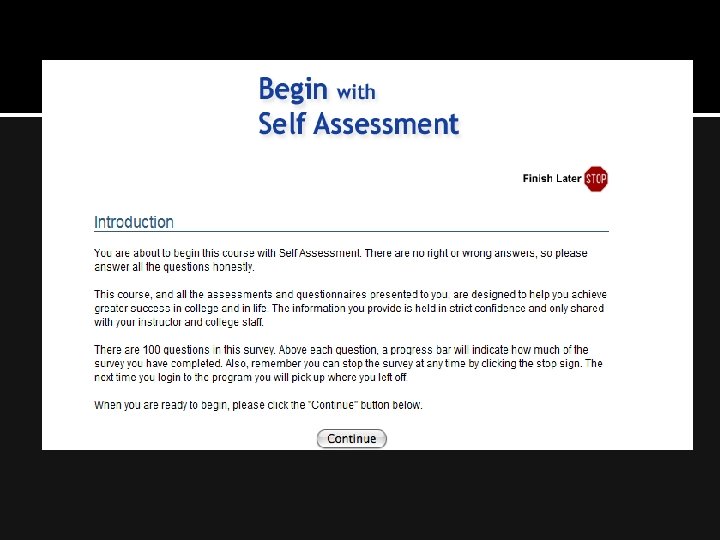
Start with an assessment The assessment is a pre-test to measure your skills at the present time. You will take this assessment again at the end to see how you have improved. Relax and answer the questions honestly. The assessment is a good outline of the content of College. Scope.
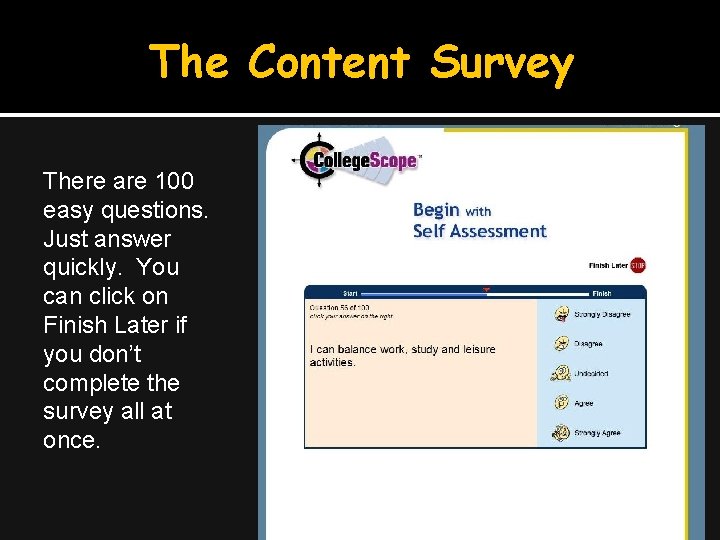
The Content Survey There are 100 easy questions. Just answer quickly. You can click on Finish Later if you don’t complete the survey all at once.
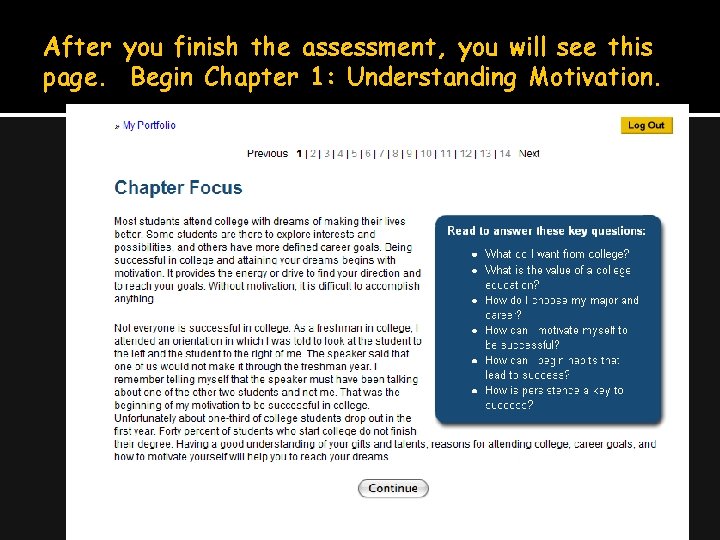
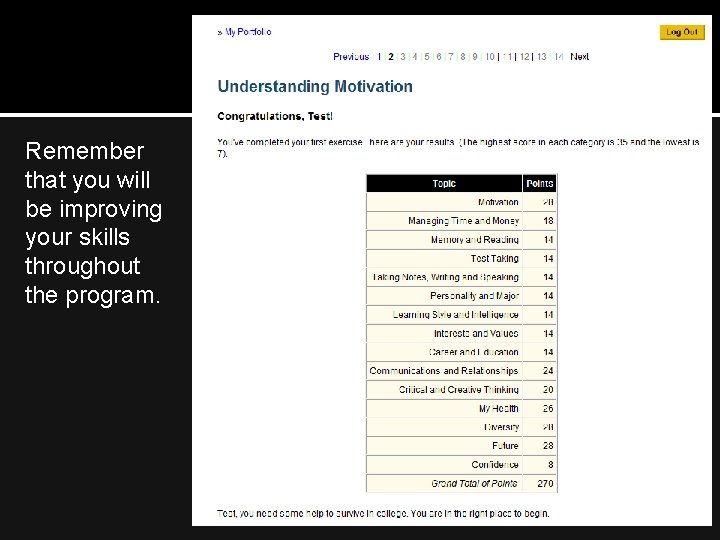
After you finish the assessment, you will see this page. Begin Chapter 1: Understanding Motivation.
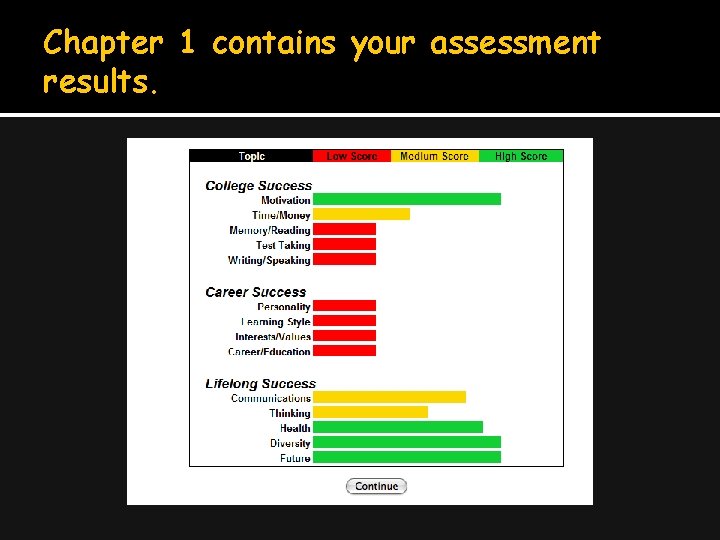
Chapter 1 contains your assessment results.
Remember that you will be improving your skills throughout the program.
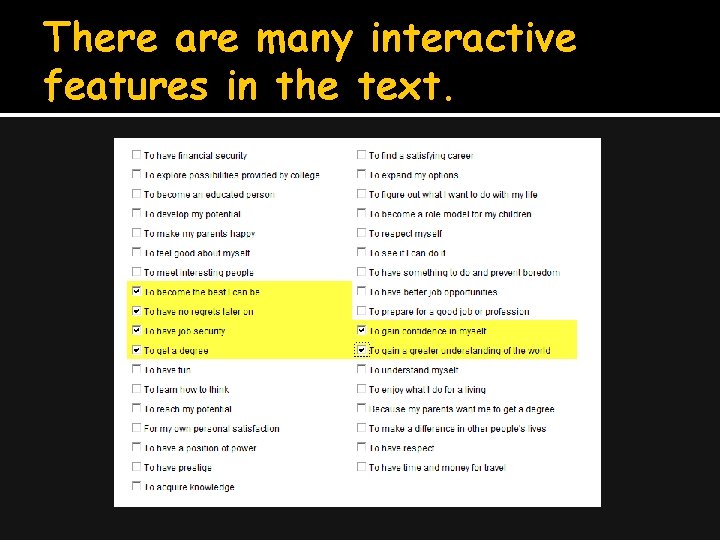
There are many interactive features in the text.
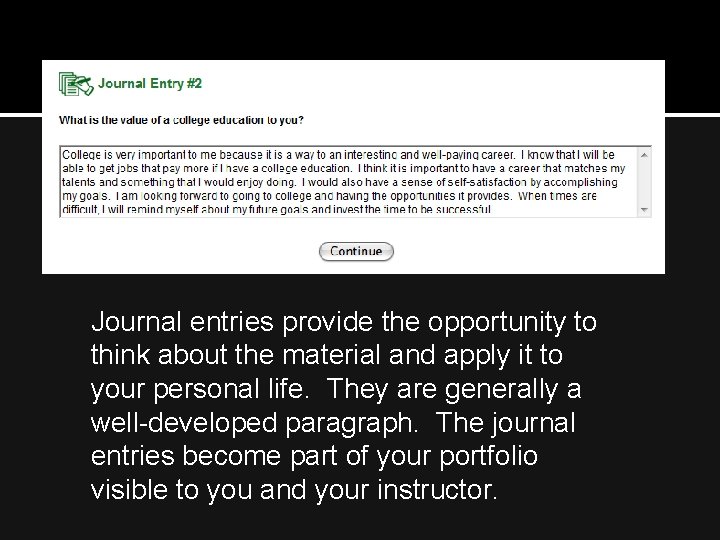
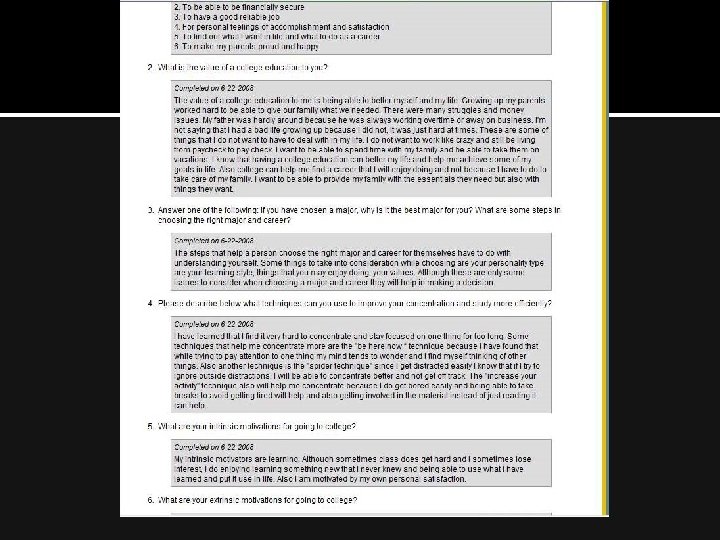
Journal entries provide the opportunity to think about the material and apply it to your personal life. They are generally a well-developed paragraph. The journal entries become part of your portfolio visible to you and your instructor.
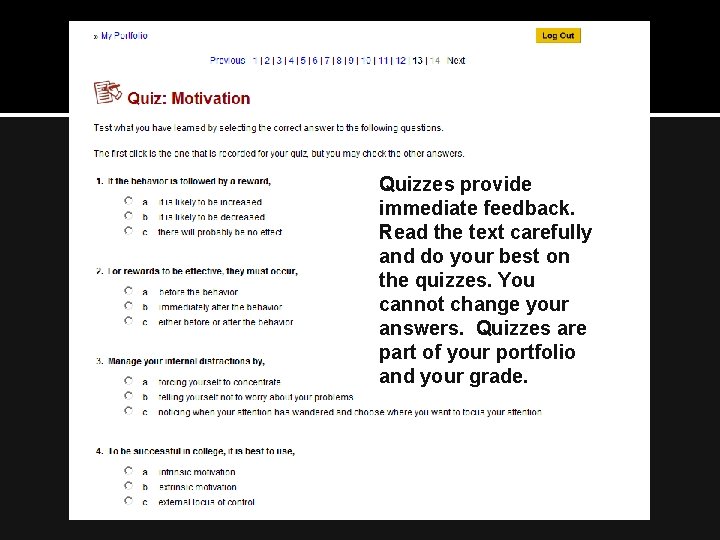
Quizzes provide immediate feedback. Read the text carefully and do your best on the quizzes. You cannot change your answers. Quizzes are part of your portfolio and your grade.
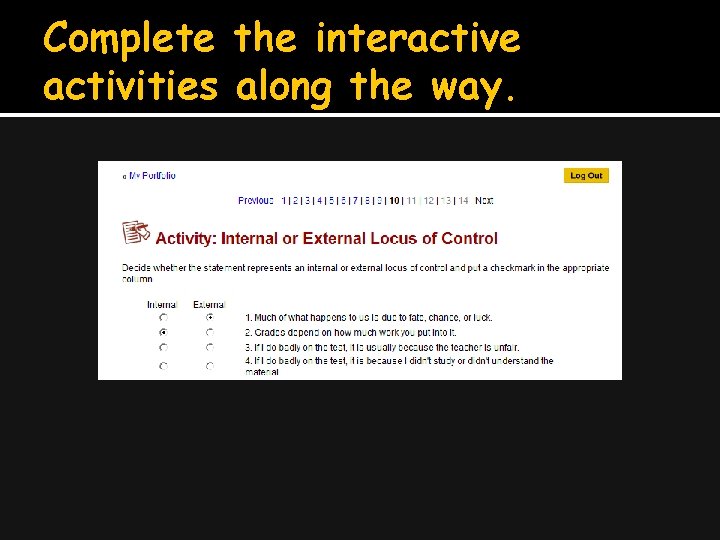
Complete the interactive activities along the way.
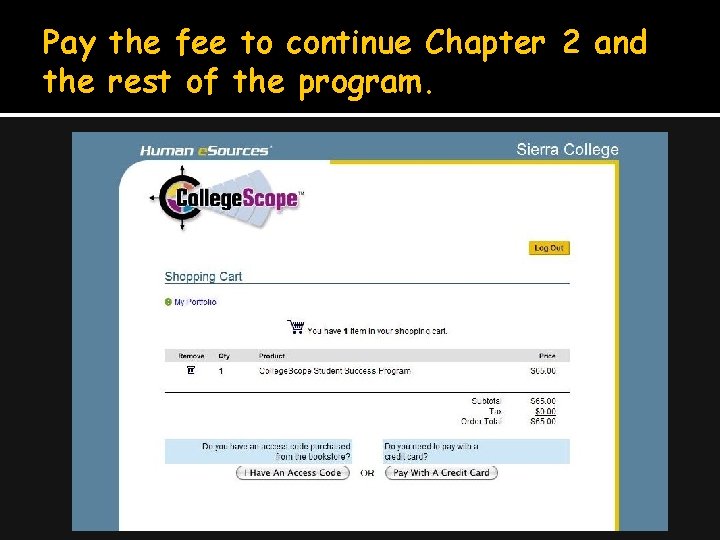
Pay the fee to continue Chapter 2 and the rest of the program.
Pay online with a credit card. Get a discount by paying online ($65). You can use your financial aid voucher in the bookstore to purchase an access code to use instead of a credit card. The bookstore charges $__.
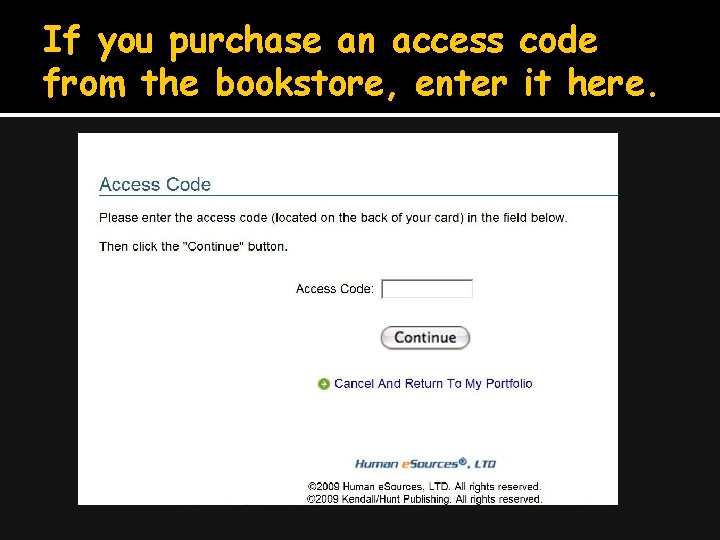
If you purchase an access code from the bookstore, enter it here.
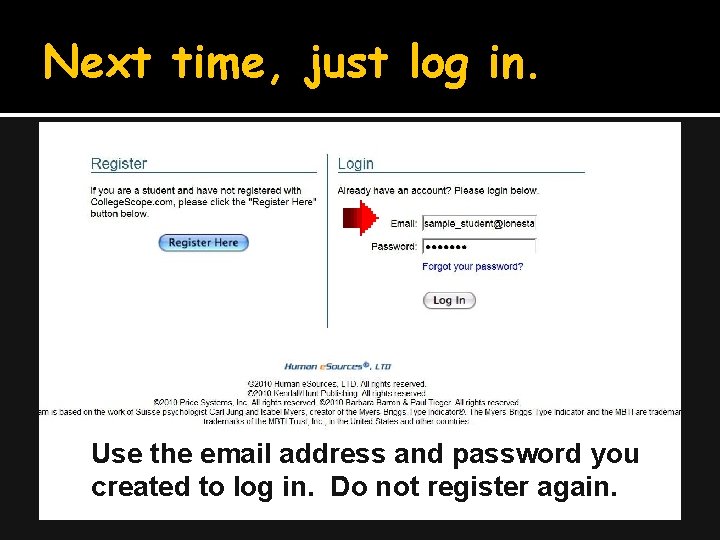
Next time, just log in. Use the email address and password you created to log in. Do not register again.
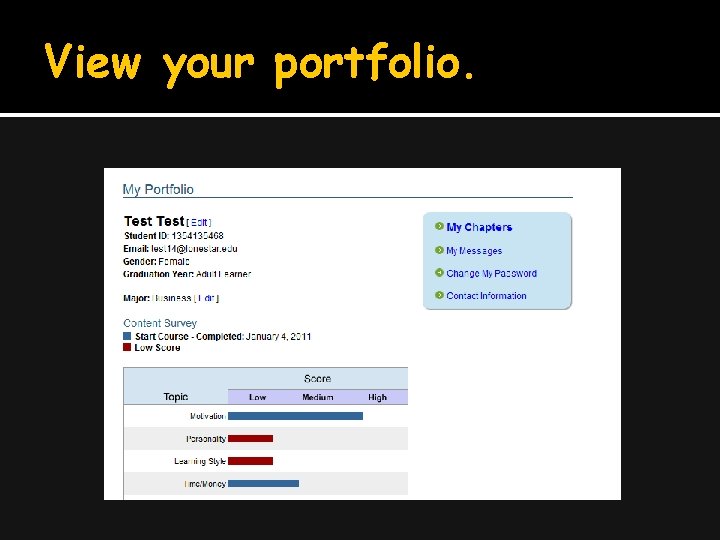
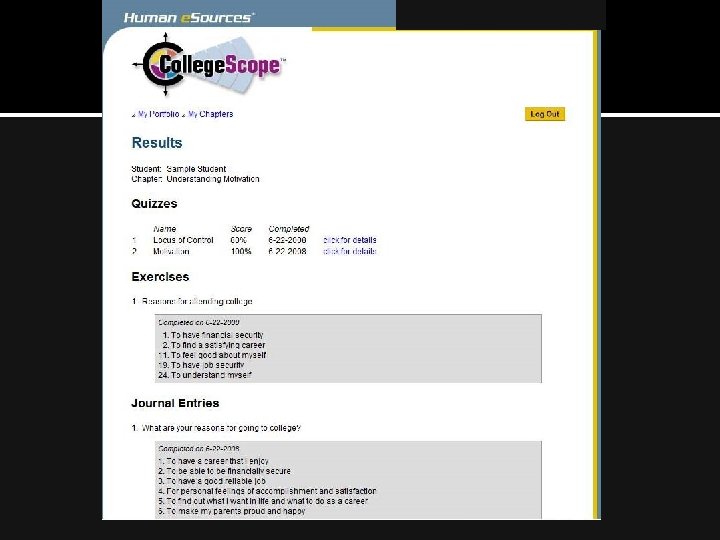
View your portfolio.
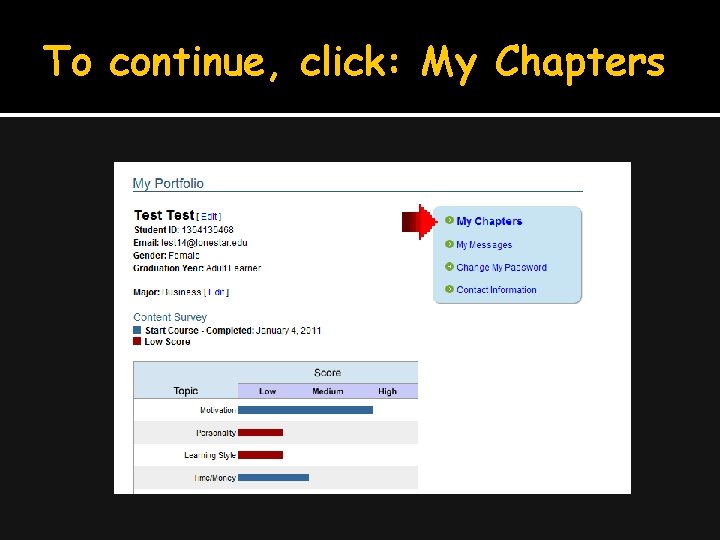
To continue, click: My Chapters
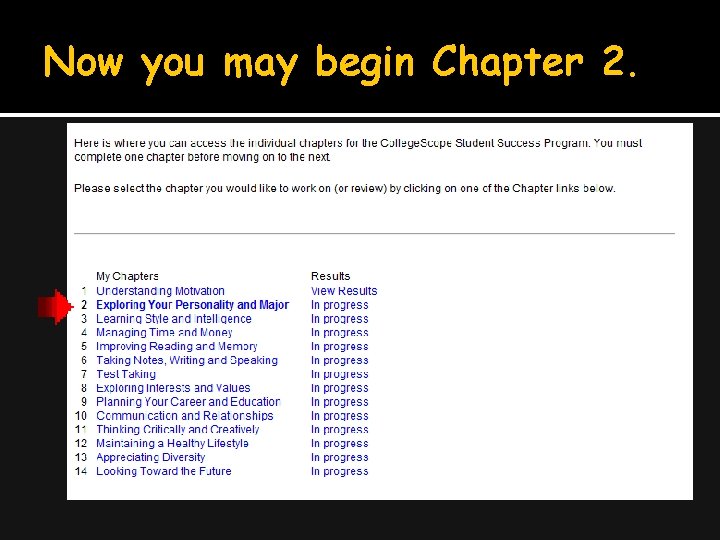
Now you may begin Chapter 2.
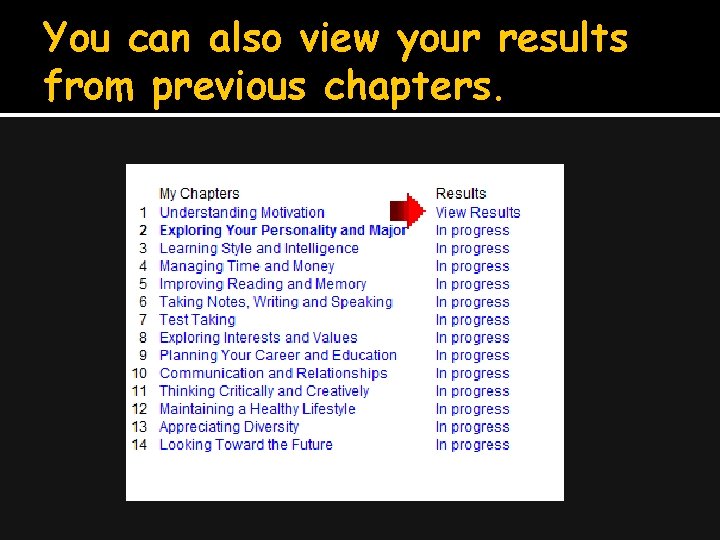
You can also view your results from previous chapters.
Part II: Common Problems and Easy Solutions
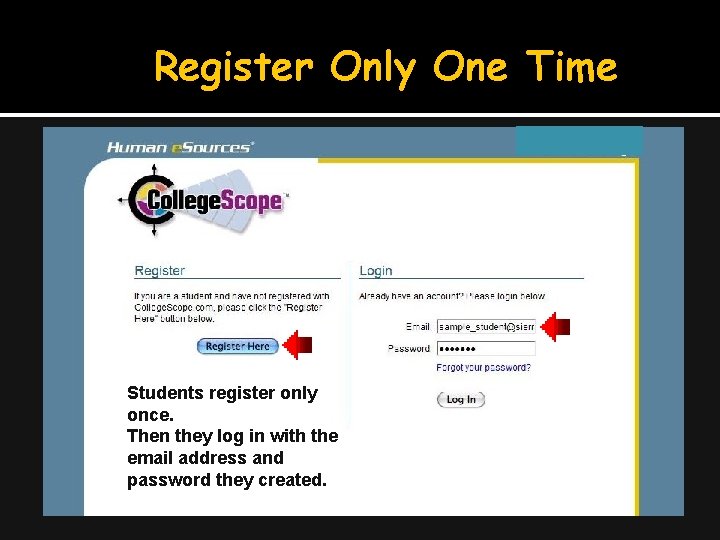
Register Only One Time Students register only once. Then they log in with the email address and password they created.
Write down the email address and password you use to create your accounts.
I forgot my email address ØI can find the email address you used to create your account by looking at My Students or All Students in the instructor account
I forgot my password Ø Check the forgot password link for a reminder. ØI can look at your Student Portfolio and reset the password.
My Account Disappeared Ø Students try to log into the instructor account. Make sure that you have /ccs/ in the URL. Ø http: //www. collegescope. com/ccs/sierracollege Ø Don’t use Google to find College Scope. You may end up in a different college account.
When I tried to register, it says that my email already exists If the email already exists, you have already registered. Log in with the email address and password you created when you registered.
When I tried to log in, it says that my email does not exist There are several reasons for this: You are using a different email. You entered the information incorrectly. You have not registered.
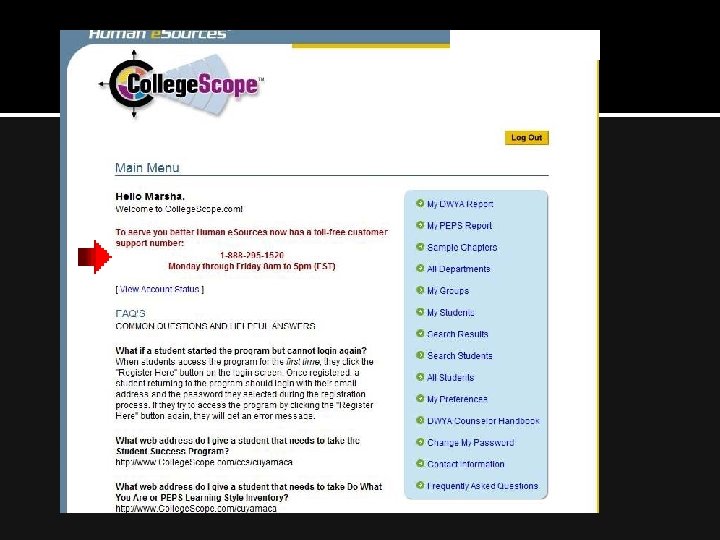
Contact Customer Service Ø If you have any problem you cannot resolve 1 -888 -295 -1520 Monday thru Friday 8 am to 5 pm (EST)
Part III: Do What You Are and Chapter 2
Job Jar Activity Use this activity to introduce DWYA
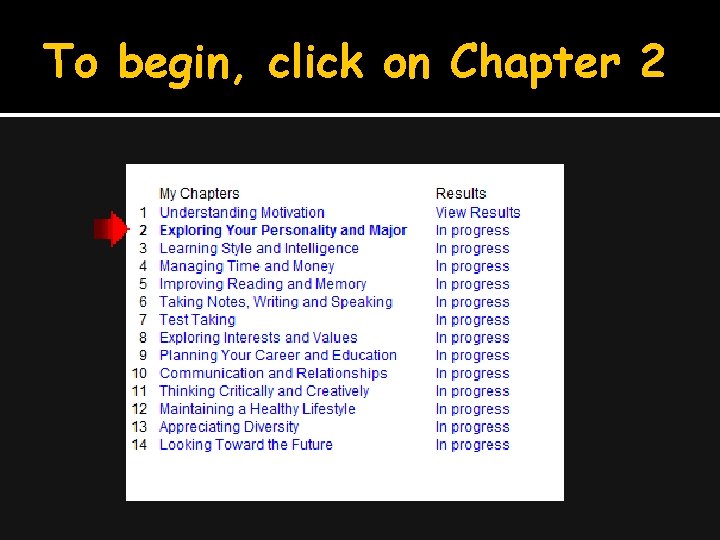
To begin, click on Chapter 2
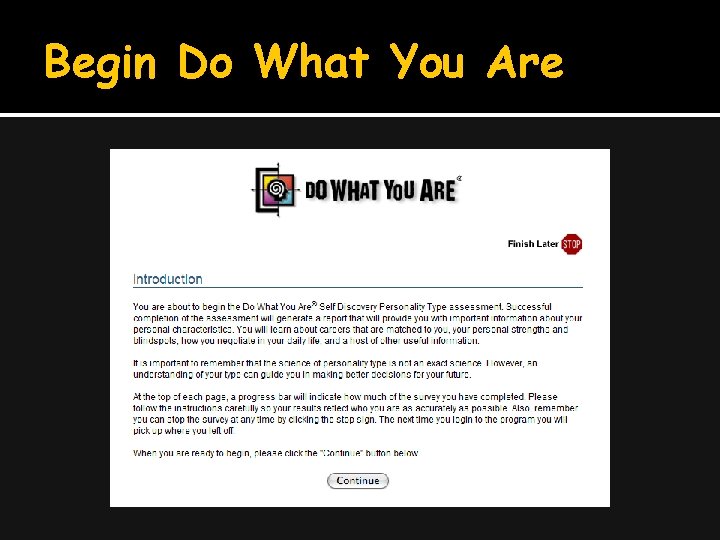
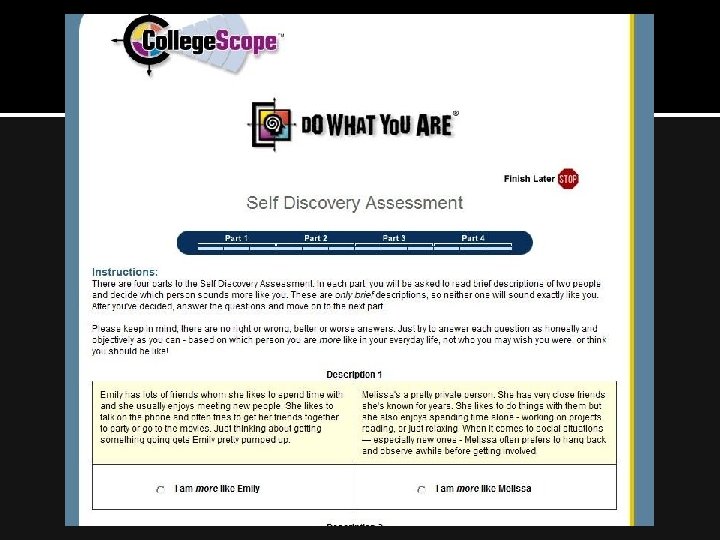
Begin Do What You Are
Personality Assessment Helps identify your gifts and talents. Useful in choosing a career or major. Helpful in improving communication and relationships.
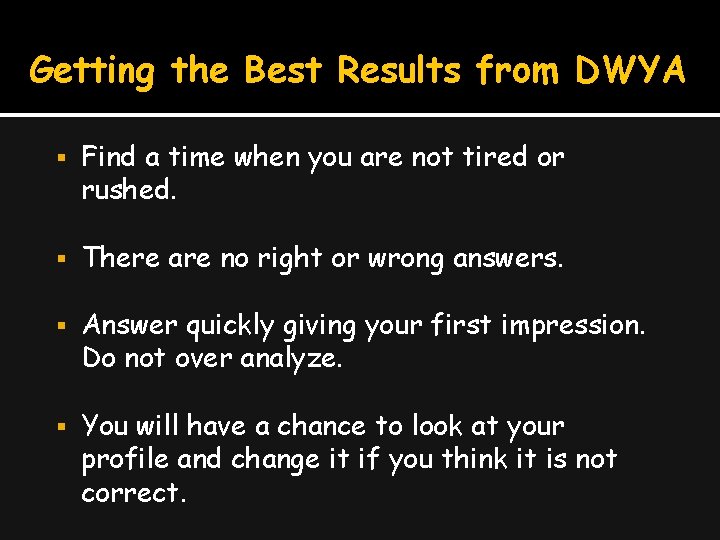
Getting the Best Results from DWYA Find a time when you are not tired or rushed. There are no right or wrong answers. Answer quickly giving your first impression. Do not over analyze. You will have a chance to look at your profile and change it if you think it is not correct.
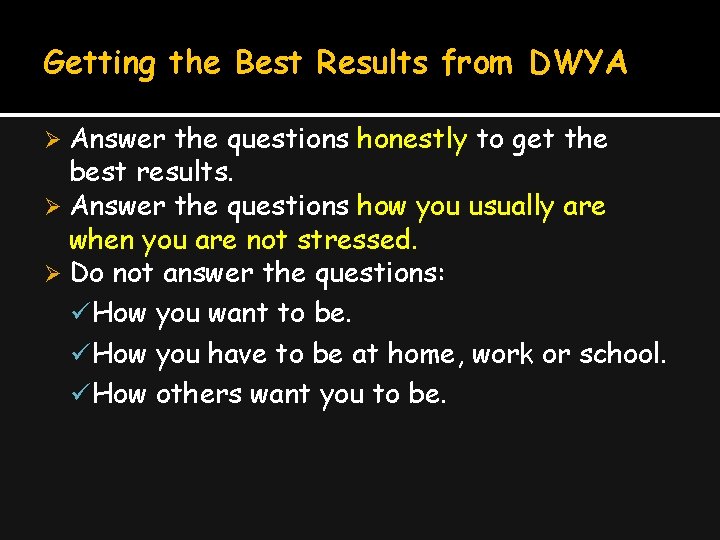
Getting the Best Results from DWYA Answer the questions honestly to get the best results. Ø Answer the questions how you usually are when you are not stressed. Ø Do not answer the questions: ü How you want to be. ü How you have to be at home, work or school. ü How others want you to be. Ø
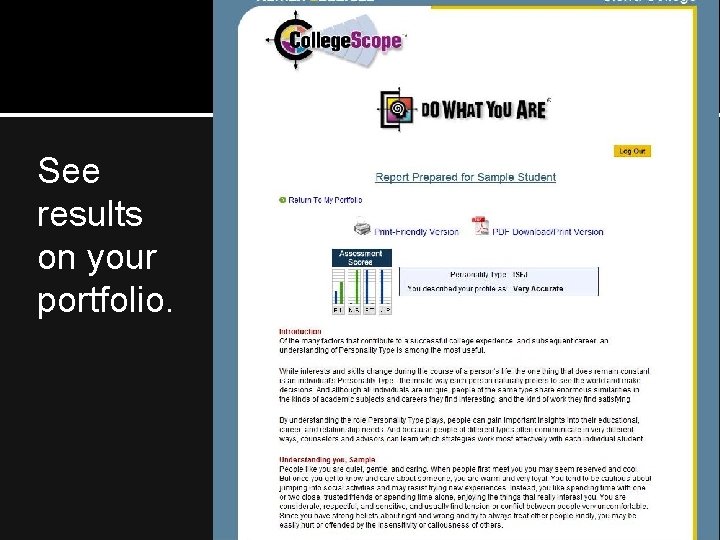
See results on your portfolio.
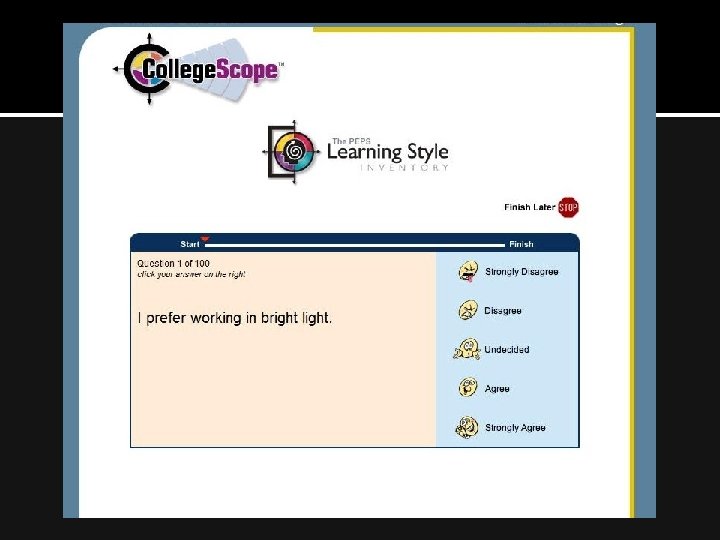
Part IV: PEPS Learning Style Inventory, Chapter 3 Go to My Chapters Click on Chapter 3 Begin the PEPS learning style inventory
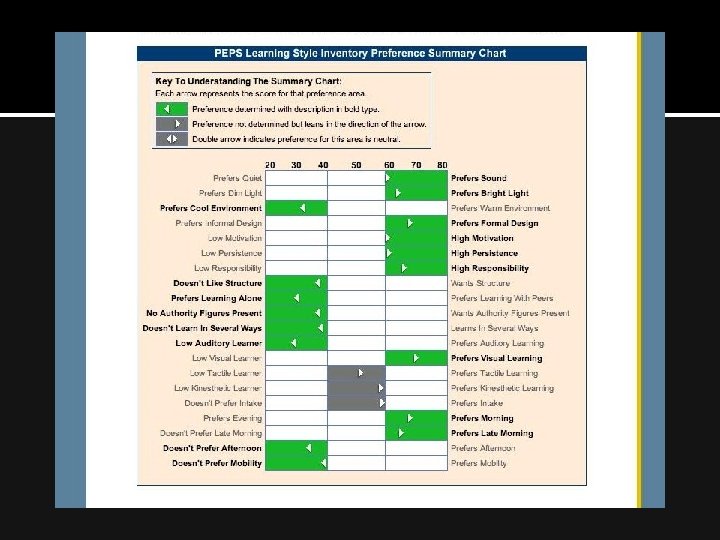
The Productivity Environmental Preference Survey (PEPS) measures: Preferences in 20 areas Learning style Productivity Best environment for learning and work
Getting the Best Results from the PEPS Learning Style Inventory Give your initial response. No need to over analyze. Answer as though you were learning new or difficult information.
Important Considerations It is not a test It describes how you prefer to learn new or difficult material Usually there are 6 or 7 areas out of 20 that are important for an individual.
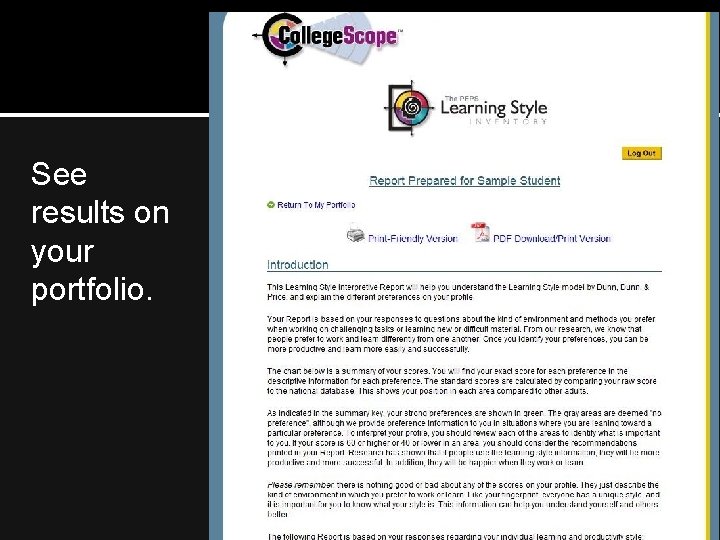
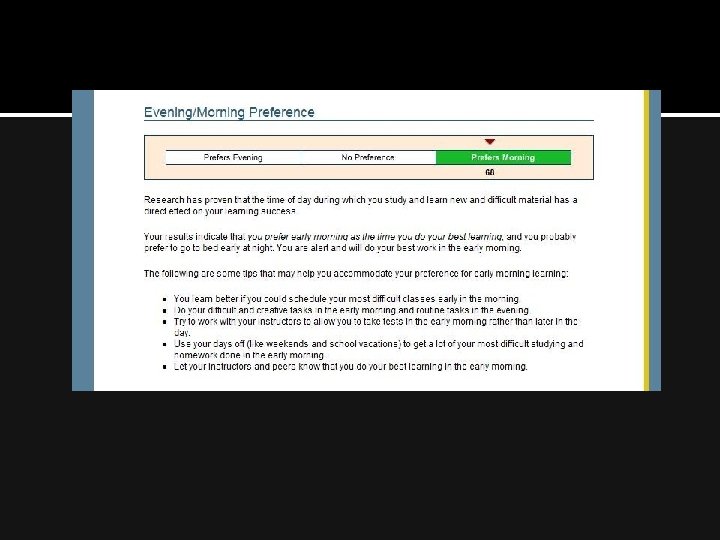
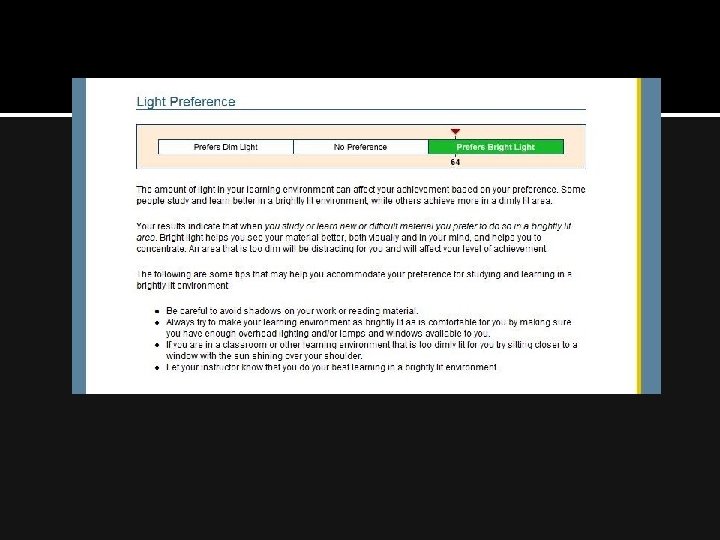
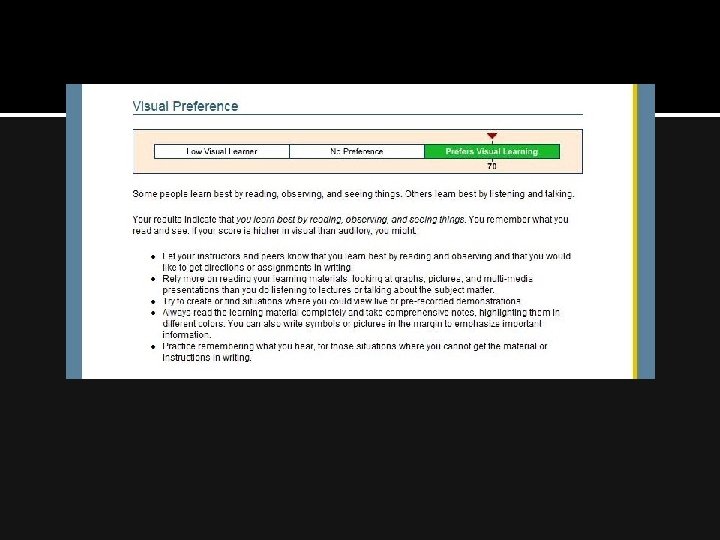
See results on your portfolio.