
Introduce to Cloud Computing of ASIA University OICT
- Slides: 38
Introduce to Cloud Computing of ASIA University OICT
Outline • Introduction • The development of virtual machine • Cloud computing environment in ASIA University
Introduction
Definition • It is a technology that can provide computing, saving and accessing to users by internet • Users don’t need to know where the data locate but just need know how to use it. • It is「Internet」+「Network Computing」 New technology? No, it is a concept!!
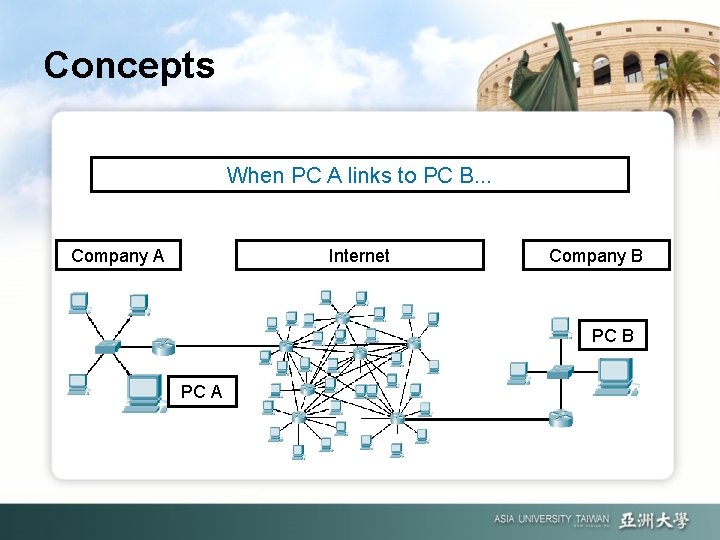
Concepts When PC A links to PC B. . . Company A Internet Company B PC A
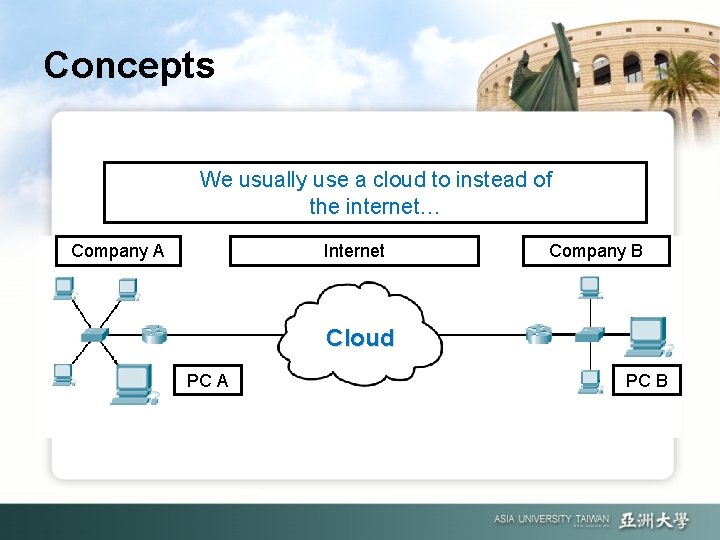
Concepts We usually use a cloud to instead of the internet… Company A Internet Company B Cloud PC A PC B
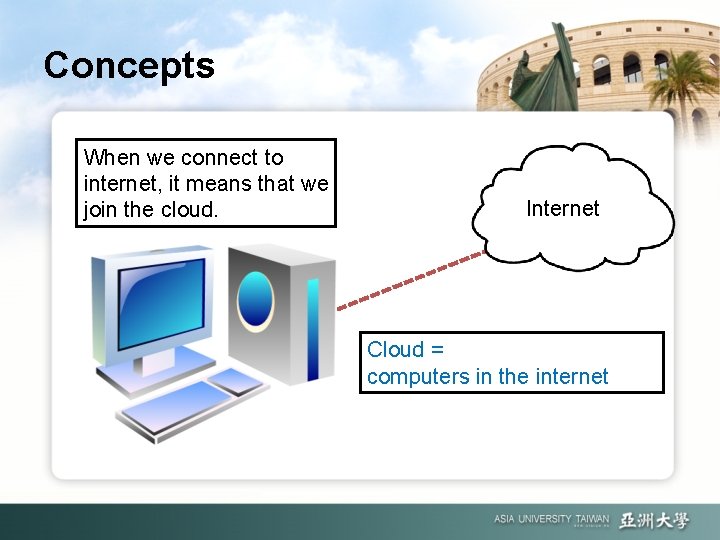
Concepts When we connect to internet, it means that we join the cloud. Internet Cloud = computers in the internet
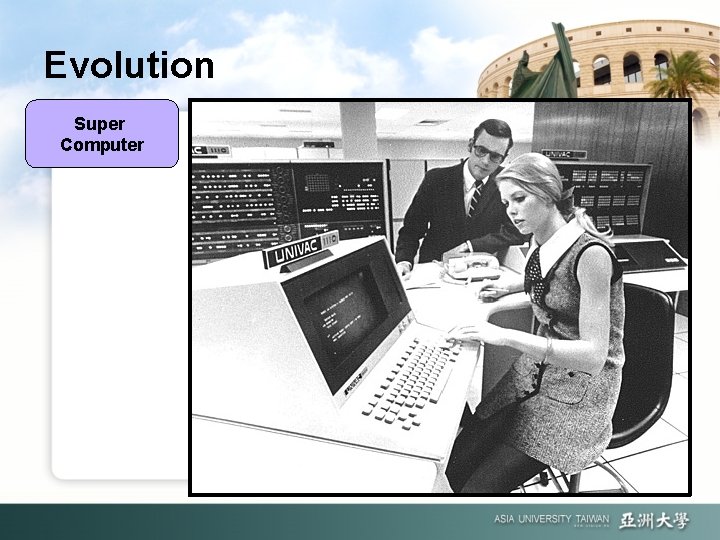
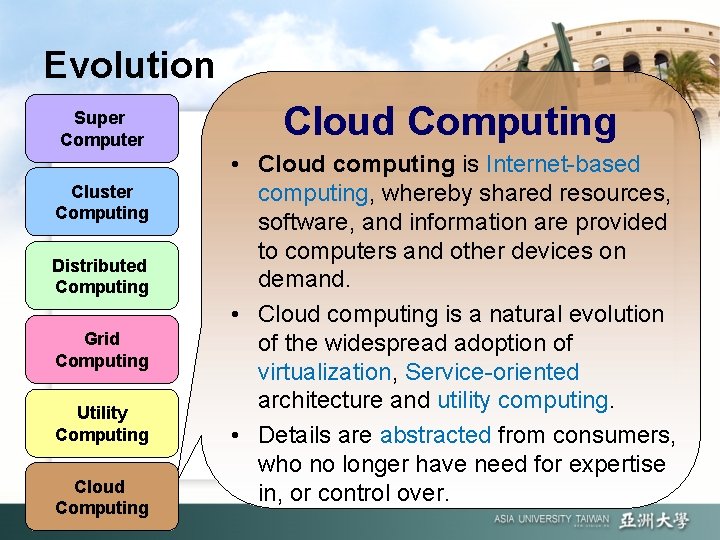
Evolution Super Computer
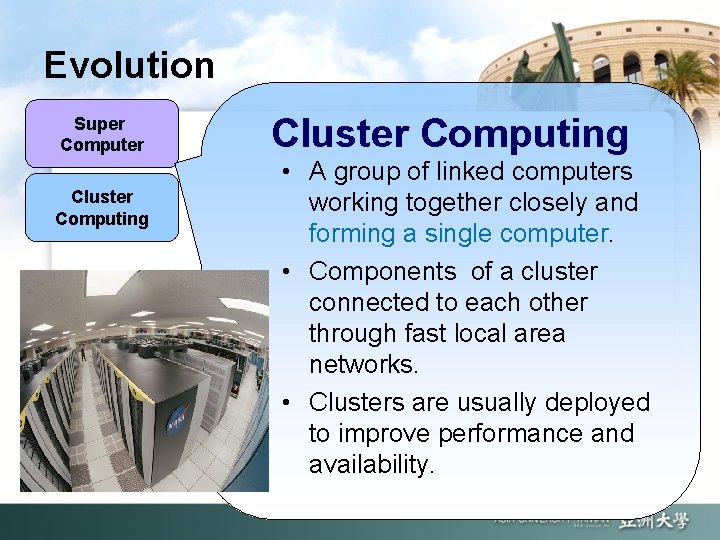
Evolution Super Computer Cluster Computing • A group of linked computers working together closely and forming a single computer. • Components of a cluster connected to each other through fast local area networks. • Clusters are usually deployed to improve performance and availability.
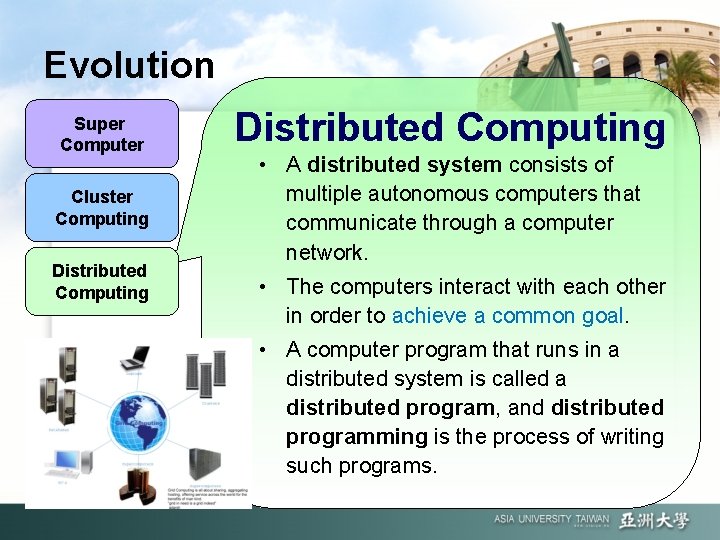
Evolution Super Computer Cluster Computing Distributed Computing • A distributed system consists of multiple autonomous computers that communicate through a computer network. • The computers interact with each other in order to achieve a common goal. • A computer program that runs in a distributed system is called a distributed program, and distributed programming is the process of writing such programs.
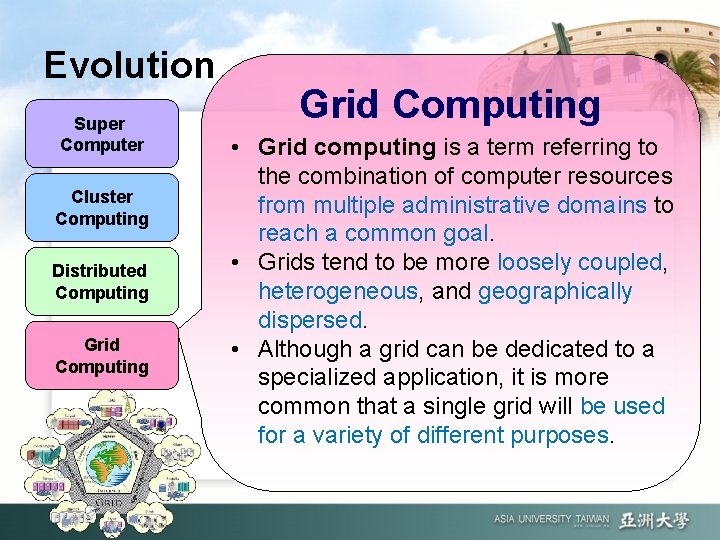
Evolution Super Computer Cluster Computing Distributed Computing Grid Computing • Grid computing is a term referring to the combination of computer resources from multiple administrative domains to reach a common goal. • Grids tend to be more loosely coupled, heterogeneous, and geographically dispersed. • Although a grid can be dedicated to a specialized application, it is more common that a single grid will be used for a variety of different purposes.
Evolution Super Computer Cluster Computing Distributed Computing Grid Computing Utility Computing • Utility Computing is the packaging of computing resources, such as computation, storage and services, as a metered service similar to a traditional public utility (such as electricity, water, natural gas, or telephone network). • Computational resources are essentially rented.
Evolution Super Computer Cluster Computing Distributed Computing Grid Computing Utility Computing Cloud Computing • Cloud computing is Internet-based computing, whereby shared resources, software, and information are provided to computers and other devices on demand. • Cloud computing is a natural evolution of the widespread adoption of virtualization, Service-oriented architecture and utility computing. • Details are abstracted from consumers, who no longer have need for expertise in, or control over.
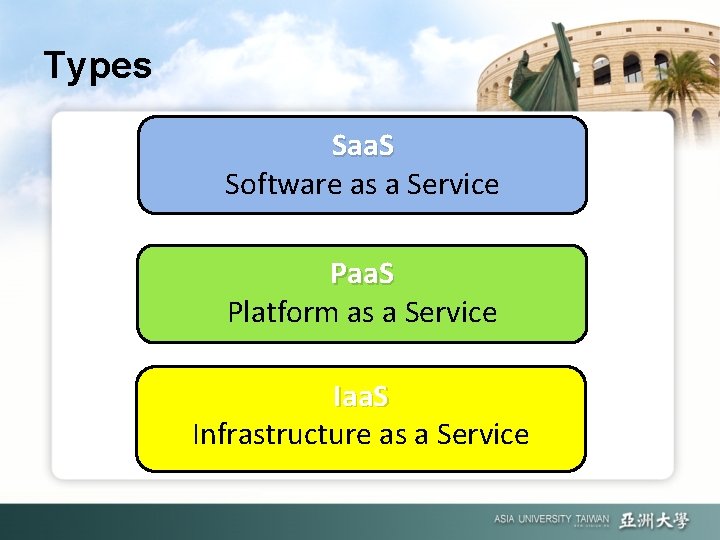
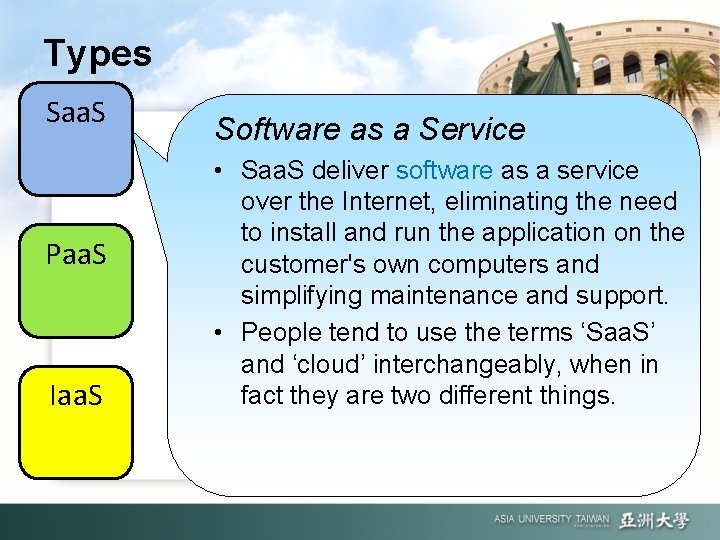
Types Saa. S Software as a Service Paa. S Platform as a Service Iaa. S Infrastructure as a Service
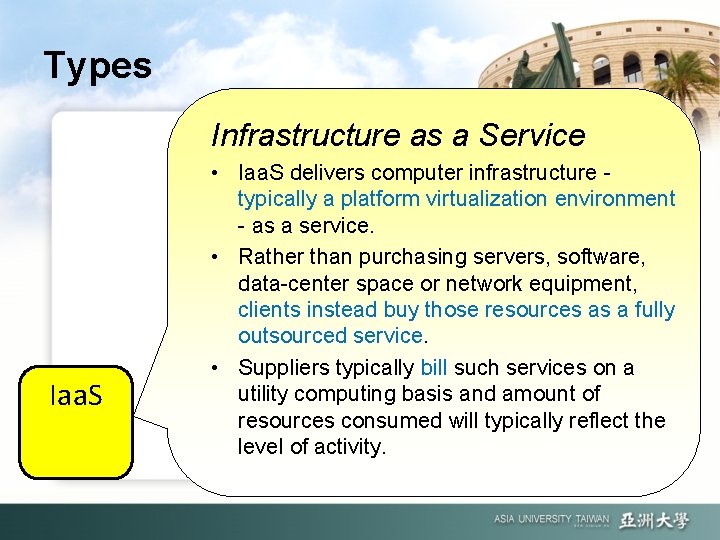
Types Infrastructure as a Service Iaa. S • Iaa. S delivers computer infrastructure typically a platform virtualization environment - as a service. • Rather than purchasing servers, software, data-center space or network equipment, clients instead buy those resources as a fully outsourced service. • Suppliers typically bill such services on a utility computing basis and amount of resources consumed will typically reflect the level of activity.
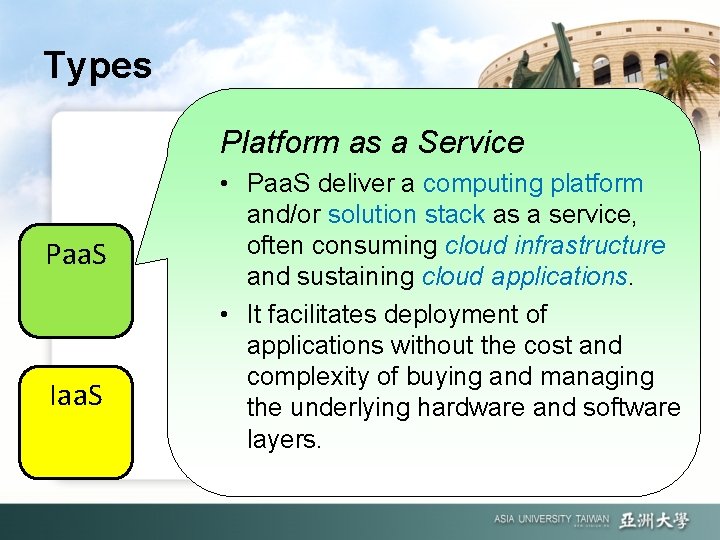
Types Platform as a Service Paa. S Iaa. S • Paa. S deliver a computing platform and/or solution stack as a service, often consuming cloud infrastructure and sustaining cloud applications. • It facilitates deployment of applications without the cost and complexity of buying and managing the underlying hardware and software layers.
Types Saa. S Paa. S Iaa. S Software as a Service • Saa. S deliver software as a service over the Internet, eliminating the need to install and run the application on the customer's own computers and simplifying maintenance and support. • People tend to use the terms ‘Saa. S’ and ‘cloud’ interchangeably, when in fact they are two different things.
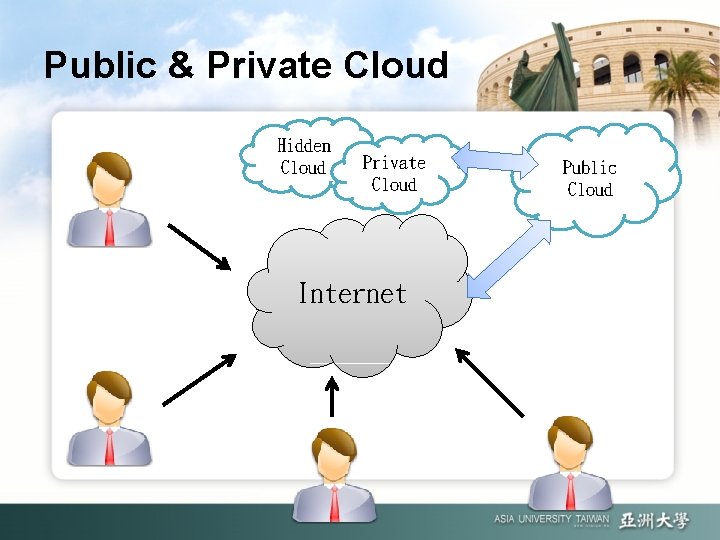
Public & Private Cloud Hidden Cloud Private Cloud Internet Public Cloud
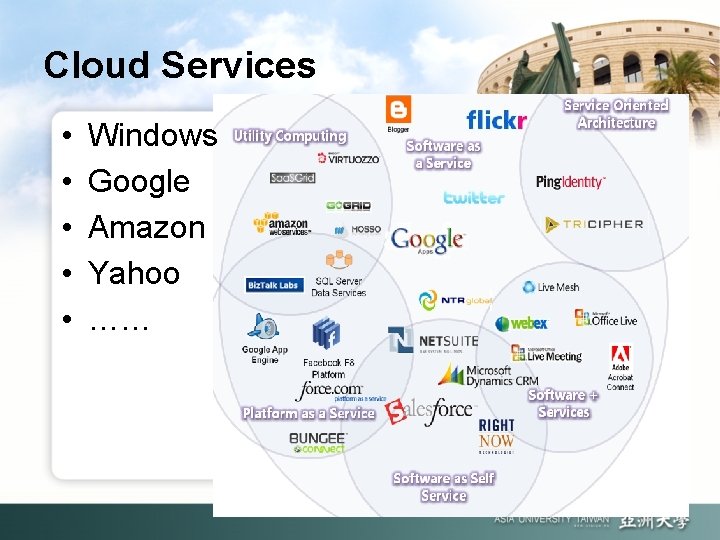
Cloud Services • • • Windows Google Amazon Yahoo ……
The Development of Virtual Machine
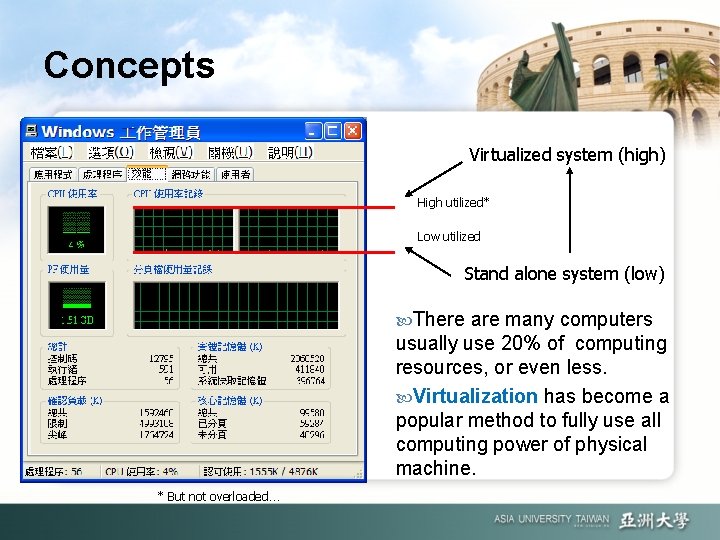
Concepts Virtualized system (high) High utilized* Low utilized Stand alone system (low) There are many computers usually use 20% of computing resources, or even less. Virtualization has become a popular method to fully use all computing power of physical machine. * But not overloaded…
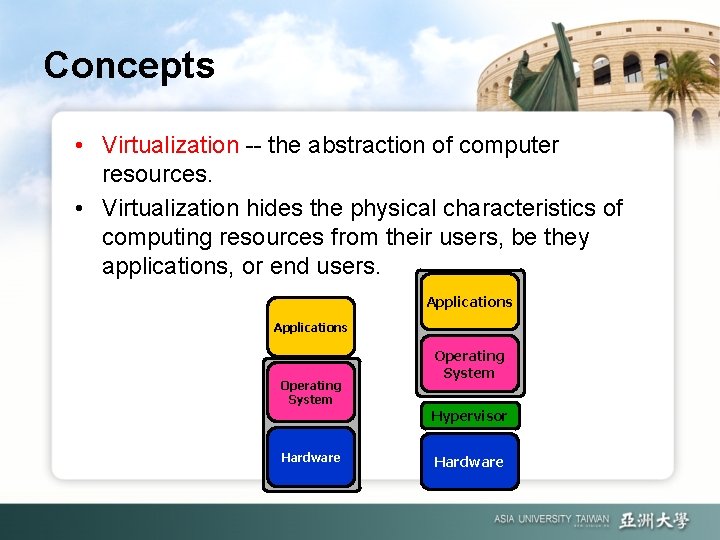
Concepts • Virtualization -- the abstraction of computer resources. • Virtualization hides the physical characteristics of computing resources from their users, be they applications, or end users. Applications Operating System Hypervisor Hardware
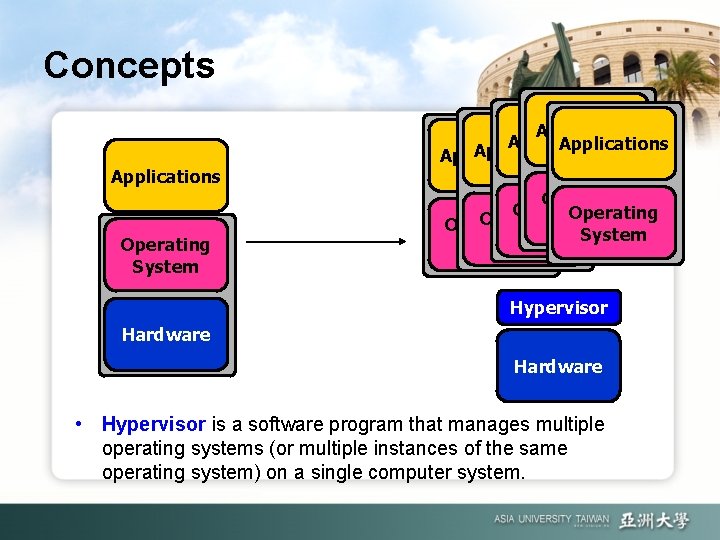
Concepts Applications Operating System Applications Application Operating System Operating System Hypervisor Hardware • Hypervisor is a software program that manages multiple operating systems (or multiple instances of the same operating system) on a single computer system.
Advantages • It allows to run many different OS in one physical server at the same time. • It can saving lot of space, power, air conditioning and maintain cost. • Each virtual server running independent, but connecting with one network cable. • It also can combine physical servers into one resource pool to provide more computing power.
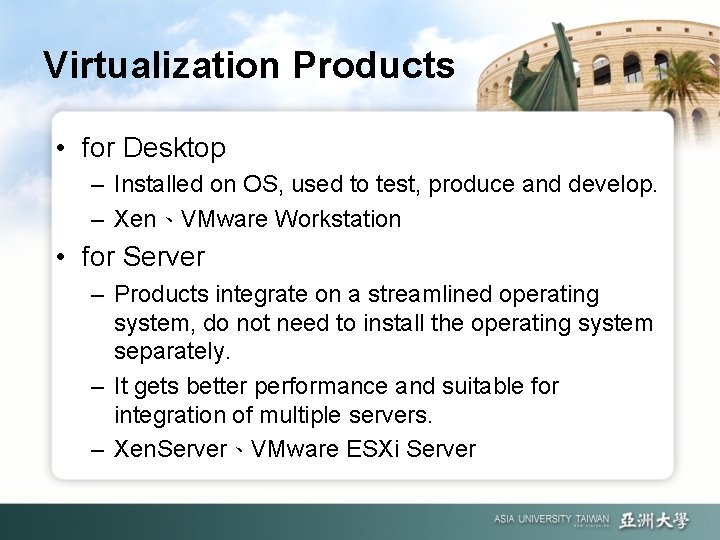
Virtualization Products • for Desktop – Installed on OS, used to test, produce and develop. – Xen、VMware Workstation • for Server – Products integrate on a streamlined operating system, do not need to install the operating system separately. – It gets better performance and suitable for integration of multiple servers. – Xen. Server、VMware ESXi Server
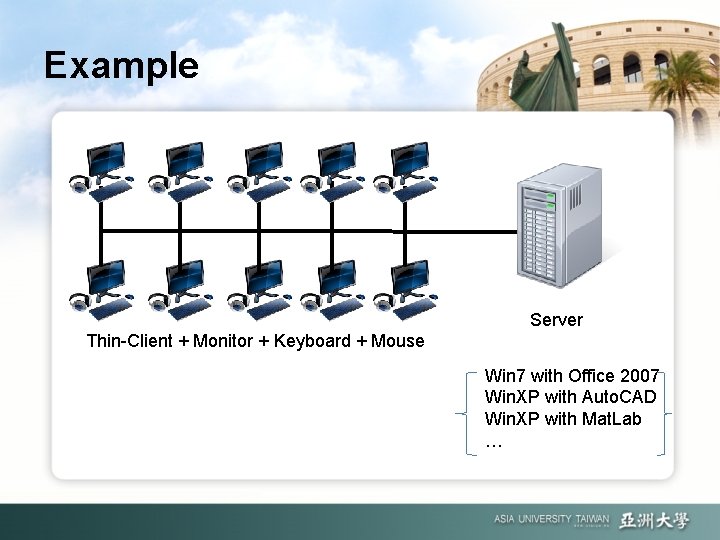
Example Server Thin-Client + Monitor + Keyboard + Mouse Win 7 with Office 2007 Win. XP with Auto. CAD Win. XP with Mat. Lab …
Cloud Computing Environment in A. U.
Step 1 Virtual Machine
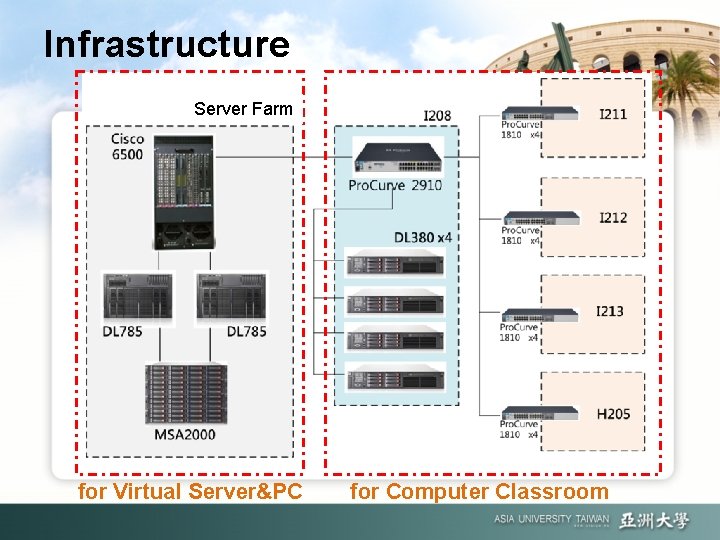
Infrastructure Server Farm for Virtual Server&PC for Computer Classroom
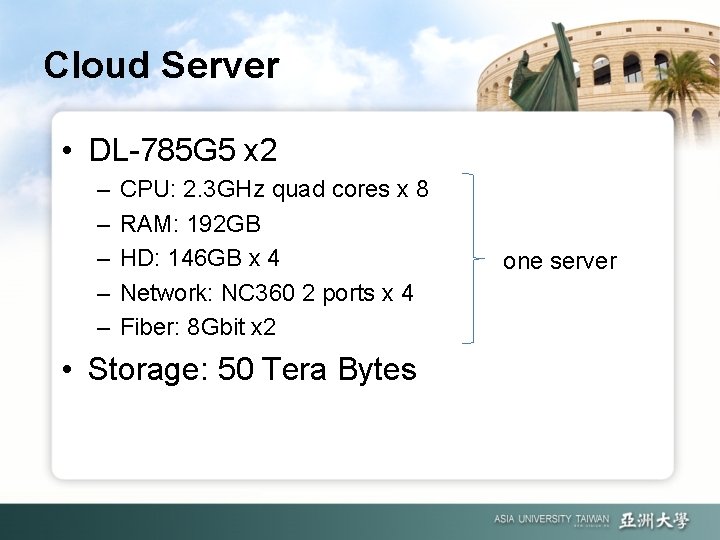
Cloud Server • DL-785 G 5 x 2 – – – CPU: 2. 3 GHz quad cores x 8 RAM: 192 GB HD: 146 GB x 4 Network: NC 360 2 ports x 4 Fiber: 8 Gbit x 2 • Storage: 50 Tera Bytes one server
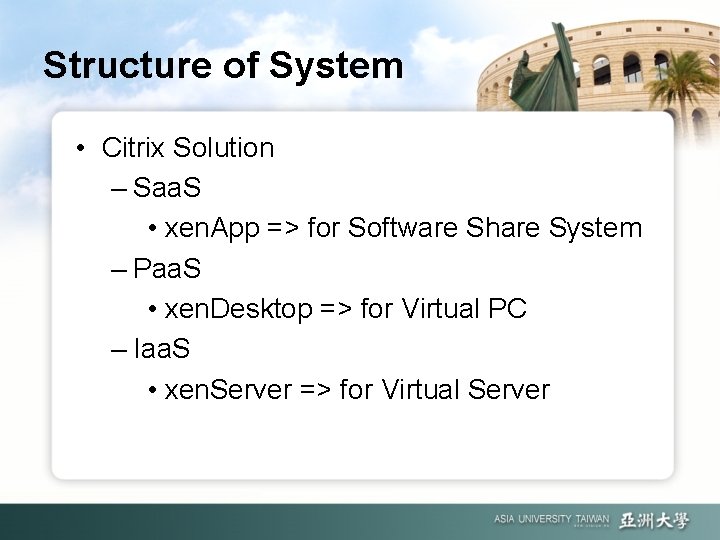
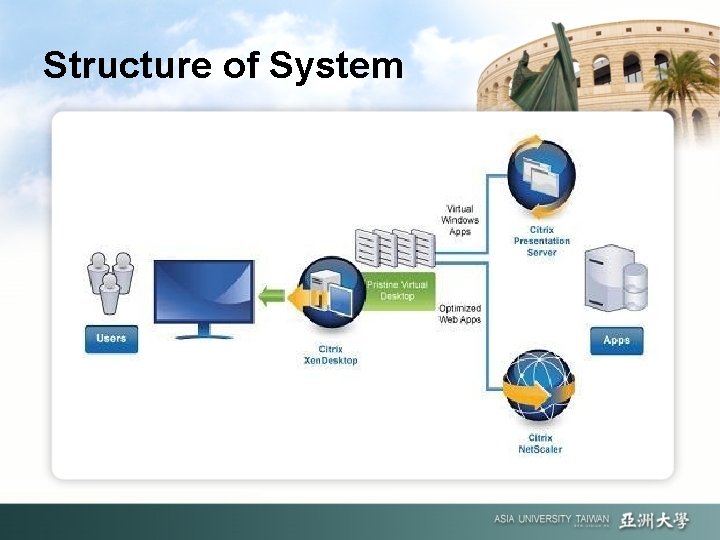
Structure of System • Citrix Solution – Saa. S • xen. App => for Software Share System – Paa. S • xen. Desktop => for Virtual PC – Iaa. S • xen. Server => for Virtual Server
Structure of System
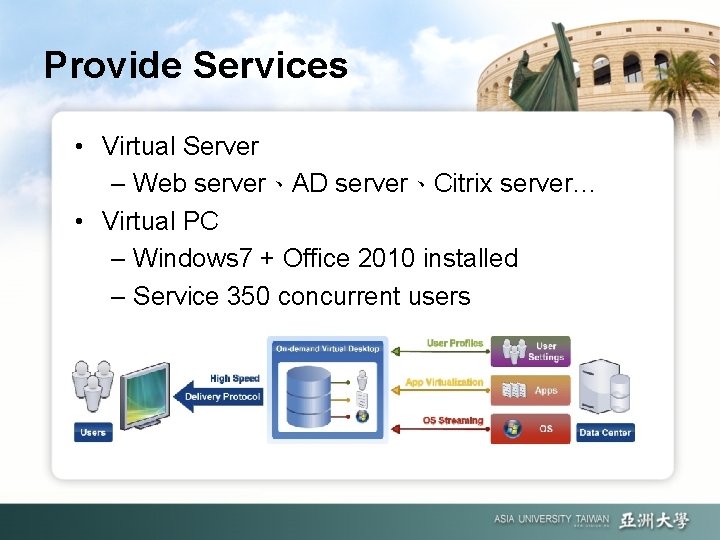
Provide Services • Virtual Server – Web server、AD server、Citrix server… • Virtual PC – Windows 7 + Office 2010 installed – Service 350 concurrent users
Step 2 School Administration System
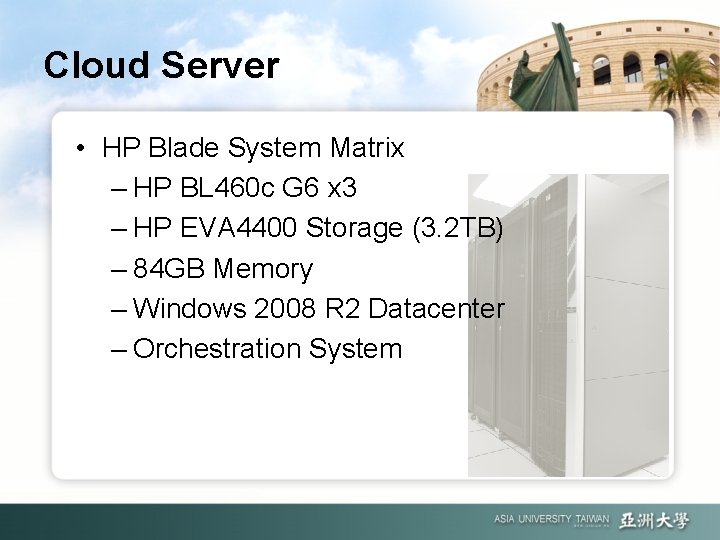
Cloud Server • HP Blade System Matrix – HP BL 460 c G 6 x 3 – HP EVA 4400 Storage (3. 2 TB) – 84 GB Memory – Windows 2008 R 2 Datacenter – Orchestration System
Provide Services • School Administration System – Web server – Mail server – – – Educational system Academic system Teacher information system Student information system Share Point 2010 …
Step 3 (in the future…)
In the future… • • More cloud servers Include more physical servers Provide more than 500 virtual PCs Support more computing power for teaching and research. • ……