
Introduce CLS DMX 16 16 Channels DMX Light

- Slides: 45
Introduce:
CLS DMX 16 16 Channels DMX Light Mixer
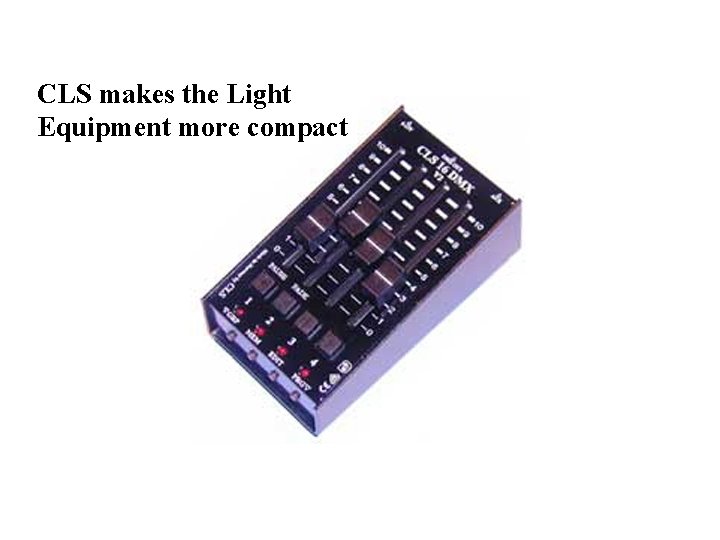
CLS makes the Light Equipment more compact
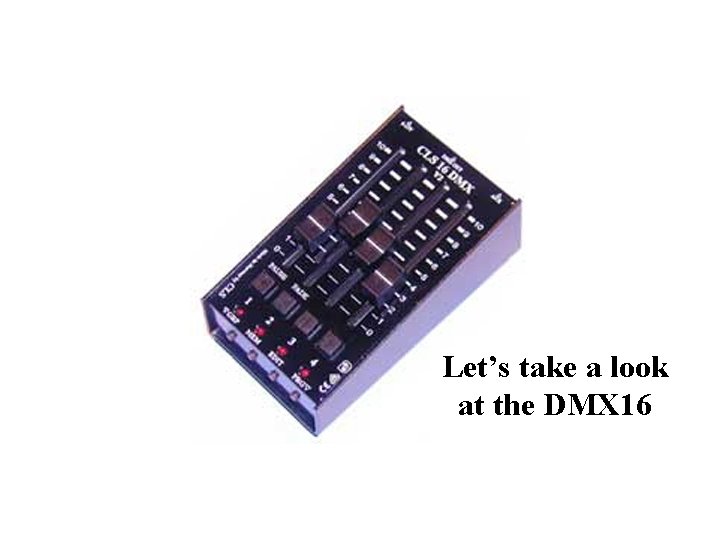
Let’s take a look at the DMX 16
First an explanation about the capacity of the DMX 16 mixer. Group It has 43 included 21 controlsa. DMX DMX channels 17 for 13 -16. 9 -12. the 1 -4. 5 -8. As you kan see it can control 16 channels. control of a smoke machines as well. It is 4 groups of faders.
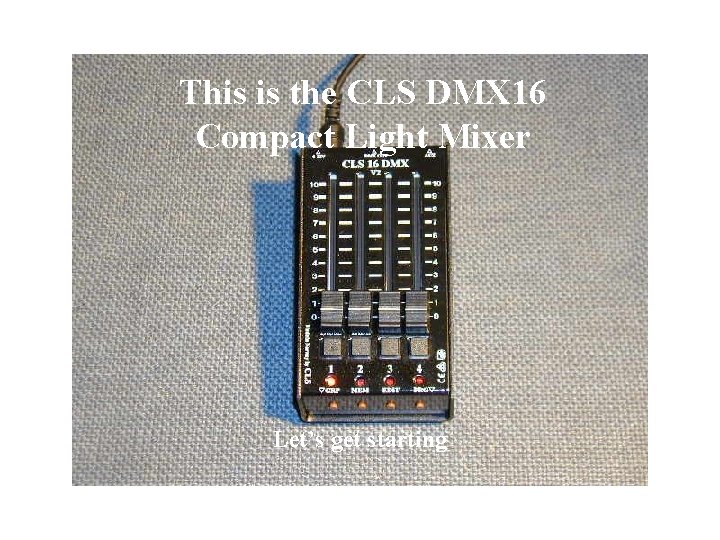
This is the CLS DMX 16 Compact Light Mixer Let’s get starting
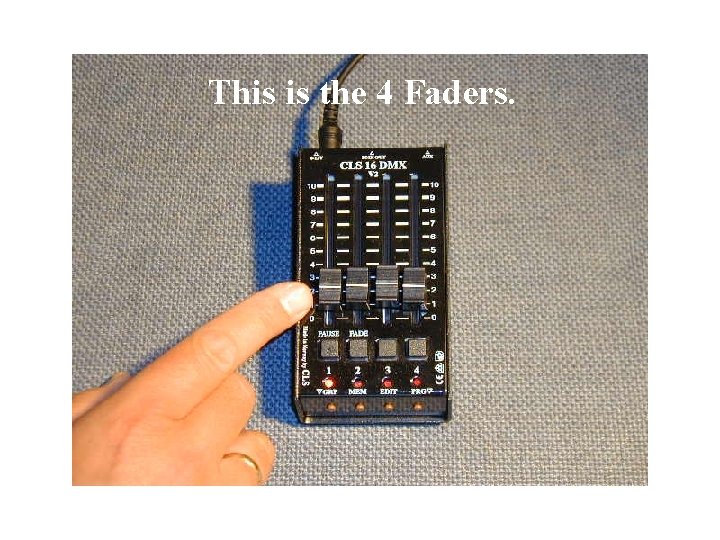
This is the 4 Faders.
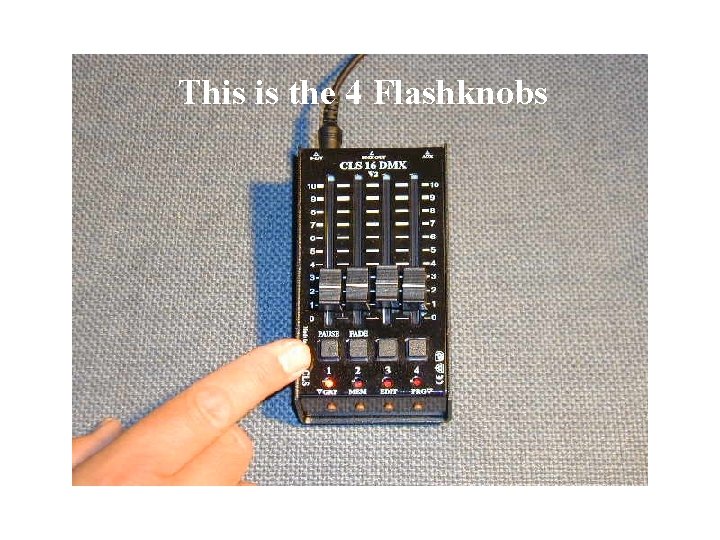
This is the 4 Flashknobs
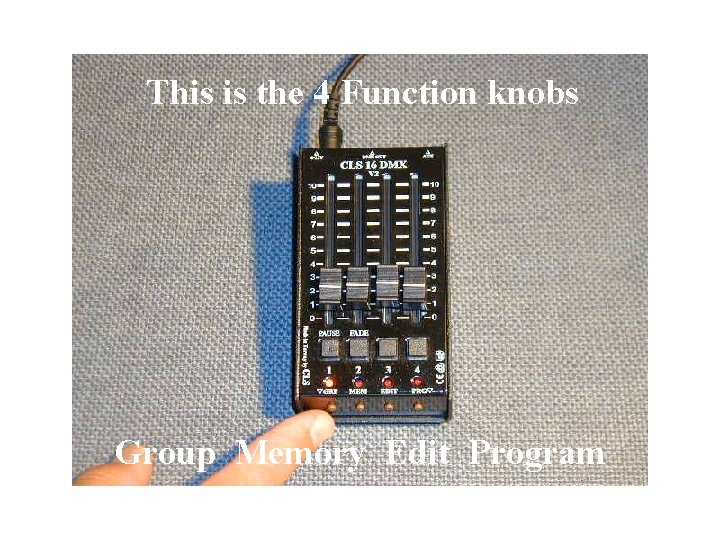
This is the 4 Function knobs Group Memory Edit Program
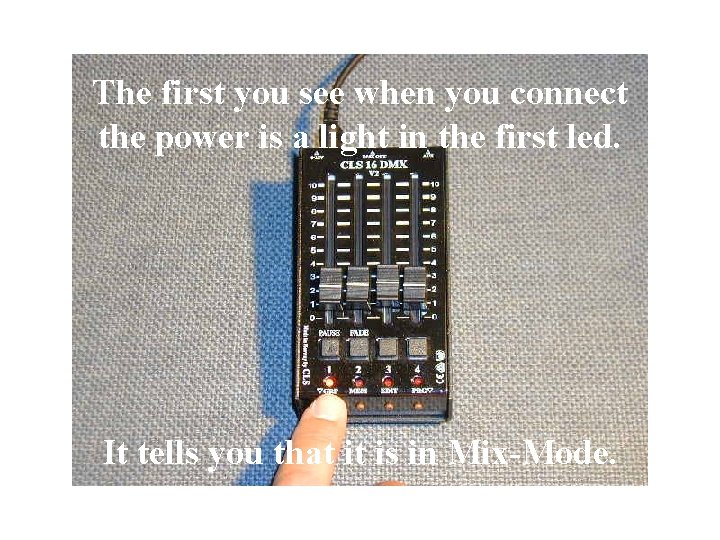
The first you see when you connect the power is a light in the first led. It tells you that it is in Mix-Mode.
Mix-Mode It is for Mixing and Saving Scenes. The DMX 16 has a limit at 4 Scenes Memory.
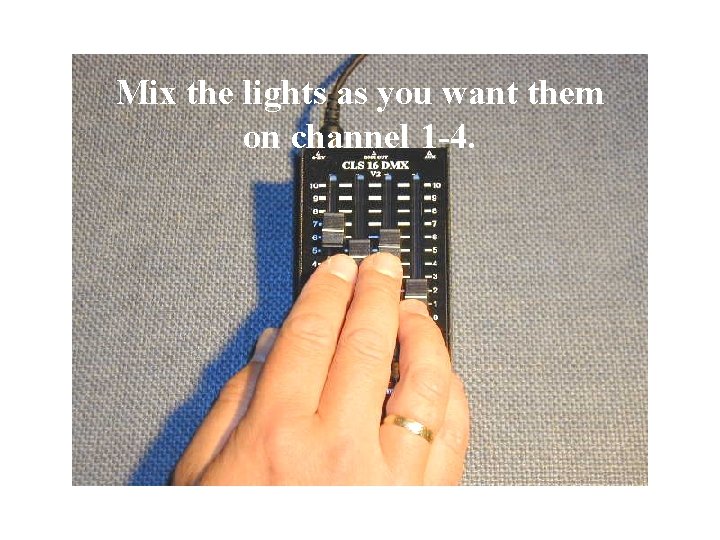
Mix the lights as you want them on channel 1 -4.
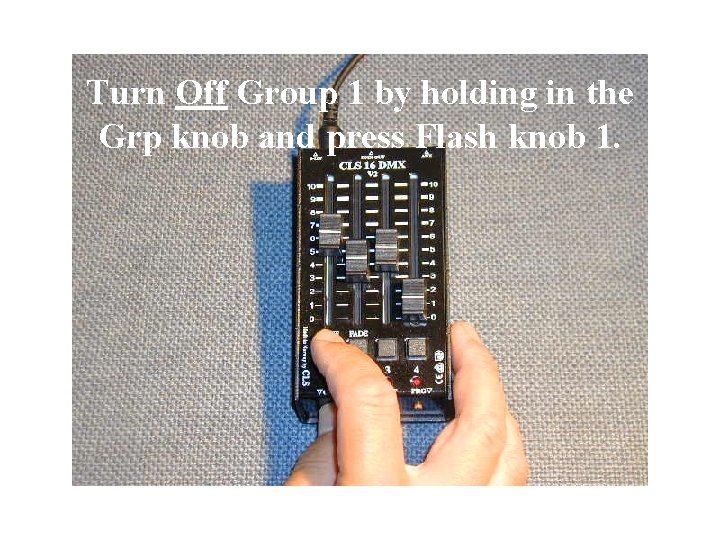
Turn Off Group 1 by holding in the Grp knob and press Flash knob 1.
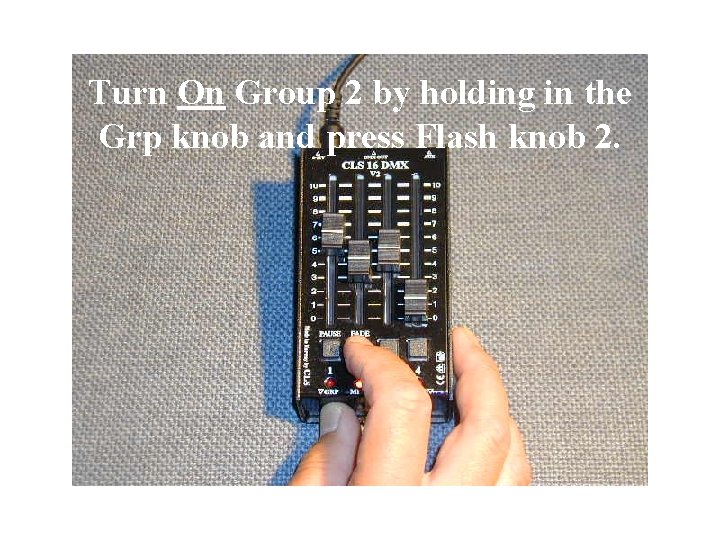
Turn On Group 2 by holding in the Grp knob and press Flash knob 2.
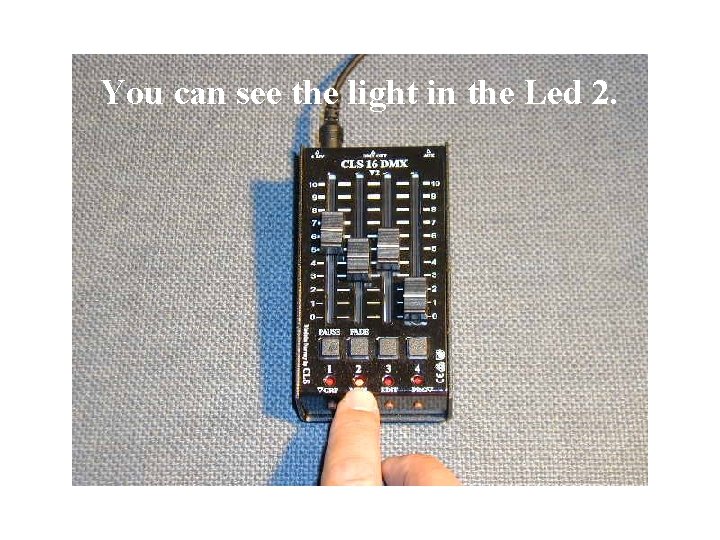
You can see the light in the Led 2.
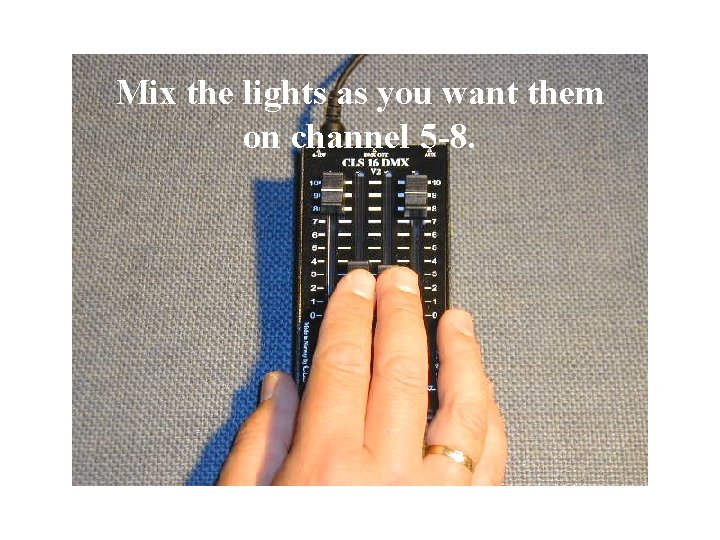
Mix the lights as you want them on channel 5 -8.
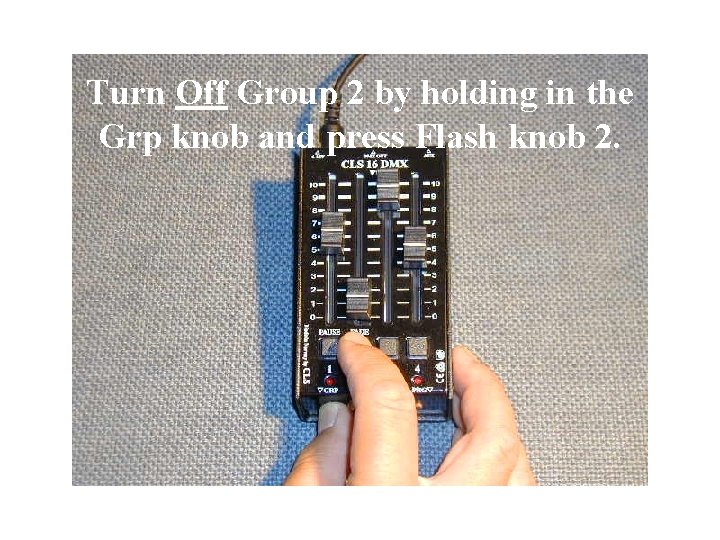
Turn Off Group 2 by holding in the Grp knob and press Flash knob 2.
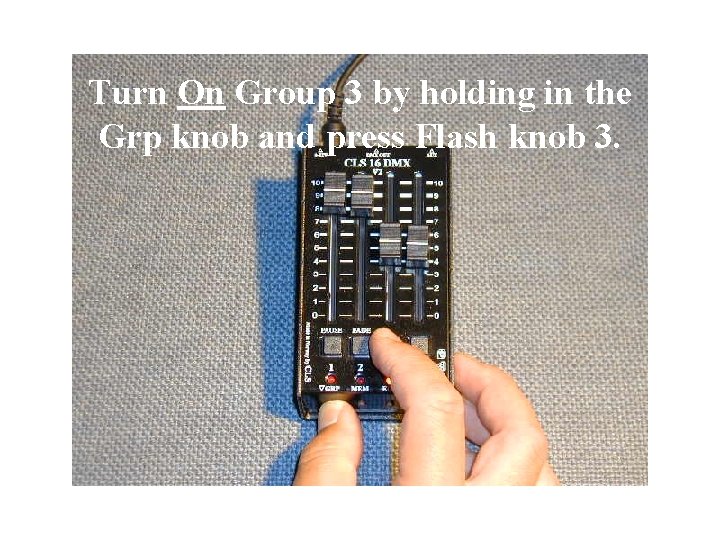
Turn On Group 3 by holding in the Grp knob and press Flash knob 3.
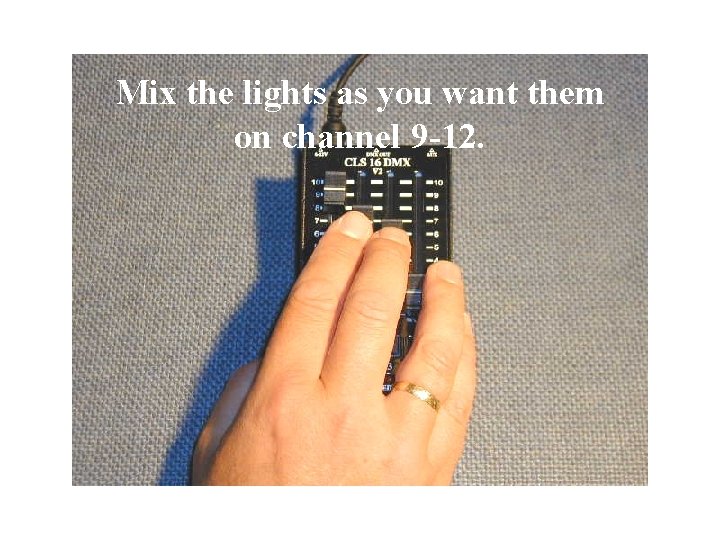
Mix the lights as you want them on channel 9 -12.
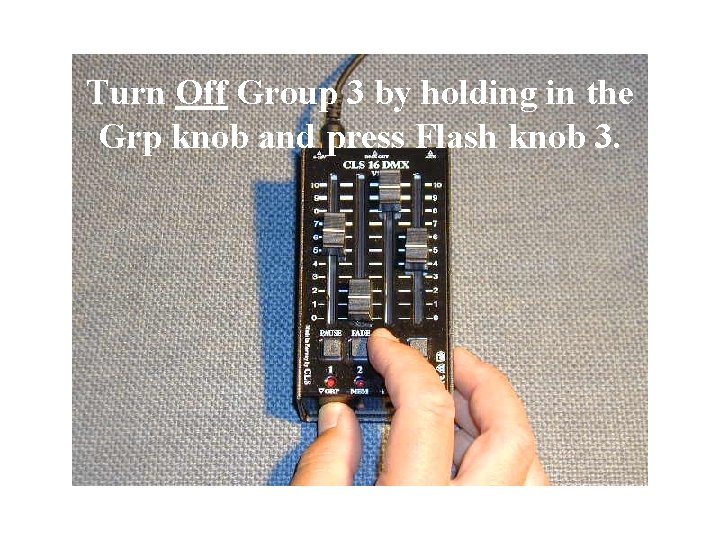
Turn Off Group 3 by holding in the Grp knob and press Flash knob 3.
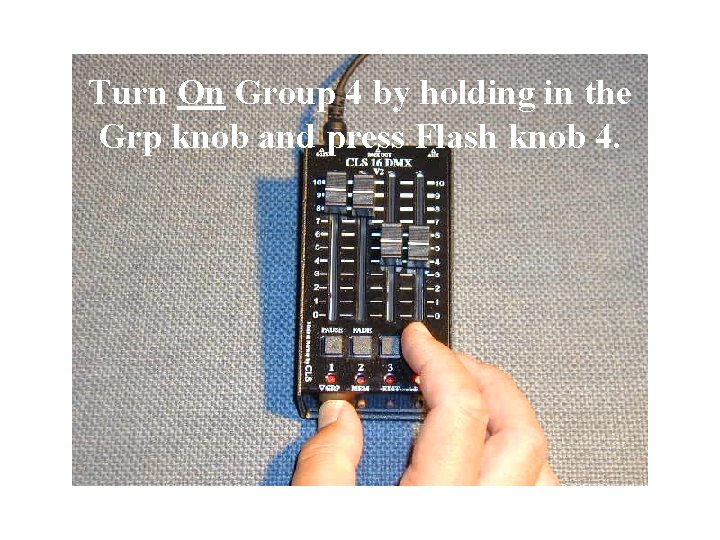
Turn On Group 4 by holding in the Grp knob and press Flash knob 4.
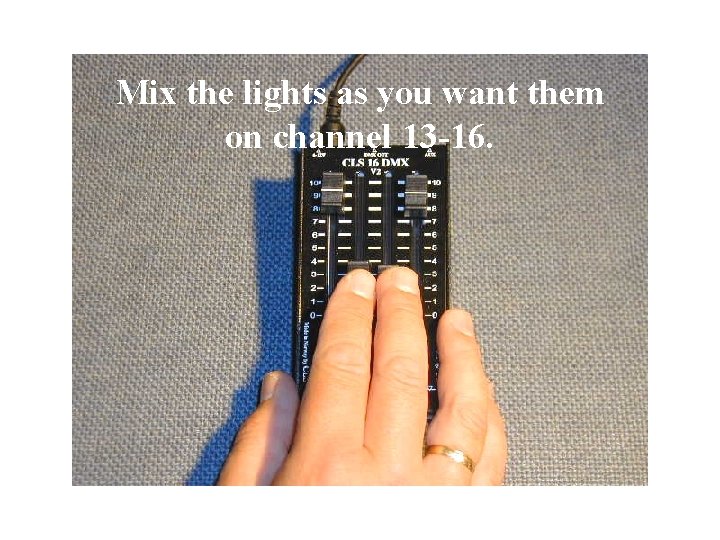
Mix the lights as you want them on channel 13 -16.
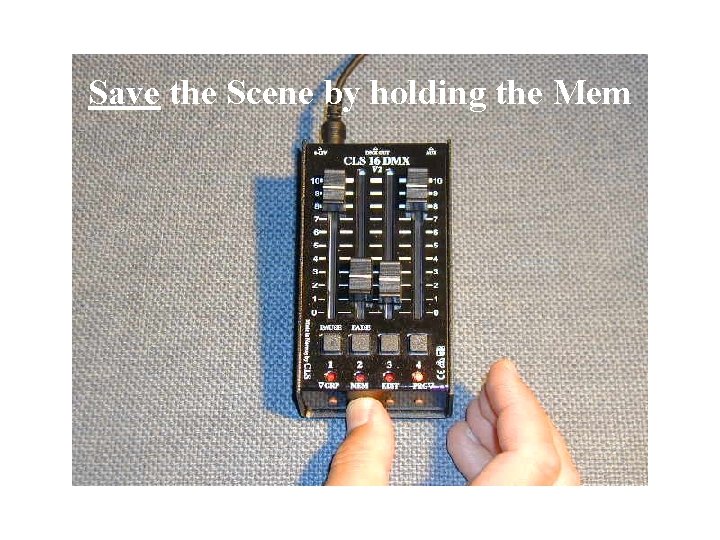
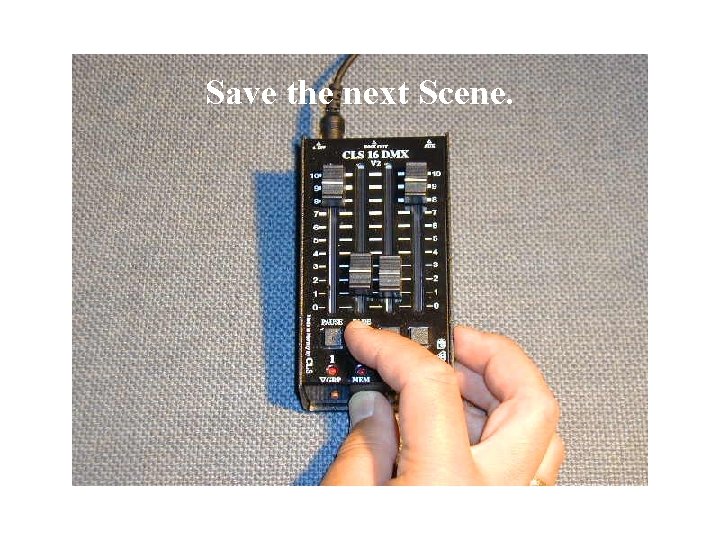
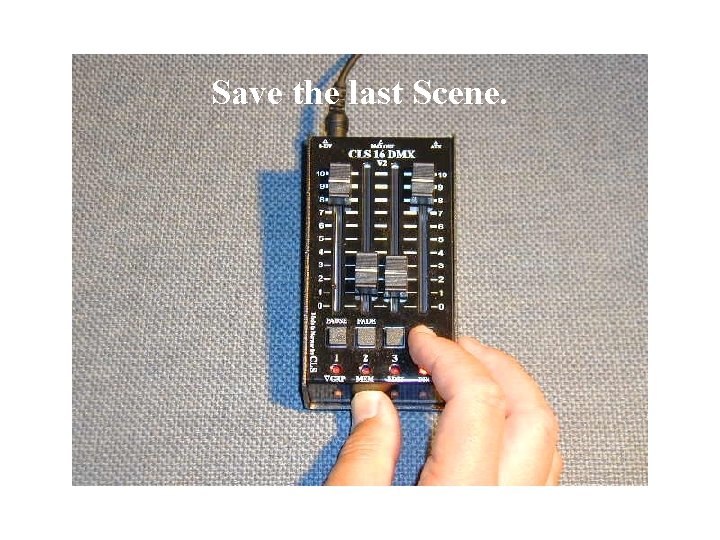
Save the Scene by holding the Mem
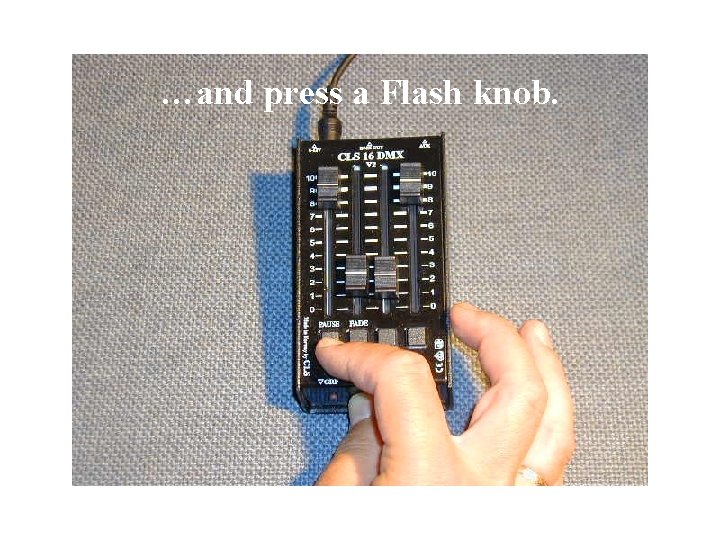
…and press a Flash knob.
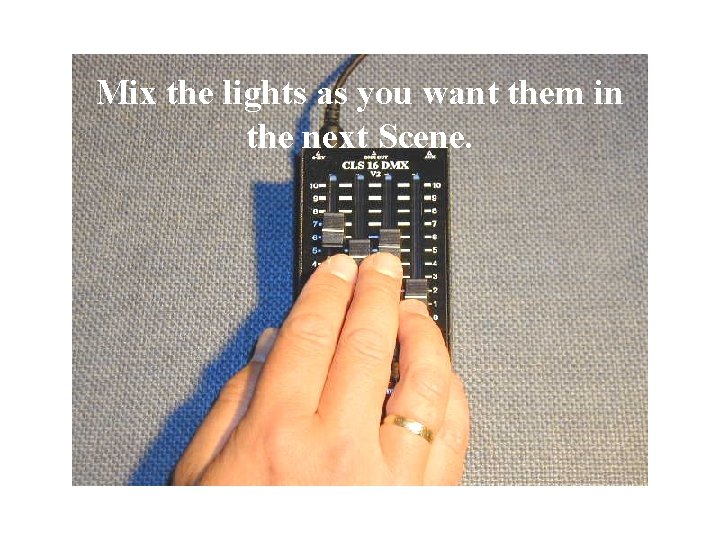
Mix the lights as you want them in the next Scene.
Save the next Scene.
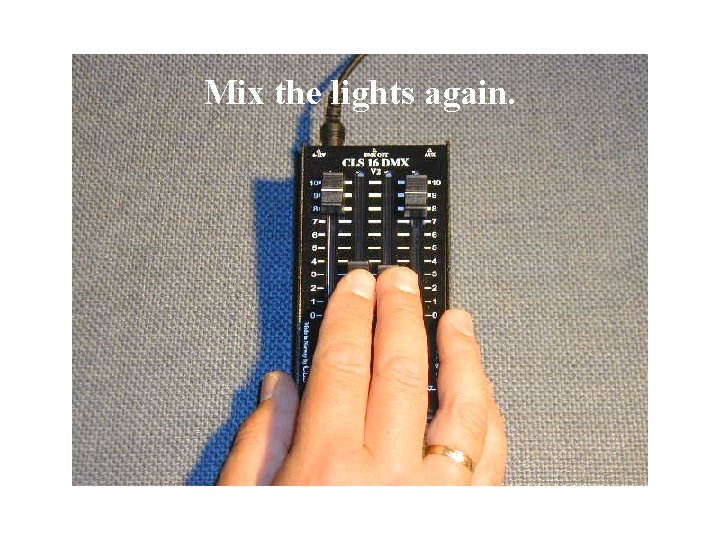
Mix the lights again.
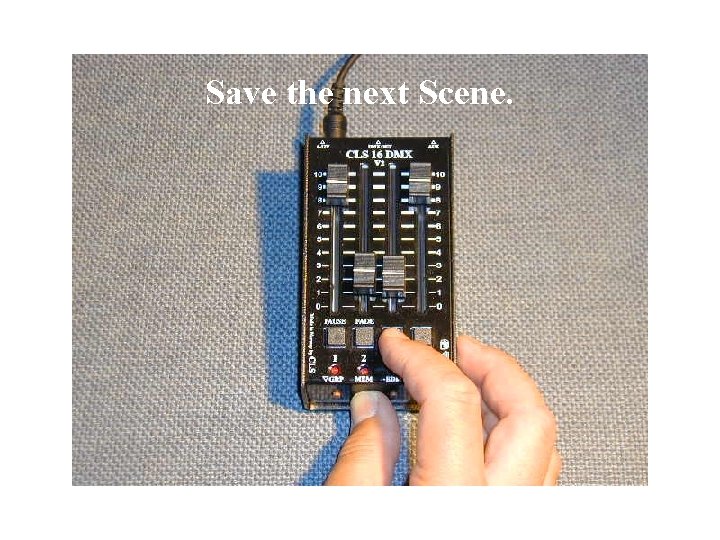
Save the next Scene.
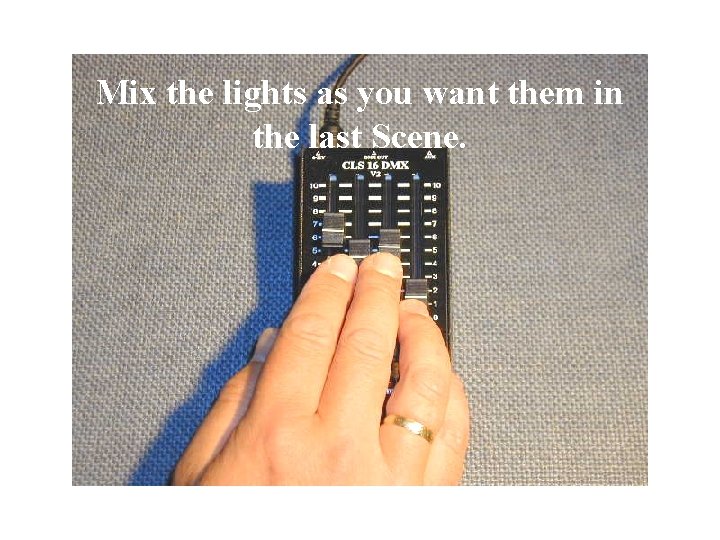
Mix the lights as you want them in the last Scene.
Save the last Scene.
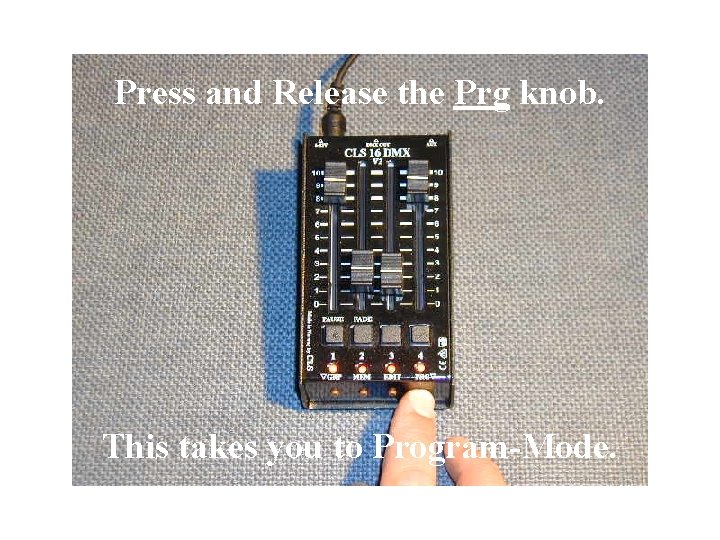
Press and Release the Prg knob. This takes you to Program-Mode.
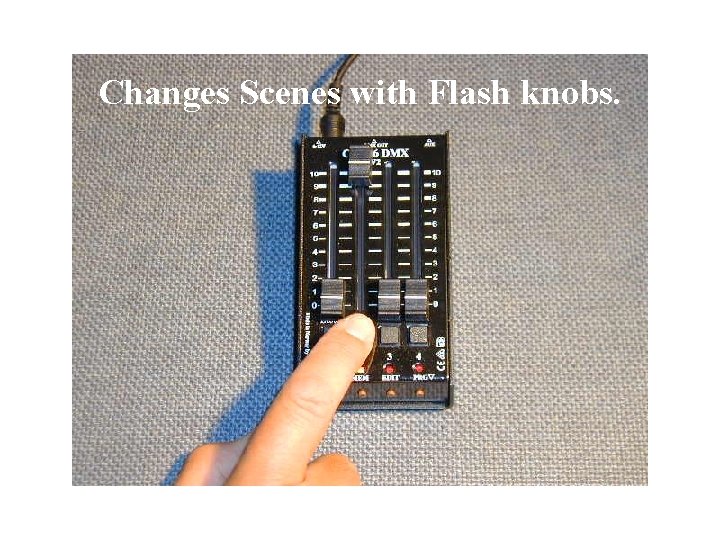
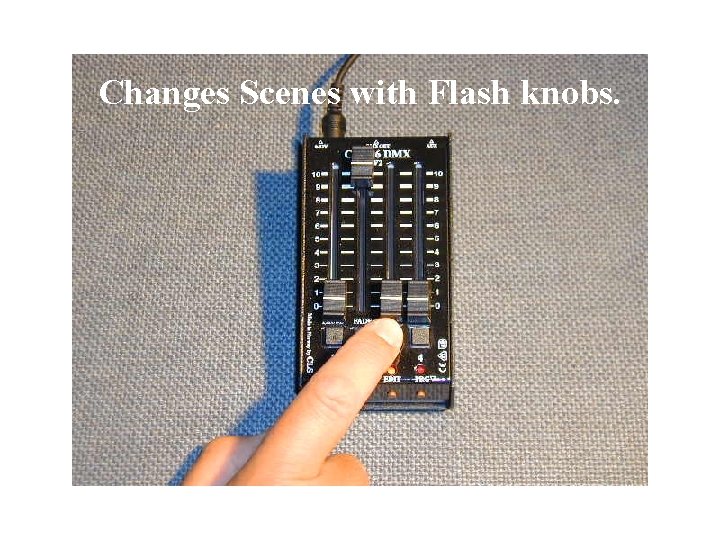
Changes Scenes with Flash knobs.
Changes Scenes with Flash knobs.
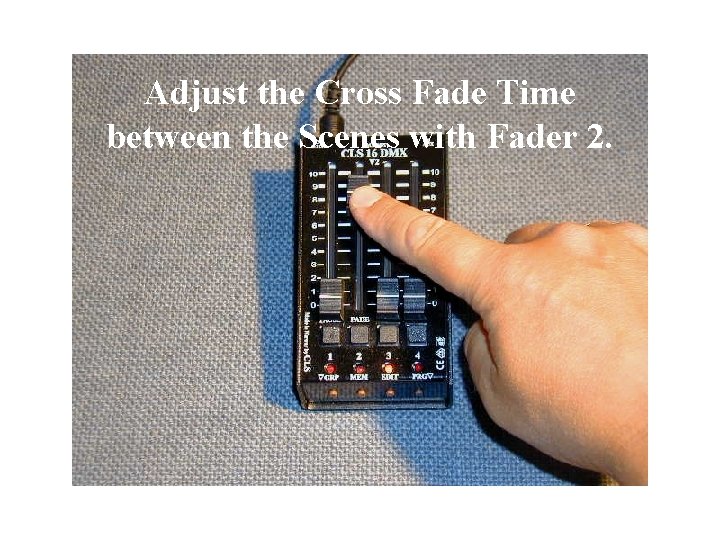
Adjust the Cross Fade Time between the Scenes with Fader 2.
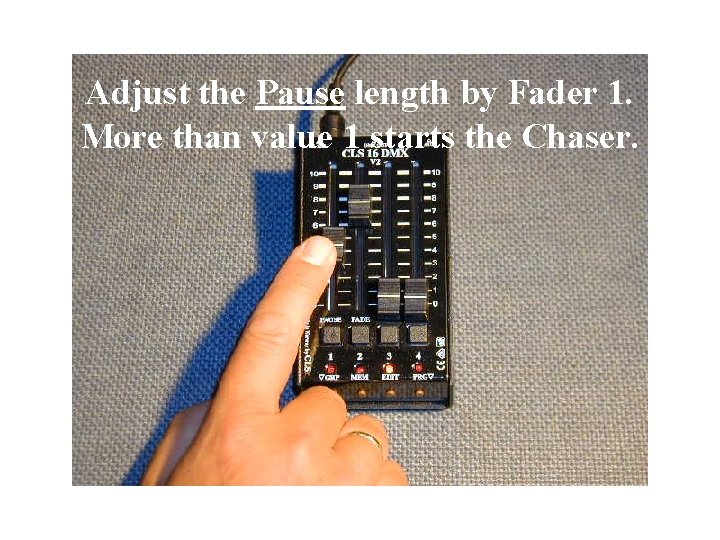
Adjust the Pause length by Fader 1. More than value 1 starts the Chaser.
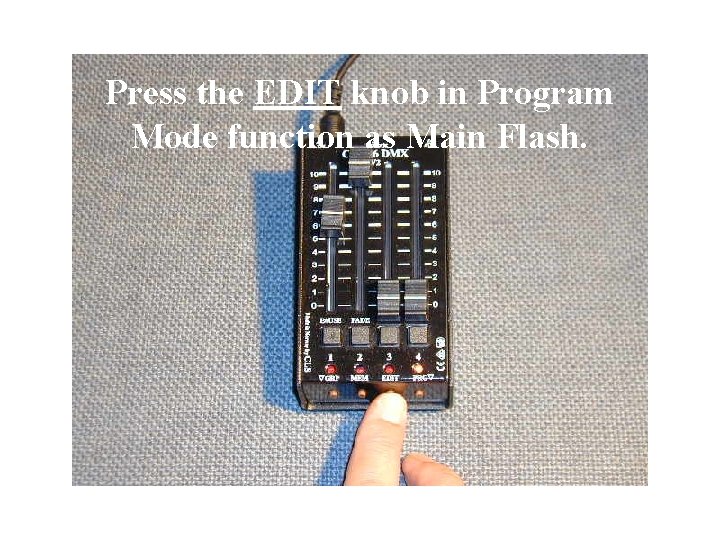
Press the EDIT knob in Program Mode function as Main Flash.
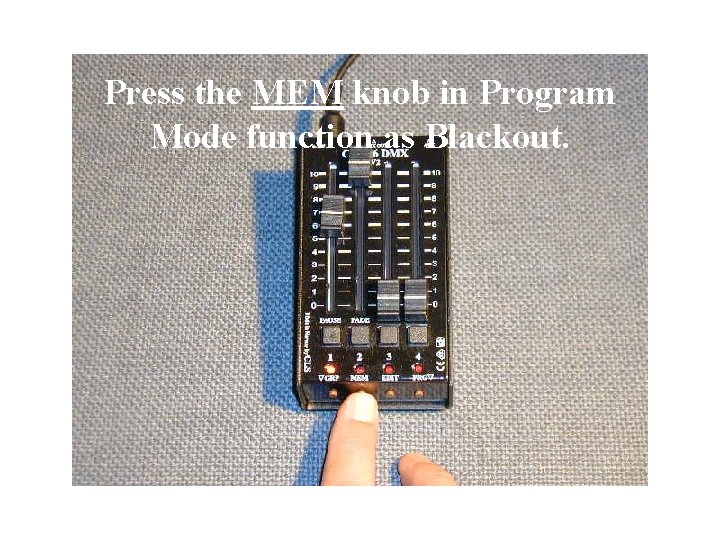
Press the MEM knob in Program Mode function as Blackout.
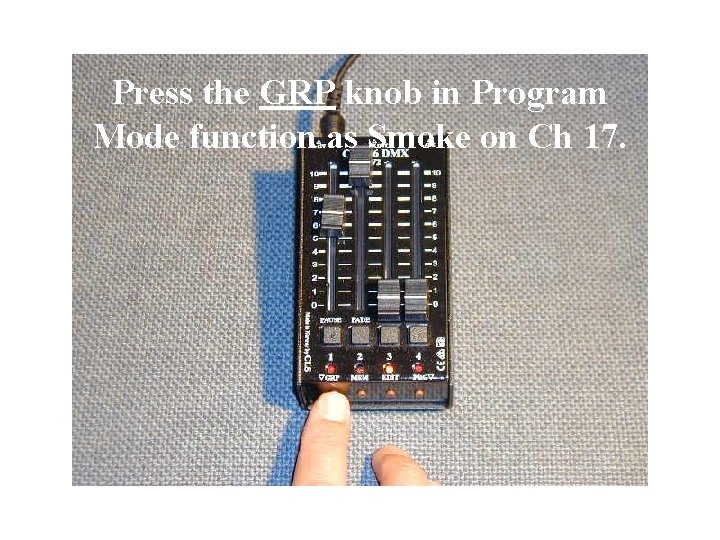
Press the GRP knob in Program Mode function as Smoke on Ch 17.
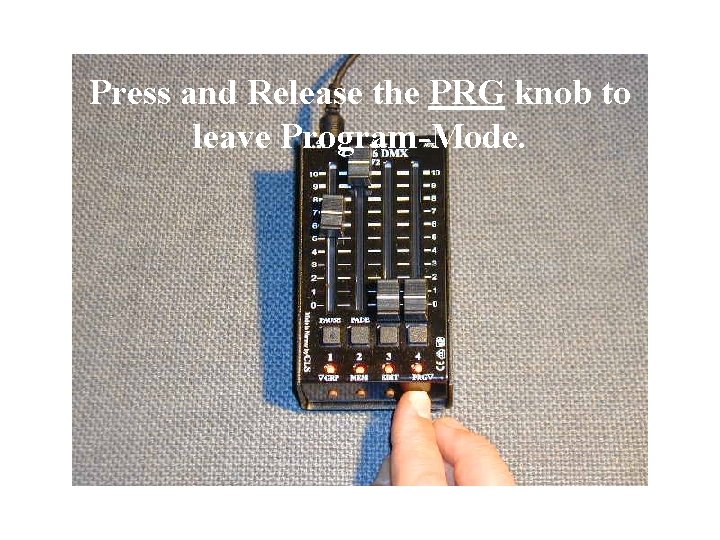
Press and Release the PRG knob to leave Program-Mode.
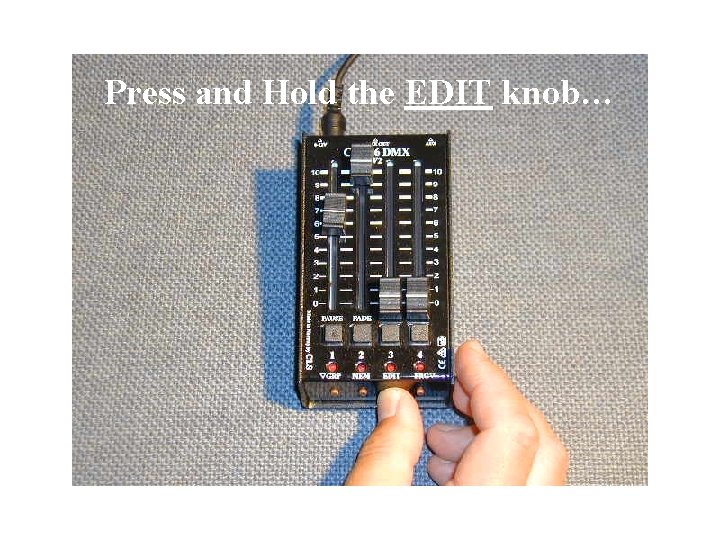
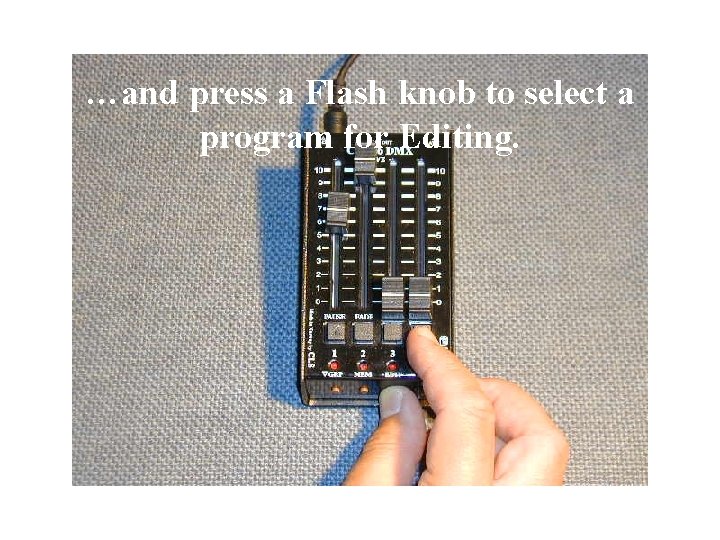
Press and Hold the EDIT knob…
…and press a Flash knob to select a program for Editing.
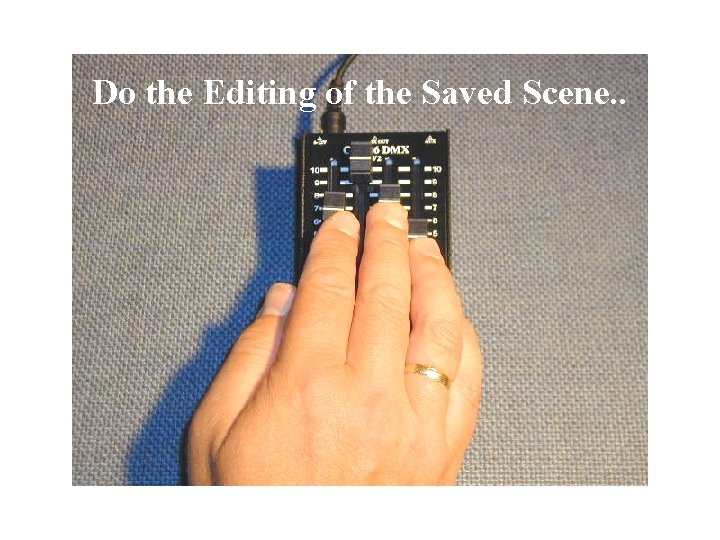
Do the Editing of the Saved Scene. .
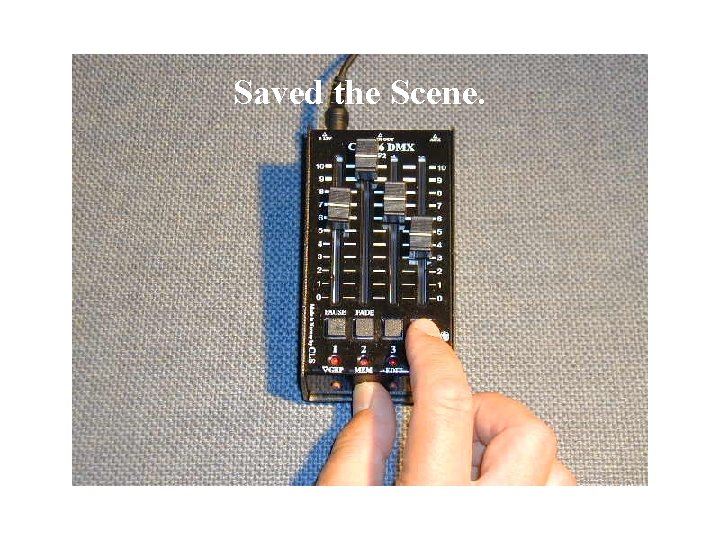
Saved the Scene.
Supportphone: +47 61341438 is short for Liavegen 45, 2953 Beitostølen, NORWAY Web: www. cls. no – Email: office@cls. no
Good Luck !