
Intro to the Shell with Fork Exec Wait

![strtok #include <string. h> #include <stdio. h> int main() { char str[80] = "This](https://slidetodoc.com/presentation_image_h/001de54d10366104ea8bfd1f451ebc5c/image-19.jpg "strtok #include <string. h> #include <stdio. h> int main() { char str[80] = \"This")
- Slides: 35
Intro to the Shell with Fork, Exec, Wait Sarah Diesburg Operating Systems CS 3430 1
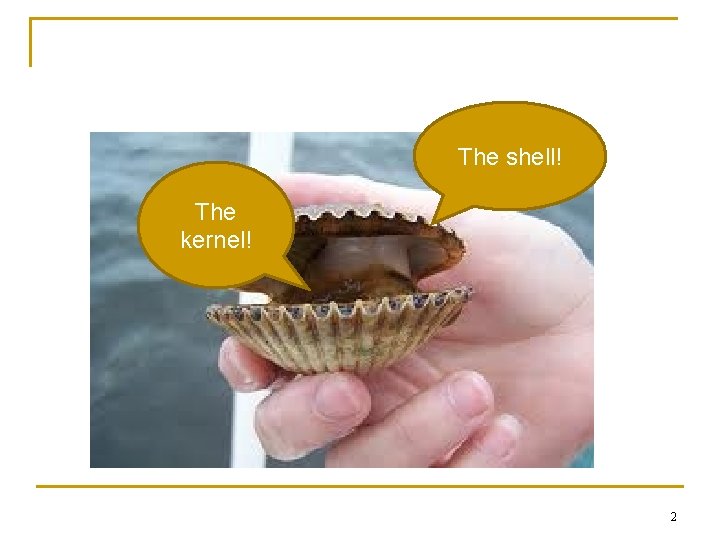
The shell! The kernel! 2
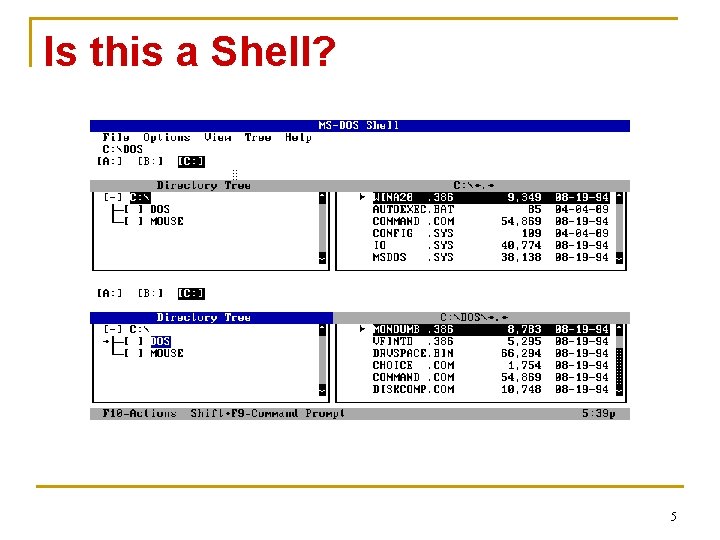
Why is the Shell Important? n Shells provide us with a way to interact with the core system q q q n n Executes programs on our behalf Shows us our stuff No OS should be without one! Can think of a shell as “built around” a component So what are some examples of shells? 3
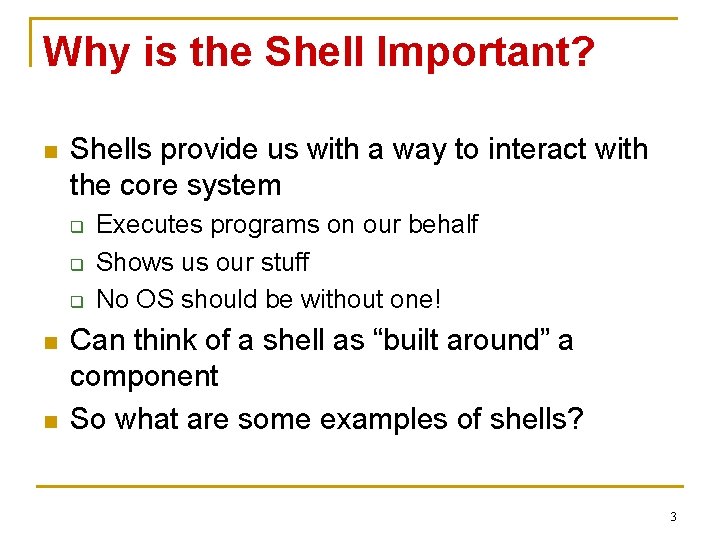
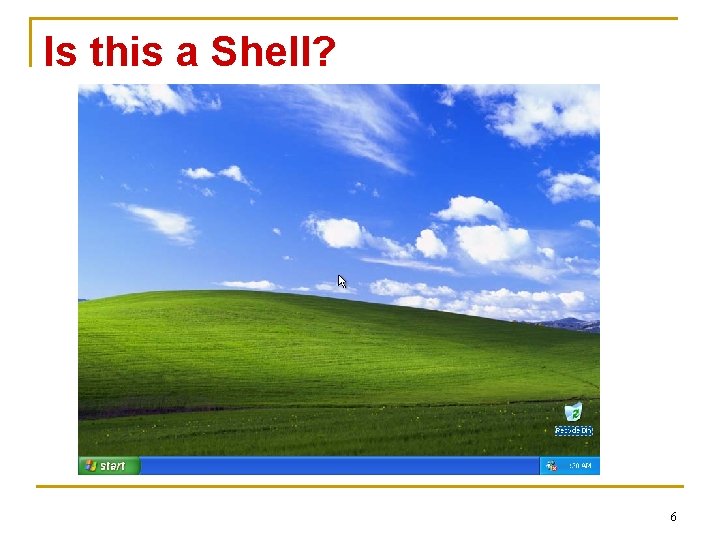
Is this a Shell? 4
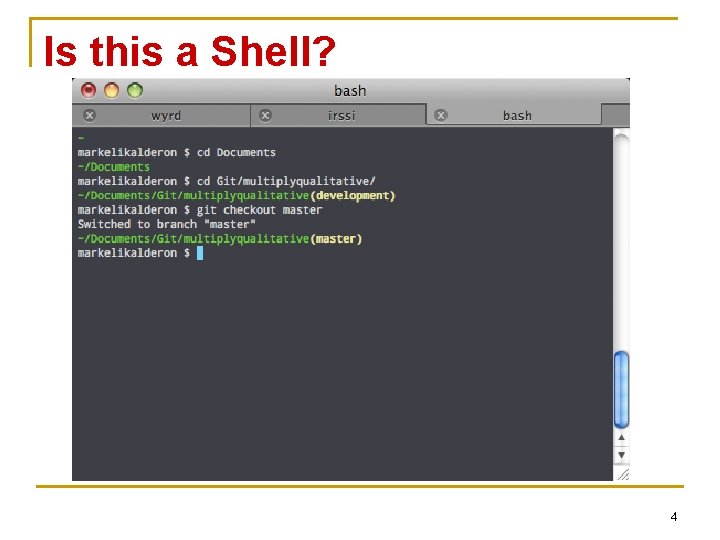
Is this a Shell? 5
Is this a Shell? 6
Is this a Shell? 7
How do we Crack the Shell? n In other words, how will our shell interact with the soft and chewy kernel? q q The mechanism we will explore today is through system calls Other ways n /proc in Linux 8
System Calls n n What are system calls, again? Some important ones q q q n fork() execvp() waitpid() We will need to use all three above to make a fully-functioning shell 9
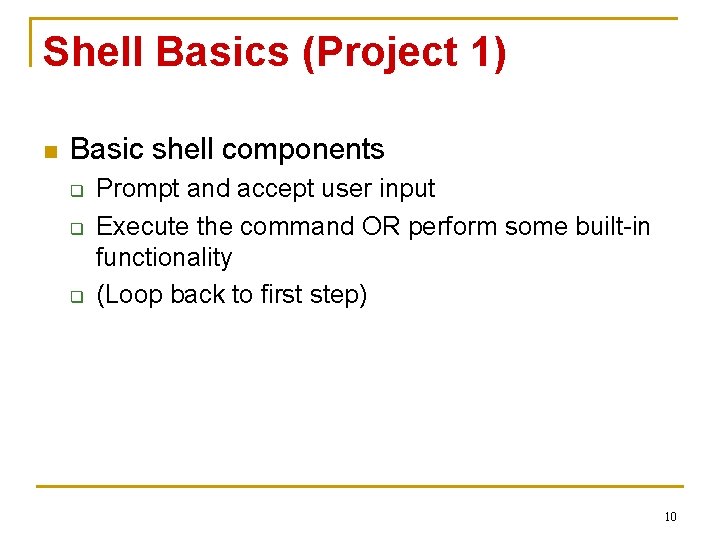
Shell Basics (Project 1) n Basic shell components q q q Prompt and accept user input Execute the command OR perform some built-in functionality (Loop back to first step) 10
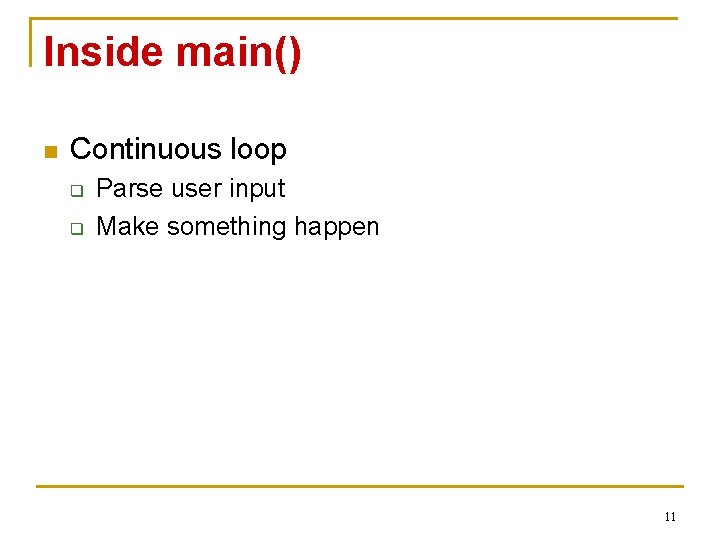
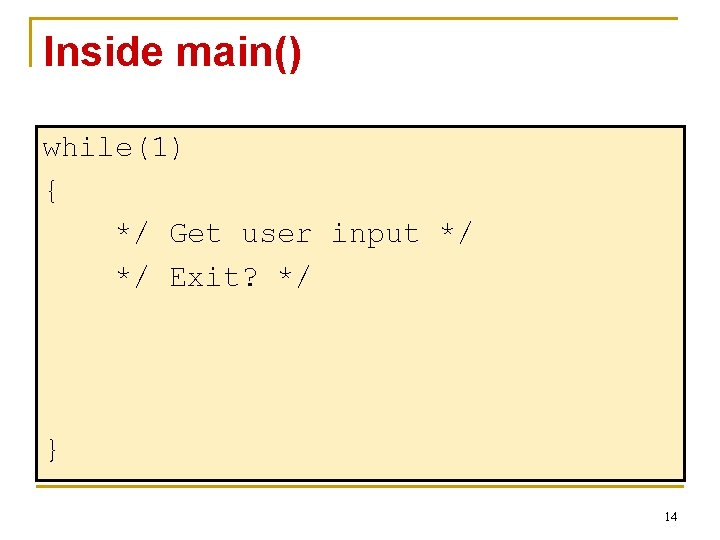
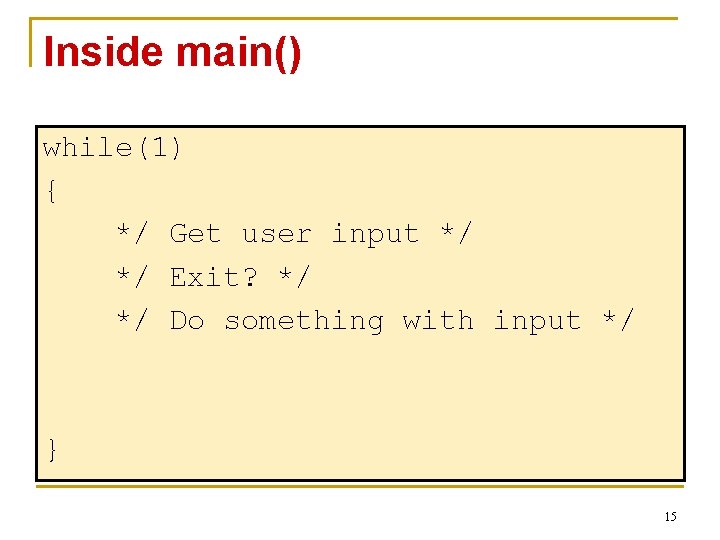
Inside main() n Continuous loop q q Parse user input Make something happen 11
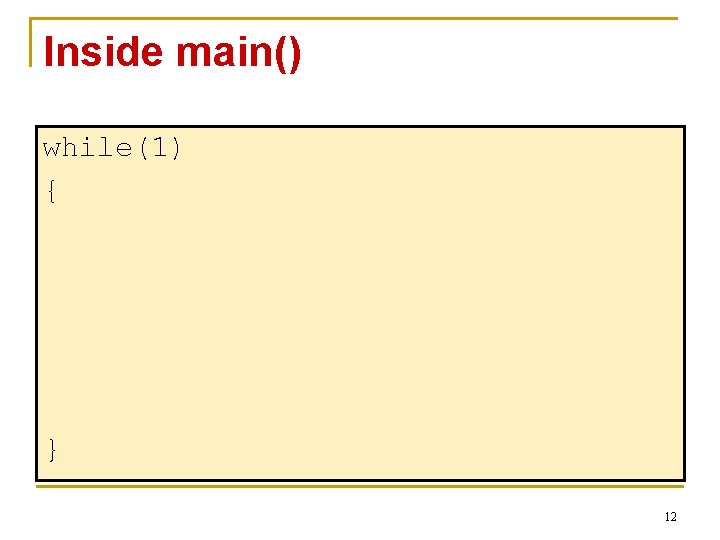
Inside main() while(1) { } 12
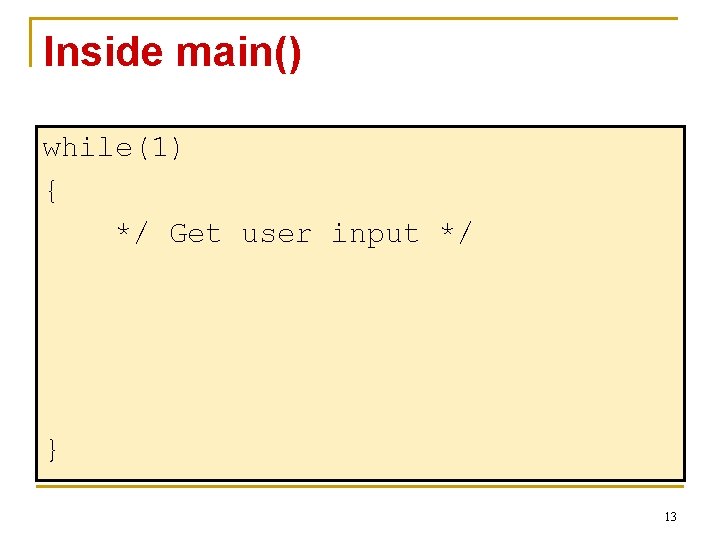
Inside main() while(1) { */ Get user input */ } 13
Inside main() while(1) { */ Get user input */ */ Exit? */ } 14
Inside main() while(1) { */ Get user input */ */ Exit? */ */ Do something with input */ } 15
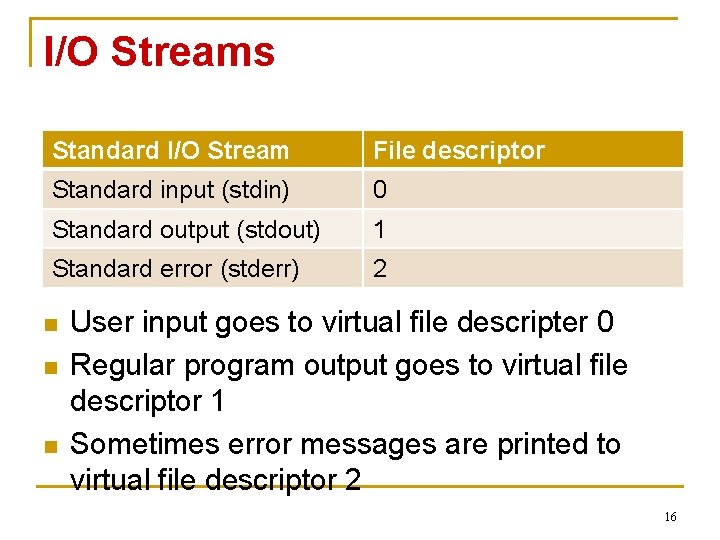
I/O Streams Standard I/O Stream File descriptor Standard input (stdin) 0 Standard output (stdout) 1 Standard error (stderr) 2 n n n User input goes to virtual file descripter 0 Regular program output goes to virtual file descriptor 1 Sometimes error messages are printed to virtual file descriptor 2 16
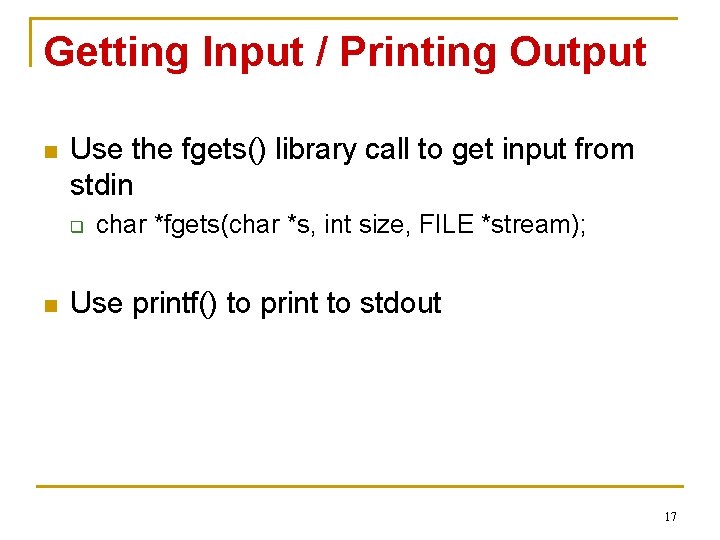
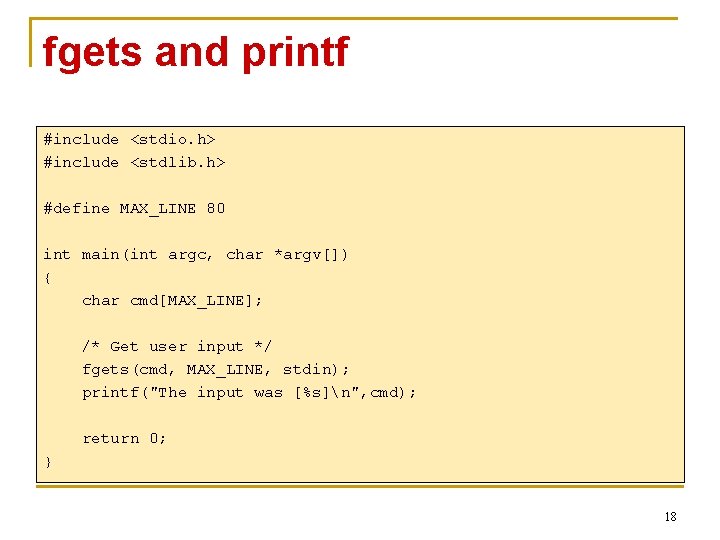
Getting Input / Printing Output n Use the fgets() library call to get input from stdin q n char *fgets(char *s, int size, FILE *stream); Use printf() to print to stdout 17
fgets and printf #include <stdio. h> #include <stdlib. h> #define MAX_LINE 80 int main(int argc, char *argv[]) { char cmd[MAX_LINE]; /* Get user input */ fgets(cmd, MAX_LINE, stdin); printf("The input was [%s]n", cmd); return 0; } 18
strtok #include <string. h> #include <stdio. h> int main() { char str[80] = "This is a sample string 1 2 34"; char s[2] = " "; char *token = NULL; /* get the first token */ token = strtok(str, s); /* walk through other tokens */ while( token != NULL ) { printf( " %sn", token ); token = strtok(NULL, s); } return(0); } n We can use strtok to walk through a string and get each token q See ‘man strtok’ for more info 19
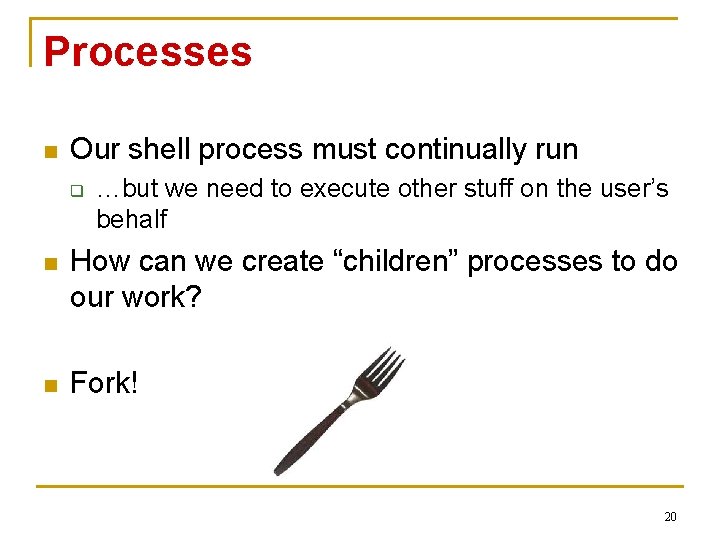
Processes n Our shell process must continually run q …but we need to execute other stuff on the user’s behalf n How can we create “children” processes to do our work? n Fork! 20
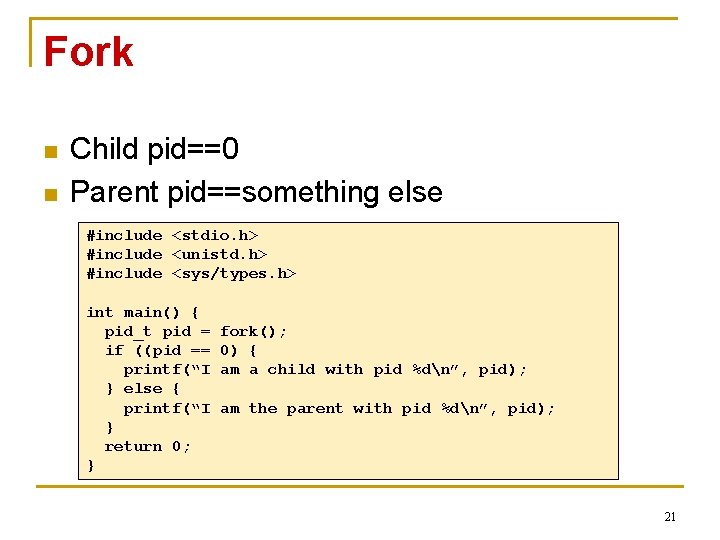
Fork n n Child pid==0 Parent pid==something else #include <stdio. h> #include <unistd. h> #include <sys/types. h> int main() { pid_t pid = if ((pid == printf(“I } else { printf(“I } return 0; } fork(); 0) { am a child with pid %dn”, pid); am the parent with pid %dn”, pid); 21
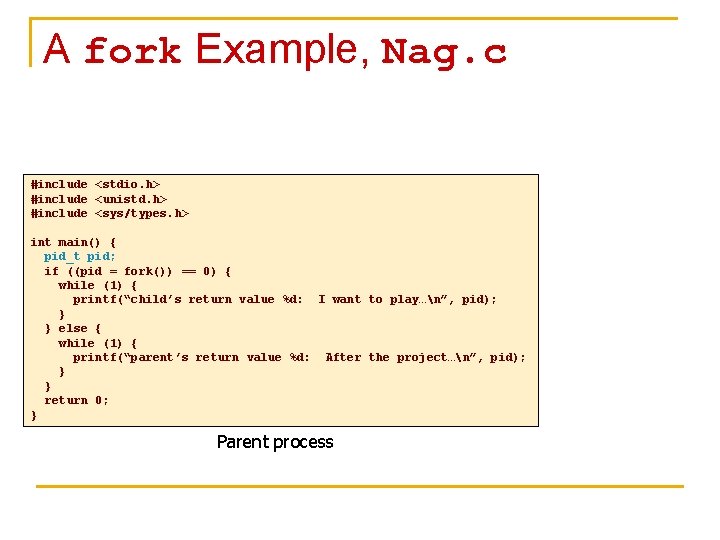
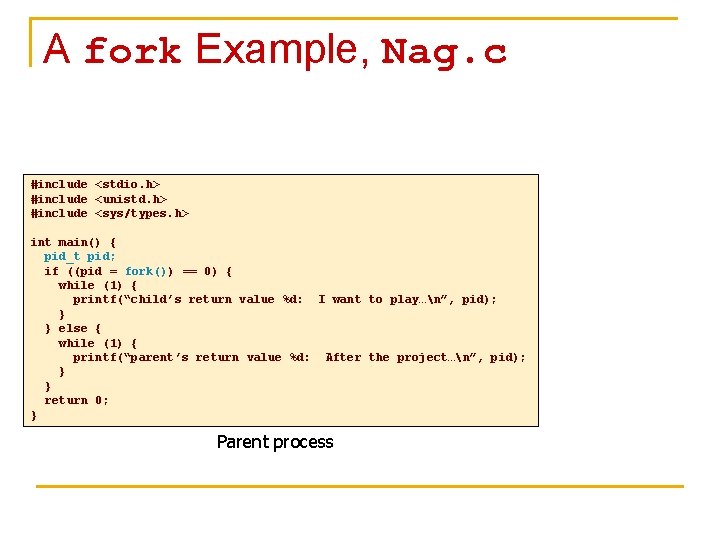
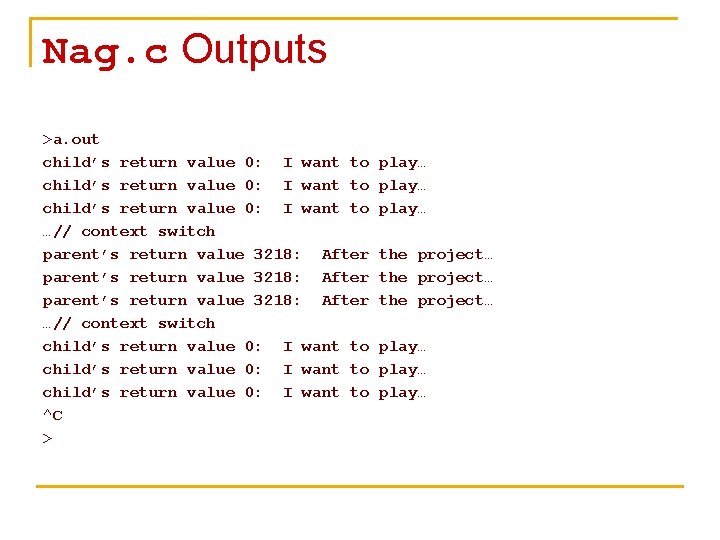
A fork Example, Nag. c #include <stdio. h> #include <unistd. h> #include <sys/types. h> int main() { pid_t pid; if ((pid = fork()) == 0) { while (1) { printf(“child’s return value %d: I want to play…n”, pid); } } else { while (1) { printf(“parent’s return value %d: After the project…n”, pid); } } return 0; } Parent process
A fork Example, Nag. c #include <stdio. h> #include <unistd. h> #include <sys/types. h> int main() { pid_t pid; if ((pid = fork()) == 0) { while (1) { printf(“child’s return value %d: I want to play…n”, pid); } } else { while (1) { printf(“parent’s return value %d: After the project…n”, pid); } } return 0; } Parent process
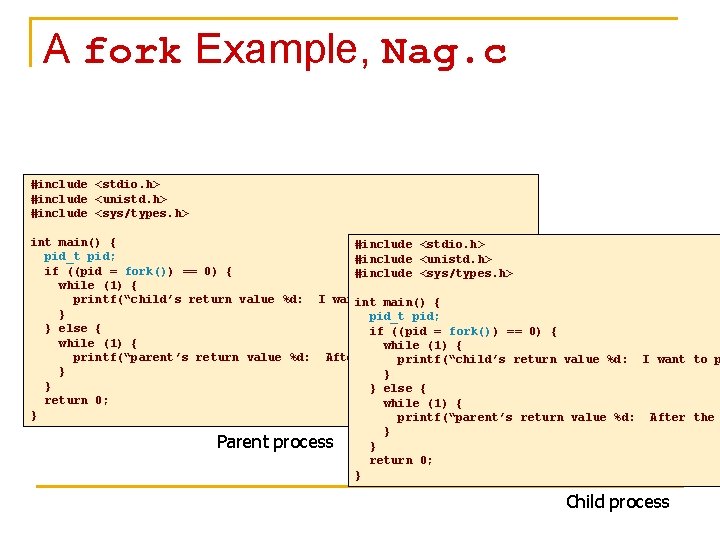
A fork Example, Nag. c #include <stdio. h> #include <unistd. h> #include <sys/types. h> int main() { #include <stdio. h> pid_t pid; #include <unistd. h> if ((pid = fork()) == 0) { #include <sys/types. h> while (1) { printf(“child’s return value %d: I want to main() play…n”, pid); int { } pid_t pid; } else { if ((pid = fork()) == 0) { while (1) { printf(“parent’s return value %d: After the project…n”, pid); printf(“child’s return value %d: I want to p } } else { return 0; while (1) { } printf(“parent’s return value %d: After the } Parent process } return 0; } Child process
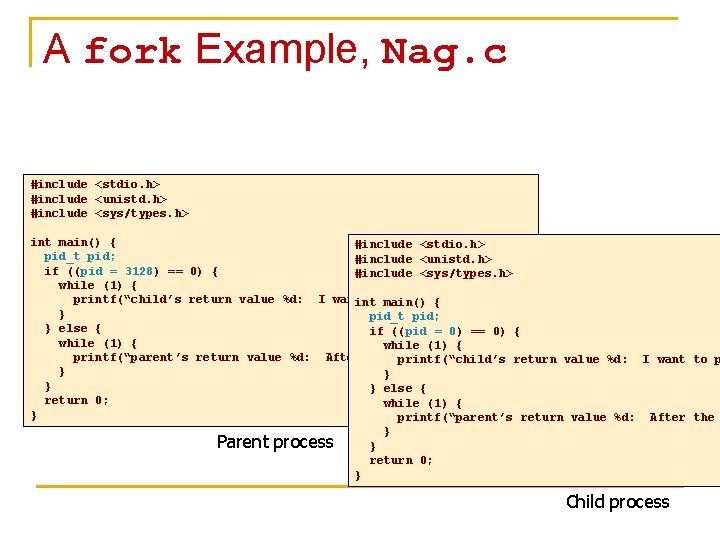
A fork Example, Nag. c #include <stdio. h> #include <unistd. h> #include <sys/types. h> int main() { #include <stdio. h> pid_t pid; #include <unistd. h> if ((pid = 3128) == 0) { #include <sys/types. h> while (1) { printf(“child’s return value %d: I want to main() play…n”, pid); int { } pid_t pid; } else { if ((pid = 0) == 0) { while (1) { printf(“parent’s return value %d: After the project…n”, pid); printf(“child’s return value %d: I want to p } } else { return 0; while (1) { } printf(“parent’s return value %d: After the } Parent process } return 0; } Child process
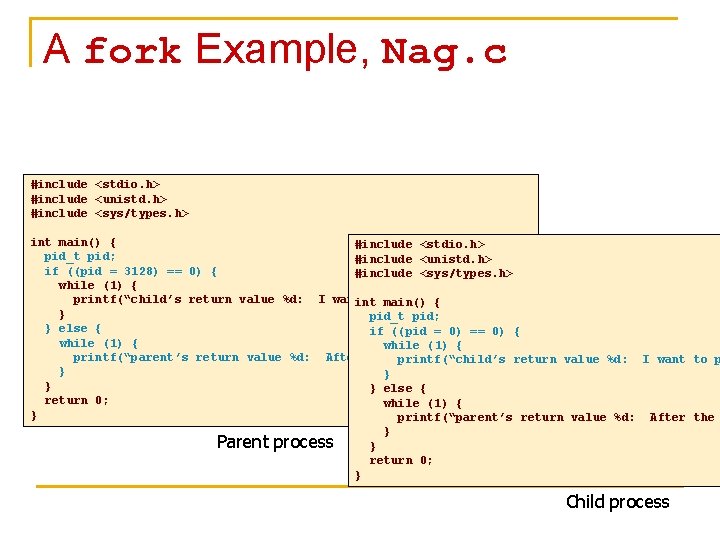
A fork Example, Nag. c #include <stdio. h> #include <unistd. h> #include <sys/types. h> int main() { #include <stdio. h> pid_t pid; #include <unistd. h> if ((pid = 3128) == 0) { #include <sys/types. h> while (1) { printf(“child’s return value %d: I want to main() play…n”, pid); int { } pid_t pid; } else { if ((pid = 0) == 0) { while (1) { printf(“parent’s return value %d: After the project…n”, pid); printf(“child’s return value %d: I want to p } } else { return 0; while (1) { } printf(“parent’s return value %d: After the } Parent process } return 0; } Child process
Nag. c Outputs >a. out child’s return value 0: I want to …// context switch parent’s return value 3218: After …// context switch child’s return value 0: I want to ^C > play… the project… play…
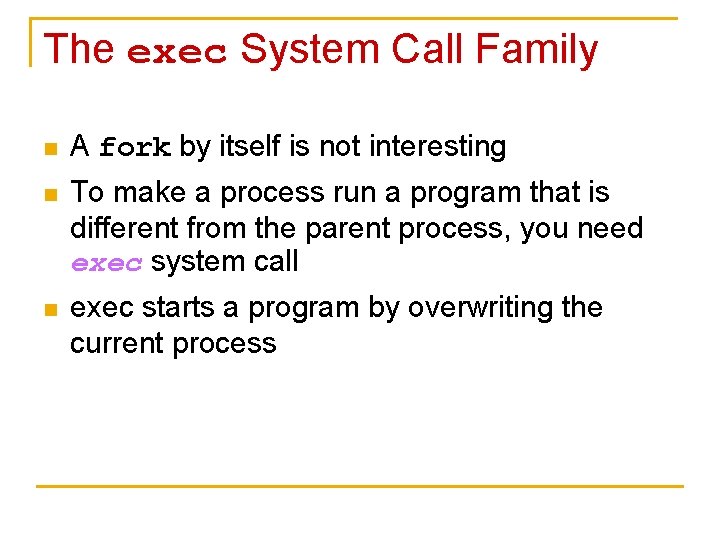
The exec System Call Family n A fork by itself is not interesting n To make a process run a program that is different from the parent process, you need exec system call n exec starts a program by overwriting the current process
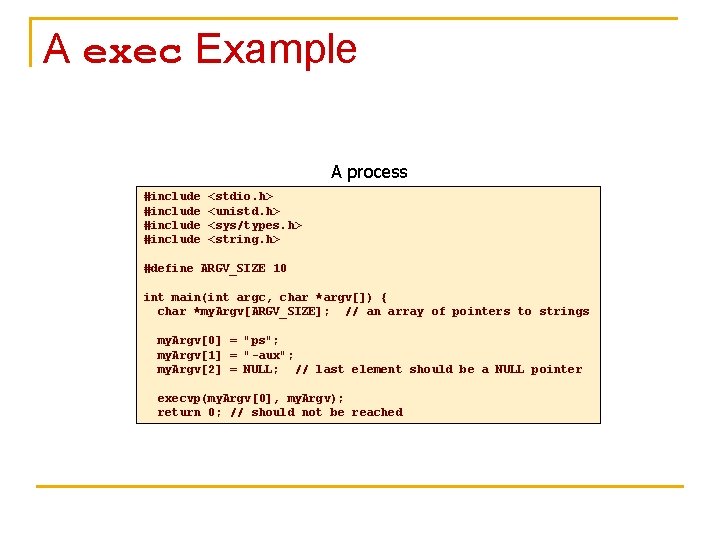
A exec Example A process #include <stdio. h> <unistd. h> <sys/types. h> <string. h> #define ARGV_SIZE 10 int main(int argc, char *argv[]) { char *my. Argv[ARGV_SIZE]; // an array of pointers to strings my. Argv[0] = "ps"; my. Argv[1] = "-aux"; my. Argv[2] = NULL; // last element should be a NULL pointer execvp(my. Argv[0], my. Argv); return 0; // should not be reached
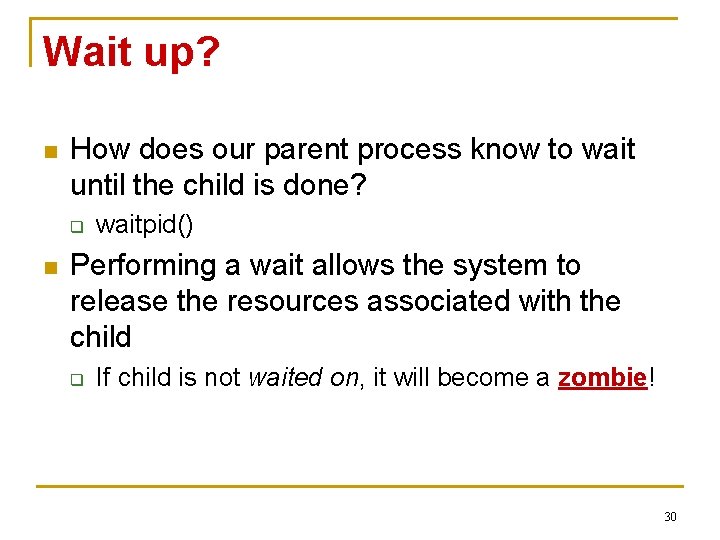
Wait up? n How does our parent process know to wait until the child is done? q n waitpid() Performing a wait allows the system to release the resources associated with the child q If child is not waited on, it will become a zombie! 30
Zombie? n n n Process that shows up with a “Z” status or the word <defunct> Child process has terminated, but parent has not waited on it Child process stays allocated on the system until q q Wait() or waitpid() is called by the parent The parent exits, and init “adopts” the zombie processes and performs a wait() 31
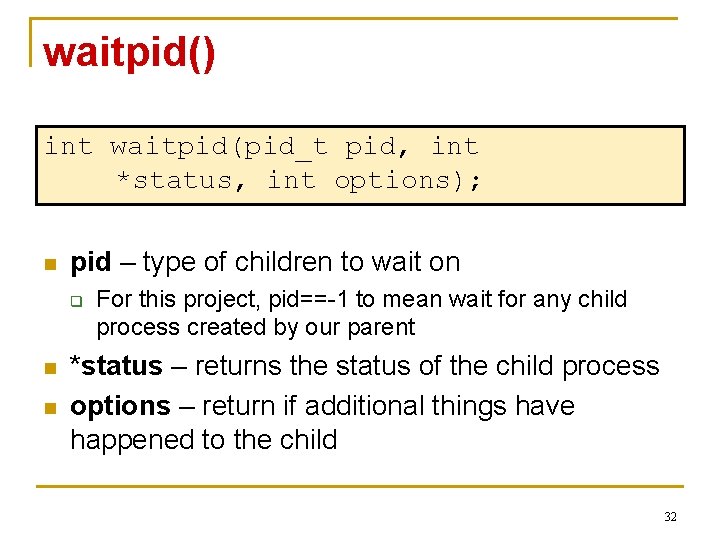
waitpid() int waitpid(pid_t pid, int *status, int options); n pid – type of children to wait on q n n For this project, pid==-1 to mean wait for any child process created by our parent *status – returns the status of the child process options – return if additional things have happened to the child 32
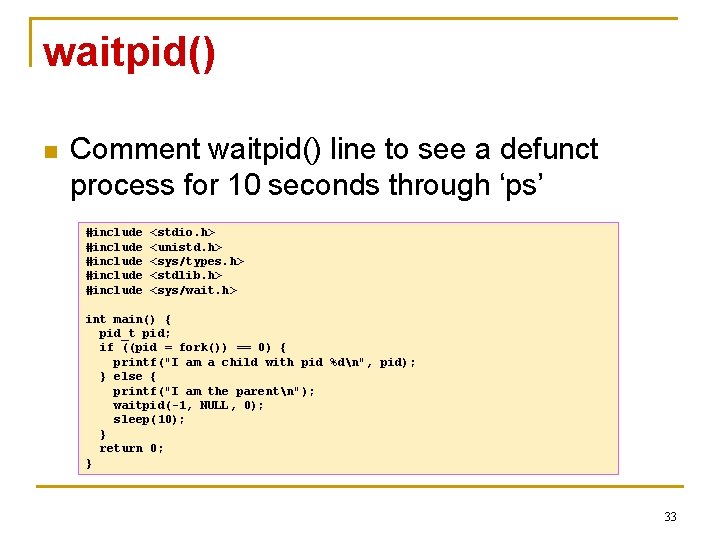
waitpid() n Comment waitpid() line to see a defunct process for 10 seconds through ‘ps’ #include #include <stdio. h> <unistd. h> <sys/types. h> <stdlib. h> <sys/wait. h> int main() { pid_t pid; if ((pid = fork()) == 0) { printf("I am a child with pid %dn", pid); } else { printf("I am the parentn"); waitpid(-1, NULL, 0); sleep(10); } return 0; } 33
In Summary n Pieces necessary for project 1 q q q Basic structure of shell Command line parsing Command execution 34
Any Questions?