
Intro to Spring Dr Solange Karsenty Hadassah Academic

- Slides: 26
Intro to Spring Dr Solange Karsenty Hadassah Academic College
Basic Servlets • a lot of work that has to been done when a servlet receives a request: • extract parameters from an HTTP request • validation (e. g. checking that the client isn't sending anything malicious) • then, maybe construct some java objects that use those params
Spring • provides a specialized servlet within that framework called the Dispatcher servlet • can help us to simplify a lot of this work here that we have to do over and over. The dispatcher allows us to stop writing all of this boilerplate code to extract parameters etc… • There are other frameworks other than the Spring Framework that do this type of work • Spring Framework is one of the most popular and widely used.
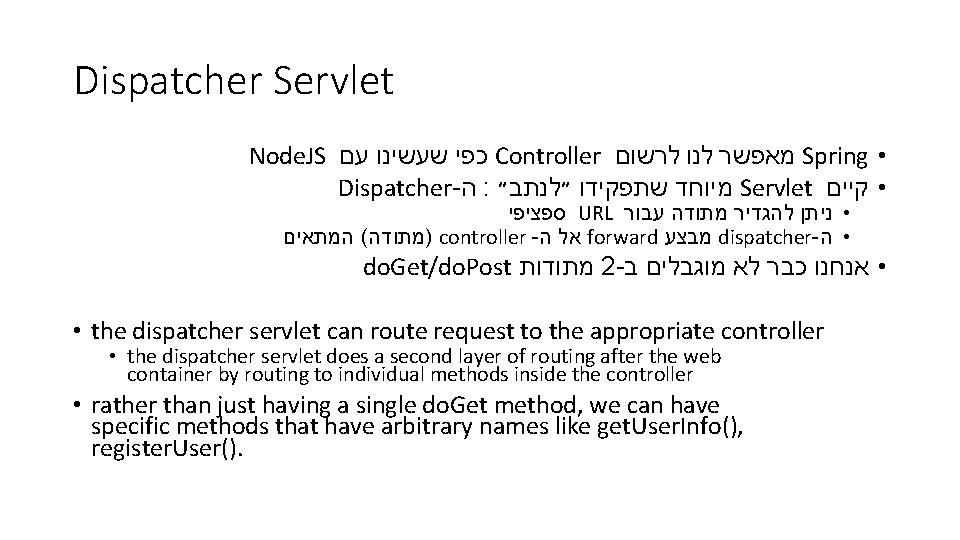
Dispatcher Servlet Node. JS עם שעשינו כפי Controller לרשום לנו מאפשר Spring • Dispatcher- ה : ״לנתב״ שתפקידו מיוחד Servlet • קיים ספציפי URL עבור מתודה להגדיר • ניתן המתאים ( )מתודה controller - ה אל forward מבצע dispatcher- • ה do. Get/do. Post מתודות 2 - ב מוגבלים לא כבר • אנחנו • the dispatcher servlet can route request to the appropriate controller • the dispatcher servlet does a second layer of routing after the web container by routing to individual methods inside the controller • rather than just having a single do. Get method, we can have specific methods that have arbitrary names like get. User. Info(), register. User().
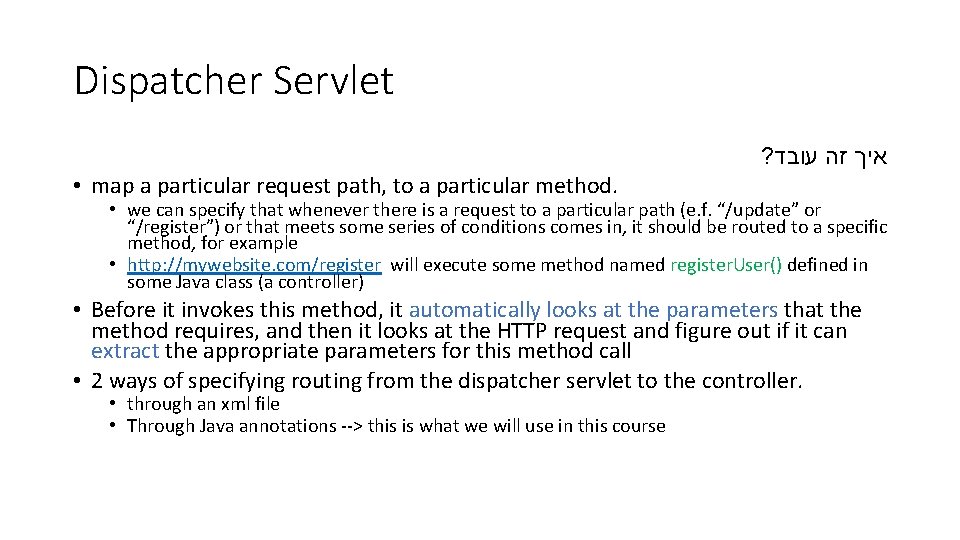
Dispatcher Servlet ? עובד זה איך • map a particular request path, to a particular method. • we can specify that whenever there is a request to a particular path (e. f. “/update” or “/register”) or that meets some series of conditions comes in, it should be routed to a specific method, for example • http: //mywebsite. com/register will execute some method named register. User() defined in some Java class (a controller) • Before it invokes this method, it automatically looks at the parameters that the method requires, and then it looks at the HTTP request and figure out if it can extract the appropriate parameters for this method call • 2 ways of specifying routing from the dispatcher servlet to the controller. • through an xml file • Through Java annotations --> this is what we will use in this course
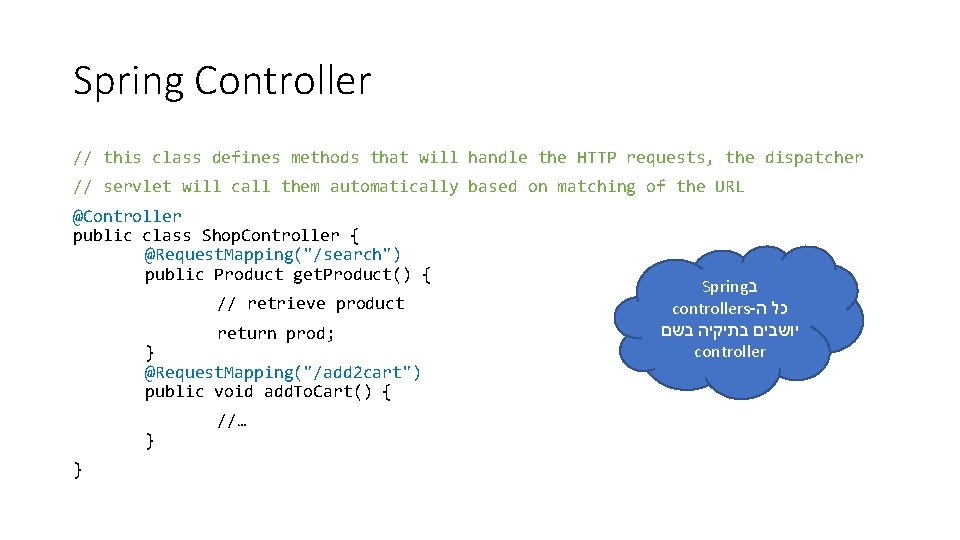
Spring Controller // this class defines methods that will handle the HTTP requests, the dispatcher // servlet will call them automatically based on matching of the URL @Controller public class Shop. Controller { @Request. Mapping("/search") public Product get. Product() { // retrieve product return prod; } @Request. Mapping("/add 2 cart") public void add. To. Cart() { } } //… Spring ב controllers- ה כל בשם בתיקיה יושבים controller
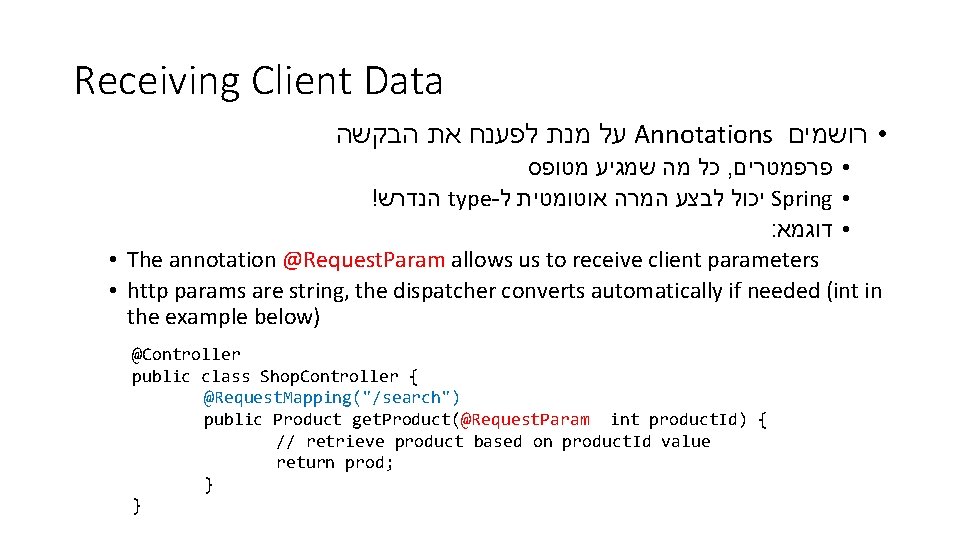
Receiving Client Data הבקשה את לפענח מנת על Annotations • רושמים מטופס שמגיע מה כל , • פרפמטרים ! הנדרש type- ל אוטומטית המרה לבצע יכול Spring • : • דוגמא • The annotation @Request. Param allows us to receive client parameters • http params are string, the dispatcher converts automatically if needed (int in the example below) @Controller public class Shop. Controller { @Request. Mapping("/search") public Product get. Product(@Request. Param int product. Id) { // retrieve product based on product. Id value return prod; } }
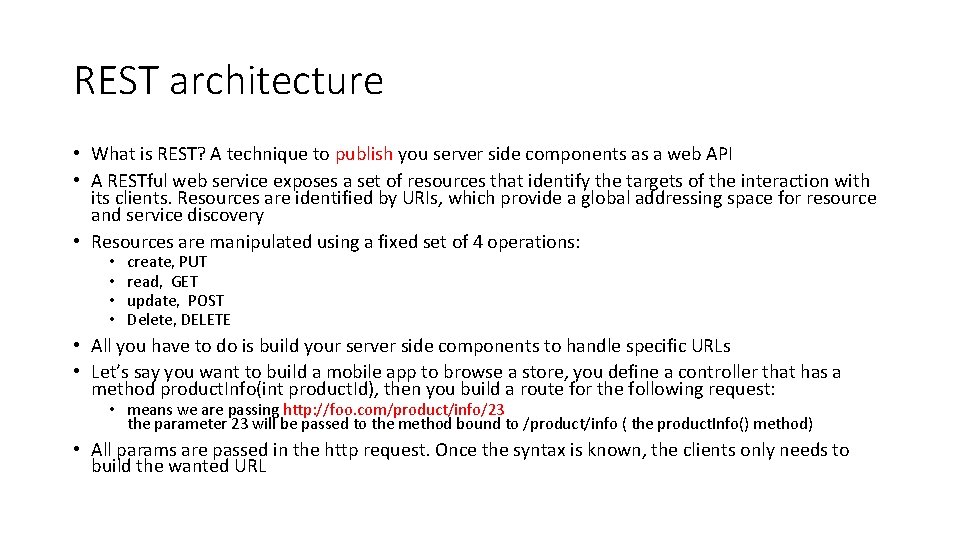
REST architecture • What is REST? A technique to publish you server side components as a web API • A RESTful web service exposes a set of resources that identify the targets of the interaction with its clients. Resources are identified by URIs, which provide a global addressing space for resource and service discovery • Resources are manipulated using a fixed set of 4 operations: • • create, PUT read, GET update, POST Delete, DELETE • All you have to do is build your server side components to handle specific URLs • Let’s say you want to build a mobile app to browse a store, you define a controller that has a method product. Info(int product. Id), then you build a route for the following request: • means we are passing http: //foo. com/product/info/23 the parameter 23 will be passed to the method bound to /product/info ( the product. Info() method) • All params are passed in the http request. Once the syntax is known, the clients only needs to build the wanted URL
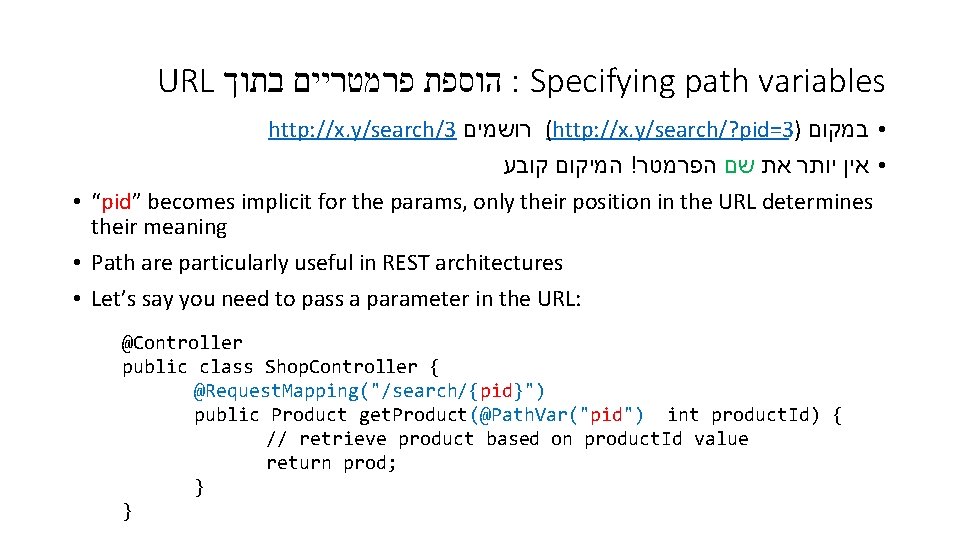
URL הוספת פרמטריים בתוך : Specifying path variables http: //x. y/search/3 רושמים (http: //x. y/search/? pid=3) • במקום קובע המיקום ! הפרמטר שם את יותר • אין • “pid” becomes implicit for the params, only their position in the URL determines their meaning • Path are particularly useful in REST architectures • Let’s say you need to pass a parameter in the URL: @Controller public class Shop. Controller { @Request. Mapping("/search/{pid}") public Product get. Product(@Path. Var("pid") int product. Id) { // retrieve product based on product. Id value return prod; } }
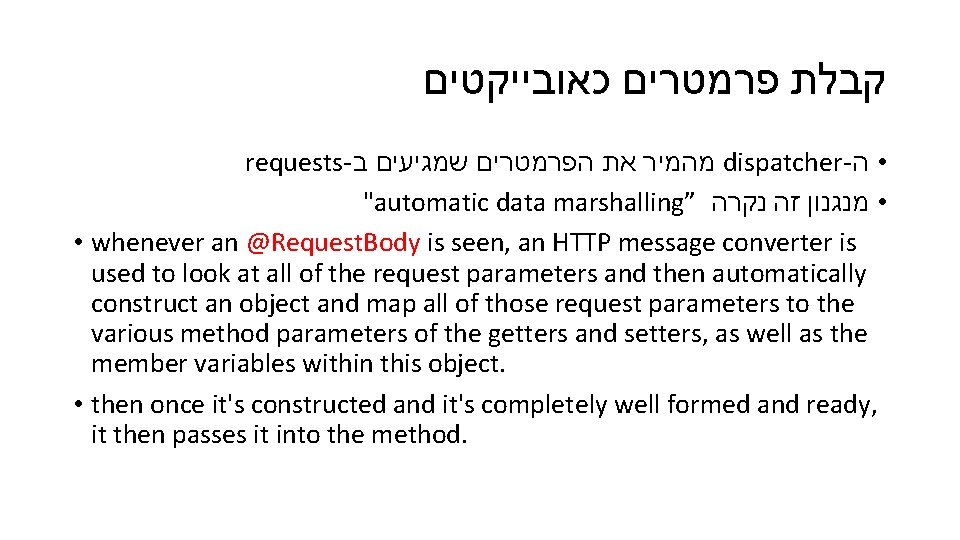
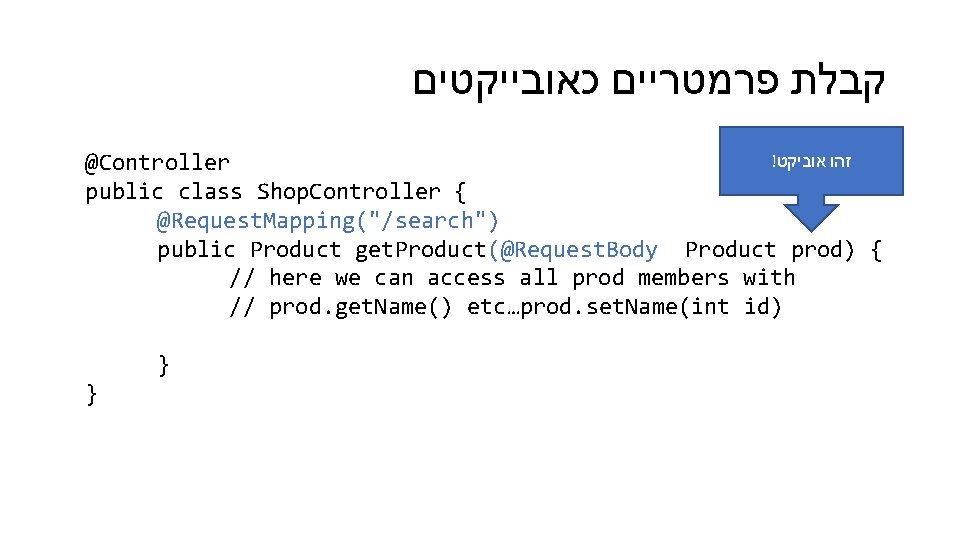
קבלת פרמטרים כאובייקטים requests- ב שמגיעים הפרמטרים את מהמיר dispatcher- • ה "automatic data marshalling” נקרה זה • מנגנון • whenever an @Request. Body is seen, an HTTP message converter is used to look at all of the request parameters and then automatically construct an object and map all of those request parameters to the various method parameters of the getters and setters, as well as the member variables within this object. • then once it's constructed and it's completely well formed and ready, it then passes it into the method.
קבלת פרמטריים כאובייקטים ! אוביקט זהו @Controller public class Shop. Controller { @Request. Mapping("/search") public Product get. Product(@Request. Body Product prod) { // here we can access all prod members with // prod. get. Name() etc…prod. set. Name(int id) } }
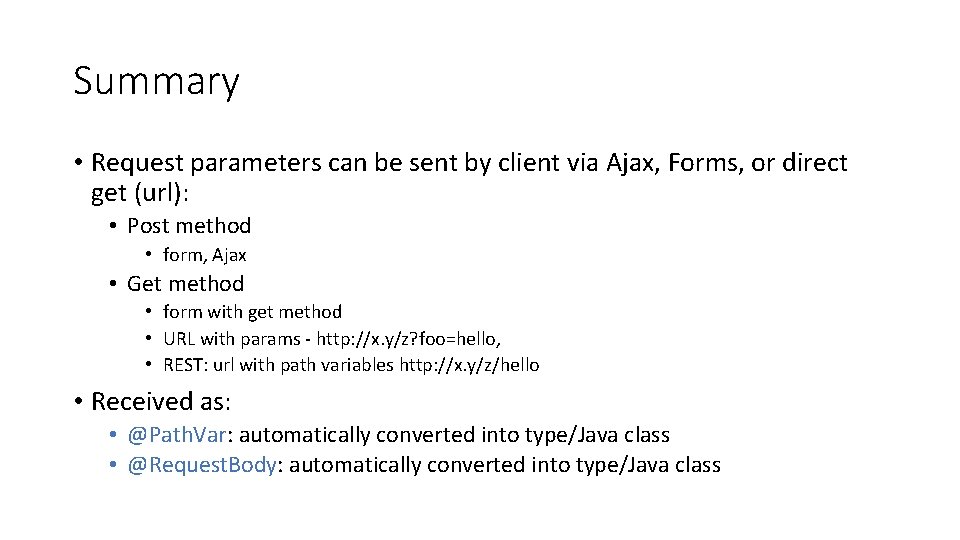
Summary • Request parameters can be sent by client via Ajax, Forms, or direct get (url): • Post method • form, Ajax • Get method • form with get method • URL with params - http: //x. y/z? foo=hello, • REST: url with path variables http: //x. y/z/hello • Received as: • @Path. Var: automatically converted into type/Java class • @Request. Body: automatically converted into type/Java class
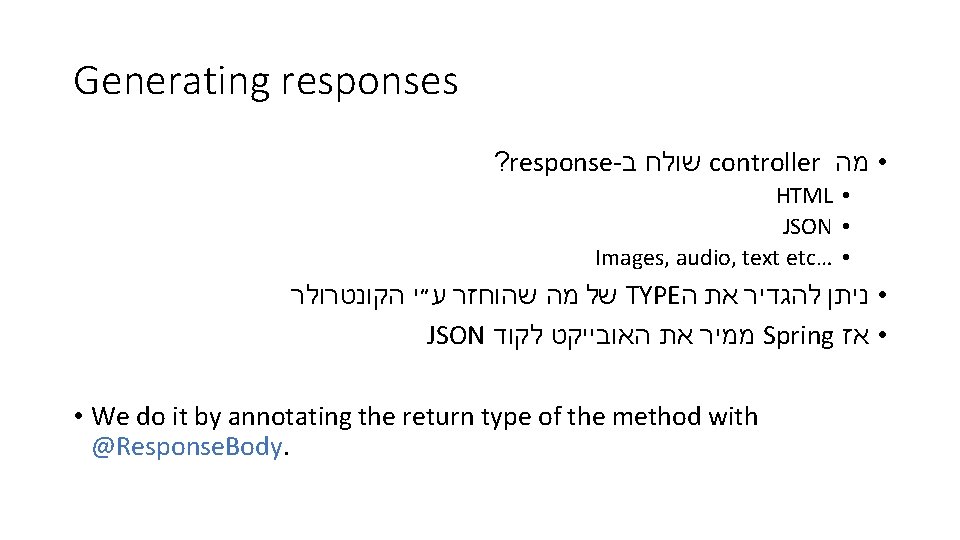
Generating responses ? response- ב שולח controller • מה HTML • JSON • Images, audio, text etc… • הקונטרולר ע״י שהוחזר מה של TYPE ה את להגדיר • ניתן JSON לקוד האובייקט את ממיר Spring • אז • We do it by annotating the return type of the method with @Response. Body.
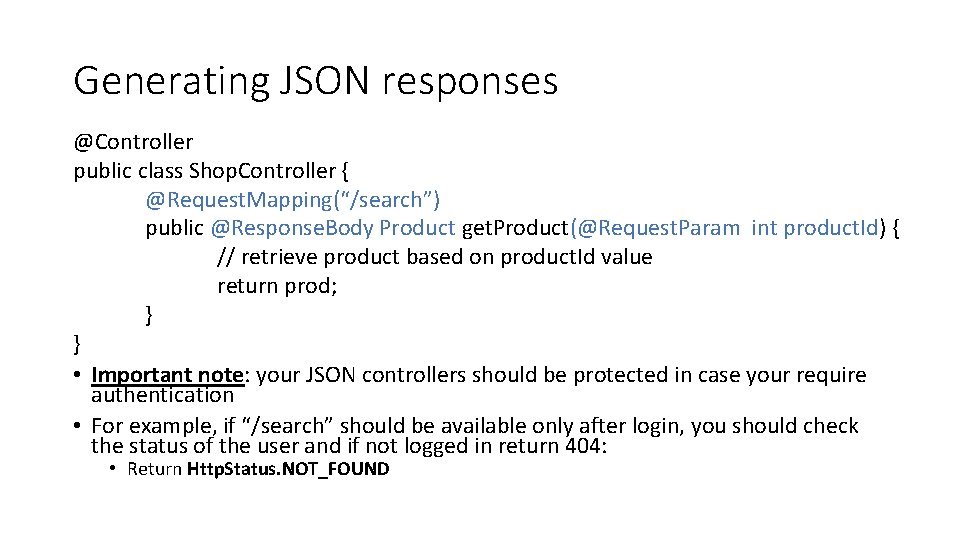
Generating JSON responses @Controller public class Shop. Controller { @Request. Mapping(“/search”) public @Response. Body Product get. Product(@Request. Param int product. Id) { // retrieve product based on product. Id value return prod; } } • Important note: your JSON controllers should be protected in case your require authentication • For example, if “/search” should be available only after login, you should check the status of the user and if not logged in return 404: • Return Http. Status. NOT_FOUND
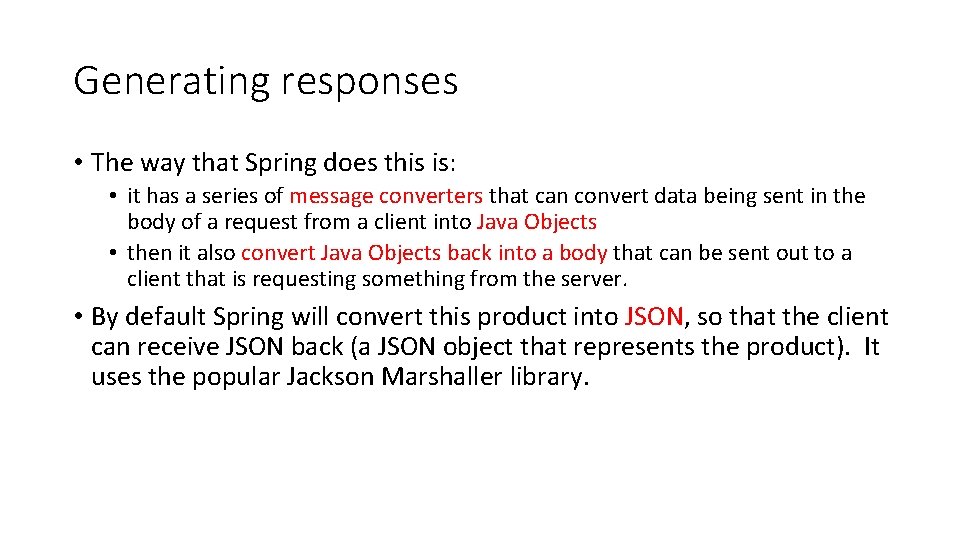
Generating responses • The way that Spring does this is: • it has a series of message converters that can convert data being sent in the body of a request from a client into Java Objects • then it also convert Java Objects back into a body that can be sent out to a client that is requesting something from the server. • By default Spring will convert this product into JSON, so that the client can receive JSON back (a JSON object that represents the product). It uses the popular Jackson Marshaller library.
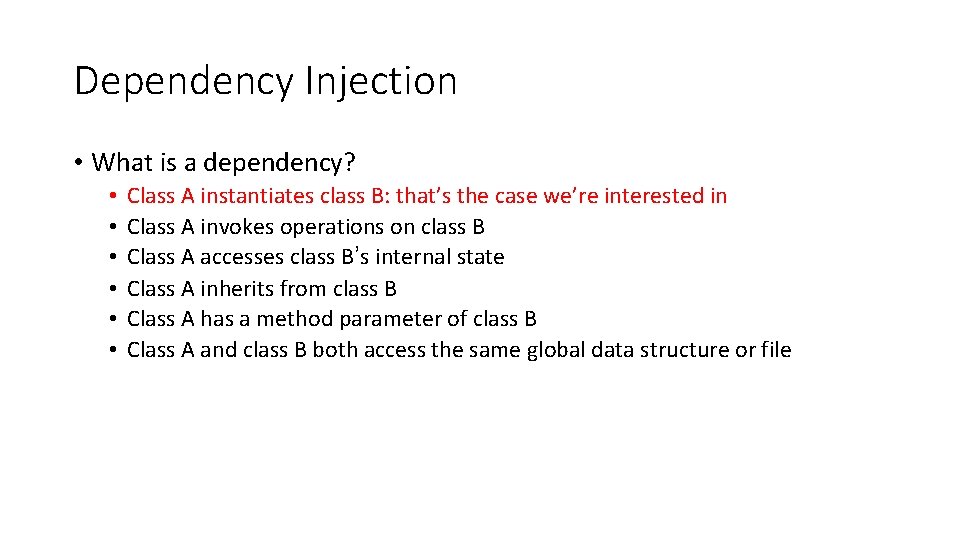
Dependency Injection • What is a dependency? • • • Class A instantiates class B: that’s the case we’re interested in Class A invokes operations on class B Class A accesses class B’s internal state Class A inherits from class B Class A has a method parameter of class B Class A and class B both access the same global data structure or file
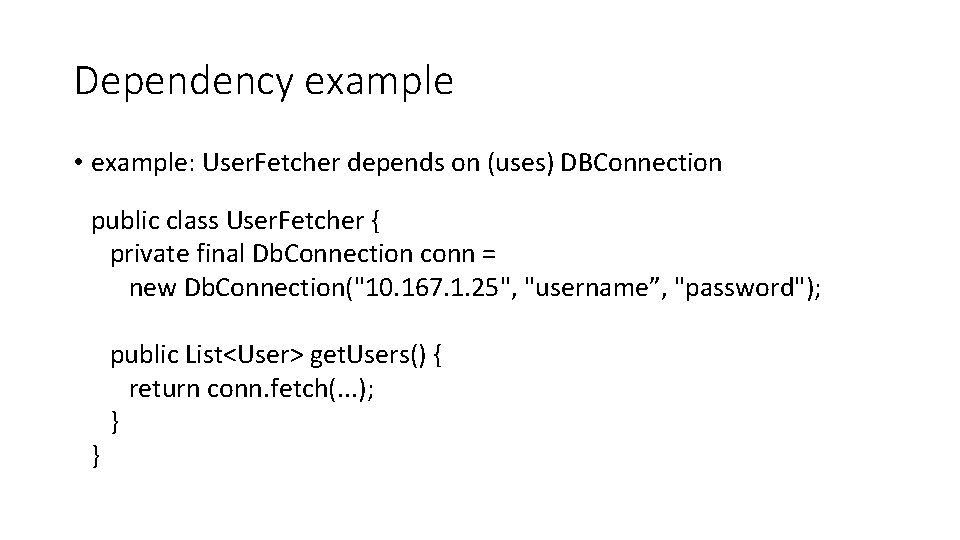
Dependency example • example: User. Fetcher depends on (uses) DBConnection public class User. Fetcher { private final Db. Connection conn = new Db. Connection("10. 167. 1. 25", "username”, "password"); public List<User> get. Users() { return conn. fetch(. . . ); } }
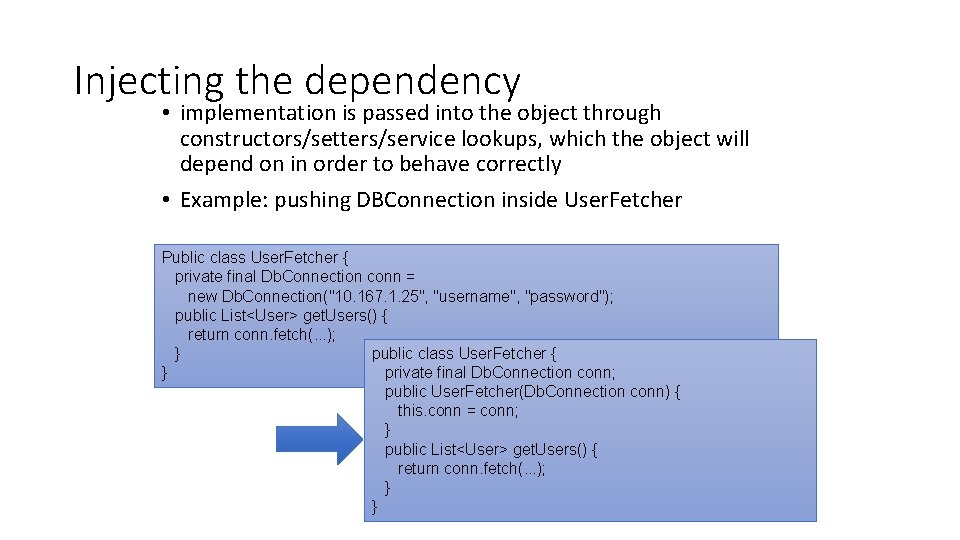
Injecting the dependency • implementation is passed into the object through constructors/setters/service lookups, which the object will depend on in order to behave correctly • Example: pushing DBConnection inside User. Fetcher Public class User. Fetcher { private final Db. Connection conn = new Db. Connection("10. 167. 1. 25", "username", "password"); public List<User> get. Users() { return conn. fetch(. . . ); public class User. Fetcher { } private final Db. Connection conn; } public User. Fetcher(Db. Connection conn) { this. conn = conn; } public List<User> get. Users() { return conn. fetch(. . . ); } }
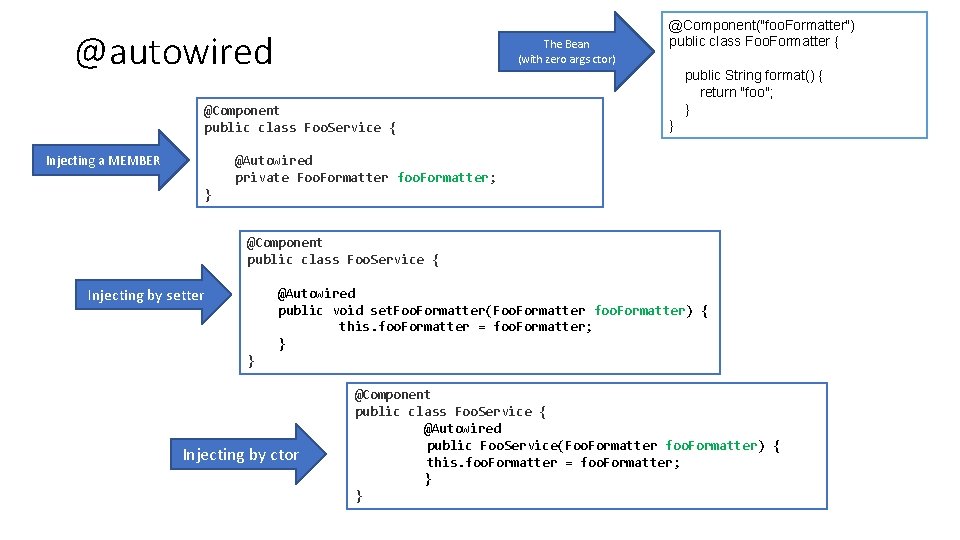
Dependency injection in Spring BEANS : dependency injection סמך על שבונים לאובייקטים שם • יש • Using the @Autowired annotation and defining the Beans (classes) to be instantiated by injection: • This annotation allows Spring to resolve and inject collaborating beans into your bean • autowiring can be used on properties, setters, or constructors • Example:
@autowired Injecting a MEMBER The Bean (with zero args ctor) @Component public class Foo. Service { @Autowired private Foo. Formatter foo. Formatter; } Injecting by setter @Component("foo. Formatter") public class Foo. Formatter { public String format() { return "foo"; } } @Component public class Foo. Service { @Autowired public void set. Foo. Formatter(Foo. Formatter foo. Formatter) { this. foo. Formatter = foo. Formatter; } } Injecting by ctor @Component public class Foo. Service { @Autowired public Foo. Service(Foo. Formatter foo. Formatter) { this. foo. Formatter = foo. Formatter; } }
Spring. Boot • Spring automates all of this construction effort so we can focus on the core of our app (controllers) • Spring boot requires a standard main that creates an instance, then it: • Setup the containers • Discover our controllers (the connections from our dispatcher servlet to our controllers) • Setup the dispatcher servlet • Connect to database etc…
Spring. Boot • No more web. xml file • Create a Spring. Application instance, • add the configuration annotations • and run it
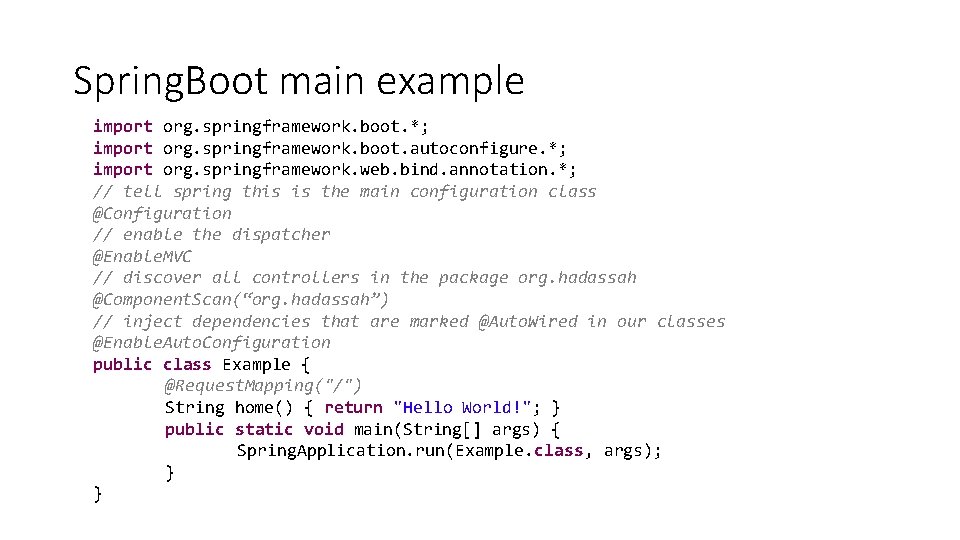
Spring. Boot main example import org. springframework. boot. *; import org. springframework. boot. autoconfigure. *; import org. springframework. web. bind. annotation. *; // tell spring this is the main configuration class @Configuration // enable the dispatcher @Enable. MVC // discover all controllers in the package org. hadassah @Component. Scan(“org. hadassah”) // inject dependencies that are marked @Auto. Wired in our classes @Enable. Auto. Configuration public class Example { @Request. Mapping("/") String home() { return "Hello World!"; } public static void main(String[] args) { Spring. Application. run(Example. class, args); } }
next • Learning about spring elements • Model View Controller : • Handling requests • Passing data from controller to view • DAO pattern: • isolate the application/business layer from the persistence layer (usually a relational database, but it can be any other persistence mechanism) using an abstract API
How to create a spring boot project • Guide is available on moodle • You also need to learn how to start my. SQL server and connect to it (later)
References about dependency injection • Martin Fowler: https: //martinfowler. com/articles/injection. html • A discussion about the difference DI/IOC • Spring setter injection examples: • https: //www. springbyexample. org/examples/intro-to-ioc-basic-setterinjection. html • XML based: https: //www. tutorialspoint. com/spring/setter_based_dependency_injection. htm • In Hebrew : • https: //he. wikipedia. org/wiki/Inversion_of_control • https: //he. wikipedia. org/wiki/Dependency_injection