
Intro to Shaders Jonathan Dearborn jonnyddinomage com The

Intro to Shaders Jonathan Dearborn jonnyd@dinomage. com
The Plan Why shaders? Prep ● Set up SDL_gpu The Meat ● Overview of shaders ● Write basic shaders ● Write effect shaders
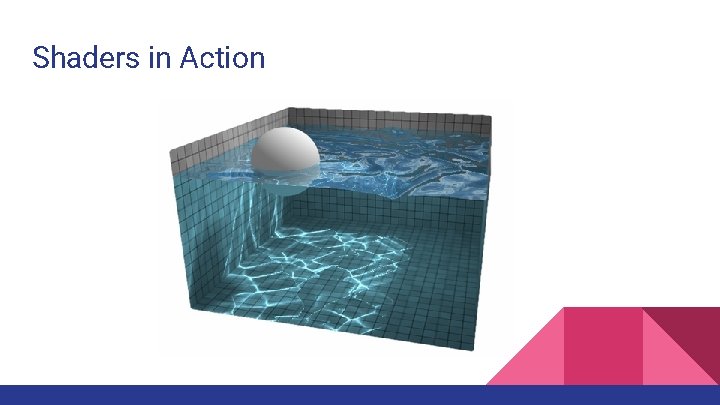
Shaders in Action
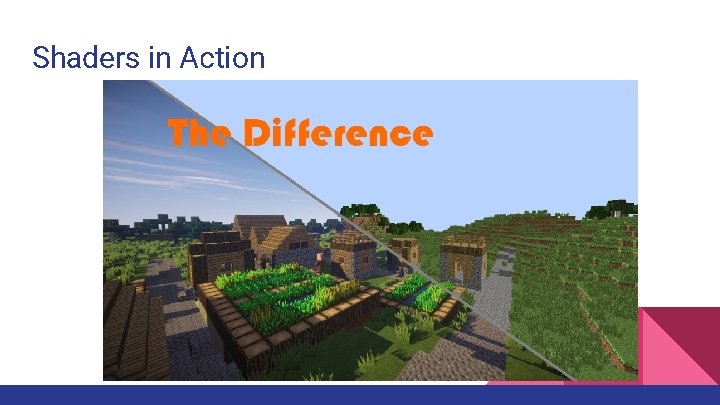
Shaders in Action
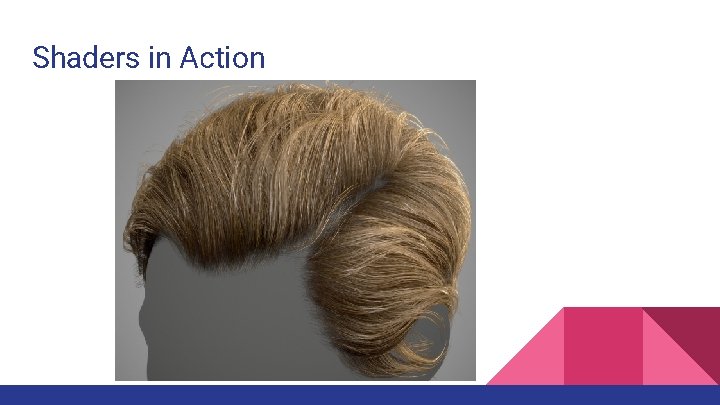
Shaders in Action
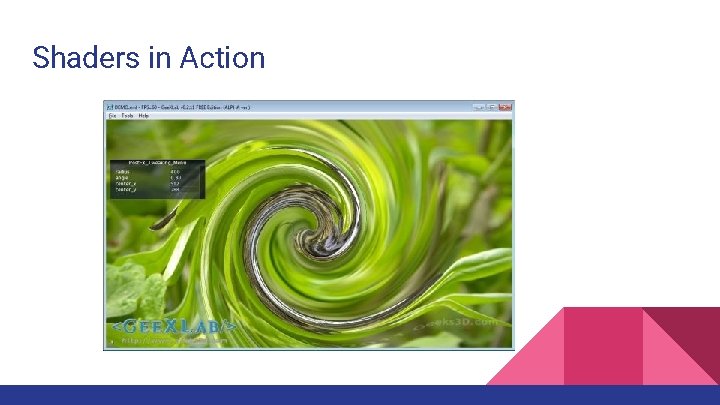
Shaders in Action
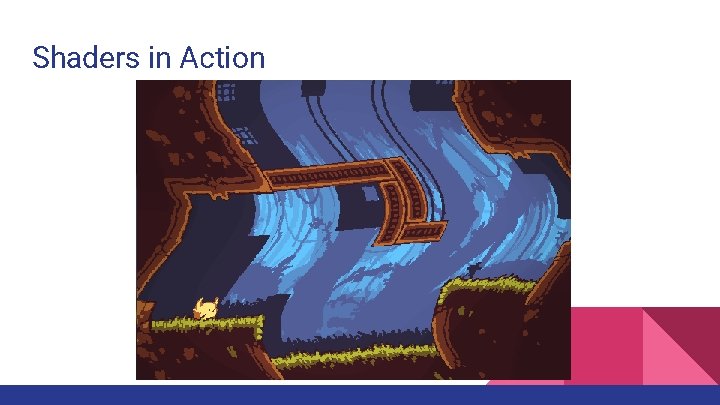
Shaders in Action
Setting Up SDL Putting together a project that uses SDL (or any simple library) is the same process we'll be doing for SDL_gpu. Let's not do it twice, but only for SDL_gpu! I'll be using Visual Studio 2015. Download the base code for an SDL project at: http: //www. dinomage. com/open/SDL-2. 0. 7 -base. zip Once you unzip the SDL base project, you should be able to build it and run the program right away.

Setting Up SDL_gpu Download a recent build of SDL_gpu. Here's one: http: //www. dinomage. com/open/SDL 2_gpu-0. 11. 0 -msvc-x 86. zip Unzip it into a place that will be easy to reference from the SDL project. FYI, the latest source for SDL_gpu is on Github: https: //github. com/grimfang 4/sdl-gpu
Setting Up SDL_gpu Open SDL base project in Visual Studio. Go to project properties. VC++ Directories > Add SDL_gpu's "Include" (include) and "Library" (release lib) directories. Linker > Input > Add SDL 2_gpu. lib to "Additional Dependencies". Copy DLL to your executable's directory.

Get Ready for Shaders Now that we know how to set it all up, let's start from a project which is ready to test our shaders. You can find it at: http: //www. dinomage. com/open/SDL_gpu-shaders-base. zip Unzip it and then we're ready to roll.
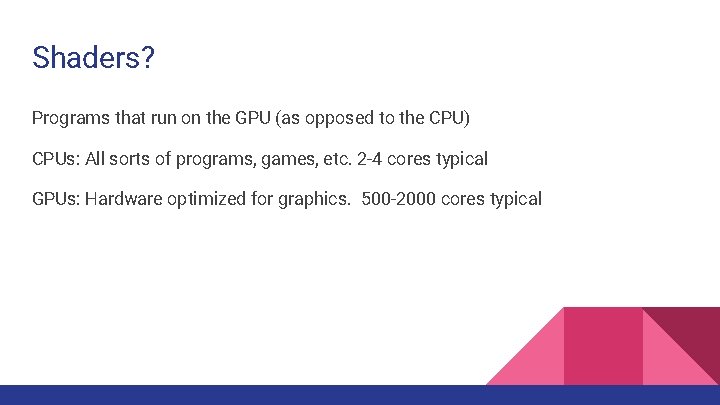
Shaders? Programs that run on the GPU (as opposed to the CPU) CPUs: All sorts of programs, games, etc. 2 -4 cores typical GPUs: Hardware optimized for graphics. 500 -2000 cores typical
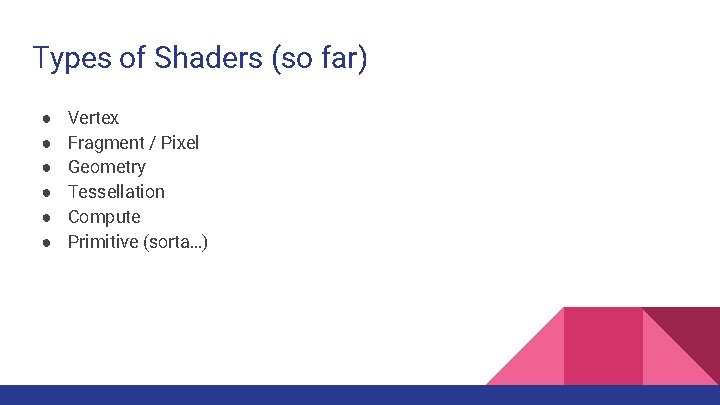
Types of Shaders (so far) ● ● ● Vertex Fragment / Pixel Geometry Tessellation Compute Primitive (sorta…)
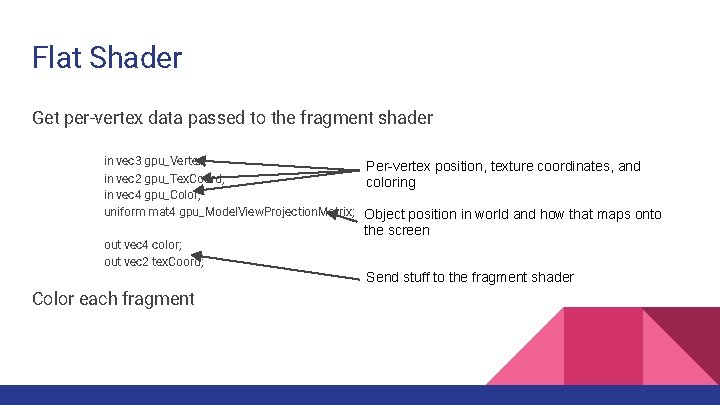
Flat Shader Get per-vertex data passed to the fragment shader in vec 3 gpu_Vertex; Per-vertex position, texture coordinates, and in vec 2 gpu_Tex. Coord; coloring in vec 4 gpu_Color; uniform mat 4 gpu_Model. View. Projection. Matrix; Object position in world and how that maps onto out vec 4 color; out vec 2 tex. Coord; the screen Send stuff to the fragment shader Color each fragment
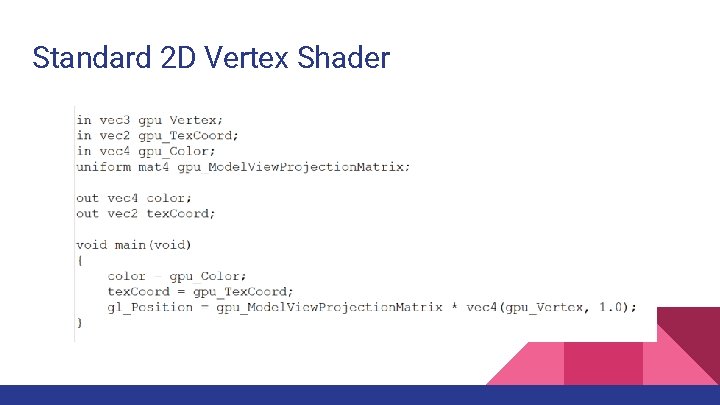
Standard 2 D Vertex Shader

Flat Shader - Fragment
Standard 2 D Texturing Shader Texture the sprite texture 2 D(tex, tex. Coord) Incorporate vertex colors in vec 4 color;
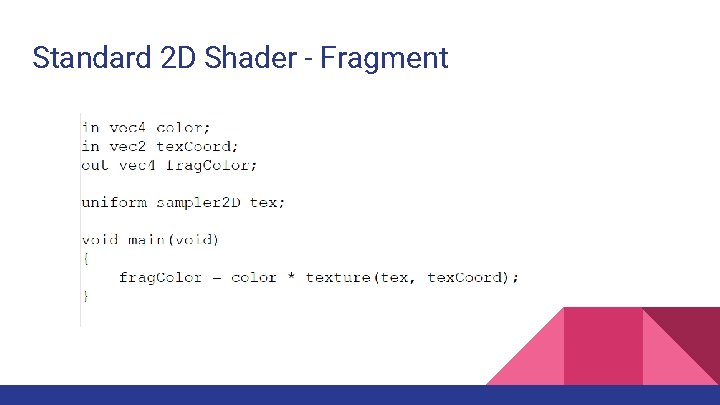
Standard 2 D Shader - Fragment
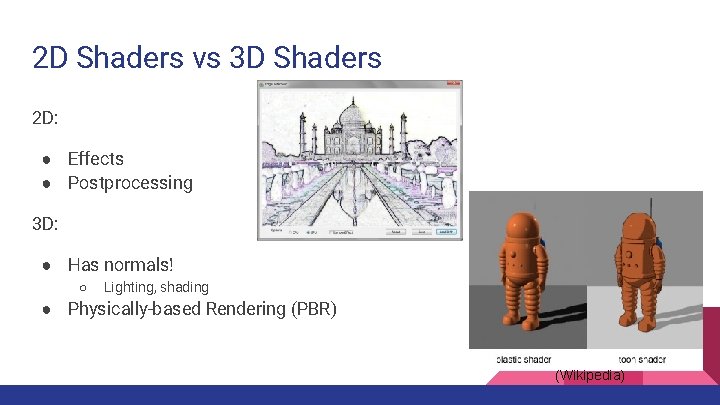
2 D Shaders vs 3 D Shaders 2 D: ● Effects ● Postprocessing 3 D: ● Has normals! ○ Lighting, shading ● Physically-based Rendering (PBR) (Wikipedia)
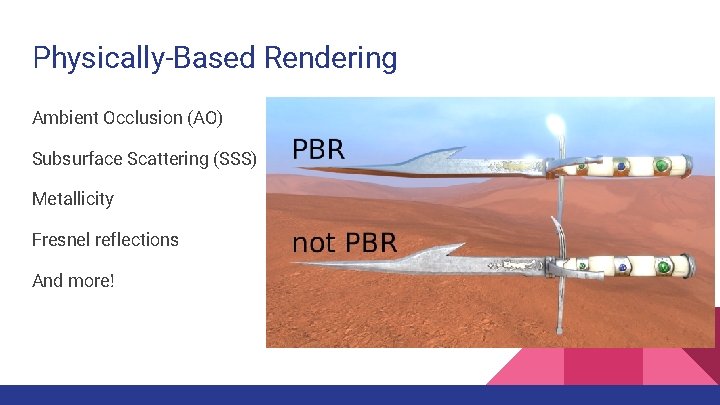
Physically-Based Rendering Ambient Occlusion (AO) Subsurface Scattering (SSS) Metallicity Fresnel reflections And more!
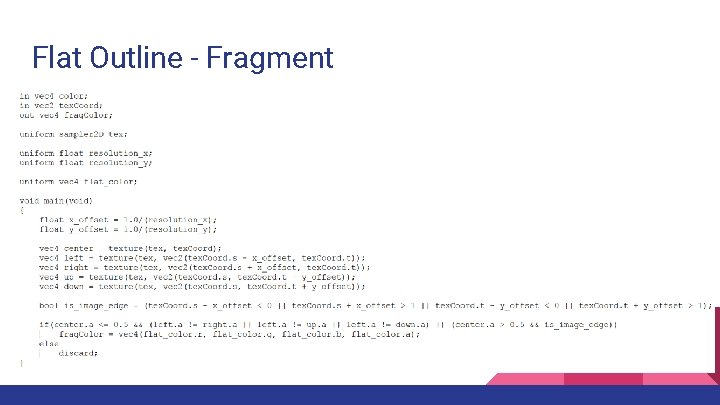
Flat Outline - Fragment
Intuition of Shaders The implications of massively parallel design ● Inverted rasterization ○ What color should this pixel be? ● Use math (functions) instead of branching ("if") ○ e. g. step() DISCLAIMER: Following slides contain math! (mostly for your reference)
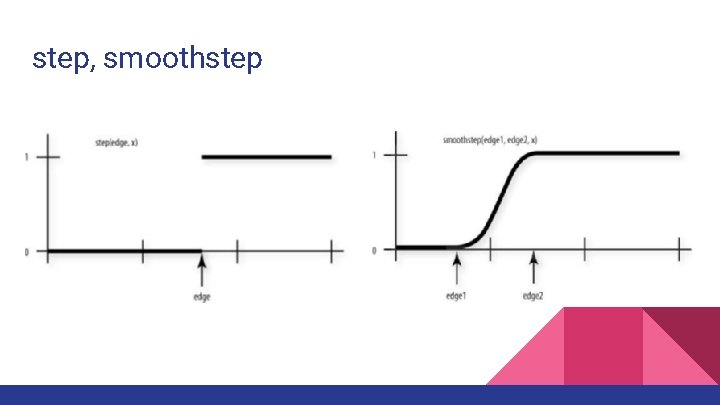
step, smoothstep
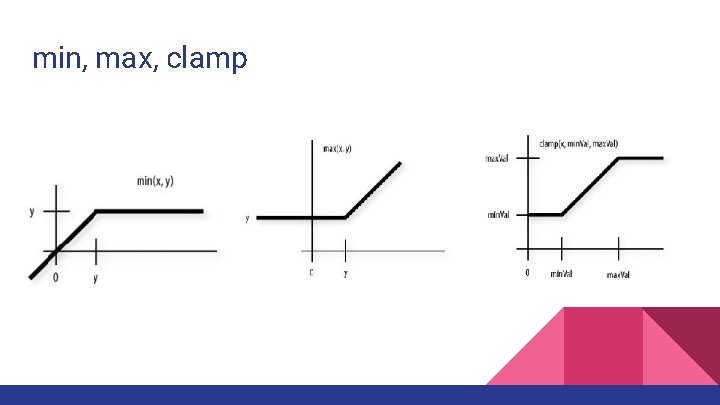
min, max, clamp
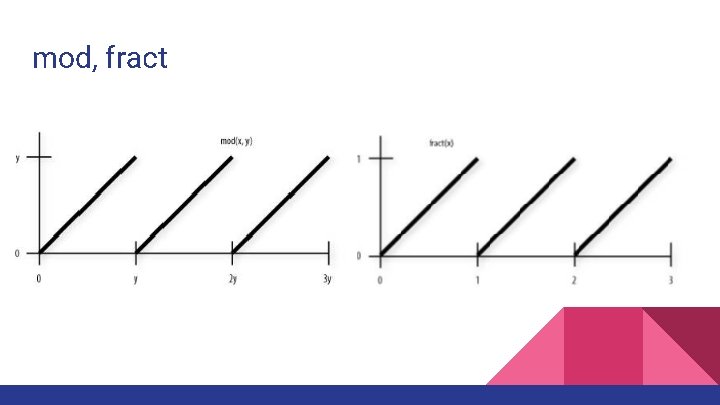
mod, fract
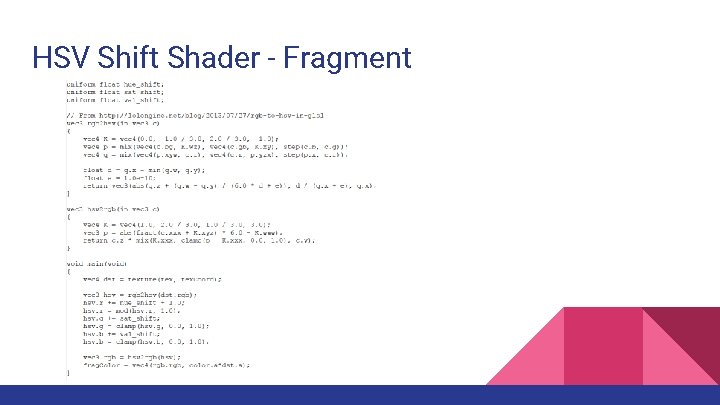
HSV Shift Shader - Fragment
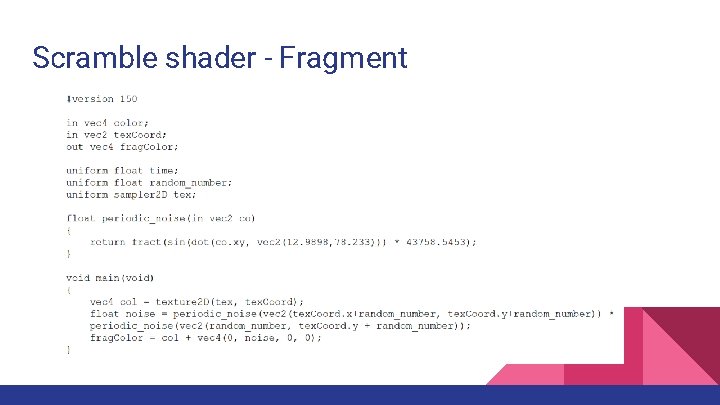
Scramble shader - Fragment
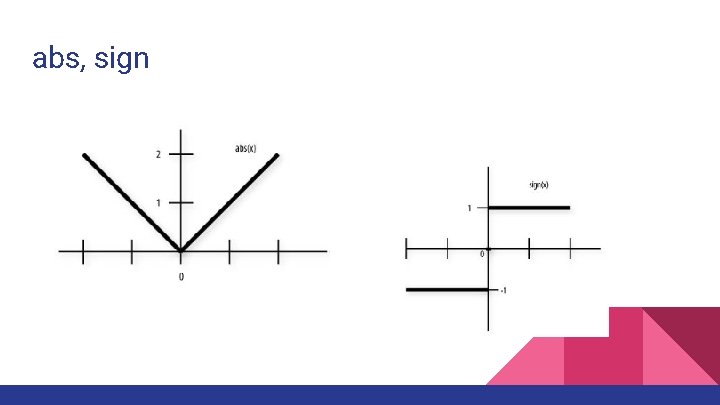
abs, sign
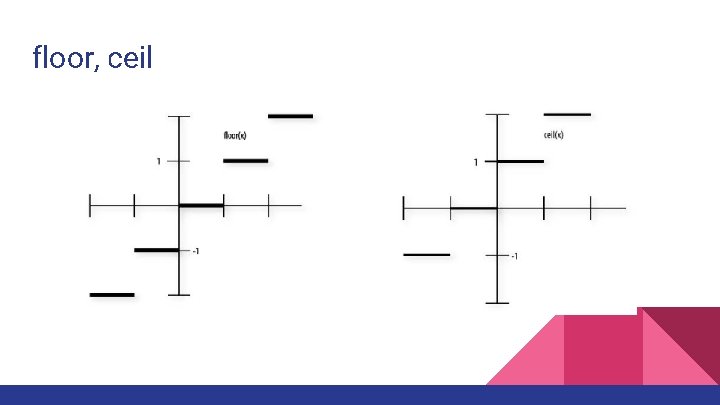
floor, ceil

Other Math Trigonometry Exponentials Geometric / Vector Matrix

Conclusion ● Set up SDL and SDL_gpu for shaders ● Learned about shaders ● Made some cool 2 D shader effects For more info, talk to me later, check out the Open. GL Orange Book, or play around on Shadertoy! These slides: http: //www. dinomage. com/open/Intro to Shaders. pptx
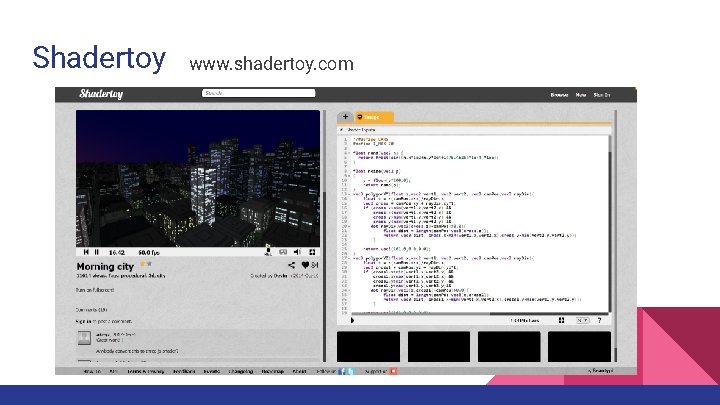
Shadertoy www. shadertoy. com
- Slides: 32