
Intro to Programming Algorithm Design Overview This presentation
- Slides: 64
Intro to Programming & Algorithm Design Overview This presentation can be viewed on line in a file named: Copyrighthttp: //web. fscj. edu/Janson/COP 1000/ch 01. Introto. Prog. ppt 2017 by Janson Industries 1
Objectives ▀ Explain ♦ Steps to success in this class ♦ Basic computer concepts ♦ Basic programming concepts ♦ Computer hardware 2 Copyright 2017 by Janson Industries
PP Presentations ▀ ▀ Can be viewed on line or downloaded For all presentations and class files, go to: ▮ http: //web. fscj. edu/Janson/COP 1000 3 Copyright 2017 by Janson Industries
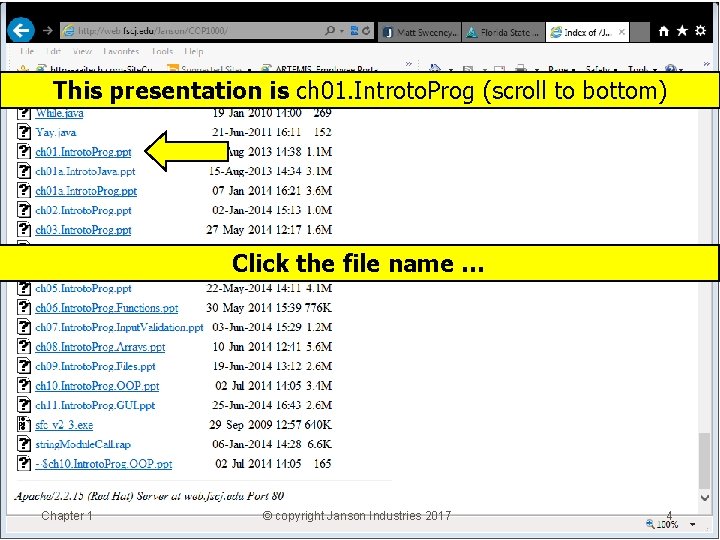
This presentation is ch 01. Introto. Prog (scroll to bottom) Click the file name … Chapter 1 © copyright Janson Industries 2017 4
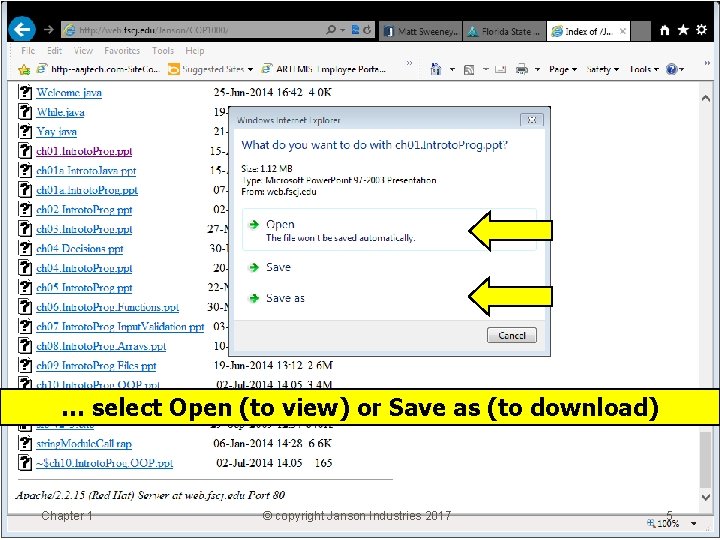
… select Open (to view) or Save as (to download) Chapter 1 © copyright Janson Industries 2017 5
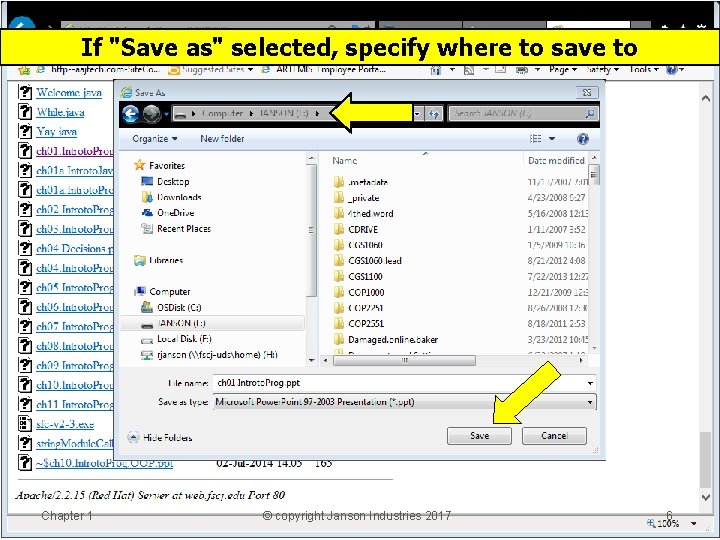
If "Save as" selected, specify where to save to Chapter 1 © copyright Janson Industries 2017 6
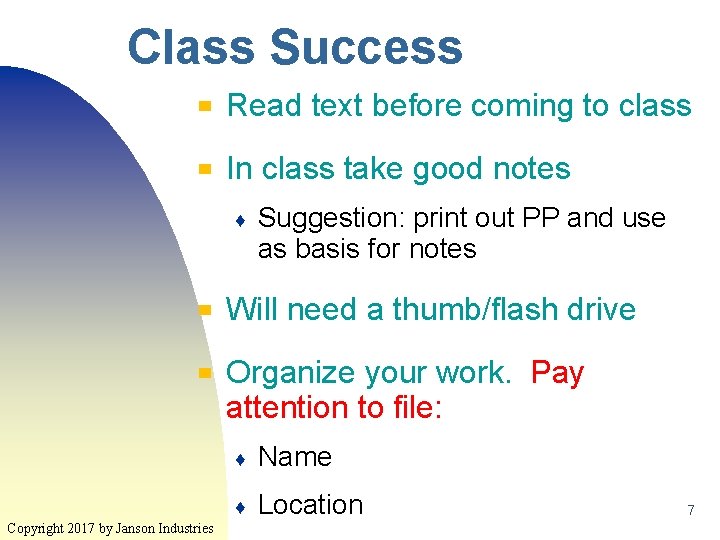
Class Success ▀ Read text before coming to class ▀ In class take good notes ♦ ▀ ▀ Copyright 2017 by Janson Industries Suggestion: print out PP and use as basis for notes Will need a thumb/flash drive Organize your work. Pay attention to file: ♦ Name ♦ Location 7
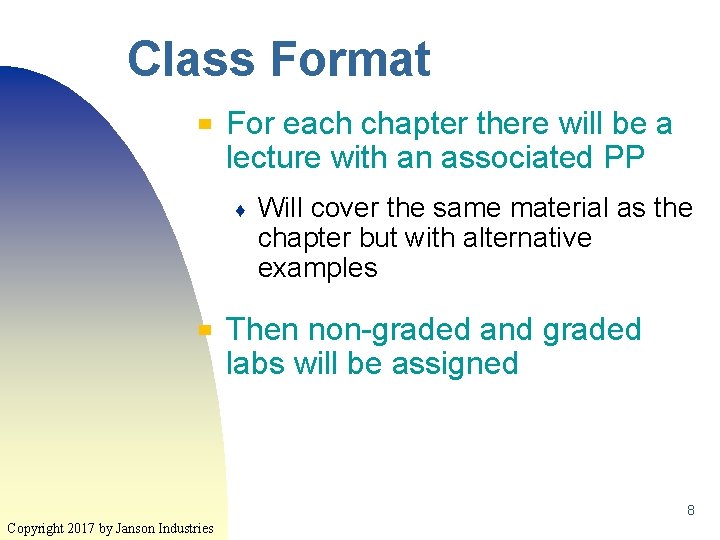
Class Format ▀ For each chapter there will be a lecture with an associated PP ♦ ▀ Will cover the same material as the chapter but with alternative examples Then non-graded and graded labs will be assigned 8 Copyright 2017 by Janson Industries
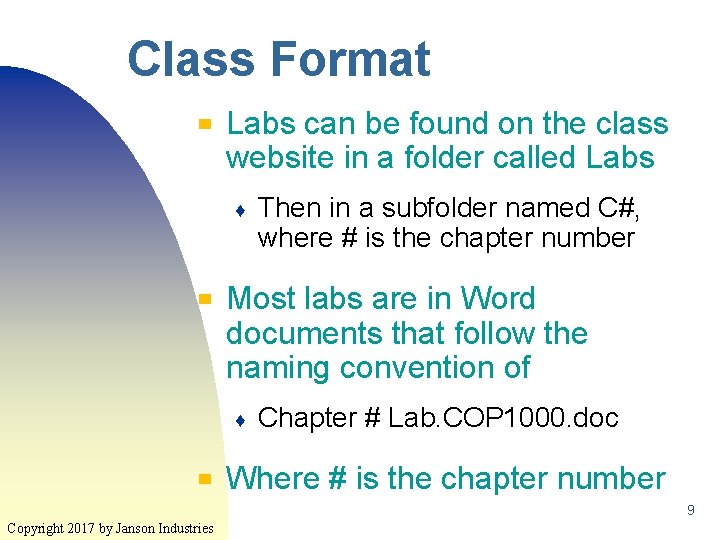
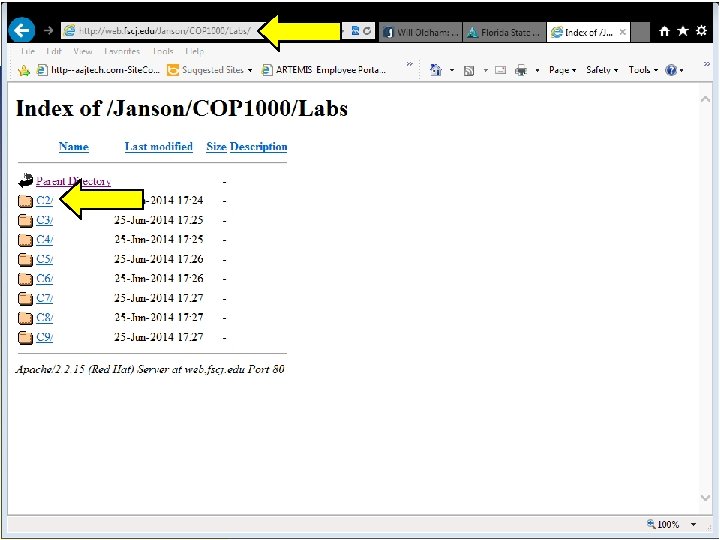
Class Format ▀ Labs can be found on the class website in a folder called Labs ♦ ▀ Most labs are in Word documents that follow the naming convention of ♦ ▀ Then in a subfolder named C#, where # is the chapter number Chapter # Lab. COP 1000. doc Where # is the chapter number 9 Copyright 2017 by Janson Industries
10 Copyright 2017 by Janson Industries
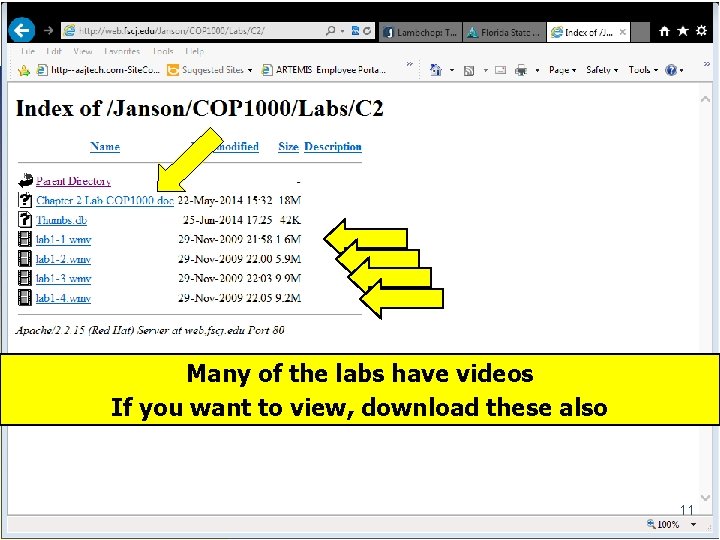
Many of the labs have videos If you want to view, download these also 11 Copyright 2017 by Janson Industries
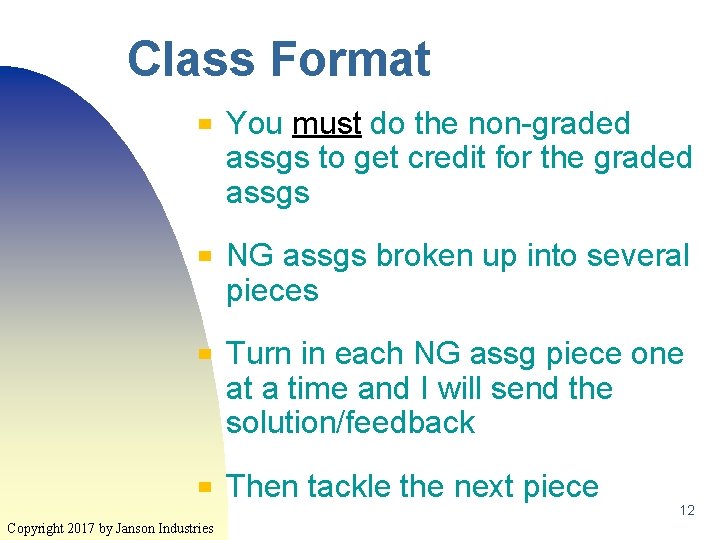
Class Format ▀ ▀ Copyright 2017 by Janson Industries You must do the non-graded assgs to get credit for the graded assgs NG assgs broken up into several pieces Turn in each NG assg piece one at a time and I will send the solution/feedback Then tackle the next piece 12
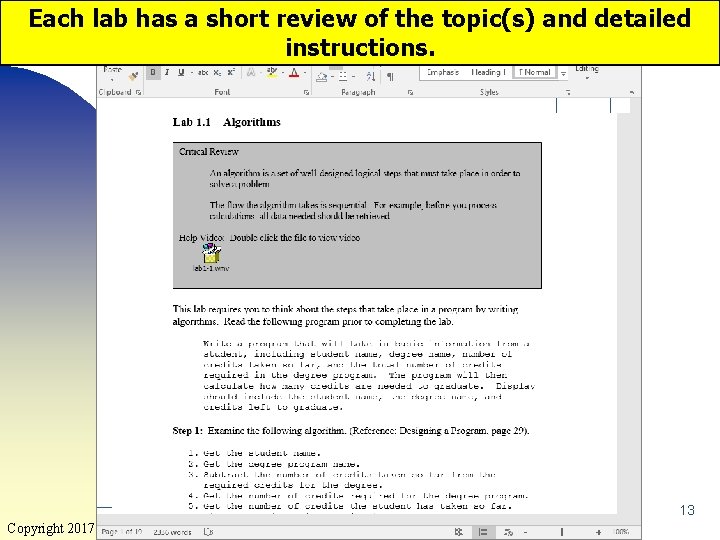
Each lab has a short review of the topic(s) and detailed instructions. 13 Copyright 2017 by Janson Industries
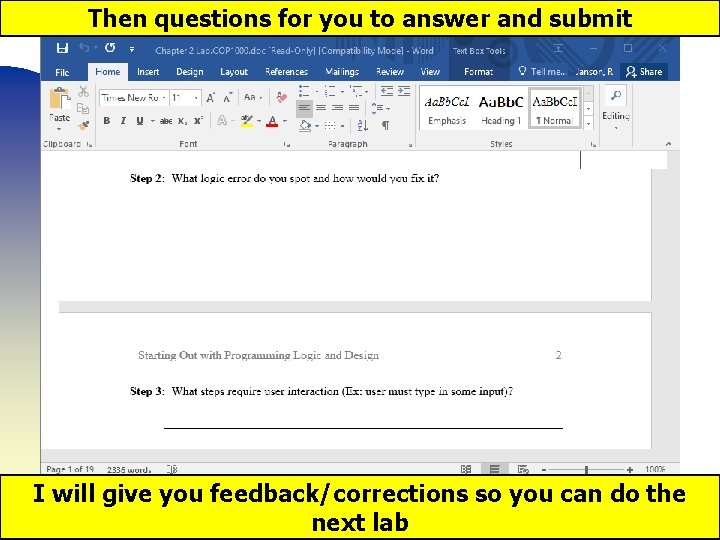
Then questions for you to answer and submit I will give you feedback/corrections so you can do the 14 next lab Copyright 2017 by Janson Industries
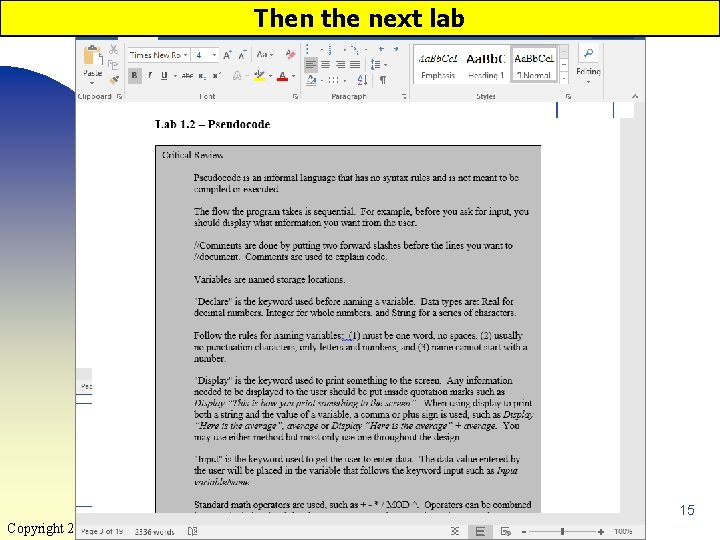
Then the next lab 15 Copyright 2017 by Janson Industries
Labs/Assgs ▀ ▀ The last lab is usually the graded assg and will be clearly marked as such For text assgs you can either ♦ Change the lab document and submit ♦ Create a new doc and submit 16 Copyright 2017 by Janson Industries
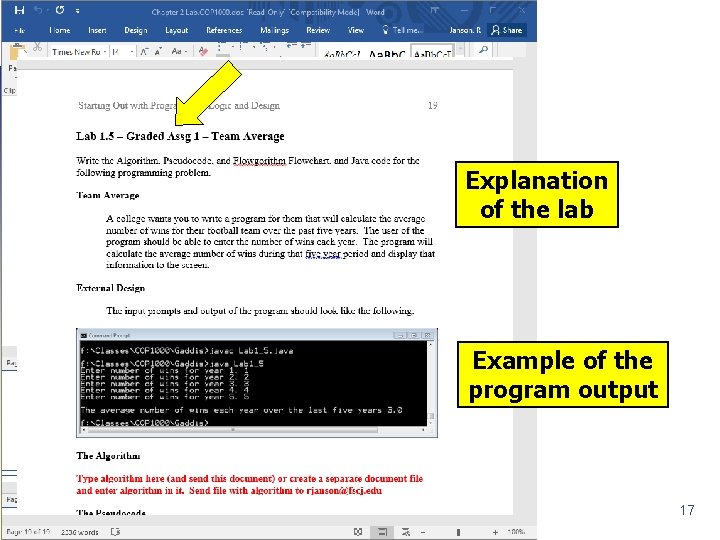
Explanation of the lab Example of the program output 17 Copyright 2017 by Janson Industries
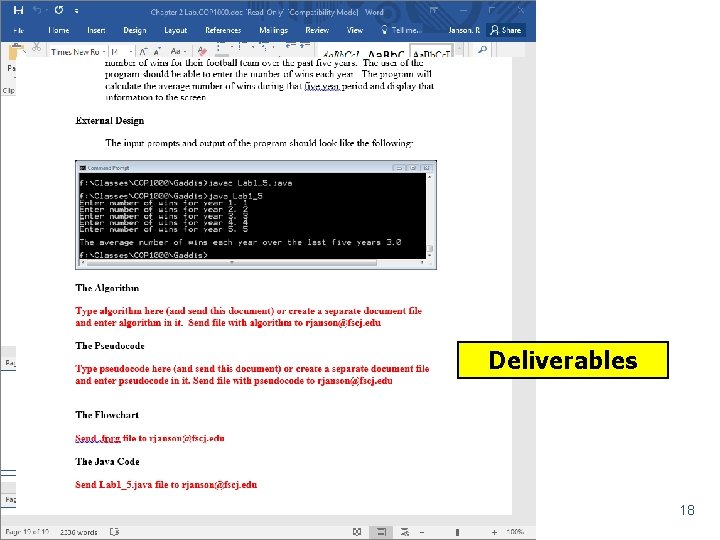
Deliverables 18 Copyright 2017 by Janson Industries
Turning In Assgs ▀ ▀ When submitting the lab document via email, delete the video links If you don't, the file will be too large and the email system won't send it ♦ ▀ And, often, not tell you that it wasn't sent When I get any lab file, I will send a short reply indicating I got it ♦ Copyright 2017 by Janson Industries If you don't get a reply, I didn't get it and 19 you must resend
Responsibility ▀ ▀ ▀ To do the labs you will have to understand the material You will not learn the material sitting in class listening to a lecture ♦ Lecture is like a shower ♦ Most of the knowledge goes down the drain You will have to read the text, do the labs/examples, and study! Copyright 2017 by Janson Industries 20
Responsibility ▀ All labs due at 11: 59 pm on the due date ♦ ▀ ▀ I’m a real stickler for on time work No late work accepted You should have read the text and started the lab before you come to the lecture (or read the PPs) ♦ Copyright 2017 by Janson Industries You will better understand the lecture and ask better questions about the 21 labs
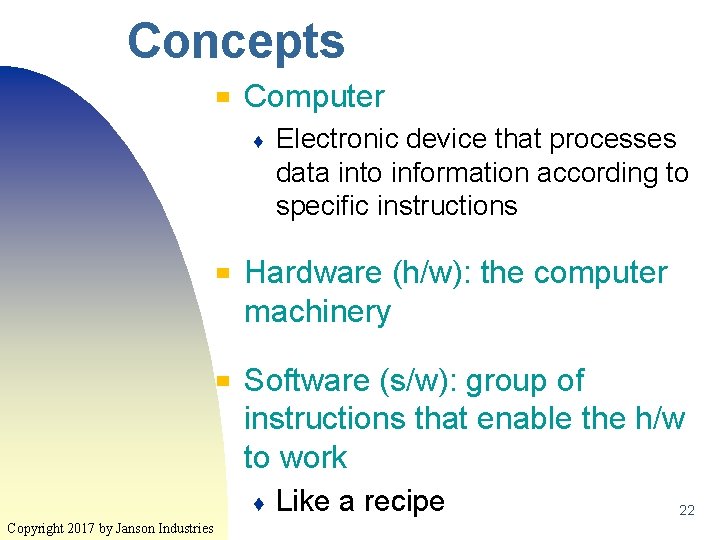
Concepts ▀ Computer ♦ ▀ ▀ Hardware (h/w): the computer machinery Software (s/w): group of instructions that enable the h/w to work ♦ Copyright 2017 by Janson Industries Electronic device that processes data into information according to specific instructions Like a recipe 22
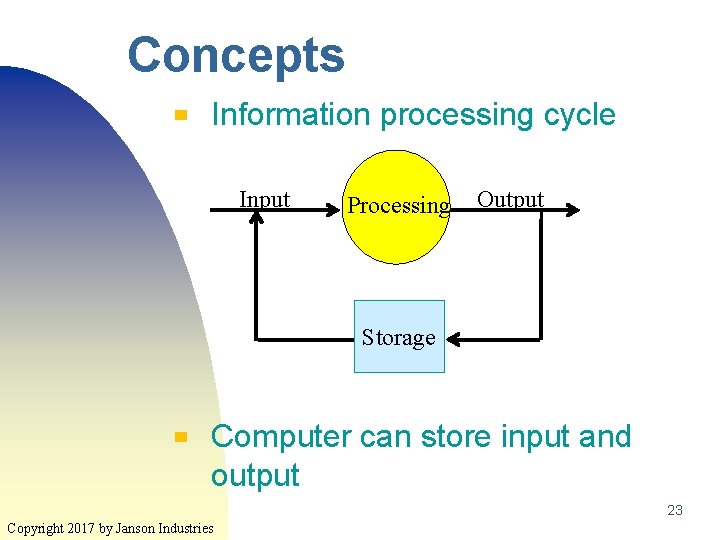
Concepts ▀ Information processing cycle Input Processing Output Storage ▀ Computer can store input and output 23 Copyright 2017 by Janson Industries
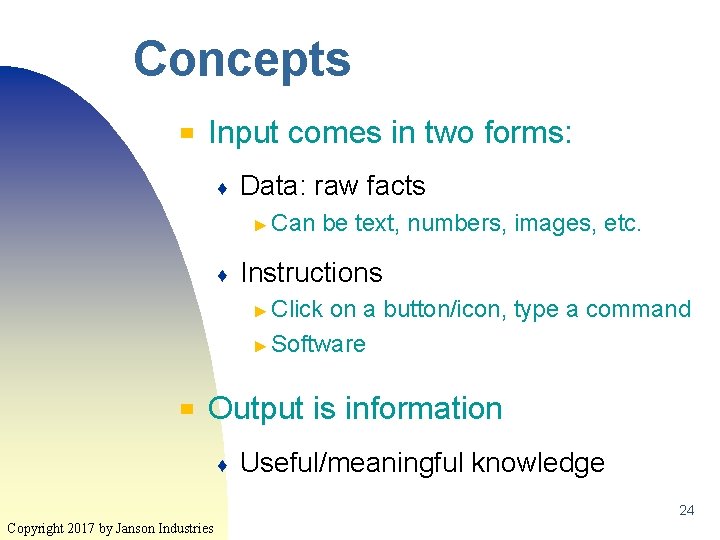
Concepts ▀ Input comes in two forms: ♦ Data: raw facts ► Can ♦ be text, numbers, images, etc. Instructions ► Click on a button/icon, type a command ► Software ▀ Output is information ♦ Useful/meaningful knowledge 24 Copyright 2017 by Janson Industries
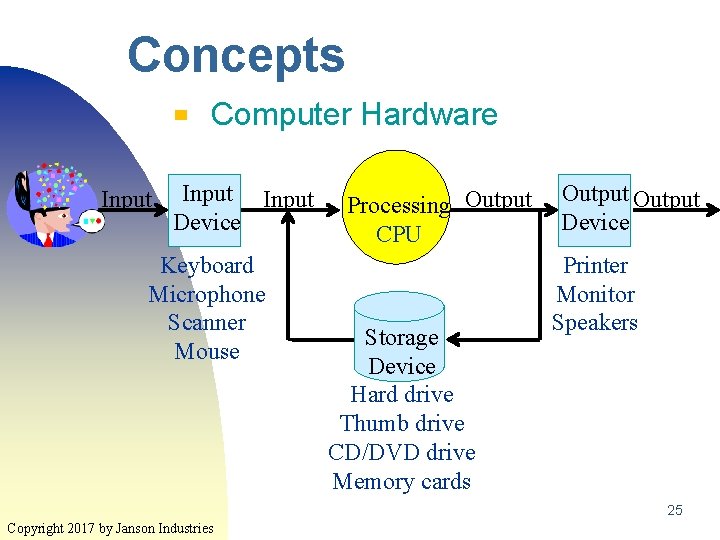
Concepts ▀ Input Computer Hardware Input Device Keyboard Microphone Scanner Mouse Processing Output CPU Storage Device Hard drive Thumb drive CD/DVD drive Memory cards Output Device Printer Monitor Speakers 25 Copyright 2017 by Janson Industries
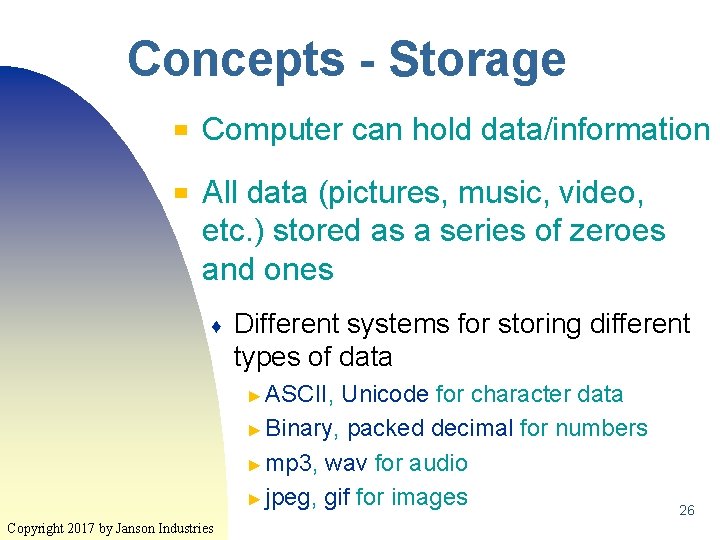
Concepts - Storage ▀ ▀ Computer can hold data/information All data (pictures, music, video, etc. ) stored as a series of zeroes and ones ♦ Different systems for storing different types of data ► ASCII, Unicode for character data ► Binary, packed decimal for numbers ► mp 3, wav for audio ► jpeg, gif for images Copyright 2017 by Janson Industries 26
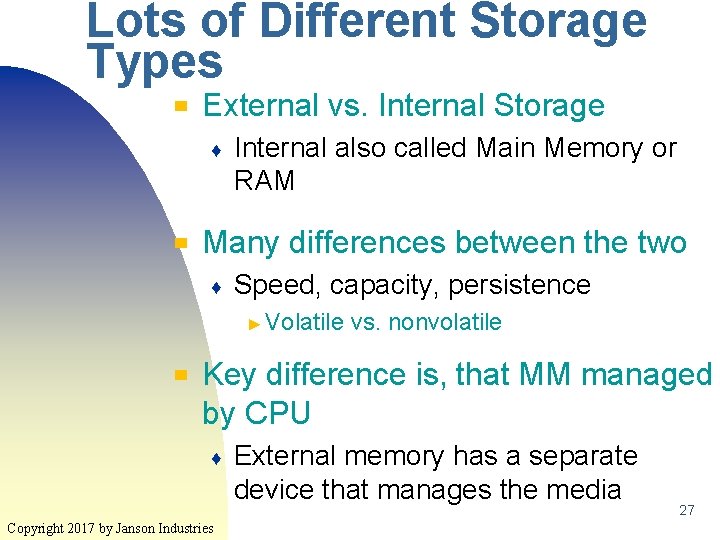
Lots of Different Storage Types ▀ External vs. Internal Storage ♦ ▀ Internal also called Main Memory or RAM Many differences between the two ♦ Speed, capacity, persistence ► Volatile ▀ vs. nonvolatile Key difference is, that MM managed by CPU ♦ Copyright 2017 by Janson Industries External memory has a separate device that manages the media 27
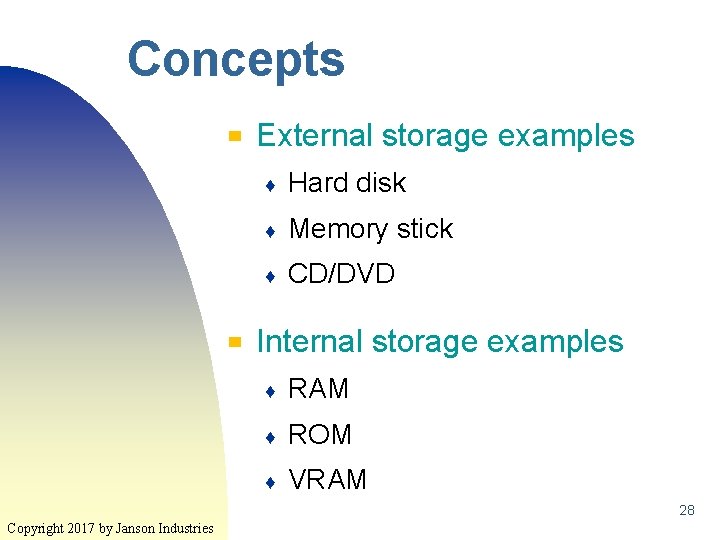
Concepts ▀ ▀ External storage examples ♦ Hard disk ♦ Memory stick ♦ CD/DVD Internal storage examples ♦ RAM ♦ ROM ♦ VRAM 28 Copyright 2017 by Janson Industries
Concepts - Storage ▀ ▀ Secondary storage measured in Gigabytes/Terabytes Internal storage measured in Megabytes/Gigabytes ♦ Of course this begs the question: "What's a byte? " ♦ Gather round while I tell you the story of Snow White and the seven dwarves… 29 Copyright 2017 by Janson Industries
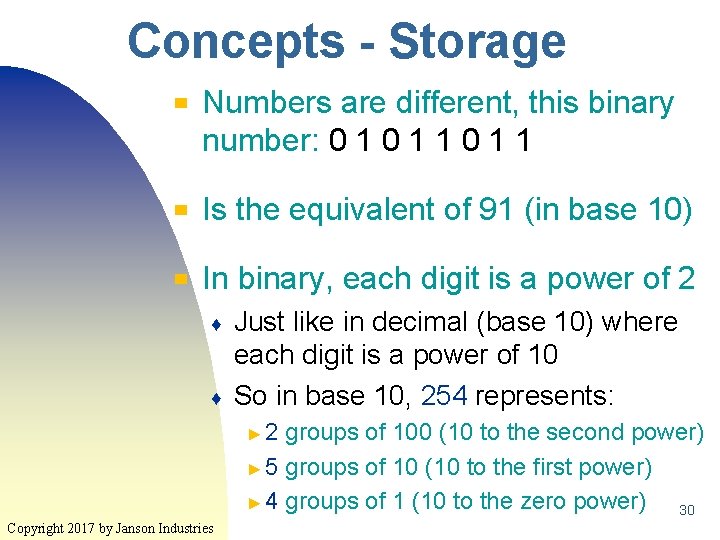
Concepts - Storage ▀ Numbers are different, this binary number: 0 1 1 ▀ Is the equivalent of 91 (in base 10) ▀ In binary, each digit is a power of 2 ♦ ♦ Just like in decimal (base 10) where each digit is a power of 10 So in base 10, 254 represents: ► 2 groups of 100 (10 to the second power) ► 5 groups of 10 (10 to the first power) ► 4 groups of 1 (10 to the zero power) 30 Copyright 2017 by Janson Industries
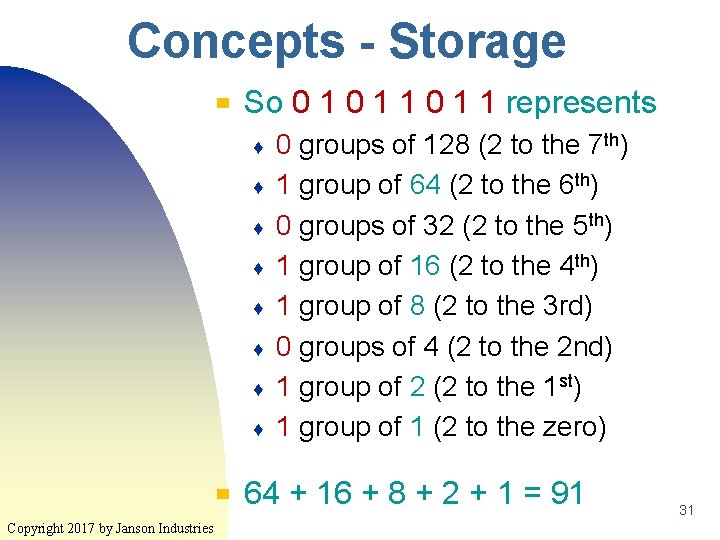
Concepts - Storage ▀ So 0 1 1 represents ♦ ♦ ♦ ♦ ▀ Copyright 2017 by Janson Industries 0 groups of 128 (2 to the 7 th) 1 group of 64 (2 to the 6 th) 0 groups of 32 (2 to the 5 th) 1 group of 16 (2 to the 4 th) 1 group of 8 (2 to the 3 rd) 0 groups of 4 (2 to the 2 nd) 1 group of 2 (2 to the 1 st) 1 group of 1 (2 to the zero) 64 + 16 + 8 + 2 + 1 = 91 31
Concepts ▀ Software ♦ ▀ Instructions that the computer (CPU) executes to transform the input into output Two types of software ♦ Systems ► Enables the computer to function/run more efficiently ♦ Application ► Performs Copyright 2017 by Janson Industries functions the user wants 32
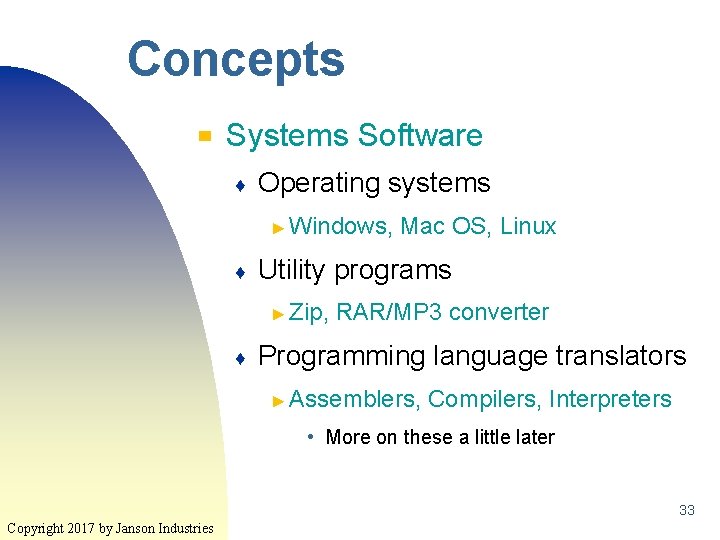
Concepts ▀ Systems Software ♦ Operating systems ► Windows, ♦ Utility programs ► Zip, ♦ Mac OS, Linux RAR/MP 3 converter Programming language translators ► Assemblers, Compilers, Interpreters • More on these a little later 33 Copyright 2017 by Janson Industries
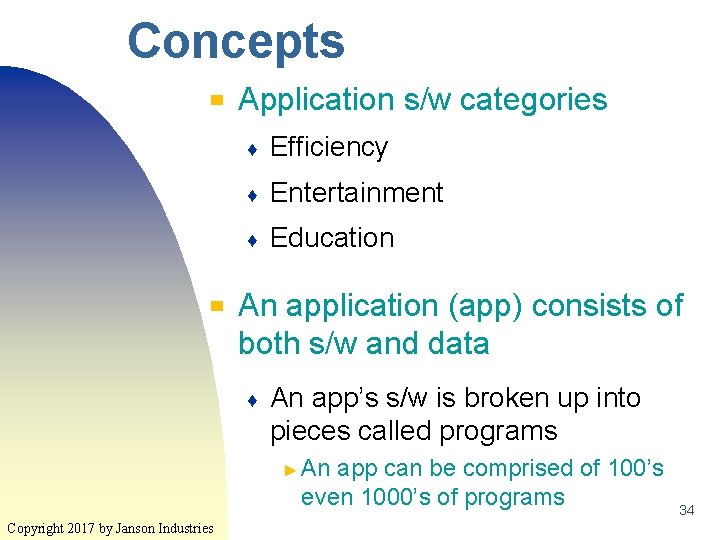
Concepts ▀ ▀ Application s/w categories ♦ Efficiency ♦ Entertainment ♦ Education An application (app) consists of both s/w and data ♦ An app’s s/w is broken up into pieces called programs ► An app can be comprised of 100’s even 1000’s of programs Copyright 2017 by Janson Industries 34
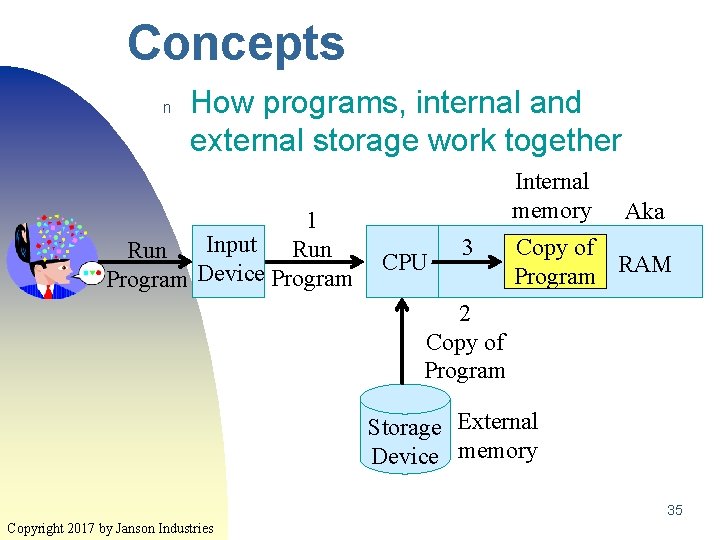
Concepts n How programs, internal and external storage work together 1 Input Run Program Device Program Internal memory CPU 3 Aka Copy of RAM Program 2 Copy of Program Storage External Device memory 35 Copyright 2017 by Janson Industries
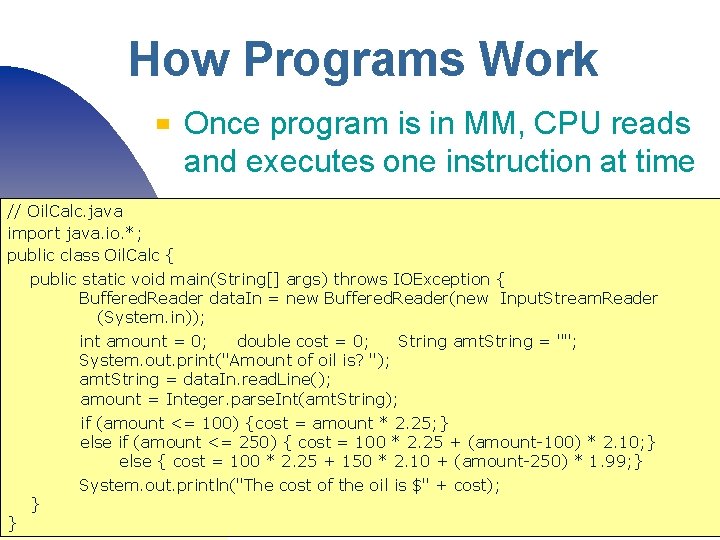
How Programs Work ▀ Once program is in MM, CPU reads and executes one instruction at time // Oil. Calc. java import java. io. *; public class Oil. Calc { public static void main(String[] args) throws IOException { Buffered. Reader data. In = new Buffered. Reader(new Input. Stream. Reader (System. in)); int amount = 0; double cost = 0; String amt. String = ""; System. out. print("Amount of oil is? "); amt. String = data. In. read. Line(); amount = Integer. parse. Int(amt. String); } if (amount <= 100) {cost = amount * 2. 25; } else if (amount <= 250) { cost = 100 * 2. 25 + (amount-100) * 2. 10; } else { cost = 100 * 2. 25 + 150 * 2. 10 + (amount-250) * 1. 99; } System. out. println("The cost of the oil is $" + cost); } Copyright 2017 by Janson Industries 36
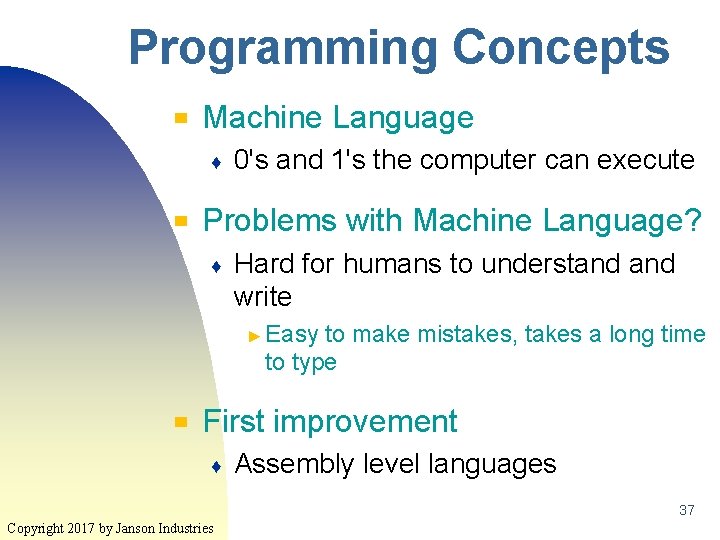
Programming Concepts ▀ Machine Language ♦ ▀ 0's and 1's the computer can execute Problems with Machine Language? ♦ Hard for humans to understand write ► Easy to make mistakes, takes a long time to type ▀ First improvement ♦ Assembly level languages 37 Copyright 2017 by Janson Industries
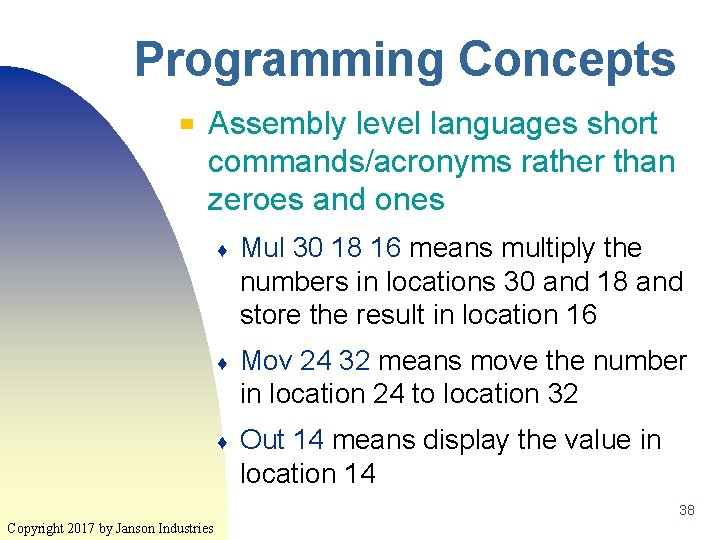
Programming Concepts ▀ Assembly level languages short commands/acronyms rather than zeroes and ones ♦ Mul 30 18 16 means multiply the numbers in locations 30 and 18 and store the result in location 16 ♦ Mov 24 32 means move the number in location 24 to location 32 ♦ Out 14 means display the value in location 14 38 Copyright 2017 by Janson Industries
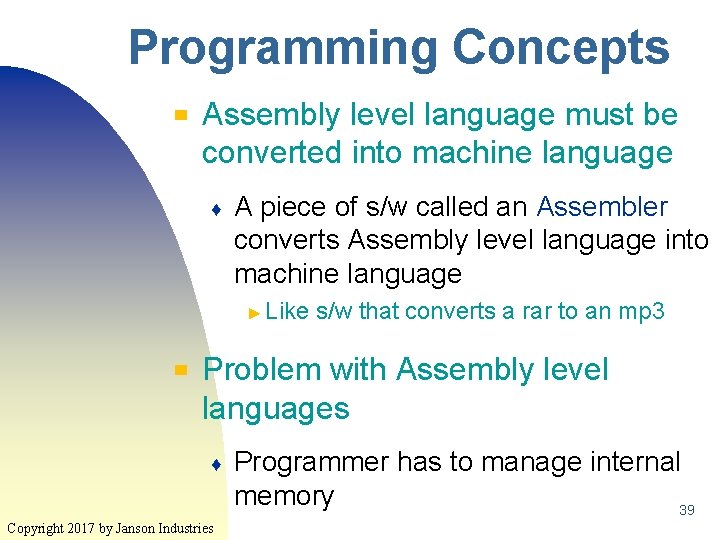
Programming Concepts ▀ Assembly level language must be converted into machine language ♦ A piece of s/w called an Assembler converts Assembly level language into machine language ► Like ▀ s/w that converts a rar to an mp 3 Problem with Assembly level languages ♦ Copyright 2017 by Janson Industries Programmer has to manage internal memory 39
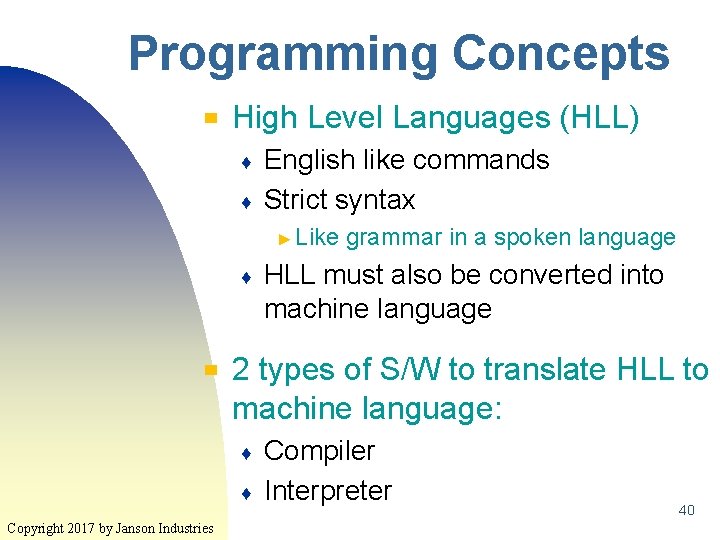
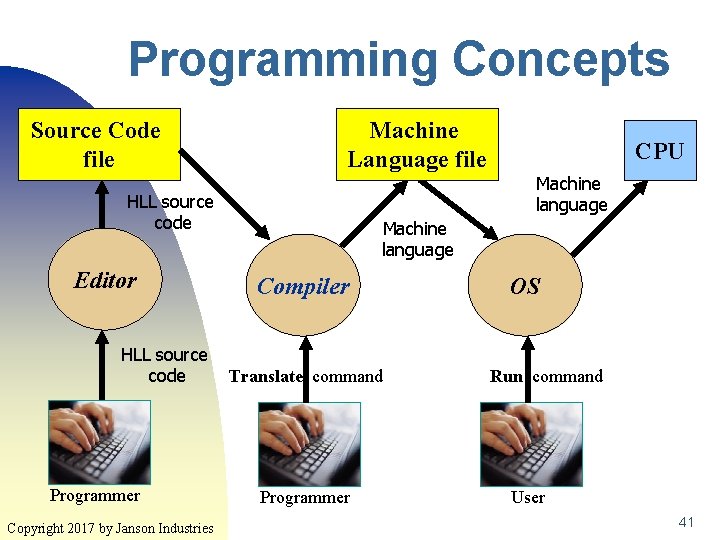
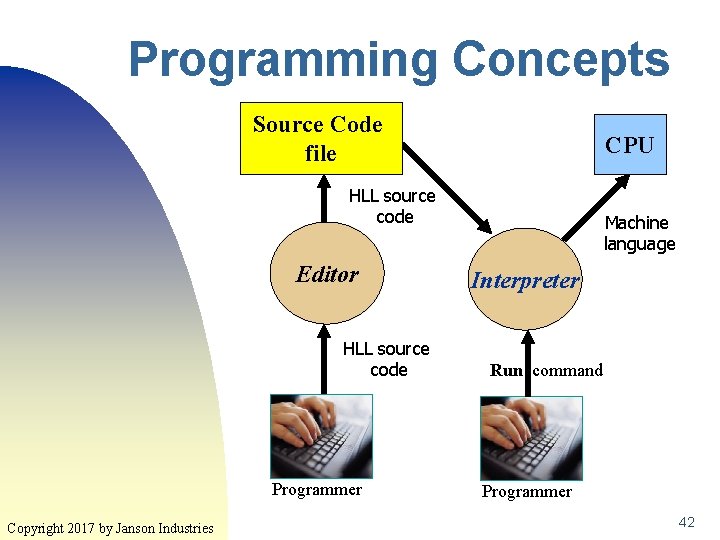
Programming Concepts ▀ High Level Languages (HLL) ♦ ♦ English like commands Strict syntax ► Like ♦ ▀ HLL must also be converted into machine language 2 types of S/W to translate HLL to machine language: ♦ ♦ Copyright 2017 by Janson Industries grammar in a spoken language Compiler Interpreter 40
Programming Concepts Source Code file Machine Language file HLL source code Editor HLL source code Programmer Copyright 2017 by Janson Industries CPU Machine language Compiler Translate command Programmer OS Run command User 41
Programming Concepts Source Code file CPU HLL source code Editor HLL source code Programmer Copyright 2017 by Janson Industries Machine language Interpreter Run command Programmer 42
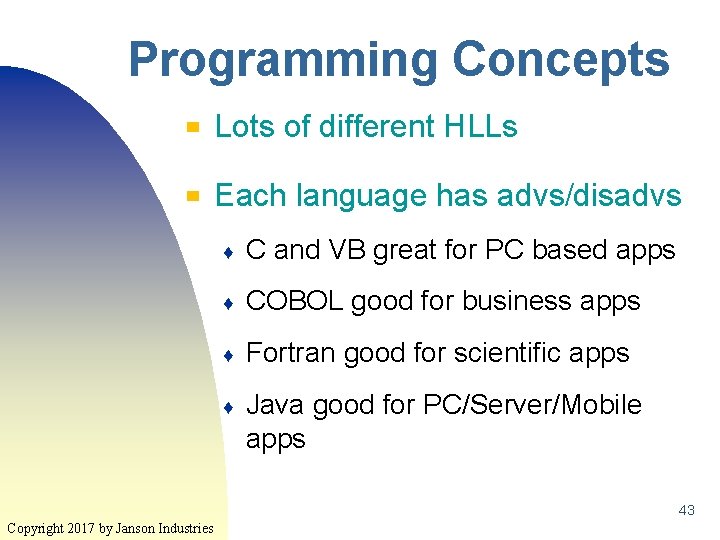
Programming Concepts ▀ Lots of different HLLs ▀ Each language has advs/disadvs ♦ C and VB great for PC based apps ♦ COBOL good for business apps ♦ Fortran good for scientific apps ♦ Java good for PC/Server/Mobile apps 43 Copyright 2017 by Janson Industries
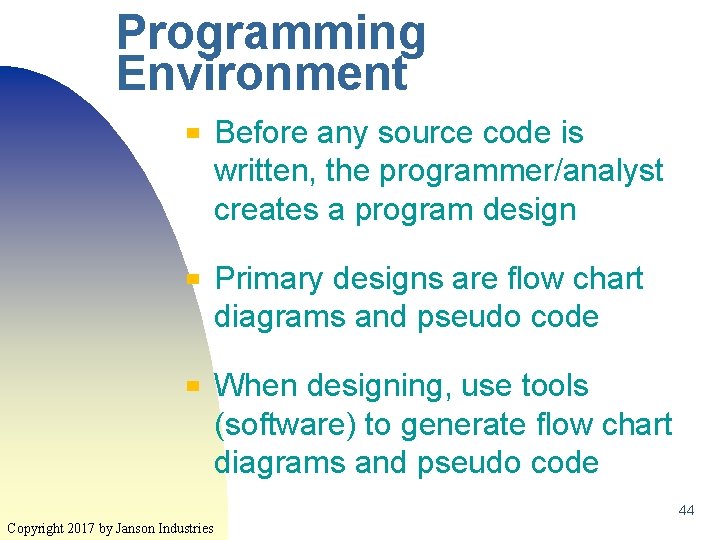
Programming Environment ▀ ▀ ▀ Before any source code is written, the programmer/analyst creates a program design Primary designs are flow chart diagrams and pseudo code When designing, use tools (software) to generate flow chart diagrams and pseudo code 44 Copyright 2017 by Janson Industries
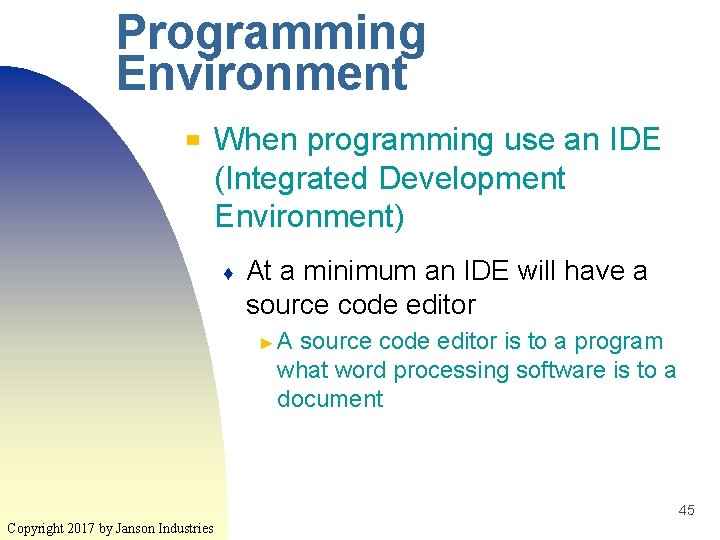
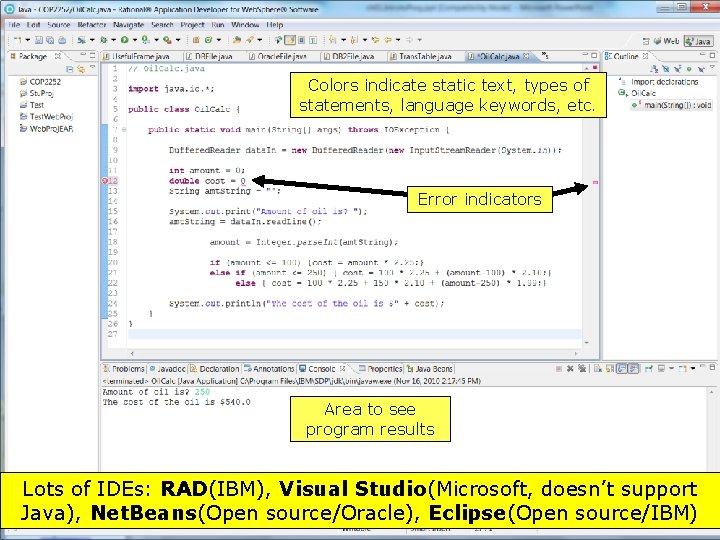
Programming Environment ▀ When programming use an IDE (Integrated Development Environment) ♦ At a minimum an IDE will have a source code editor ►A source code editor is to a program what word processing software is to a document 45 Copyright 2017 by Janson Industries
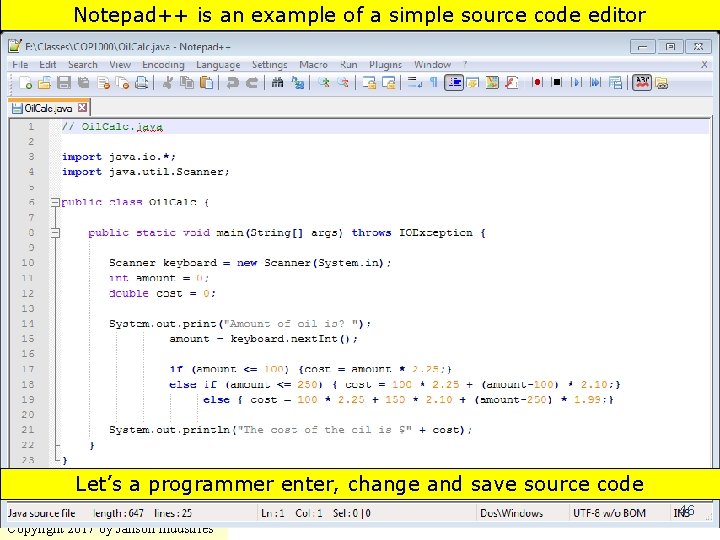
Notepad++ is an example of a simple source code editor Let’s a programmer enter, change and save source code 46 Copyright 2017 by Janson Industries
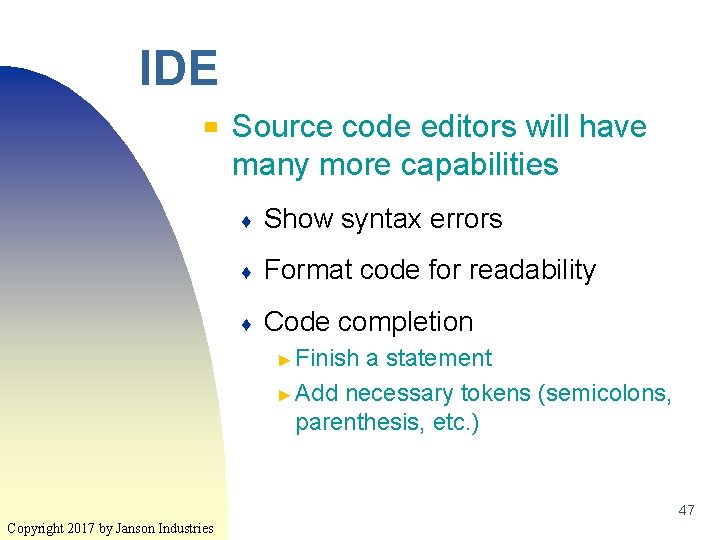
IDE ▀ Source code editors will have many more capabilities ♦ Show syntax errors ♦ Format code for readability ♦ Code completion ► Finish a statement ► Add necessary tokens (semicolons, parenthesis, etc. ) 47 Copyright 2017 by Janson Industries
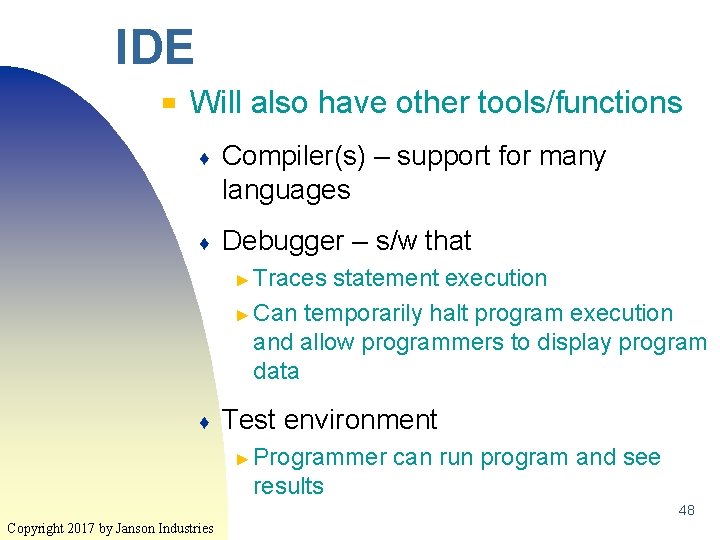
IDE ▀ Will also have other tools/functions ♦ Compiler(s) – support for many languages ♦ Debugger – s/w that ► Traces statement execution ► Can temporarily halt program execution and allow programmers to display program data ♦ Test environment ► Programmer can run program and see results 48 Copyright 2017 by Janson Industries
Colors indicate static text, types of statements, language keywords, etc. Error indicators Area to see program results Lots of IDEs: RAD(IBM), Visual Studio(Microsoft, doesn’t support 49 Java), Net. Beans(Open source/Oracle), Eclipse(Open source/IBM) Copyright 2017 by Janson Industries
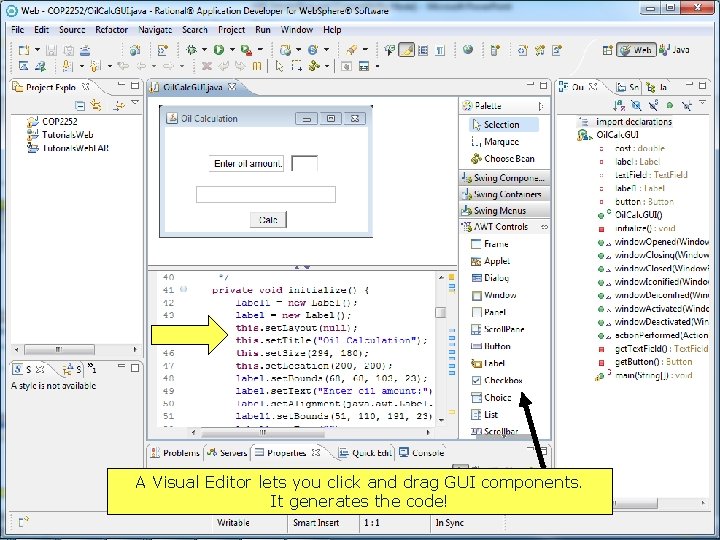
A Visual Editor lets you click and drag GUI components. It generates the code! Copyright 2017 by Janson Industries 50
Alternative Resource ▀ ▀ Code. org Uses videos and games to get across the basic programming structures which will be covered over the next months ♦ http: //learn. code. org/hoc/1 51 Copyright 2017 by Janson Industries
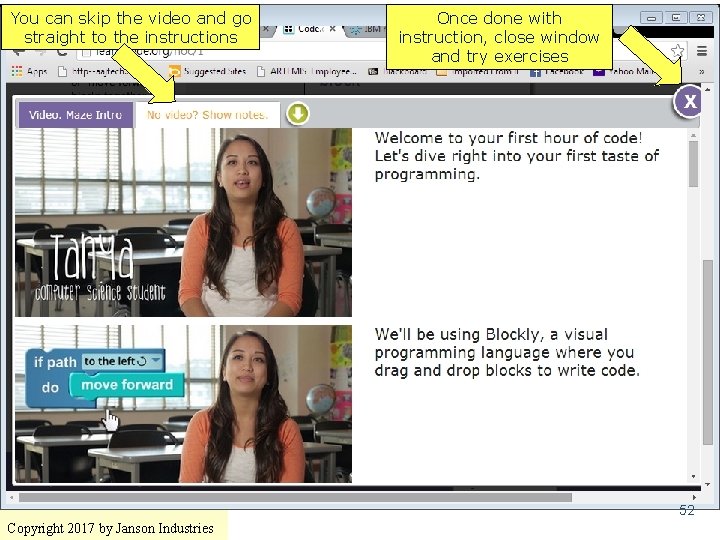
You can skip the video and go straight to the instructions Once done with instruction, close window and try exercises 52 Copyright 2017 by Janson Industries
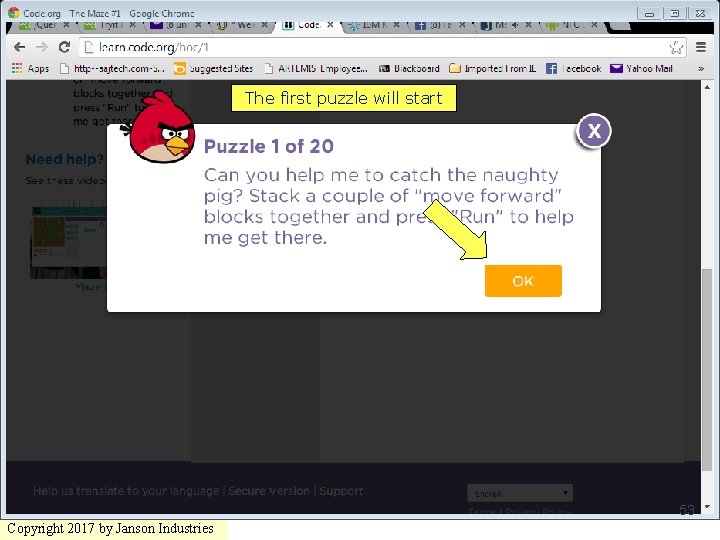
The first puzzle will start 53 Copyright 2017 by Janson Industries
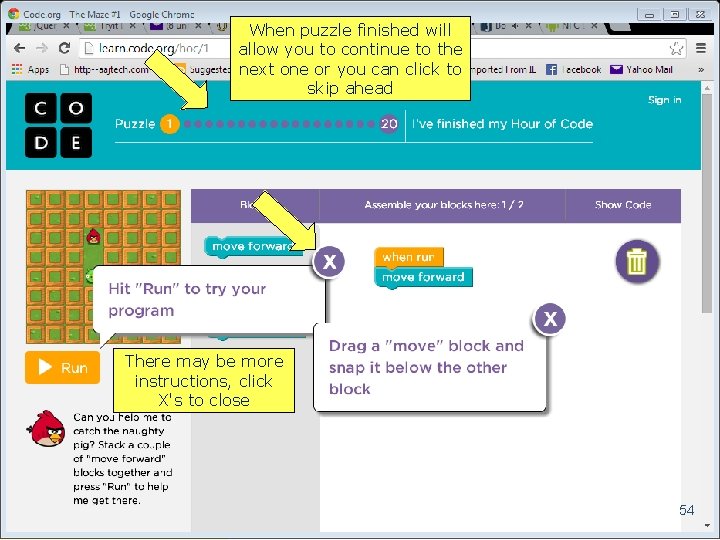
When puzzle finished will allow you to continue to the next one or you can click to skip ahead There may be more instructions, click X's to close 54 Copyright 2017 by Janson Industries
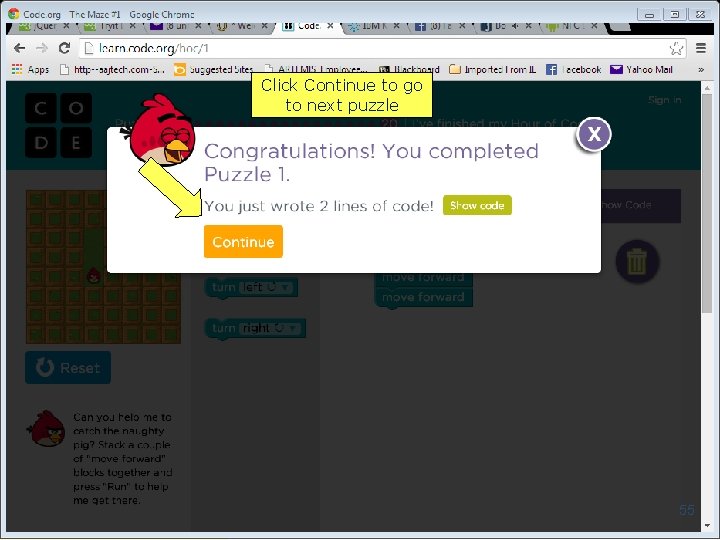
Click Continue to go to next puzzle 55 Copyright 2017 by Janson Industries
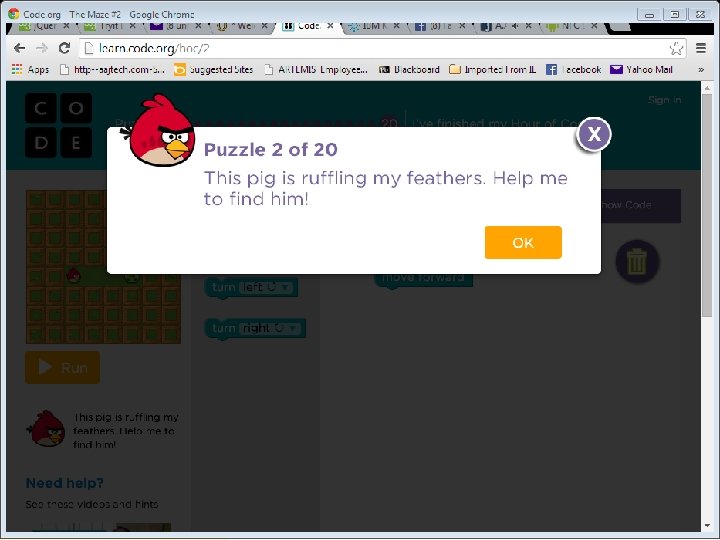
Click Continue to go to next puzzle 56 Copyright 2017 by Janson Industries
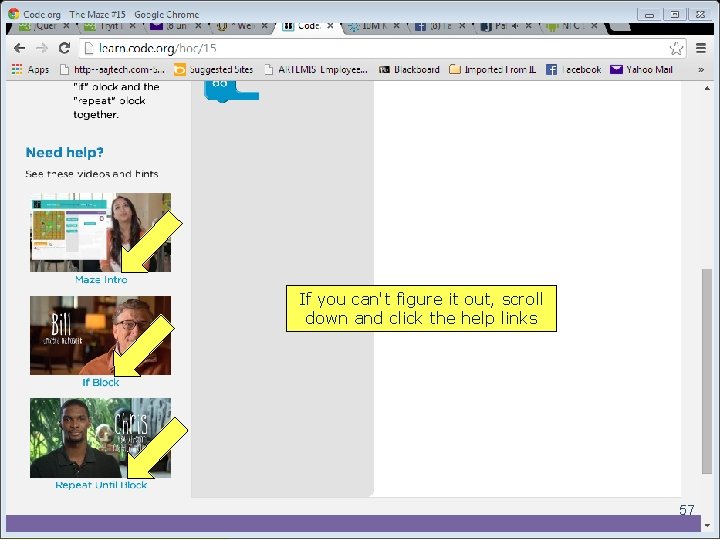
If you can't figure it out, scroll down and click the help links 57 Copyright 2017 by Janson Industries
Code. org ▀ ▀ I strongly recommend that you go through all twenty puzzles over the next 3 weeks They will greatly help you understand the concepts of ♦ Alogorithms ♦ Sequential processing ♦ Selection ♦ Iteration 58 Copyright 2017 by Janson Industries
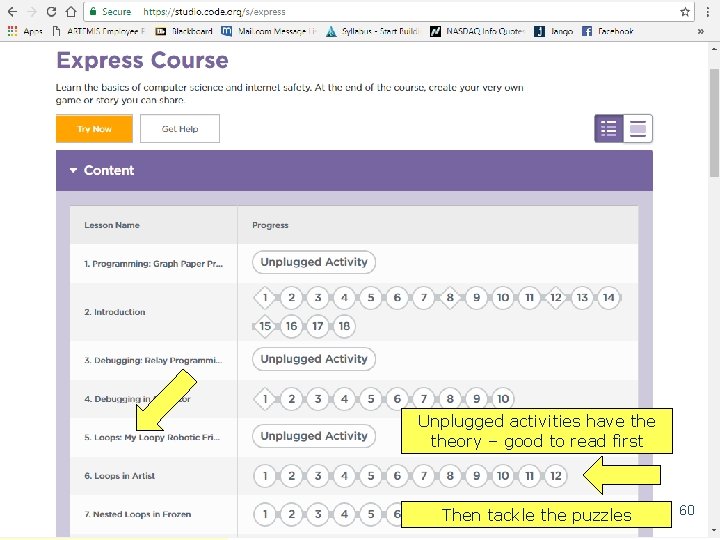
How Class Works ▀ ▀ There's an entire COP 1000 set of lessons at https: //studio. code. org/s/express 59 Copyright 2017 by Janson Industries
Unplugged activities have theory – good to read first Copyright 2017 by Janson Industries Then tackle the puzzles 60
Points to Remember ▀ Four major computer operations: ♦ Input ♦ Processing ♦ Output ♦ Storage 61 Copyright 2017 by Janson Industries
Points to Remember ▀ Everything in the computer stored as zeroes and ones ♦ ▀ Pictures, numbers, sounds Two types of software ♦ Systems ♦ Application 62 Copyright 2017 by Janson Industries
Points to Remember ▀ Programs are written in a programming language ♦ ▀ ▀ Referred to as source code Source code must be translated into machine language Machine language can be executed, source code cannot be executed 63 Copyright 2017 by Janson Industries
Points to Remember ▀ ▀ Programmers have lots of s/w tools to help design and code programs Bring your thumb/flash drives to the next class 64 Copyright 2017 by Janson Industries