
Intro to Processing Game with US Beginner Tutorial
Intro to Processing Game with US Beginner Tutorial
Welcome!! �Who I am �What is Processing? �Basic Coding �Input �Methods �Images �Classes �Arrays

Who I am �Mike Sheinin �mike. sheinin@usask. ca �Interactive Systems Design �Computer Science �Jelly Polo: https: //www. youtube. com/watch? v=U-t. EUl. VAr. E
What is Processing? �Text-based drawing program �Similar to Java �http: //www. processing. org �http: //www. openprocessing. org
Basic Coding �Processing basics �Commands �Variables �Conditionals �Iteration
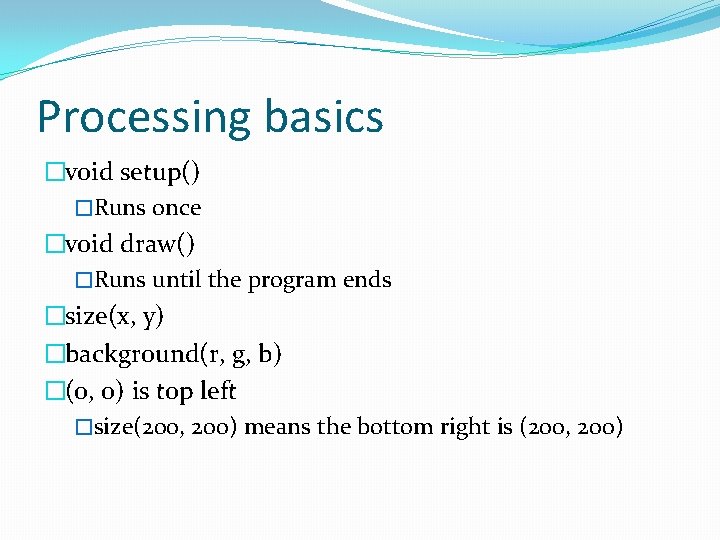
Processing basics �void setup() �Runs once �void draw() �Runs until the program ends �size(x, y) �background(r, g, b) �(0, 0) is top left �size(200, 200) means the bottom right is (200, 200)
Processing basics �The semi-colon ; �UPPER and lower case �Whitespace �Variable types �Object-oriented programming language �= is assignment �== is comparison
Processing basics �&& is and �|| is or �// and /*. . . */ are comments �! Means not �!= means not equal to �{} curly brackets for code blocks
Commands �line(x, y, x 2, y 2); �ellipse(x, y, r, r); �rect(x, y, w, h); �point(x, y); �fill(r, g, b); �no. Stroke(); �println();
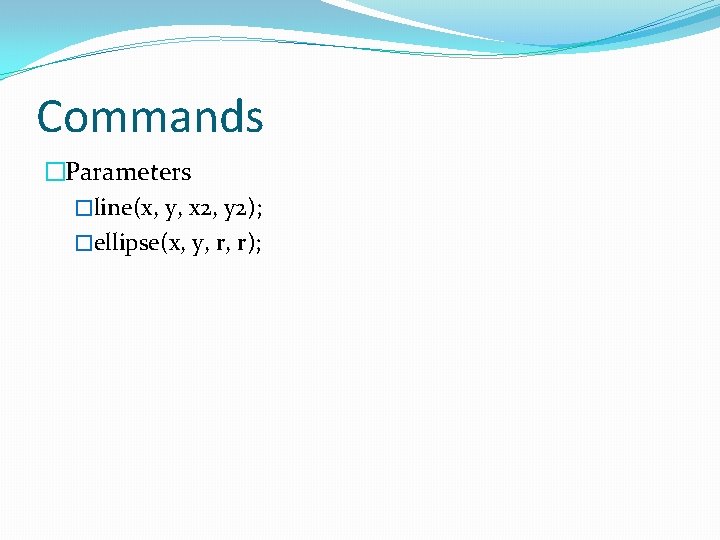
Commands �Parameters �line(x, y, x 2, y 2); �ellipse(x, y, r, r);
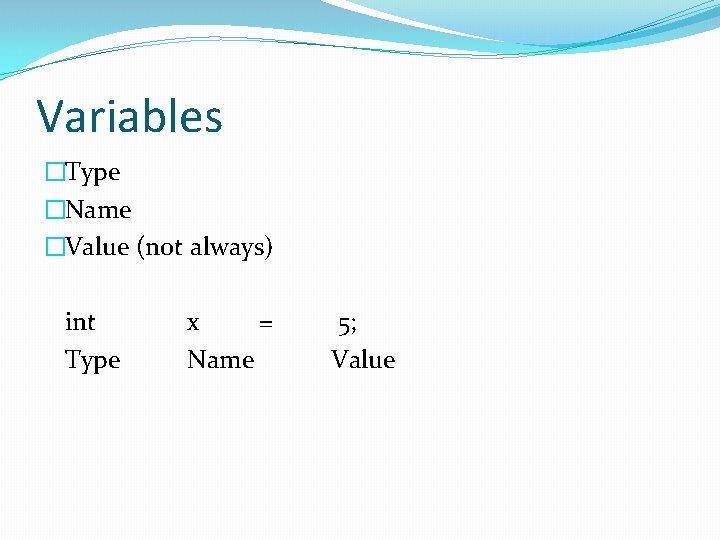
Variables �Type �Name �Value (not always) int Type x = Name 5; Value
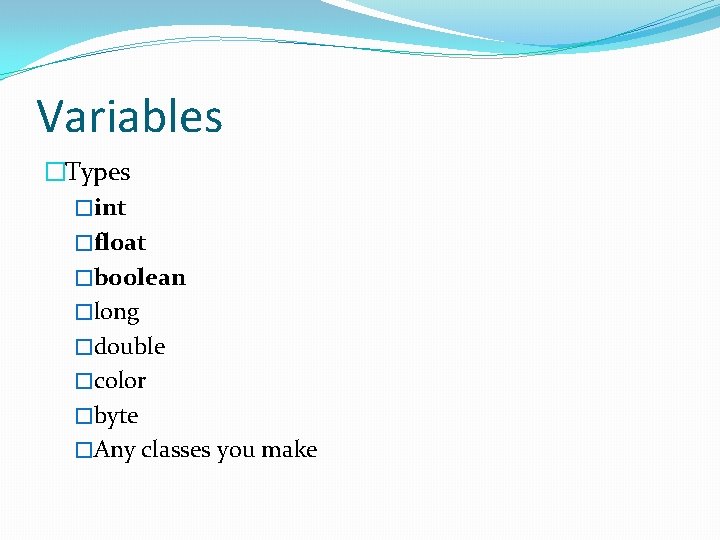
Variables �Types �int �float �boolean �long �double �color �byte �Any classes you make
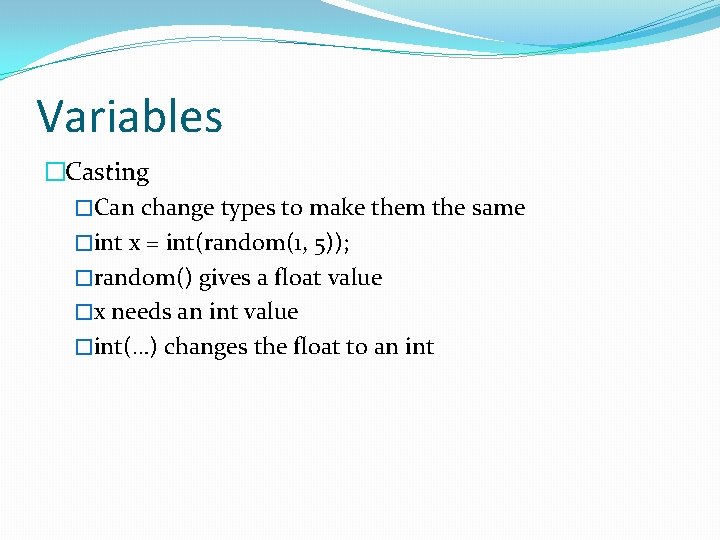
Variables �Casting �Can change types to make them the same �int x = int(random(1, 5)); �random() gives a float value �x needs an int value �int(…) changes the float to an int
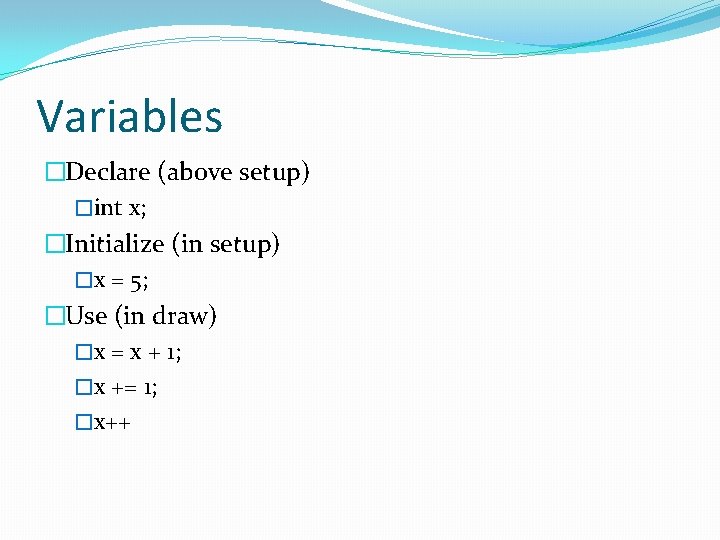
Variables �Declare (above setup) �int x; �Initialize (in setup) �x = 5; �Use (in draw) �x = x + 1; �x += 1; �x++
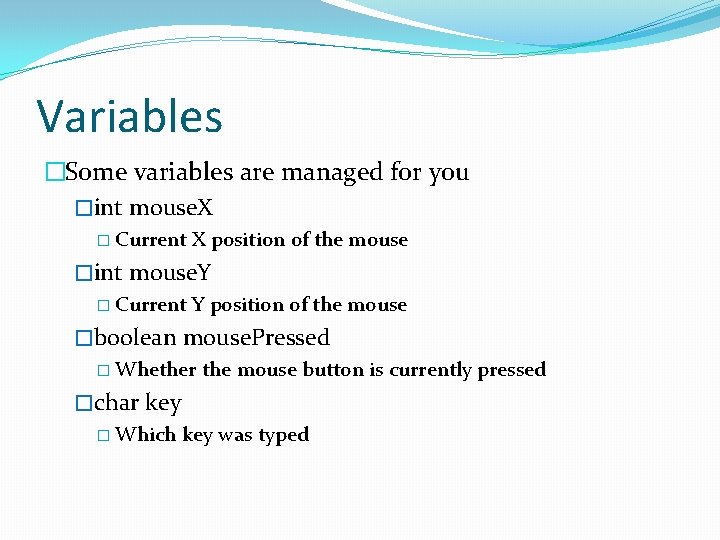
Variables �Some variables are managed for you �int mouse. X � Current X position of the mouse �int mouse. Y � Current Y position of the mouse �boolean mouse. Pressed � Whether the mouse button is currently pressed �char key � Which key was typed
Variables �Global variables �Everything can see it �Local �Only local can see it
Conditionals �If, else �Else if
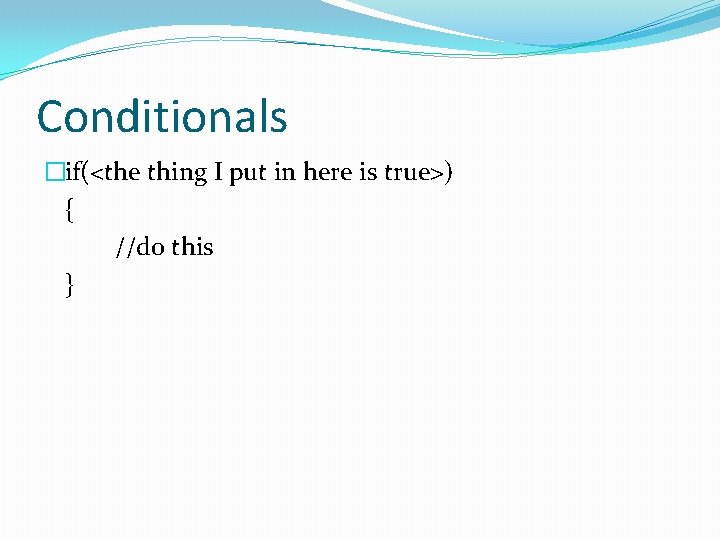
Conditionals �if(<the thing I put in here is true>) { //do this }
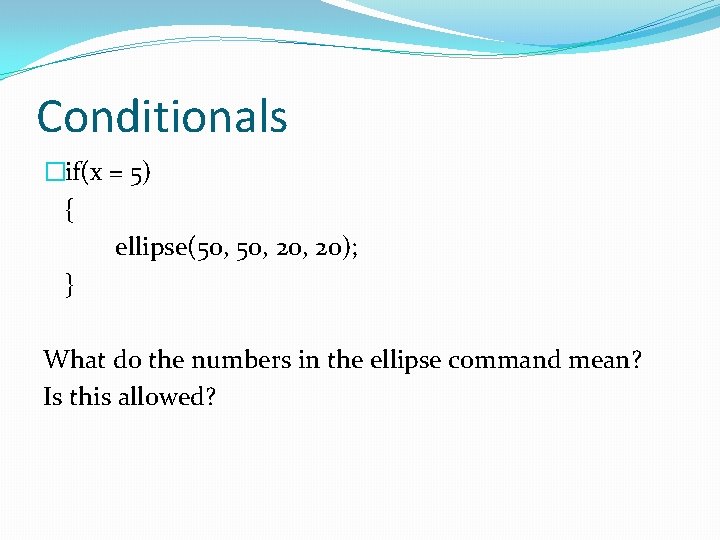
Conditionals �if(x = 5) { ellipse(50, 20, 20); } What do the numbers in the ellipse command mean? Is this allowed?
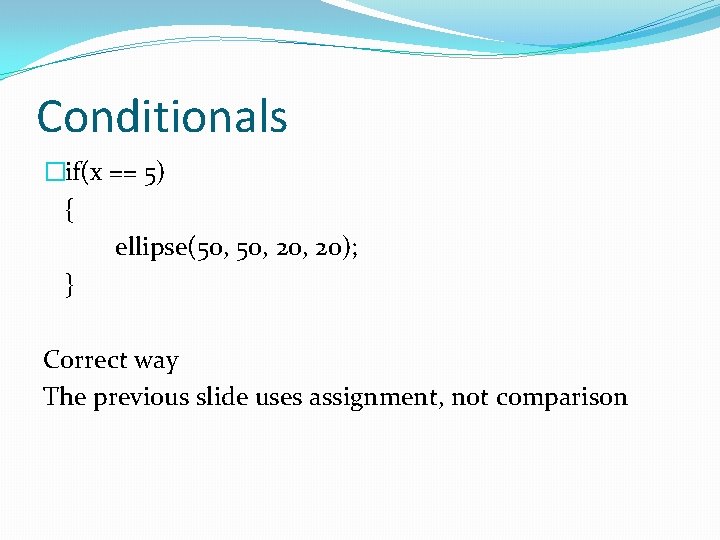
Conditionals �if(x == 5) { ellipse(50, 20, 20); } Correct way The previous slide uses assignment, not comparison
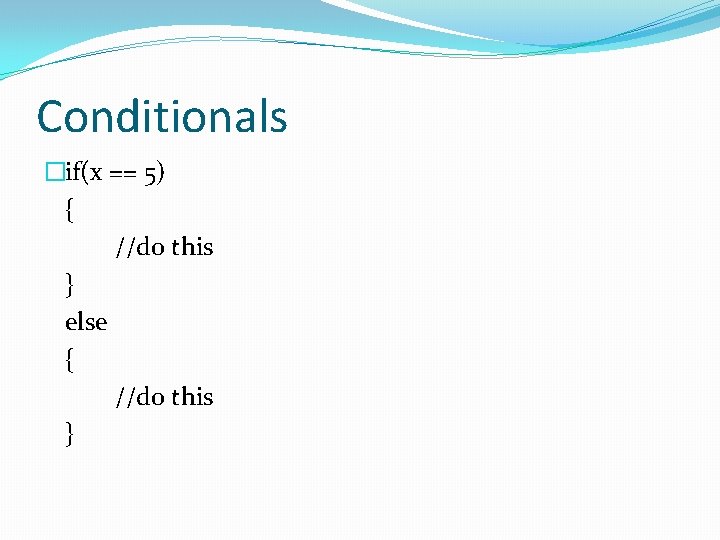
Conditionals �if(x == 5) { //do this } else { //do this }
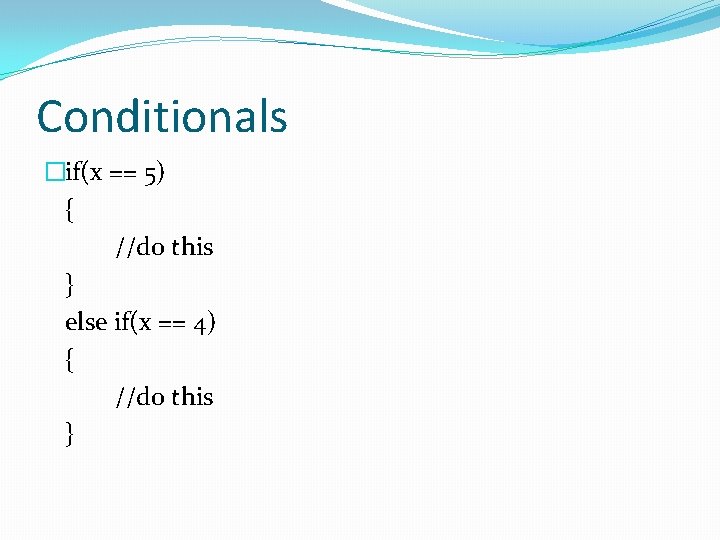
Conditionals �if(x == 5) { //do this } else if(x == 4) { //do this }
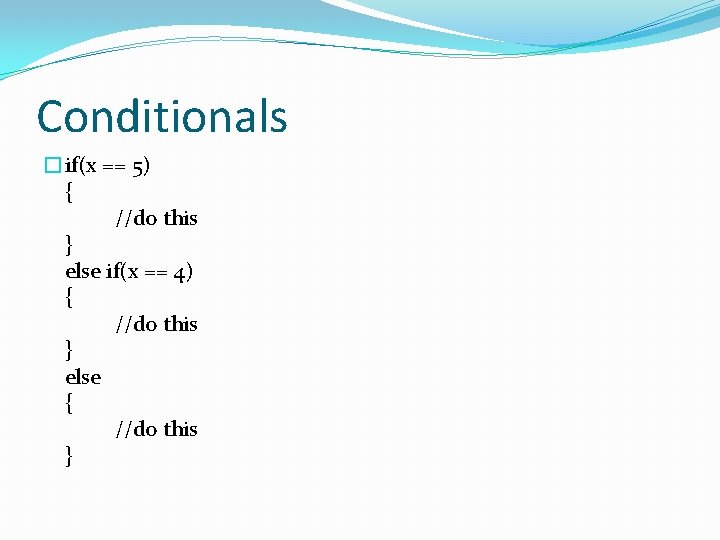
Conditionals �if(x == 5) { //do this } else if(x == 4) { //do this } else { //do this }
Iteration (Loops) �There are two kinds of loops �For loops �While loops
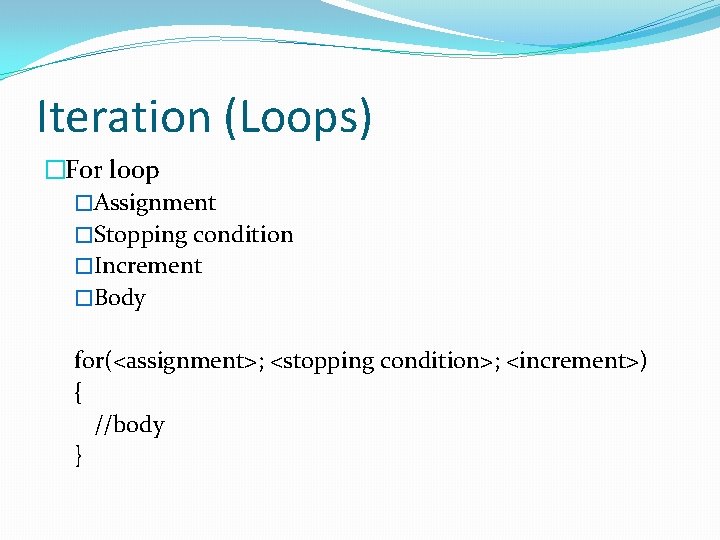
Iteration (Loops) �For loop �Assignment �Stopping condition �Increment �Body for(<assignment>; <stopping condition>; <increment>) { //body }
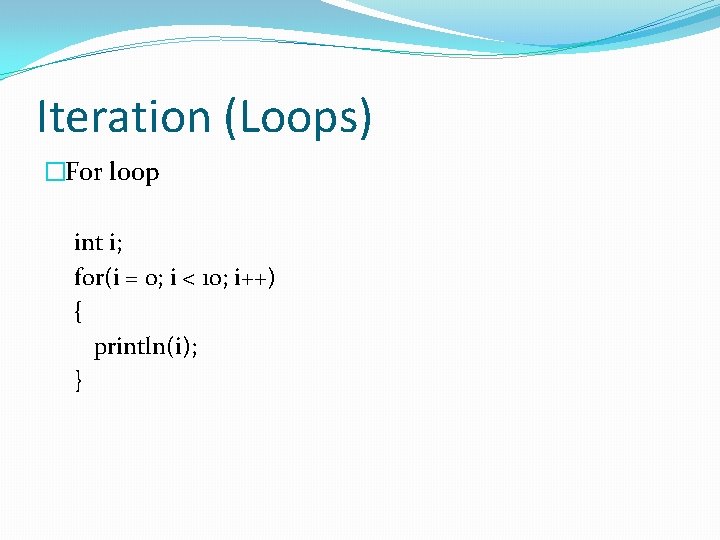
Iteration (Loops) �For loop int i; for(i = 0; i < 10; i++) { println(i); }
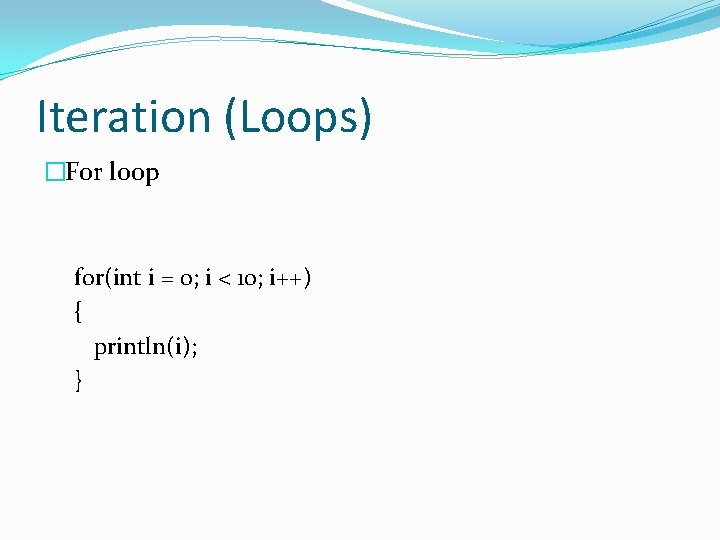
Iteration (Loops) �For loop for(int i = 0; i < 10; i++) { println(i); }
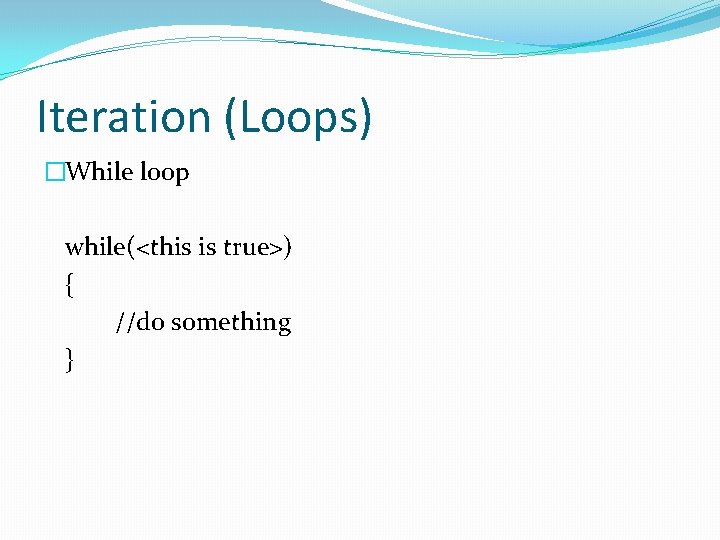
Iteration (Loops) �While loop while(<this is true>) { //do something }
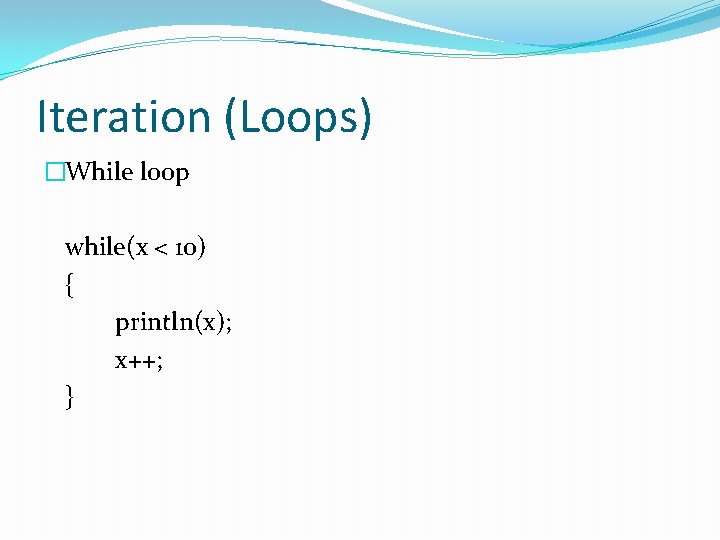
Iteration (Loops) �While loop while(x < 10) { println(x); x++; }
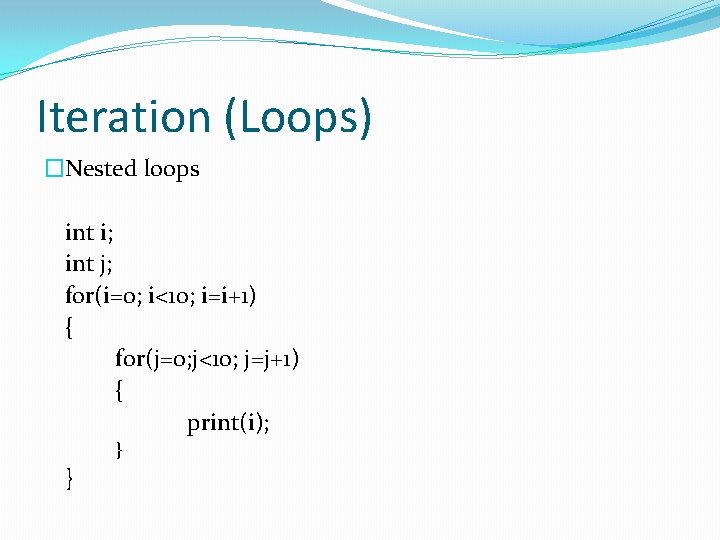
Iteration (Loops) �Nested loops int i; int j; for(i=0; i<10; i=i+1) { for(j=0; j<10; j=j+1) { print(i); } }
Example �Bouncing Ball
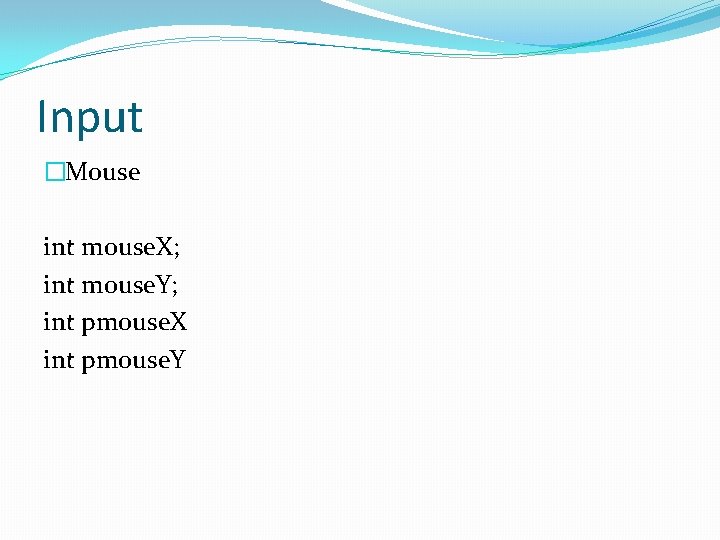
Input �Mouse int mouse. X; int mouse. Y; int pmouse. X int pmouse. Y
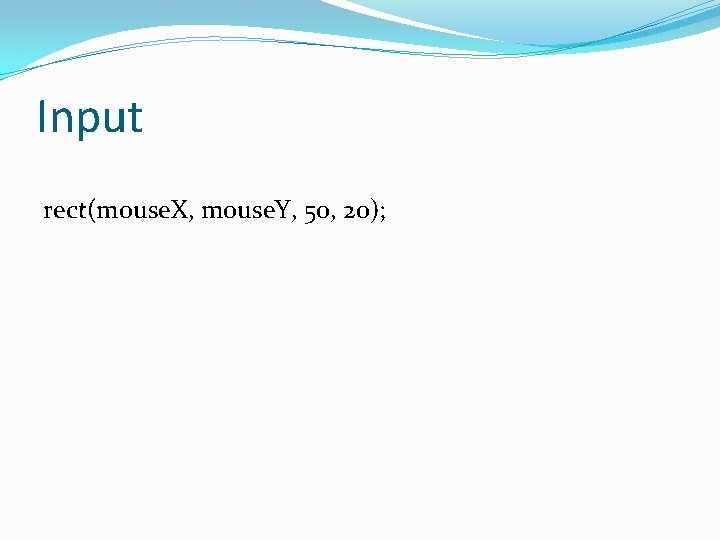
Input rect(mouse. X, mouse. Y, 50, 20);
Input �Example void draw() { point(mouse. X, mouse. Y); }
Input �Example void draw() { line(mouse. X, mouse. Y, 200); }
Input �Example void draw() { line(mouse. X, mouse. Y, mouse. X, mouse. Y); } What is this going to do?
Input �Introducing pmouse. X and pmouse. Y �pmouse. X is the previous mouse. X position �pmouse. Y is the previous mouse. Y position �Previous means the position from the last draw loop iteration
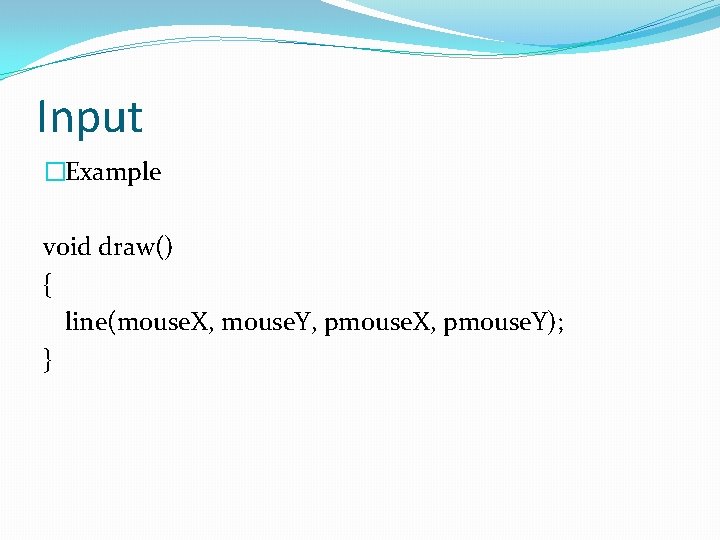
Input �Example void draw() { line(mouse. X, mouse. Y, pmouse. X, pmouse. Y); }
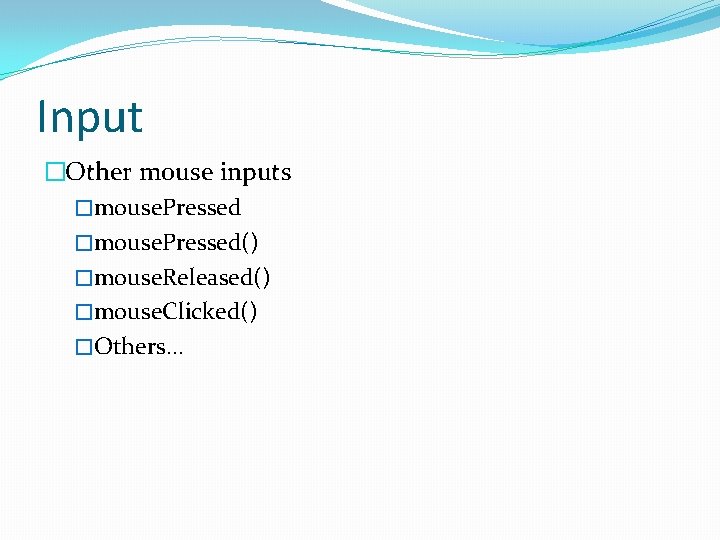
Input �Other mouse inputs �mouse. Pressed() �mouse. Released() �mouse. Clicked() �Others. . .
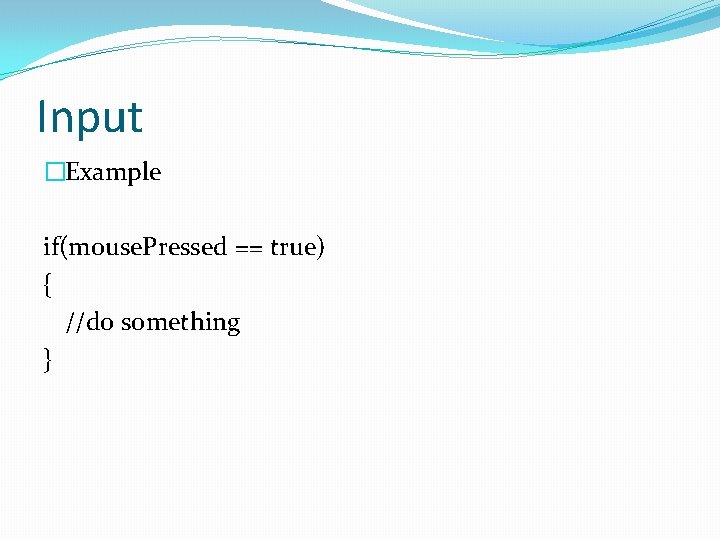
Input �Example if(mouse. Pressed == true) { //do something }
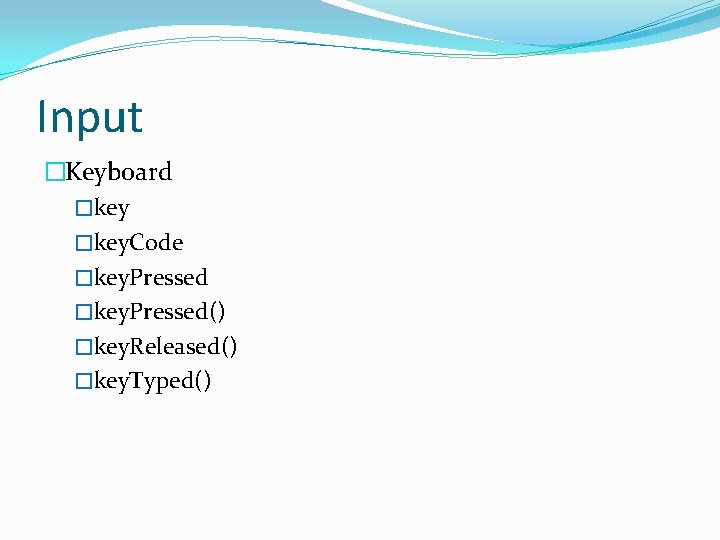
Input �Keyboard �key. Code �key. Pressed() �key. Released() �key. Typed()
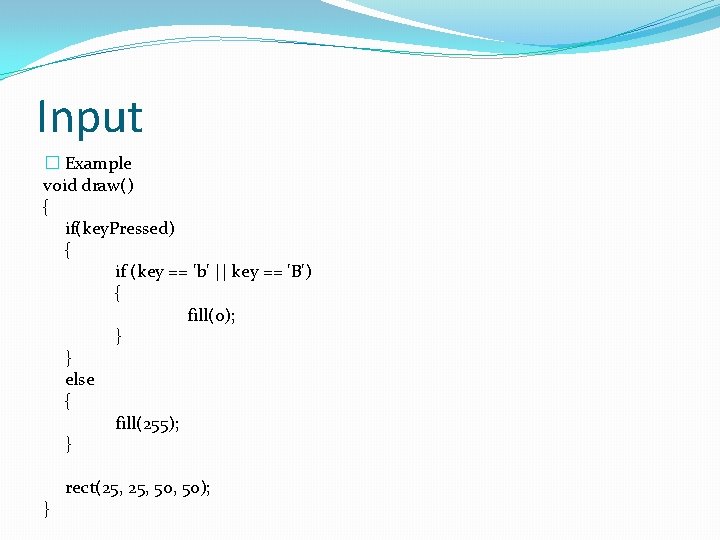
Input � Example void draw() { if(key. Pressed) { if (key == 'b' || key == 'B') { fill(0); } } else { fill(255); } } rect(25, 50, 50);
Gravity �dx and dy are useful! �We can use these variables to make bouncing look more realistic
Gravity �Before we had �dx*= -1; �dy*= -1; �This just changed the direction of the ball �How would we change the acceleration of the ball?
Gravity �Add small increments to dx and dy to add acceleration �Lets do an example!
Methods() �Methods are blocks of code �They should be outside of the setup and draw loops �They can be called (used) anywhere in your program �setup, draw, other methods. .
Methods() �We are already using methods �void setup() �void draw() �We can also create any method we want �The method can have any name we want �The method can have any parameters we want �The method can do anything we want
Methods() �Methods can be used to clean up code or to reuse code �Processing has its own methods as well �setup() �draw() �mouse. Pressed() �key. Pressed() �. . others
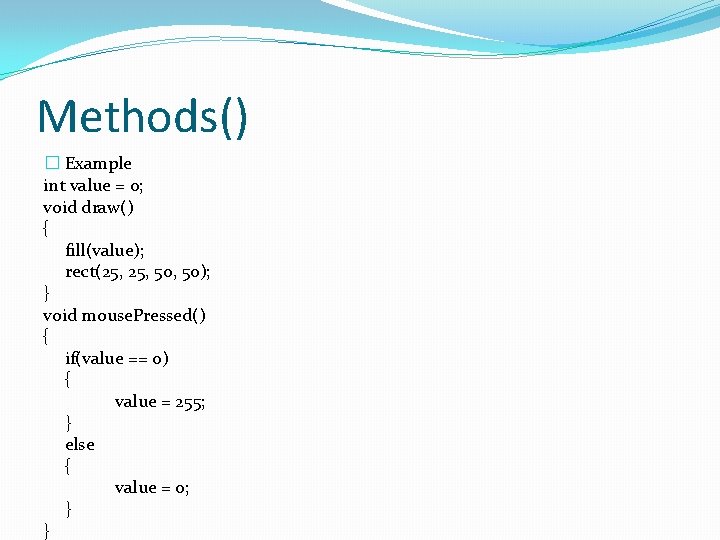
Methods() � Example int value = 0; void draw() { fill(value); rect(25, 50, 50); } void mouse. Pressed() { if(value == 0) { value = 255; } else { value = 0; } }
Methods() �Creating our own method: �Create a method called bounce() �Put the code for the ball bouncing into the method �Call the method in the draw loop like this: �bounce();
Images �To include images or sprites put the file into your sketch folder �Can put any image you want �Background �Sprites
Images �To put an image in your program: PImage b; b = load. Image(“picture. png”); Image(b, 0, 0); Declare Initialize Use
Images �Image(name, x, y); The x and y of the image is like the x and y of a rectangle (0, 0) is top left corner of the image
Images �Sprites �I highly suggest you download Paint. Net �http: //www. getpaint. net/download. html �Save files as. png so you can add an alpha channel
Images �Alpha channel is just a see-through background �If you only want your sprite, and not a rectangular background around it, use an alpha channel �But (x, y) of image is still top left of the rectangle
Classes �Classes are a way to separate your code even further �Organizes programs into separate files �Classes are used to make objects
Classes �A simple class: class Particle { //variables for the class declared here //methods for the class written here }
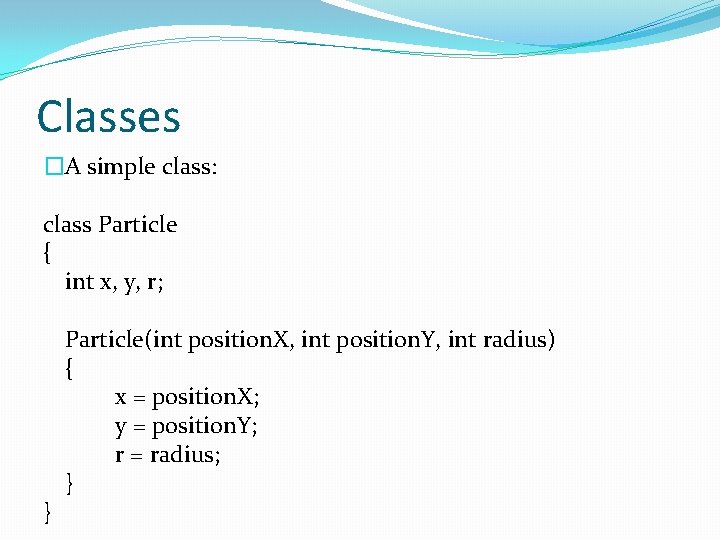
Classes �A simple class: class Particle { int x, y, r; } Particle(int position. X, int position. Y, int radius) { x = position. X; y = position. Y; r = radius; }
Classes �The class is the template �The object is the actual thing you use �Once you have a class, you must create an object
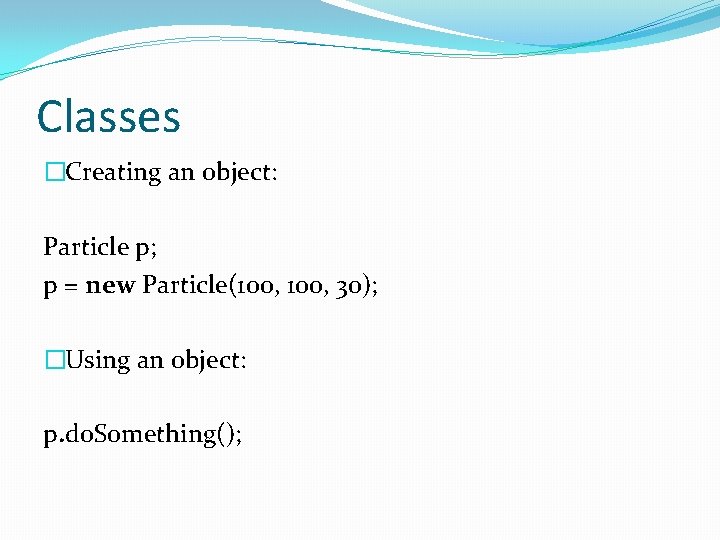
Classes �Creating an object: Particle p; p = new Particle(100, 30); �Using an object: p. do. Something();
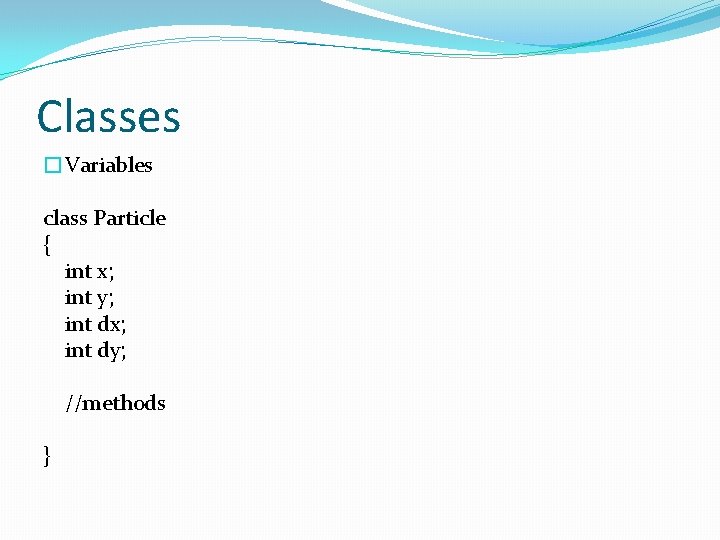
Classes �Variables class Particle { int x; int y; int dx; int dy; //methods }
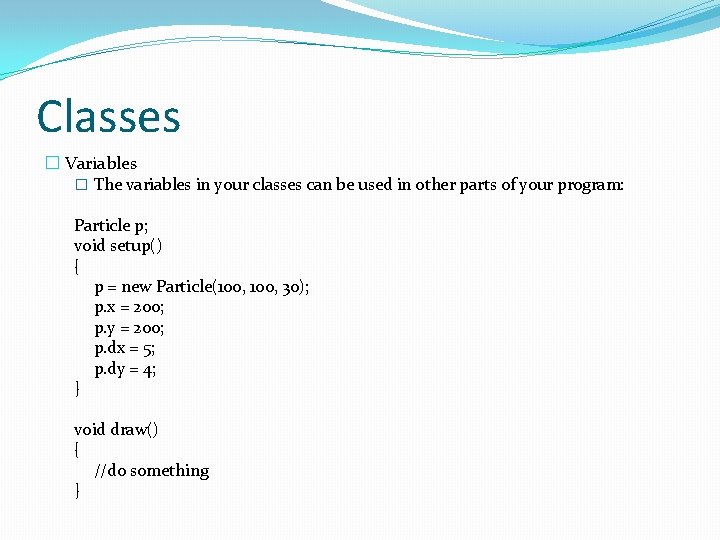
Classes � Variables � The variables in your classes can be used in other parts of your program: Particle p; void setup() { p = new Particle(100, 30); p. x = 200; p. y = 200; p. dx = 5; p. dy = 4; } void draw() { //do something }
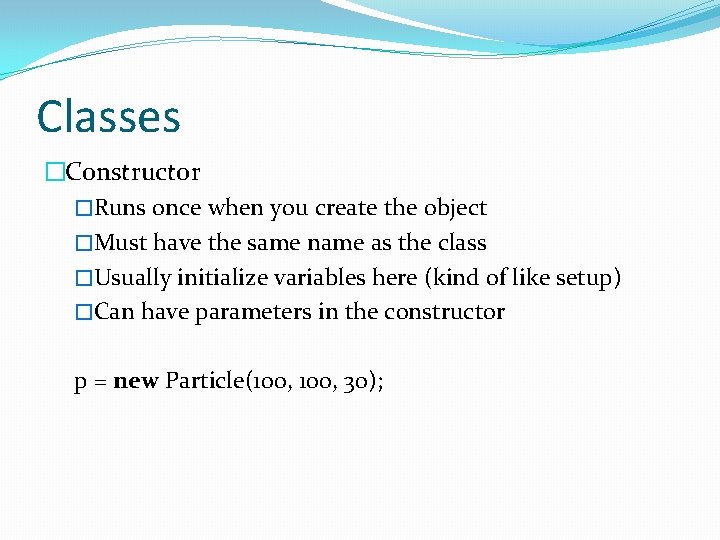
Classes �Constructor �Runs once when you create the object �Must have the same name as the class �Usually initialize variables here (kind of like setup) �Can have parameters in the constructor p = new Particle(100, 30);
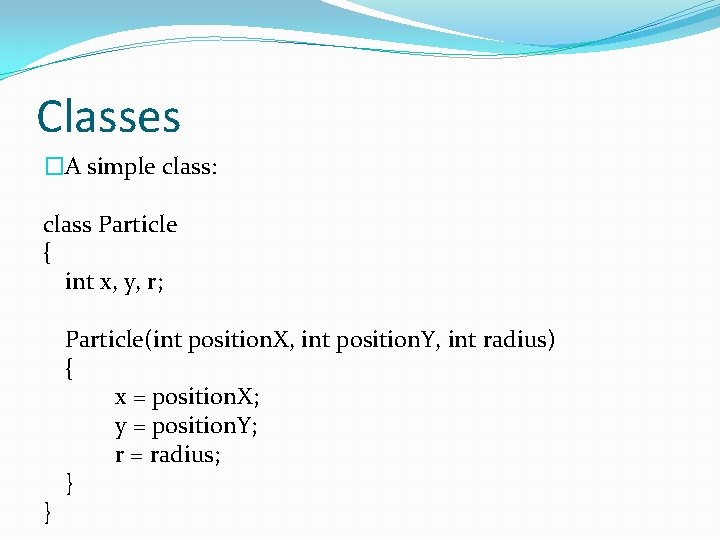
Classes �A simple class: class Particle { int x, y, r; } Particle(int position. X, int position. Y, int radius) { x = position. X; y = position. Y; r = radius; }
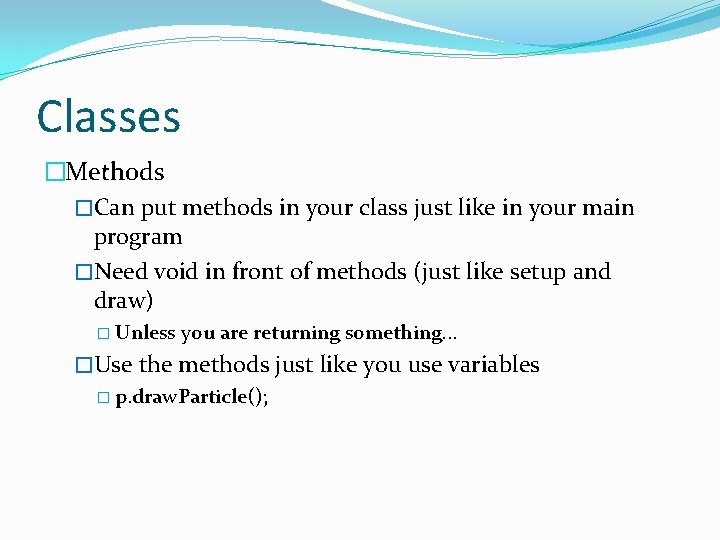
Classes �Methods �Can put methods in your class just like in your main program �Need void in front of methods (just like setup and draw) � Unless you are returning something. . . �Use the methods just like you use variables � p. draw. Particle();
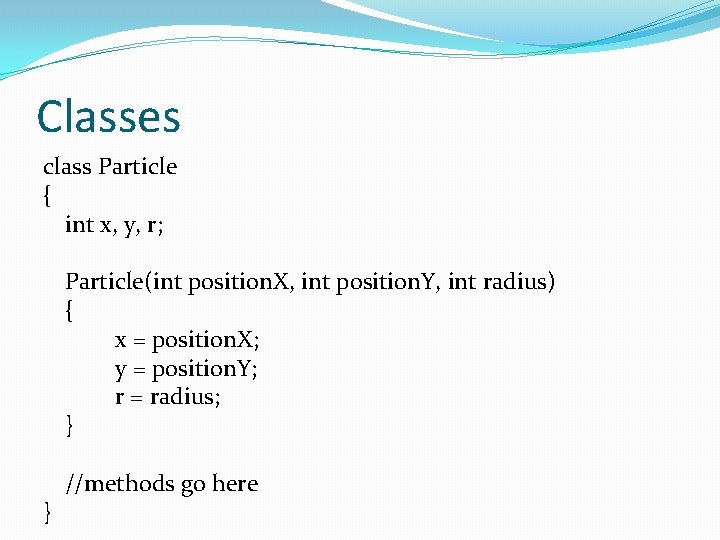
Classes class Particle { int x, y, r; Particle(int position. X, int position. Y, int radius) { x = position. X; y = position. Y; r = radius; } } //methods go here
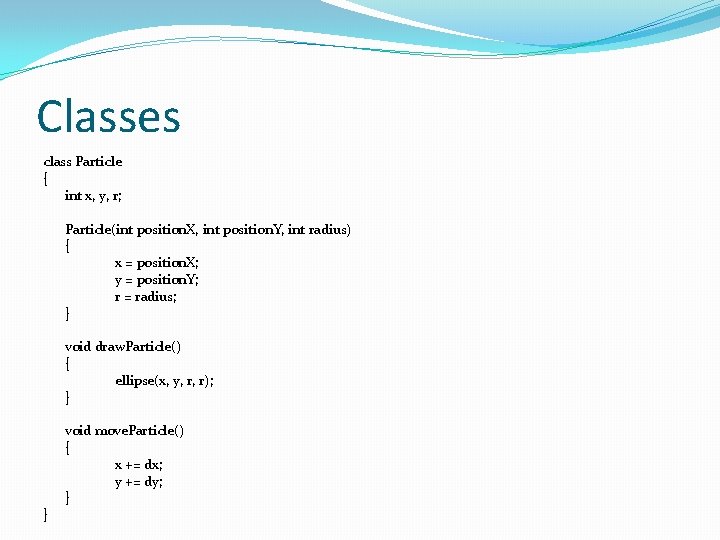
Classes class Particle { int x, y, r; Particle(int position. X, int position. Y, int radius) { x = position. X; y = position. Y; r = radius; } void draw. Particle() { ellipse(x, y, r, r); } } void move. Particle() { x += dx; y += dy; }
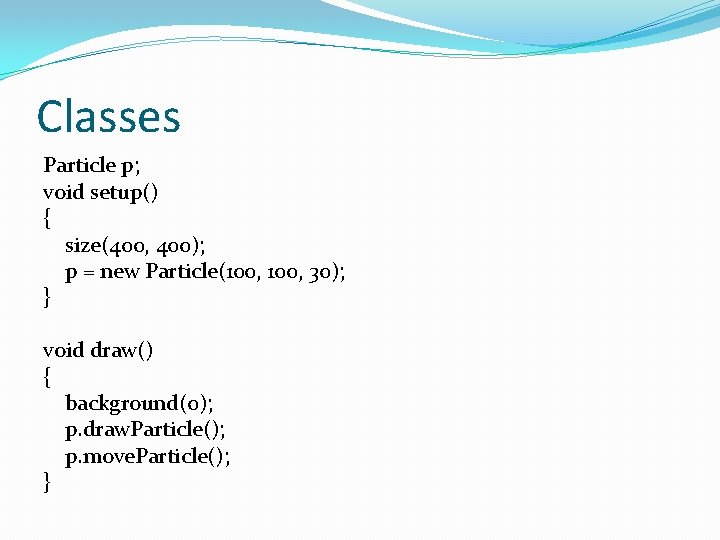
Classes Particle p; void setup() { size(400, 400); p = new Particle(100, 30); } void draw() { background(0); p. draw. Particle(); p. move. Particle(); }
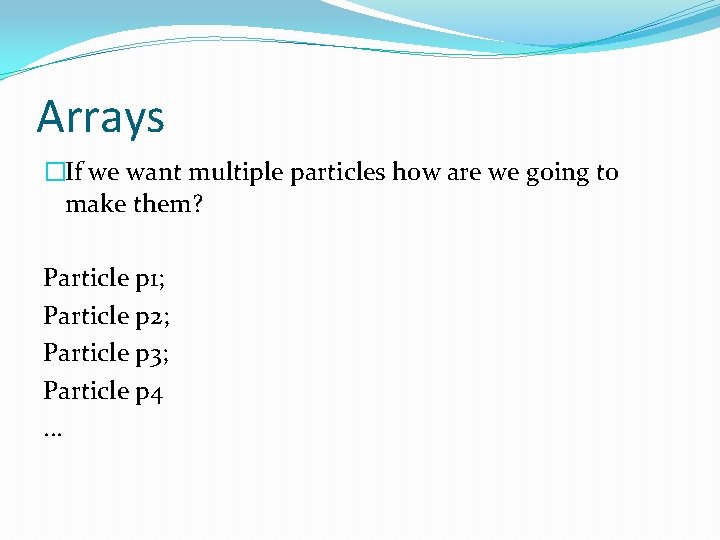
Arrays �If we want multiple particles how are we going to make them? Particle p 1; Particle p 2; Particle p 3; Particle p 4. . .
Arrays �We would need variables for every particle �Declare �Initialize �Use �What if we wanted 1000 particles?
Arrays �Arrays are a collection of primitive types or objects �Primitive types: int, float, boolean. . . �Objects made from classes
Arrays �An array can only hold one type �You can hold many different types into arrays �But you can only hold one certain type in any one array �You can have an array of ints �You can have an array of Particles �You cannot have an array of ints and Particles
![Arrays �Declaring arrays: int[] int. Array; The data type is int The name of](http://slidetodoc.com/presentation_image_h2/21ef255b646ed4a262804dd7422a8453/image-73.jpg "Arrays �Declaring arrays: int[] int. Array; The data type is int The name of")
Arrays �Declaring arrays: int[] int. Array; The data type is int The name of the array is int. Array
![Arrays �Declaring arrays: Particle[] p; The data type is Particle The name of the](http://slidetodoc.com/presentation_image_h2/21ef255b646ed4a262804dd7422a8453/image-74.jpg "Arrays �Declaring arrays: Particle[] p; The data type is Particle The name of the")
Arrays �Declaring arrays: Particle[] p; The data type is Particle The name of the array is p
![Arrays �Initializing arrays: int. Array = new int[5]; Must initialize the array with a](http://slidetodoc.com/presentation_image_h2/21ef255b646ed4a262804dd7422a8453/image-75.jpg "Arrays �Initializing arrays: int. Array = new int[5]; Must initialize the array with a")
Arrays �Initializing arrays: int. Array = new int[5]; Must initialize the array with a size Here we can have 5 items in the array
![Arrays �Initializing arrays: p = new Particle[1000]; Must initialize the array with a size](http://slidetodoc.com/presentation_image_h2/21ef255b646ed4a262804dd7422a8453/image-76.jpg "Arrays �Initializing arrays: p = new Particle[1000]; Must initialize the array with a size")
Arrays �Initializing arrays: p = new Particle[1000]; Must initialize the array with a size Here we can have 1000 items in the array
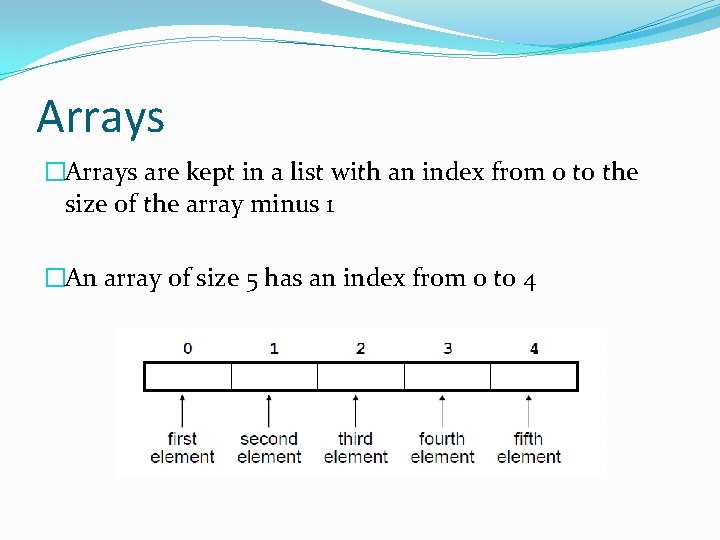
Arrays �Arrays are kept in a list with an index from 0 to the size of the array minus 1 �An array of size 5 has an index from 0 to 4
![Arrays �How to put things in the array: int. Array[0] = 5; int. Array[1]](http://slidetodoc.com/presentation_image_h2/21ef255b646ed4a262804dd7422a8453/image-78.jpg "Arrays �How to put things in the array: int. Array[0] = 5; int. Array[1]")
Arrays �How to put things in the array: int. Array[0] = 5; int. Array[1] = 6; int. Array[2] = 7; int. Array[3] = 8; int. Array[4] = 9;
![Arrays �How to put things in the array: p[0] = new Particle(100, 30); p[1]](http://slidetodoc.com/presentation_image_h2/21ef255b646ed4a262804dd7422a8453/image-79.jpg "Arrays �How to put things in the array: p[0] = new Particle(100, 30); p[1]")
Arrays �How to put things in the array: p[0] = new Particle(100, 30); p[1] = new Particle(200, 30); p[2] = new Particle(300, 30); p[3] = new Particle(400, 30); p[4] = new Particle(500, 30);
![Arrays �Can use loops to put things in the array int[] int. Array =](http://slidetodoc.com/presentation_image_h2/21ef255b646ed4a262804dd7422a8453/image-80.jpg "Arrays �Can use loops to put things in the array int[] int. Array =")
Arrays �Can use loops to put things in the array int[] int. Array = new int[5]; for(int i = 0; i < 5; i++) { int. Array[i] = int(random(0, 100)); println(int. Array[i]); }
![Arrays �Can use loops to put things in the array Particle[] p = new](http://slidetodoc.com/presentation_image_h2/21ef255b646ed4a262804dd7422a8453/image-81.jpg "Arrays �Can use loops to put things in the array Particle[] p = new")
Arrays �Can use loops to put things in the array Particle[] p = new Particle[1000]; for(int i = 0; i < p. length; i++) { p[i] = new Particle(1*i, 30); }
![Arrays �Use arrays just like their data types int. Array[2] = 4; int. Array[3]](http://slidetodoc.com/presentation_image_h2/21ef255b646ed4a262804dd7422a8453/image-82.jpg "Arrays �Use arrays just like their data types int. Array[2] = 4; int. Array[3]")
Arrays �Use arrays just like their data types int. Array[2] = 4; int. Array[3] = 6; int. Array[4] = int. Array[2] + int. Array[3]; println(int. Array[4]);
![Arrays �Use arrays just like their data types p[0]. draw. Particle(); p[0]. move. Particle();](http://slidetodoc.com/presentation_image_h2/21ef255b646ed4a262804dd7422a8453/image-83.jpg "Arrays �Use arrays just like their data types p[0]. draw. Particle(); p[0]. move. Particle();")
Arrays �Use arrays just like their data types p[0]. draw. Particle(); p[0]. move. Particle(); p[1]. draw. Particle(); p[1]. move. Particle();
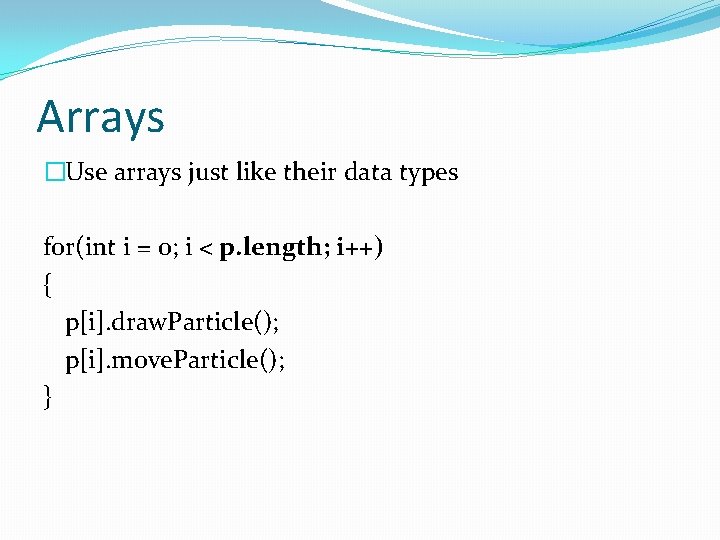
Arrays �Use arrays just like their data types for(int i = 0; i < p. length; i++) { p[i]. draw. Particle(); p[i]. move. Particle(); }
- Slides: 84