
Intro to PHP A brief overview Patrick Laverty

Intro to PHP A brief overview – Patrick Laverty
What is PHP? n PHP (recursive acronym for "PHP: Hypertext Preprocessor") is a widely-used Open Source general-purpose scripting language that is especially suited for Web development and can be embedded into HTML. <? echo “HI!”; ? >
What is PHP? Compared to others like: n Java – Sun, compiled and interpreted (jsp) n Perl – Open Source, scripting n. NET – MS, opposite of Java n Cold. Fusion – Now Adobe, the original n Javascript – Netscape, client-side n PHP – Open Source, server-side
How it works PHP is installed on web server n Our web server is Apache (just an FYI) n Server parses files based on extensions n Returns plain HTML, no code n
How To – The Basics Need to name files is a. php extension Example: index. php, mypage. php n Open and close tags: <? ? > Was: <? php ? > n n Save file to server, view in a browser
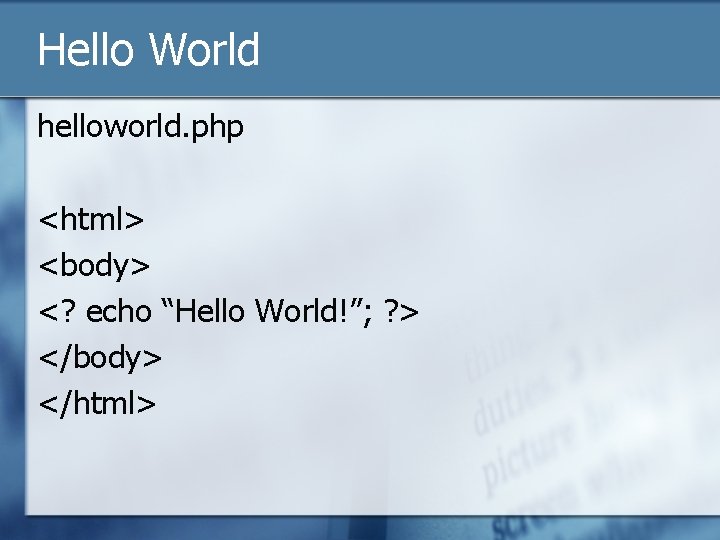
Hello World helloworld. php <html> <body> <? echo “Hello World!”; ? > </body> </html>
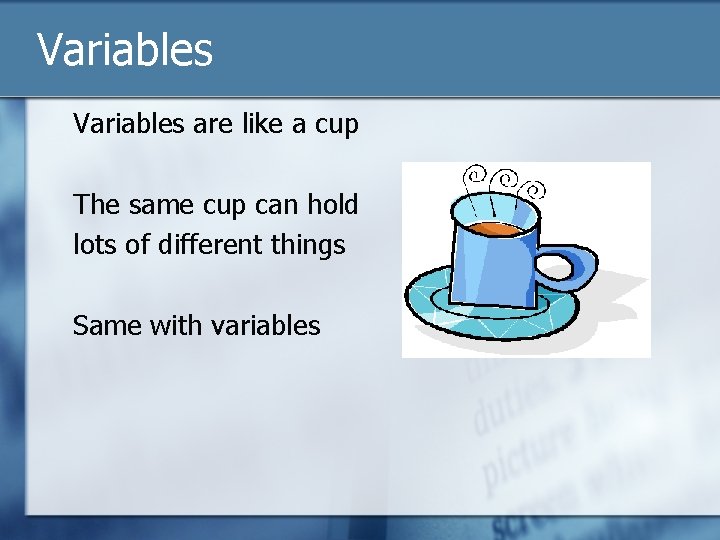
Variables are like a cup The same cup can hold lots of different things Same with variables
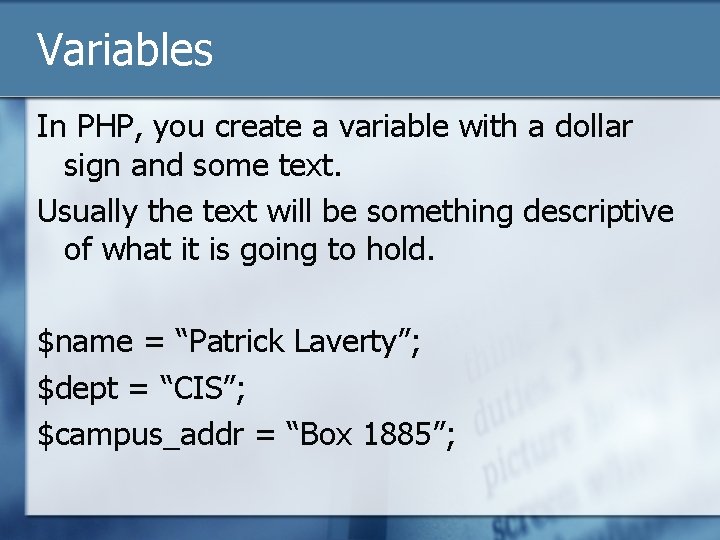
Variables In PHP, you create a variable with a dollar sign and some text. Usually the text will be something descriptive of what it is going to hold. $name = “Patrick Laverty”; $dept = “CIS”; $campus_addr = “Box 1885”;
Variables There are many different kinds of variables in PHP Scalar n Array n Object n
Scalar Variables Hold single values n String/text n Numbers $name = “Josiah”; $dob = “ 1/1/23”; $age = 84; $waist_size = 36;
Array Variables Hold multiple values All in one step example: $kids = Array(“Tom”, ”Dick”, ”Harry”); Multiple steps example: $kids = Array(); $kids[0] = “Tom”; $kids[1] = “Dick”; $kids[2] = “Harry”; Individual array values are just a scalar
Array Variables Associative Arrays – may be easier to find stuff $teams = Array(‘bos’=>’Red Sox’, ‘nyy’=>’Yankees’, ’bal’=>’Orioles’); The two-step way works the same: $teams = Array(); $teams[‘bos’] = ‘Red Sox’;
Object Variables We’ll talk about these later. We’re in no rush
Functions Getting PHP to do some action for you echo() or print() phpinfo() (phpinfo. php)
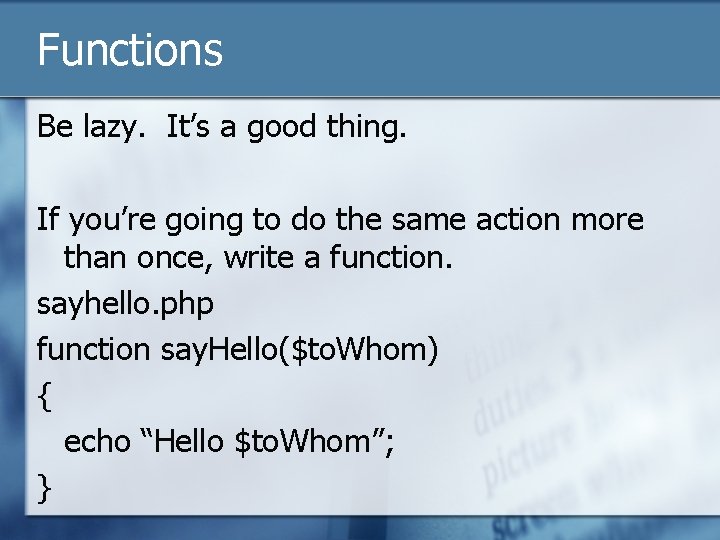
Functions Be lazy. It’s a good thing. If you’re going to do the same action more than once, write a function. sayhello. php function say. Hello($to. Whom) { echo “Hello $to. Whom”; }
Functions Lots have already been written for you: http: //php. net/manual/en If you know the function: http: //php. net/echo
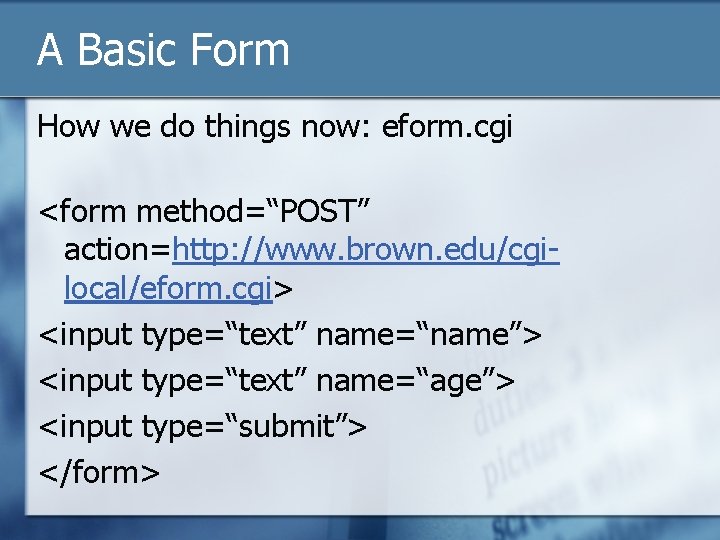
A Basic Form How we do things now: eform. cgi <form method=“POST” action=http: //www. brown. edu/cgilocal/eform. cgi> <input type=“text” name=“name”> <input type=“text” name=“age”> <input type=“submit”> </form>
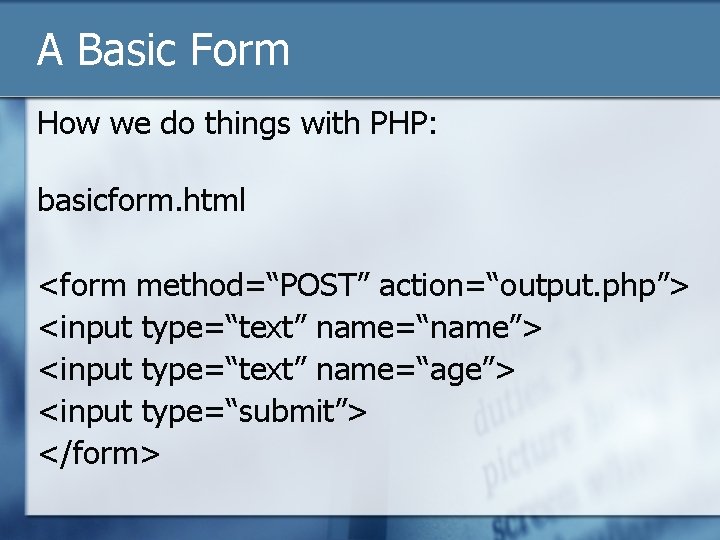
A Basic Form How we do things with PHP: basicform. html <form method=“POST” action=“output. php”> <input type=“text” name=“name”> <input type=“text” name=“age”> <input type=“submit”> </form>
![A Basic Form Capturing the data in output. php Variables: $_POST[‘name’] n $_POST[‘age’] n](http://slidetodoc.com/presentation_image/5e07cc238504bb241d4794d7e574ae2f/image-19.jpg "A Basic Form Capturing the data in output. php Variables: $_POST[‘name’] n $_POST[‘age’] n")
A Basic Form Capturing the data in output. php Variables: $_POST[‘name’] n $_POST[‘age’] n Use phpinfo() to see variables
![A Basic Form Weave HTML and PHP output. php <html><body> <? $name = $_POST[‘name’];](http://slidetodoc.com/presentation_image/5e07cc238504bb241d4794d7e574ae2f/image-20.jpg "A Basic Form Weave HTML and PHP output. php <html><body> <? $name = $_POST[‘name’];")
A Basic Form Weave HTML and PHP output. php <html><body> <? $name = $_POST[‘name’]; $age = $_POST[‘age’]; echo “My name is $name and I am $age years old”; ? > </body></html>
Data Validation We’ll talk more about validating user input later.
A Basic Form Outputting to the screen is nice, but boring We could email the results Let’s store data in a database
Layers of a Database Server n Database n Tables n Fields/Columns n Records n Data n
How to Get a Database Use Microsoft Access n Use Filemaker n Request a My. SQL Database (http: //brown. edu/db) n
Request a My. SQL Database You will receive: Server name (it’s not localhost) n Database name n Username n Password n Link to php. My. Admin n
php. My. Admin is a graphical view of your database n Very easy n Let’s take a look (http: //brown. edu/php. My. Admin)
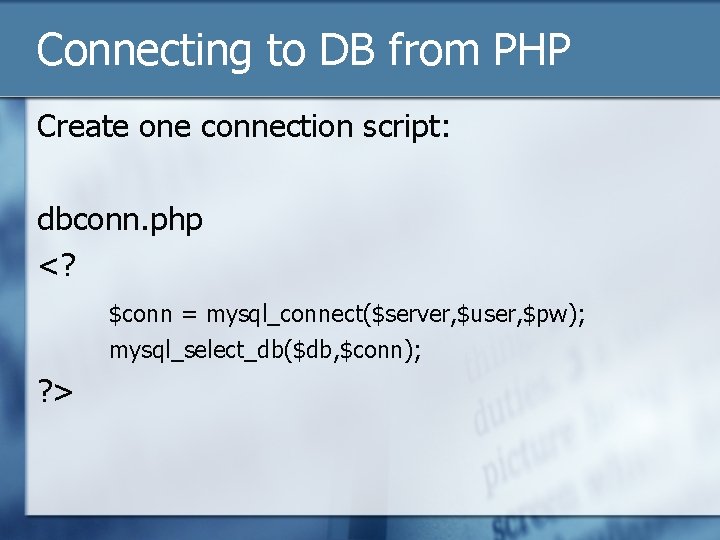
Connecting to DB from PHP Create one connection script: dbconn. php <? $conn = mysql_connect($server, $user, $pw); mysql_select_db($db, $conn); ? >
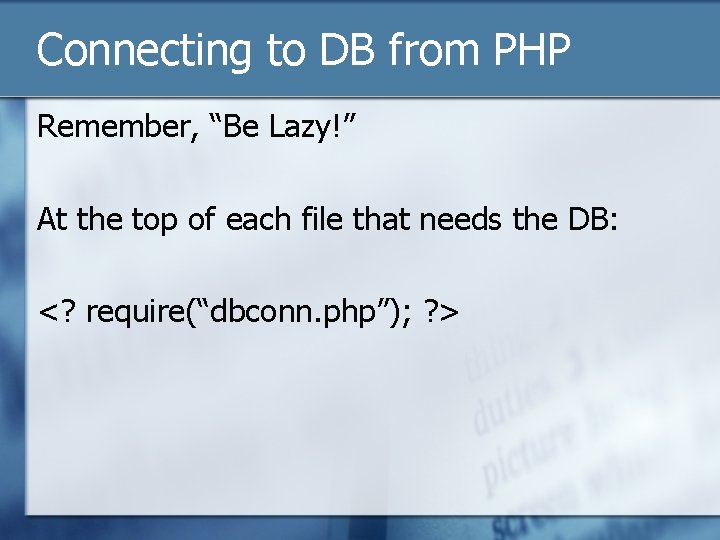
Connecting to DB from PHP Remember, “Be Lazy!” At the top of each file that needs the DB: <? require(“dbconn. php”); ? >
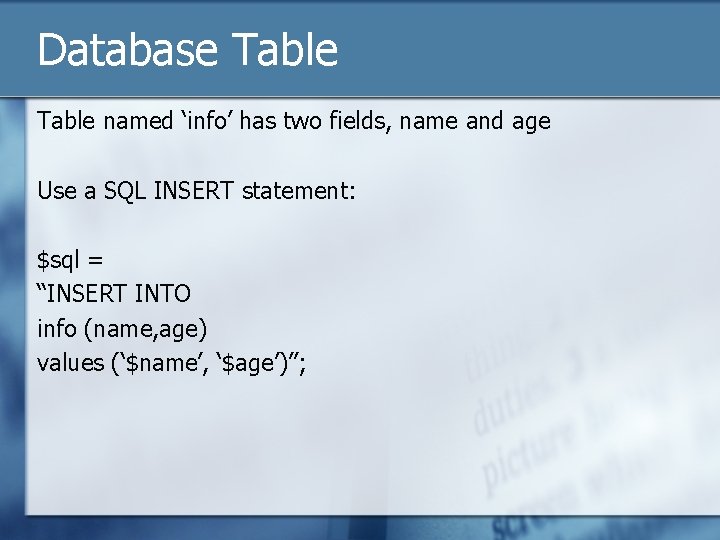
Database Table named ‘info’ has two fields, name and age Use a SQL INSERT statement: $sql = “INSERT INTO info (name, age) values (‘$name’, ‘$age’)”;
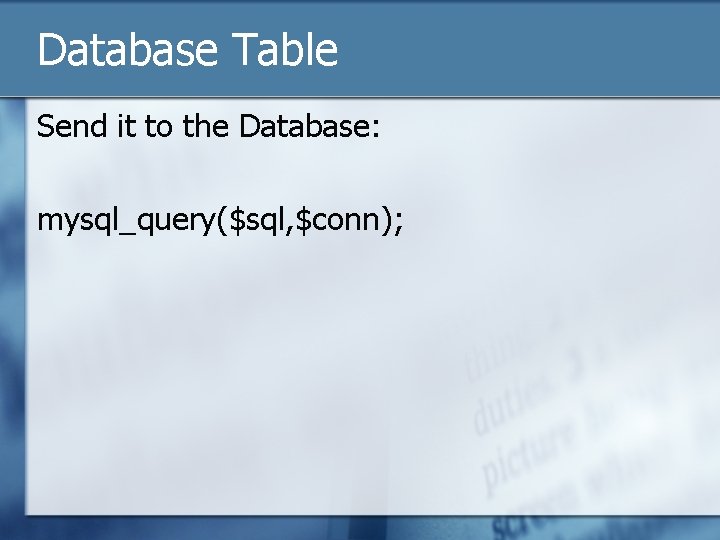
Database Table Send it to the Database: mysql_query($sql, $conn);
![The Whole Picture dbinsert. php <? require(“dbconn. php”); $name = $_POST[‘name’]; $age = $_POST[‘age’];](http://slidetodoc.com/presentation_image/5e07cc238504bb241d4794d7e574ae2f/image-31.jpg "The Whole Picture dbinsert. php <? require(“dbconn. php”); $name = $_POST[‘name’]; $age = $_POST[‘age’];")
The Whole Picture dbinsert. php <? require(“dbconn. php”); $name = $_POST[‘name’]; $age = $_POST[‘age’]; $sql = “INSERT into info (name, age) values(‘$name’, ‘$age’); ” mysql_query($sql, $conn); ? > <html><body> Thank you, your name and age were received. </body></html>
![The Whole Picture - Fancier fancydbinsert. php <? require(“dbconn. php”); $name = $_POST[‘name’]; $age](http://slidetodoc.com/presentation_image/5e07cc238504bb241d4794d7e574ae2f/image-32.jpg "The Whole Picture - Fancier fancydbinsert. php <? require(“dbconn. php”); $name = $_POST[‘name’]; $age")
The Whole Picture - Fancier fancydbinsert. php <? require(“dbconn. php”); $name = $_POST[‘name’]; $age = $_POST[‘age’]; $sql = “INSERT into info (name, age) values(‘$name’, ‘$age’); ” $success = mysql_query($sql, $conn); ? > <html><body> <? if($success) { echo “Thank you, your name and age were received. ”; } else { echo “Sorry, your info wasn’t received, please contact …”; } ? > </body></html>
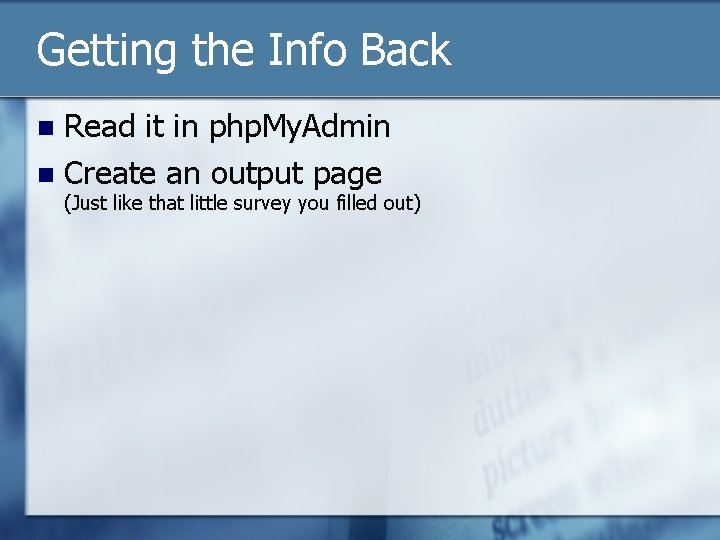
Getting the Info Back Read it in php. My. Admin n Create an output page n (Just like that little survey you filled out)
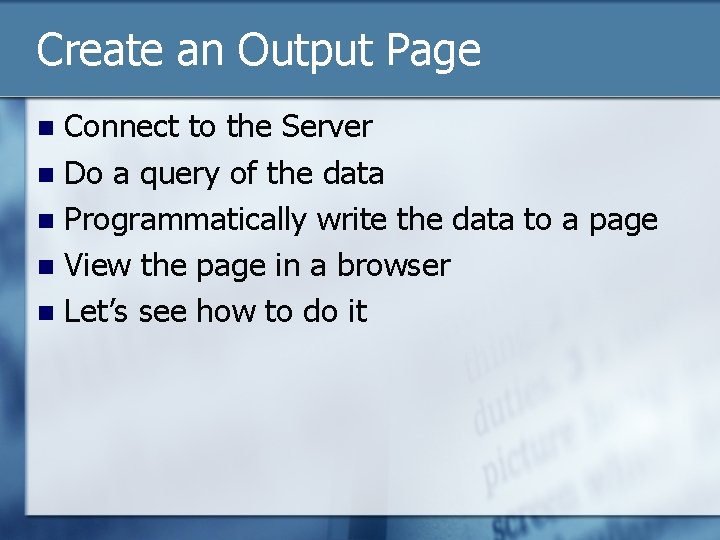
Create an Output Page Connect to the Server n Do a query of the data n Programmatically write the data to a page n View the page in a browser n Let’s see how to do it n
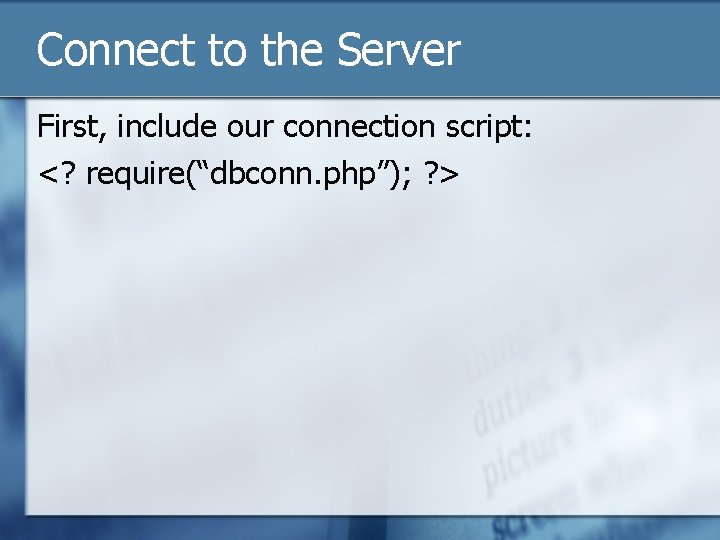
Connect to the Server First, include our connection script: <? require(“dbconn. php”); ? >
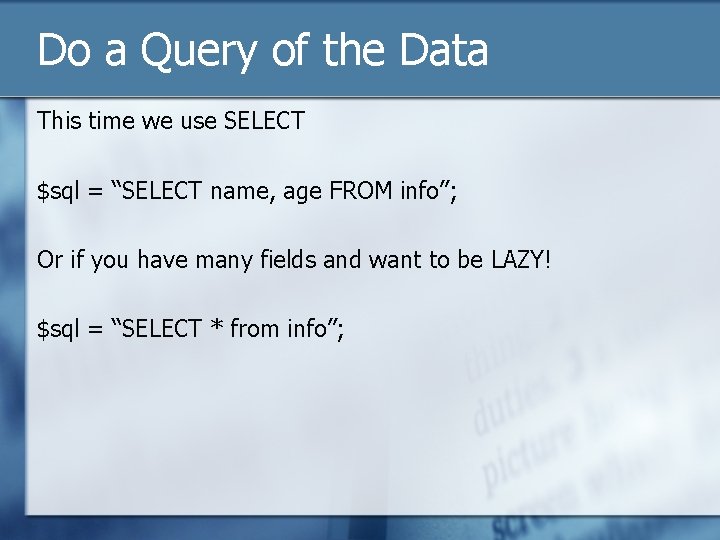
Do a Query of the Data This time we use SELECT $sql = “SELECT name, age FROM info”; Or if you have many fields and want to be LAZY! $sql = “SELECT * from info”;
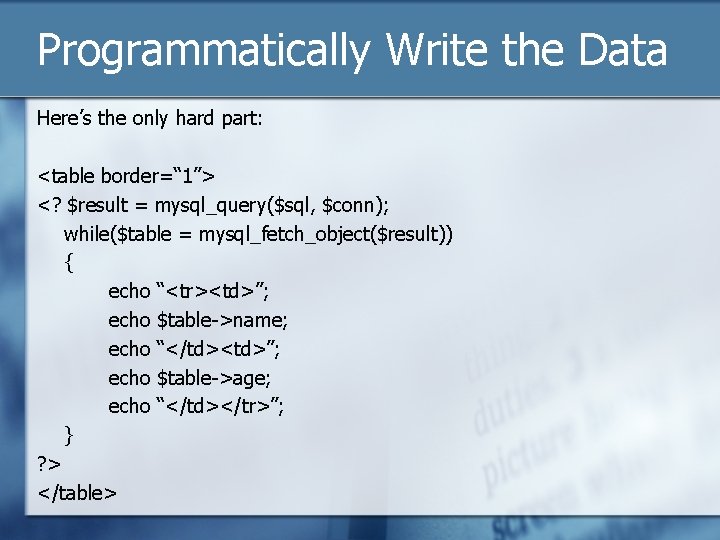
Programmatically Write the Data Here’s the only hard part: <table border=“ 1”> <? $result = mysql_query($sql, $conn); while($table = mysql_fetch_object($result)) { echo “<tr><td>”; echo $table->name; echo “</td><td>”; echo $table->age; echo “</td></tr>”; } ? > </table>
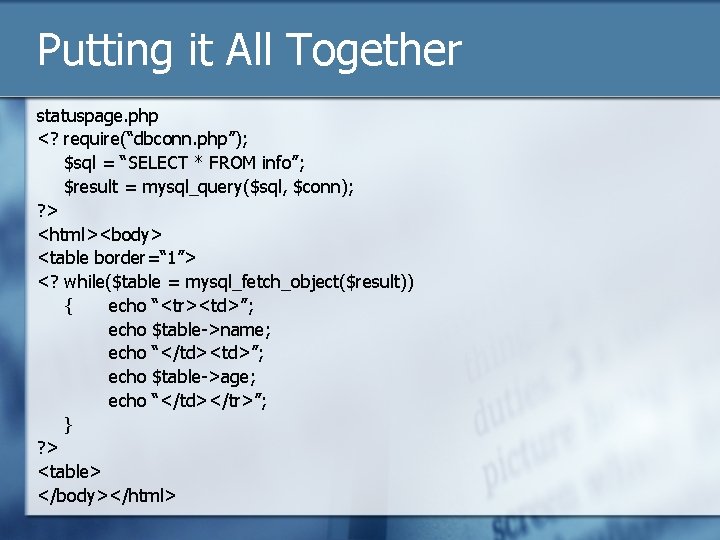
Putting it All Together statuspage. php <? require(“dbconn. php”); $sql = “SELECT * FROM info”; $result = mysql_query($sql, $conn); ? > <html><body> <table border=“ 1”> <? while($table = mysql_fetch_object($result)) { echo “<tr><td>”; echo $table->name; echo “</td><td>”; echo $table->age; echo “</td></tr>”; } ? > <table> </body></html>
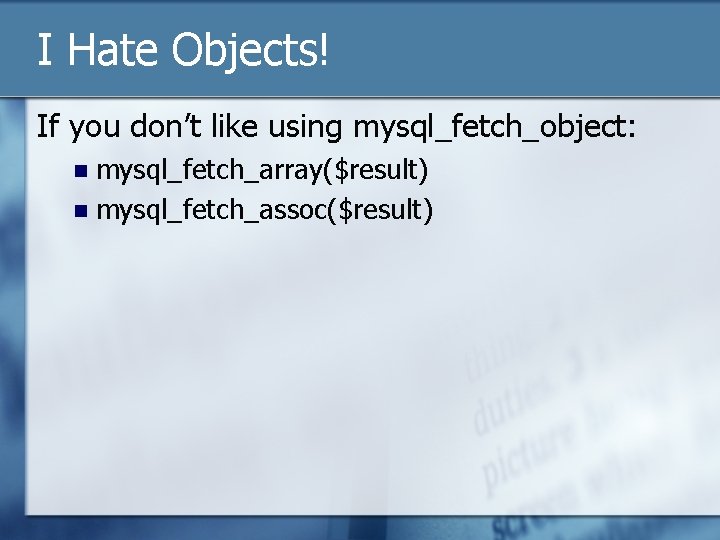
I Hate Objects! If you don’t like using mysql_fetch_object: mysql_fetch_array($result) n mysql_fetch_assoc($result) n
![mysql_fetch_array() Access the columns by numbers: while($array = mysql_fetch_array($result)) { echo $array[0]; echo $array[1];](http://slidetodoc.com/presentation_image/5e07cc238504bb241d4794d7e574ae2f/image-40.jpg "mysql_fetch_array() Access the columns by numbers: while($array = mysql_fetch_array($result)) { echo $array[0]; echo $array[1];")
mysql_fetch_array() Access the columns by numbers: while($array = mysql_fetch_array($result)) { echo $array[0]; echo $array[1]; }
![mysql_fetch_assoc() Access the columns by column names: while($array = mysql_fetch_assoc($result)) { echo $array[‘name’]; echo](http://slidetodoc.com/presentation_image/5e07cc238504bb241d4794d7e574ae2f/image-41.jpg "mysql_fetch_assoc() Access the columns by column names: while($array = mysql_fetch_assoc($result)) { echo $array[‘name’]; echo")
mysql_fetch_assoc() Access the columns by column names: while($array = mysql_fetch_assoc($result)) { echo $array[‘name’]; echo $array[‘age’]; }
One Helpful Function nl 2 br() – Line breaks in a form are not respected This function will turn a newline (nl) character into (2) an html (br) tag.
Data Validation Very Important! n Without it, your site and all others can be hacked! n PHP makes it easier n
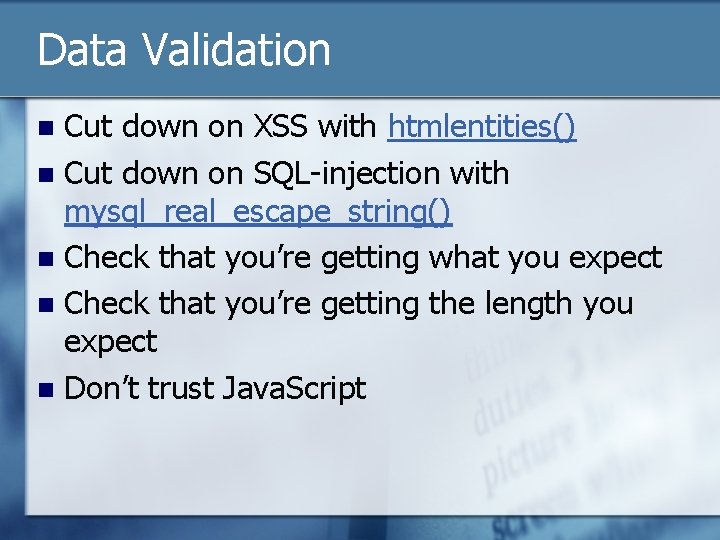
Data Validation Cut down on XSS with htmlentities() n Cut down on SQL-injection with mysql_real_escape_string() n Check that you’re getting what you expect n Check that you’re getting the length you expect n Don’t trust Java. Script n
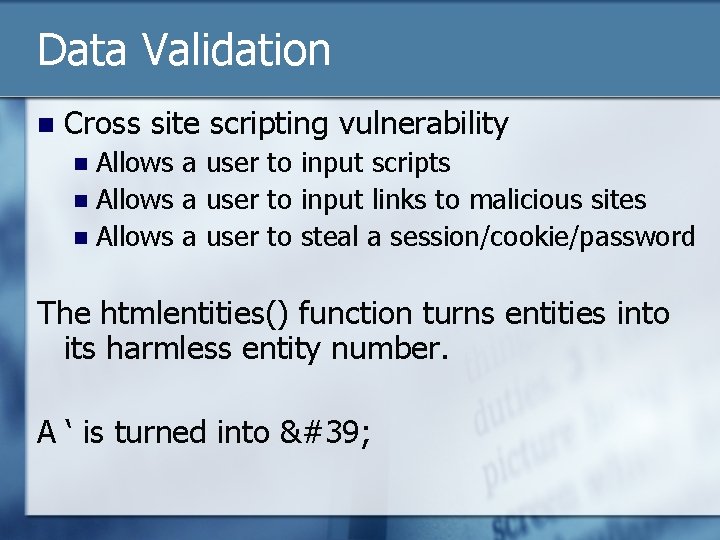
Data Validation n Cross site scripting vulnerability Allows a user to input scripts n Allows a user to input links to malicious sites n Allows a user to steal a session/cookie/password n The htmlentities() function turns entities into its harmless entity number. A ‘ is turned into '
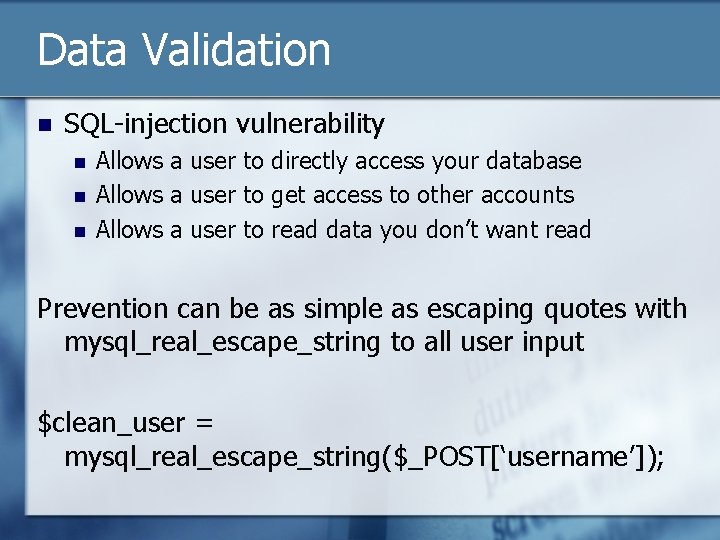
Data Validation n SQL-injection vulnerability n n n Allows a user to directly access your database Allows a user to get access to other accounts Allows a user to read data you don’t want read Prevention can be as simple as escaping quotes with mysql_real_escape_string to all user input $clean_user = mysql_real_escape_string($_POST[‘username’]);
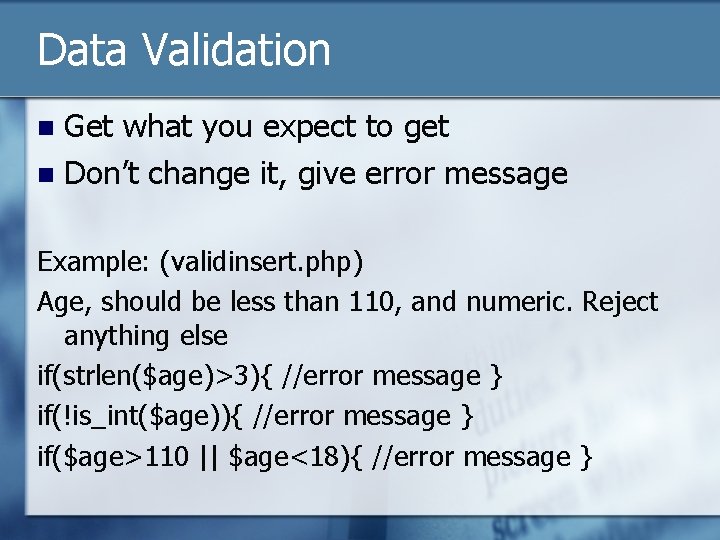
Data Validation Get what you expect to get n Don’t change it, give error message n Example: (validinsert. php) Age, should be less than 110, and numeric. Reject anything else if(strlen($age)>3){ //error message } if(!is_int($age)){ //error message } if($age>110 || $age<18){ //error message }
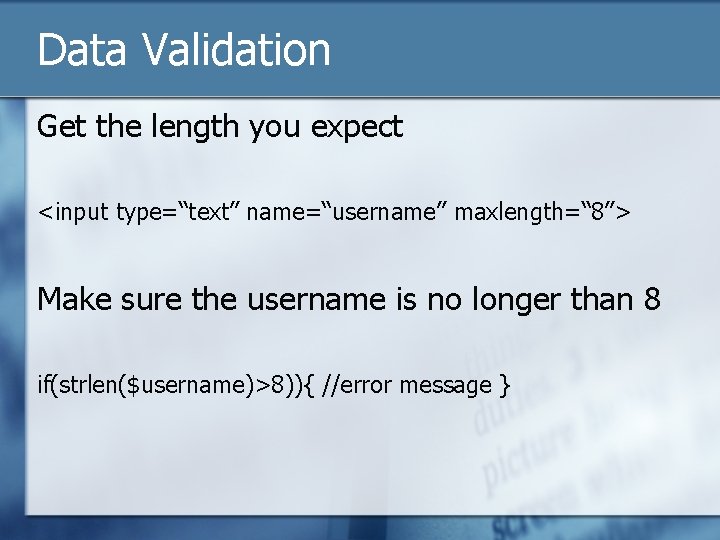
Data Validation Get the length you expect <input type=“text” name=“username” maxlength=“ 8”> Make sure the username is no longer than 8 if(strlen($username)>8)){ //error message }
Data Validation n Don’t trust Java. Script n Do client side AND server side validation
Slide #50 I think that’s enough webpublishers@listserv. brown. edu Next topic – to be announced for early May
- Slides: 50