
Intro to NI Multisim 10 1 Op Amps




- Slides: 19
Intro to NI Multisim 10. 1 Op Amps, Diodes tom epplin: tje 3@cec. wustl. edu
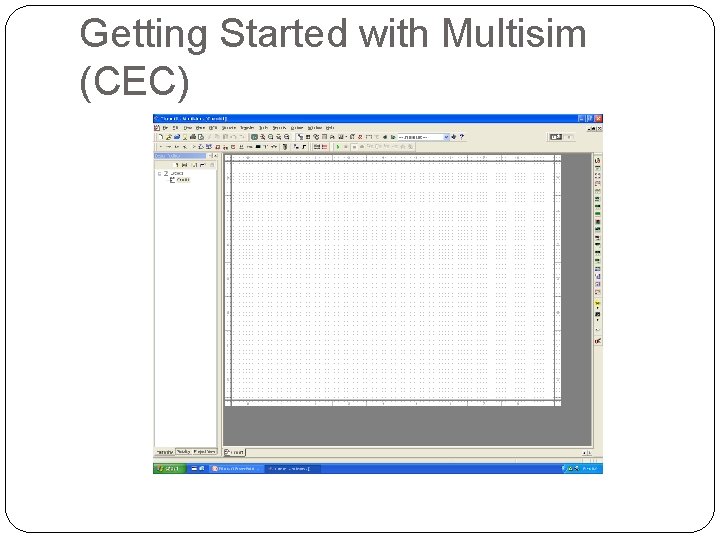
Getting Started with Multisim (CEC) > Engineering > National. Instruments Multisim 10. 1
Getting Started with Multisim (CEC)
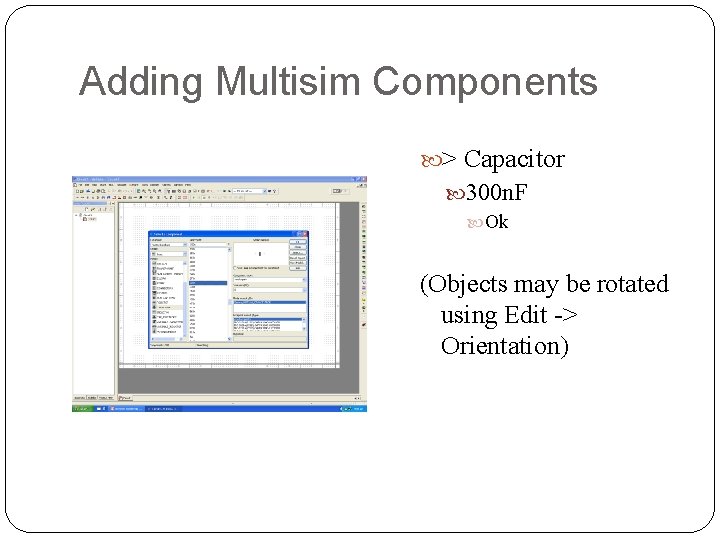
Adding Multisim Components > Place Component
Adding Multisim Components > Group Basic
Adding Multisim Components > Capacitor 300 n. F Ok (Objects may be rotated using Edit -> Orientation)
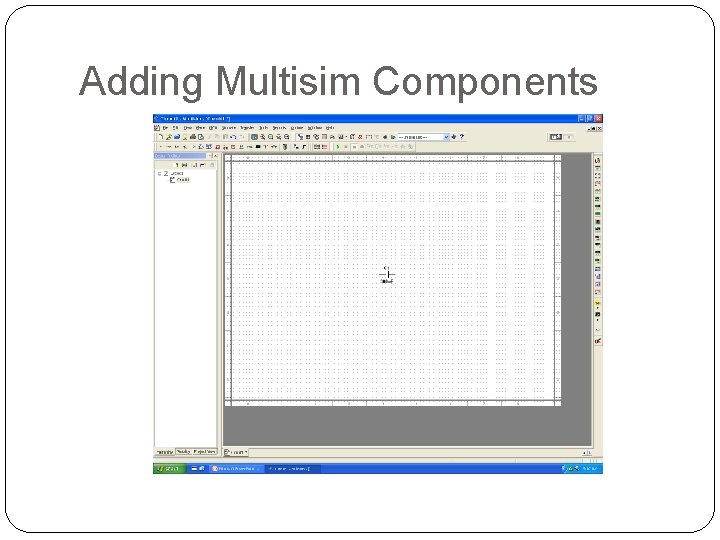
Adding Multisim Components
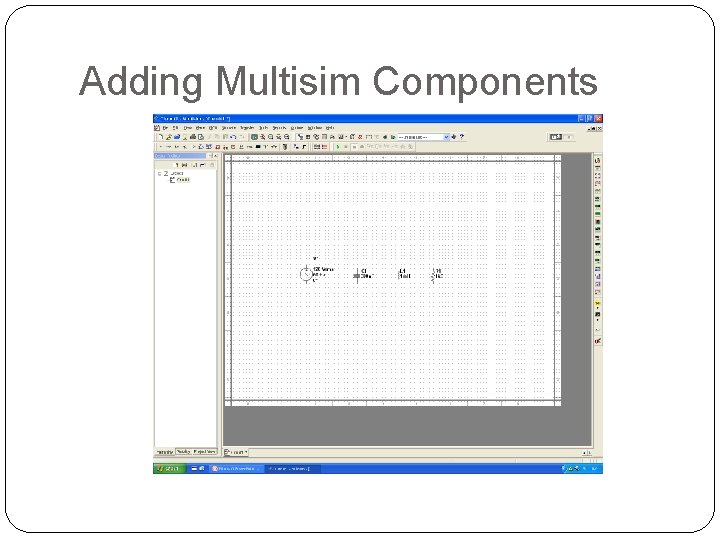
Adding Multisim Components
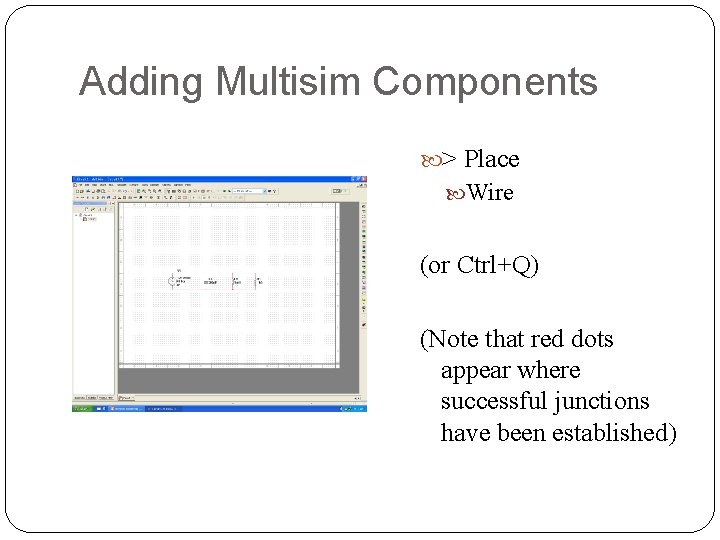
Adding Multisim Components > Place Wire (or Ctrl+Q) (Note that red dots appear where successful junctions have been established)
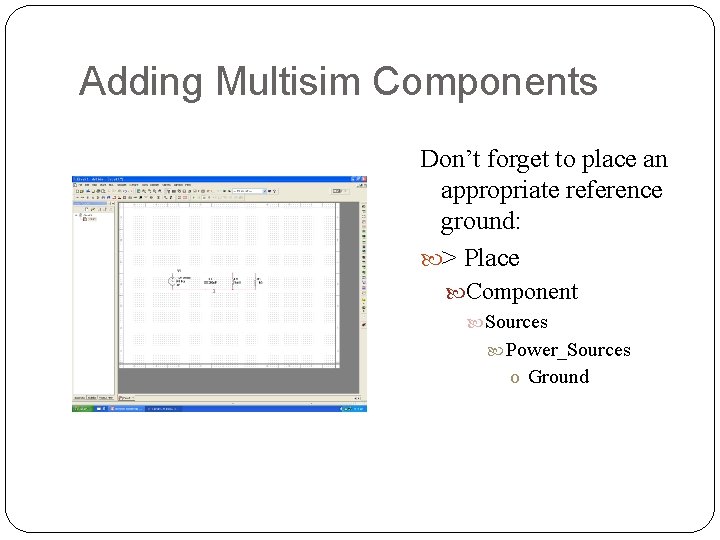
Adding Multisim Components Don’t forget to place an appropriate reference ground: > Place Component Sources Power_Sources o Ground
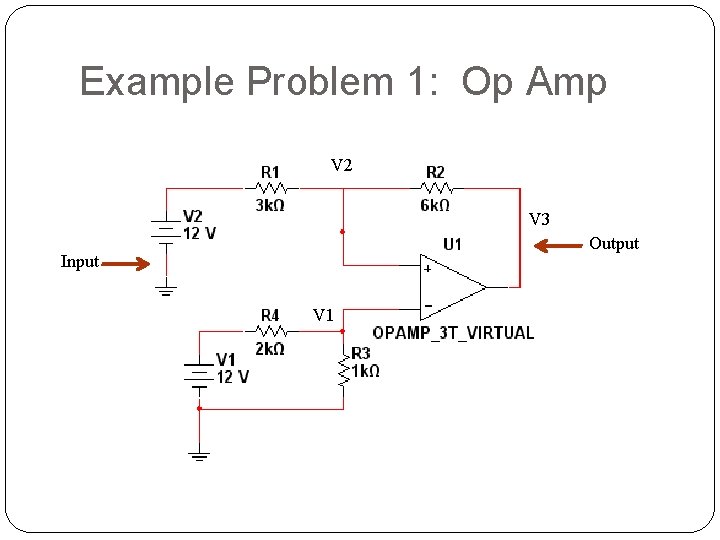
Example Problem 1: Op Amp V 2 V 3 Output Input V 1
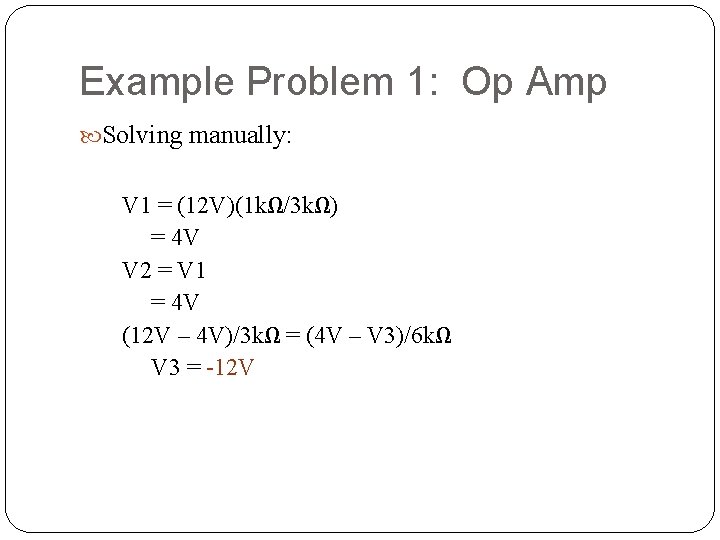
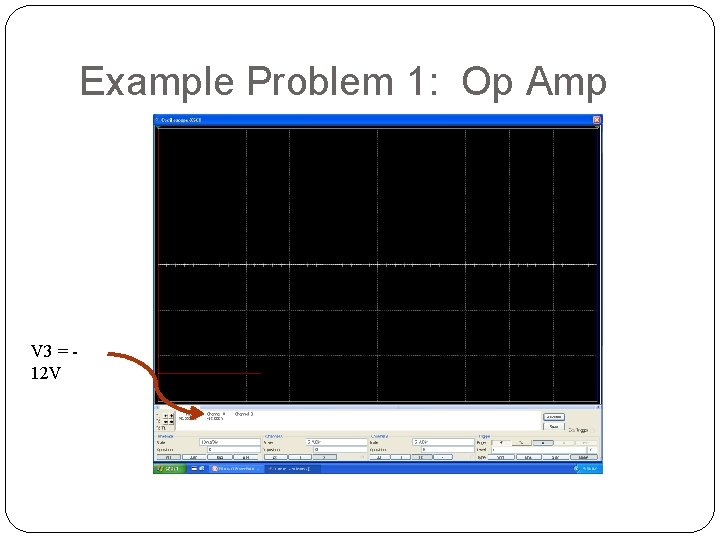
Example Problem 1: Op Amp Solving manually: V 1 = (12 V)(1 kΩ/3 kΩ) = 4 V V 2 = V 1 = 4 V (12 V – 4 V)/3 kΩ = (4 V – V 3)/6 kΩ V 3 = -12 V
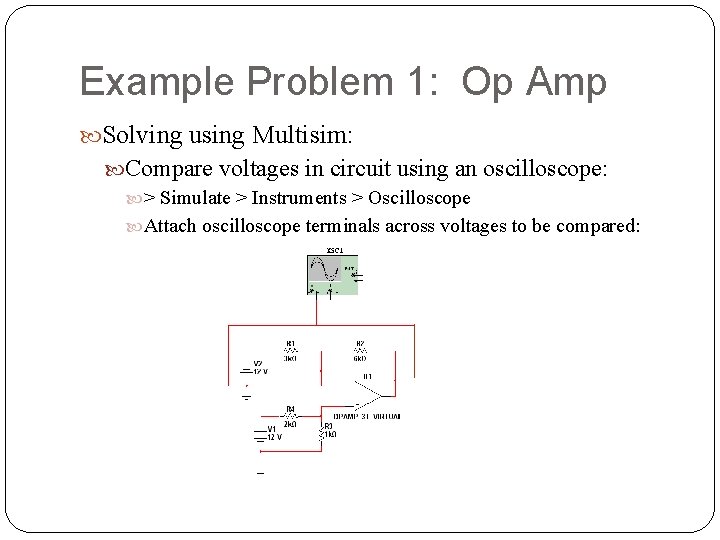
Example Problem 1: Op Amp Solving using Multisim: Compare voltages in circuit using an oscilloscope: > Simulate > Instruments > Oscilloscope Attach oscilloscope terminals across voltages to be compared:
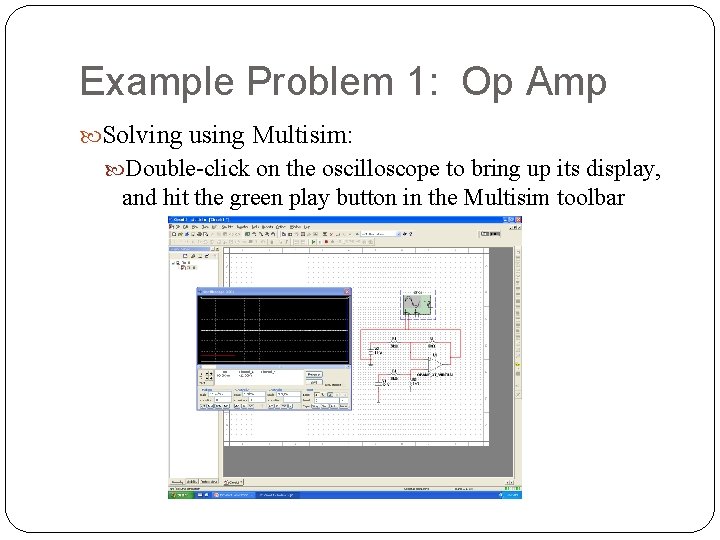
Example Problem 1: Op Amp Solving using Multisim: Double-click on the oscilloscope to bring up its display, and hit the green play button in the Multisim toolbar
Example Problem 1: Op Amp V 3 = 12 V
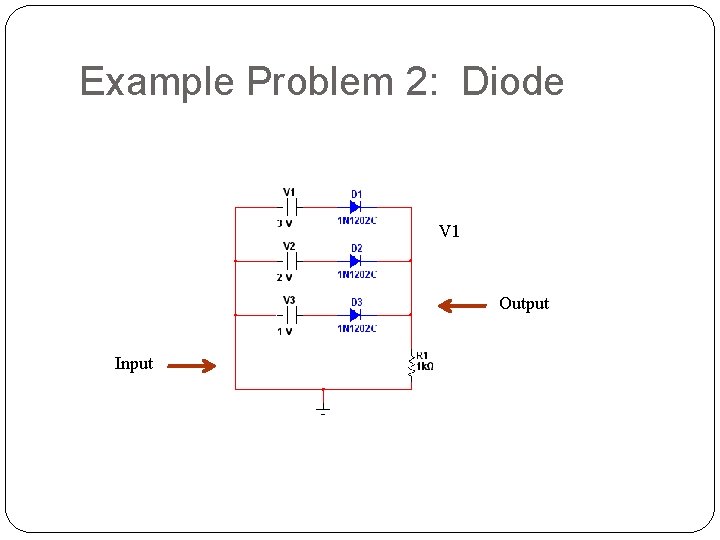
Example Problem 2: Diode V 1 Output Input
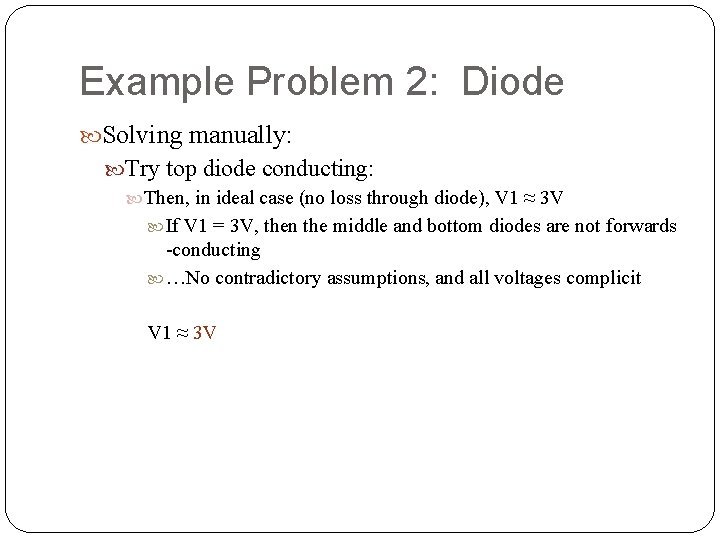
Example Problem 2: Diode Solving manually: Try top diode conducting: Then, in ideal case (no loss through diode), V 1 ≈ 3 V If V 1 = 3 V, then the middle and bottom diodes are not forwards -conducting …No contradictory assumptions, and all voltages complicit V 1 ≈ 3 V
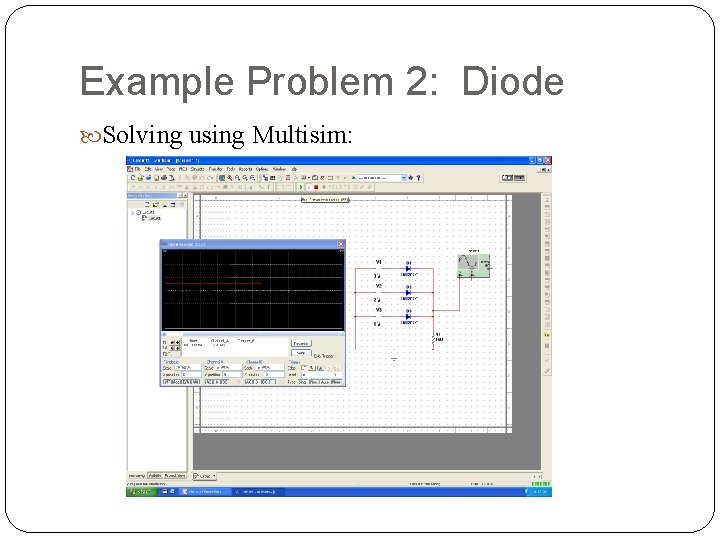
Example Problem 2: Diode Solving using Multisim:
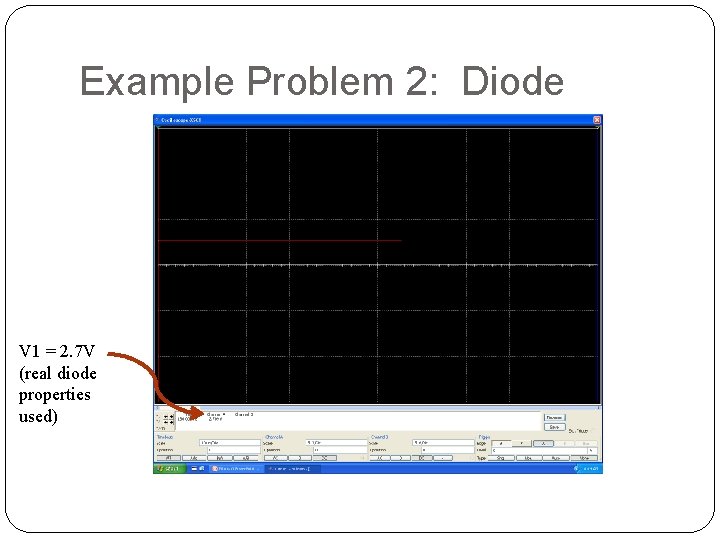
Example Problem 2: Diode V 1 = 2. 7 V (real diode properties used)