
Intro to CSS 3 Vishal Kurup Cascading Style
- Slides: 26
Intro to CSS 3 Vishal Kurup
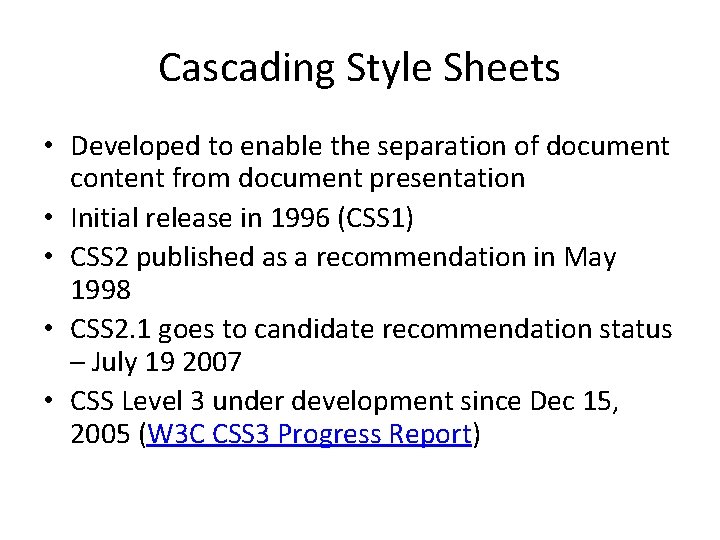
Cascading Style Sheets • Developed to enable the separation of document content from document presentation • Initial release in 1996 (CSS 1) • CSS 2 published as a recommendation in May 1998 • CSS 2. 1 goes to candidate recommendation status – July 19 2007 • CSS Level 3 under development since Dec 15, 2005 (W 3 C CSS 3 Progress Report)
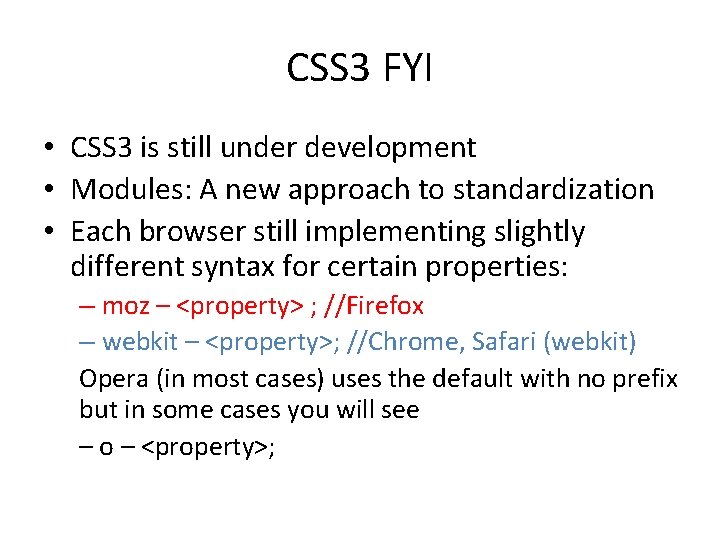
CSS 3 FYI • CSS 3 is still under development • Modules: A new approach to standardization • Each browser still implementing slightly different syntax for certain properties: – moz – <property> ; //Firefox – webkit – <property>; //Chrome, Safari (webkit) Opera (in most cases) uses the default with no prefix but in some cases you will see – o – <property>;
Let’s look at some items that CSS 3 makes TRIVIAL
CSS 3 Rounded Corners • Past approaches? • Example
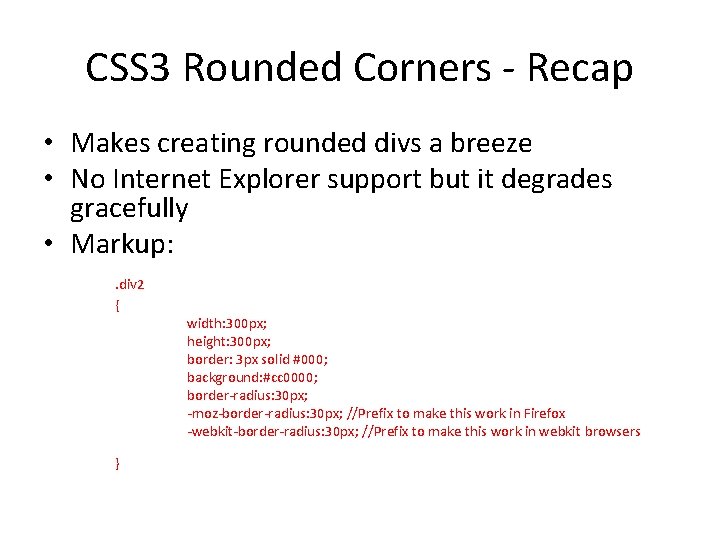
CSS 3 Rounded Corners - Recap • Makes creating rounded divs a breeze • No Internet Explorer support but it degrades gracefully • Markup: . div 2 { } width: 300 px; height: 300 px; border: 3 px solid #000; background: #cc 0000; border-radius: 30 px; -moz-border-radius: 30 px; //Prefix to make this work in Firefox -webkit-border-radius: 30 px; //Prefix to make this work in webkit browsers
CSS 3 Border Images • You can now specify an image to be used as part of the border property. • Example
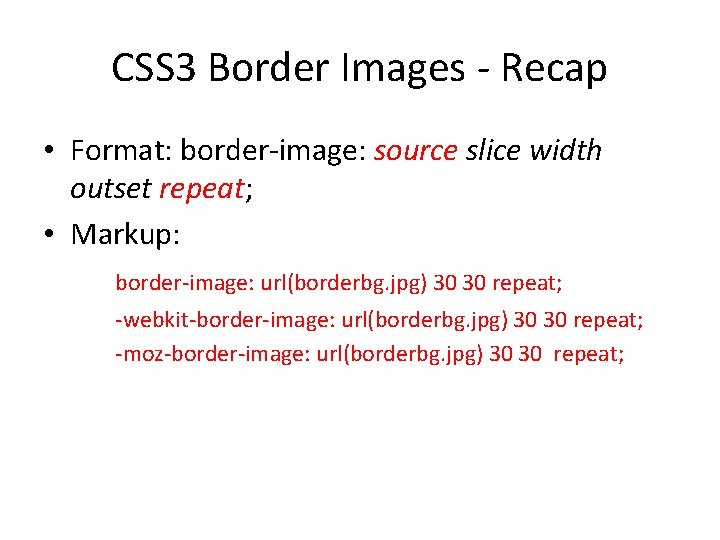
CSS 3 Border Images - Recap • Format: border-image: source slice width outset repeat; • Markup: border-image: url(borderbg. jpg) 30 30 repeat; -webkit-border-image: url(borderbg. jpg) 30 30 repeat; -moz-border-image: url(borderbg. jpg) 30 30 repeat;
CSS 3 - Shadows • What do you do when you want to generate a shadow behind a layout element? • Example
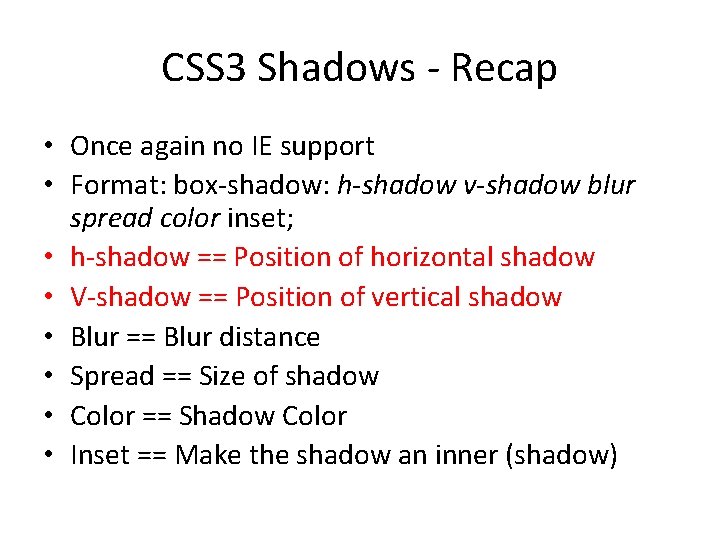
CSS 3 Shadows - Recap • Once again no IE support • Format: box-shadow: h-shadow v-shadow blur spread color inset; • h-shadow == Position of horizontal shadow • V-shadow == Position of vertical shadow • Blur == Blur distance • Spread == Size of shadow • Color == Shadow Color • Inset == Make the shadow an inner (shadow)
CSS 3 Backgrounds • Page backgrounds in CSS 2 • Example
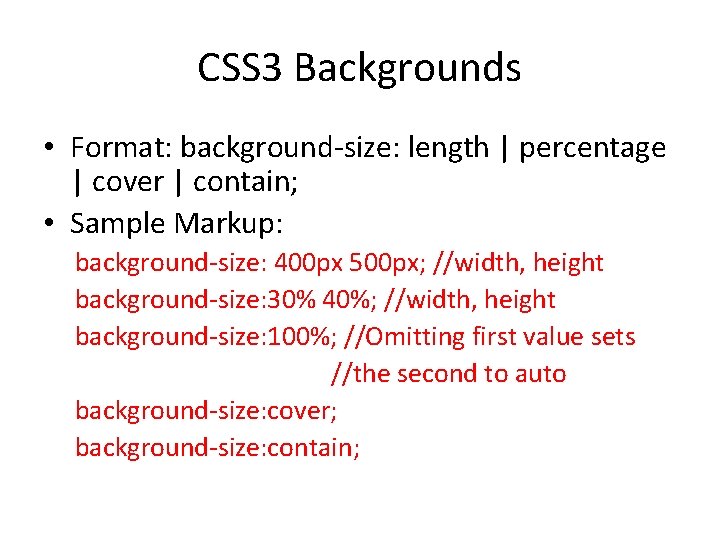
CSS 3 Backgrounds • Format: background-size: length | percentage | cover | contain; • Sample Markup: background-size: 400 px 500 px; //width, height background-size: 30% 40%; //width, height background-size: 100%; //Omitting first value sets //the second to auto background-size: cover; background-size: contain;
CSS 3 Text Properties • Text Overflow • Word Break • Text Shadow
Text Overflow • Supported in Internet Explorer (+ other browsers) • Example
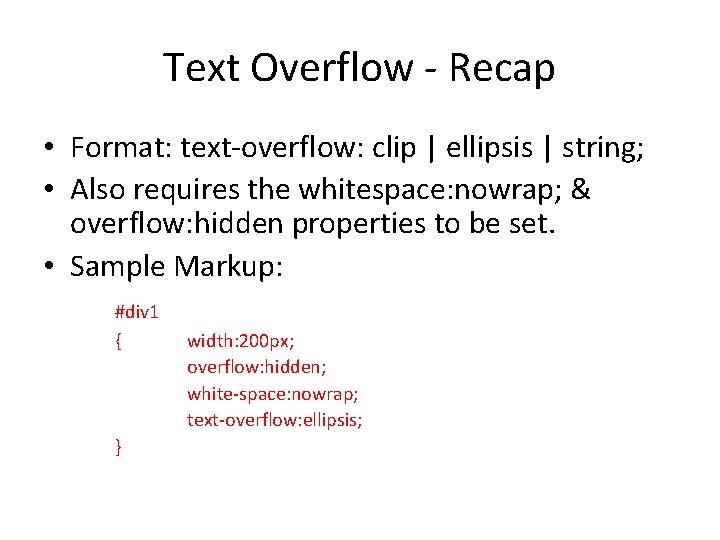
Text Overflow - Recap • Format: text-overflow: clip | ellipsis | string; • Also requires the whitespace: nowrap; & overflow: hidden properties to be set. • Sample Markup: #div 1 { } width: 200 px; overflow: hidden; white-space: nowrap; text-overflow: ellipsis;
Word Wrap • Force a line break even with a long word • Example • Format: word-wrap: break-word|normal;
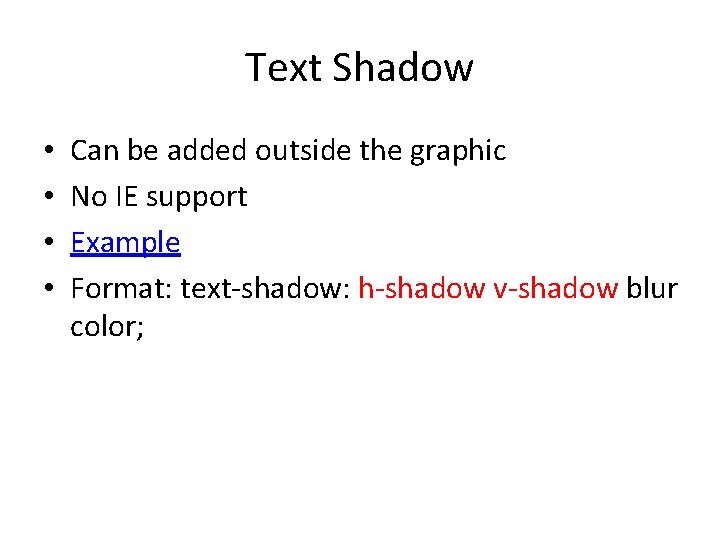
Text Shadow • • Can be added outside the graphic No IE support Example Format: text-shadow: h-shadow v-shadow blur color;
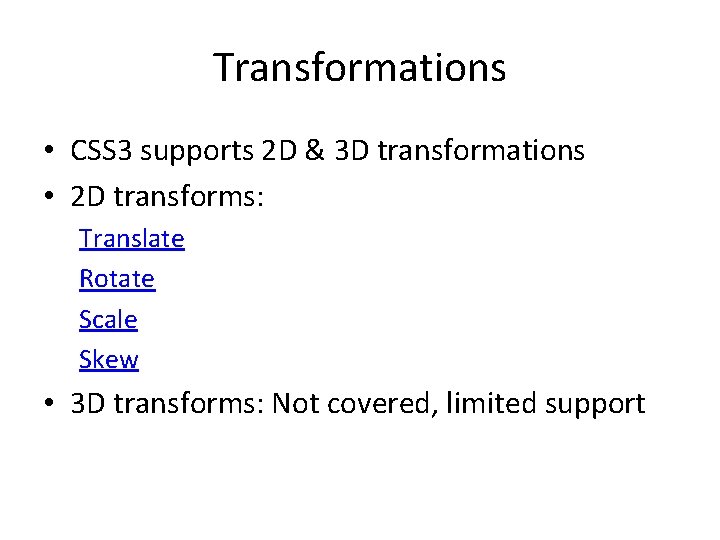
Transformations • CSS 3 supports 2 D & 3 D transformations • 2 D transforms: Translate Rotate Scale Skew • 3 D transforms: Not covered, limited support
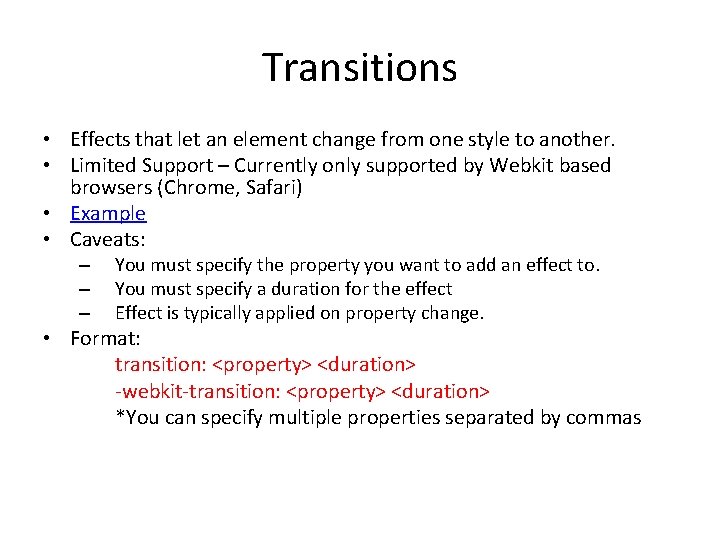
Transitions • Effects that let an element change from one style to another. • Limited Support – Currently only supported by Webkit based browsers (Chrome, Safari) • Example • Caveats: – – – You must specify the property you want to add an effect to. You must specify a duration for the effect Effect is typically applied on property change. • Format: transition: <property> <duration> -webkit-transition: <property> <duration> *You can specify multiple properties separated by commas
Animations • Effects that let an element change from one style to another. • Limited Support – Currently only supported by Webkit based browsers (Chrome, Safari) • Example
Nicely Formatted Columns • Putting content into columns is super easy • Again, No IE support • Example
CSS 3 Font Faces • Allows you to use non-standard fonts • Mixed support for otf, ttf, svg and eot • Example
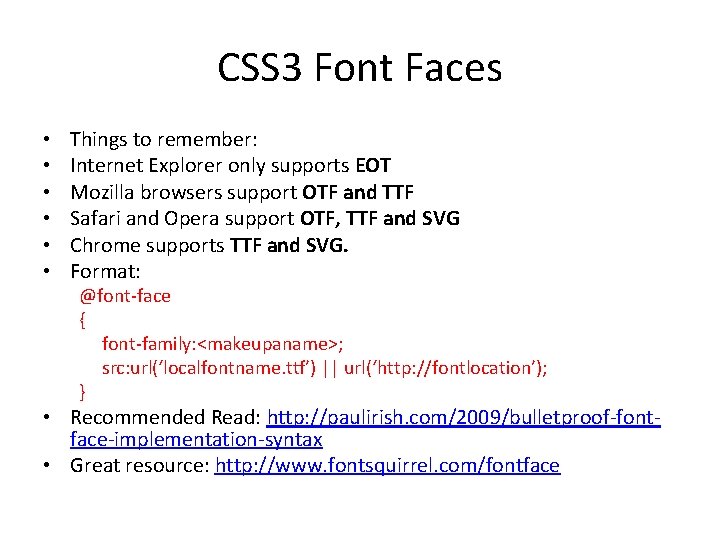
CSS 3 Font Faces • • • Things to remember: Internet Explorer only supports EOT Mozilla browsers support OTF and TTF Safari and Opera support OTF, TTF and SVG Chrome supports TTF and SVG. Format: @font-face { font-family: <makeupaname>; src: url(‘localfontname. ttf’) || url(‘http: //fontlocation’); } • Recommended Read: http: //paulirish. com/2009/bulletproof-fontface-implementation-syntax • Great resource: http: //www. fontsquirrel. com/fontface
Examples • CSS 3 Accordion (No Jquery) • CSS Coke Can • CSS Animation
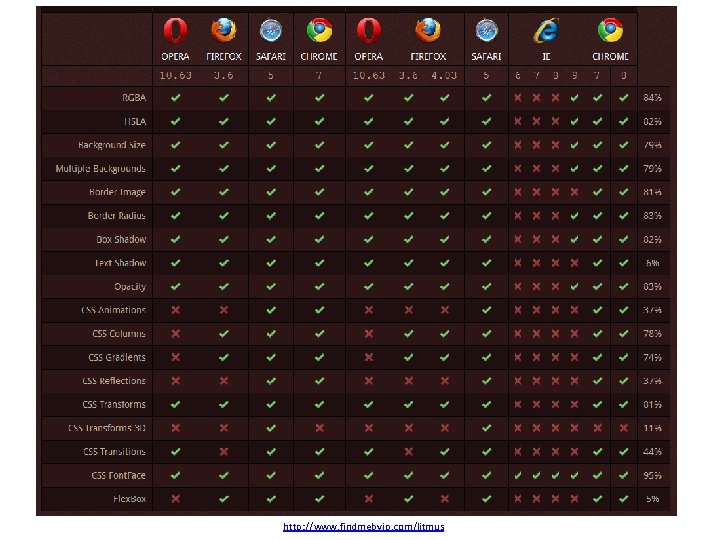
http: //www. findmebyip. com/litmus
</end>