
Intertask Communication 8 1 Introduction Shared Memory Message

- Slides: 27
Intertask Communication 8. 1 Introduction Shared Memory Message Queues Pipes ® 8 -2
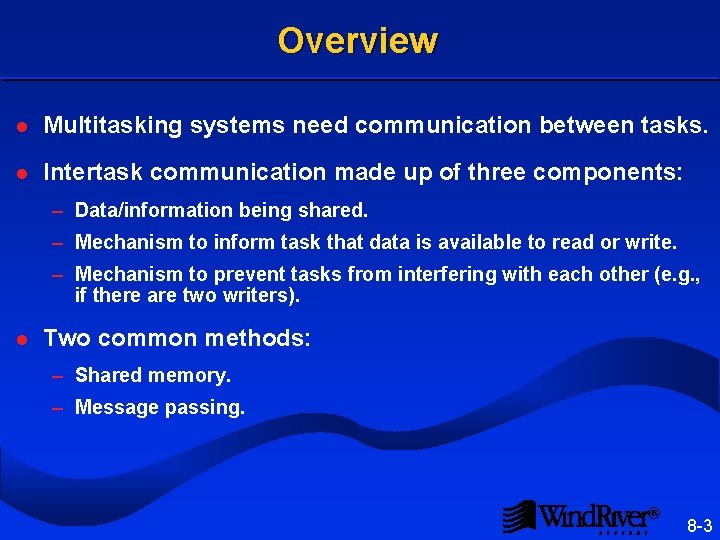
Overview l Multitasking systems need communication between tasks. l Intertask communication made up of three components: – Data/information being shared. – Mechanism to inform task that data is available to read or write. – Mechanism to prevent tasks from interfering with each other (e. g. , if there are two writers). l Two common methods: – Shared memory. – Message passing. ® 8 -3
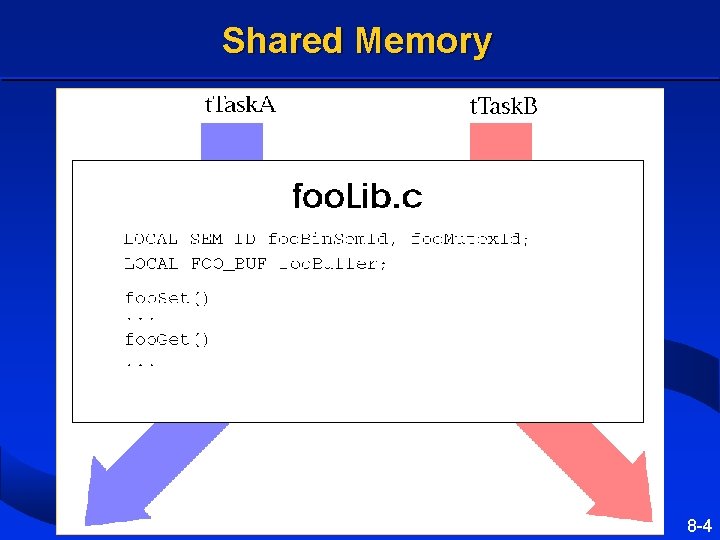
Shared Memory ® 8 -4
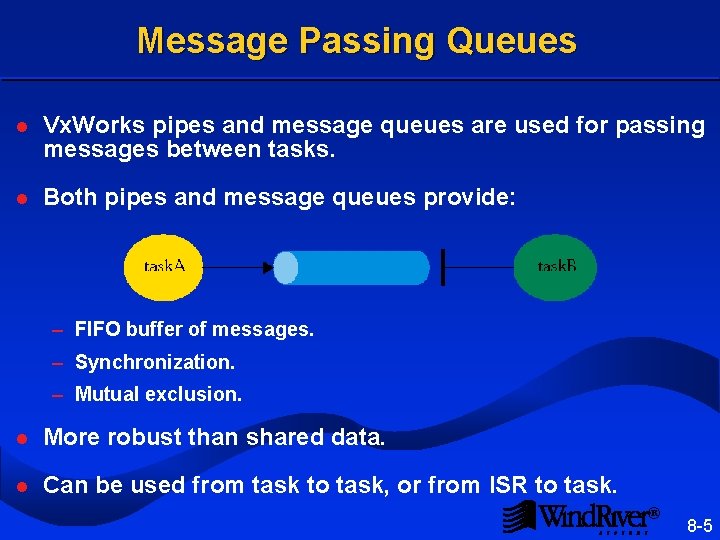
Message Passing Queues l Vx. Works pipes and message queues are used for passing messages between tasks. l Both pipes and message queues provide: – FIFO buffer of messages. – Synchronization. – Mutual exclusion. l More robust than shared data. l Can be used from task to task, or from ISR to task. ® 8 -5
Intertask Communication Introduction 8. 2 Shared Memory Message Queues Pipes ® 8 -6
Overview l All tasks reside in a common address space. l User-defined data structures may be used for intertask communication: – Write a library of routines to access these global or static datastructures. – All tasks which use these routines manipulate the same physical memory. – Semaphores may be used to provide mutual exclusion and synchronization. l Vx. Works provides libraries to manipulate common data structures such as linked lists and ring buffers. ® 8 -7
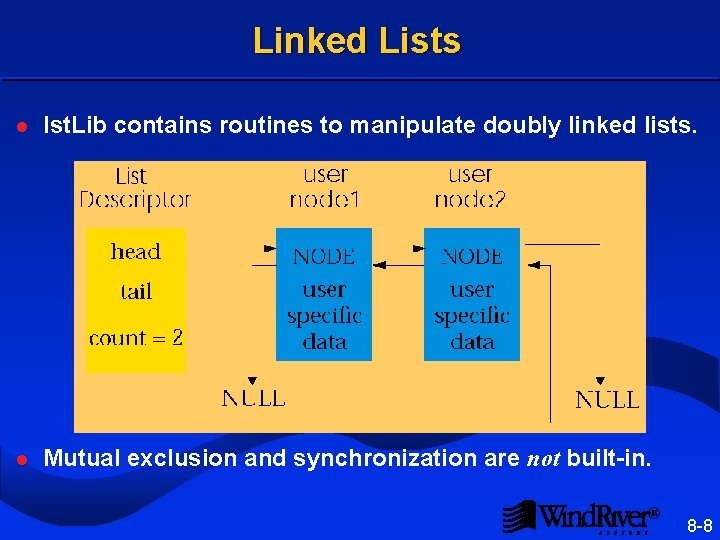
Linked Lists l lst. Lib contains routines to manipulate doubly linked lists. l Mutual exclusion and synchronization are not built-in. ® 8 -8
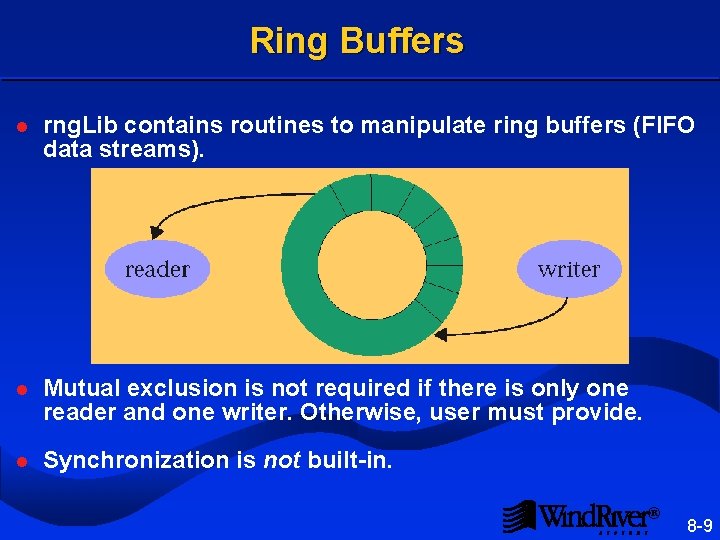
Ring Buffers l rng. Lib contains routines to manipulate ring buffers (FIFO data streams). l Mutual exclusion is not required if there is only one reader and one writer. Otherwise, user must provide. l Synchronization is not built-in. ® 8 -9
Intertask Communication Introduction Shared Memory 8. 3 Message Queues Pipes ® 8 -10
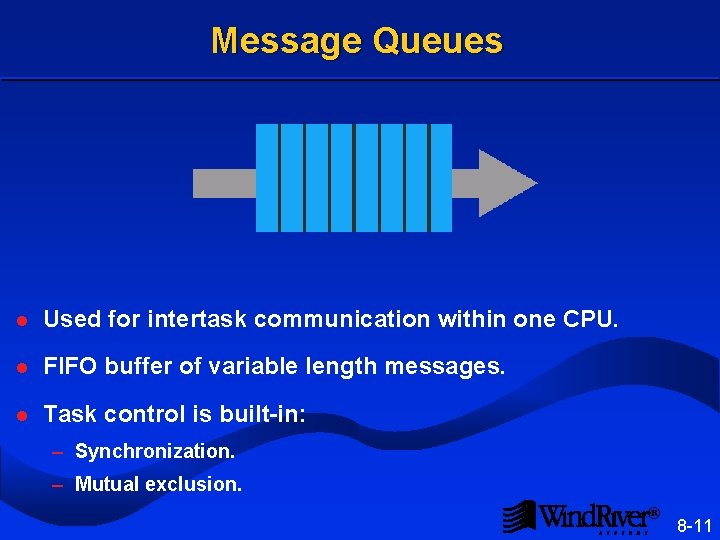
Message Queues l Used for intertask communication within one CPU. l FIFO buffer of variable length messages. l Task control is built-in: – Synchronization. – Mutual exclusion. ® 8 -11
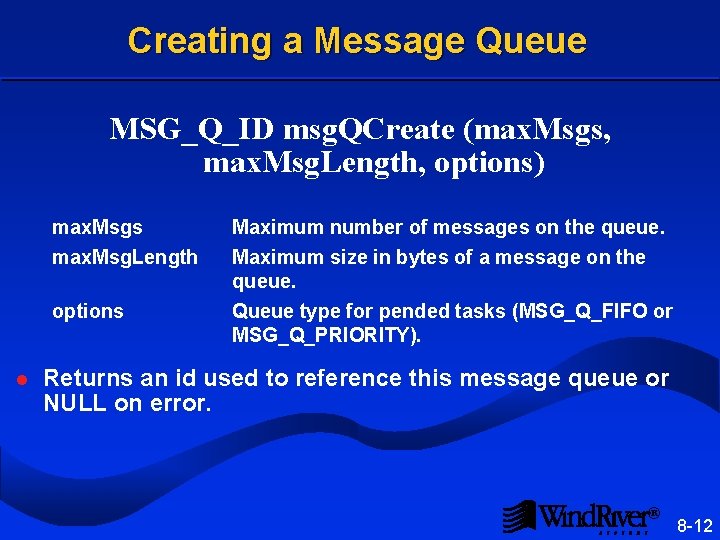
Creating a Message Queue MSG_Q_ID msg. QCreate (max. Msgs, max. Msg. Length, options) max. Msgs max. Msg. Length options l Maximum number of messages on the queue. Maximum size in bytes of a message on the queue. Queue type for pended tasks (MSG_Q_FIFO or MSG_Q_PRIORITY). Returns an id used to reference this message queue or NULL on error. ® 8 -12
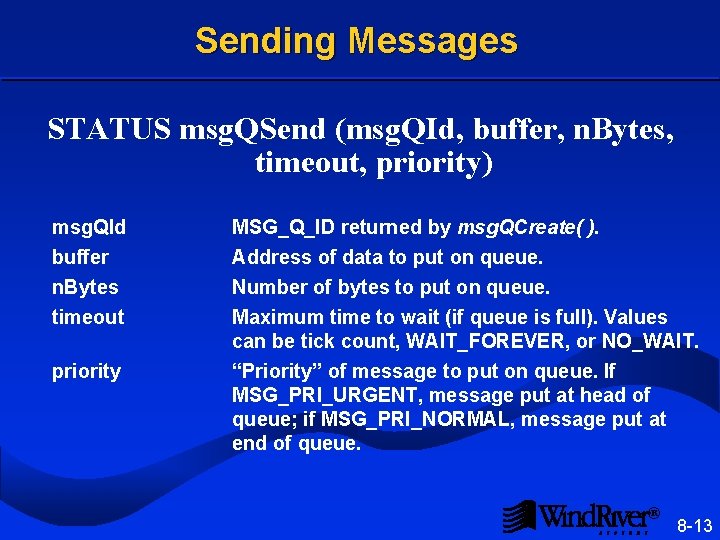
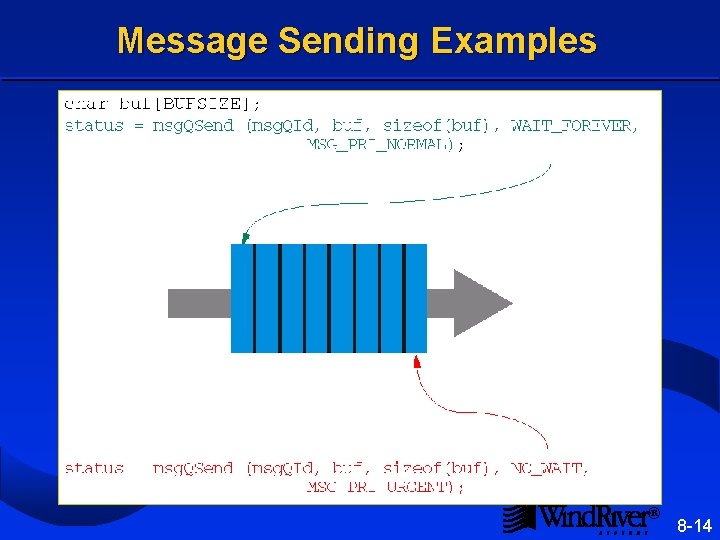
Sending Messages STATUS msg. QSend (msg. QId, buffer, n. Bytes, timeout, priority) msg. QId buffer n. Bytes timeout priority MSG_Q_ID returned by msg. QCreate( ). Address of data to put on queue. Number of bytes to put on queue. Maximum time to wait (if queue is full). Values can be tick count, WAIT_FOREVER, or NO_WAIT. “Priority” of message to put on queue. If MSG_PRI_URGENT, message put at head of queue; if MSG_PRI_NORMAL, message put at end of queue. ® 8 -13
Message Sending Examples ® 8 -14
Receiving Messages int msg. QReceive (msg. QId, buffer, max. NBytes, timeout) msg. QId buffer max. NBytes timeout Returned from msg. QCreate( ). Address to store message. Maximum size of message to read from queue. Maximum time to wait (if no messages available). Values can be clock ticks, WAIT_FOREVER, or NO_WAIT. l Returns number of bytes read on success, ERROR on timeout or invalid msg. QId. l Unread bytes in a message are lost. ® 8 -15
Deleting a Message Queue. STATUS msg. QDelete (msg. QId) l Deletes message queue. l Tasks pended on queue will be unpended; their msg. QSend( ) or msg. QReceive( ) calls return ERROR. These tasks’ errno values will be set to S_obj. Lib_OBJ_DELETED. ® 8 -16
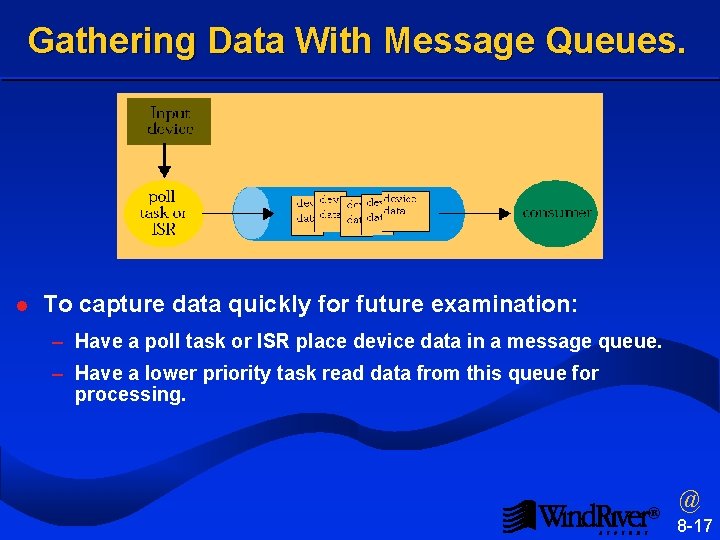
Gathering Data With Message Queues. l To capture data quickly for future examination: – Have a poll task or ISR place device data in a message queue. – Have a lower priority task read data from this queue for processing. ® @ 8 -17
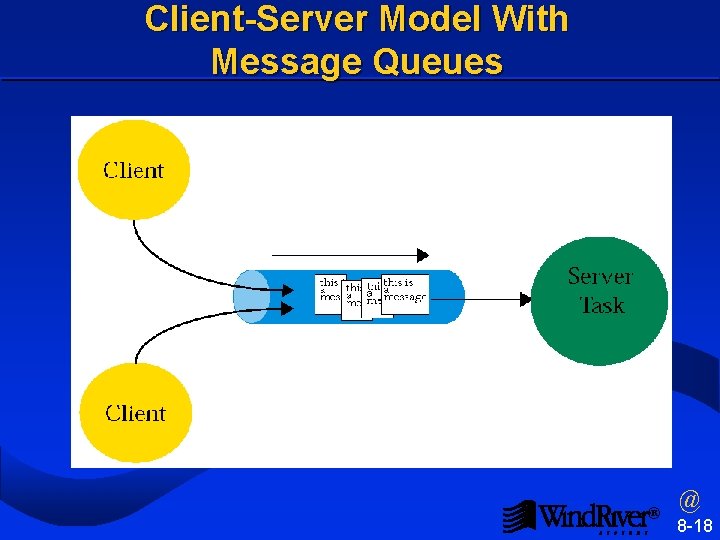
Client-Server Model With Message Queues ® @ 8 -18
Client - Server Variations How would the previous code example change if: l The client requires a reply from the server? l We wish to simultaneously service several requests? (We may wish to do this if there are multiple clients, and this service requires blocking while I/O completes) ® 8 -19
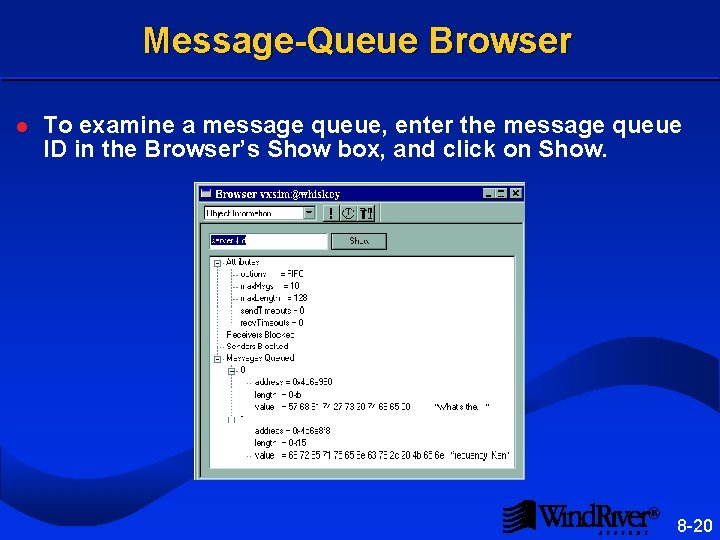
Message-Queue Browser l To examine a message queue, enter the message queue ID in the Browser’s Show box, and click on Show. ® 8 -20
Intertask Communication Introduction Shared Memory Message Queues 8. 4 Pipes ® 8 -21
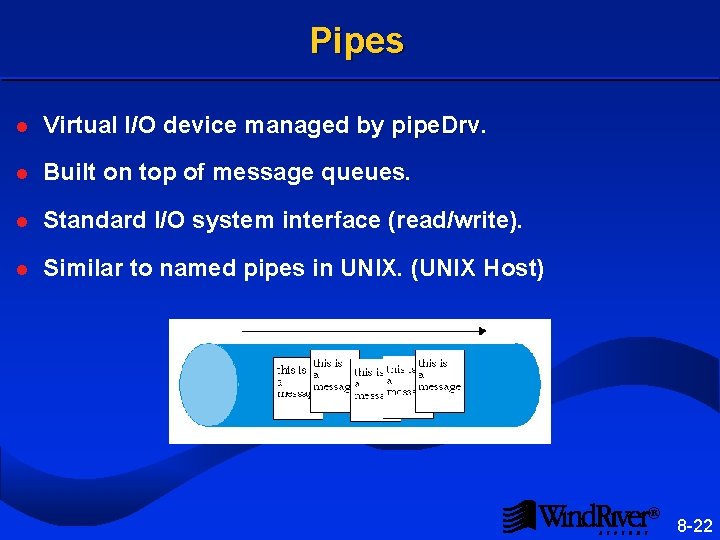
Pipes l Virtual I/O device managed by pipe. Drv l Built on top of message queues. l Standard I/O system interface (read/write). l Similar to named pipes in UNIX. (UNIX Host) ® 8 -22
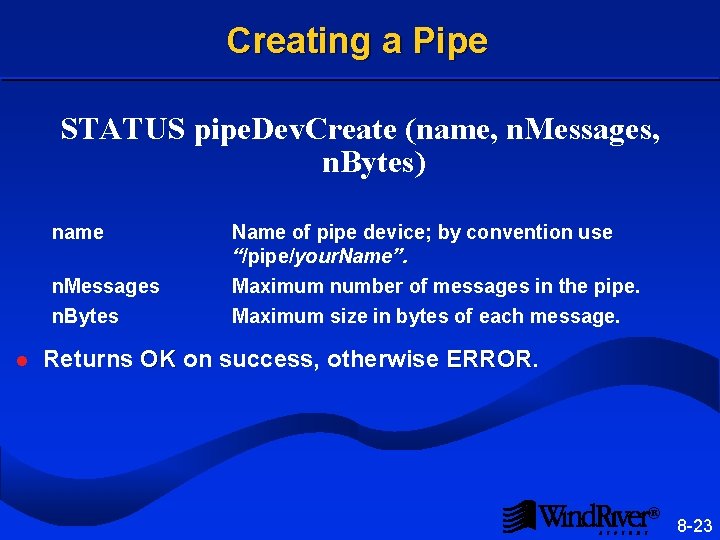
Creating a Pipe STATUS pipe. Dev. Create (name, n. Messages, n. Bytes) name n. Messages n. Bytes l Name of pipe device; by convention use “/pipe/your. Name”. Maximum number of messages in the pipe. Maximum size in bytes of each message. Returns OK on success, otherwise ERROR ® 8 -23
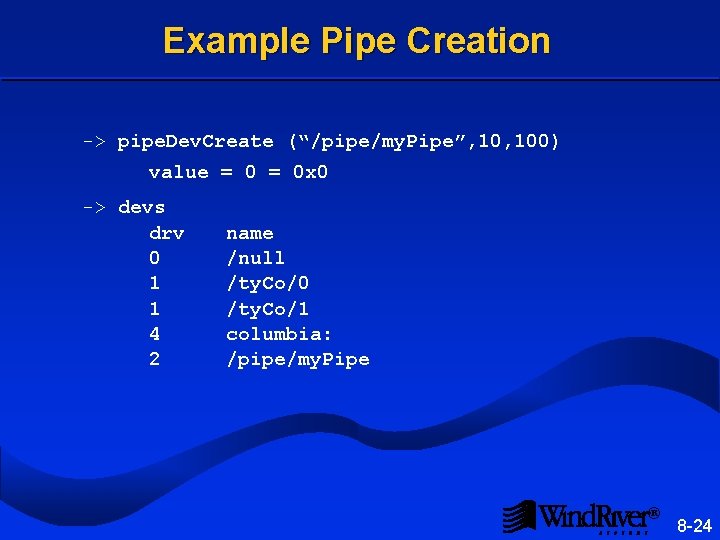
Example Pipe Creation -> pipe. Dev. Create (“/pipe/my. Pipe”, 100) value = 0 x 0 -> devs drv 0 1 1 4 2 name /null /ty. Co/0 /ty. Co/1 columbia: /pipe/my. Pipe ® 8 -24
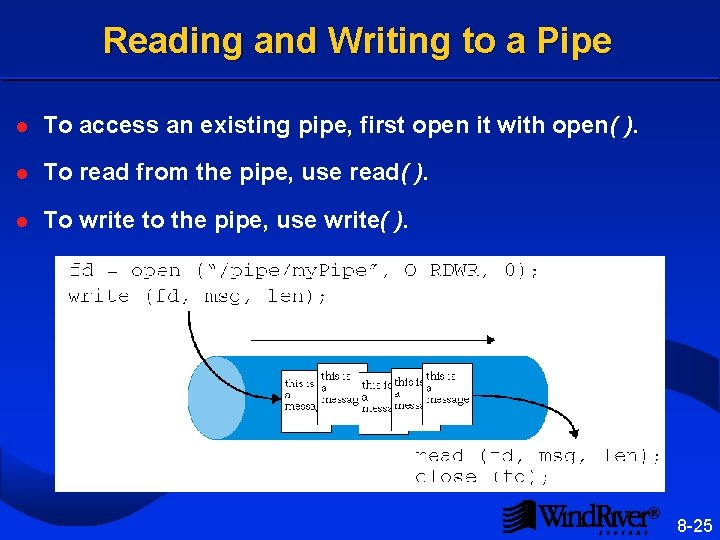
Reading and Writing to a Pipe l To access an existing pipe, first open it with open( ). l To read from the pipe, use read( ). l To write to the pipe, use write( ). ® 8 -25
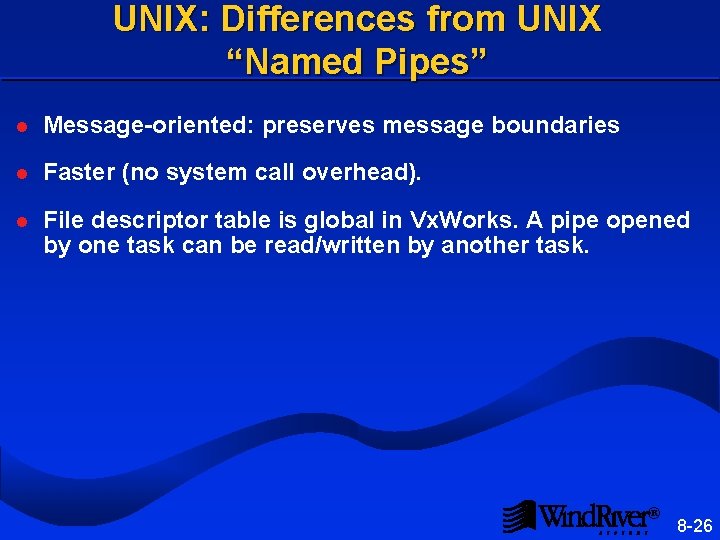
UNIX: Differences from UNIX “Named Pipes” l Message-oriented: preserves message boundaries l Faster (no system call overhead). l File descriptor table is global in Vx. Works. A pipe opened by one task can be read/written by another task. ® 8 -26
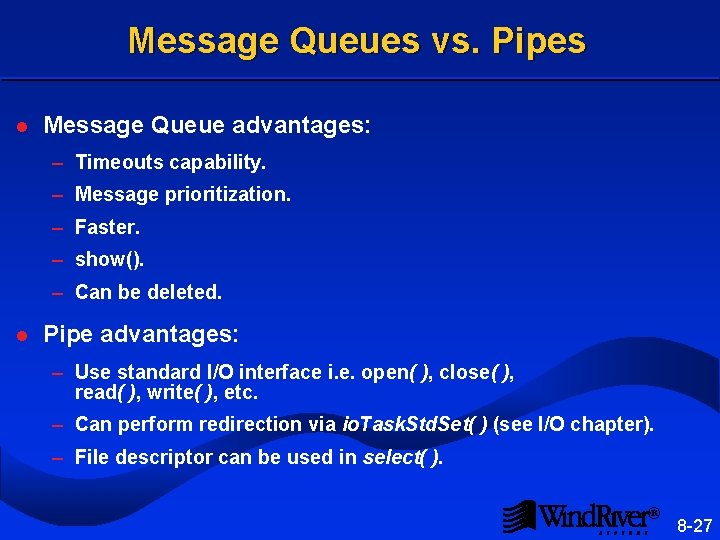
Message Queues vs. Pipes l Message Queue advantages: – Timeouts capability. – Message prioritization. – Faster. – show(). – Can be deleted. l Pipe advantages: – Use standard I/O interface i. e. open( ), close( ), read( ), write( ), etc. – Can perform redirection via io. Task. Std. Set( ) (see I/O chapter). – File descriptor can be used in select( ). ® 8 -27
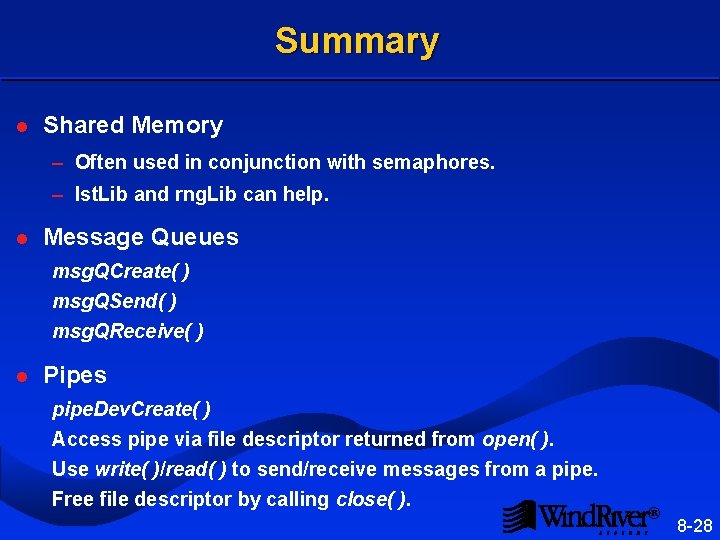
Summary l Shared Memory – Often used in conjunction with semaphores. – lst. Lib and rng. Lib can help. l Message Queues msg. QCreate( ) msg. QSend( ) msg. QReceive( ) l Pipes pipe. Dev. Create( ) Access pipe via file descriptor returned from open( ). Use write( )/read( ) to send/receive messages from a pipe. Free file descriptor by calling close( ). ® 8 -28