
INTERSCOPE TRAINING FEBRUARY 3 2020 STATE CONSTRUCTION OFFICE
INTERSCOPE + TRAINING FEBRUARY 3, 2020 STATE CONSTRUCTION OFFICE LEAANNE HAHNEL
AS A COURTESY TO OTHERS, AND MOBILE DEVICES
Agenda Welcome e. VP Why Do we have Interscope How We use Interscope Terminology Hands On Training
e. VP Portal
EVP ELECTRONIC VENDOR PORTAL

EVP ELECTRONIC VENDOR PORTAL Where vendors register to do business with the State of North Carolina Consolidation of IPS and E-Procurement
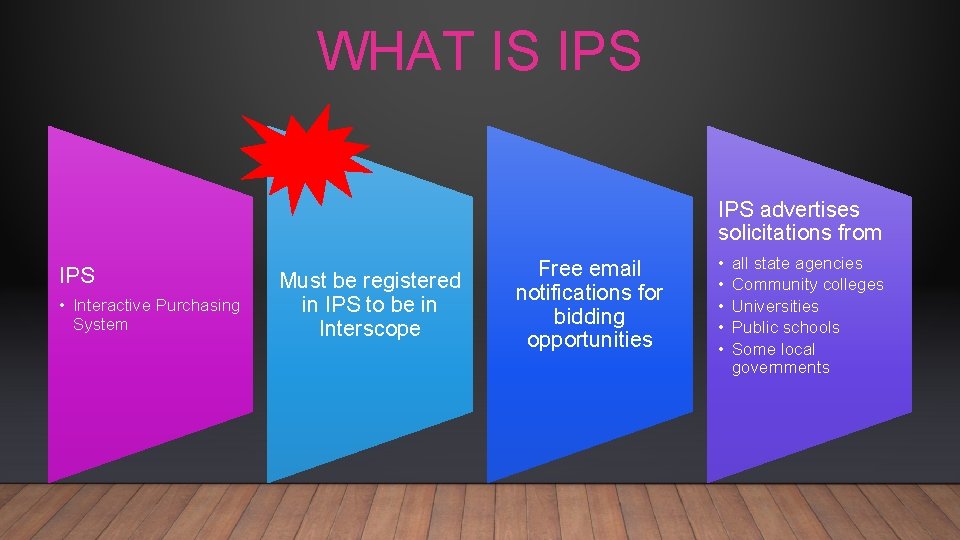
WHAT IS IPS advertises solicitations from IPS • Interactive Purchasing System Must be registered in IPS to be in Interscope Free email notifications for bidding opportunities • • • all state agencies Community colleges Universities Public schools Some local governments
CONTACT INFORMATION e. VP IPS 888 -211 -7440 option 2 vendor@nc. gov 919 -807 -4500 doa. pchelpdesk@doa. nc. gov HUB INTERSCOPE 919 -807 -2330 919 -807 -4109 Huboffice. doa@doa. nc. gov interscope@doa. nc. gov
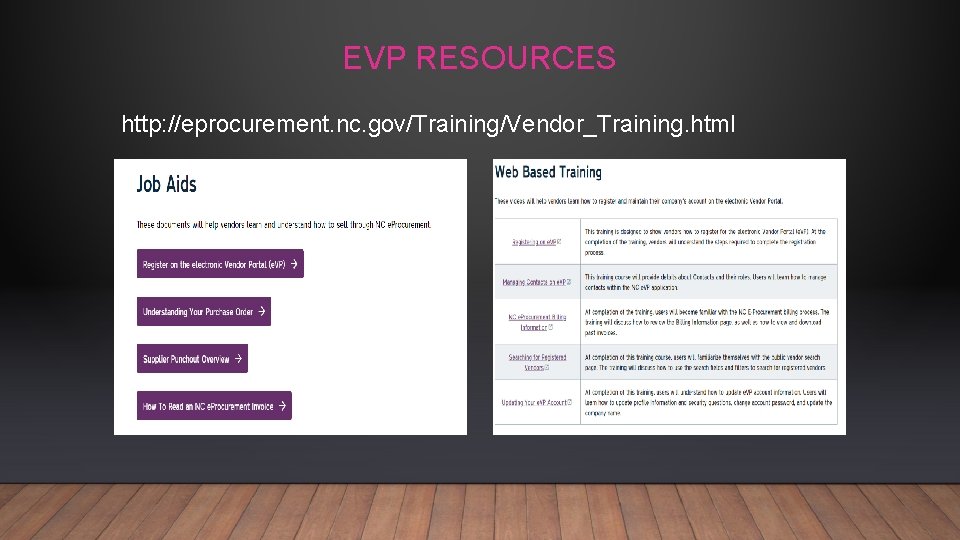
EVP RESOURCES http: //eprocurement. nc. gov/Training/Vendor_Training. html
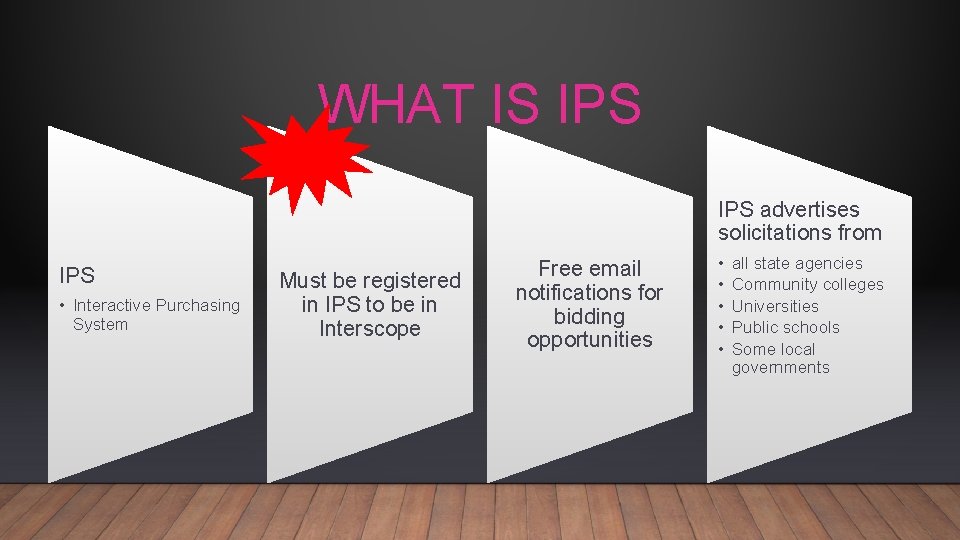
WHAT IS IPS advertises solicitations from IPS • Interactive Purchasing System Must be registered in IPS to be in Interscope Free email notifications for bidding opportunities • • • all state agencies Community colleges Universities Public schools Some local governments
Why Do We Have Interscope
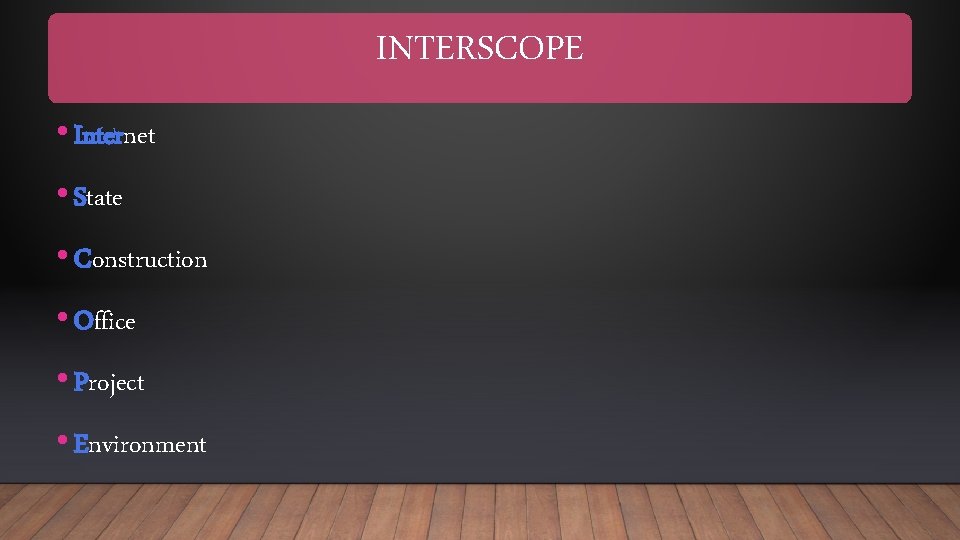
INTERSCOPE • Internet • State • Construction • Office • Project • Environment
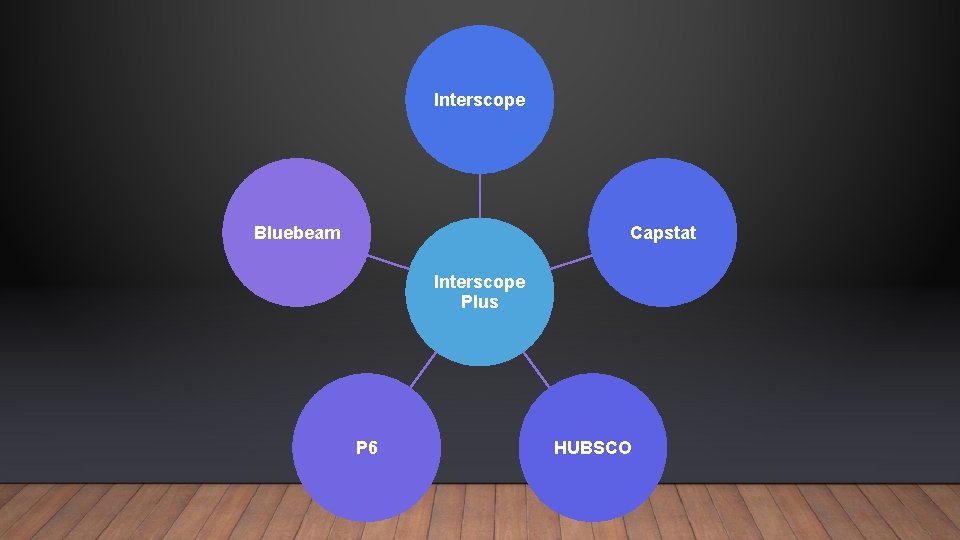
Interscope Bluebeam Capstat Interscope Plus P 6 HUBSCO
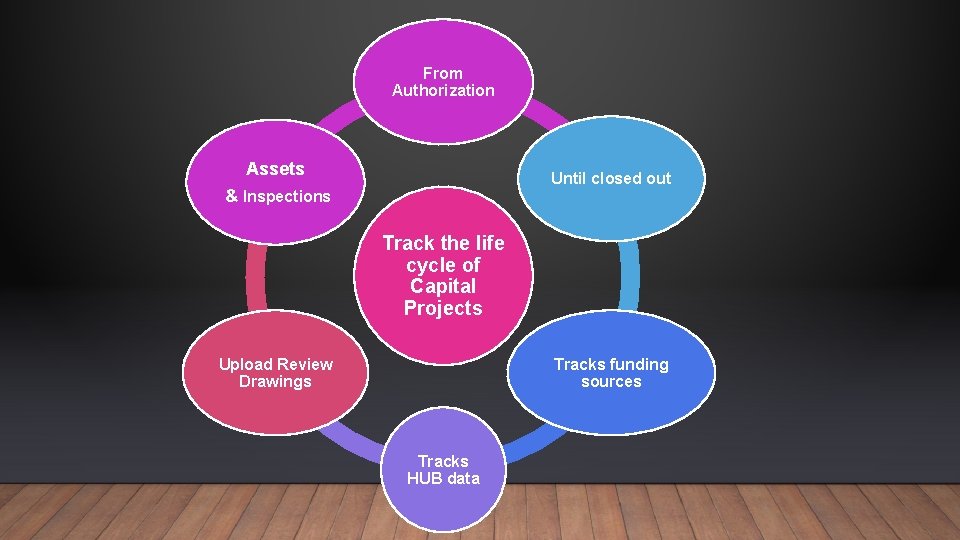
From Authorization Assets Until closed out & Inspections Track the life cycle of Capital Projects Upload Review Drawings Tracks funding sources Tracks HUB data
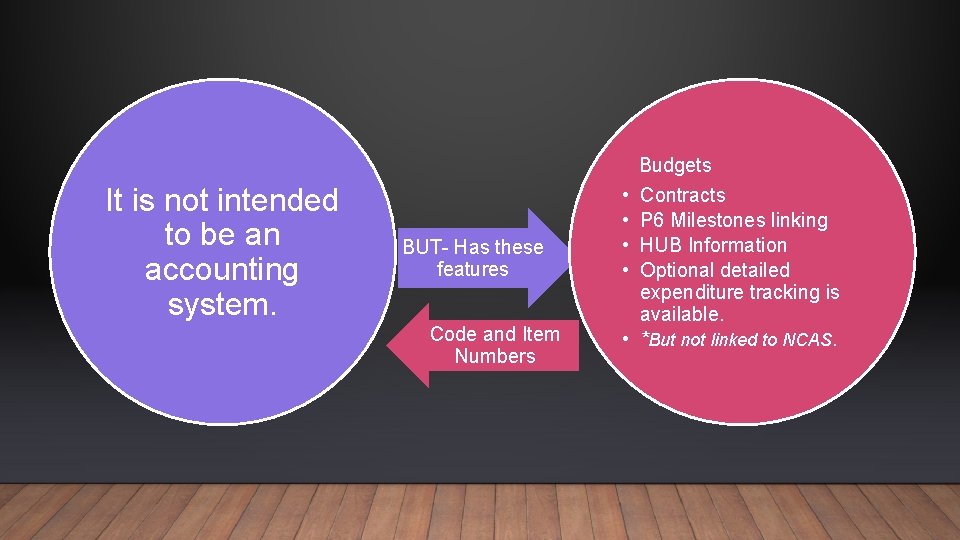
It is not intended to be an accounting system. BUT- Has these features Code and Item Numbers • • • Budgets Contracts P 6 Milestones linking HUB Information Optional detailed expenditure tracking is available. *But not linked to NCAS.
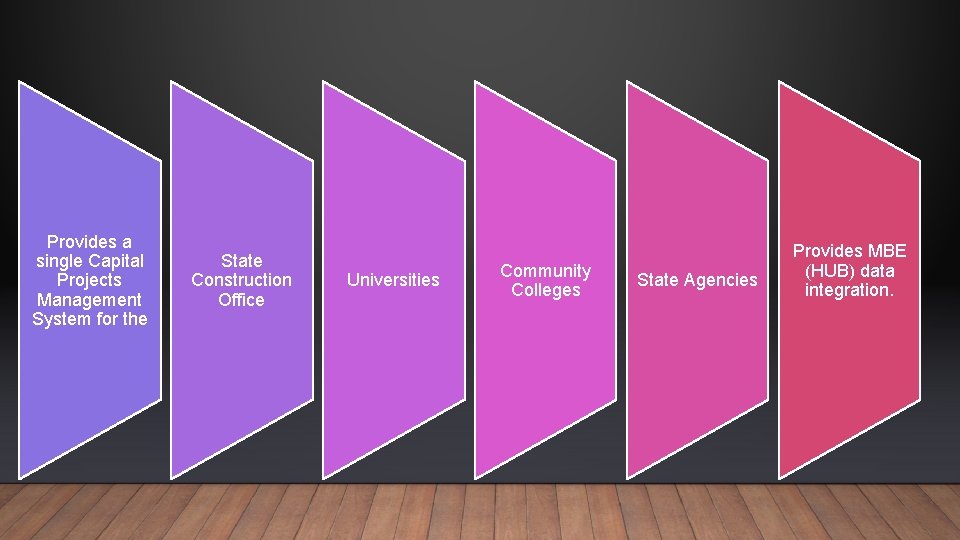
Provides a single Capital Projects Management System for the State Construction Office Universities Community Colleges State Agencies Provides MBE (HUB) data integration.
What Can Interscope+ Do?
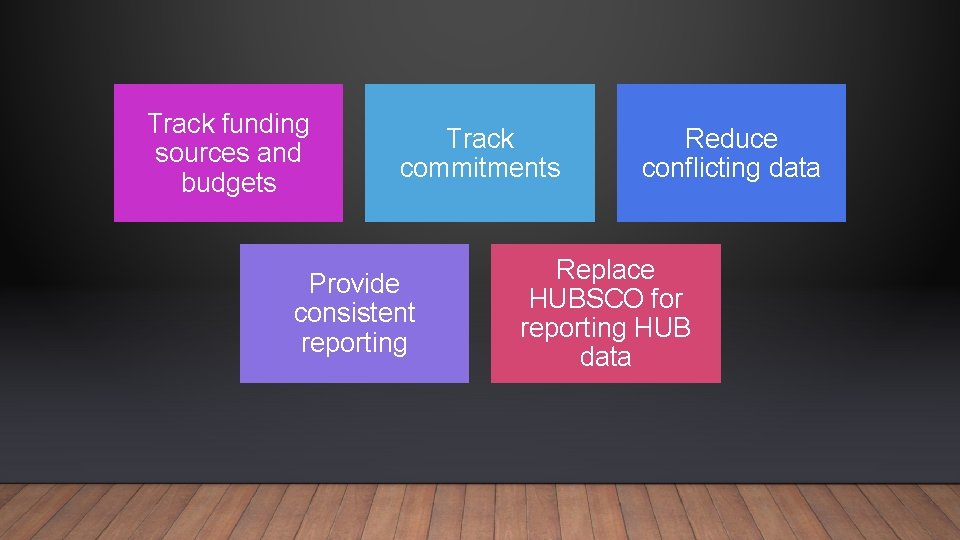
Track funding sources and budgets Track commitments Provide consistent reporting Reduce conflicting data Replace HUBSCO for reporting HUB data
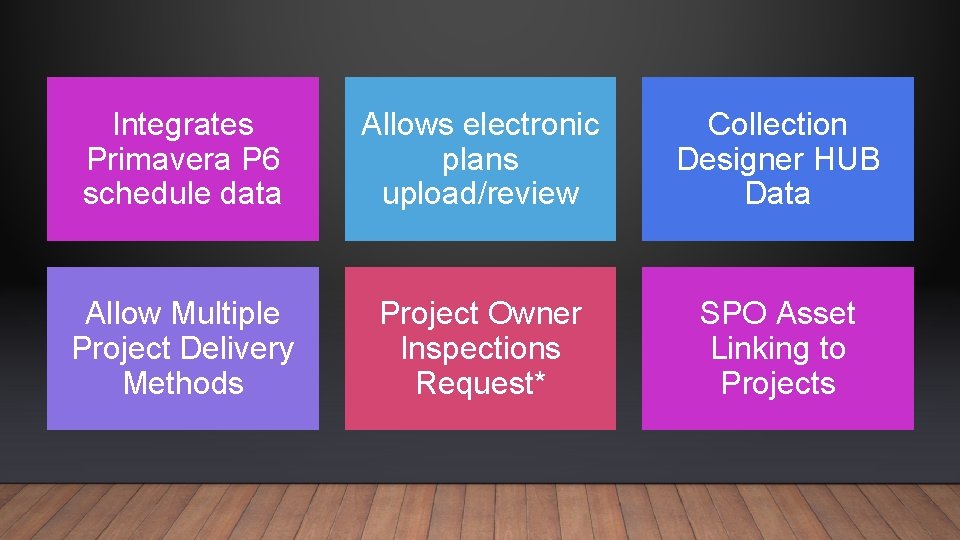
Integrates Primavera P 6 schedule data Allows electronic plans upload/review Collection Designer HUB Data Allow Multiple Project Delivery Methods Project Owner Inspections Request* SPO Asset Linking to Projects
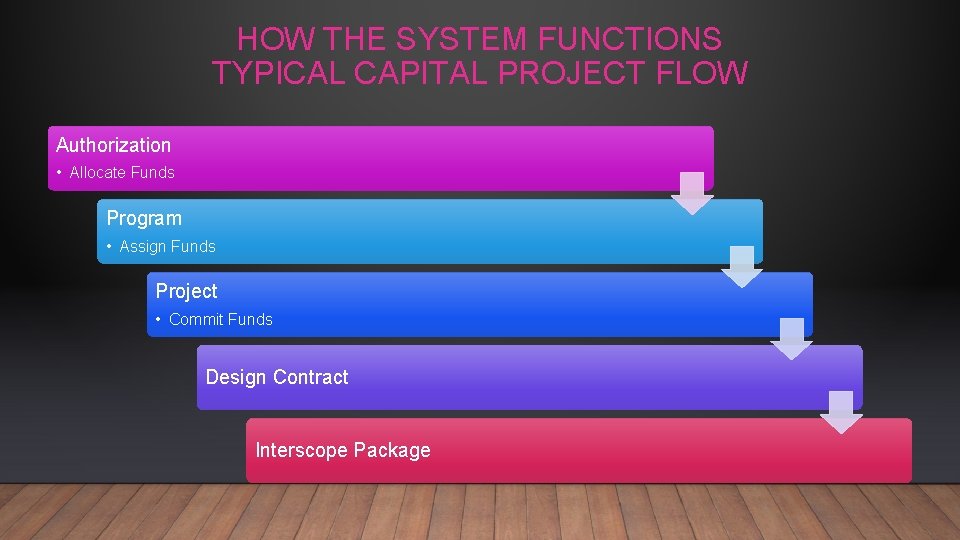
HOW THE SYSTEM FUNCTIONS TYPICAL CAPITAL PROJECT FLOW Authorization • Allocate Funds Program • Assign Funds Project • Commit Funds Design Contract Interscope Package
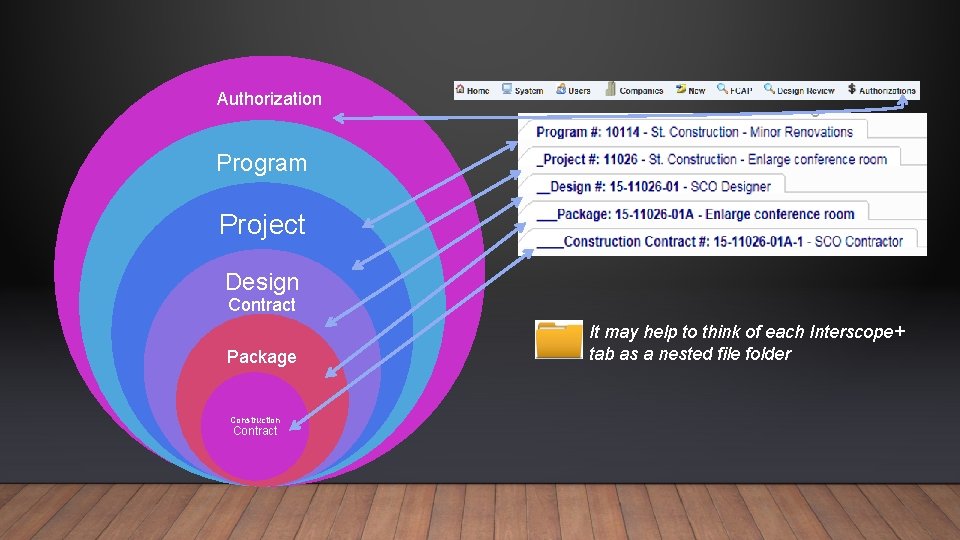
Authorization Program Project Design Contract Package Construction Contract It may help to think of each Interscope+ tab as a nested file folder
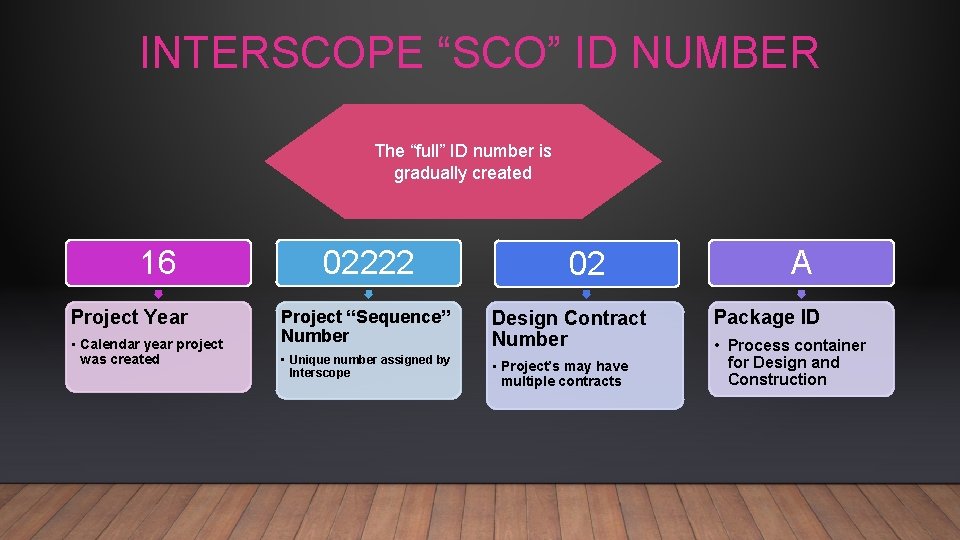
INTERSCOPE “SCO” ID NUMBER The “full” ID number is gradually created 16 Project Year • Calendar year project was created 02222 02 Project “Sequence” Number Design Contract Number • Unique number assigned by Interscope • Project’s may have multiple contracts A Package ID • Process container for Design and Construction
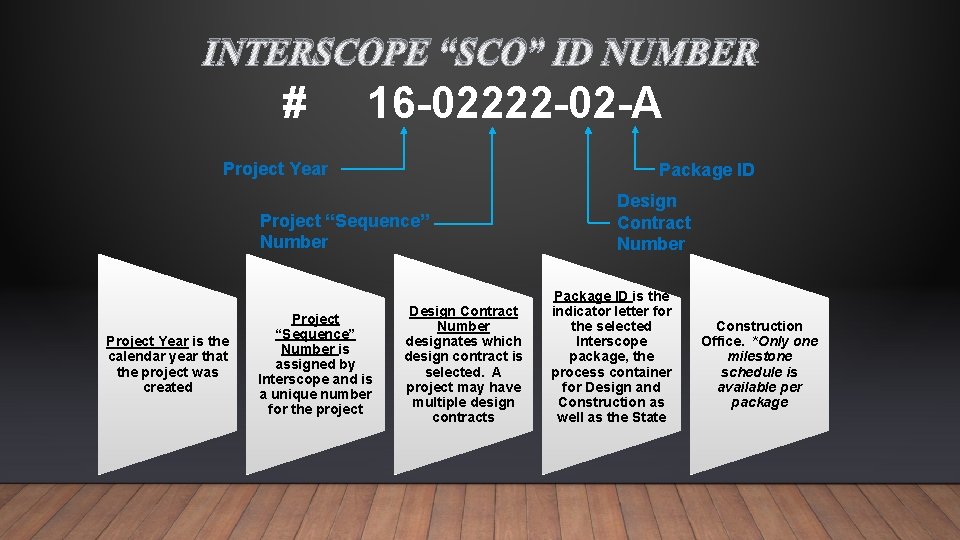
INTERSCOPE “SCO” ID NUMBER # 16 -02222 -02 -A Project Year Package ID Project “Sequence” Number Project Year is the calendar year that the project was created Project “Sequence” Number is assigned by Interscope and is a unique number for the project Design Contract Number designates which design contract is selected. A project may have multiple design contracts Design Contract Number Package ID is the indicator letter for the selected Interscope package, the process container for Design and Construction as well as the State Construction Office. *Only one milestone schedule is available per package
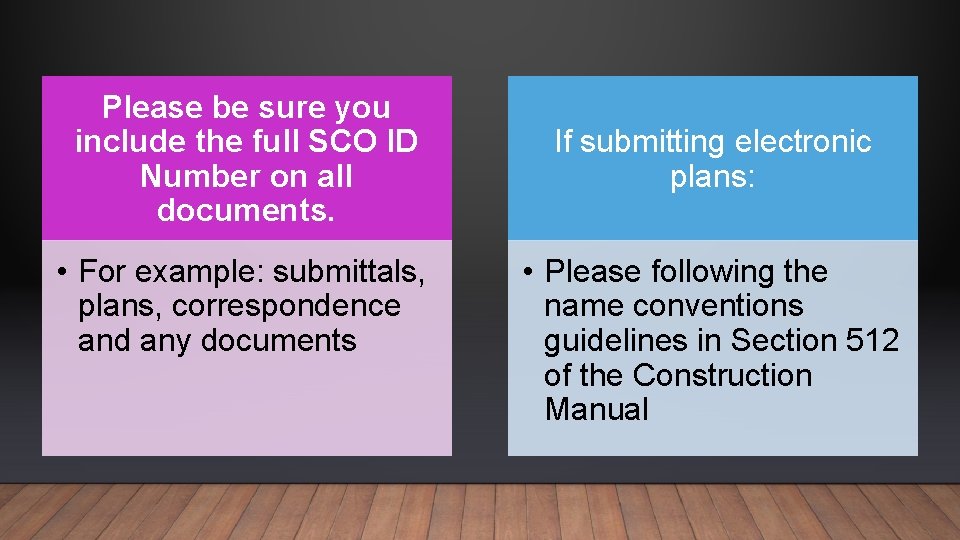
Please be sure you include the full SCO ID Number on all documents. • For example: submittals, plans, correspondence and any documents If submitting electronic plans: • Please following the name conventions guidelines in Section 512 of the Construction Manual
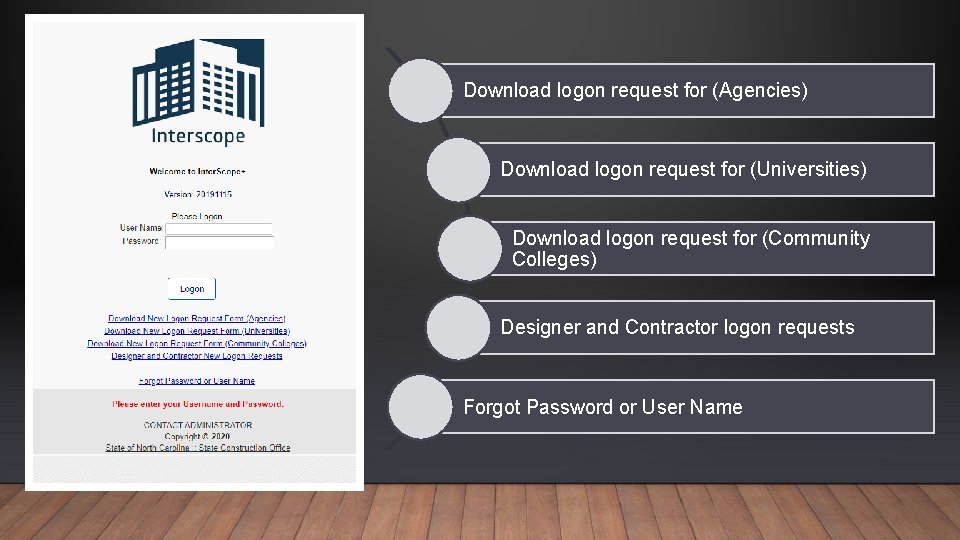
Download logon request for (Agencies) Download logon request for (Universities) Download logon request for (Community Colleges) Designer and Contractor logon requests Forgot Password or User Name


This Photo by Unknown Author is licensed under CC BY-ND Definitions and Terminology
Allocate Designating funds from an authorization to a program. All funds must be allocated to programs before the programs are active so that funds may be used for projects.
Amendment A change to a design contract.
Assign Designating funds from a program for use in a project. Funds must be assigned to a project before they can be committed or obligated for contracts or other expenses.
Authorization Approval by the relevant State governing body(ies) (legislature, OSBM, UNC Board of Governors) or County to execute a project. It includes title, description/scope, amount, funding type (general fund, non-general fund, state debt, non-state debt, R&R debt), budget code, item, center, and date. Community Colleges may have authorizations approved by the County. Authorizations may be allocated to one or more Programs.
Bluebeam Design Review software used by State Construction Office and many designers, owners and contractors www. Bluebeam. com
Change Order A change to a construction contract, either to the dollar amount, duration or both. Electronic change orders are initiated by the Designer.
Code A 5 digit number that designates the funding authorization assigned by OSBM. The first digit is a 4, which signifies capital project. The second and third digit represents the authorized fiscal year. The last two digits indicate the state agency or UNC institution. Community Colleges that are authorized funding by the County, a 5 digit number that does not start with 4 will be used.
Construction Represents the estimated cost of all construction contracts
Contingency Represents the estimated cost of construction contingency

Commitment A signed contract or Purchase Order for which the State or County is obligated to pay the stated amount.
COPS Certification of Participation State Debt
Design Represents the estimated cost of the design contract
Estimated Cost Total estimated cost of the project, broken down by category. Typically this would come from the State Construction Office OC-25 form or, for Community Colleges the NCCCS 3 -1 Form.

Expenditure A dollar amount that has actually been paid.
Interscope Package A “process container” for a construction project within the Interscope+ system which provides a place to record detailed information captured during design review, bidding, award, and the construction administration phases of a construction project.
Item A 3 -digit number assigned by OSBM in combination with the code to form a unique identifier for an authorized capital project. Item numbers are assigned sequentially within each fiscal year.
Milestone Key date that is used to measure progress of a contract or project.

Non-Code-Item (HUB Only) A type of project within Interscope+. When the HUB Only checkbox is used, the project will be created “without” a design contract. Think of HUB Only as Construction without a design agreement. This selection is used to report HUB data on small projects where a design agreement is not required that doesn’t have code review. Example: A painting project

NCAS Center A unique data item of up to 8 alphanumeric characters that identifies the financial account in the North Carolina Accounting System (NCAS) related to a capital code-item.
Non-Code-Item Project A project that does not have, nor require, a capital code-item. These are typically small informal projects that are accomplished with local or operating funds, but recording HUB participation is required.
Package A “process container” for a construction project within the Interscope+ system which provides a place to record detailed information captured during design review, bidding, award, and the construction administration phases of a construction project.
Primavera P 6 Statewide project scheduling system. Schedules are required for projects with estimated costs over $500, 000, based on Project Type.
Program A collection of one or more projects closely related by initial authorization, by the related nature of their execution, and/or having multiple funding sources for a single project. The program serves as a “bucket” for funds from different authorizations that can then be assigned to projects as needed. Program IDs are generated and assigned by the Interscope+ system.
Project A project is typically any work requiring a design and construction contract, and may involve construction or renovation of a single building or repairs to numerous buildings as authorized in “R&R” funding. Project IDs are generated and assigned by the system. Projects must be created in the Program from which they will be funded.
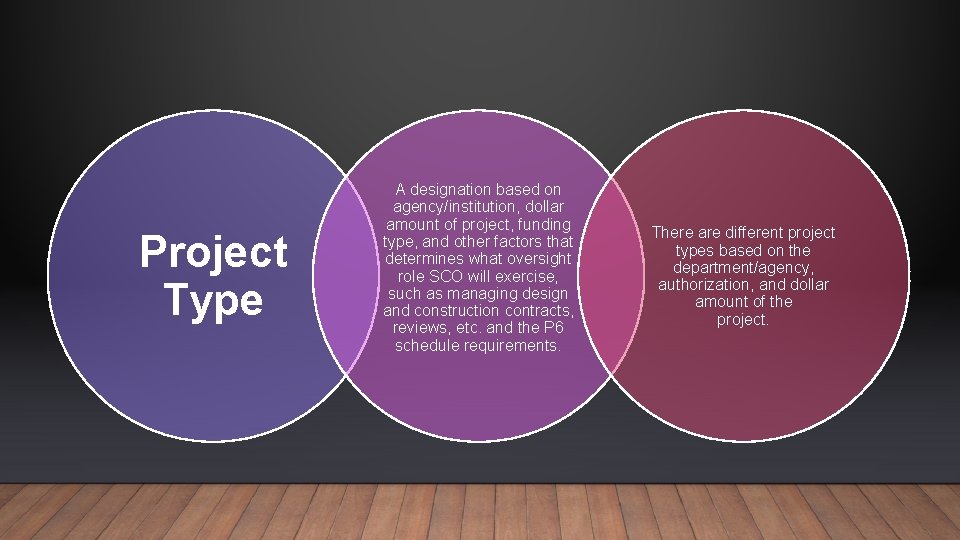
Project Type A designation based on agency/institution, dollar amount of project, funding type, and other factors that determines what oversight role SCO will exercise, such as managing design and construction contracts, reviews, etc. and the P 6 schedule requirements. There are different project types based on the department/agency, authorization, and dollar amount of the project.
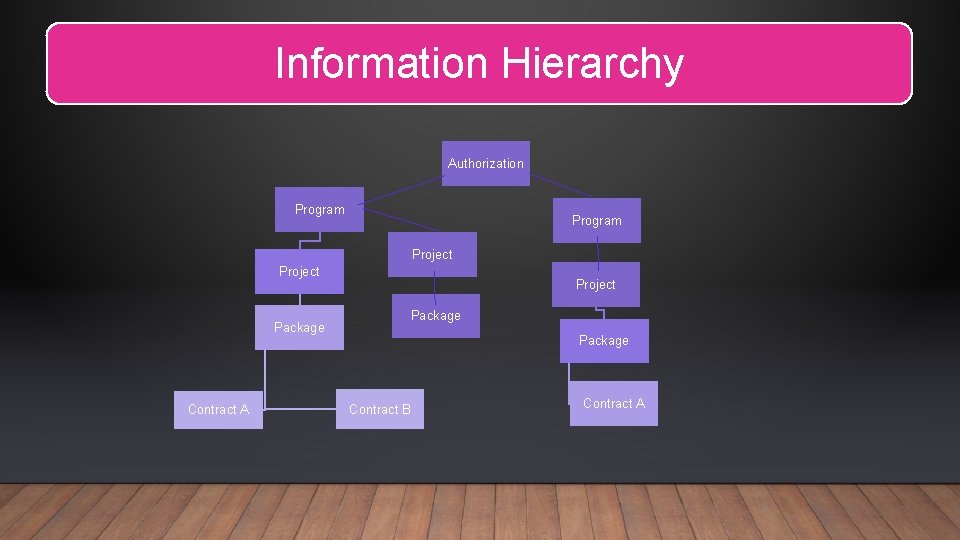
Information Hierarchy Authorization Program Project Package Contract A Package Contract B Contract A
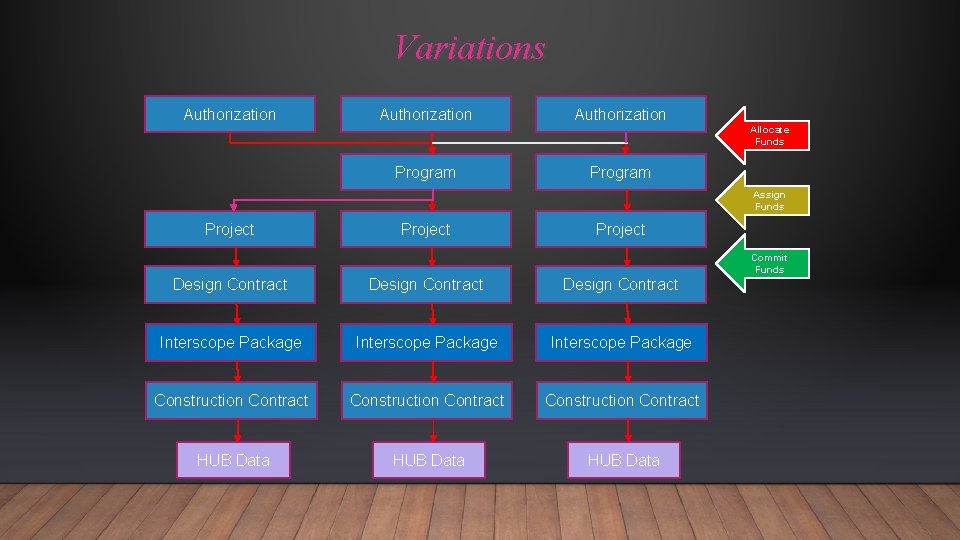
Variations Authorization Allocate Funds Program Assign Funds Project Commit Funds Design Contract Interscope Package Construction Contract HUB Data

Fund Source Types There are 6 different sources of funds within Interscope+ system. General Fund: Appropriated funds Non-General Fund: Receipts, grants, gifts, cash, County appropriated funds, etc. State Debt: State Bonds, COPS, or Special Indebtedness Non-State Debt: Debt issued by the institutions, county, or entity other than the State of North Carolina R&R: Funding for R&R from appropriations R&R Debt: Funding for R&R from State Debt, such as Special Indebtedness or COPS
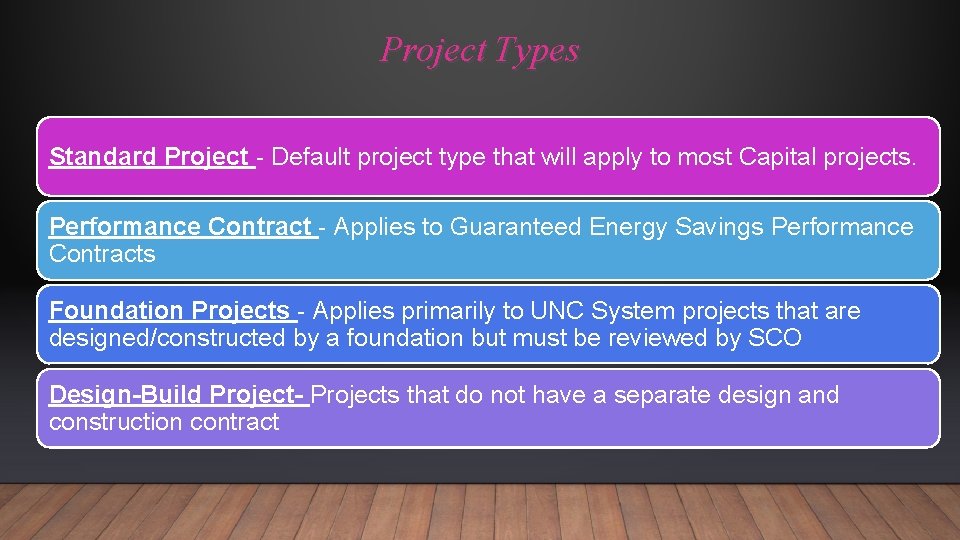
Project Types Standard Project - Default project type that will apply to most Capital projects. Performance Contract - Applies to Guaranteed Energy Savings Performance Contracts Foundation Projects - Applies primarily to UNC System projects that are designed/constructed by a foundation but must be reviewed by SCO Design-Build Project- Projects that do not have a separate design and construction contract
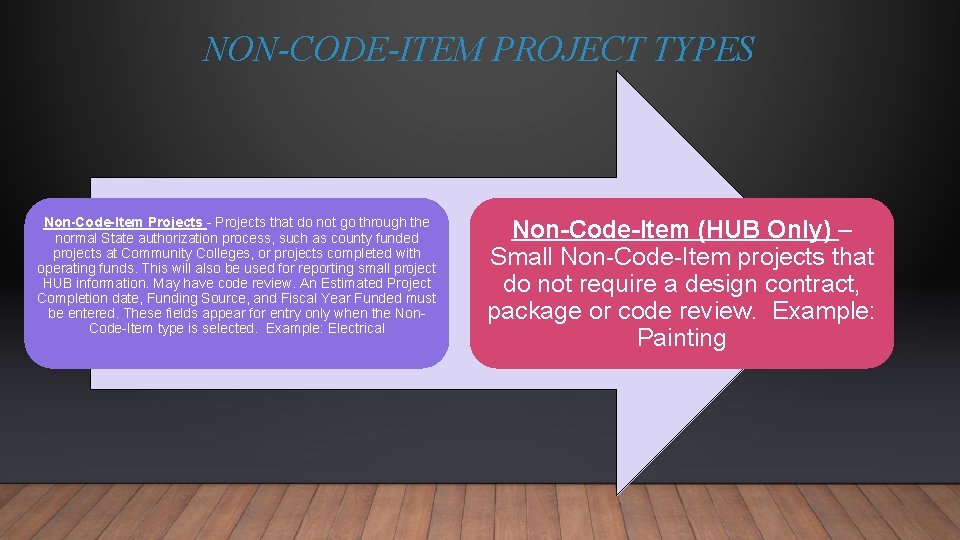
NON-CODE-ITEM PROJECT TYPES Non-Code-Item Projects - Projects that do not go through the normal State authorization process, such as county funded projects at Community Colleges, or projects completed with operating funds. This will also be used for reporting small project HUB information. May have code review. An Estimated Project Completion date, Funding Source, and Fiscal Year Funded must be entered. These fields appear for entry only when the Non. Code-Item type is selected. Example: Electrical Non-Code-Item (HUB Only) – Small Non-Code-Item projects that do not require a design contract, package or code review. Example: Painting
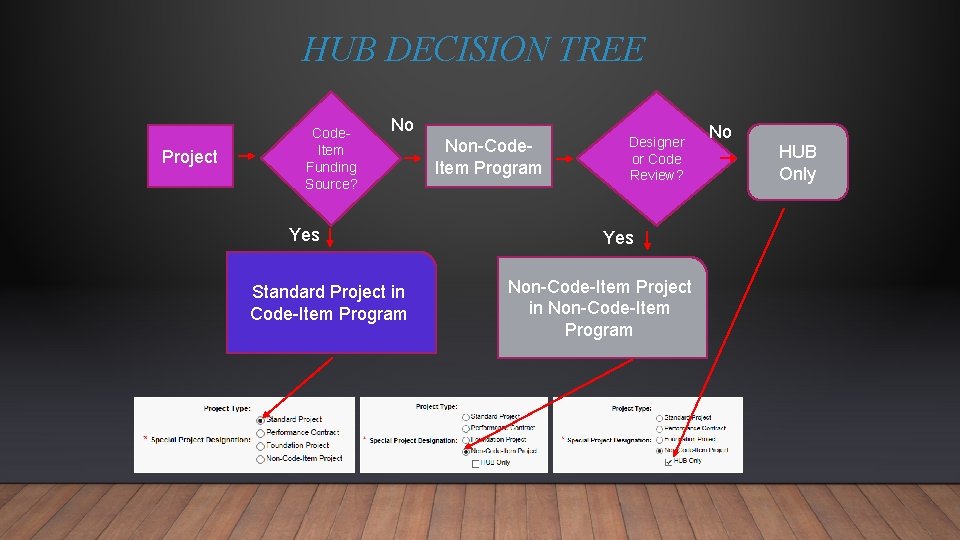
HUB DECISION TREE Project Code. Item Funding Source? No Yes Standard Project in Code-Item Program Non-Code. Item Program Designer or Code Review? Yes Non-Code-Item Project in Non-Code-Item Program No HUB Only
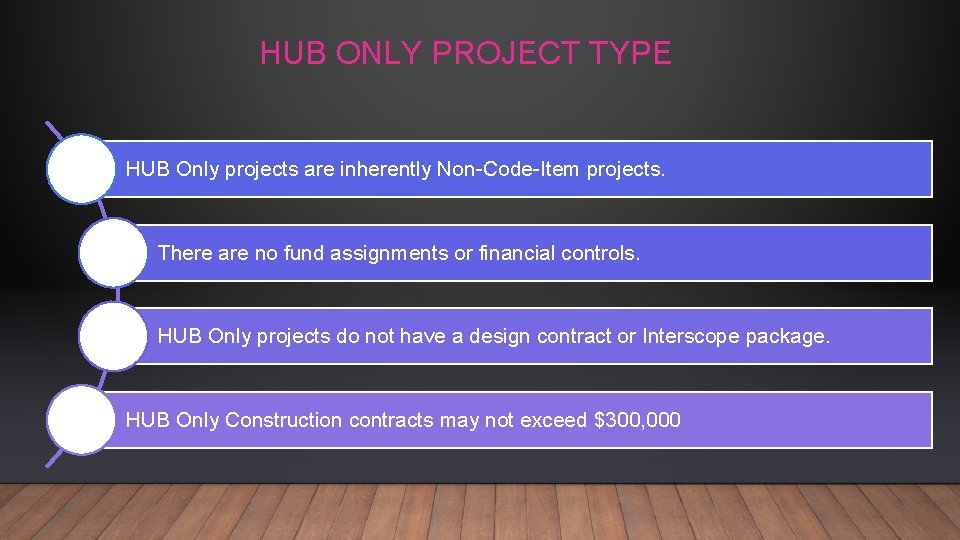
HUB ONLY PROJECT TYPE HUB Only projects are inherently Non-Code-Item projects. There are no fund assignments or financial controls. HUB Only projects do not have a design contract or Interscope package. HUB Only Construction contracts may not exceed $300, 000
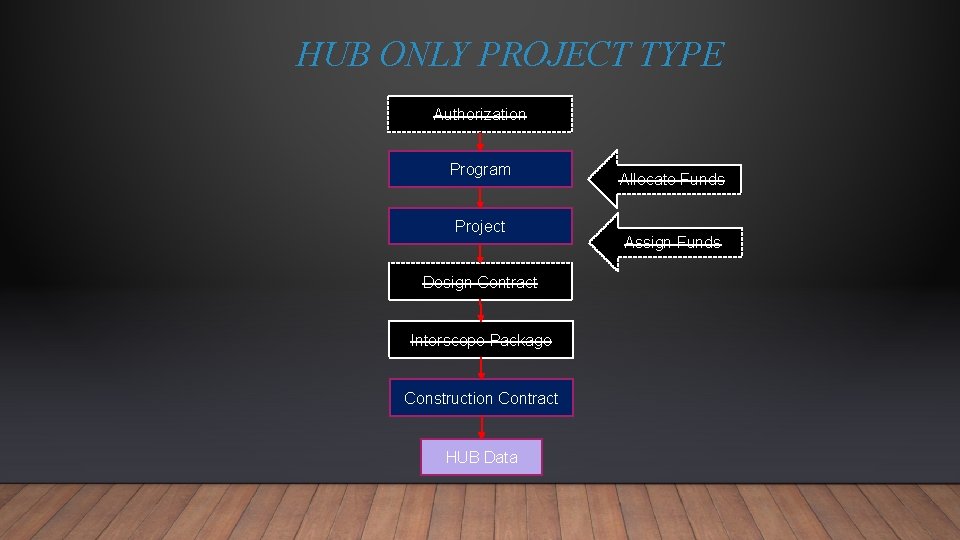
HUB ONLY PROJECT TYPE Authorization Program Project Design Contract Interscope Package Construction Contract HUB Data Allocate Funds Assign Funds
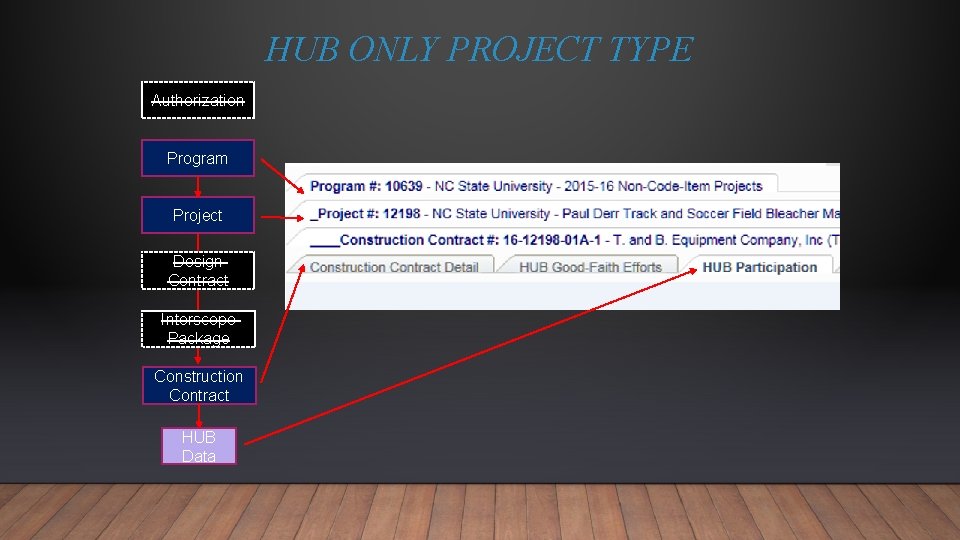
HUB ONLY PROJECT TYPE Authorization Program Project Design Contract Interscope Package Construction Contract HUB Data
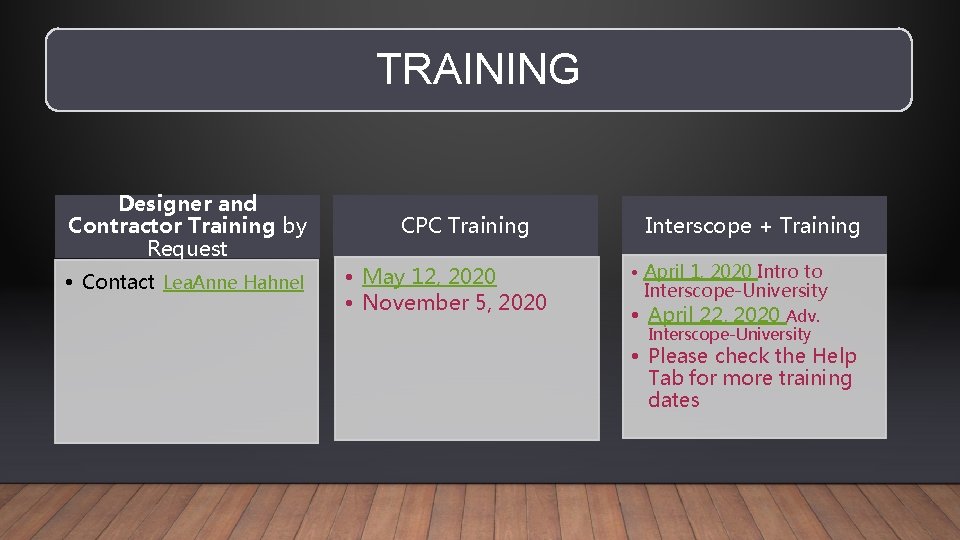
TRAINING Designer and Contractor Training by Request • Contact Lea. Anne Hahnel CPC Training • May 12, 2020 • November 5, 2020 Interscope + Training • April 1, 2020 Intro to Interscope-University • April 22, 2020 Adv. Interscope-University • Please check the Help Tab for more training dates
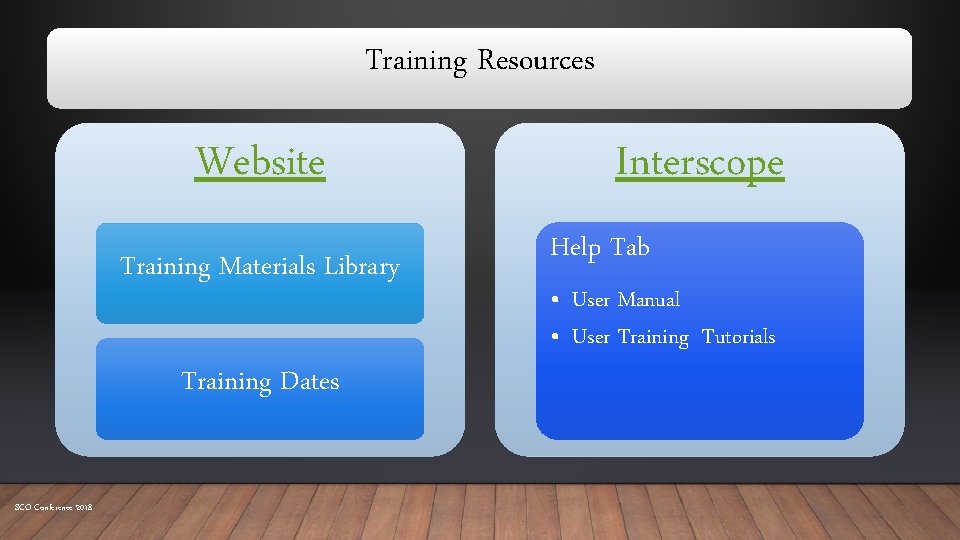
Training Resources Website Training Materials Library Training Dates SCO Conference 2018 Interscope Help Tab • User Manual • User Training Tutorials
Additional Resources Connect NC Bond Mapping Project Found on State Construction Website Landing Page SCO Conference 2018
CONTACT INFORMATION LEAANNE HAHNEL 919 -807 -4109 OFFICE 919 -410 -2845 CELL INTERSCOPE@DOA. NC. GOV https: //ncadmin. nc. gov/businesses/construction
INTERSCOPE + TRAINING STATE CONSTRUCTION OFFICE LEAANNE HAHNEL
- Slides: 67