
Interoperability Standards for Dummies Diane Whittaker Sales Manager
Interoperability Standards for Dummies Diane Whittaker Sales Manager diane. whittaker@crxnet. com
A little history…. n n n The advent of the computer How to exchange information? Standards – the way forward…. .
Interop standards n n Z 39. 50 ISO ILL And two newcomers…. n n NCIP Open. URL
Z 39. 50 – what is it? n Z 39. 50 is an international standard for communication between computer systems primarily, library and information related systems. Quote from Bibliotech Review article
ISO-ILL – what is it? n The ISO Interlibrary Loan Protocol specifies rules that permit the exchange of Interlibrary Loan messages between various computerized ILL management systems, regardless of the hardware and software packages used by either the requester or the supplier. ISO 10161 Barbara Shuh – The Inter Library Loan Protocol – an introduction
NCIP-what is it? n NISO Circulation Interchange Protocol n n n NCIP defines a set of messages and associated rules of syntax and semantics for use by applications to perform the functions necessary to lend and borrow items, provide controlled access to electronic resources, facilitate co-operative management of these functions. (from ANSI/NISO Z 39. 83 -2002) Z 39. 83 Web services – XML
Open URL-what is it? n The Open. URL standard is a syntax to create web-transportable packages of metadata and/or identifiers about an information object. Such packages are at the core of context-sensitive or open link technology. Quote from NISO website
Key themes… n n n Communication Finding things Asking for them Authentication Interoperation Serving up the right version
Z 39. 50……
Z 39. 50 speak n n n n Z Server / Z Client Origin / Target Z Association Services Facilities Attributes Record syntaxes
Client / Server n Z Servers /Targets – catalogues n n Z Clients/ Origins – searchers (you!) n n Interprets search requests Sends search requests Z Association – the search session
Services / Facilities During the Z-Association, the Z-client (origin) and Z-server (target) exchange a series of messages. Each message is identified as a technical “service”. The services are grouped into what the standard calls “facilities”. There are eleven facilities…. .
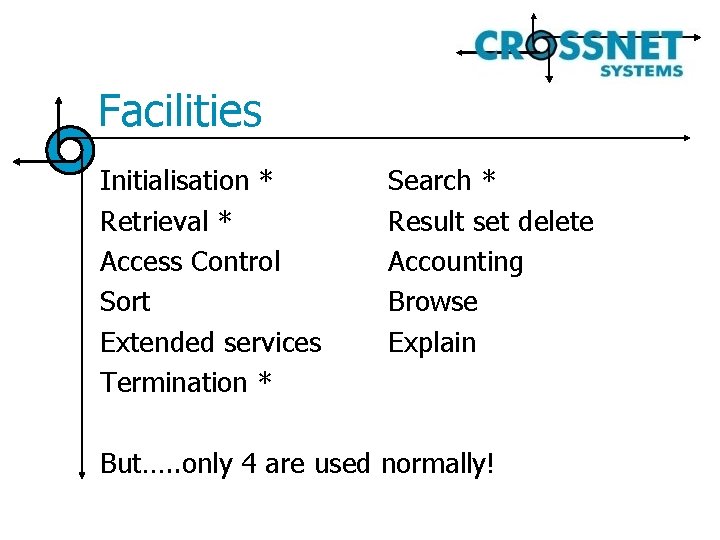
Facilities Initialisation * Retrieval * Access Control Sort Extended services Termination * Search * Result set delete Accounting Browse Explain But…. . only 4 are used normally!
Search Attributes n Attributes are used to map your search to the underlying structure of the catalogue – making sure you are talking the same language…
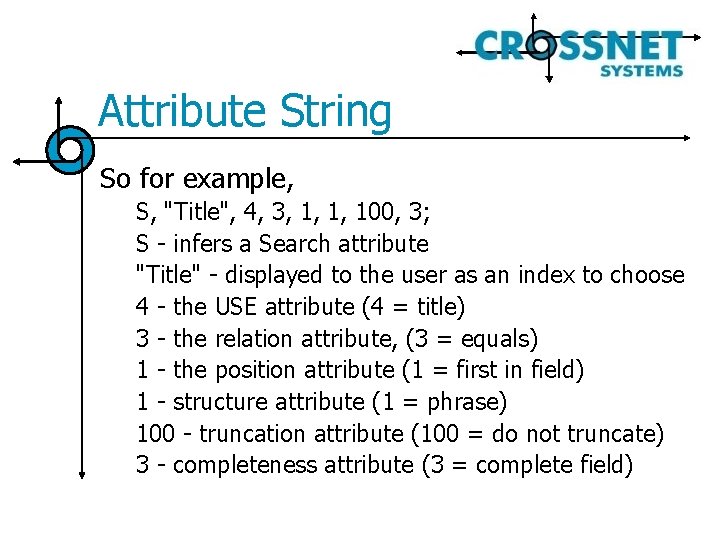
Attribute String So for example, S, "Title", 4, 3, 1, 1, 100, 3; S - infers a Search attribute "Title" - displayed to the user as an index to choose 4 - the USE attribute (4 = title) 3 - the relation attribute, (3 = equals) 1 - the position attribute (1 = first in field) 1 - structure attribute (1 = phrase) 100 - truncation attribute (100 = do not truncate) 3 - completeness attribute (3 = complete field)
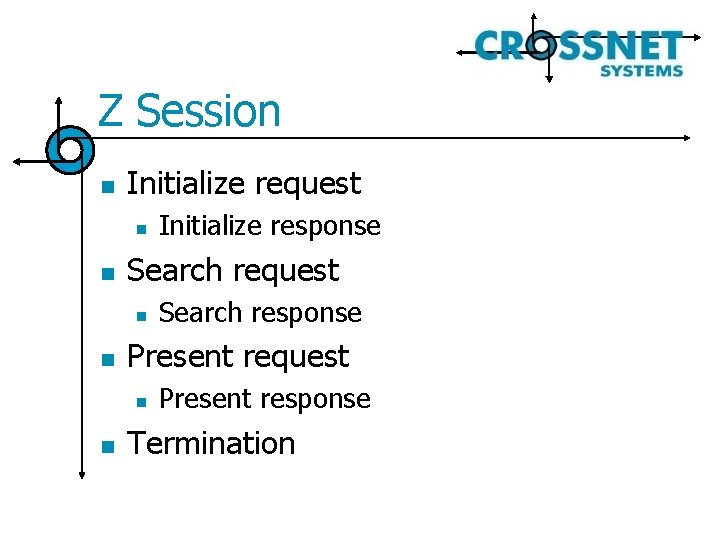
Z Session n Initialize request n n Search response Present request n n Initialize response Present response Termination
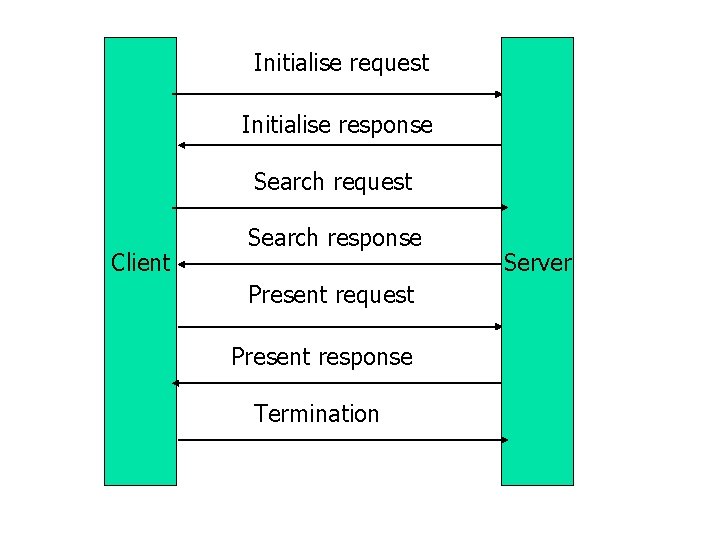
Initialise request Initialise response Search request Client Search response Present request Present response Termination Server
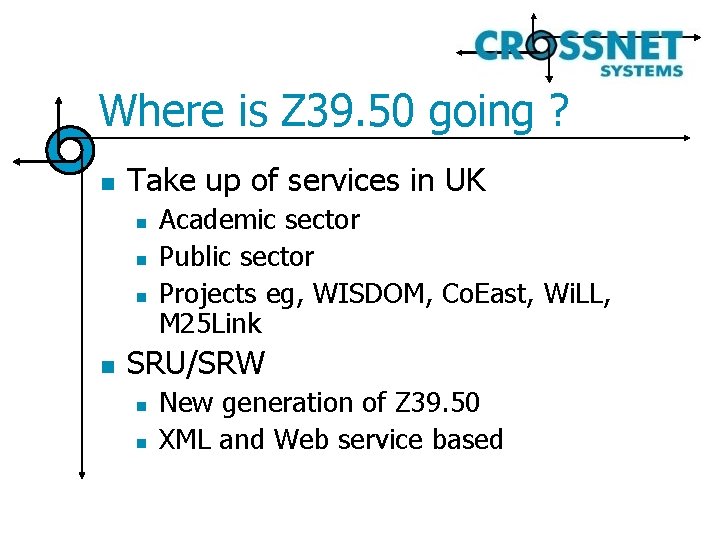
Where is Z 39. 50 going ? n Take up of services in UK n n Academic sector Public sector Projects eg, WISDOM, Co. East, Wi. LL, M 25 Link SRU/SRW n n New generation of Z 39. 50 XML and Web service based
ISO-ILL……
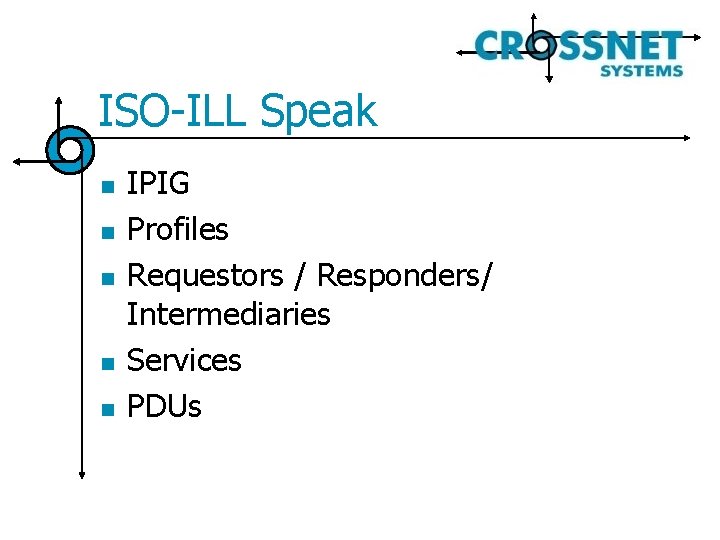
ISO-ILL Speak n n n IPIG Profiles Requestors / Responders/ Intermediaries Services PDUs
IPIG n n ILL Protocol Implementers Group The decision makers and/or suppliers of ISO-ILL technology
Profiles You need a standard to use the standard! In other words…. . You need to decide which bits of the standard you are going to use in order to talk successfully
What does the talking? n n n Requesters Responders Intermediaries
What do they say? n Services /PDUs n n n n ILL-REQUEST FORWARD SHIPPED ILL-ANSWER RECEIVED RETURNED RENEW……
An ISO ILL conversation…. .
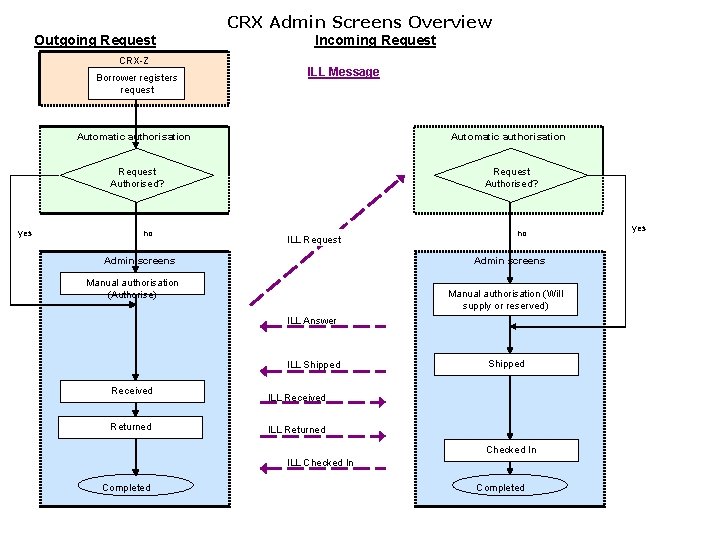
CRX Admin Screens Overview Outgoing Request CRX-Z Borrower registers request yes Incoming Request ILL Message Automatic authorisation Request Authorised? no ILL Request Admin screens no Admin screens Manual authorisation (Authorise) Manual authorisation (Will supply or reserved) ILL Answer ILL Shipped Received Returned Shipped ILL Received ILL Returned Checked In ILL Checked In Completed yes
NCIP…….
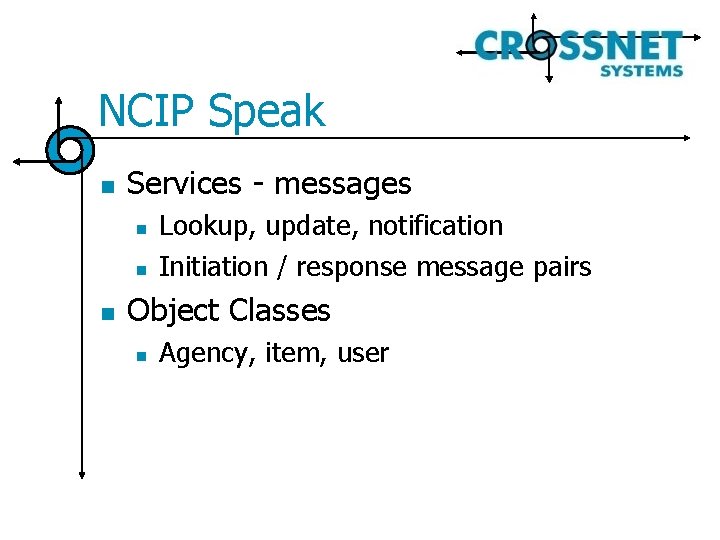
NCIP Speak n Services - messages n n n Lookup, update, notification Initiation / response message pairs Object Classes n Agency, item, user
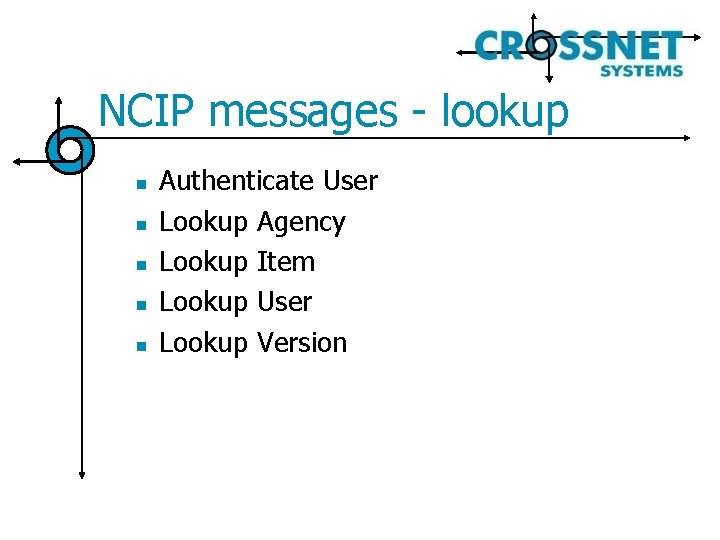
NCIP messages - lookup n n n Authenticate User Lookup Agency Lookup Item Lookup User Lookup Version
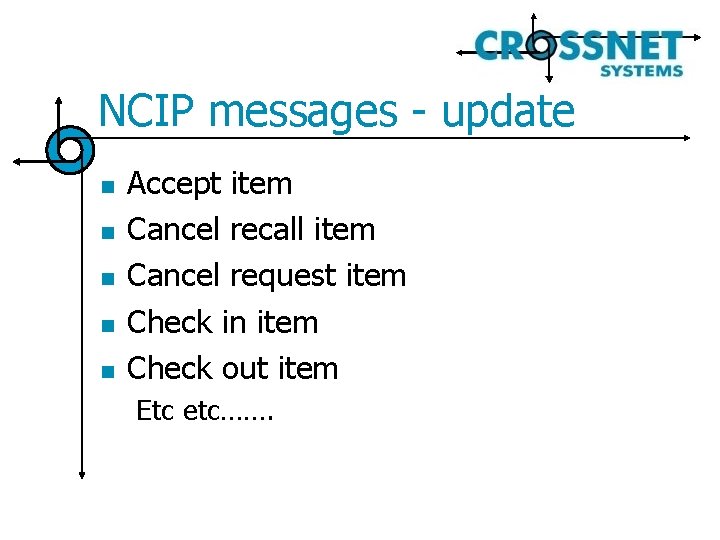
NCIP messages - update n n n Accept item Cancel recall item Cancel request item Check in item Check out item Etc etc…….
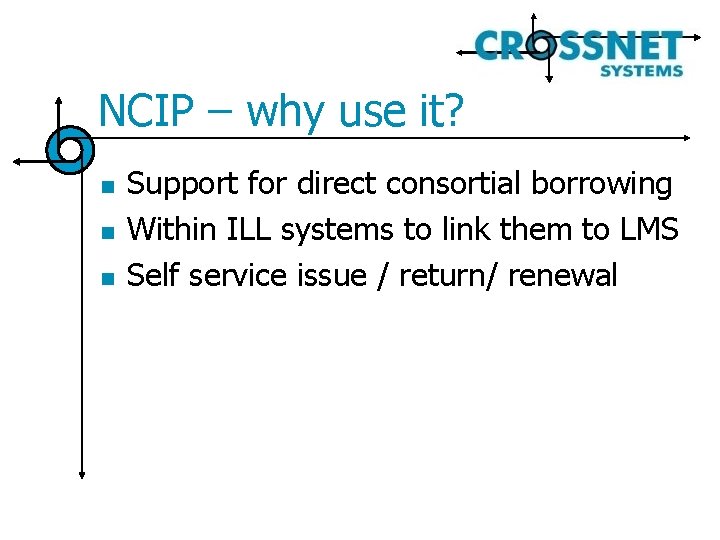
NCIP – why use it? n n n Support for direct consortial borrowing Within ILL systems to link them to LMS Self service issue / return/ renewal
Open. URL…. . .
Open. URL Speak n Context. Object n n Open. URL registry n n The info about the reference and who wants it. Packaged so that it can be transmitted and understood The syntax for the Context. Objects How they are to be transmitted Community profiles DOI – digital object identifiers n Supposed to travel with a document where ever it goes!
Open. URL implementation n Scenarios: n n n Allows links to resources that are restricted – authentication built into the Open. URL message Allows appropriate resources to be made available – depending who you are Incorporates DOIs – making it easier to keep track of where things are
Integrating these together n Basic Scenario: n Interlending services with a virtual catalogue
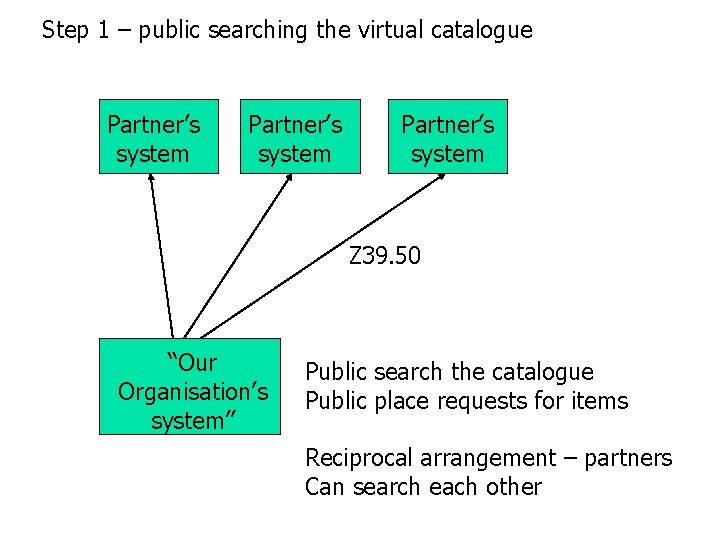
Step 1 – public searching the virtual catalogue Partner’s system Z 39. 50 “Our Organisation’s system” Public search the catalogue Public place requests for items Reciprocal arrangement – partners Can search each other
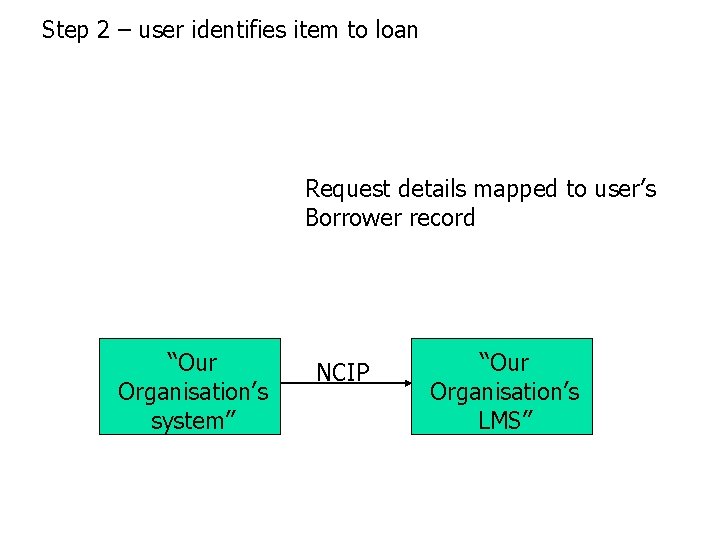
Step 2 – user identifies item to loan Request details mapped to user’s Borrower record “Our Organisation’s system” NCIP “Our Organisation’s LMS”
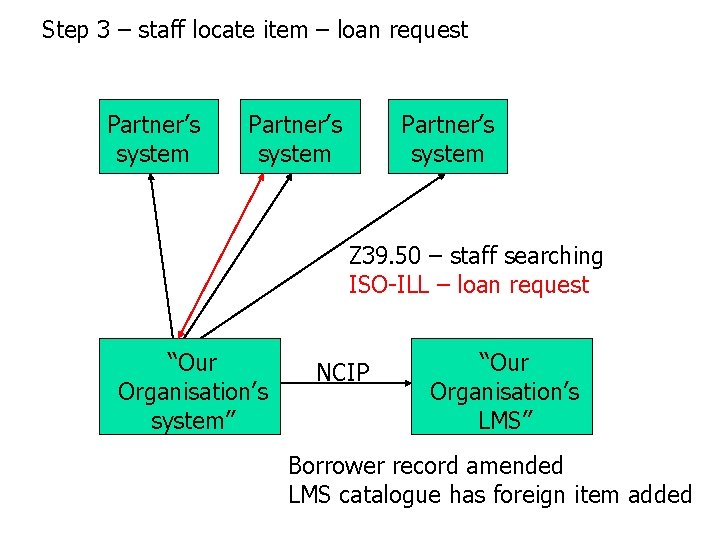
Step 3 – staff locate item – loan request Partner’s system Z 39. 50 – staff searching ISO-ILL – loan request “Our Organisation’s system” NCIP “Our Organisation’s LMS” Borrower record amended LMS catalogue has foreign item added
Questions / Comments Not too difficult! Diane Whittaker Sales Manager Crossnet Systems diane. whittaker@crxnet. com
- Slides: 39