
Internetwork Layers TCPIP Addressing Routing Application Layers WWW

- Slides: 47
Internetwork Layers: TCP/IP, Addressing, Routing Application Layers: WWW, E-mail, FTP, Telnet, Web Services
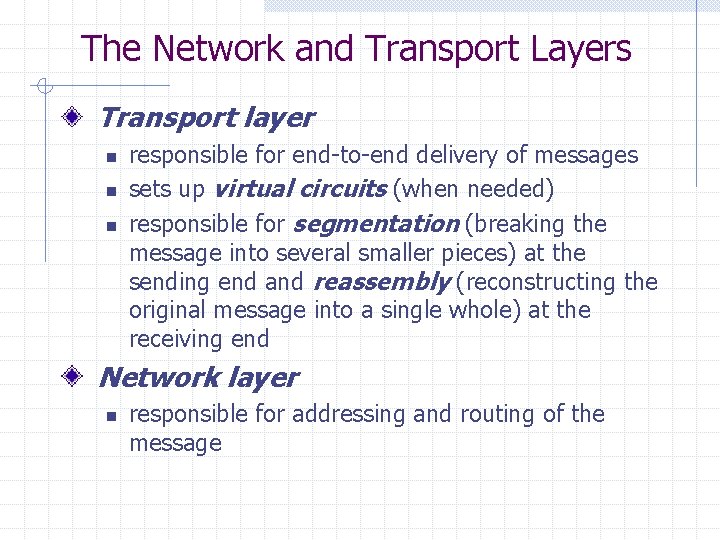
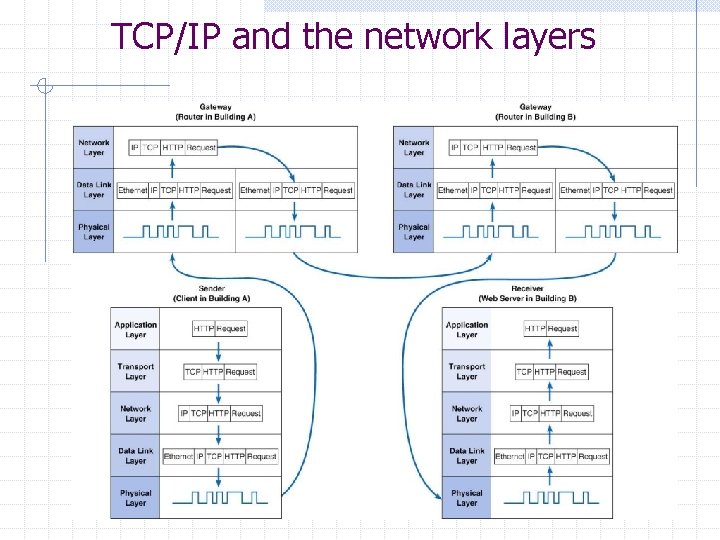
The Network and Transport Layers Transport layer n n n responsible for end-to-end delivery of messages sets up virtual circuits (when needed) responsible for segmentation (breaking the message into several smaller pieces) at the sending end and reassembly (reconstructing the original message into a single whole) at the receiving end Network layer n responsible for addressing and routing of the message
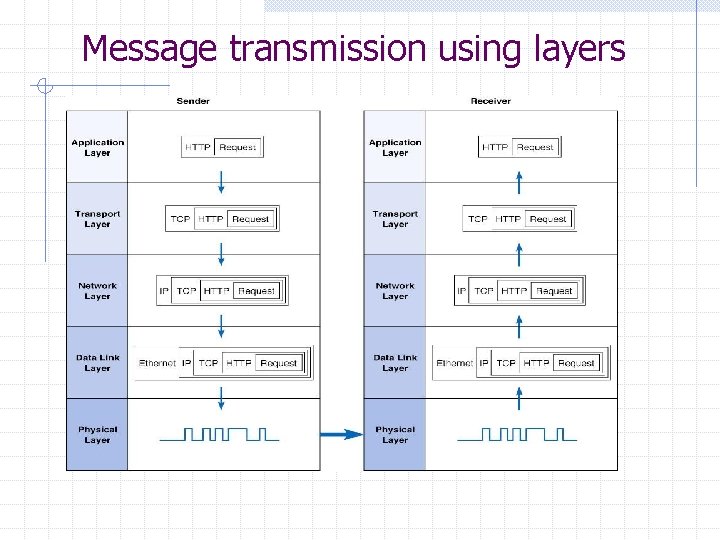
The Network and Transport Layers The network and transport layers also perform encapsulation of message segments from the application layer, passing them down to the data link layer on the sending end and passing them up to the application layer on the receiving end.
Message transmission using layers
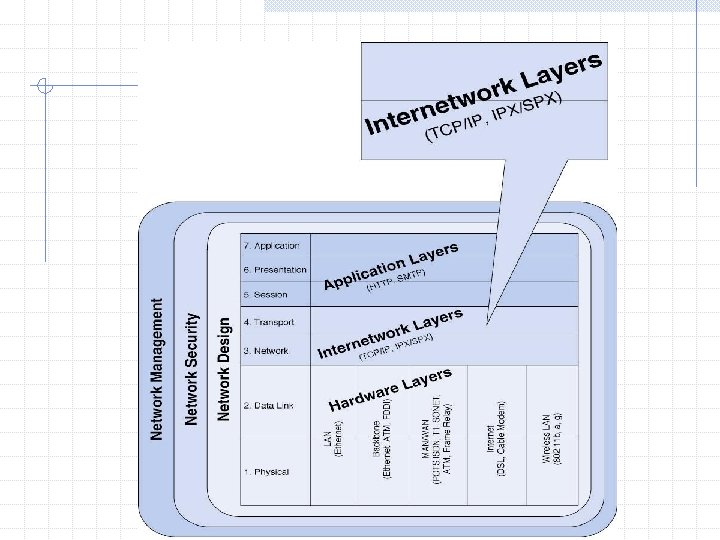
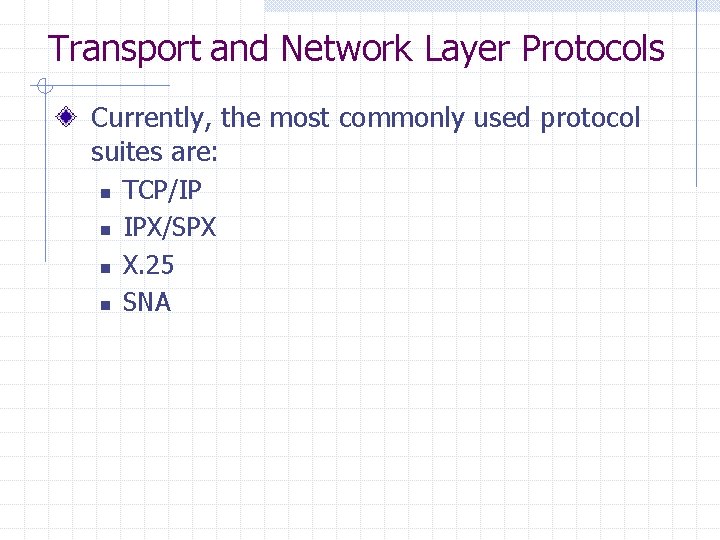
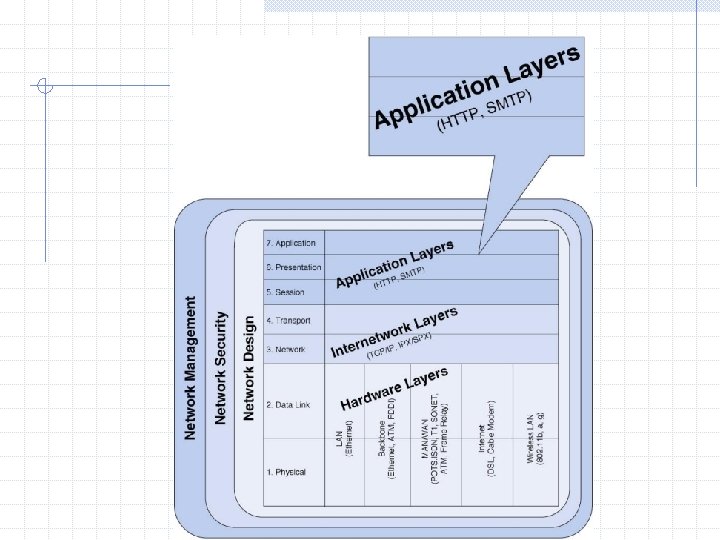
Transport and Network Layer Protocols Currently, the most commonly used protocol suites are: n n TCP/IP IPX/SPX X. 25 SNA
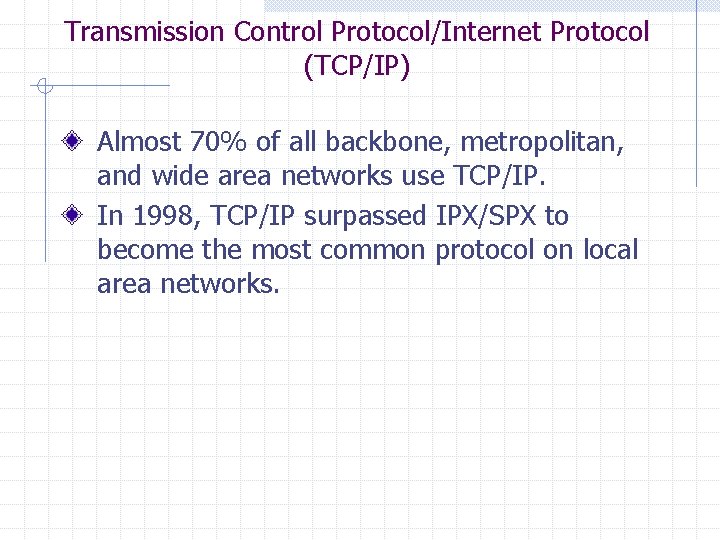
Transmission Control Protocol/Internet Protocol (TCP/IP) Almost 70% of all backbone, metropolitan, and wide area networks use TCP/IP. In 1998, TCP/IP surpassed IPX/SPX to become the most common protocol on local area networks.
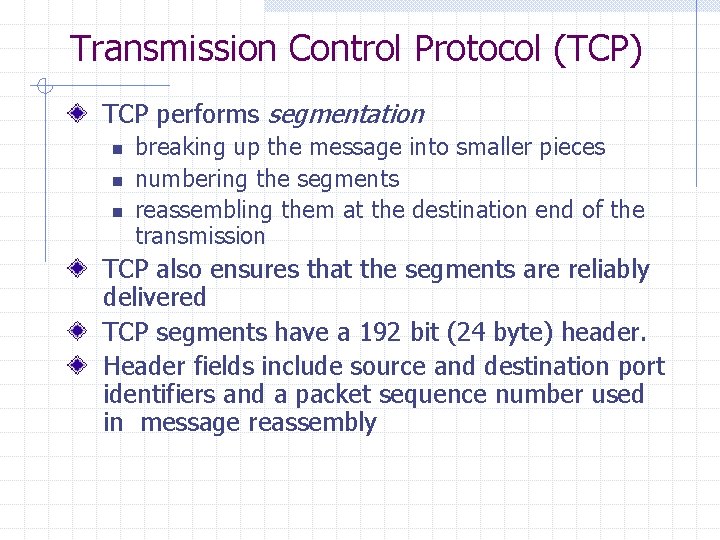
Transmission Control Protocol (TCP) TCP performs segmentation n breaking up the message into smaller pieces numbering the segments reassembling them at the destination end of the transmission TCP also ensures that the segments are reliably delivered TCP segments have a 192 bit (24 byte) header. Header fields include source and destination port identifiers and a packet sequence number used in message reassembly
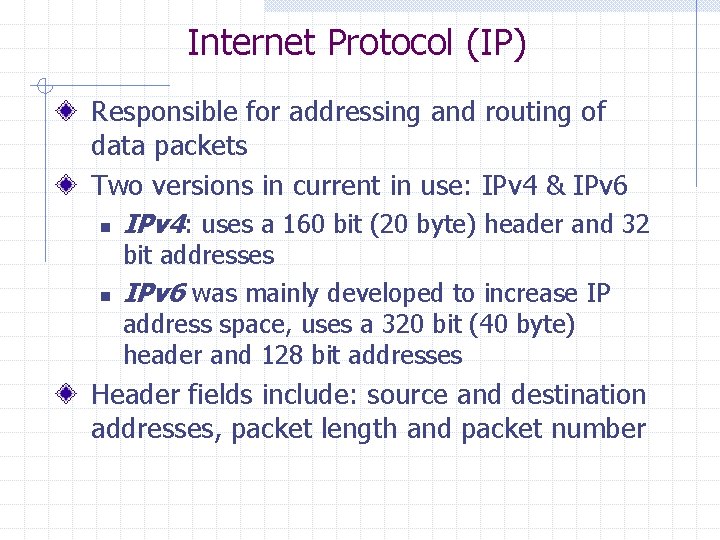
Internet Protocol (IP) Responsible for addressing and routing of data packets Two versions in current in use: IPv 4 & IPv 6 n IPv 4: uses a 160 bit (20 byte) header and 32 n bit addresses IPv 6 was mainly developed to increase IP address space, uses a 320 bit (40 byte) header and 128 bit addresses Header fields include: source and destination addresses, packet length and packet number
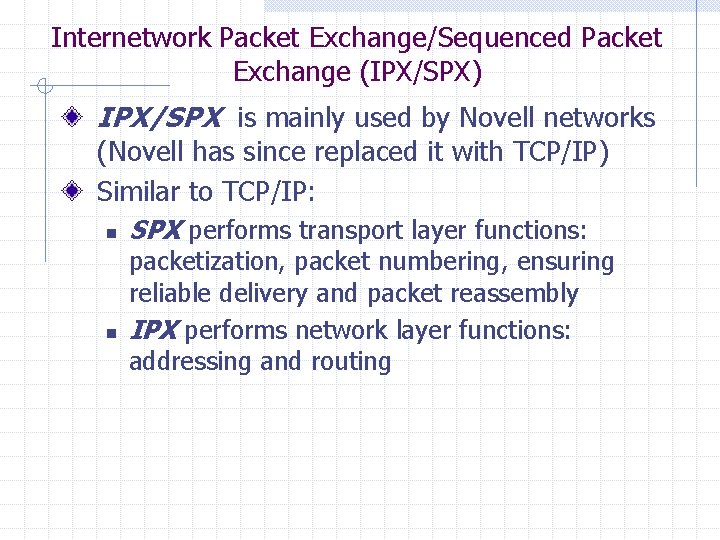
Internetwork Packet Exchange/Sequenced Packet Exchange (IPX/SPX) IPX/SPX is mainly used by Novell networks (Novell has since replaced it with TCP/IP) Similar to TCP/IP: n SPX performs transport layer functions: n packetization, packet numbering, ensuring reliable delivery and packet reassembly IPX performs network layer functions: addressing and routing
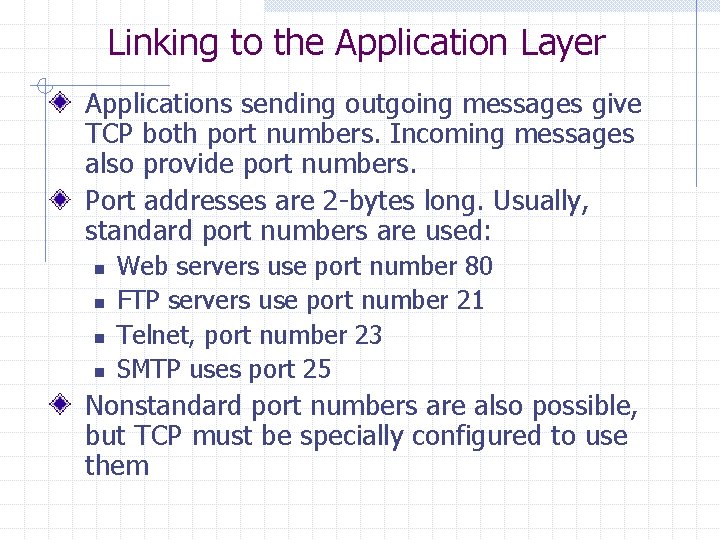
Linking to the Application Layer Applications sending outgoing messages give TCP both port numbers. Incoming messages also provide port numbers. Port addresses are 2 -bytes long. Usually, standard port numbers are used: n n Web servers use port number 80 FTP servers use port number 21 Telnet, port number 23 SMTP uses port 25 Nonstandard port numbers are also possible, but TCP must be specially configured to use them
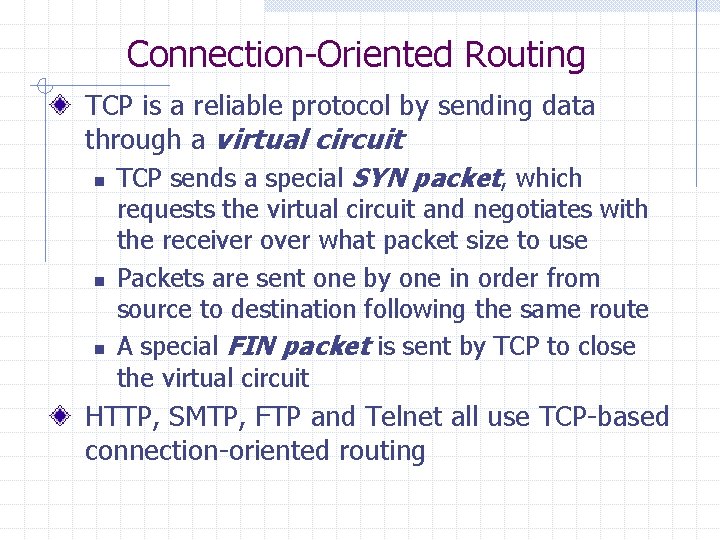
Connection-Oriented Routing TCP is a reliable protocol by sending data through a virtual circuit n TCP sends a special SYN packet, which n n requests the virtual circuit and negotiates with the receiver over what packet size to use Packets are sent one by one in order from source to destination following the same route A special FIN packet is sent by TCP to close the virtual circuit HTTP, SMTP, FTP and Telnet all use TCP-based connection-oriented routing
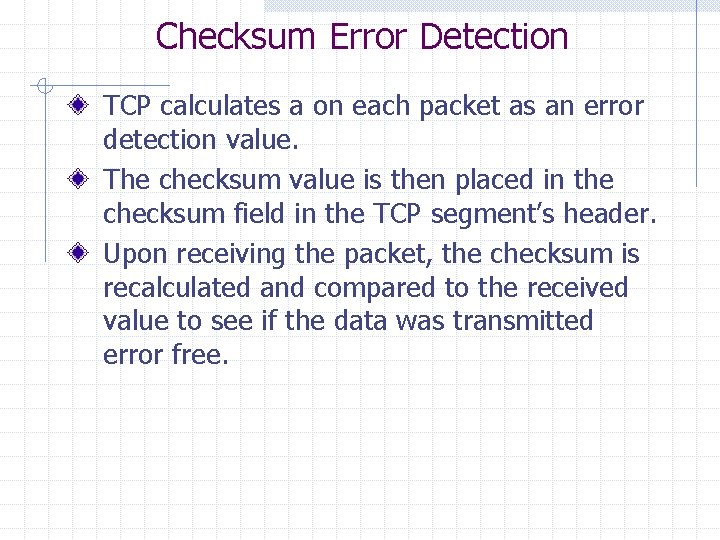
Checksum Error Detection TCP calculates a on each packet as an error detection value. The checksum value is then placed in the checksum field in the TCP segment’s header. Upon receiving the packet, the checksum is recalculated and compared to the received value to see if the data was transmitted error free.
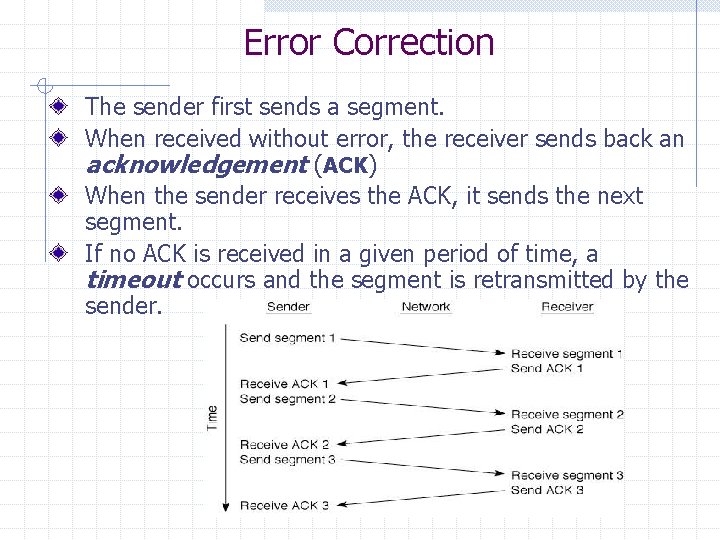
Error Correction The sender first sends a segment. When received without error, the receiver sends back an acknowledgement (ACK) When the sender receives the ACK, it sends the next segment. If no ACK is received in a given period of time, a timeout occurs and the segment is retransmitted by the sender.
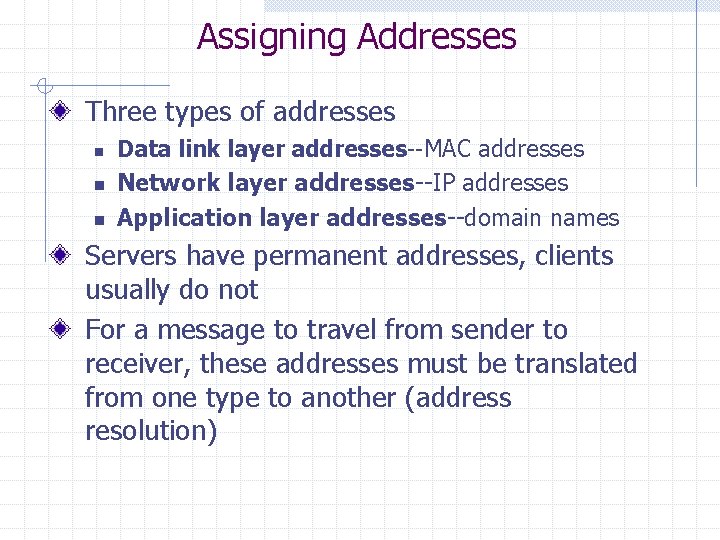
Assigning Addresses Three types of addresses n n n Data link layer addresses--MAC addresses Network layer addresses--IP addresses Application layer addresses--domain names Servers have permanent addresses, clients usually do not For a message to travel from sender to receiver, these addresses must be translated from one type to another (address resolution)
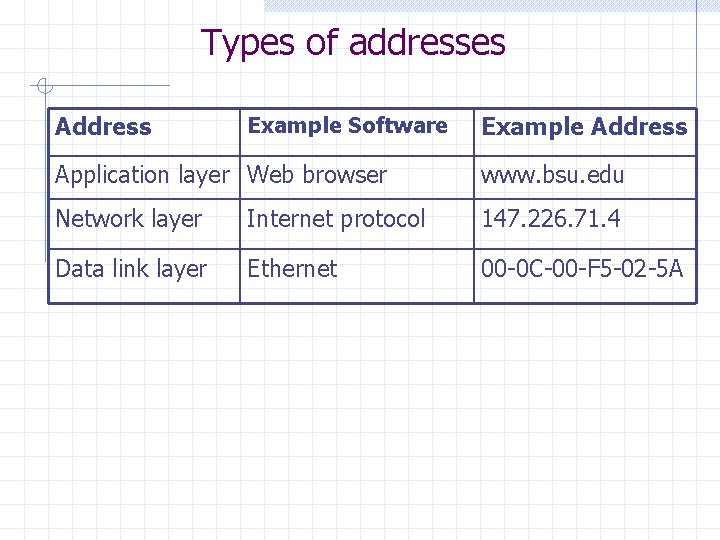
Types of addresses Address Example Software Example Address Application layer Web browser www. bsu. edu Network layer Internet protocol 147. 226. 71. 4 Data link layer Ethernet 00 -0 C-00 -F 5 -02 -5 A
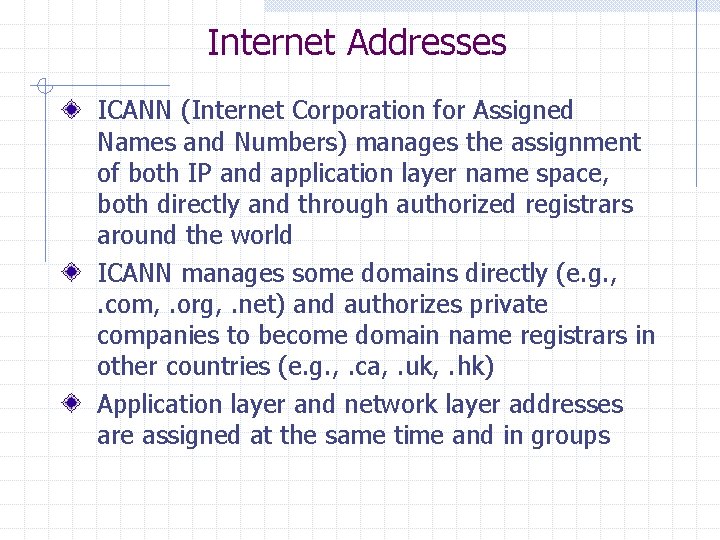
Internet Addresses ICANN (Internet Corporation for Assigned Names and Numbers) manages the assignment of both IP and application layer name space, both directly and through authorized registrars around the world ICANN manages some domains directly (e. g. , . com, . org, . net) and authorizes private companies to become domain name registrars in other countries (e. g. , . ca, . uk, . hk) Application layer and network layer addresses are assigned at the same time and in groups
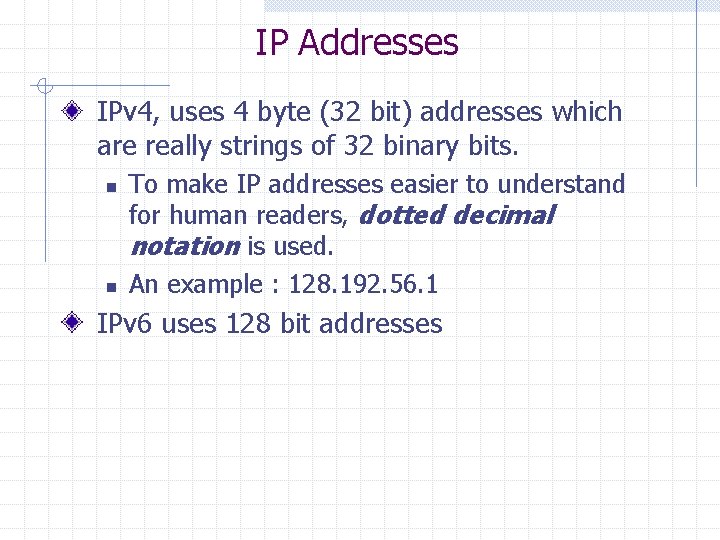
IP Addresses IPv 4, uses 4 byte (32 bit) addresses which are really strings of 32 binary bits. n n To make IP addresses easier to understand for human readers, dotted decimal notation is used. An example : 128. 192. 56. 1 IPv 6 uses 128 bit addresses
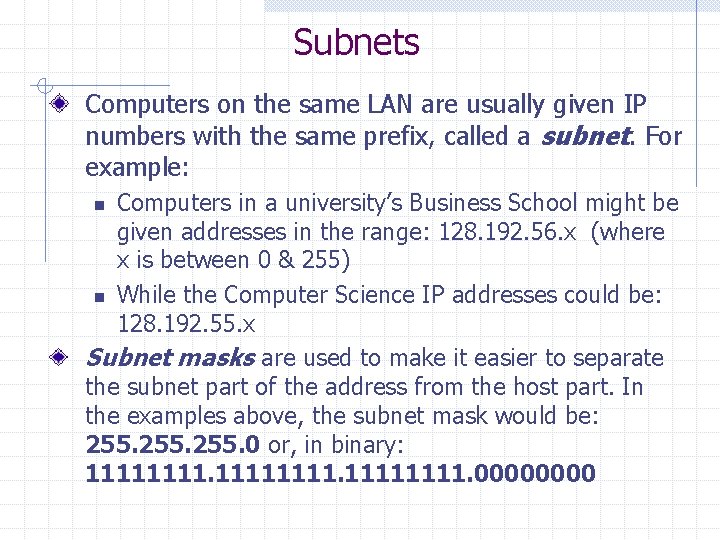
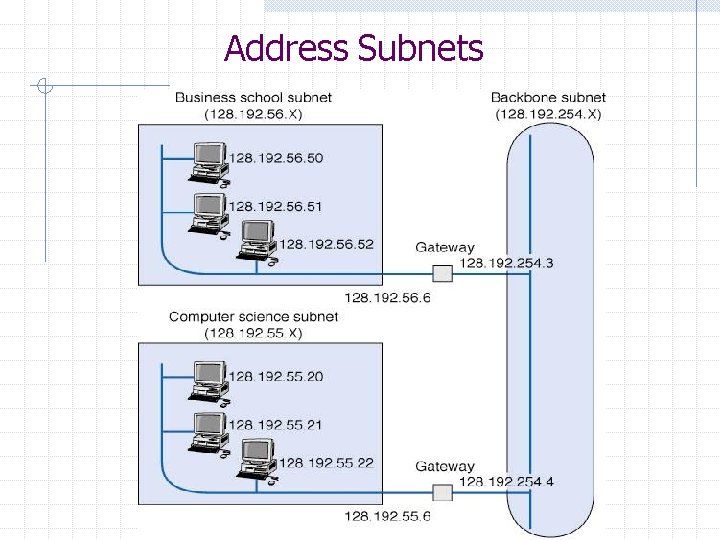
Subnets Computers on the same LAN are usually given IP numbers with the same prefix, called a subnet. For example: Computers in a university’s Business School might be given addresses in the range: 128. 192. 56. x (where x is between 0 & 255) n While the Computer Science IP addresses could be: 128. 192. 55. x Subnet masks are used to make it easier to separate the subnet part of the address from the host part. In the examples above, the subnet mask would be: 255. 0 or, in binary: 11111111. 0000 n
Address Subnets
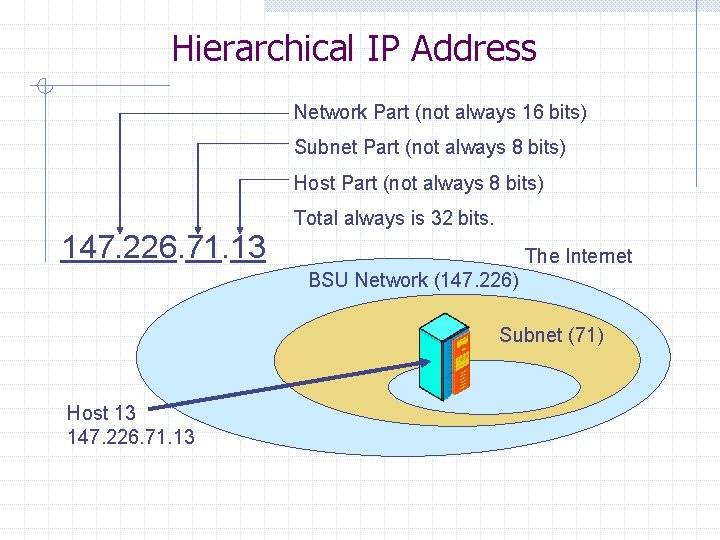
Hierarchical IP Address Network Part (not always 16 bits) Subnet Part (not always 8 bits) Host Part (not always 8 bits) Total always is 32 bits. 147. 226. 71. 13 The Internet BSU Network (147. 226) Subnet (71) Host 13 147. 226. 71. 13
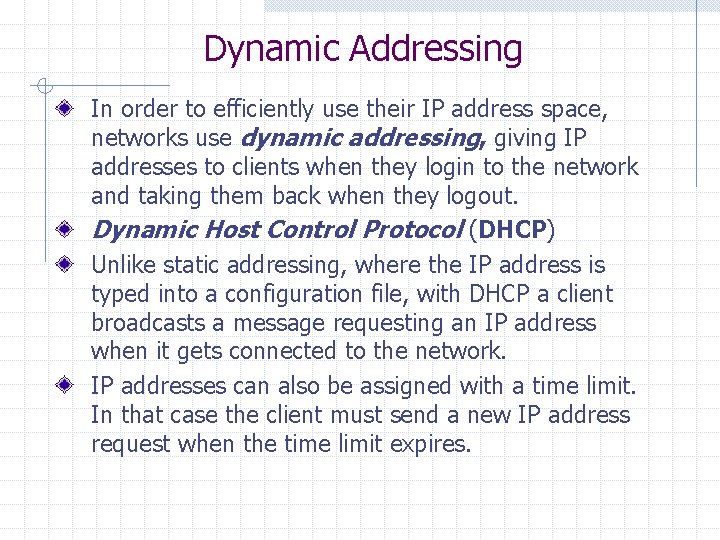
Dynamic Addressing In order to efficiently use their IP address space, networks use dynamic addressing, giving IP addresses to clients when they login to the network and taking them back when they logout. Dynamic Host Control Protocol (DHCP) Unlike static addressing, where the IP address is typed into a configuration file, with DHCP a client broadcasts a message requesting an IP address when it gets connected to the network. IP addresses can also be assigned with a time limit. In that case the client must send a new IP address request when the time limit expires.
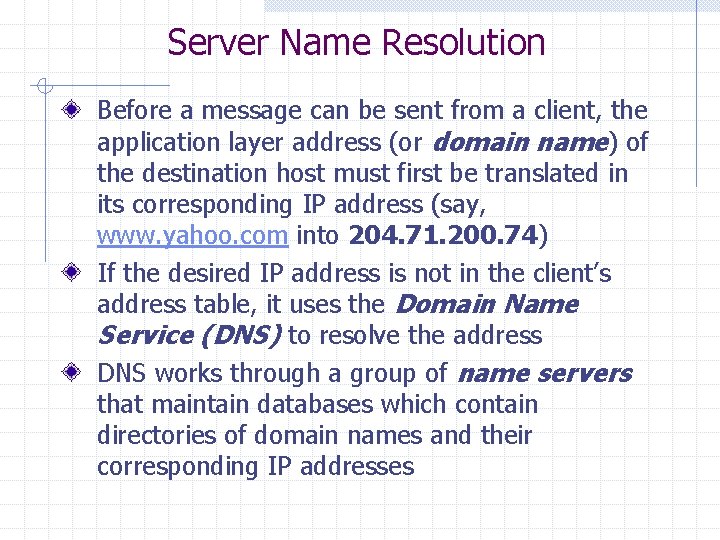
Server Name Resolution Before a message can be sent from a client, the application layer address (or domain name) of the destination host must first be translated in its corresponding IP address (say, www. yahoo. com into 204. 71. 200. 74) If the desired IP address is not in the client’s address table, it uses the Domain Name Service (DNS) to resolve the address DNS works through a group of name servers that maintain databases which contain directories of domain names and their corresponding IP addresses
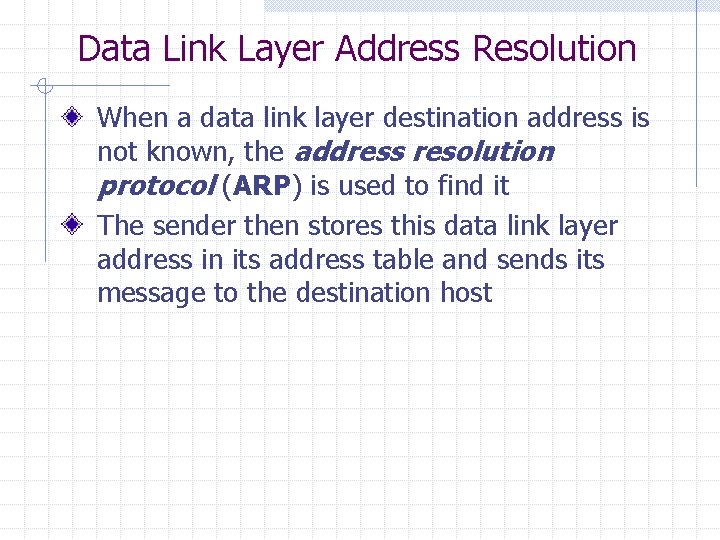
Data Link Layer Address Resolution When a data link layer destination address is not known, the address resolution protocol (ARP) is used to find it The sender then stores this data link layer address in its address table and sends its message to the destination host
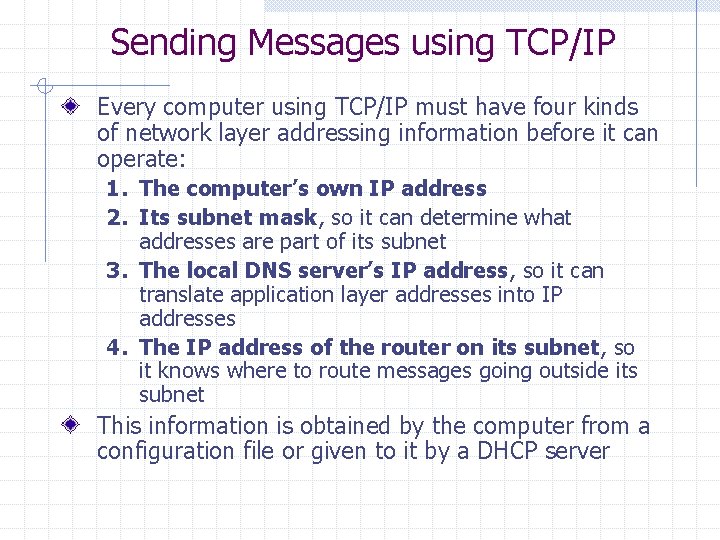
Sending Messages using TCP/IP Every computer using TCP/IP must have four kinds of network layer addressing information before it can operate: 1. The computer’s own IP address 2. Its subnet mask, so it can determine what addresses are part of its subnet 3. The local DNS server’s IP address, so it can translate application layer addresses into IP addresses 4. The IP address of the router on its subnet, so it knows where to route messages going outside its subnet This information is obtained by the computer from a configuration file or given to it by a DHCP server
TCP/IP and the network layers
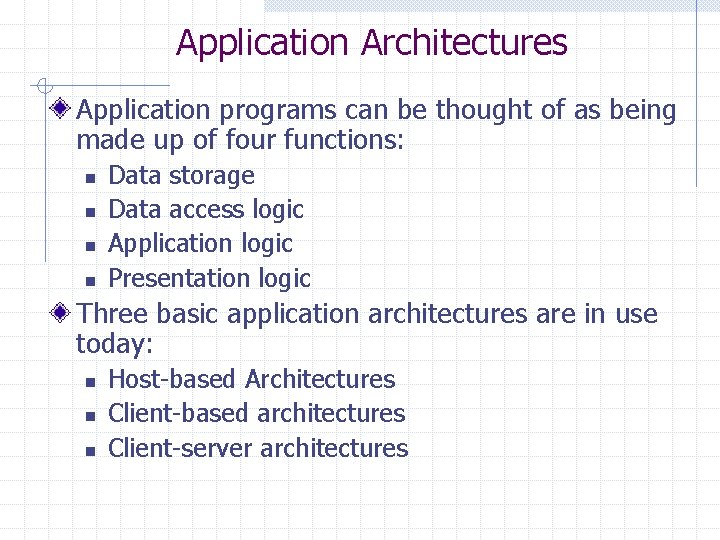
Application Architectures Application programs can be thought of as being made up of four functions: n n Data storage Data access logic Application logic Presentation logic Three basic application architectures are in use today: n n n Host-based Architectures Client-based architectures Client-server architectures
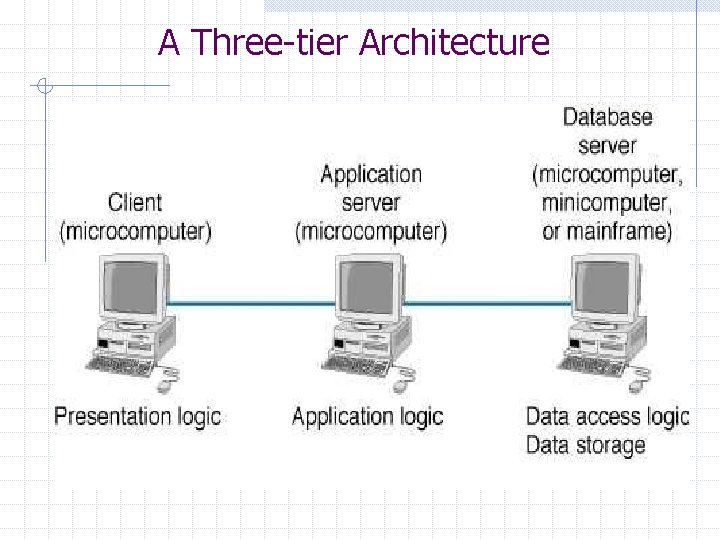
A Three-tier Architecture
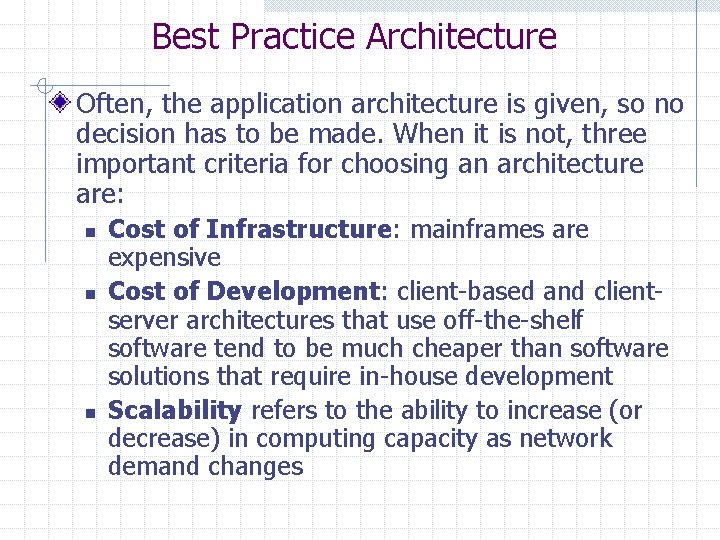
Best Practice Architecture Often, the application architecture is given, so no decision has to be made. When it is not, three important criteria for choosing an architecture are: n n n Cost of Infrastructure: mainframes are expensive Cost of Development: client-based and clientserver architectures that use off-the-shelf software tend to be much cheaper than software solutions that require in-house development Scalability refers to the ability to increase (or decrease) in computing capacity as network demand changes
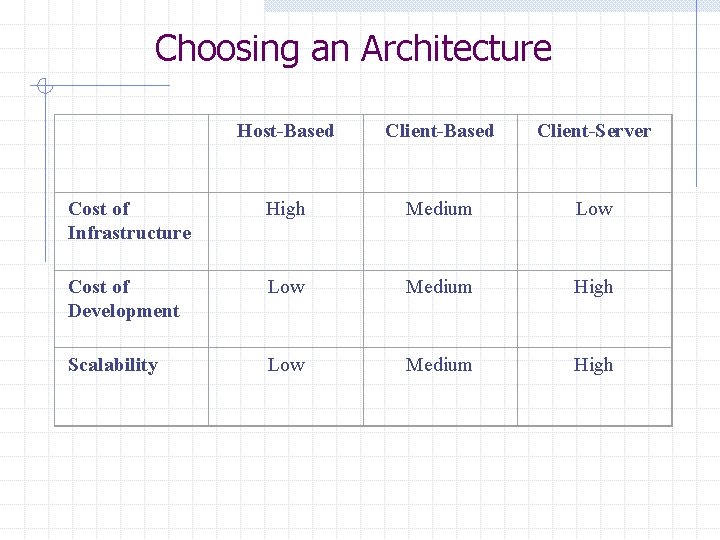
Choosing an Architecture Host-Based Client-Server Cost of Infrastructure High Medium Low Cost of Development Low Medium High Scalability Low Medium High
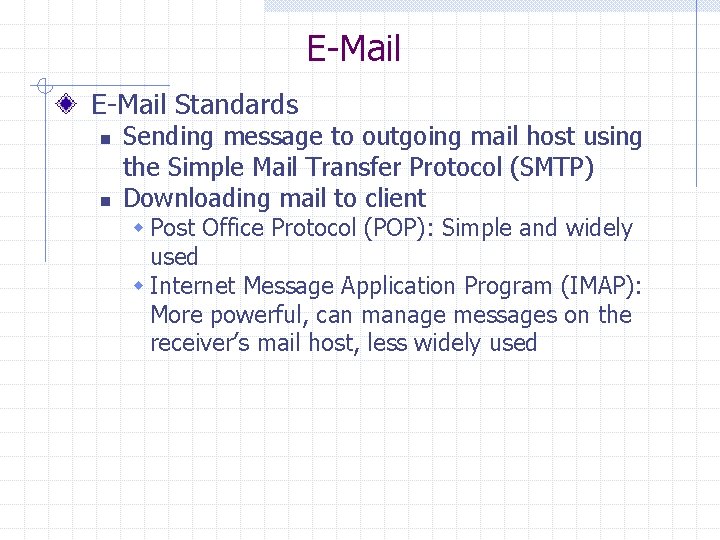
E-Mail Standards n n Sending message to outgoing mail host using the Simple Mail Transfer Protocol (SMTP) Downloading mail to client w Post Office Protocol (POP): Simple and widely used w Internet Message Application Program (IMAP): More powerful, can manage messages on the receiver’s mail host, less widely used
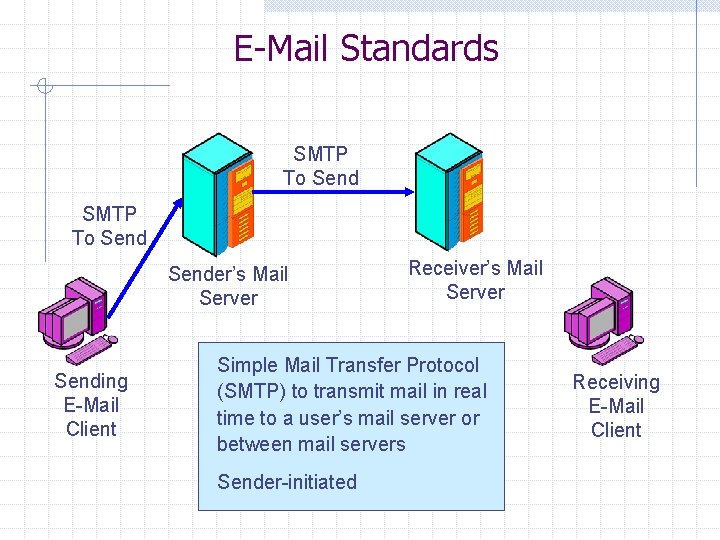
E-Mail Standards SMTP To Sender’s Mail Server Sending E-Mail Client Receiver’s Mail Server Simple Mail Transfer Protocol (SMTP) to transmit mail in real time to a user’s mail server or between mail servers Sender-initiated Receiving E-Mail Client
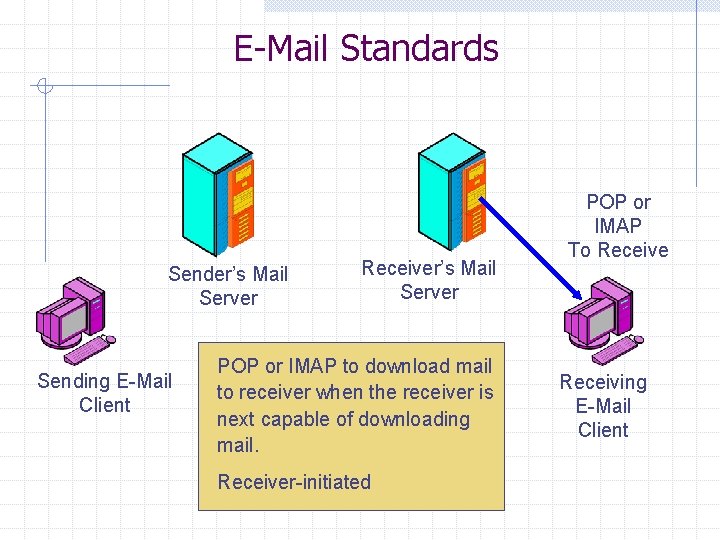
E-Mail Standards Sender’s Mail Server Sending E-Mail Client Receiver’s Mail Server POP or IMAP to download mail to receiver when the receiver is next capable of downloading mail. Receiver-initiated POP or IMAP To Receive Receiving E-Mail Client
Web Server In e-mail, there is a message transmission standard and a document content standard The World Wide Web is the same The WWW transmission standard is the Hypertext Transfer Protocol (HTTP)--used to deliver requests and responses The basic document format standard for the WWW is the Hypertext Markup Language (HTML)--specifies formatting and contains tags referring to image files and other files
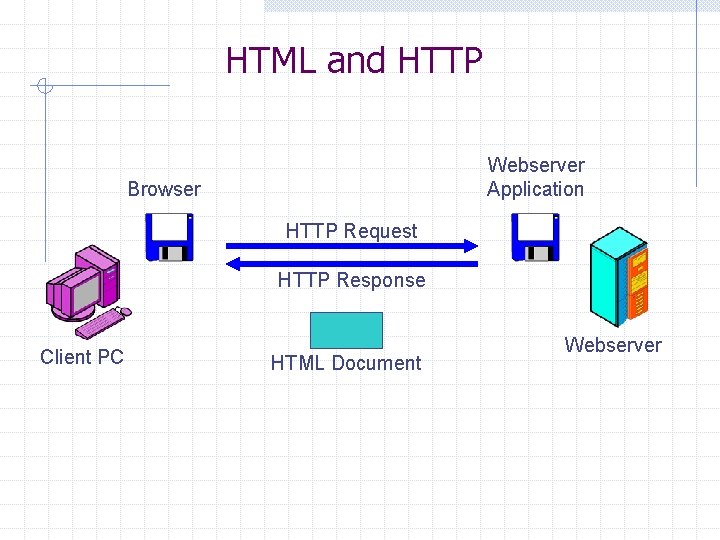
HTML and HTTP Webserver Application Browser HTTP Request HTTP Response Client PC HTML Document Webserver
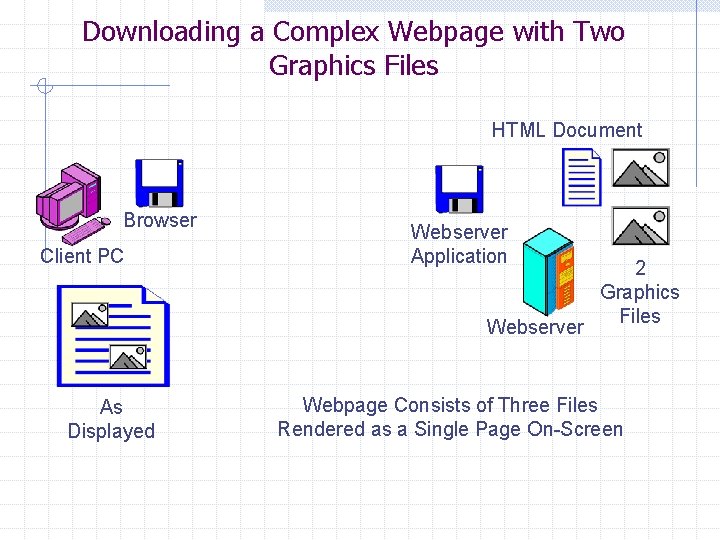
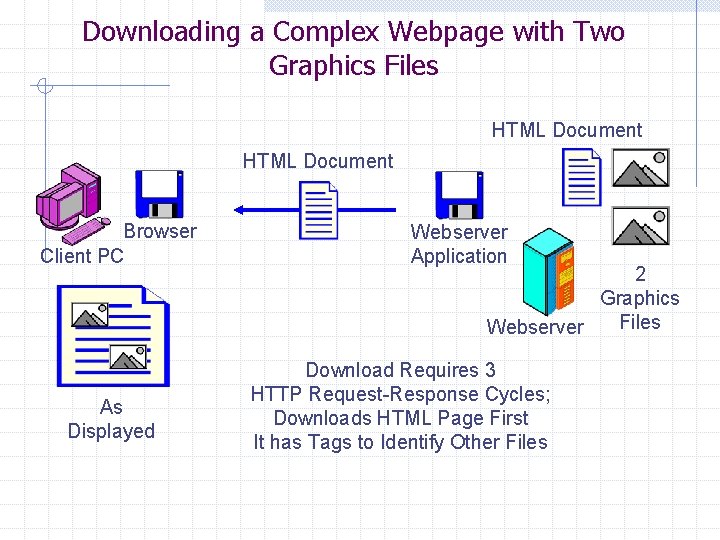
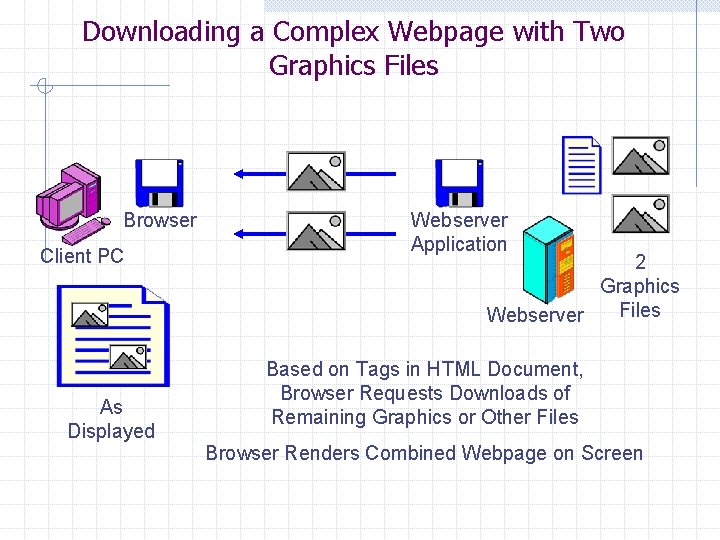
Downloading a Complex Webpage with Two Graphics Files HTML Document Browser Client PC Webserver Application Webserver As Displayed 2 Graphics Files Webpage Consists of Three Files Rendered as a Single Page On-Screen
Downloading a Complex Webpage with Two Graphics Files HTML Document Browser Client PC As Displayed Webserver Application 2 Graphics Files Webserver Download Requires 3 HTTP Request-Response Cycles; Downloads HTML Page First It has Tags to Identify Other Files
Downloading a Complex Webpage with Two Graphics Files Browser Client PC As Displayed Webserver Application 2 Graphics Files Webserver Based on Tags in HTML Document, Browser Requests Downloads of Remaining Graphics or Other Files Browser Renders Combined Webpage on Screen
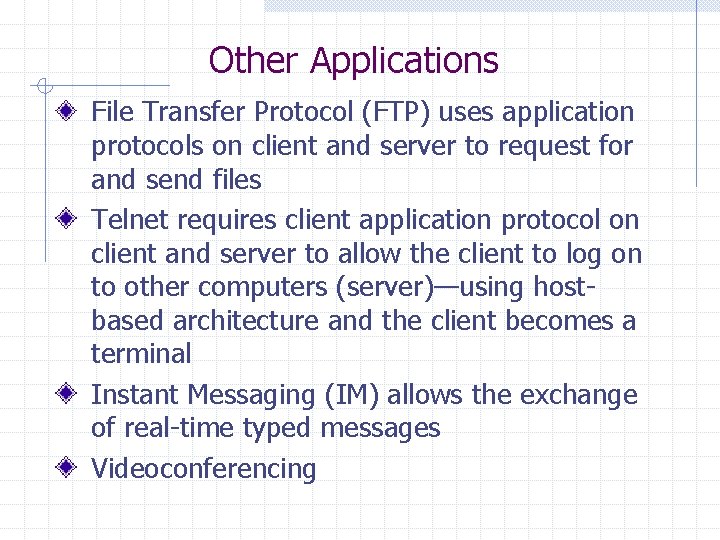
Other Applications File Transfer Protocol (FTP) uses application protocols on client and server to request for and send files Telnet requires client application protocol on client and server to allow the client to log on to other computers (server)—using hostbased architecture and the client becomes a terminal Instant Messaging (IM) allows the exchange of real-time typed messages Videoconferencing
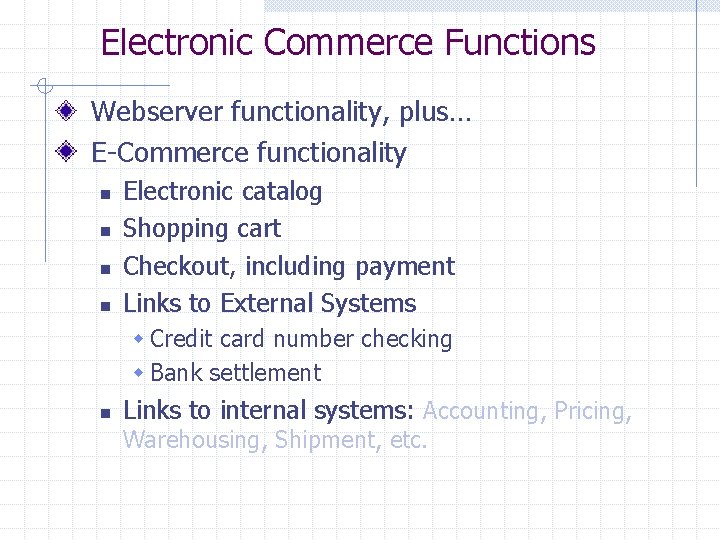
Electronic Commerce Functions Webserver functionality, plus… E-Commerce functionality n n Electronic catalog Shopping cart Checkout, including payment Links to External Systems w Credit card number checking w Bank settlement n Links to internal systems: Accounting, Pricing, Warehousing, Shipment, etc.
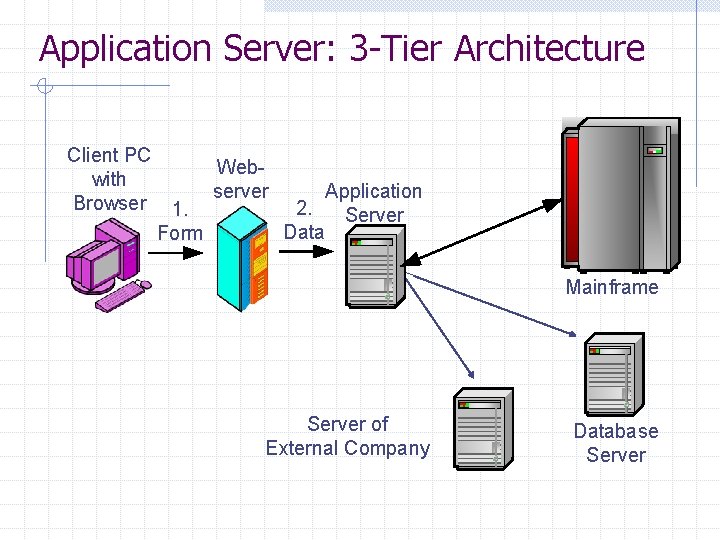
Application Server: 3 -Tier Architecture Client PC with Browser 1. Form Webserver Application 2. Server Data Mainframe Server of External Company Database Server
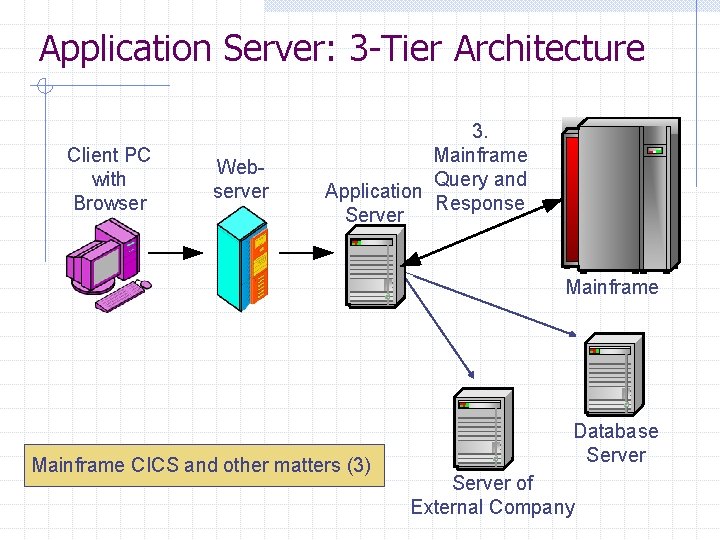
Application Server: 3 -Tier Architecture Client PC with Browser Webserver 3. Mainframe Query and Application Response Server Mainframe CICS and other matters (3) Database Server of External Company
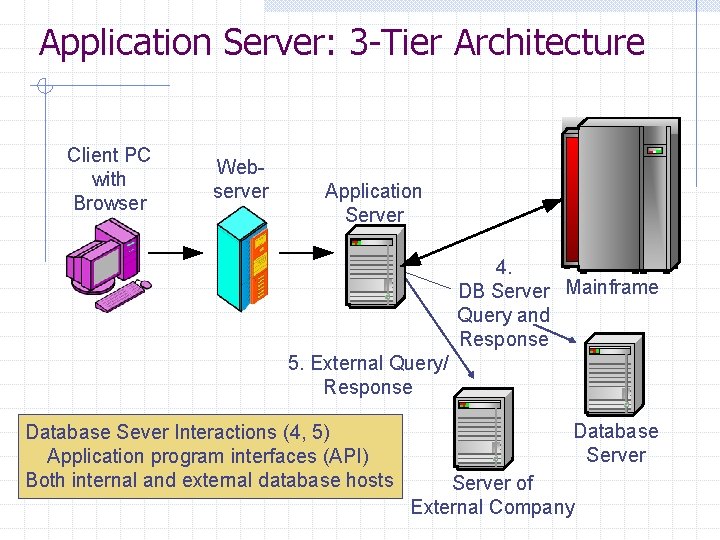
Application Server: 3 -Tier Architecture Client PC with Browser Webserver Application Server 4. DB Server Mainframe Query and Response 5. External Query/ Response Database Sever Interactions (4, 5) Application program interfaces (API) Both internal and external database hosts Database Server of External Company
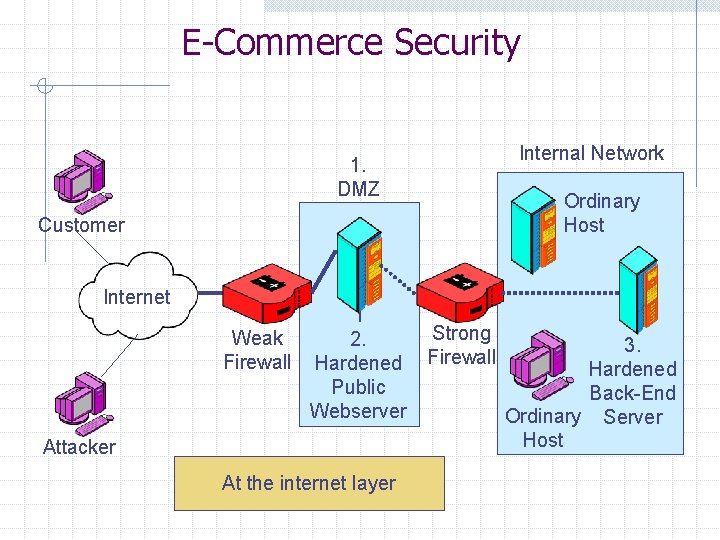
E-Commerce Security Internal Network 1. DMZ Ordinary Host Customer Internet 1 Weak 2. Firewall Hardened Public Webserver Attacker At the internet layer Strong Firewall 3. Hardened Back-End Ordinary Server Host
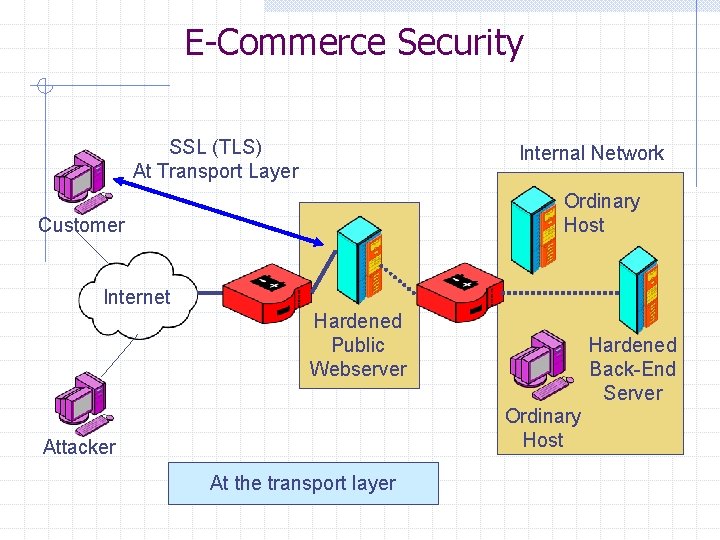
E-Commerce Security SSL (TLS) At Transport Layer Internal Network Ordinary Host Customer Internet 1 Hardened Public Webserver Hardened Back-End Server Ordinary Host Attacker At the transport layer
Summary Transport layer protocols and their functions Network layer protocols and their functions IP addresses and subnets Various types of application layer architectures Application layer functions in e-mail, web server, FTP, Telnet, etc. E-commerce security