
INTERNET SEARCHING FINDING QUALITY INFORMATION The Four Nets



- Slides: 18
INTERNET SEARCHING: FINDING QUALITY INFORMATION The Four Nets for better searching
DON’T WASTE TIME SURFING WHEN YOU NEED TO BE SEARCHING!
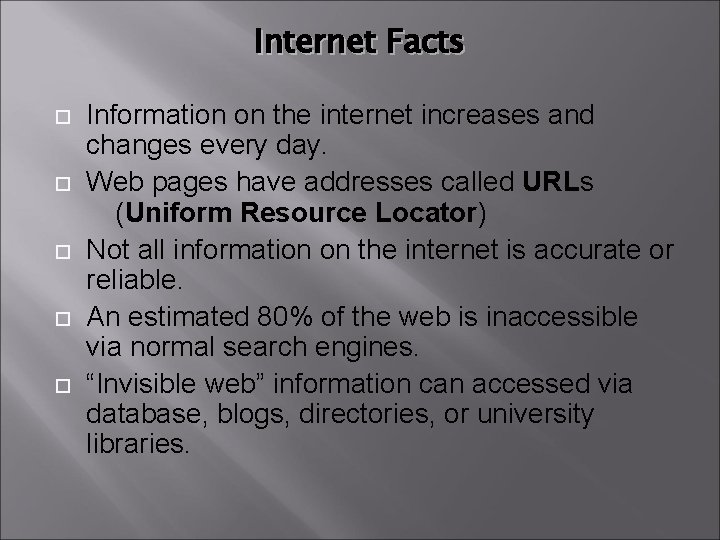
Internet Facts Information on the internet increases and changes every day. Web pages have addresses called URLs (Uniform Resource Locator) Not all information on the internet is accurate or reliable. An estimated 80% of the web is inaccessible via normal search engines. “Invisible web” information can accessed via database, blogs, directories, or university libraries.
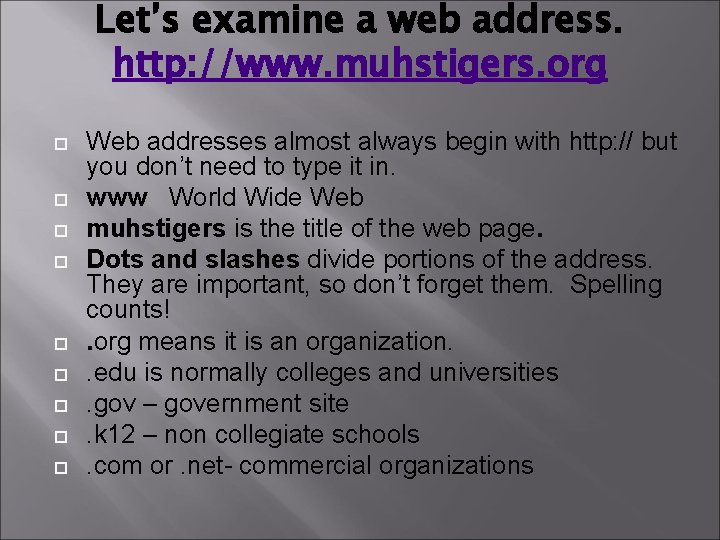
Let’s examine a web address. http: //www. muhstigers. org Web addresses almost always begin with http: // but you don’t need to type it in. www World Wide Web muhstigers is the title of the web page. Dots and slashes divide portions of the address. They are important, so don’t forget them. Spelling counts!. org means it is an organization. . edu is normally colleges and universities. gov – government site. k 12 – non collegiate schools. com or. net- commercial organizations
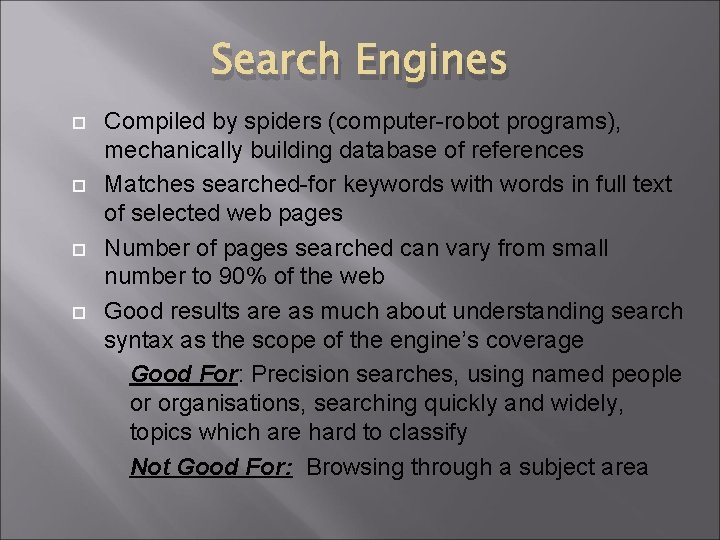
Search Engines Compiled by spiders (computer-robot programs), mechanically building database of references Matches searched-for keywords with words in full text of selected web pages Number of pages searched can vary from small number to 90% of the web Good results are as much about understanding search syntax as the scope of the engine’s coverage Good For: Precision searches, using named people or organisations, searching quickly and widely, topics which are hard to classify Not Good For: Browsing through a subject area
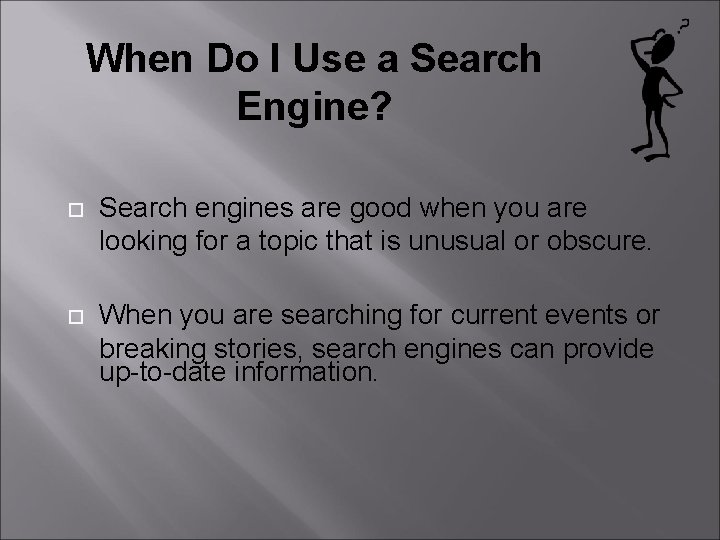
When Do I Use a Search Engine? Search engines are good when you are looking for a topic that is unusual or obscure. When you are searching for current events or breaking stories, search engines can provide up-to-date information.
How do you find a web address? You could use a search engine Or you can specialize!
A Search for “Dogs”. The most relevant sites will be on the first several pages, but it will still take you a long time to search through those websites to find the information you need. A Google search reveals: Results 1 - 10 of about 217, 000 for dogs [definition]. (0. 06 seconds) The average person will look through 2. 3 pages of results before choosing their informational site.
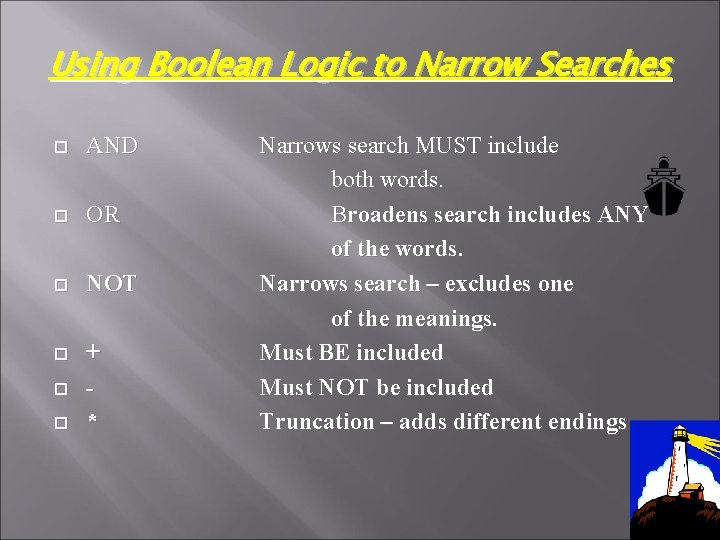
Using Boolean Logic to Narrow Searches AND OR NOT + * Narrows search MUST include both words. Broadens search includes ANY of the words. Narrows search – excludes one of the meanings. Must BE included Must NOT be included Truncation – adds different endings
HOW TO SEARCH
Start with a Navigation Plan Define your information need. What is your topic? What key words should be included about the subject? Check your spelling Are there words that you do not want to be associated? Where should this information come from? An organization? A school/ university? A government site?
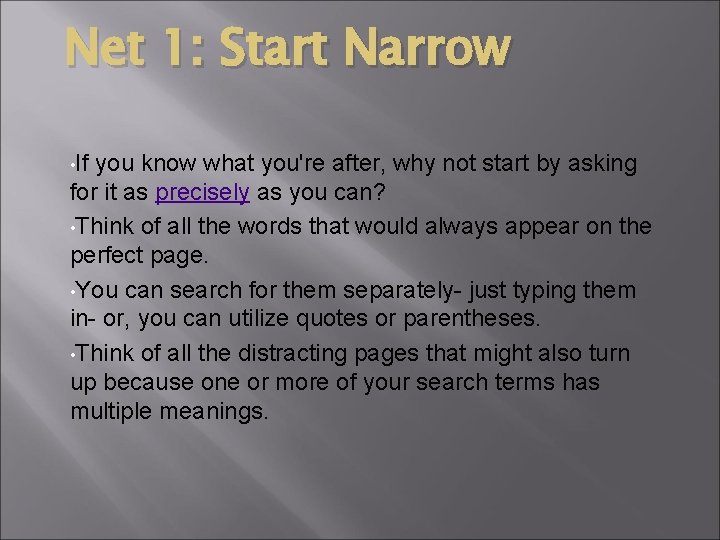
Net 1: Start Narrow • If you know what you're after, why not start by asking for it as precisely as you can? • Think of all the words that would always appear on the perfect page. • You can search for them separately- just typing them in- or, you can utilize quotes or parentheses. • Think of all the distracting pages that might also turn up because one or more of your search terms has multiple meanings.
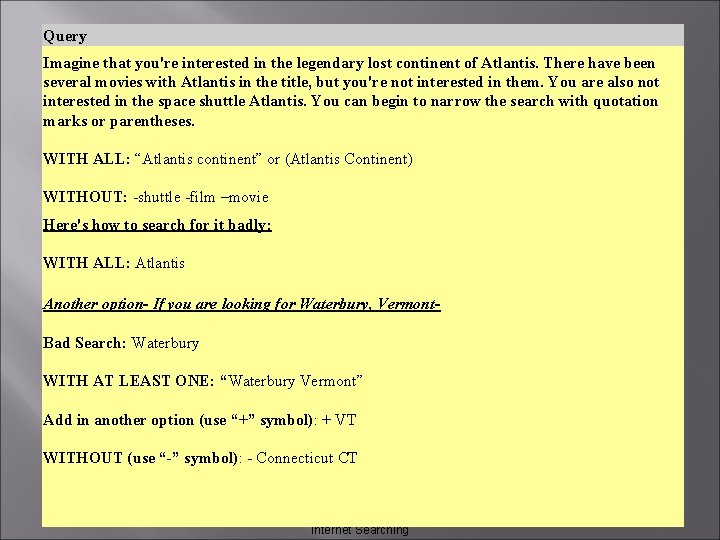
Query Imagine that you're interested in the legendary lost continent of Atlantis. There have been several movies with Atlantis in the title, but you're not interested in them. You are also not interested in the space shuttle Atlantis. You can begin to narrow the search with quotation marks or parentheses. WITH ALL: “Atlantis continent” or (Atlantis Continent) WITHOUT: -shuttle -film –movie Here's how to search for it badly: WITH ALL: Atlantis Another option- If you are looking for Waterbury, Vermont. Bad Search: Waterbury WITH AT LEAST ONE: “Waterbury Vermont” Add in another option (use “+” symbol): + VT WITHOUT (use “-” symbol): - Connecticut CT Internet Searching
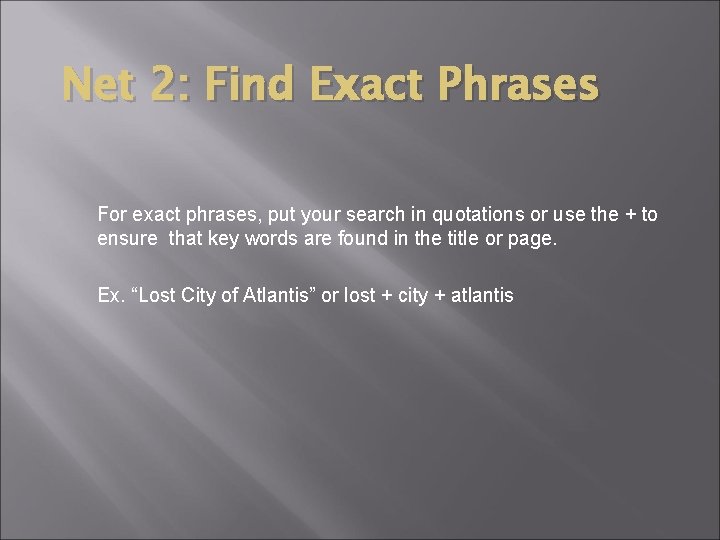
Net 2: Find Exact Phrases For exact phrases, put your search in quotations or use the + to ensure that key words are found in the title or page. Ex. “Lost City of Atlantis” or lost + city + atlantis
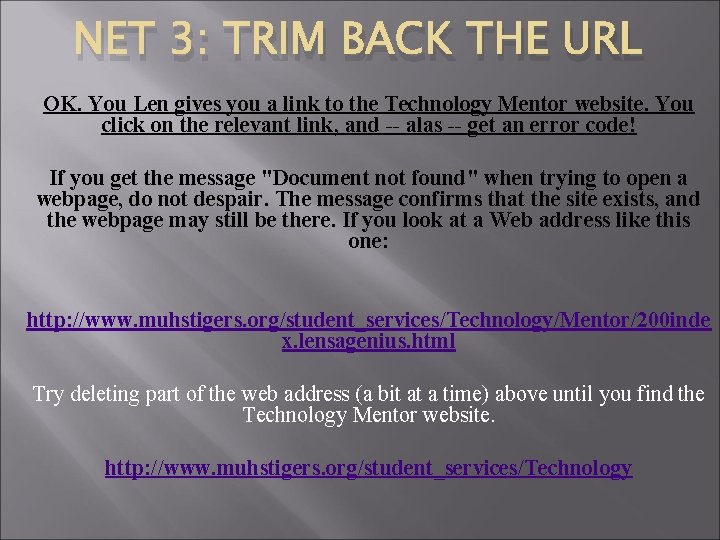
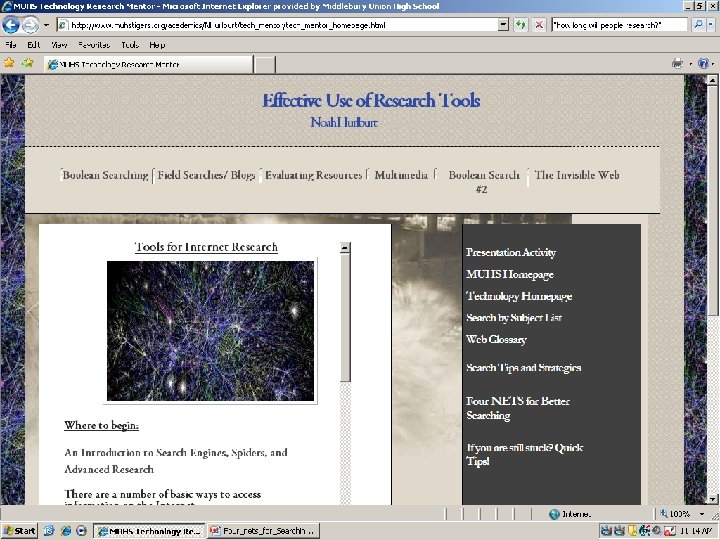
NET 3: TRIM BACK THE URL OK. You Len gives you a link to the Technology Mentor website. You click on the relevant link, and -- alas -- get an error code! If you get the message "Document not found" when trying to open a webpage, do not despair. The message confirms that the site exists, and the webpage may still be there. If you look at a Web address like this one: http: //www. muhstigers. org/student_services/Technology/Mentor/200 inde x. lensagenius. html Try deleting part of the web address (a bit at a time) above until you find the Technology Mentor website. http: //www. muhstigers. org/student_services/Technology
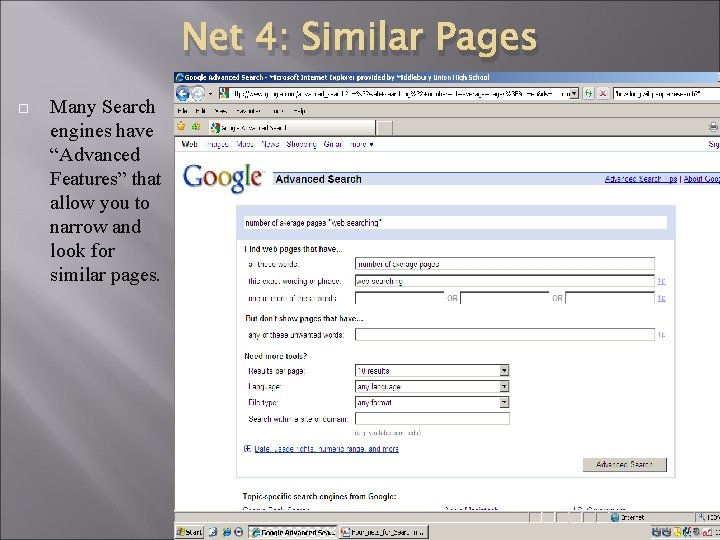
Net 4: Similar Pages Many Search engines have “Advanced Features” that allow you to narrow and look for similar pages.
USING ADVANCED SEARCH OPTIONS With advanced searching, you can narrow down results to include: • Exact words and phrases • Words to delete • Number of results • Language • Format • Type of site (. edu, . org, . edu, etc. ) • Date published online • Region/ Country
Internet Searching