
Internet Safety How safe are you Social Networking

- Slides: 33
Internet Safety How safe are you?
Social Networking
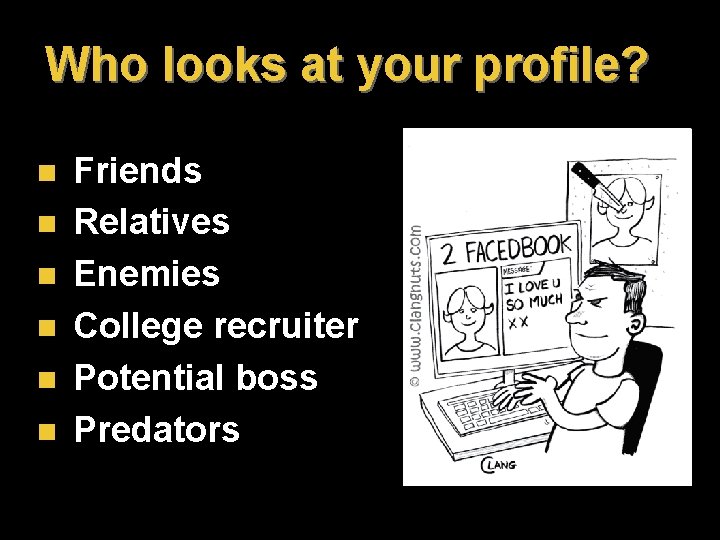
Who looks at your profile? n n n Friends Relatives Enemies College recruiter Potential boss Predators
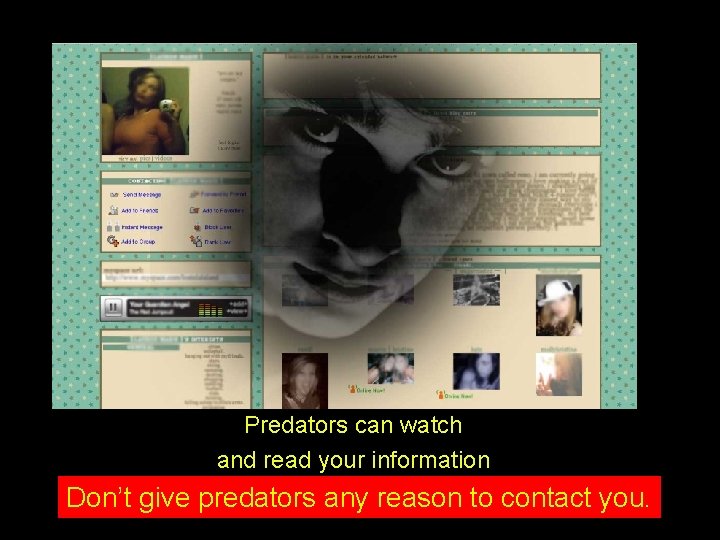
Predators can watch and read your information Don’t give predators any reason to contact you.
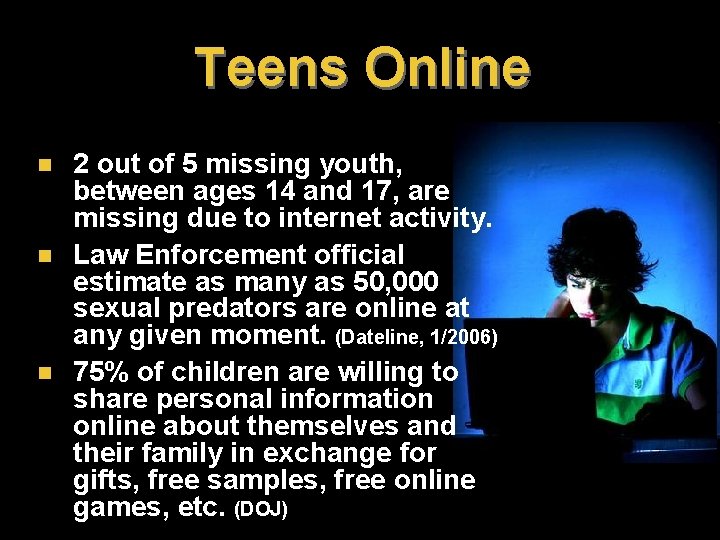
Teens Online n n n 2 out of 5 missing youth, between ages 14 and 17, are missing due to internet activity. Law Enforcement official estimate as many as 50, 000 sexual predators are online at any given moment. (Dateline, 1/2006) 75% of children are willing to share personal information online about themselves and their family in exchange for gifts, free samples, free online games, etc. (DOJ)
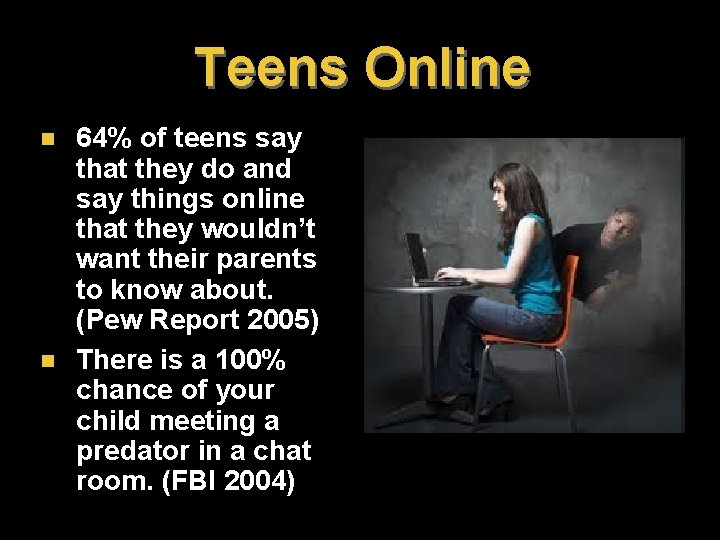
Teens Online n n 64% of teens say that they do and say things online that they wouldn’t want their parents to know about. (Pew Report 2005) There is a 100% chance of your child meeting a predator in a chat room. (FBI 2004)
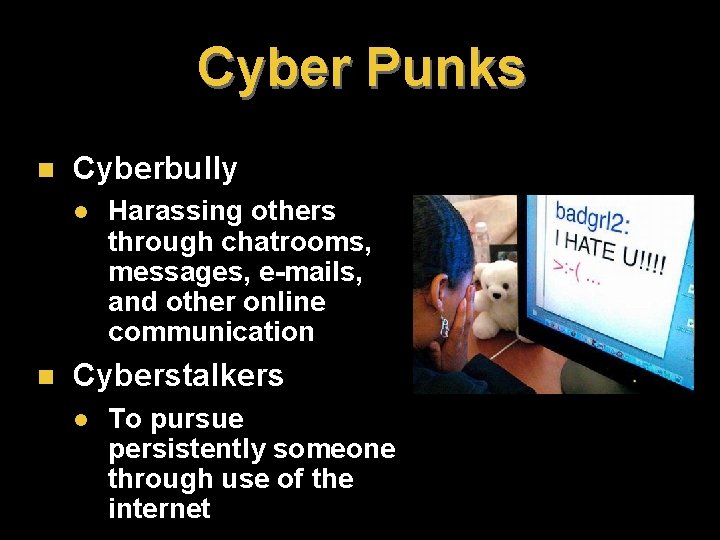
Cyber Punks n Cyberbully l n Harassing others through chatrooms, messages, e-mails, and other online communication Cyberstalkers l To pursue persistently someone through use of the internet
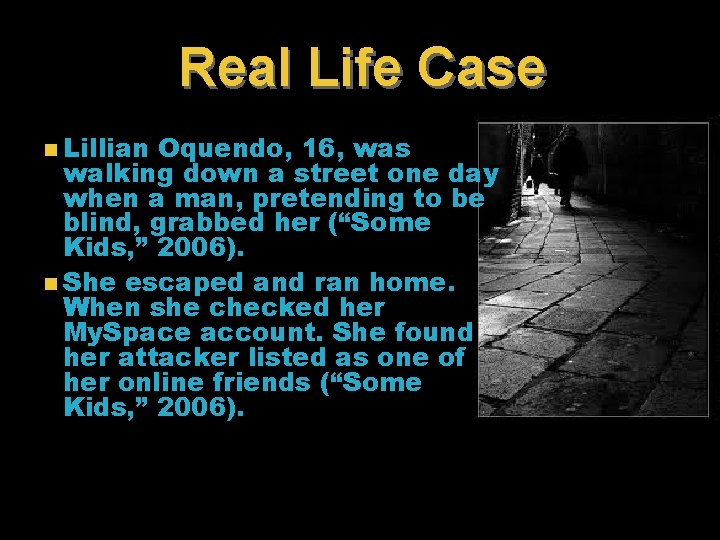
Real Life Case n Lillian Oquendo, 16, was walking down a street one day when a man, pretending to be blind, grabbed her (“Some Kids, ” 2006). n She escaped and ran home. When she checked her My. Space account. She found her attacker listed as one of her online friends (“Some Kids, ” 2006).
Real Life Case 2 n Megan Meier, 13, enjoyed playing volleyball and sharing about herself on My. Space, until a boy named Josh Evans, who she thought was a friend, posted rude comments (Collins, 2008). n Within twenty-four hours, Megan committed suicide. n Investigators later found that Josh was a pseudonym created by an angry “former friend and parent” who lived next door (Collins, 2008).
To befriend or not to friend n n n Beware accepting strangers as friends on social network sites Never, ever accept a stranger on your site where personal information is available for visitors to read. Also beware of friends. Just because someone you know trusted the newcomer, doesn’t mean you should.
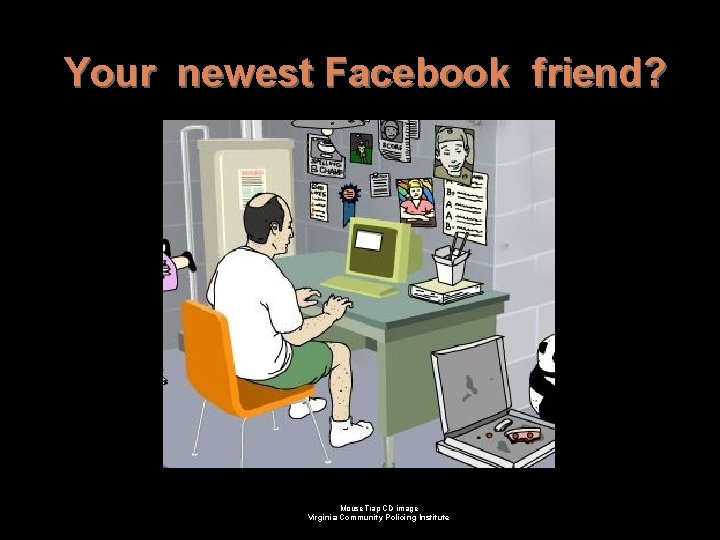
Your newest Facebook friend? Mouse. Trap CD image Virginia Community Policing Institute
Pledge: Don’t share detail information about your family, relatives or friends. NEVER share your name, address, phone numbers, or the location of your house to anyone on the internet. Why would he want to know?
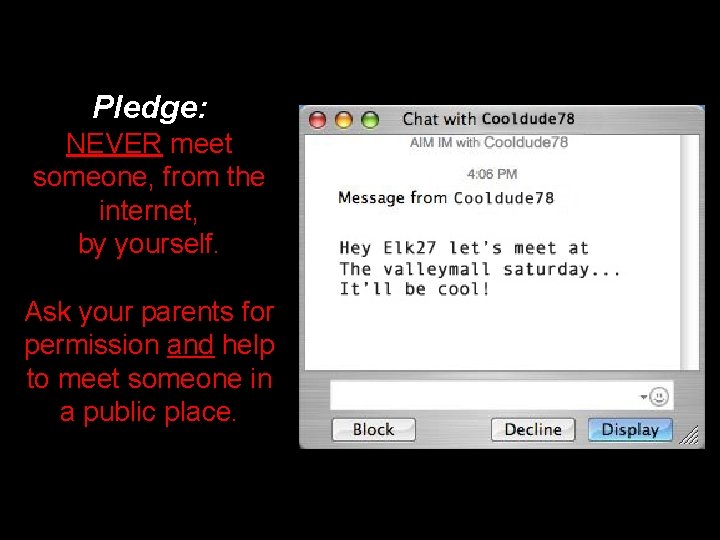
Pledge: NEVER meet someone, from the internet, by yourself. Ask your parents for permission and help to meet someone in a public place.
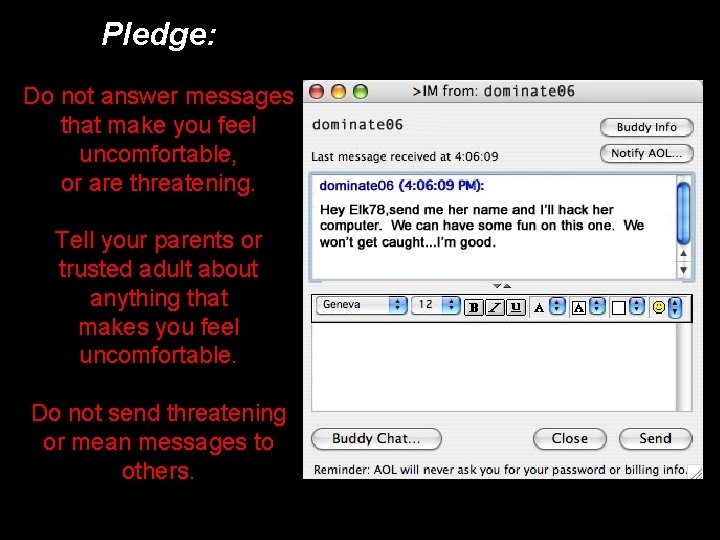
Pledge: Do not answer messages that make you feel uncomfortable, or are threatening. Tell your parents or trusted adult about anything that makes you feel uncomfortable. Do not send threatening or mean messages to others.
Malicious Software
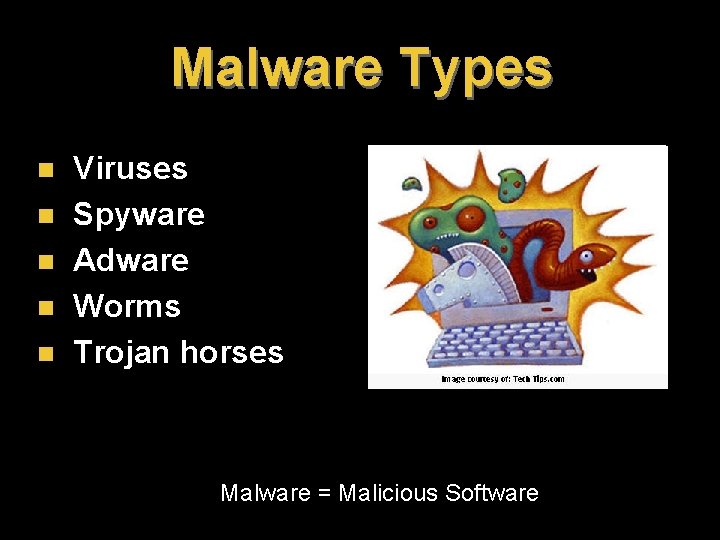
Malware Types n n n Viruses Spyware Adware Worms Trojan horses Malware = Malicious Software
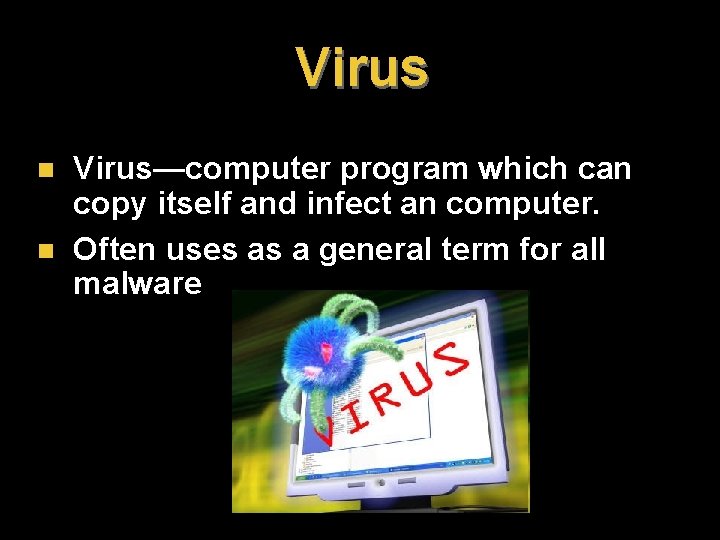
Virus n n Virus—computer program which can copy itself and infect an computer. Often uses as a general term for all malware
Worms n n Worms—self-replicating malware which uses a computer’s network to send copies of itself to other computers Examples l l I Love You —sent itself to others through people’s e-mail address books. It spread across the world in one day May 4, 2000, shutting down major mainframes and costing $5. 5 billion in damage. Did major damage to inflicted computers, rewriting files. Conficker —steals bandwidth and spreads by attaching itself to flash drives.
Spyware n n Spyware —malware which is installed on a computer and collects small pieces of information about users without their knowledge. Spyware may collect data from the sites you visit, install additional software, redirect web browser activity, change computer settings, or even stop internet connections.
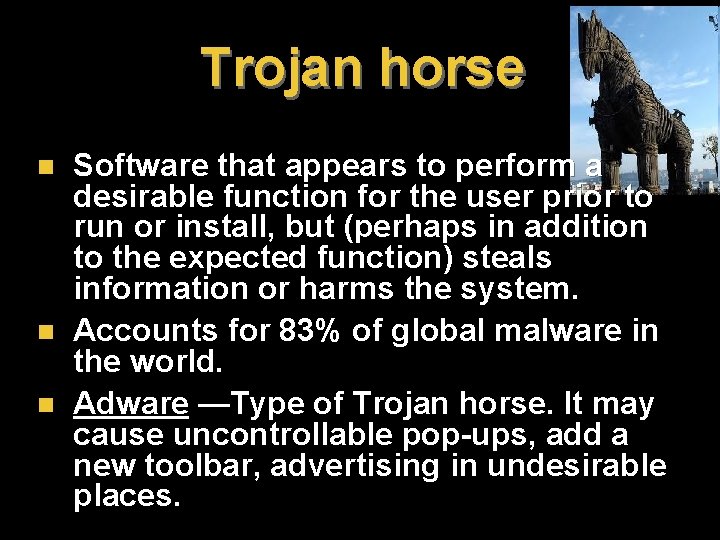
Trojan horse n n n Software that appears to perform a desirable function for the user prior to run or install, but (perhaps in addition to the expected function) steals information or harms the system. Accounts for 83% of global malware in the world. Adware —Type of Trojan horse. It may cause uncontrollable pop-ups, add a new toolbar, advertising in undesirable places.
How Viruses Spread n n n Thumb drives used on different computers E-mail attachments Piggybacking on downloaded “free” music online (or other programs)
Free Music Downloads • You are breaking copyright and legal use laws • You can be arrested for it. • It is illegal and many sites have worms or Trojan horses lurking in the background which will attack your computer.
How to Avoid Viruses n n n Have an up-to-date antivirus program on your computer Don’t open e-mails attachments unless you are SURE they are safe. Avoid suspicious sites, especially those offering free music. Tip: Buy a Mac computer instead of a PC. Macs are immune from most viruses.
Identity Theft
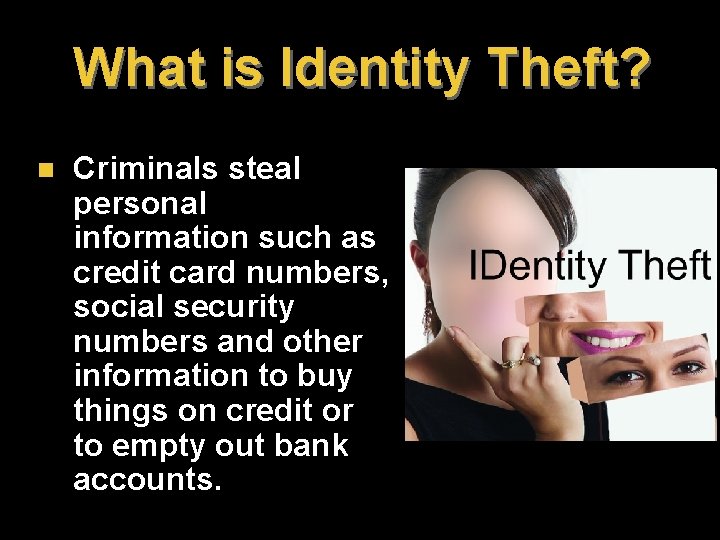
What is Identity Theft? n Criminals steal personal information such as credit card numbers, social security numbers and other information to buy things on credit or to empty out bank accounts.
Statistics n n n 10 million Americans a year may be victims of identity theft. Victims spend from 3 to 5, 840 hours repairing damage done by identity theft, depending on the severity of the crime. Average hours is 330. 30% of victims spend 4 -6 months dealing with their cases.
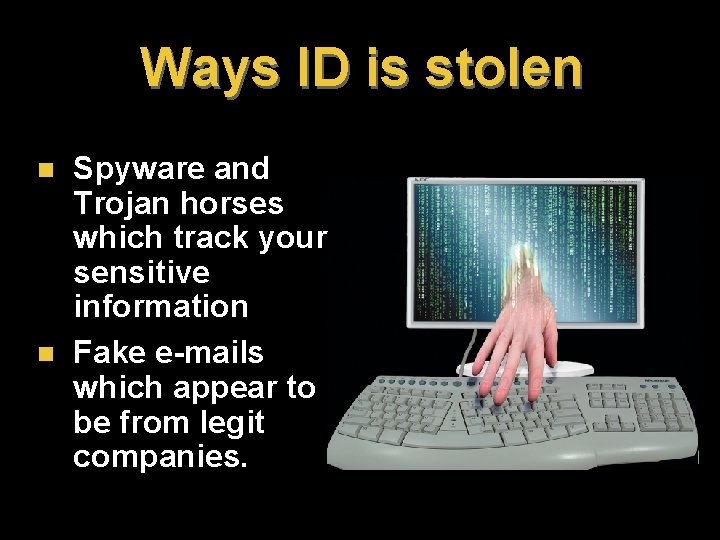
Ways ID is stolen n n Spyware and Trojan horses which track your sensitive information Fake e-mails which appear to be from legit companies.
Phishing n n When someone masquerades as someone else, often with a fake website, to trick you into sharing personal information. Typical scam: l l l Fake e-mail from a bank saying “Please update your information” E-mail’s link goes to a site which looks like your bank When you log in, the site records your passwords so hackers can get into your real account
Prevent Credit Fraud n n n Use a credit card, not a debt card ALWAYS check monthly statement Immediately report to your credit card company strange bills which show up on your statement Don’t click on links in an e-mail. Type the address of the trusted company in at the top of your browser. Use strong passwords
Prevent Credit Fraud n n Never give out your SSN online Only buy from trustworthy companies online Don’t give out personal info like your birthday, marital status, education level Only shop using secure servers (look for a lock at bottom of browser)
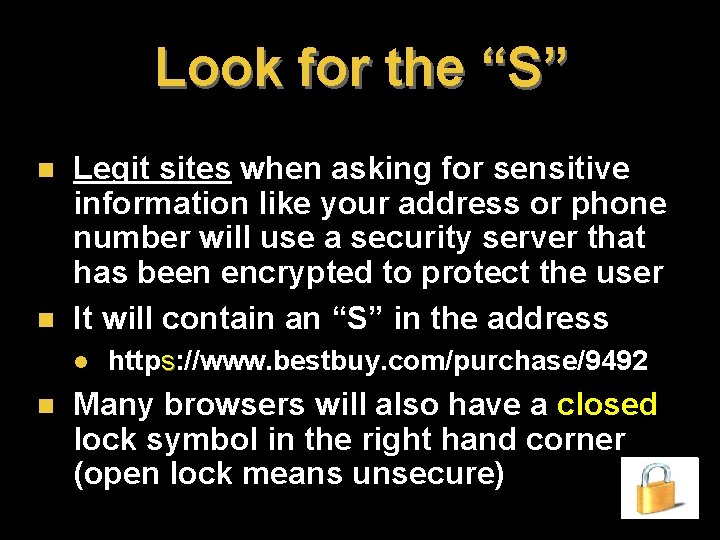
Look for the “S” n n Legit sites when asking for sensitive information like your address or phone number will use a security server that has been encrypted to protect the user It will contain an “S” in the address l n https: //www. bestbuy. com/purchase/9492 Many browsers will also have a closed lock symbol in the right hand corner (open lock means unsecure)
The Internet is an ever increasing part of our world… use it wisely!
Sources • Net. Smartz. org • • http: //www. netsmartzkids. org/activities/clwebworld/outlaw s. htm http: //www. authorstream. com/Presentation/Desiderio 46325 -Internet-Safety-Seminar-Fall-2006 -1 -Introductions. Statement-Problem-Children-Sexual-Solicita. Entertainment-ppt-powerpoint/ Wikipedia. org http: //www. twipress. com/identitytheft. htm http: //www. spamlaws. com/id-theft-statistics. html