
Internet publishing cascading style sheets CSS Petr Zmostn
Internet publishing cascading style sheets, CSS Petr Zámostný room: A-72 a phone: 4222 e-mail: petr. zamostny@vscht. cz
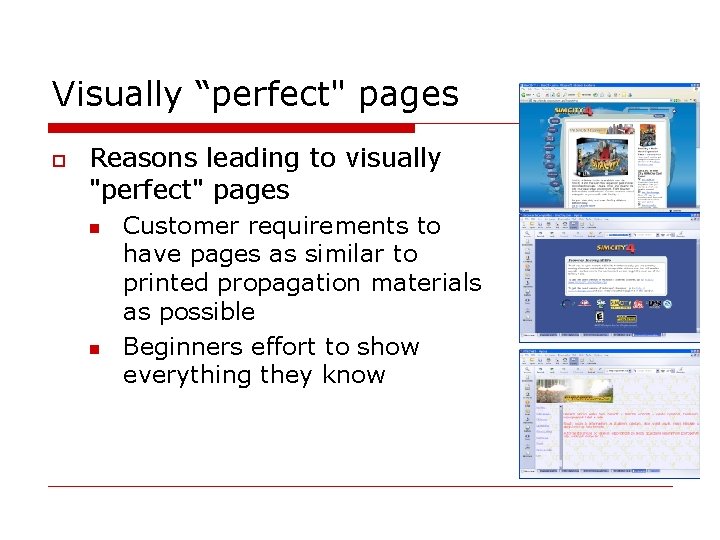
Visually “perfect" pages o Reasons leading to visually "perfect" pages n n Customer requirements to have pages as similar to printed propagation materials as possible Beginners effort to show everything they know
Problems o o o High share of ballast code Limited support for minor platforms Misuse of graphics – long time needed to download pages Pages look poorly on unsupported resolutions Difficult content management n Changes in design must be made directly in documents
Old style formatting (bad example) o Why is it a bad example? n n Formatting instructions are mixed with the information Appearance is hard to modify o TIP try to alter emphasized text color in example bellow to red http: //www. vscht. cz/kot/resources/studijni-materialy/ip-p-004/spatny-priklad. html
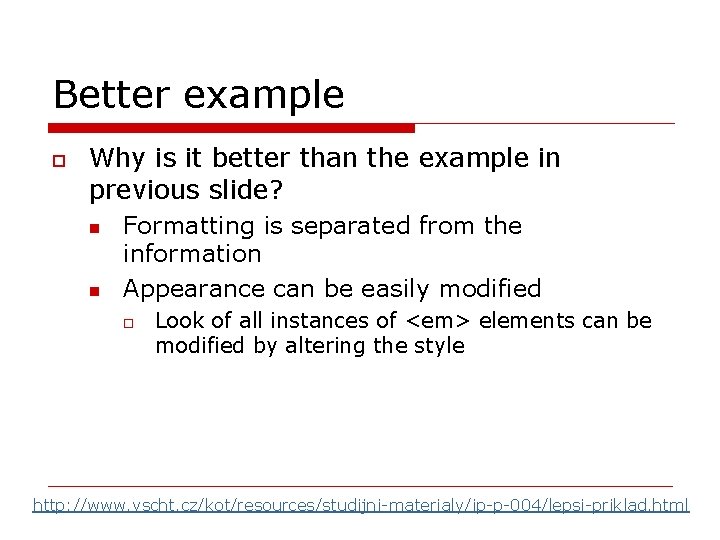
Better example o Why is it better than the example in previous slide? n n Formatting is separated from the information Appearance can be easily modified o Look of all instances of <em> elements can be modified by altering the style http: //www. vscht. cz/kot/resources/studijni-materialy/ip-p-004/lepsi-priklad. html
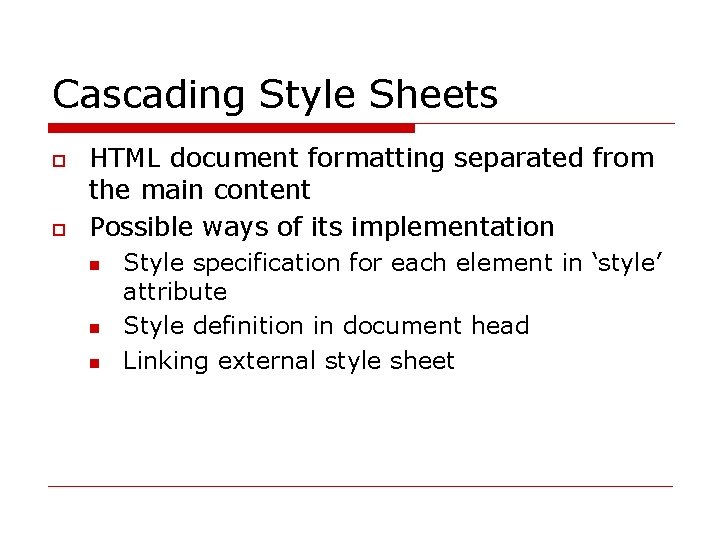
Cascading Style Sheets o o HTML document formatting separated from the main content Possible ways of its implementation n Style specification for each element in ‘style’ attribute Style definition in document head Linking external style sheet
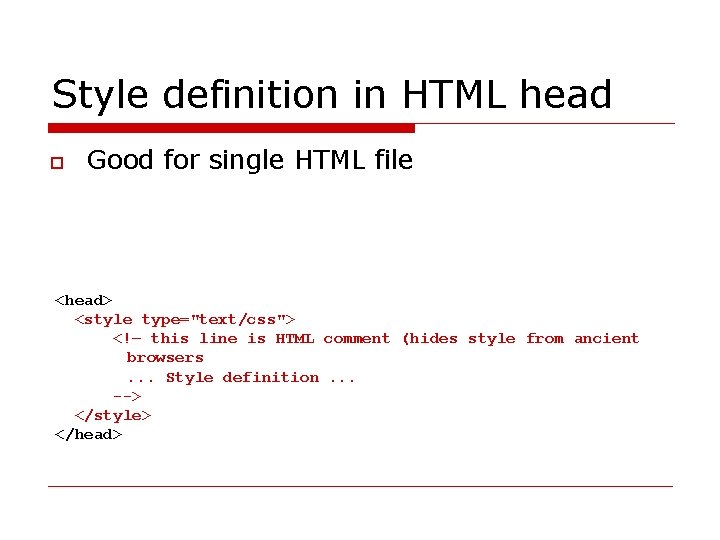
Style definition in HTML head o Good for single HTML file <head> <style type="text/css"> <!– this line is HTML comment (hides style from ancient browsers. . . Style definition. . . --> </style> </head>
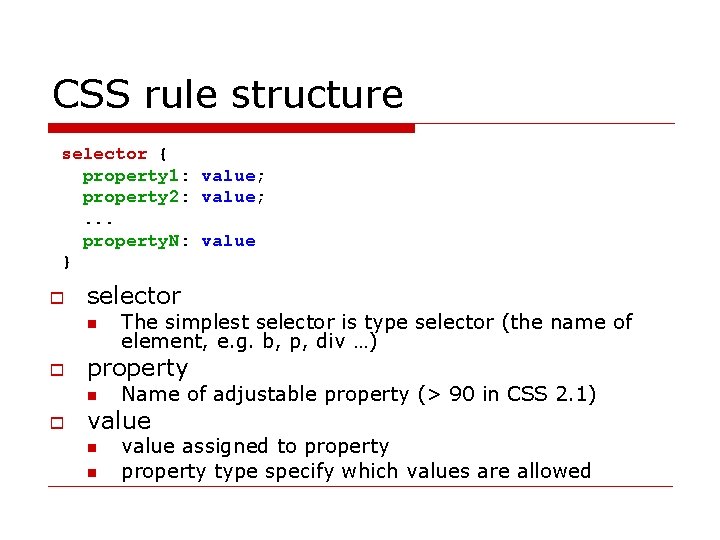
CSS rule structure selector { property 1: value; property 2: value; . . . property. N: value } o selector n o property n o The simplest selector is type selector (the name of element, e. g. b, p, div …) Name of adjustable property (> 90 in CSS 2. 1) value n n value assigned to property type specify which values are allowed
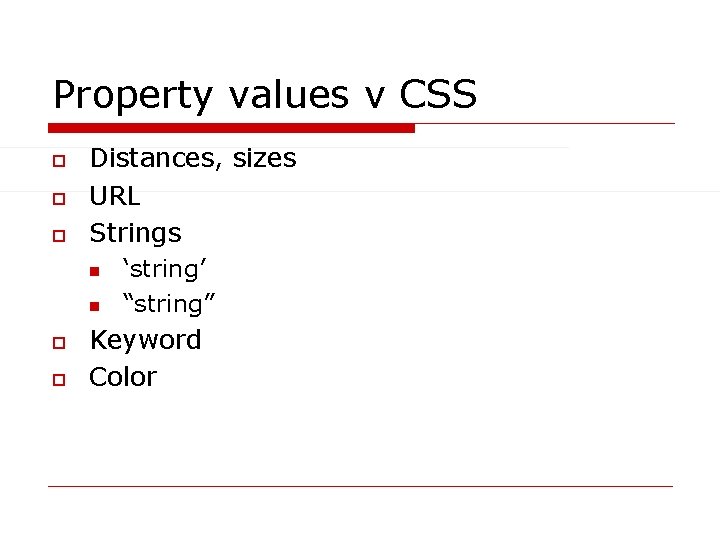
Property values v CSS o o o Distances, sizes URL Strings n n o o ‘string’ “string” Keyword Color
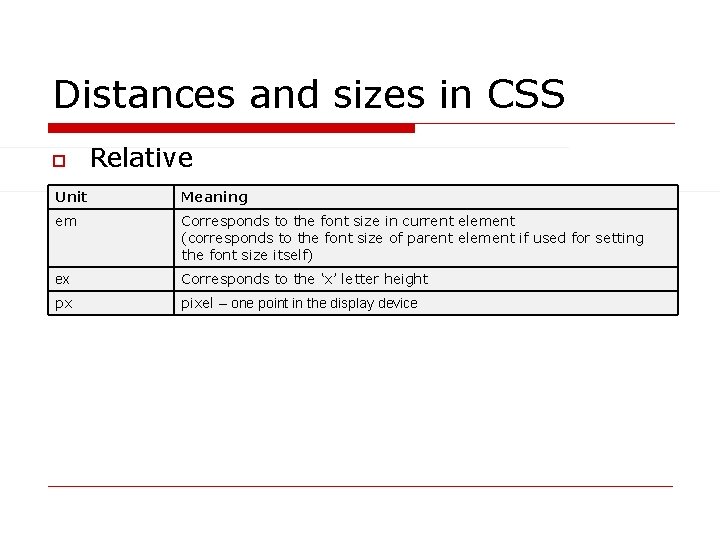
Distances and sizes in CSS o Relative Unit Meaning em Corresponds to the font size in current element (corresponds to the font size of parent element if used for setting the font size itself) ex Corresponds to the ‘x’ letter height px pixel – one point in the display device
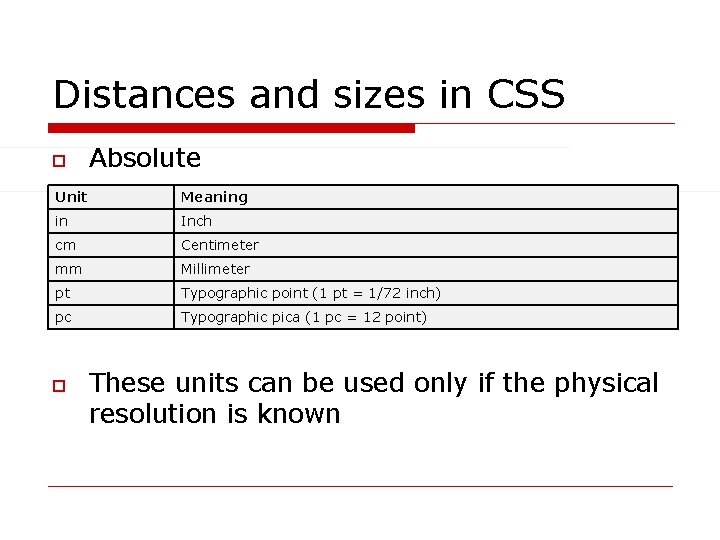
Distances and sizes in CSS o Absolute Unit Meaning in Inch cm Centimeter mm Millimeter pt Typographic point (1 pt = 1/72 inch) pc Typographic pica (1 pc = 12 point) o These units can be used only if the physical resolution is known
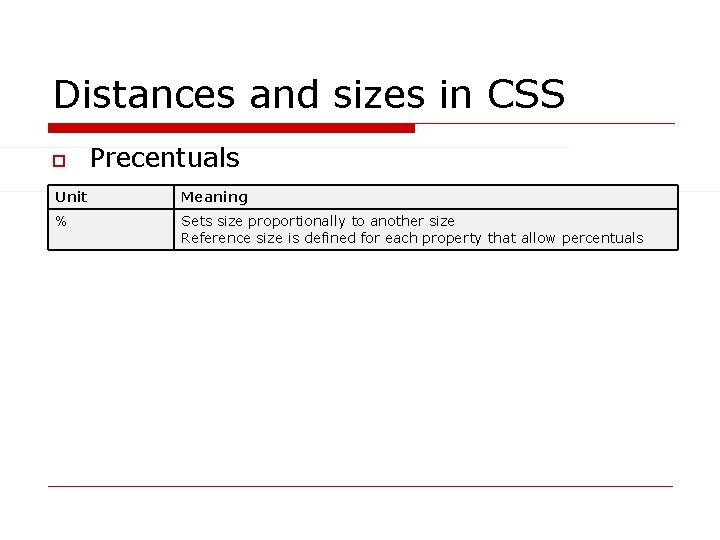
Distances and sizes in CSS o Precentuals Unit Meaning % Sets size proportionally to another size Reference size is defined for each property that allow percentuals
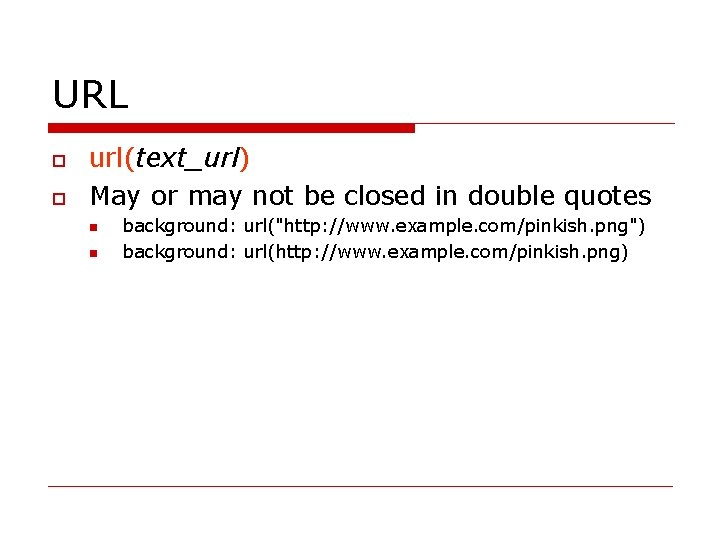
URL o o url(text_url) May or may not be closed in double quotes n n background: url("http: //www. example. com/pinkish. png") background: url(http: //www. example. com/pinkish. png)
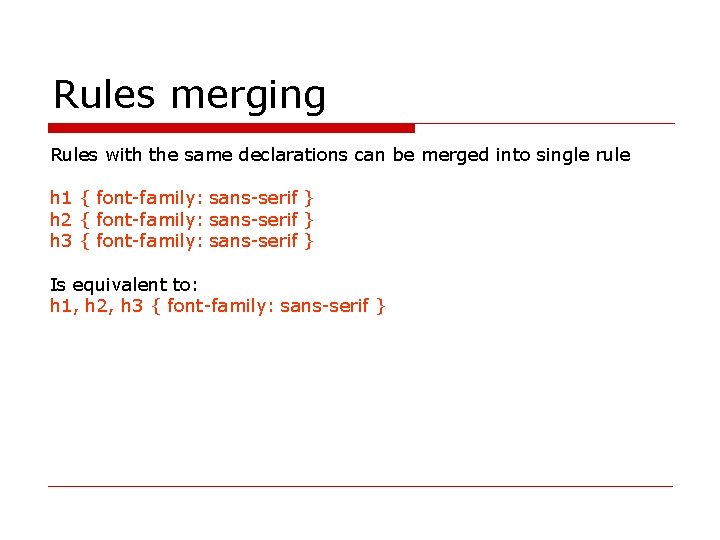
Rules merging Rules with the same declarations can be merged into single rule h 1 { font-family: sans-serif } h 2 { font-family: sans-serif } h 3 { font-family: sans-serif } Is equivalent to: h 1, h 2, h 3 { font-family: sans-serif }
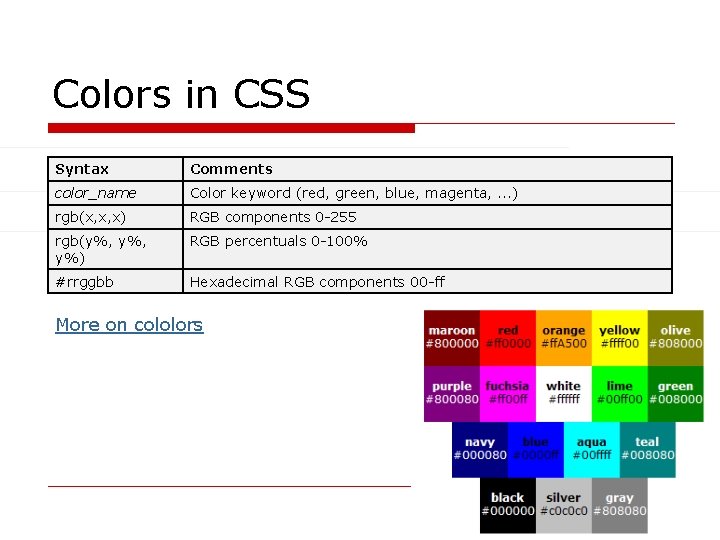
Colors in CSS Syntax Comments color_name Color keyword (red, green, blue, magenta, . . . ) rgb(x, x, x) RGB components 0 -255 rgb(y%, y%) RGB percentuals 0 -100% #rrggbb Hexadecimal RGB components 00 -ff More on cololors
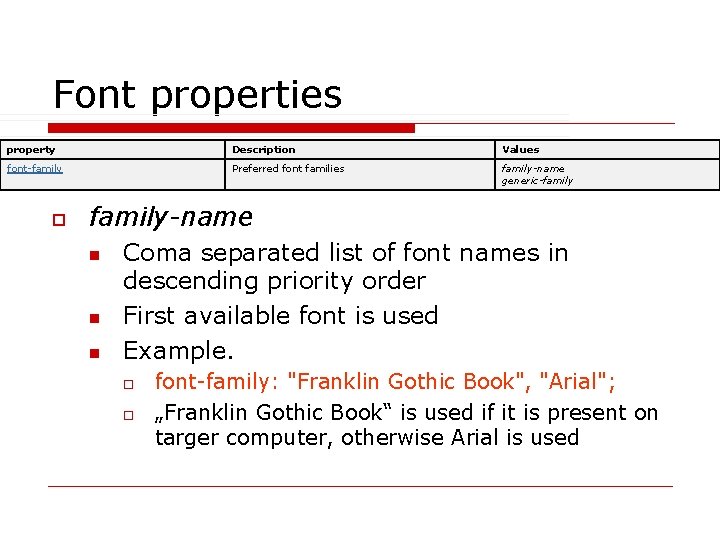
Font properties property Description Values font-family Preferred font families family-name generic-family o family-name n n n Coma separated list of font names in descending priority order First available font is used Example. o o font-family: "Franklin Gothic Book", "Arial"; „Franklin Gothic Book“ is used if it is present on targer computer, otherwise Arial is used
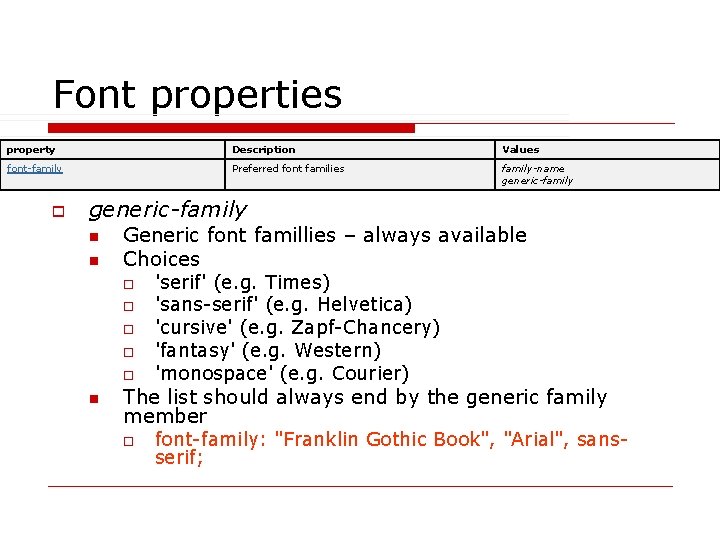
Font properties property Description Values font-family Preferred font families family-name generic-family o generic-family n n Generic font famillies – always available Choices o o o n 'serif' (e. g. Times) 'sans-serif' (e. g. Helvetica) 'cursive' (e. g. Zapf-Chancery) 'fantasy' (e. g. Western) 'monospace' (e. g. Courier) The list should always end by the generic family member o font-family: "Franklin Gothic Book", "Arial", sansserif;
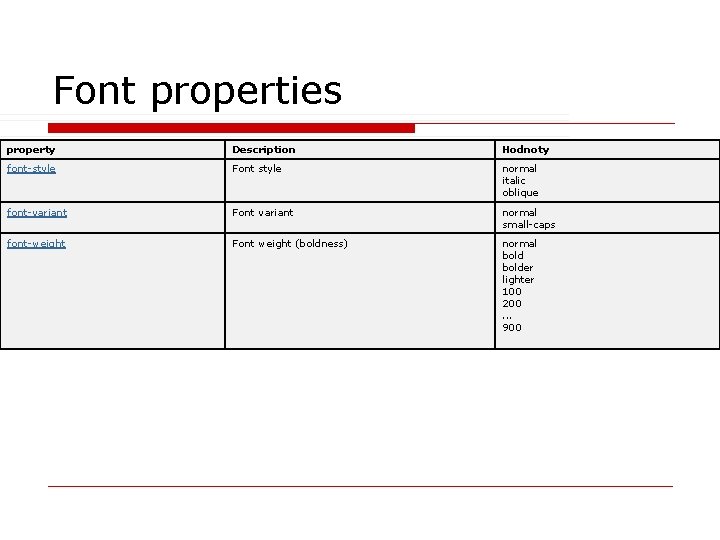
Font properties property Description Hodnoty font-style Font style normal italic oblique font-variant Font variant normal small-caps font-weight Font weight (boldness) normal bolder lighter 100 200. . . 900
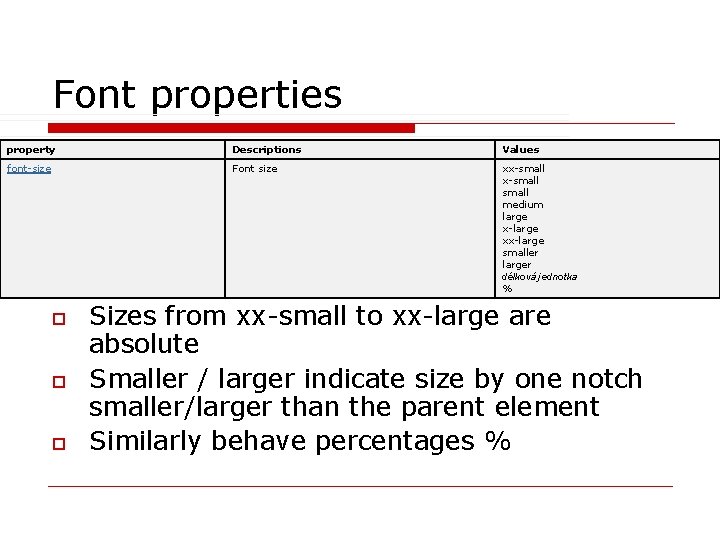
Font properties property Descriptions Values font-size Font size xx-small medium large x-large xx-large smaller larger délková jednotka % o o o Sizes from xx-small to xx-large are absolute Smaller / larger indicate size by one notch smaller/larger than the parent element Similarly behave percentages %
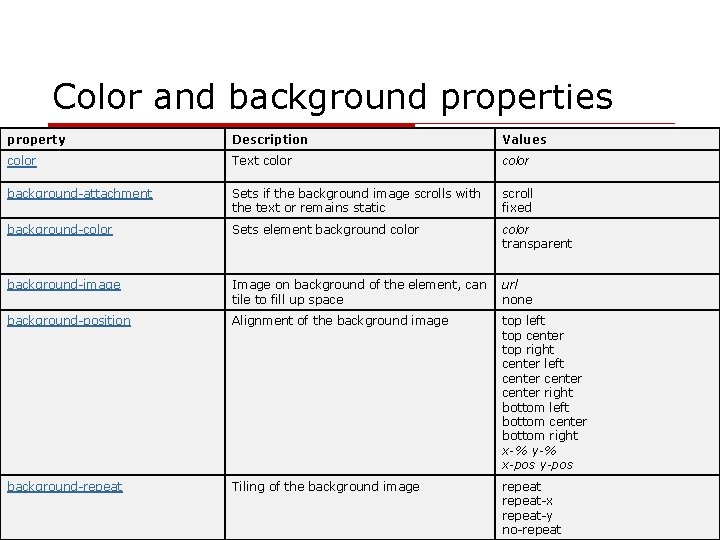
Color and background properties property Description Values color Text color background-attachment Sets if the background image scrolls with the text or remains static scroll fixed background-color Sets element background color transparent background-image Image on background of the element, can url tile to fill up space none background-position Alignment of the background image top left top center top right center left center right bottom left bottom center bottom right x-% y-% x-pos y-pos background-repeat Tiling of the background image repeat-x repeat-y no-repeat
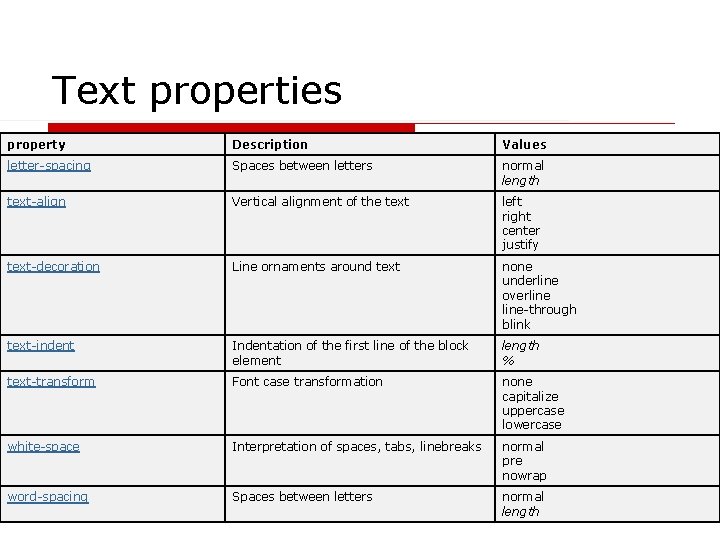
Text properties property Description Values letter-spacing Spaces between letters normal length text-align Vertical alignment of the text left right center justify text-decoration Line ornaments around text none underline overline-through blink text-indent Indentation of the first line of the block element length % text-transform Font case transformation none capitalize uppercase lowercase white-space Interpretation of spaces, tabs, linebreaks normal pre nowrap word-spacing Spaces between letters normal length
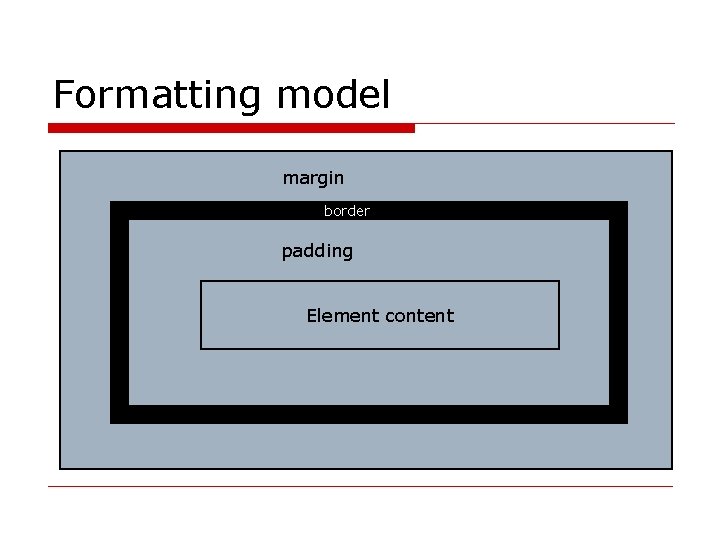
Formatting model margin border padding Element content
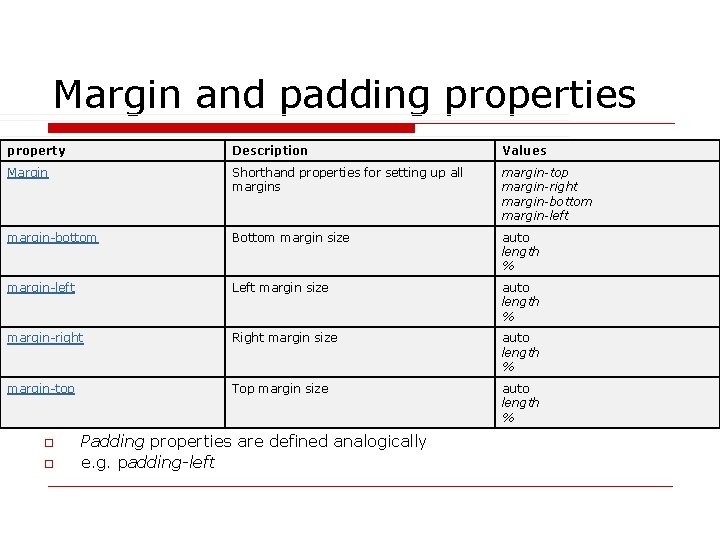
Margin and padding properties property Description Values Margin Shorthand properties for setting up all margins margin-top margin-right margin-bottom margin-left margin-bottom Bottom margin size auto length % margin-left Left margin size auto length % margin-right Right margin size auto length % margin-top Top margin size auto length % o o Padding properties are defined analogically e. g. padding-left
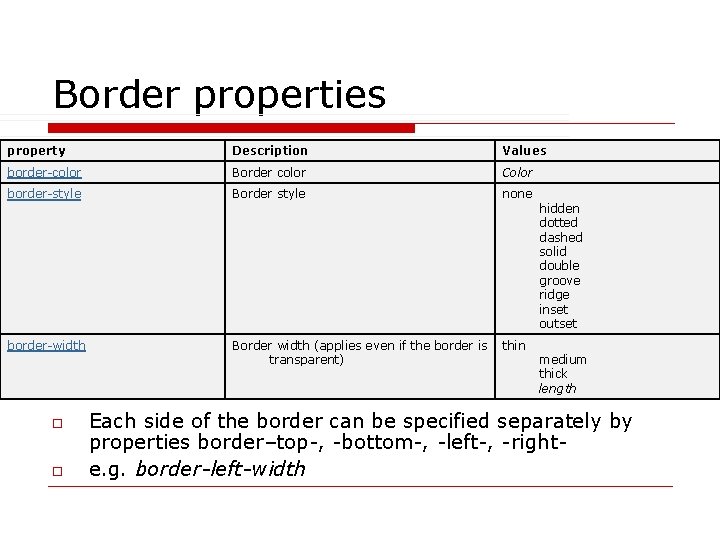
Border properties property Description Values border-color Border color Color border-style Border style none border-width Border width (applies even if the border is thin transparent) o o hidden dotted dashed solid double groove ridge inset outset medium thick length Each side of the border can be specified separately by properties border–top-, -bottom-, -left-, -righte. g. border-left-width
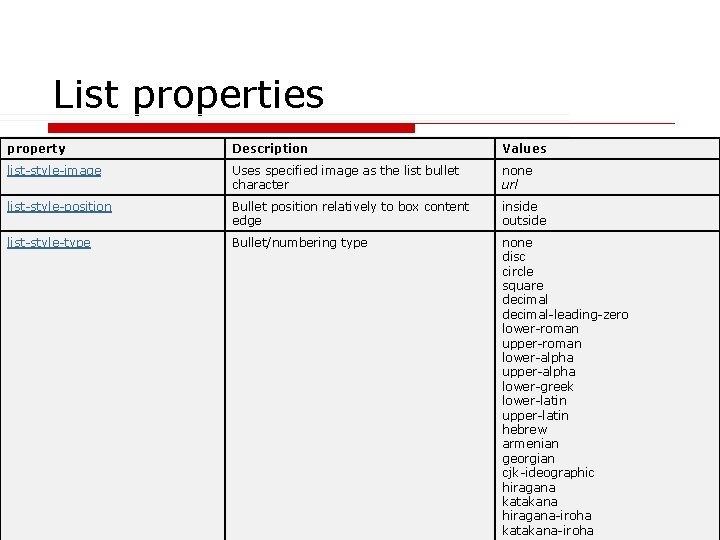
List properties property Description Values list-style-image Uses specified image as the list bullet character none url list-style-position Bullet position relatively to box content edge inside outside list-style-type Bullet/numbering type none disc circle square decimal-leading-zero lower-roman upper-roman lower-alpha upper-alpha lower-greek lower-latin upper-latin hebrew armenian georgian cjk-ideographic hiragana katakana hiragana-iroha katakana-iroha
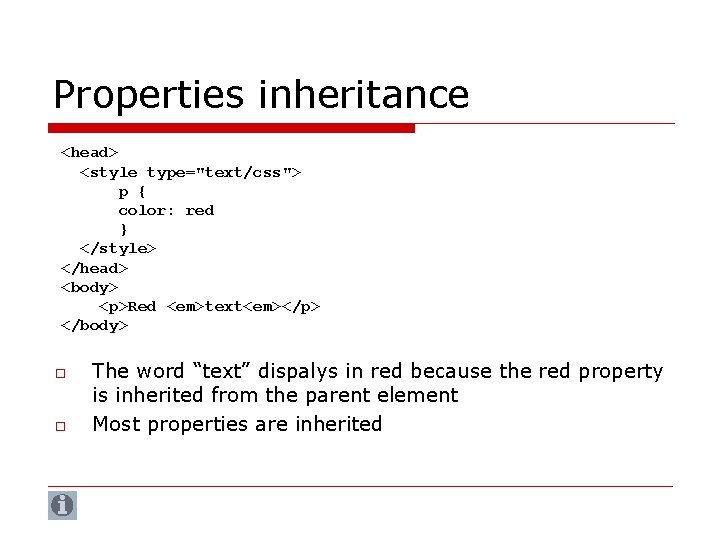
Properties inheritance <head> <style type="text/css"> p { color: red } </style> </head> <body> <p>Red <em>text<em></p> </body> o o The word “text” dispalys in red because the red property is inherited from the parent element Most properties are inherited
W 3 schools examples o http: //www. w 3 schools. com/css_examples. asp
Tools for easier CSS development o Top. Style Lite 3. 10 n http: //www. newsgator. com/download/products/ts 3 lite. exe
- Slides: 28