
Internet Applications INTERNET SERVICES Anwar Alhenshiri Internet Applications

- Slides: 34
Internet Applications INTERNET SERVICES Anwar Alhenshiri
Internet Applications Internet Services Domain Name Service Proxy Service Mail Service Web Service
DNS
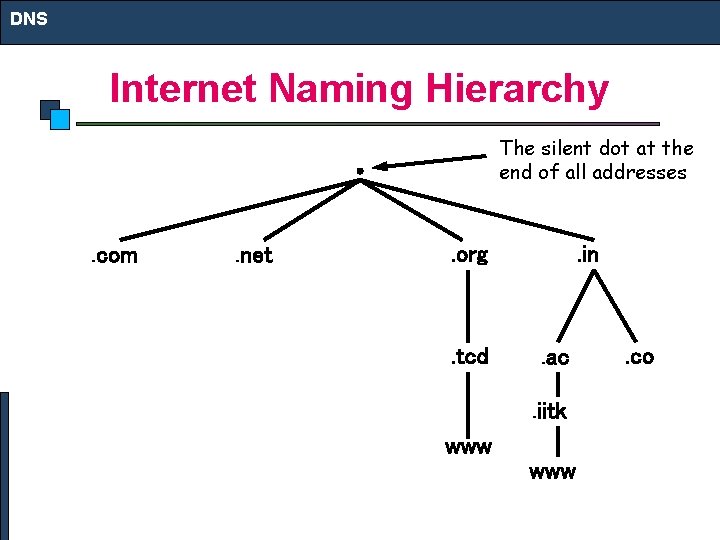
DNS Internet Naming Hierarchy The silent dot at the end of all addresses . com . net . org . tcd . in . ac. iitk www . co
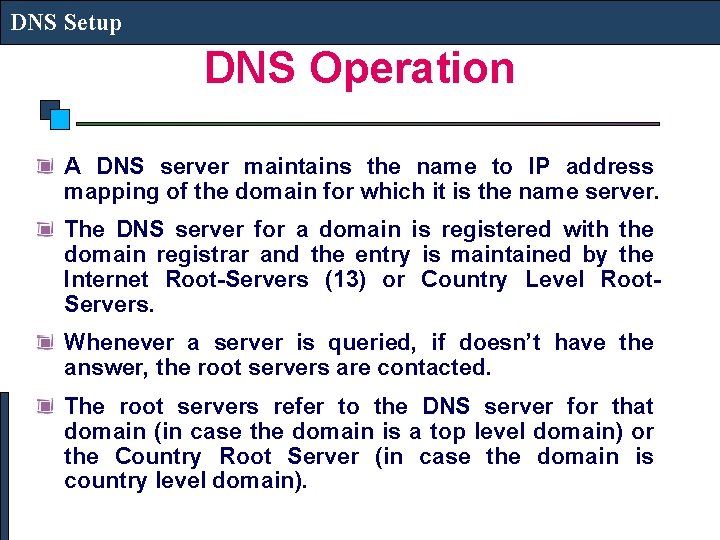
DNS Setup DNS Operation A DNS server maintains the name to IP address mapping of the domain for which it is the name server. The DNS server for a domain is registered with the domain registrar and the entry is maintained by the Internet Root-Servers (13) or Country Level Root. Servers. Whenever a server is queried, if doesn’t have the answer, the root servers are contacted. The root servers refer to the DNS server for that domain (in case the domain is a top level domain) or the Country Root Server (in case the domain is country level domain).
Proxy Server PROXY SERVER
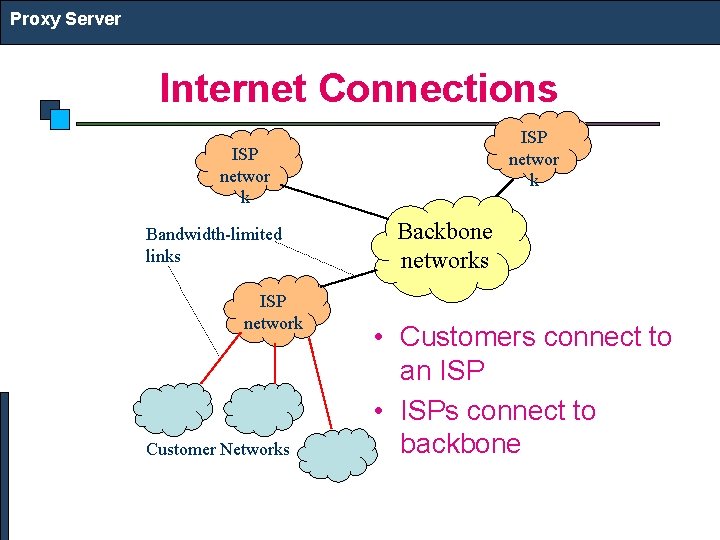
Proxy Server Internet Connections ISP networ k Bandwidth-limited links ISP network Customer Networks Backbone networks • Customers connect to an ISP • ISPs connect to backbone
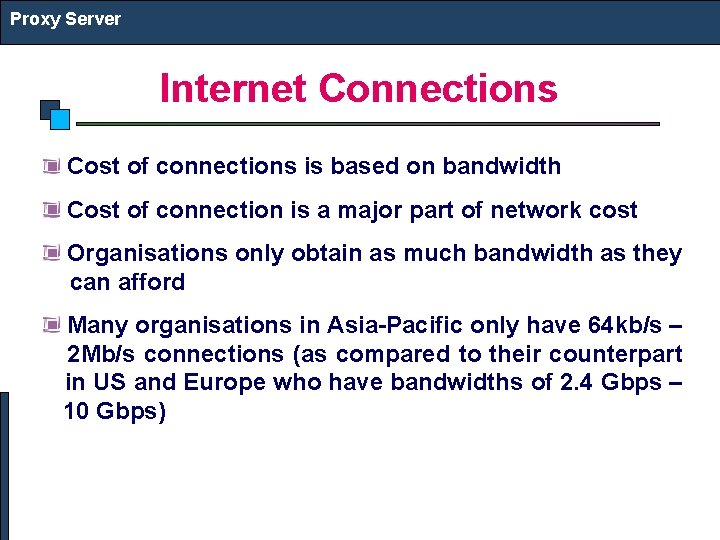
Proxy Server Internet Connections Cost of connections is based on bandwidth Cost of connection is a major part of network cost Organisations only obtain as much bandwidth as they can afford Many organisations in Asia-Pacific only have 64 kb/s – 2 Mb/s connections (as compared to their counterpart in US and Europe who have bandwidths of 2. 4 Gbps – 10 Gbps)
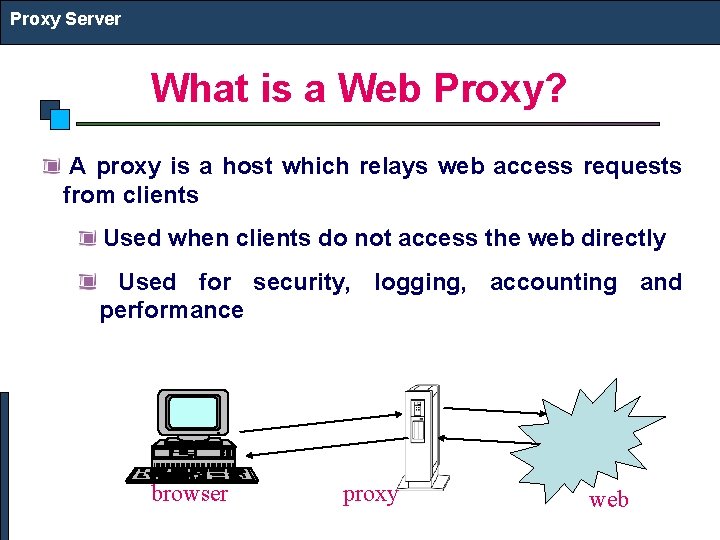
Proxy Server What is a Web Proxy? A proxy is a host which relays web access requests from clients Used when clients do not access the web directly Used for security, logging, accounting and performance browser proxy web
Proxy Server What is Web Caching? Storing copies of recently accessed web pages Pages are delivered from the cache when requested again Browser caches Proxy caches
Proxy Server Why Cache? Shorter response time Reduced bandwidth requirement Reduced load on servers Access control and logging
Proxy Server Popular Proxy Caches Apache proxy MS proxy server Win. Proxy Squid is popular because configurable and free Many others it is powerful,
Web Server WEB SERVER
Web Server HTTP (Hyper Text Transfer Protocol) is used to transfer web pages from a Web Server to Web Client (Browser) Web Pages are arranged in a directory structure in the Web Server HTTP supports CGI (Common Gateway interface) HTTP supports Virtual Hosting (Hosting multiple sites on the same server) Popular Web Servers Apache Windows IIS IBM Websphere
Email EMAIL
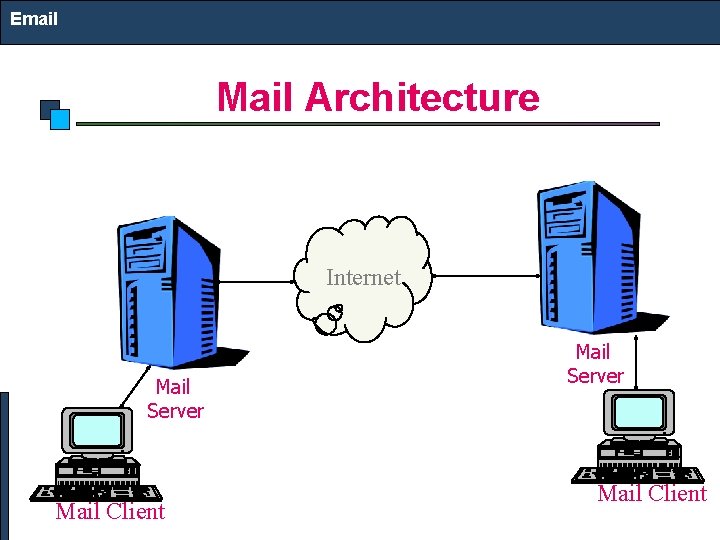
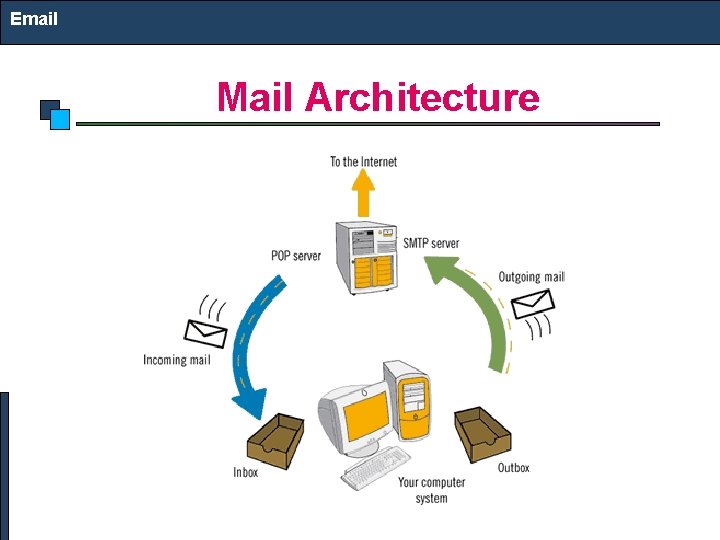
Email Mail Architecture Internet Mail Server Mail Client
Email Mail Architecture
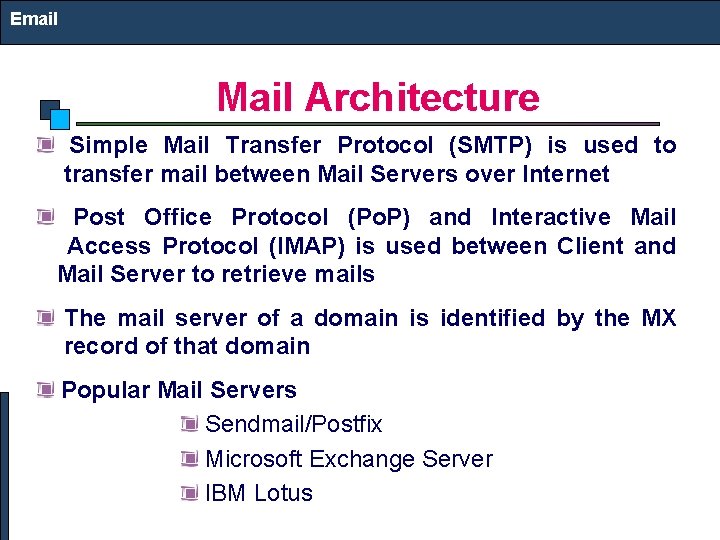
Email Mail Architecture Simple Mail Transfer Protocol (SMTP) is used to transfer mail between Mail Servers over Internet Post Office Protocol (Po. P) and Interactive Mail Access Protocol (IMAP) is used between Client and Mail Server to retrieve mails The mail server of a domain is identified by the MX record of that domain Popular Mail Servers Sendmail/Postfix Microsoft Exchange Server IBM Lotus
Web Caching: Replication on the World Wide Web Anwar Alhenshiri Credit Goes to: Dr. Paul Schragger
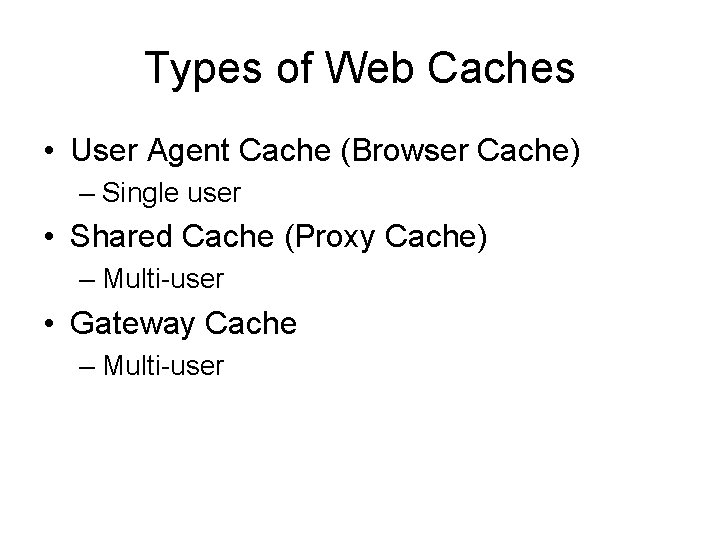
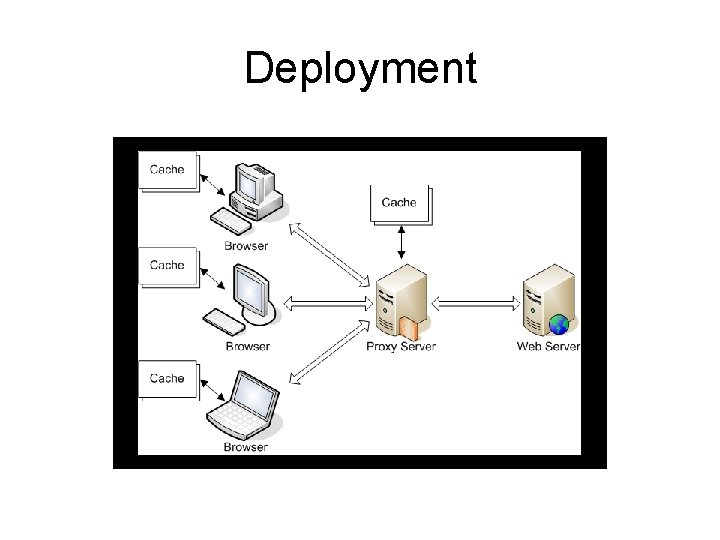
Types of Web Caches • User Agent Cache (Browser Cache) – Single user • Shared Cache (Proxy Cache) – Multi-user • Gateway Cache – Multi-user
Deployment
Browser Cache • Implemented on a single user’s machine. • Local hard drive space stores representation of viewed content. • Simple rules for control. • Usefulness – Recently viewed pages (Back/Forward button) – Commonly used images
Proxy Cache • Similar concept, but for multiple users. • Usually implemented on a firewall or separate device known as intermediaries. • Request routing can be manually or through an interception proxy. • Usefulness – Latency and network traffic are reduced
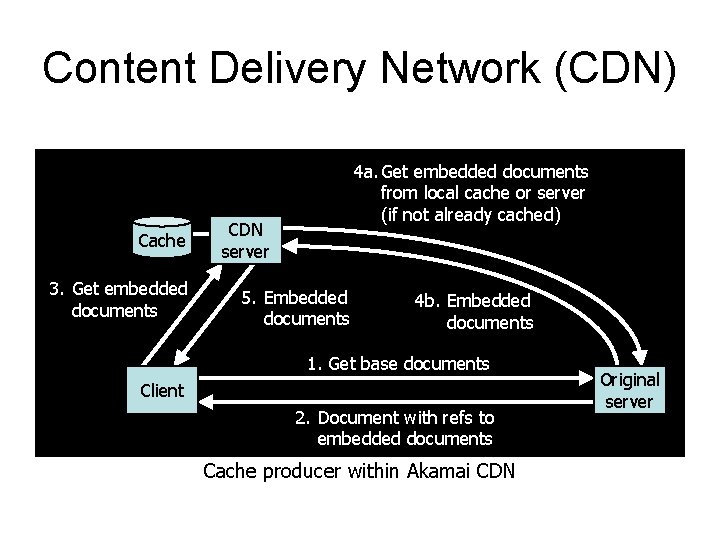
Gateway Cache • Also known as reverse proxy caches. • Implemented on separate devices by a website administrator. • Distributed gateway caches are used in Content Delivery Networks (CDN). • Usefulness – Increased scalability, reliability, and performance
Content Delivery Network (CDN) Cache 3. Get embedded documents 4 a. Get embedded documents from local cache or server (if not already cached) CDN server 5. Embedded documents 4 b. Embedded documents 1. Get base documents Client 2. Document with refs to embedded documents Cache producer within Akamai CDN Original server
Controlling Cache • HTML Meta Tags – Written in <head> section of an HTML page. – Can mark expiration date or as uncacheable. – Only used by some browser caches and not seen by proxy caches. • HTTP Headers – Automatically created by Web server. – Sent before HTML. – Seen by browser and proxy caches.
HTTP Defining Mechanisms • Freshness – Content is able to be loaded from cache without having to check with the original server. • Validation – The process of confirming with the original server whether or not cached content is still valid to load.
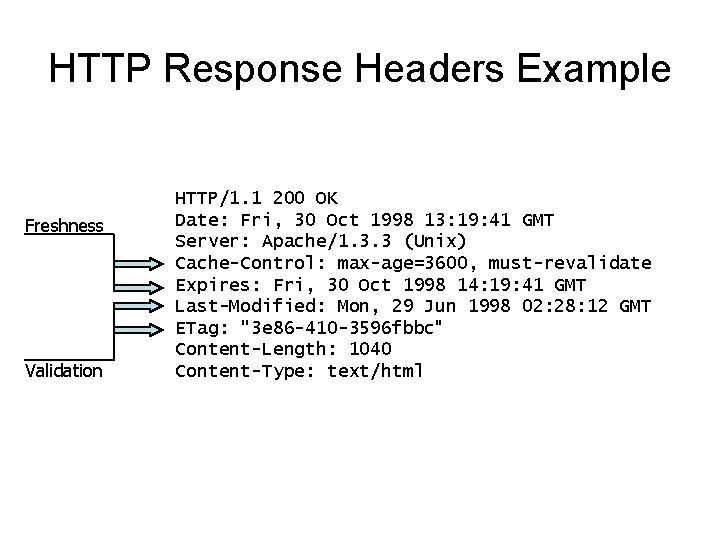
HTTP Response Headers Example Freshness Validation HTTP/1. 1 200 OK Date: Fri, 30 Oct 1998 13: 19: 41 GMT Server: Apache/1. 3. 3 (Unix) Cache-Control: max-age=3600, must-revalidate Expires: Fri, 30 Oct 1998 14: 19: 41 GMT Last-Modified: Mon, 29 Jun 1998 02: 28: 12 GMT ETag: "3 e 86 -410 -3596 fbbc" Content-Length: 1040 Content-Type: text/html
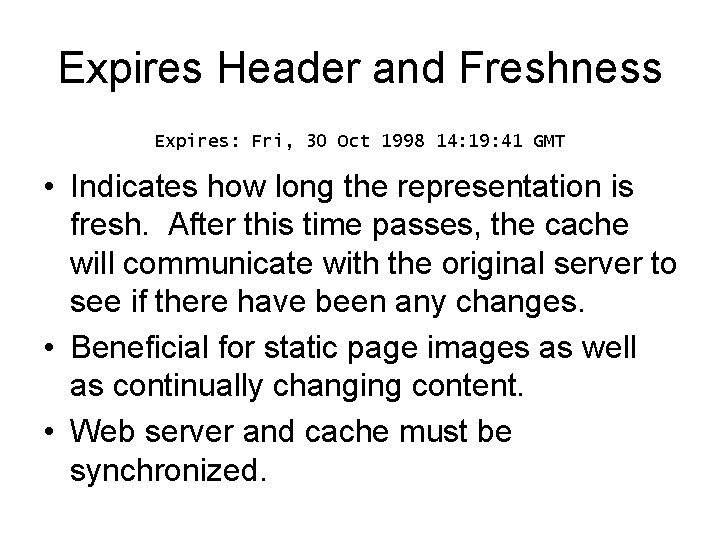
Expires Header and Freshness Expires: Fri, 30 Oct 1998 14: 19: 41 GMT • Indicates how long the representation is fresh. After this time passes, the cache will communicate with the original server to see if there have been any changes. • Beneficial for static page images as well as continually changing content. • Web server and cache must be synchronized.
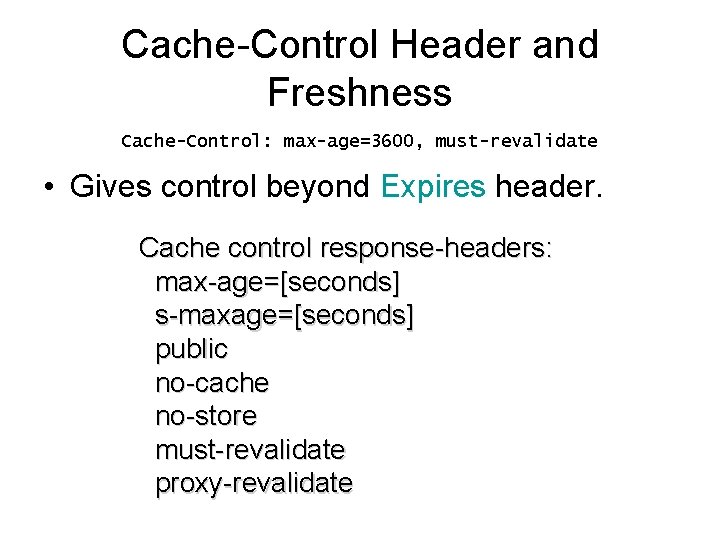
Cache-Control Header and Freshness Cache-Control: max-age=3600, must-revalidate • Gives control beyond Expires header. Cache control response-headers: max-age=[seconds] s-maxage=[seconds] public no-cache no-store must-revalidate proxy-revalidate
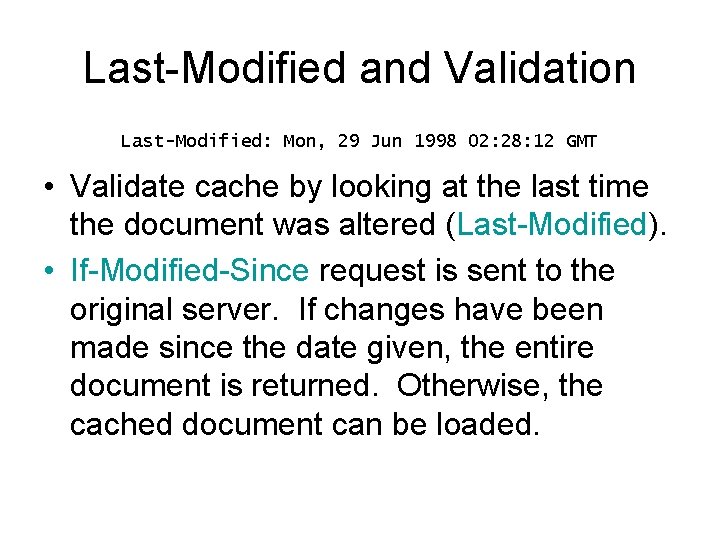
Last-Modified and Validation Last-Modified: Mon, 29 Jun 1998 02: 28: 12 GMT • Validate cache by looking at the last time the document was altered (Last-Modified). • If-Modified-Since request is sent to the original server. If changes have been made since the date given, the entire document is returned. Otherwise, the cached document can be loaded.
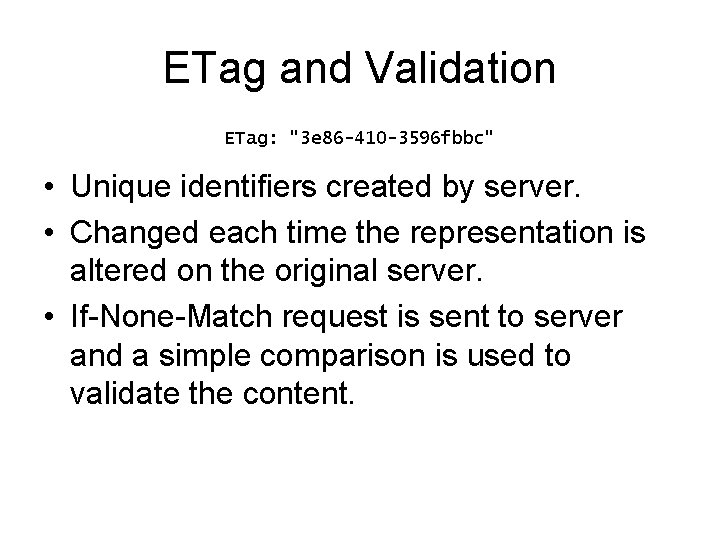
ETag and Validation ETag: "3 e 86 -410 -3596 fbbc" • Unique identifiers created by server. • Changed each time the representation is altered on the original server. • If-None-Match request is sent to server and a simple comparison is used to validate the content.
References • Nottingham, Mark. “Caching Tutorial: for Web Authors and Webmasters. ” July 2006. <http: //www. mnot. net/cache_docs/>. • Tanenbaum, Andrew S. Distributed Systems: Principles and Paradigms. New Jersey: Prentice -Hall, 2002. • “Web cache. ” Wikipedia. <http: //en. wikipedia. org/wiki/Web_cache>.