
Internationalization q Motivation make the application portable for
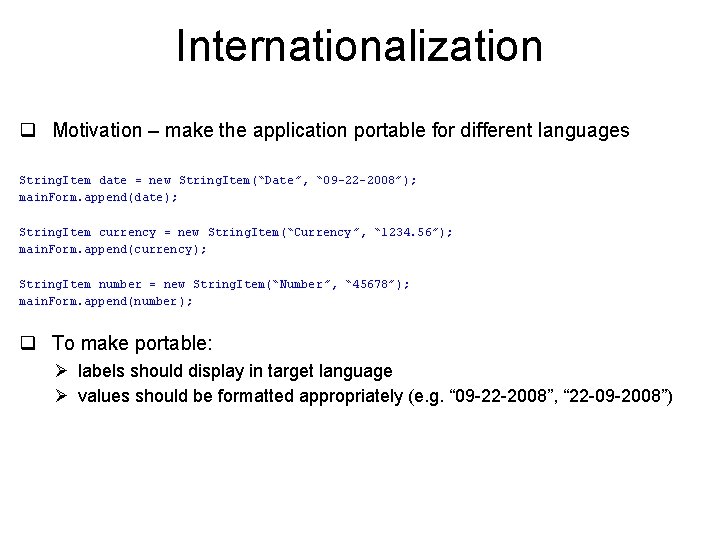
Internationalization q Motivation – make the application portable for different languages String. Item date = new String. Item(“Date”, “ 09 -22 -2008”); main. Form. append(date); String. Item currency = new String. Item(“Currency”, “ 1234. 56”); main. Form. append(currency ); String. Item number = new String. Item(“Number”, “ 45678”); main. Form. append(number); q To make portable: Ø labels should display in target language Ø values should be formatted appropriately (e. g. “ 09 -22 -2008”, “ 22 -09 -2008”)
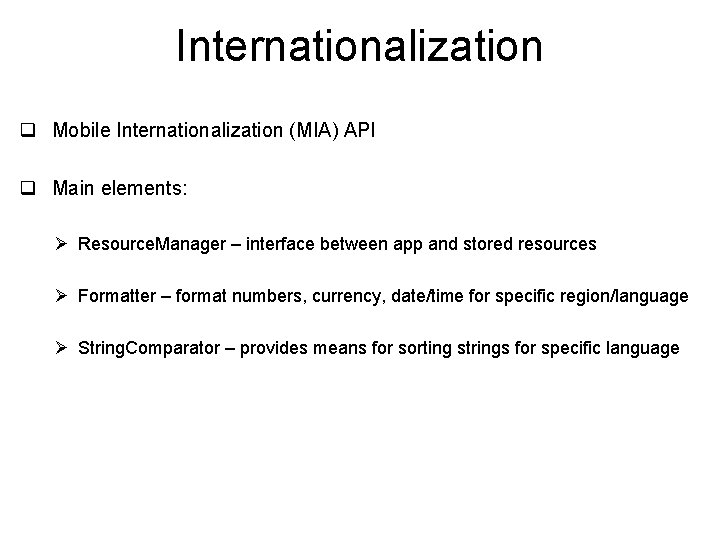
Internationalization q Mobile Internationalization (MIA) API q Main elements: Ø Resource. Manager – interface between app and stored resources Ø Formatter – format numbers, currency, date/time for specific region/language Ø String. Comparator – provides means for sorting strings for specific language
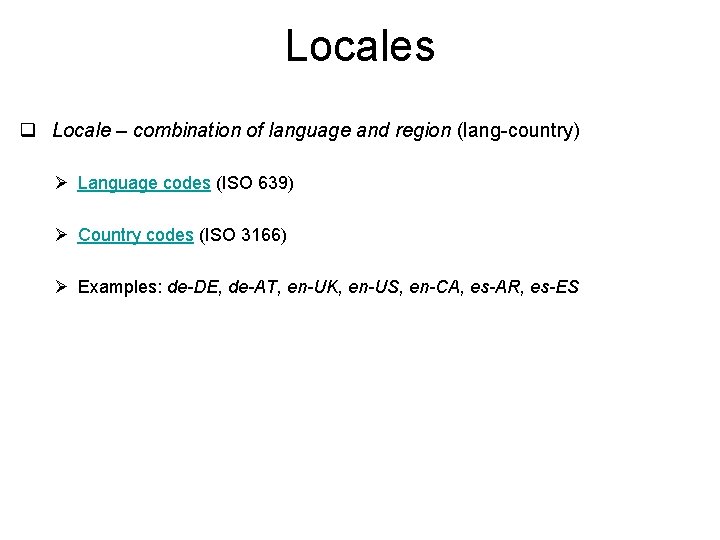
Locales q Locale – combination of language and region (lang-country) Ø Language codes (ISO 639) Ø Country codes (ISO 3166) Ø Examples: de-DE, de-AT, en-UK, en-US, en-CA, es-AR, es-ES
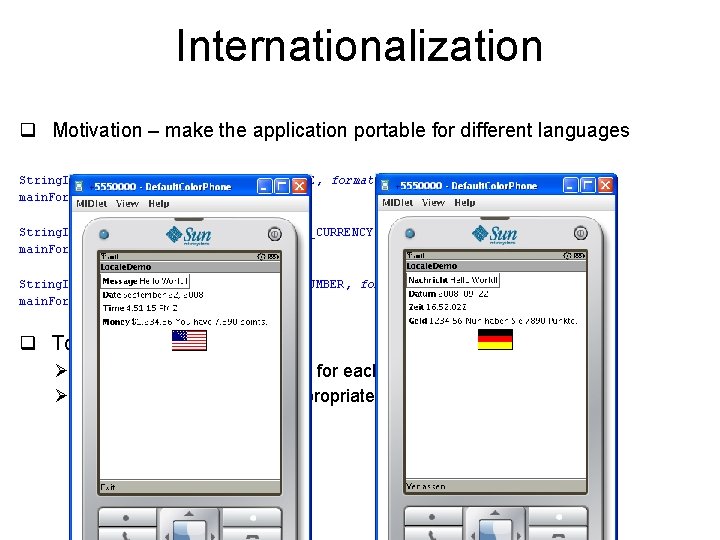
Internationalization q Motivation – make the application portable for different languages String. Item date = new String. Item(RES_DATE, formatted(“ 09 -22 -2008”)); main. Form. append(date); String. Item currency = new String. Item(RES_CURRENCY, formatted(“ 1234. 56”)); main. Form. append(currency ); String. Item number = new String. Item(RES_NUMBER, formatted(“ 45678”)); main. Form. append(number); q To make portable: Ø store values in a resource file for each target Ø use a Formatter to obtain appropriate representation of the data

Internationalization q Motivation – make the application portable for different languages String. Item date = new String. Item(RES_DATE, formatted(“ 09 -22 -2008”)); main. Form. append(date); String. Item currency = new String. Item(RES_CURRENCY, formatted(“ 1234. 56”)); main. Form. append(currency ); String. Item number = new String. Item(RES_NUMBER, formatted(“ 45678”)); main. Form. append(number); q To make portable: Ø store values in a resource file for each target Ø use a Formatter to obtain appropriate representation of the data
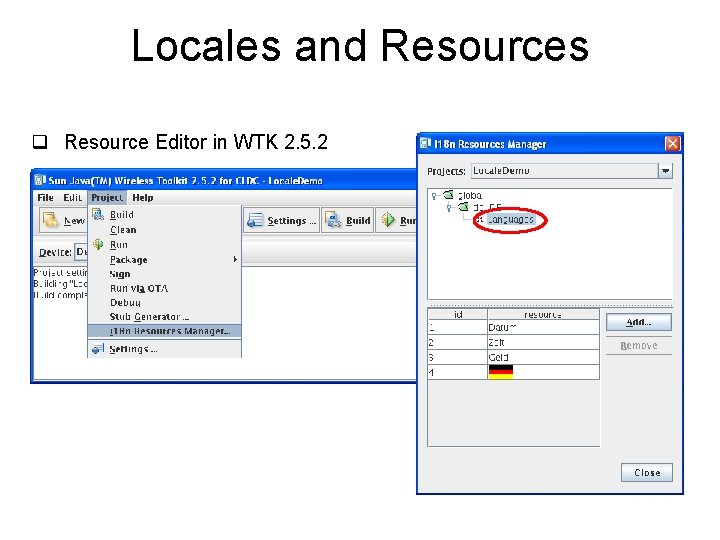
Locales and Resources q Resource Editor in WTK 2. 5. 2
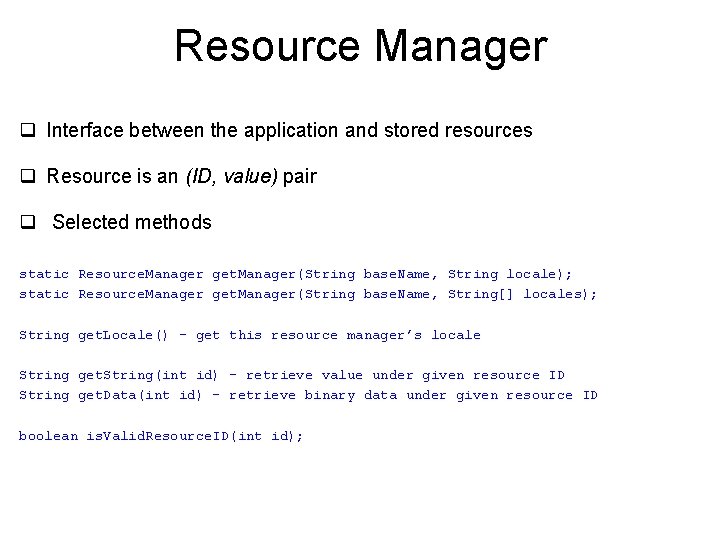
Resource Manager q Interface between the application and stored resources q Resource is an (ID, value) pair q Selected methods static Resource. Manager get. Manager(String base. Name, String locale); static Resource. Manager get. Manager(String base. Name, String[] locales); String get. Locale() – get this resource manager’s locale String get. String(int id) – retrieve value under given resource ID String get. Data(int id) – retrieve binary data under given resource ID boolean is. Valid. Resource. ID(int id);
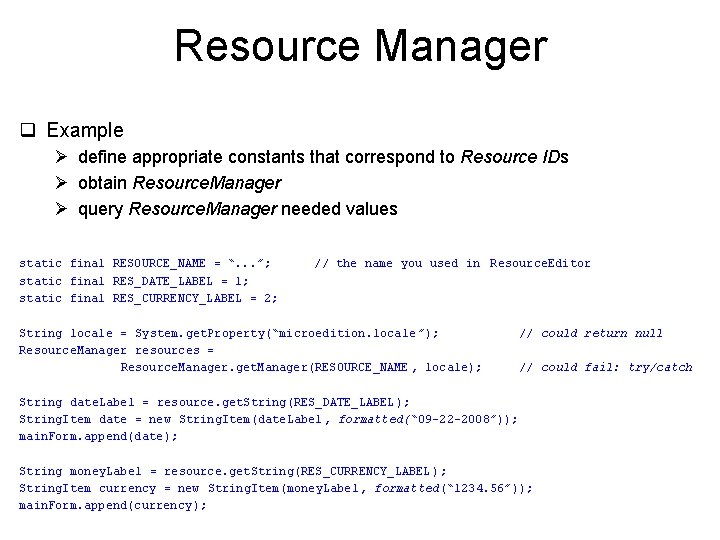
Resource Manager q Example Ø define appropriate constants that correspond to Resource IDs Ø obtain Resource. Manager Ø query Resource. Manager needed values static final RESOURCE_NAME = “. . . ”; static final RES_DATE_LABEL = 1; static final RES_CURRENCY_LABEL = 2; // the name you used in Resource. Editor String locale = System. get. Property(“microedition. locale ”); Resource. Manager resources = Resource. Manager. get. Manager(RESOURCE_NAME , locale); // could return null // could fail: try/catch String date. Label = resource. get. String(RES_DATE_LABEL ); String. Item date = new String. Item(date. Label, formatted(“ 09 -22 -2008”)); main. Form. append(date); String money. Label = resource. get. String(RES_CURRENCY_LABEL ); String. Item currency = new String. Item(money. Label, formatted(“ 1234. 56”)); main. Form. append(currency );
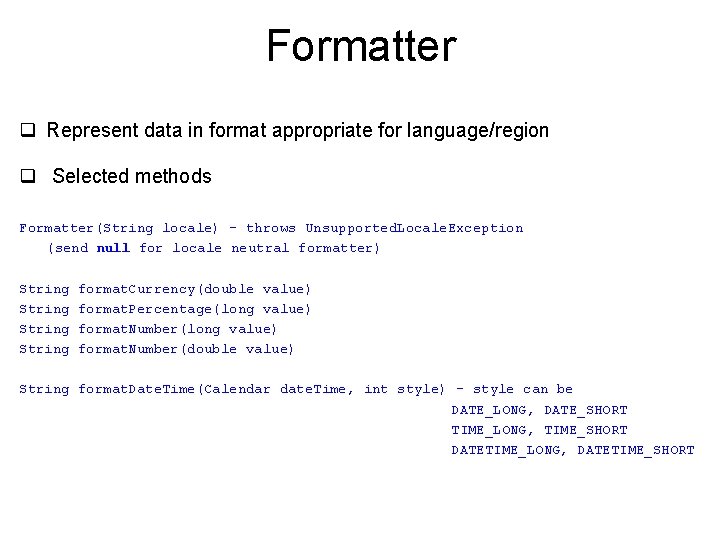
Formatter q Represent data in format appropriate for language/region q Selected methods Formatter(String locale) – throws Unsupported. Locale. Exception (send null for locale neutral formatter) String format. Currency(double value) format. Percentage(long value) format. Number(double value) String format. Date. Time(Calendar date. Time, int style) – style can be DATE_LONG, DATE_SHORT TIME_LONG, TIME_SHORT DATETIME_LONG, DATETIME_SHORT
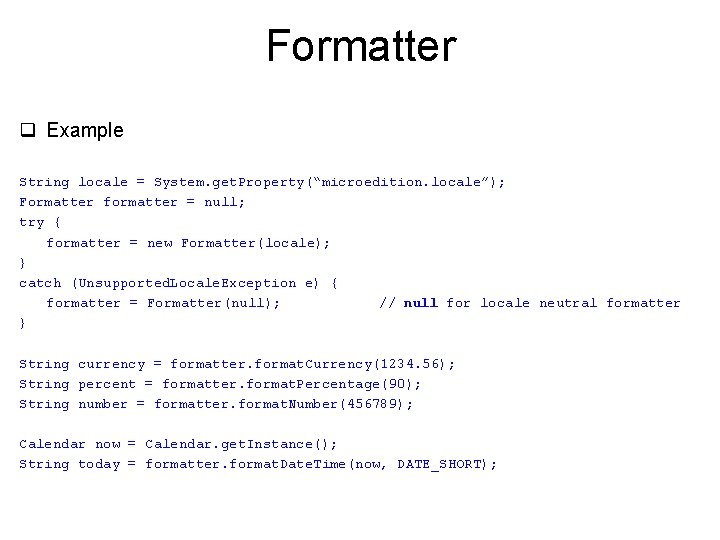
Formatter q Example String locale = System. get. Property(“microedition. locale”); Formatter formatter = null; try { formatter = new Formatter(locale); } catch (Unsupported. Locale. Exception e) { formatter = Formatter(null); // null for locale neutral formatter } String currency = formatter. format. Currency(1234. 56); String percent = formatter. format. Percentage(90); String number = formatter. format. Number(456789); Calendar now = Calendar. get. Instance(); String today = formatter. format. Date. Time(now, DATE_SHORT);
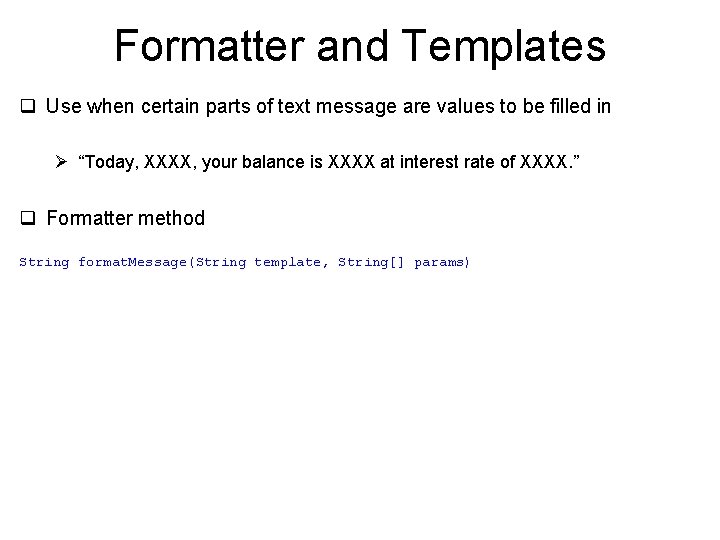
Formatter and Templates q Use when certain parts of text message are values to be filled in Ø “Today, XXXX, your balance is XXXX at interest rate of XXXX. ” q Formatter method String format. Message(String template, String[] params)
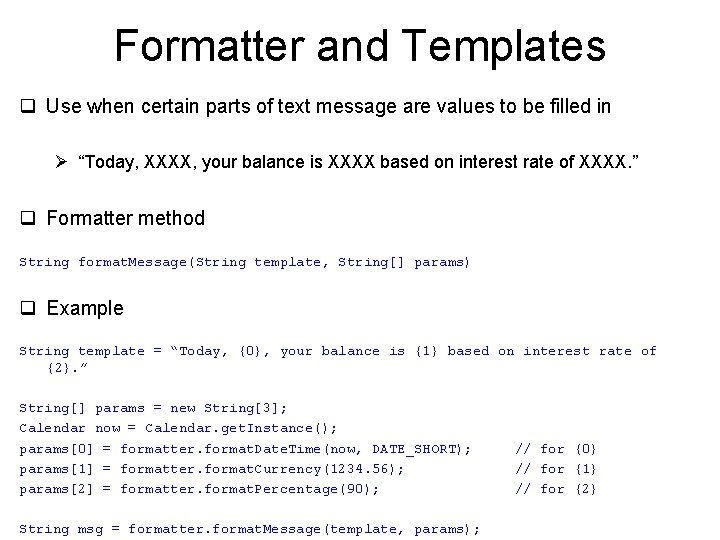
Formatter and Templates q Use when certain parts of text message are values to be filled in Ø “Today, XXXX, your balance is XXXX based on interest rate of XXXX. ” q Formatter method String format. Message(String template, String[] params) q Example String template = “Today, {0}, your balance is {1} based on interest rate of {2}. ” String[] params = new String[3]; Calendar now = Calendar. get. Instance(); params[0] = formatter. format. Date. Time(now, DATE_SHORT); params[1] = formatter. format. Currency(1234. 56); params[2] = formatter. format. Percentage(90); String msg = formatter. format. Message(template, params); // for {0} // for {1} // for {2}
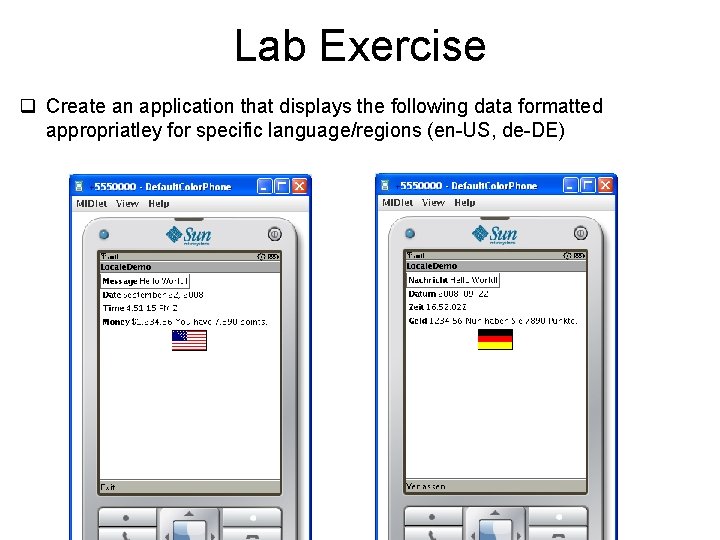
Lab Exercise q Create an application that displays the following data formatted appropriatley for specific language/regions (en-US, de-DE)
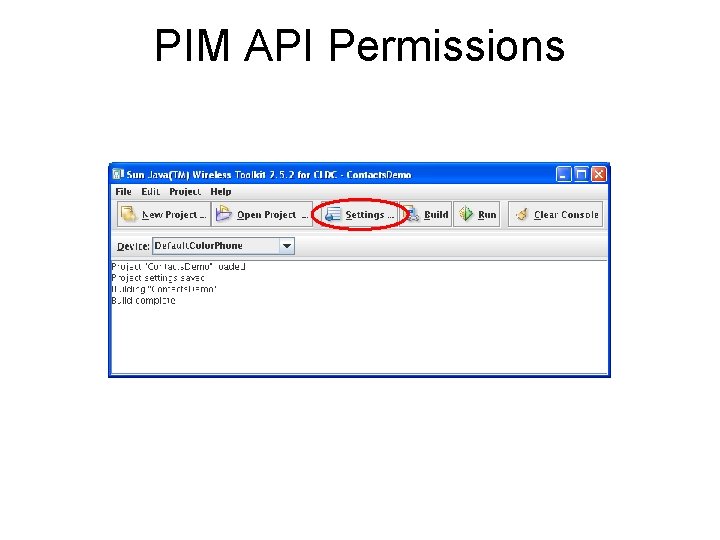
PIM API Permissions
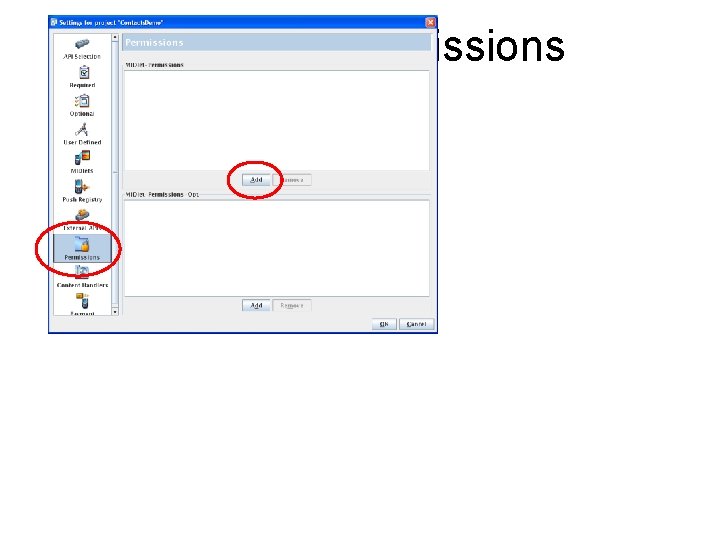
PIM API Permissions
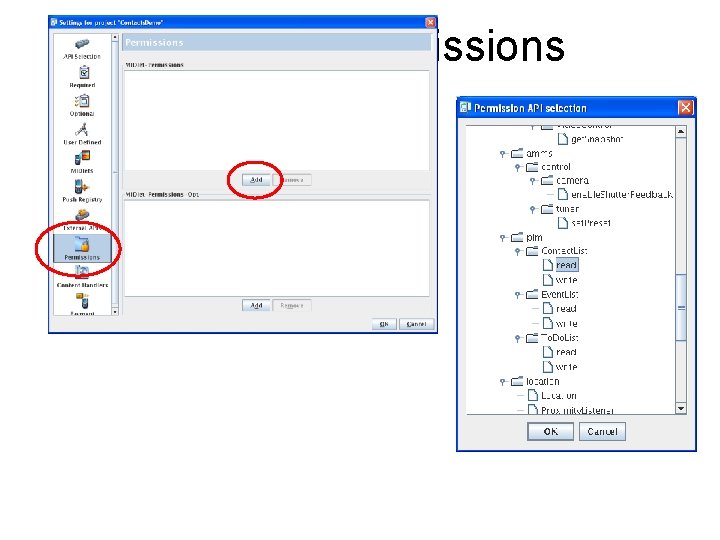
PIM API Permissions
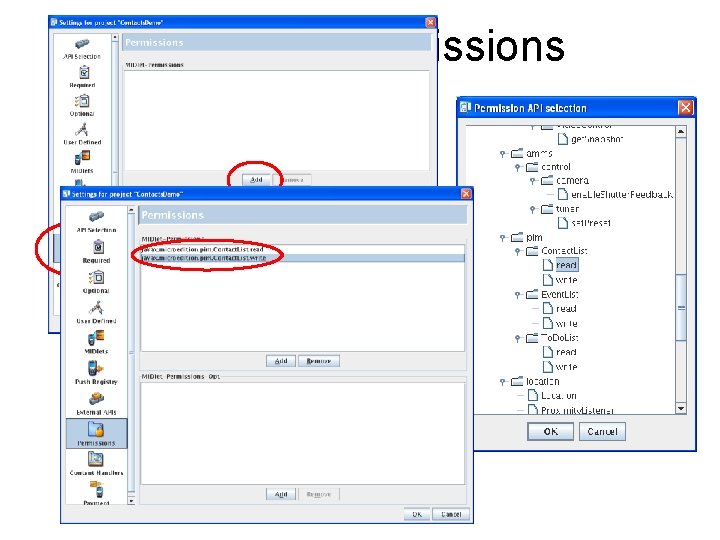
PIM API Permissions
- Slides: 17