
Interface Guidelines Principles Promote Learning Interface Guidelines Principles

- Slides: 9
Interface Guidelines & Principles Promote Learning
Interface Guidelines & Principles § 7 principles for Interface Design 1. 2. 3. 4. Focus on the users & tasks, not technology. Conform to the User’s View of the Task. Consider function first, presentation later. Promote Learning
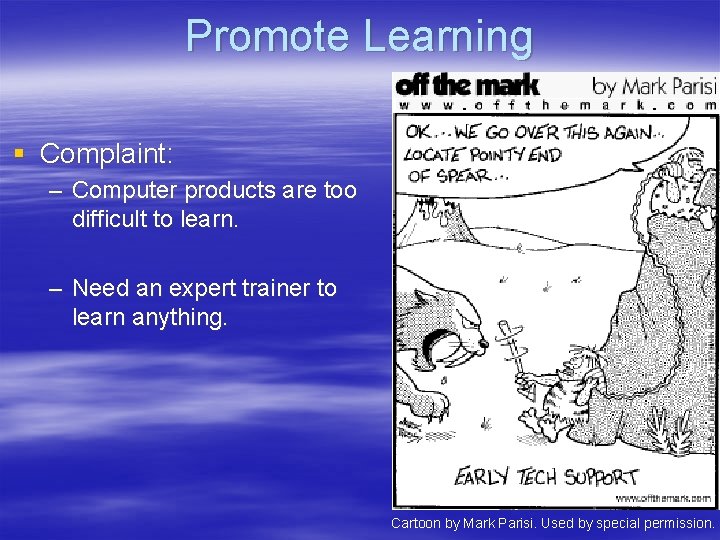
Promote Learning § Complaint: – Computer products are too difficult to learn. – Need an expert trainer to learn anything. Cartoon by Mark Parisi. Used by special permission.
Promote Learning § Learning How To Use A Product – Takes time. – Time is money. – Too many alternative products. – You must care.
How to Promote Learning § Think outside-in not inside-out – Inside-out § When a developer implements a product using him/herself as the user. § Developer: It works for me … Why can’t you use it? § Example of inside-out text messages – Farmer bill dies in house – Two ships collide, one dies – What does this say “Dolt” ? “Do It” or “Do. Lt” § Images could be designed inside-out as well. – Any examples?
How to Promote Learning § Think outside-in not inside-out – Outside-in § User Centered Design, again!
How to Promote Learning § Design for consistency with the user – Your product should have consistency in function and appearance. § Example: ctrl-s is save.
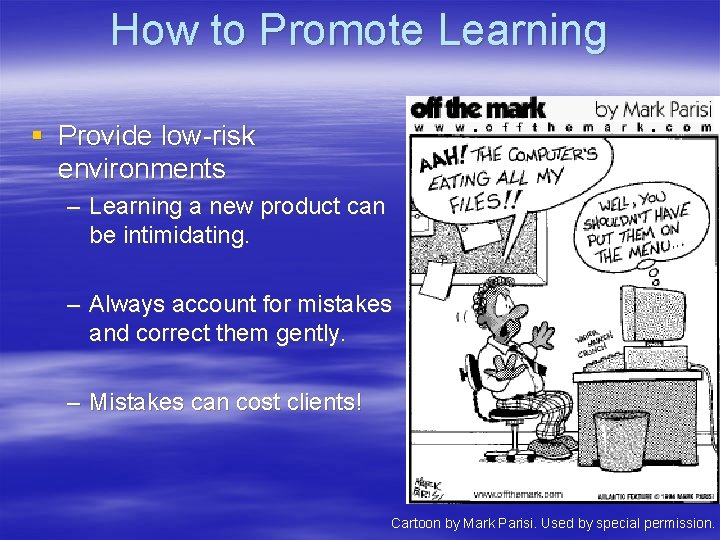
How to Promote Learning § Provide low-risk environments – Learning a new product can be intimidating. – Always account for mistakes and correct them gently. – Mistakes can cost clients! Cartoon by Mark Parisi. Used by special permission.
Promote Learning 1. Think outside-in, user centered design. 2. Design for consistency 3. Provide low-risk environments.