
Interactive Overview of Emerging MS Tech April 2018
- Slides: 32
Interactive Overview of Emerging MS Tech April 2018 Brian Arkills Microsoft Solutions Architect
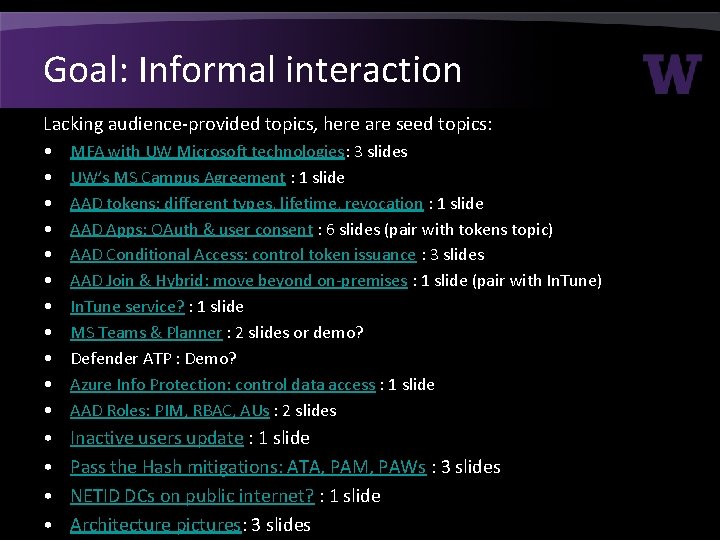
Goal: Informal interaction Lacking audience-provided topics, here are seed topics: • • • MFA with UW Microsoft technologies: 3 slides UW’s MS Campus Agreement : 1 slide AAD tokens: different types, lifetime, revocation : 1 slide AAD Apps: OAuth & user consent : 6 slides (pair with tokens topic) AAD Conditional Access: control token issuance : 3 slides AAD Join & Hybrid: move beyond on-premises : 1 slide (pair with In. Tune) In. Tune service? : 1 slide MS Teams & Planner : 2 slides or demo? Defender ATP : Demo? Azure Info Protection: control data access : 1 slide AAD Roles: PIM, RBAC, AUs : 2 slides • • Inactive users update : 1 slide Pass the Hash mitigations: ATA, PAM, PAWs : 3 slides NETID DCs on public internet? : 1 slide Architecture pictures: 3 slides
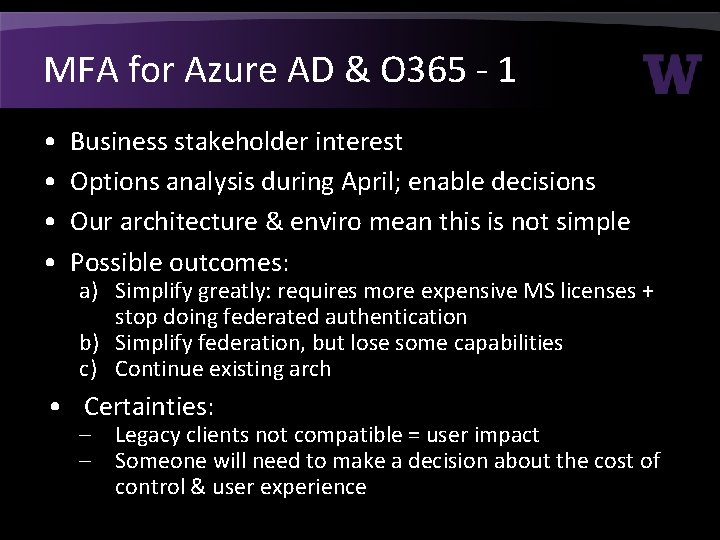
MFA for Azure AD & O 365 - 1 • • Business stakeholder interest Options analysis during April; enable decisions Our architecture & enviro mean this is not simple Possible outcomes: a) Simplify greatly: requires more expensive MS licenses + stop doing federated authentication b) Simplify federation, but lose some capabilities c) Continue existing arch • Certainties: – Legacy clients not compatible = user impact – Someone will need to make a decision about the cost of control & user experience
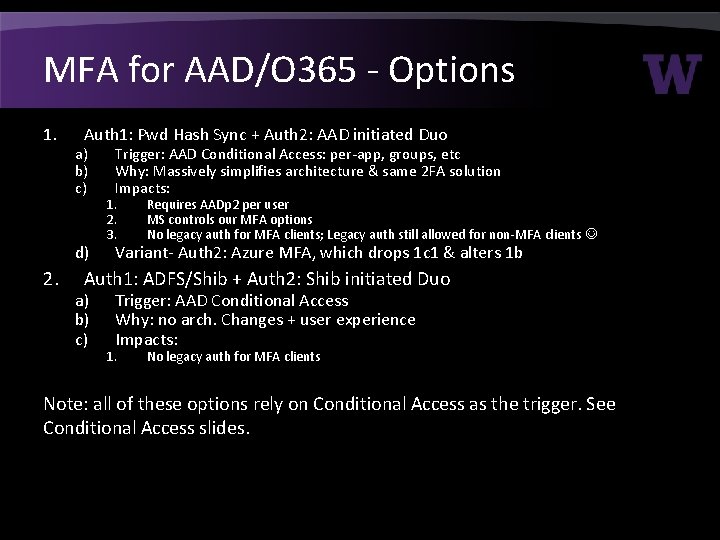
MFA for AAD/O 365 - Options 1. Auth 1: Pwd Hash Sync + Auth 2: AAD initiated Duo a) b) c) d) 2. Trigger: AAD Conditional Access: per-app, groups, etc Why: Massively simplifies architecture & same 2 FA solution Impacts: 1. 2. 3. Requires AADp 2 per user MS controls our MFA options No legacy auth for MFA clients; Legacy auth still allowed for non-MFA clients Variant- Auth 2: Azure MFA, which drops 1 c 1 & alters 1 b Auth 1: ADFS/Shib + Auth 2: Shib initiated Duo a) b) c) Trigger: AAD Conditional Access Why: no arch. Changes + user experience Impacts: 1. No legacy auth for MFA clients Note: all of these options rely on Conditional Access as the trigger. See Conditional Access slides.
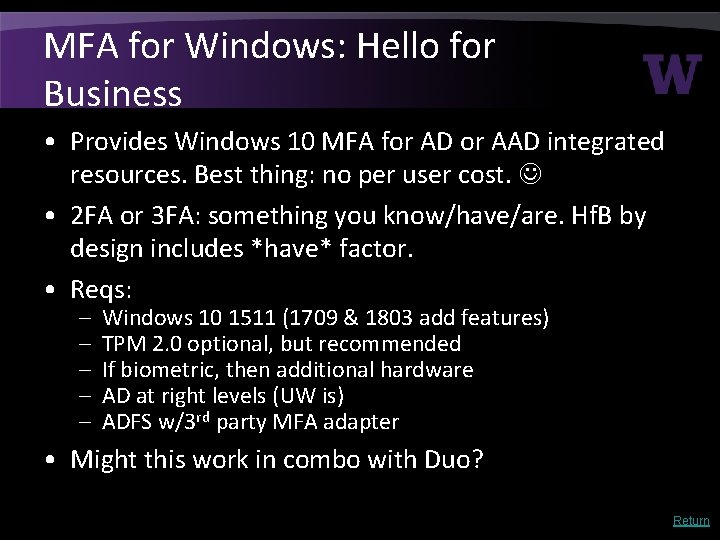
MFA for Windows: Hello for Business • Provides Windows 10 MFA for AD or AAD integrated resources. Best thing: no per user cost. • 2 FA or 3 FA: something you know/have/are. Hf. B by design includes *have* factor. • Reqs: – – – Windows 10 1511 (1709 & 1803 add features) TPM 2. 0 optional, but recommended If biometric, then additional hardware AD at right levels (UW is) ADFS w/3 rd party MFA adapter • Might this work in combo with Duo? Return
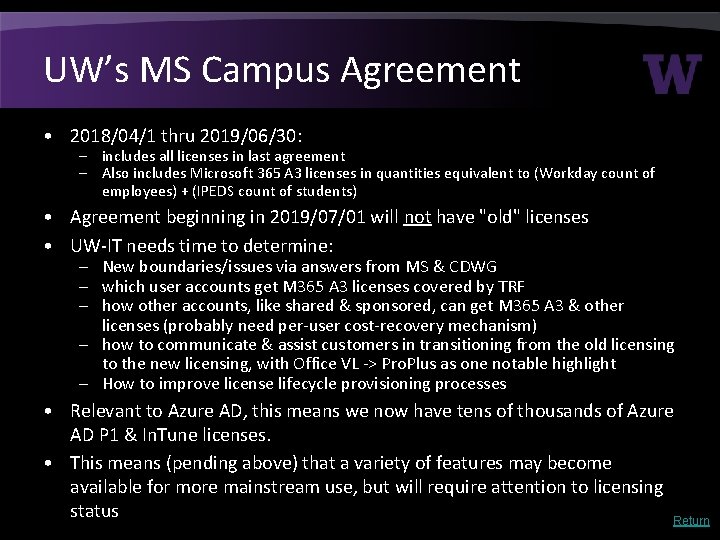
UW’s MS Campus Agreement • 2018/04/1 thru 2019/06/30: – includes all licenses in last agreement – Also includes Microsoft 365 A 3 licenses in quantities equivalent to (Workday count of employees) + (IPEDS count of students) • Agreement beginning in 2019/07/01 will not have "old" licenses • UW-IT needs time to determine: – New boundaries/issues via answers from MS & CDWG – which user accounts get M 365 A 3 licenses covered by TRF – how other accounts, like shared & sponsored, can get M 365 A 3 & other licenses (probably need per-user cost-recovery mechanism) – how to communicate & assist customers in transitioning from the old licensing to the new licensing, with Office VL -> Pro. Plus as one notable highlight – How to improve license lifecycle provisioning processes • Relevant to Azure AD, this means we now have tens of thousands of Azure AD P 1 & In. Tune licenses. • This means (pending above) that a variety of features may become available for more mainstream use, but will require attention to licensing status Return
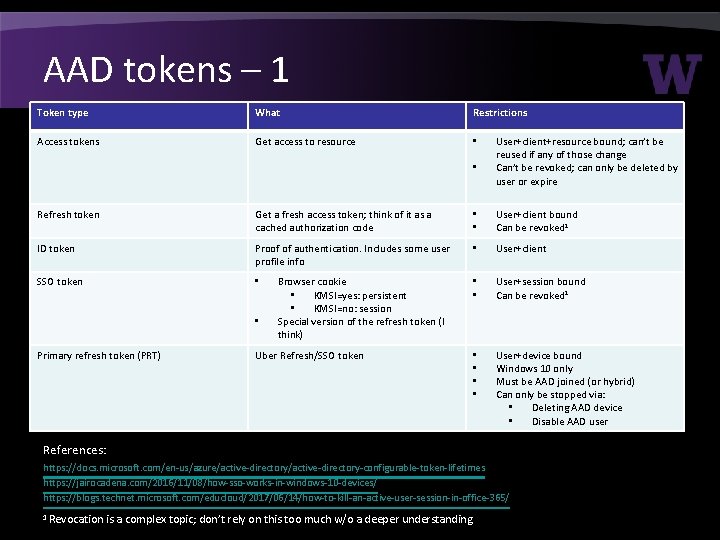
AAD tokens – 1 Token type What Restrictions Access tokens Get access to resource • • User+client+resource bound; can’t be reused if any of those change Can’t be revoked; can only be deleted by user or expire Refresh token Get a fresh access token; think of it as a cached authorization code • • User+client bound Can be revoked 1 ID token Proof of authentication. Includes some user profile info • User+client SSO token • • • User+session bound Can be revoked 1 • • User+device bound Windows 10 only Must be AAD joined (or hybrid) Can only be stopped via: • Deleting AAD device • Disable AAD user • Primary refresh token (PRT) Browser cookie • KMSI=yes: persistent • KMSI=no: session Special version of the refresh token (I think) Uber Refresh/SSO token References: https: //docs. microsoft. com/en-us/azure/active-directory-configurable-token-lifetimes https: //jairocadena. com/2016/11/08/how-sso-works-in-windows-10 -devices/ https: //blogs. technet. microsoft. com/educloud/2017/06/14/how-to-kill-an-active-user-session-in-office-365/ 1 Revocation is a complex topic; don’t rely on this too much w/o a deeper understanding.
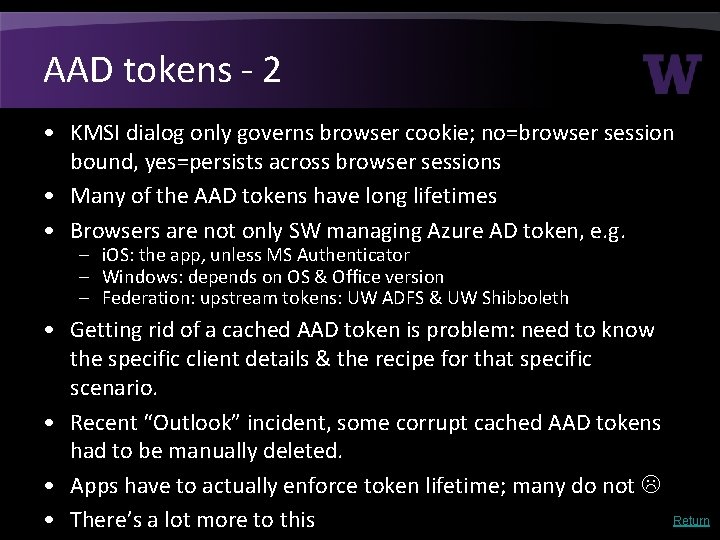
AAD tokens - 2 • KMSI dialog only governs browser cookie; no=browser session bound, yes=persists across browser sessions • Many of the AAD tokens have long lifetimes • Browsers are not only SW managing Azure AD token, e. g. – i. OS: the app, unless MS Authenticator – Windows: depends on OS & Office version – Federation: upstream tokens: UW ADFS & UW Shibboleth • Getting rid of a cached AAD token is problem: need to know the specific client details & the recipe for that specific scenario. • Recent “Outlook” incident, some corrupt cached AAD tokens had to be manually deleted. • Apps have to actually enforce token lifetime; many do not • There’s a lot more to this Return
AAD Apps: Why - 1 1. Saa. S apps: Azure AD Application Gallery or 1 st party a. b. c. d. UW Auth. N integration, links AAD user to Saa. S app user With proper licensing, could do conditional access If app supports, automate (de)provision Saa. S app user Can get data from other AAD apps like O 365 (note: some Office add-ons are this, e. g. Find. Time) e. Unless you need b, c, or d, we recommend you integrate via Shibboleth 2. UW Developer a. 1 a, 1 b, 1 c, 1 d, and 1 e continue to be true here b. You may not actually be writing code … you may just want to enable some Azure service to use @uw. edu identities. This is a special case of 1 d. c. Gotcha: application identity credential expiration
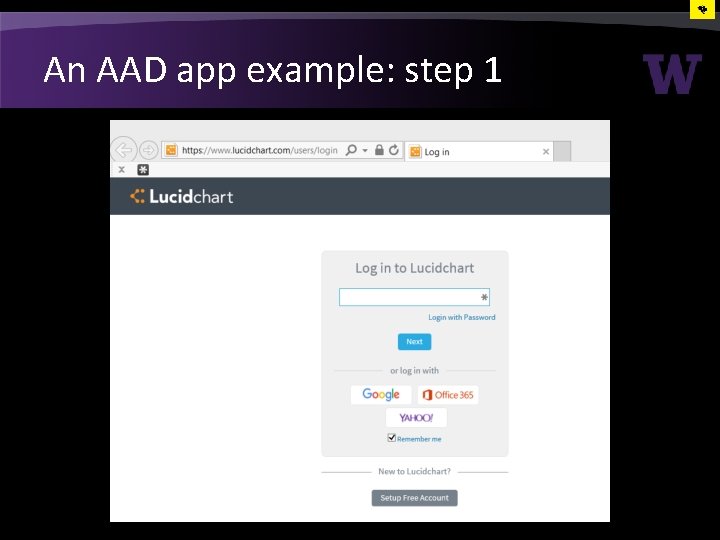
An AAD app example: step 1
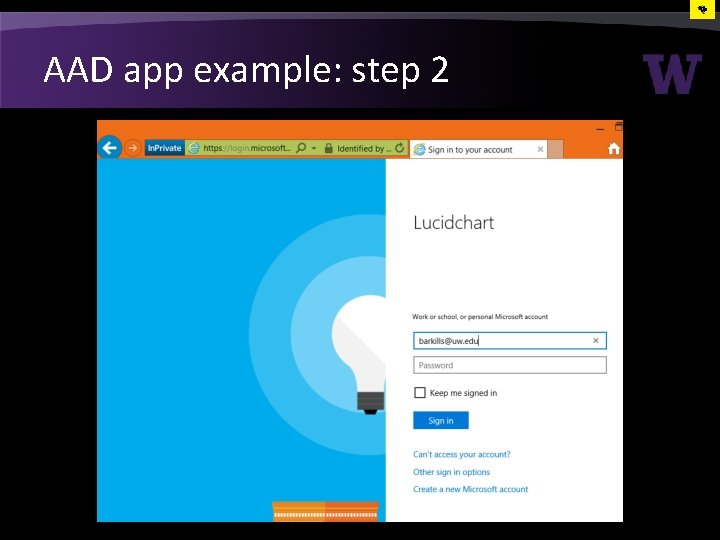
AAD app example: step 2
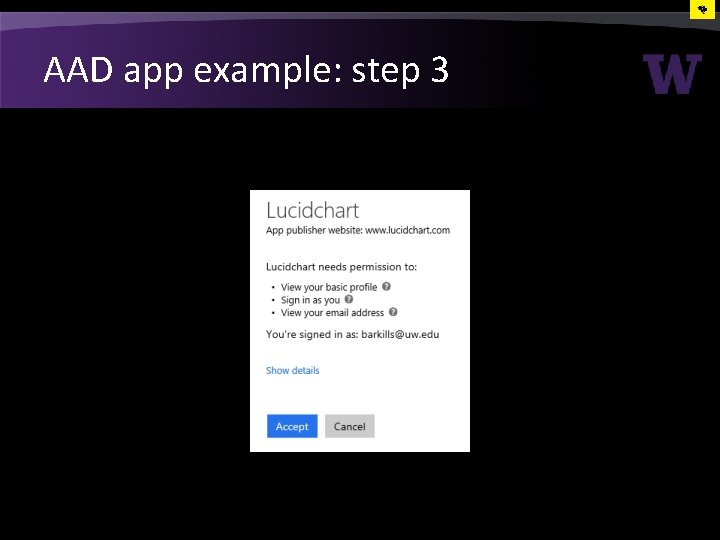
AAD app example: step 3
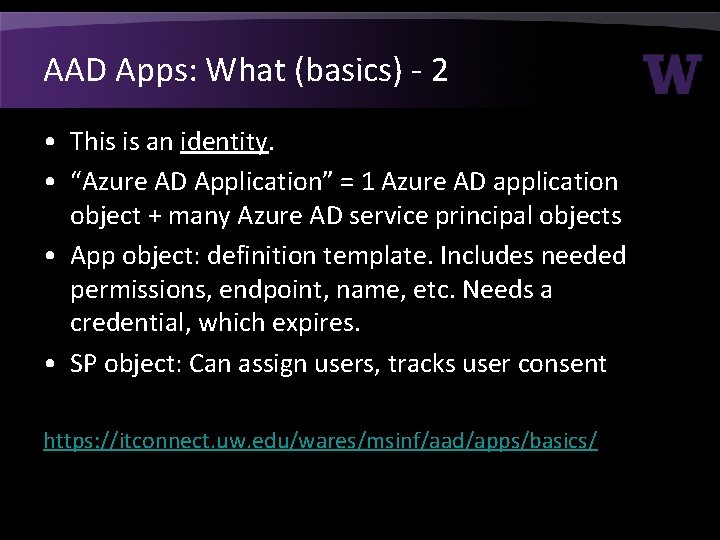
AAD Apps: What (basics) - 2 • This is an identity. • “Azure AD Application” = 1 Azure AD application object + many Azure AD service principal objects • App object: definition template. Includes needed permissions, endpoint, name, etc. Needs a credential, which expires. • SP object: Can assign users, tracks user consent https: //itconnect. uw. edu/wares/msinf/aad/apps/basics/
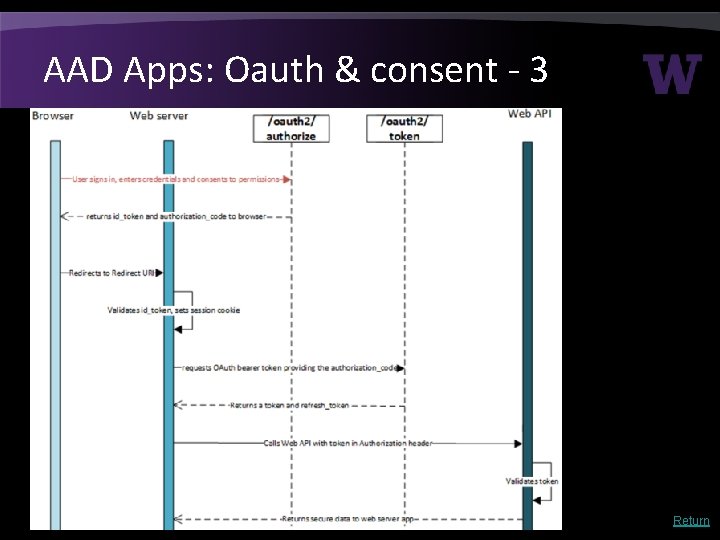
AAD Apps: Oauth & consent - 3 Return
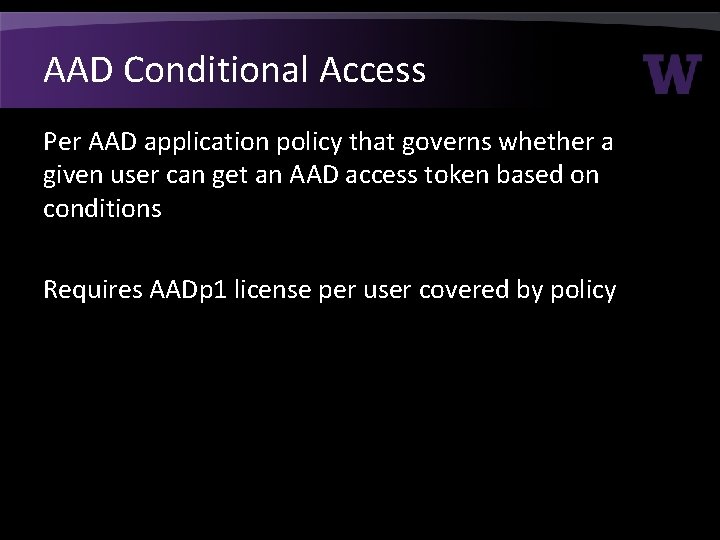
AAD Conditional Access Per AAD application policy that governs whether a given user can get an AAD access token based on conditions Requires AADp 1 license per user covered by policy
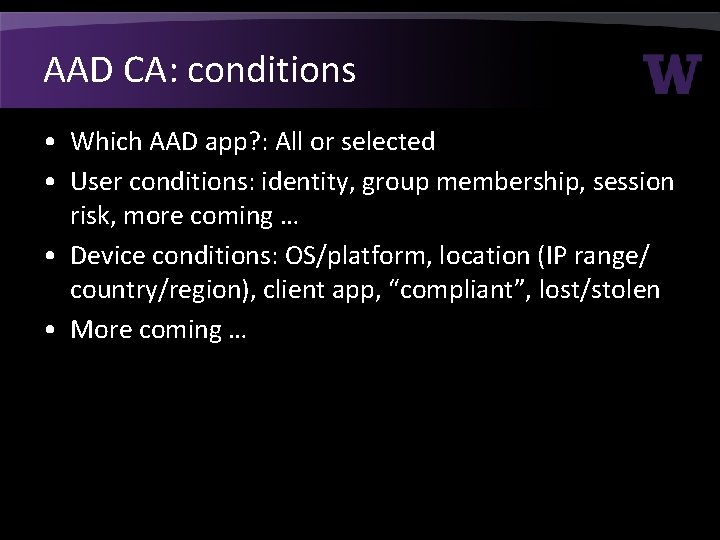
AAD CA: conditions • Which AAD app? : All or selected • User conditions: identity, group membership, session risk, more coming … • Device conditions: OS/platform, location (IP range/ country/region), client app, “compliant”, lost/stolen • More coming …
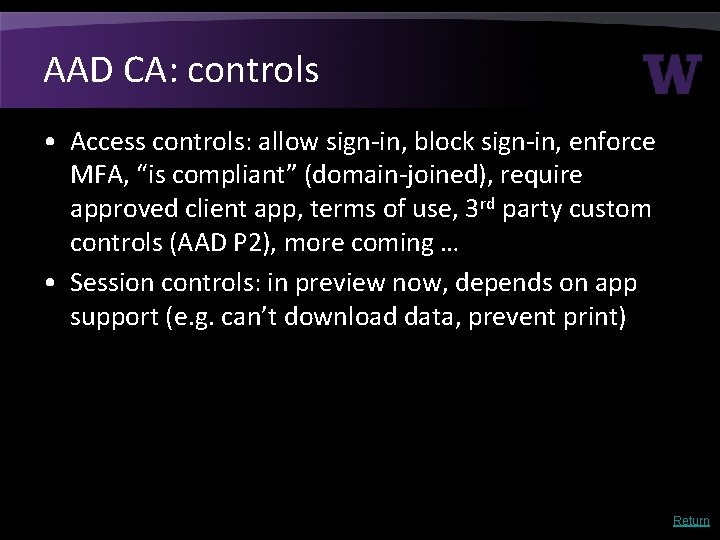
AAD CA: controls • Access controls: allow sign-in, block sign-in, enforce MFA, “is compliant” (domain-joined), require approved client app, terms of use, 3 rd party custom controls (AAD P 2), more coming … • Session controls: in preview now, depends on app support (e. g. can’t download data, prevent print) Return
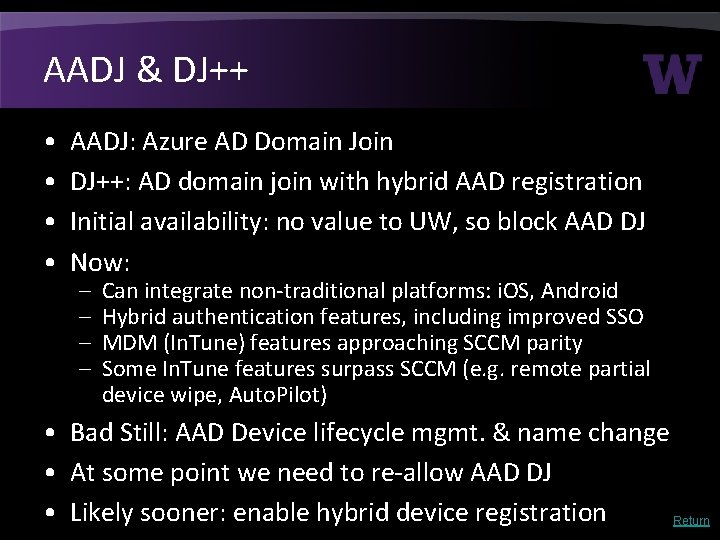
AADJ & DJ++ • • AADJ: Azure AD Domain Join DJ++: AD domain join with hybrid AAD registration Initial availability: no value to UW, so block AAD DJ Now: – – Can integrate non-traditional platforms: i. OS, Android Hybrid authentication features, including improved SSO MDM (In. Tune) features approaching SCCM parity Some In. Tune features surpass SCCM (e. g. remote partial device wipe, Auto. Pilot) • Bad Still: AAD Device lifecycle mgmt. & name change • At some point we need to re-allow AAD DJ • Likely sooner: enable hybrid device registration Return
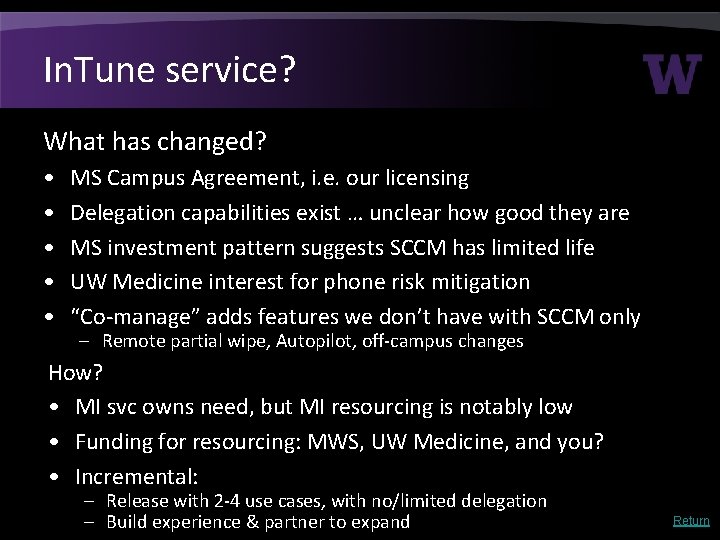
In. Tune service? What has changed? • • • MS Campus Agreement, i. e. our licensing Delegation capabilities exist … unclear how good they are MS investment pattern suggests SCCM has limited life UW Medicine interest for phone risk mitigation “Co-manage” adds features we don’t have with SCCM only – Remote partial wipe, Autopilot, off-campus changes How? • MI svc owns need, but MI resourcing is notably low • Funding for resourcing: MWS, UW Medicine, and you? • Incremental: – Release with 2 -4 use cases, with no/limited delegation – Build experience & partner to expand Return
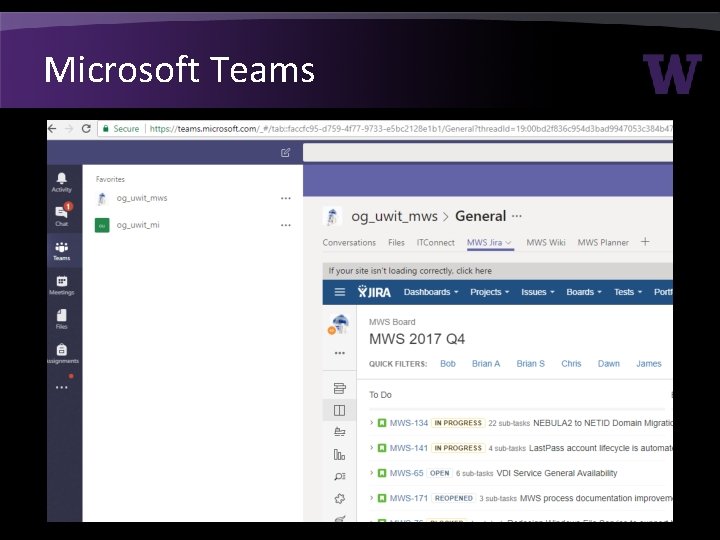
Microsoft Teams
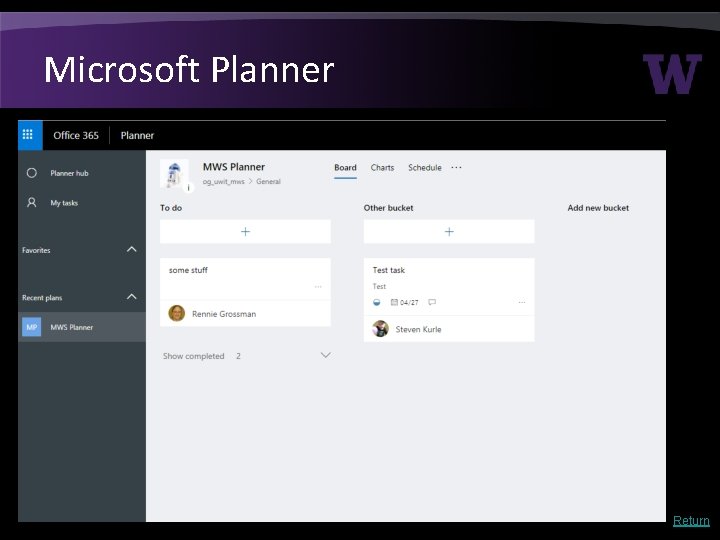
Microsoft Planner Return
Azure Info Protection (RMS) • Think ‘containers for files’: you enable protection and don’t have to care where the file goes • Rights management (via encryption) per-file – Restrictions for some apps (e. g. block email forward) • Short-lived access token issued by AAD – immediately revoke access – Central audit of who has accessed what from where • Ways to enable protection 1. Users add a label via UI (via client add-in). Each label is connected to protection policy. 2. Admin creates automated rule • Depending on features requires AADp 1 or AADp 2 Return
AAD RBAC & Roles - 1 • RBAC model: – Role = Scope + permissions • Scope of affected objects: AAD Administrative Units (not available yet) • Incremental permissions defined for AAD objects, AAD applications, or even Azure resources – Assign users or service principals to Roles (groups not supported yet) • Today there a variety of canned AAD roles, Azure roles, O 365 roles, In. Tune roles, and more … all based on the same underlying AAD RBAC platform • Future: expect lots here. I can’t say more …
AAD RBAC & Roles – 2 • Privileged Identity Management (PIM) provides just in time “activation” of roles, i. e. accounts do not permanently have roles • Time limited role activation, e. g. 1 hour • Can have workflow approval for activation or not • Can require MFA to initiate activation • Requires AADp 1 for accounts that need to activate • Bad: Exchange & Sharepoint admin role activations currently have ~45 m latency. MS aware of issue. Return
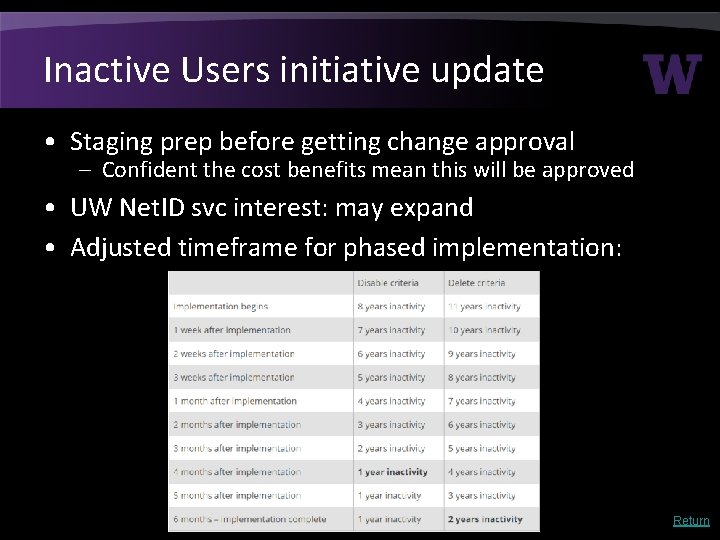
Inactive Users initiative update • Staging prep before getting change approval – Confident the cost benefits mean this will be approved • UW Net. ID svc interest: may expand • Adjusted timeframe for phased implementation: Return
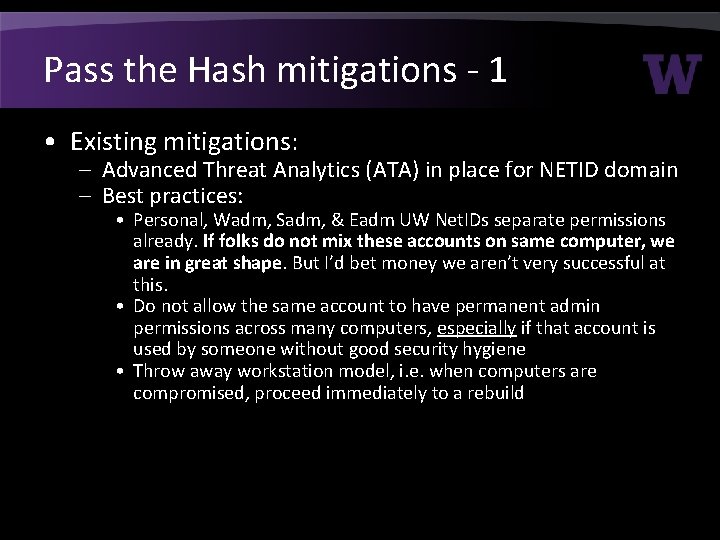
Pass the Hash mitigations - 1 • Existing mitigations: – Advanced Threat Analytics (ATA) in place for NETID domain – Best practices: • Personal, Wadm, Sadm, & Eadm UW Net. IDs separate permissions already. If folks do not mix these accounts on same computer, we are in great shape. But I’d bet money we aren’t very successful at this. • Do not allow the same account to have permanent admin permissions across many computers, especially if that account is used by someone without good security hygiene • Throw away workstation model, i. e. when computers are compromised, proceed immediately to a rebuild
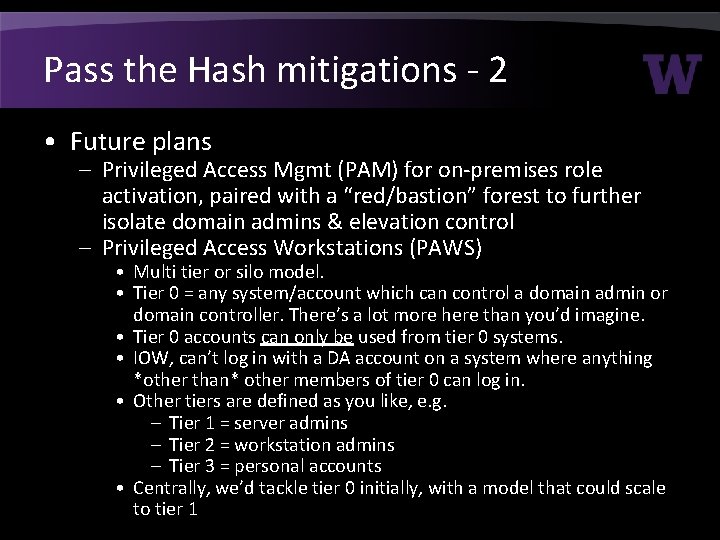
Pass the Hash mitigations - 2 • Future plans – Privileged Access Mgmt (PAM) for on-premises role activation, paired with a “red/bastion” forest to further isolate domain admins & elevation control – Privileged Access Workstations (PAWS) • Multi tier or silo model. • Tier 0 = any system/account which can control a domain admin or domain controller. There’s a lot more here than you’d imagine. • Tier 0 accounts can only be used from tier 0 systems. • IOW, can’t log in with a DA account on a system where anything *other than* other members of tier 0 can log in. • Other tiers are defined as you like, e. g. – Tier 1 = server admins – Tier 2 = workstation admins – Tier 3 = personal accounts • Centrally, we’d tackle tier 0 initially, with a model that could scale to tier 1
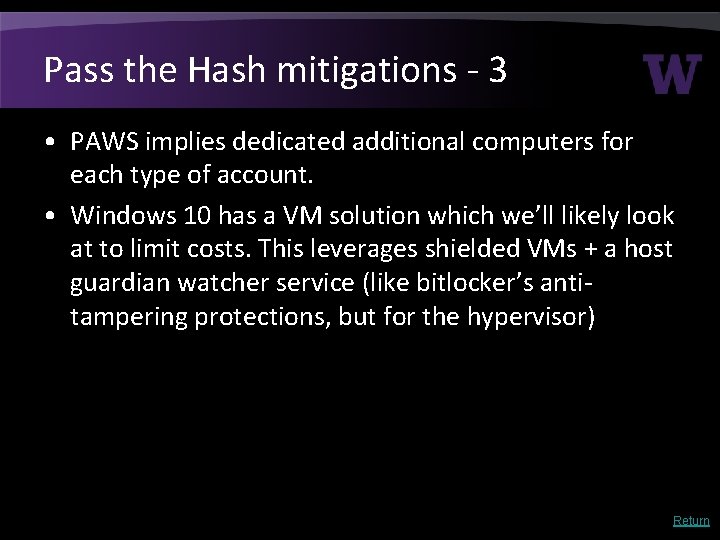
Pass the Hash mitigations - 3 • PAWS implies dedicated additional computers for each type of account. • Windows 10 has a VM solution which we’ll likely look at to limit costs. This leverages shielded VMs + a host guardian watcher service (like bitlocker’s antitampering protections, but for the hypervisor) Return
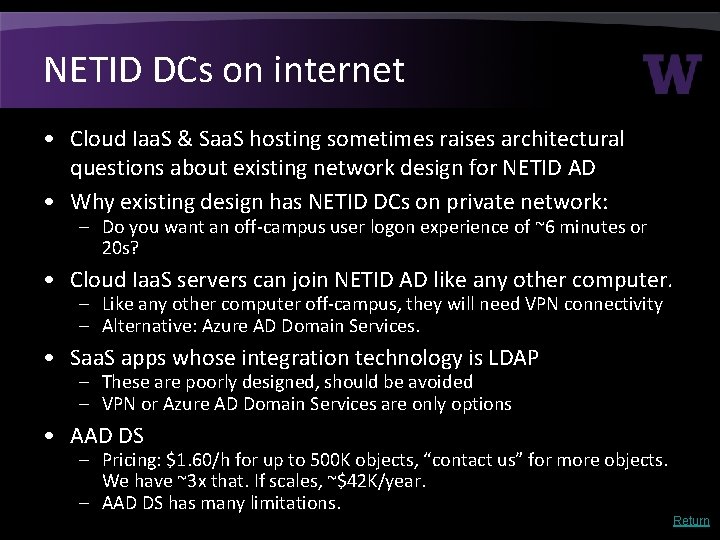
NETID DCs on internet • Cloud Iaa. S & Saa. S hosting sometimes raises architectural questions about existing network design for NETID AD • Why existing design has NETID DCs on private network: – Do you want an off-campus user logon experience of ~6 minutes or 20 s? • Cloud Iaa. S servers can join NETID AD like any other computer. – Like any other computer off-campus, they will need VPN connectivity – Alternative: Azure AD Domain Services. • Saa. S apps whose integration technology is LDAP – These are poorly designed, should be avoided – VPN or Azure AD Domain Services are only options • AAD DS – Pricing: $1. 60/h for up to 500 K objects, “contact us” for more objects. We have ~3 x that. If scales, ~$42 K/year. – AAD DS has many limitations. Return
Return
Return
Return