
Interactive MIPS Datapath Tutorial Stephanie Holeman AdvisorClient Jeffrey

- Slides: 23
Interactive MIPS Datapath Tutorial Stephanie Holeman Advisor/Client: Jeffrey Larson John Even Dr Prasant Mohapatra Scott Service 28 April 1999
Overview l l l l Background Design Objectives Technical Approach Budgets Project Evaluation Future Work Lessons Learned Summary
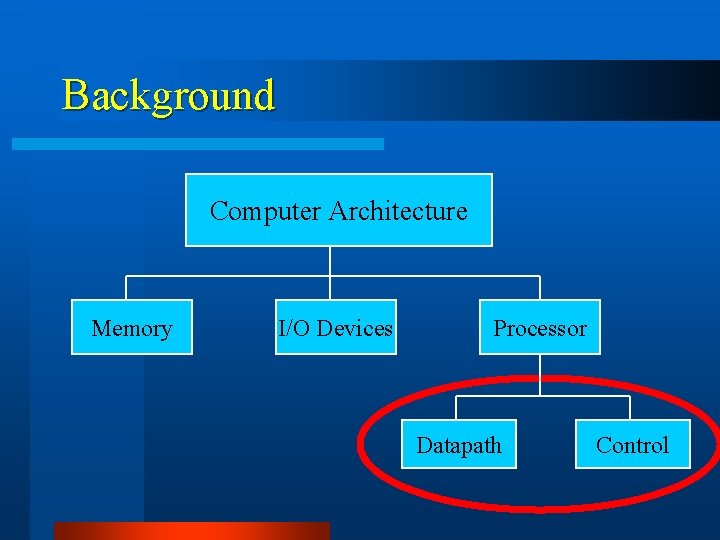
Background Computer Architecture Memory I/O Devices Processor Datapath Control
Background l About MIPS – Processor Uses • Sony Playstation • Nintendo 64 • Project Vincent – MIPS Architecture • RISC based • Pipelined All trademarks and copyrights are property of their respective owners.
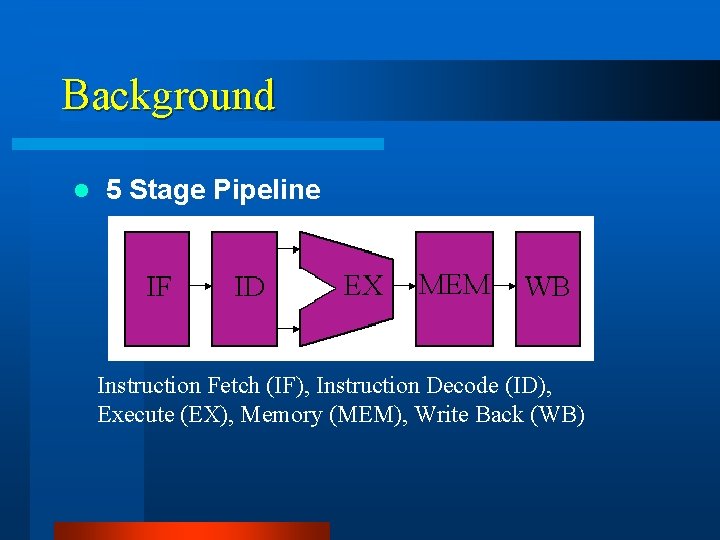
Background l 5 Stage Pipeline Instruction Fetch (IF), Instruction Decode (ID), Execute (EX), Memory (MEM), Write Back (WB)
Background Problem Statement l Lack of interactive tools for understanding Computer Architecture concepts l Aim to supplement lectures, slides, textbooks and problems
Design Objectives l Web-based interactive learning tool l Graphically simulate the datapath l Implement l Question MIPS instruction subset Mode (eliminated as per the client’s request)
Technical Approach l Programming – – solutions considered Hardware Description Language (HDL) Microsoft® Power. Point® C++ Java™ l Chose instructions to implement l Control features to implement l Chose coding model
Technical Approach Assumptions and Limitations l Accessibility – Java (JDK 1. 17 b) – Netscape Navigator® and Internet Explorer® l Limited instruction set l Control features – no hazard detection – no data forwarding
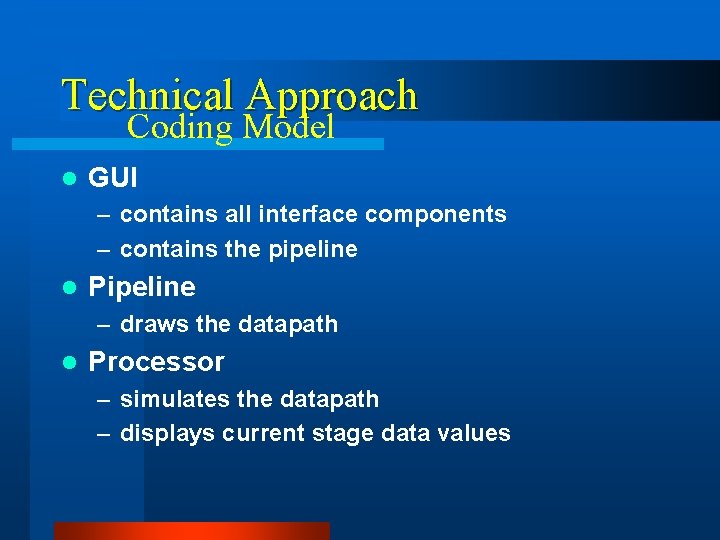
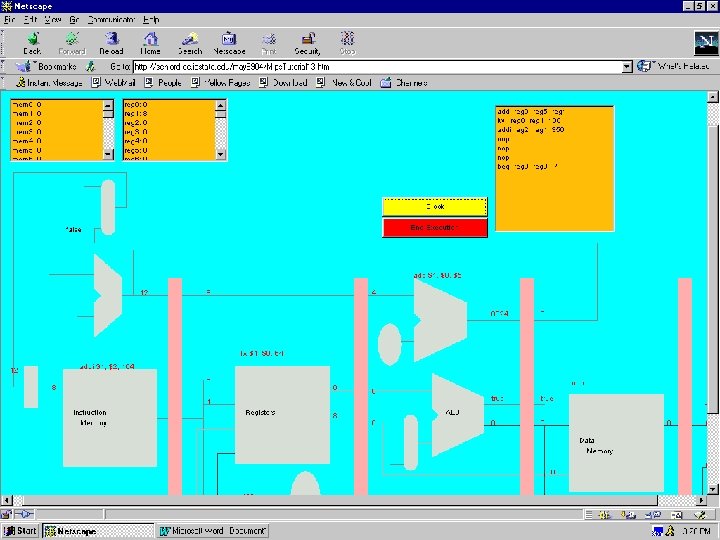
Technical Approach Coding Model l GUI – contains all interface components – contains the pipeline l Pipeline – draws the datapath l Processor – simulates the datapath – displays current stage data values
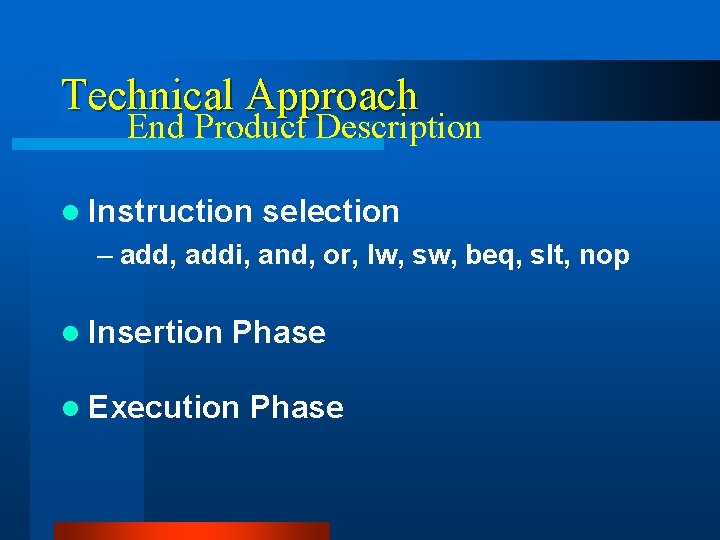
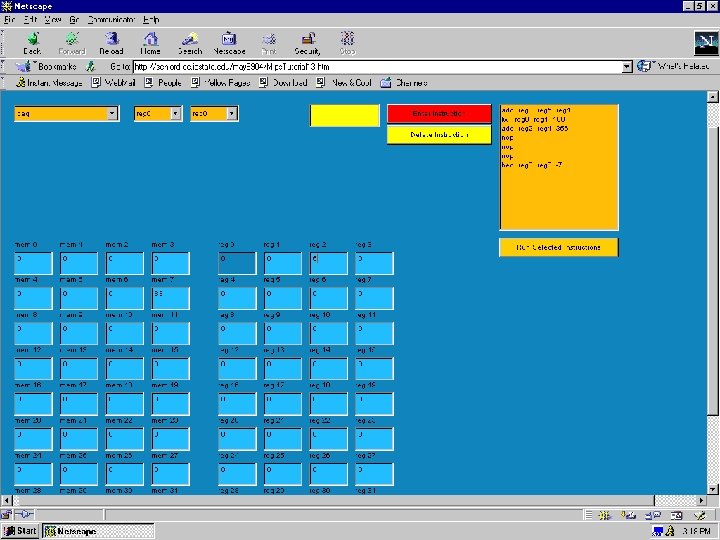
Technical Approach End Product Description l Instruction selection – add, addi, and, or, lw, sw, beq, slt, nop l Insertion Phase l Execution Phase
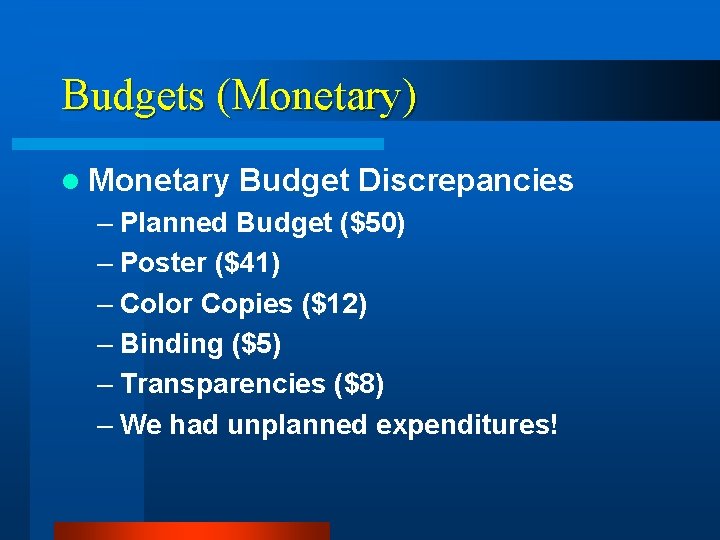
Budgets (Monetary) l Monetary Budget Discrepancies – Planned Budget ($50) – Poster ($41) – Color Copies ($12) – Binding ($5) – Transparencies ($8) – We had unplanned expenditures!
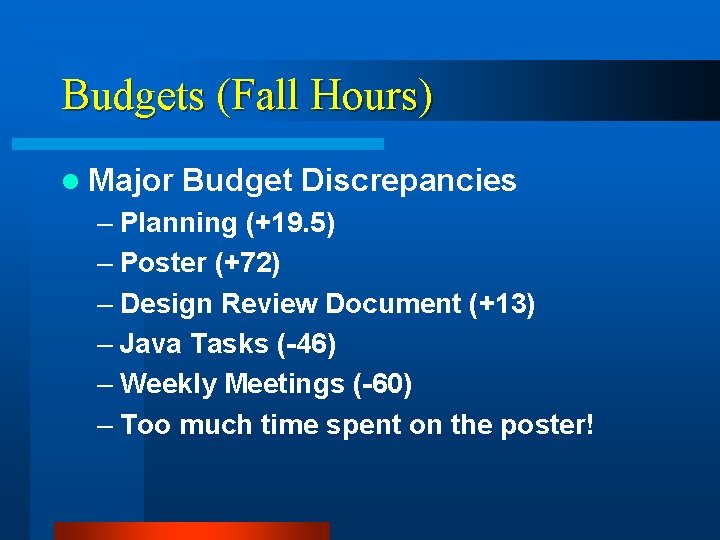
Budgets (Fall Hours) l Major Budget Discrepancies – Planning (+19. 5) – Poster (+72) – Design Review Document (+13) – Java Tasks (-46) – Weekly Meetings (-60) – Too much time spent on the poster!
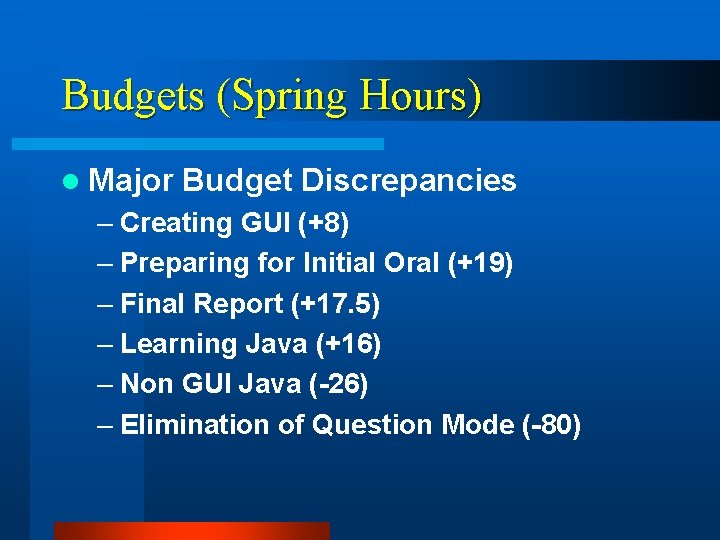
Budgets (Spring Hours) l Major Budget Discrepancies – Creating GUI (+8) – Preparing for Initial Oral (+19) – Final Report (+17. 5) – Learning Java (+16) – Non GUI Java (-26) – Elimination of Question Mode (-80)
Project Evaluation l Long Term Success – Usefulness to students – Usefulness to instructors l Short Term Success – Meeting design objectives – Satisfying client
Future Work l l l Analyze user feedback Display the datapath control module Add hazard detection and data forwarding Implement additional instructions Implement question mode Allow instruction insertion from a text file
Lessons Learned l Keep track of the big picture l Team work skills l Have third parties review your work l Effective group management
Summary l Computer Architecture refresher l Learned Java l Fulfilled client’s requirements l Web-based interactive MIPS simulator l A potential on-going senior design project
End Product Demonstration Let the learning begin
Thank you for your attention ? ? Do you have any questions?