
Interactive Data Language IDL Programming 2011 05 30
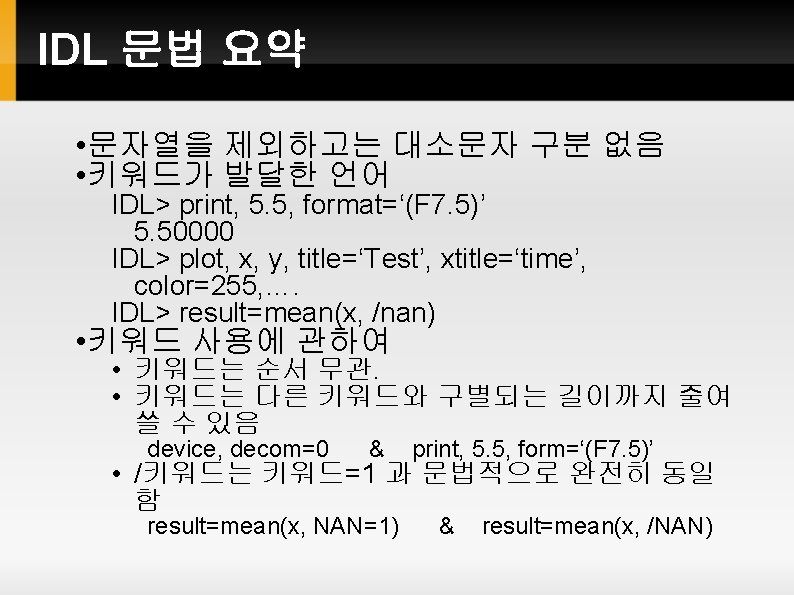
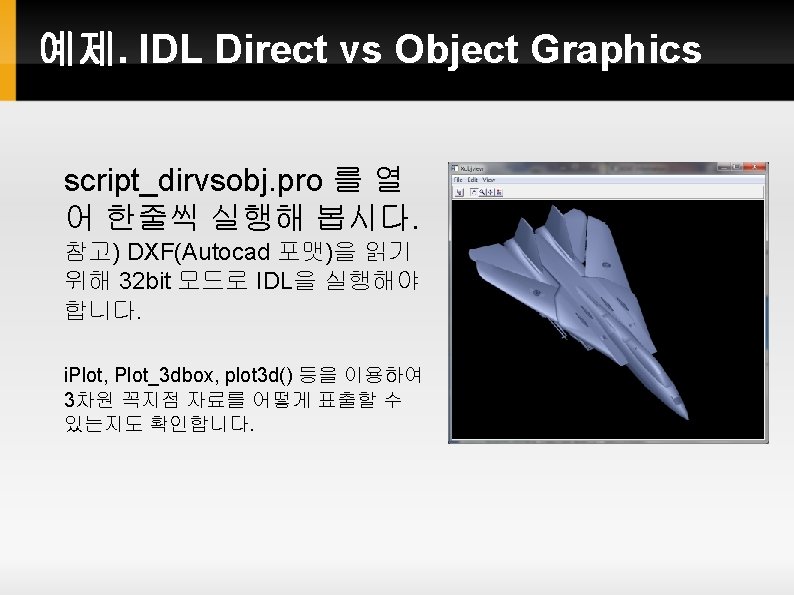
![FOREACH Loop arr=[0, 9, 3, 7, 2, 5] foreach number, arr do print, number](https://slidetodoc.com/presentation_image_h2/65797be4aef97e8ff3d11a8bdd35b582/image-12.jpg "FOREACH Loop arr=[0, 9, 3, 7, 2, 5] foreach number, arr do print, number")
- Slides: 27
Interactive Data Language IDL Programming 세종대학교 2011. 05. 30
차례 IDL Programming (+연습) IDL 그래픽 시스템 개요 IDL New Graphic System
Interactive Data Language IDL Programming (+연습)
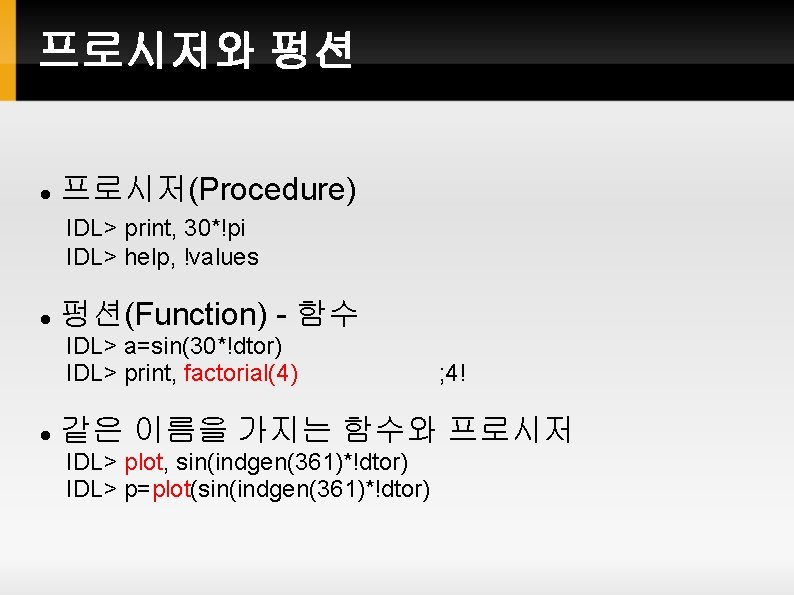
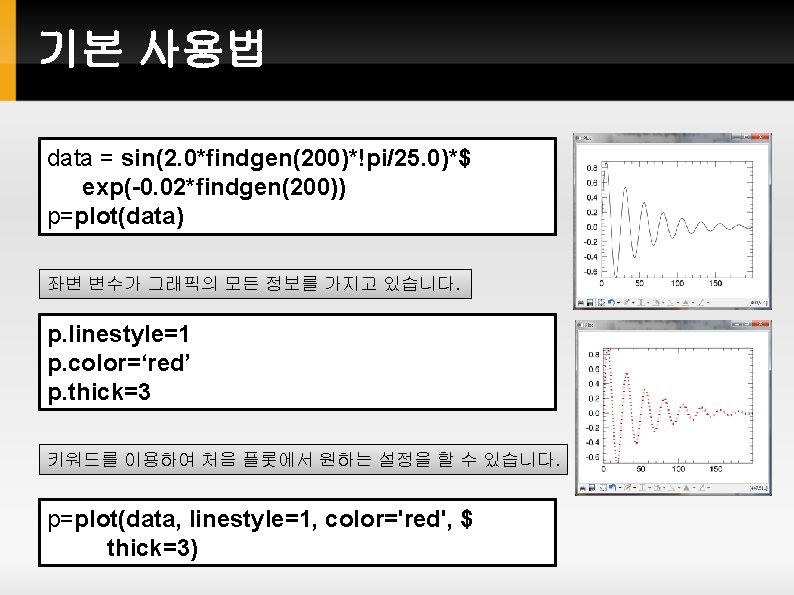
프로시저와 펑션 프로시저(Procedure) IDL> print, 30*!pi IDL> help, !values 펑션(Function) - 함수 IDL> a=sin(30*!dtor) IDL> print, factorial(4) ; 4! 같은 이름을 가지는 함수와 프로시저 IDL> plot, sin(indgen(361)*!dtor) IDL> p=plot(sin(indgen(361)*!dtor)
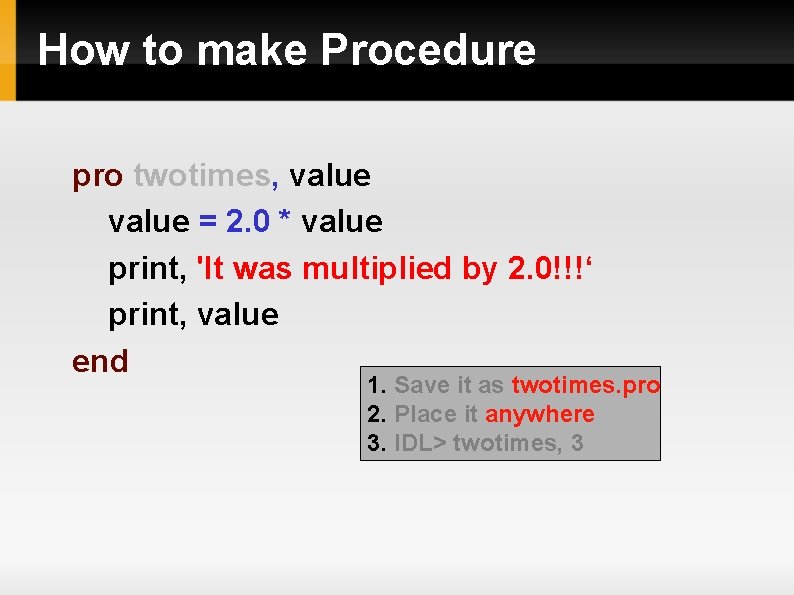
How to make Procedure pro twotimes, value = 2. 0 * value print, 'It was multiplied by 2. 0!!!‘ print, value end 1. Save it as twotimes. pro 2. Place it anywhere 3. IDL> twotimes, 3
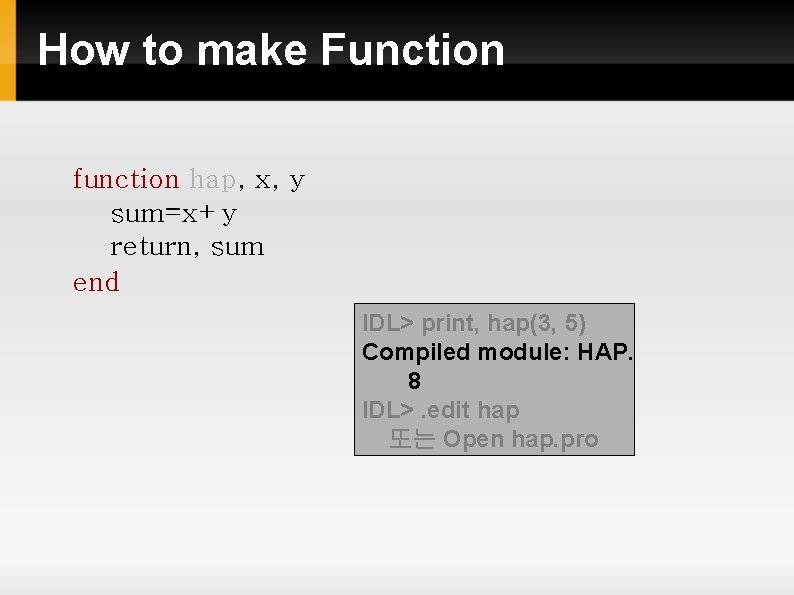
How to make Function function hap, x, y sum=x+y return, sum end IDL> print, hap(3, 5) Compiled module: HAP. 8 IDL>. edit hap 또는 Open hap. pro
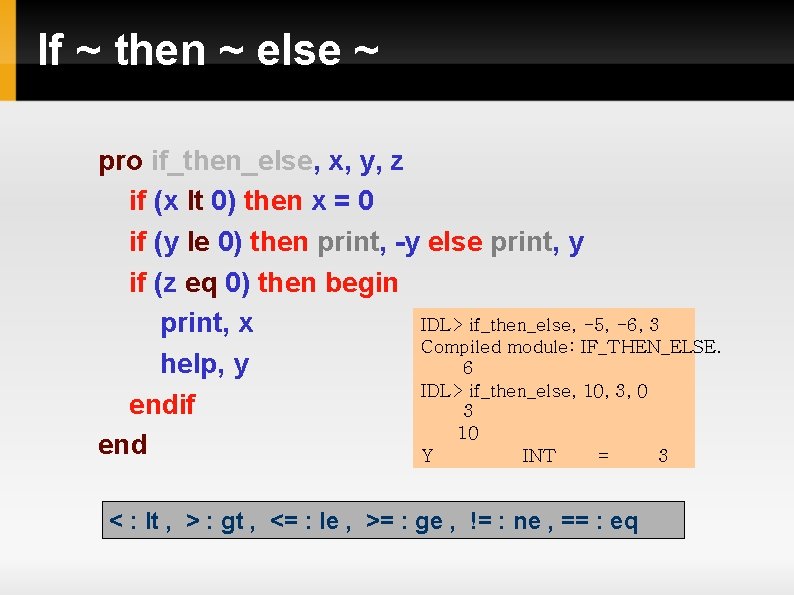
If ~ then ~ else ~ pro if_then_else, x, y, z if (x lt 0) then x = 0 if (y le 0) then print, -y else print, y if (z eq 0) then begin IDL> if_then_else, -5, -6, 3 print, x Compiled module: IF_THEN_ELSE. help, y 6 IDL> if_then_else, 10, 3, 0 endif 3 10 end Y INT = 3 < : lt , > : gt , <= : le , >= : ge , != : ne , == : eq
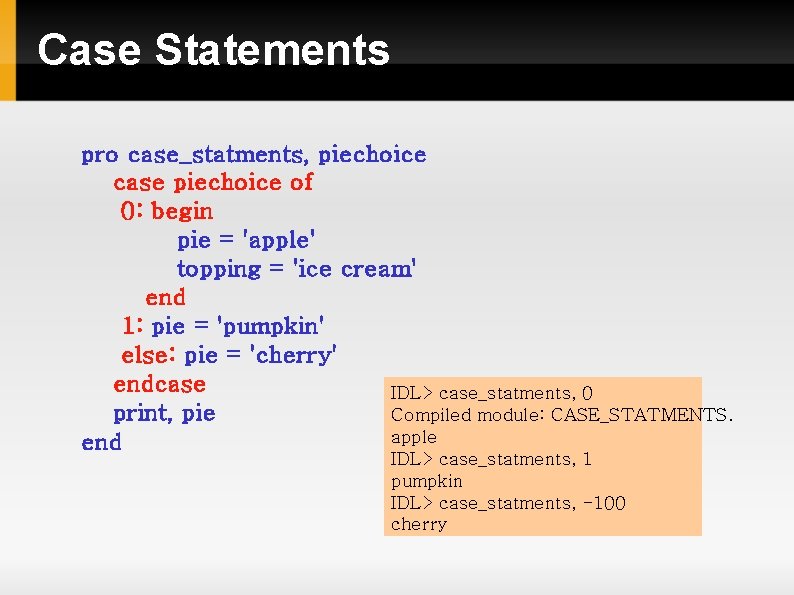
Case Statements pro case_statments, piechoice case piechoice of 0: begin pie = 'apple' topping = 'ice cream' end 1: pie = 'pumpkin' else: pie = 'cherry' endcase IDL> case_statments, 0 print, pie Compiled module: CASE_STATMENTS. apple end IDL> case_statments, 1 pumpkin IDL> case_statments, -100 cherry
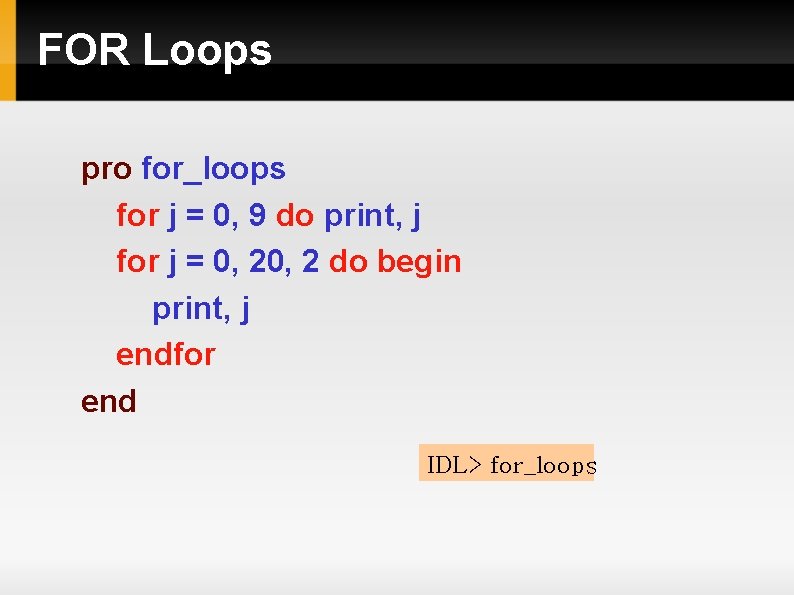
FOR Loops pro for_loops for j = 0, 9 do print, j for j = 0, 2 do begin print, j endfor end IDL> for_loops
FOREACH Loop arr=[0, 9, 3, 7, 2, 5] foreach number, arr do print, number PRO test. Foreach list = LIST(77. 97, 'Galactic', [2, 7, 1, 8, 2]) FOREACH element, list DO BEGIN PRINT, 'Element = ', element ENDFOREACH END LIST 데이터형은 이번 학기 범위를 넘어섭니다. 참고만 하세요.
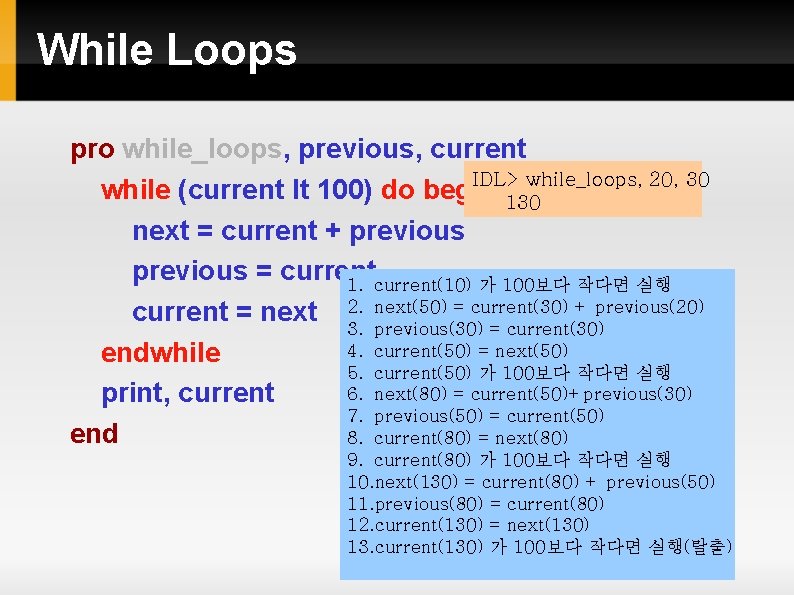
While Loops pro while_loops, previous, current IDL> while_loops, 20, 30 while (current lt 100) do begin 130 next = current + previous = current 1. current(10) 가 100보다 작다면 실행 next(50) = current(30) + previous(20) current = next 2. 3. previous(30) = current(30) 4. current(50) = next(50) endwhile 5. current(50) 가 100보다 작다면 실행 6. next(80) = current(50)+previous(30) print, current 7. previous(50) = current(50) end 8. current(80) = next(80) 9. current(80) 가 100보다 작다면 실행 10. next(130) = current(80) + previous(50) 11. previous(80) = current(80) 12. current(130) = next(130) 13. current(130) 가 100보다 작다면 실행(탈출)
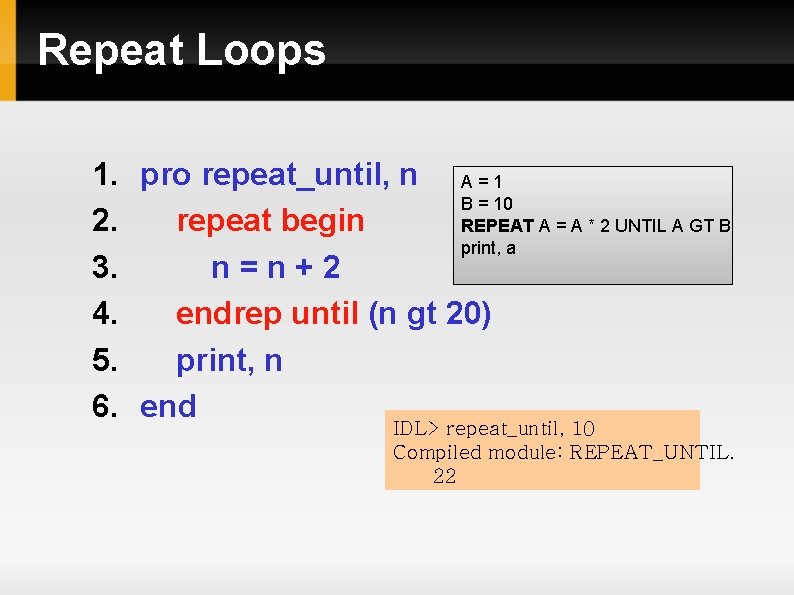
Repeat Loops 1. pro repeat_until, n A = 1 B = 10 2. repeat begin REPEAT A = A * 2 UNTIL A GT B print, a 3. n=n+2 4. endrep until (n gt 20) 5. print, n 6. end IDL> repeat_until, 10 Compiled module: REPEAT_UNTIL. 22
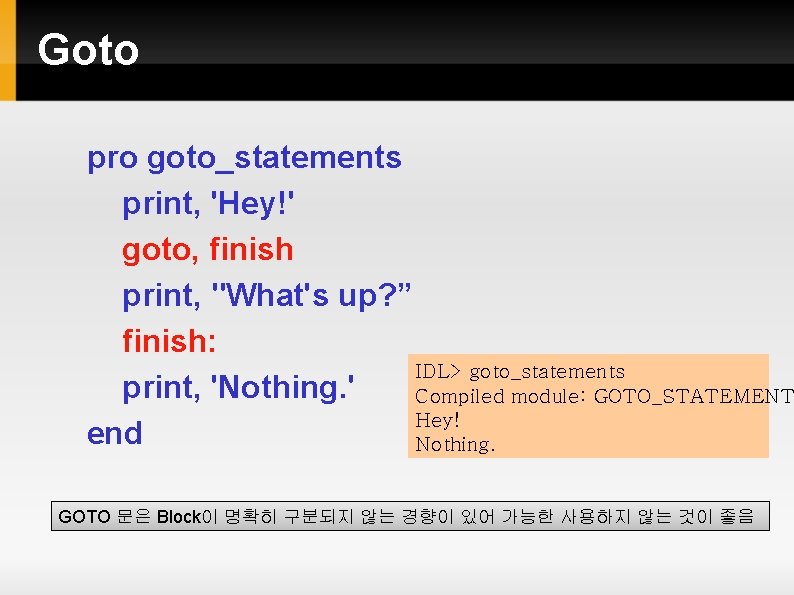
Goto pro goto_statements print, 'Hey!' goto, finish print, "What's up? ” finish: IDL> goto_statements print, 'Nothing. ' Compiled module: GOTO_STATEMENT Hey! end Nothing. GOTO 문은 Block이 명확히 구분되지 않는 경향이 있어 가능한 사용하지 않는 것이 좋음
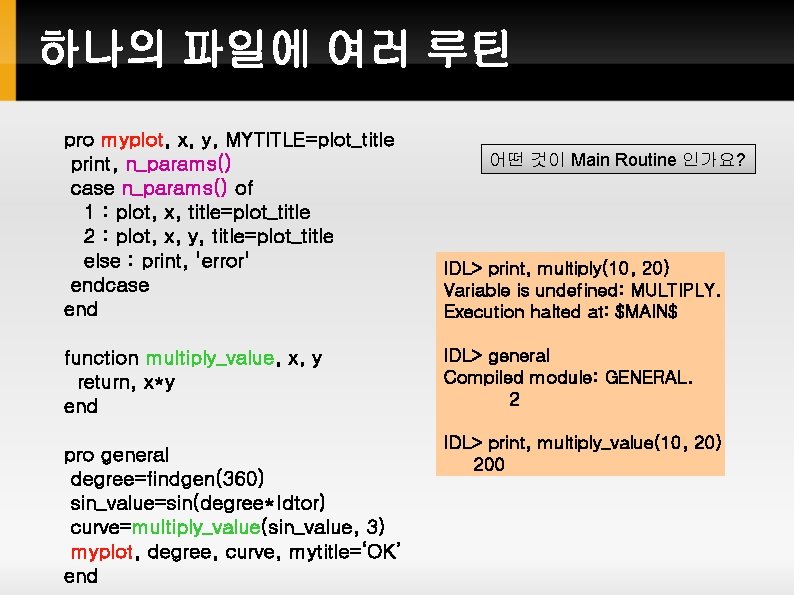
하나의 파일에 여러 루틴 pro myplot, x, y, MYTITLE=plot_title print, n_params() case n_params() of 1 : plot, x, title=plot_title 2 : plot, x, y, title=plot_title else : print, 'error' endcase end IDL> print, multiply(10, 20) Variable is undefined: MULTIPLY. Execution halted at: $MAIN$ function multiply_value, x, y return, x*y end IDL> general Compiled module: GENERAL. 2 pro general degree=findgen(360) sin_value=sin(degree*!dtor) curve=multiply_value(sin_value, 3) myplot, degree, curve, mytitle=‘OK’ end 어떤 것이 Main Routine 인가요? IDL> print, multiply_value(10, 20) 200
Interactive Data Language IDL 그래픽 시스템 개요
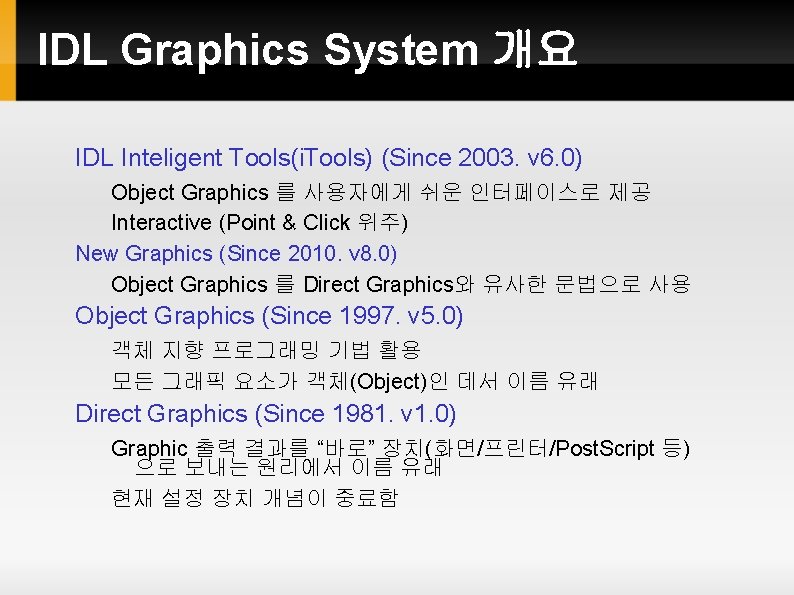
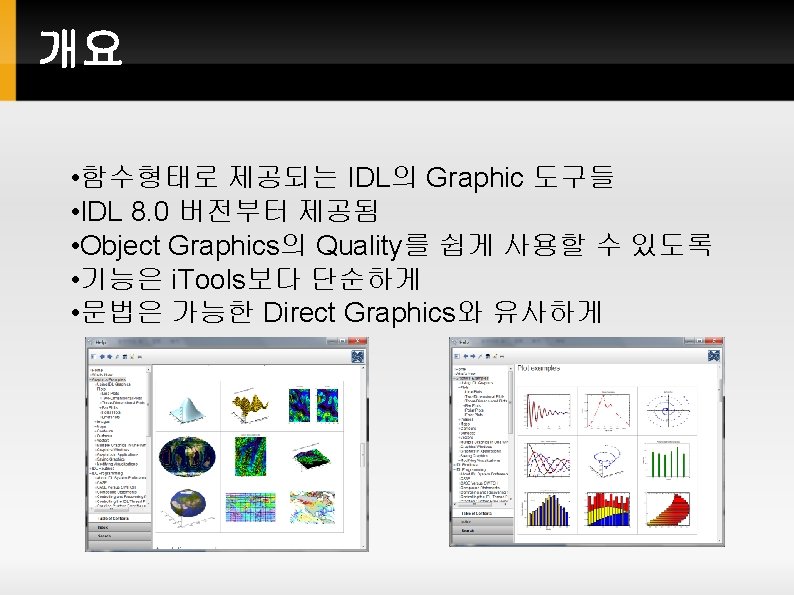
IDL Graphics System 개요 IDL Inteligent Tools(i. Tools) (Since 2003. v 6. 0) Object Graphics 를 사용자에게 쉬운 인터페이스로 제공 Interactive (Point & Click 위주) New Graphics (Since 2010. v 8. 0) Object Graphics 를 Direct Graphics와 유사한 문법으로 사용 Object Graphics (Since 1997. v 5. 0) 객체 지향 프로그래밍 기법 활용 모든 그래픽 요소가 객체(Object)인 데서 이름 유래 Direct Graphics (Since 1981. v 1. 0) Graphic 출력 결과를 “바로” 장치(화면/프린터/Post. Script 등) 으로 보내는 원리에서 이름 유래 현재 설정 장치 개념이 중료함
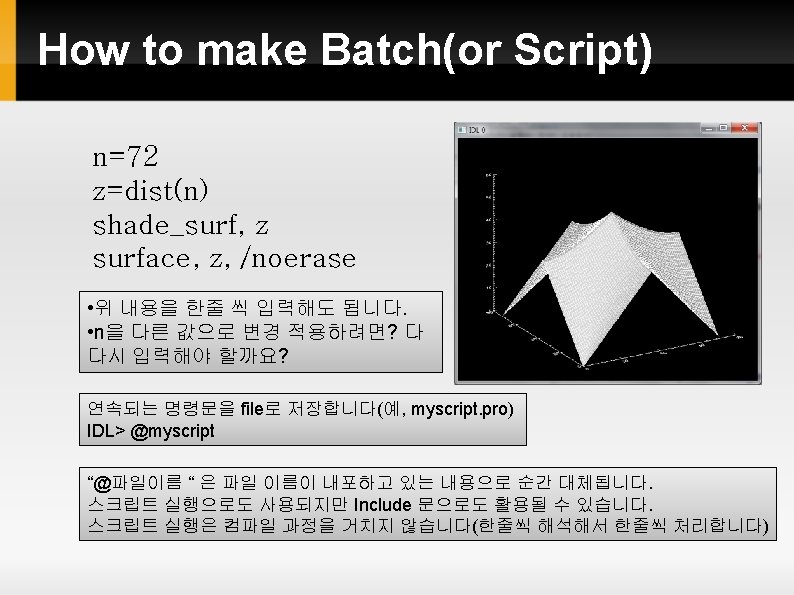
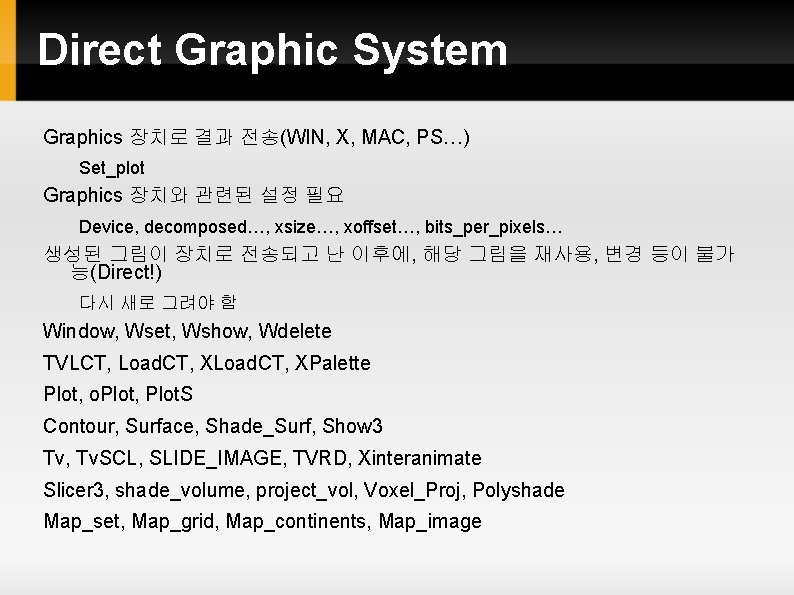
Direct Graphic System Graphics 장치로 결과 전송(WIN, X, MAC, PS…) Set_plot Graphics 장치와 관련된 설정 필요 Device, decomposed…, xsize…, xoffset…, bits_per_pixels… 생성된 그림이 장치로 전송되고 난 이후에, 해당 그림을 재사용, 변경 등이 불가 능(Direct!) 다시 새로 그려야 함 Window, Wset, Wshow, Wdelete TVLCT, Load. CT, XPalette Plot, o. Plot, Plot. S Contour, Surface, Shade_Surf, Show 3 Tv, Tv. SCL, SLIDE_IMAGE, TVRD, Xinteranimate Slicer 3, shade_volume, project_vol, Voxel_Proj, Polyshade Map_set, Map_grid, Map_continents, Map_image
Interactive Data Language IDL New Graphics