
Interaction storyboard System Design for Sustainability tool to
Interaction storyboard System Design for Sustainability tool to: Design tool to visualize (design and co-design) the functioning of the system in time: the narratives (stories) of the front-desk (with the clients) and back-stage interactions (between other stakeholders) Design and system Innovation for Sustainability - DIS Design dept. Politecnico di Milano, Italy
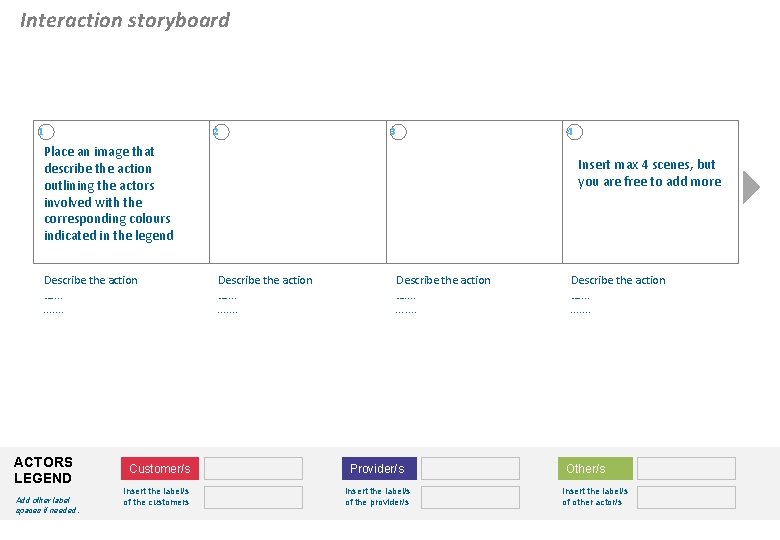
Interaction storyboard 1 2 3 4 Place an image that describe the action outlining the actors involved with the corresponding colours indicated in the legend Describe the action …. . . ACTORS LEGEND Add other label spaces if needed. Customer/s Insert the label/s of the customers Insert max 4 scenes, but you are free to add more Describe the action …. . . . . Provider/s Insert the label/s of the provider/s Describe the action …. . . Other/s Insert the label/s of other actor/s
Interaction storyboard 1 2 Tell the story showing the scene one by one Description of the action …. . . . . ACTORS LEGEND Add other label spaces if needed. Customer/s Insert the label/s of the customers Provider/s Insert the label/s of the provider/s Other/s Insert the label/s of other actor/s
Interaction storyboard 2 1 3 Tell the story showing the scene one by one Description of the action …. . . . ACTORS LEGEND Add other label spaces if needed. Customer/s Insert the label/s of the customers Provider/s Insert the label/s of the provider/s Other/s Insert the label/s of other actor/s
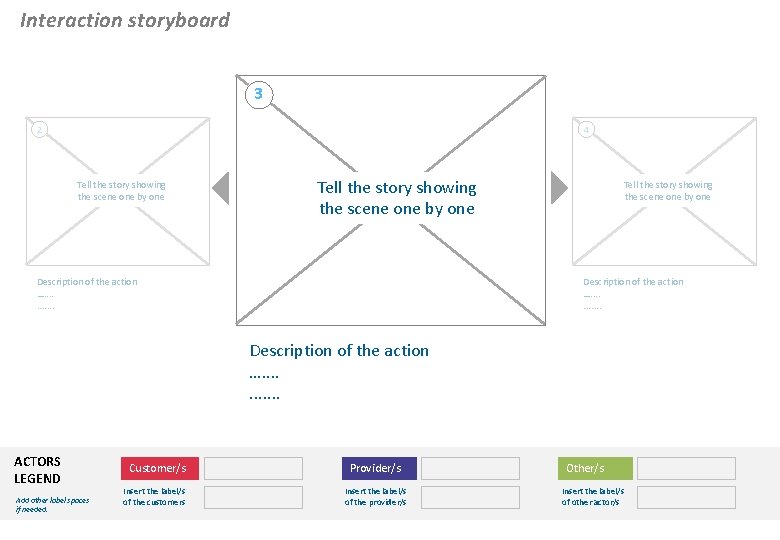
Interaction storyboard 3 2 4 Tell the story showing the scene one by one Description of the action …. . . . ACTORS LEGEND Add other label spaces if needed. Customer/s Insert the label/s of the customers Provider/s Insert the label/s of the provider/s Other/s Insert the label/s of other actor/s
Interaction storyboard (print version) 4 3 5 Tell the story showing the scene one by one Description of the action …. . . . ACTORS LEGEND Add other label spaces if needed. Customer/s Insert the label/s of the customers Provider/s Insert the label/s of the provider/s Other/s Insert the label/s of other actor/s
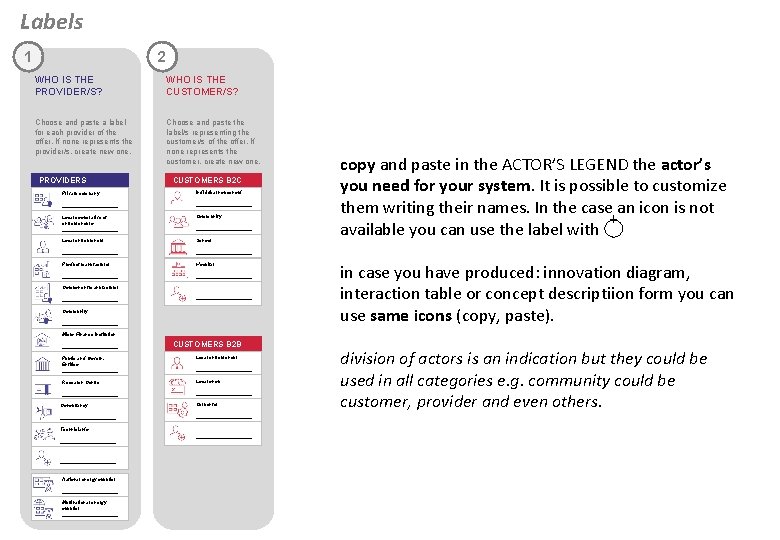
Labels 1 2 WHO IS THE PROVIDER/S? WHO IS THE CUSTOMER/S? Choose and paste a label for each provider of the offer. If none represents the provider/s, create new one. Choose and paste the label/s representing the customer/s of the offer. If none represents the customer, create new one. PROVIDERS CUSTOMERS B 2 C Private company Individual household ____________________ Local cooperative of entrepreneurs __________ Community Local entrepreneur School ____________________ Product manufacturer Hospital ____________________ Component manufacturer ____________________ Community __________ copy and paste in the ACTOR’S LEGEND the actor’s you need for your system. It is possible to customize them writing their names. In the case an icon is not + available you can use the label with in case you have produced: innovation diagram, interaction table or concept descriptiion form you can use same icons (copy, paste). Micro Finance Institution __________ CUSTOMERS B 2 B Public and Govern. Entities __________ Local entrepreneur Research Centre Local shop ____________________ Consultancy Carpenter ____________________ Technician/s ____________________ National energy supplier __________ Multinational energy supplier ____________________ division of actors is an indication but they could be used in all categories e. g. community could be customer, provider and even others.
- Slides: 7