
Interacting with the REDCap API using the REDCap



- Slides: 34
Interacting with the REDCap API using the REDCap. R Package Thomas Wilson, Will Beasley, David Bard University of Oklahoma Health Sciences Center Pediatrics Dept, Biomedical & Behavioral Methodology Core (BBMC) REDCap Con Sept 23, 2014
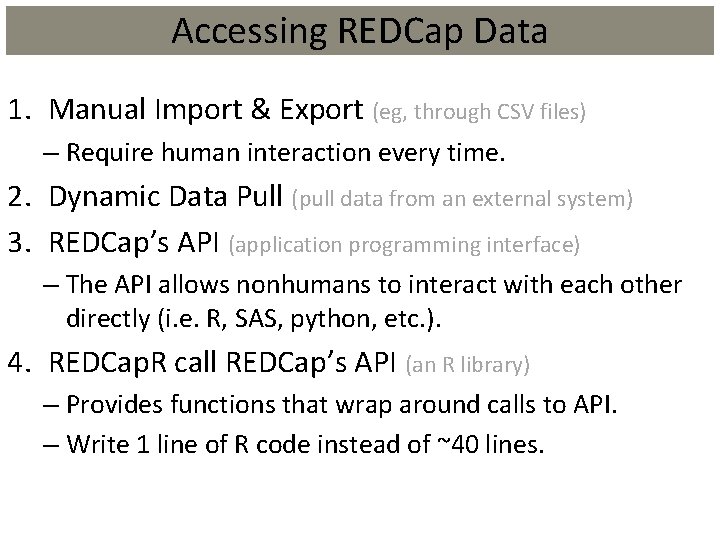
Accessing REDCap Data 1. Manual Import & Export (eg, through CSV files) – Require human interaction every time. 2. Dynamic Data Pull (pull data from an external system) 3. REDCap’s API (application programming interface) – The API allows nonhumans to interact with each other directly (i. e. R, SAS, python, etc. ). 4. REDCap. R call REDCap’s API (an R library) – Provides functions that wrap around calls to API. – Write 1 line of R code instead of ~40 lines.
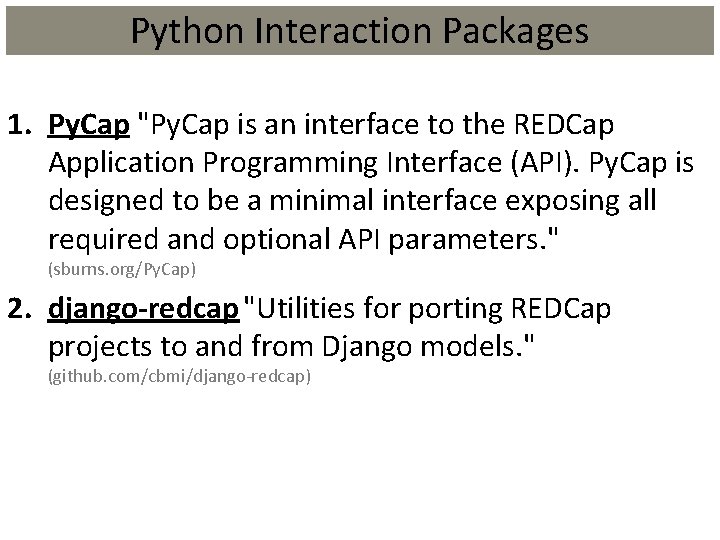
Python Interaction Packages 1. Py. Cap "Py. Cap is an interface to the REDCap Application Programming Interface (API). Py. Cap is designed to be a minimal interface exposing all required and optional API parameters. " (sburns. org/Py. Cap) 2. django-redcap "Utilities for porting REDCap projects to and from Django models. " (github. com/cbmi/django-redcap)
R Interaction Packages 1. redcap. API This is the most active fork of Jeffrey Horner’s ‘redcap’ package, now developed by Benjamin Nutter. A complete list of forks can be found through Git. Hub. (github. com/nutterb/redcap. API) 2. REDCap. R a similar package that also streamlines API calls from R to REDCap (github. com/Ouhsc/REDCap. R)
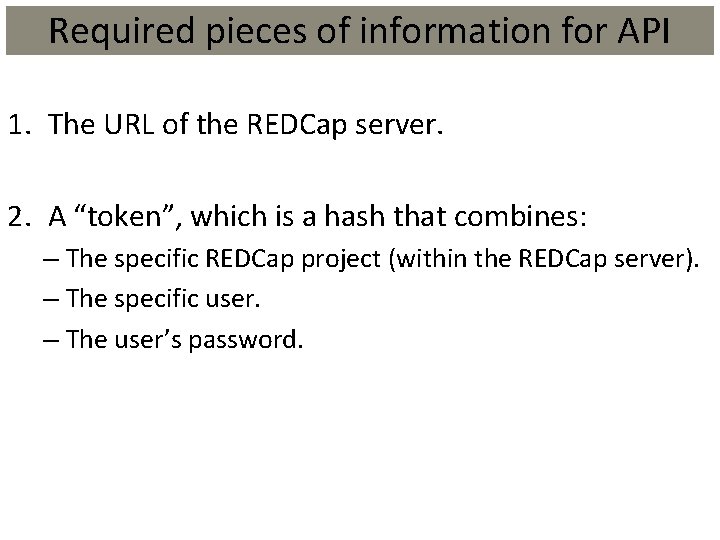
Required pieces of information for API 1. The URL of the REDCap server. 2. A “token”, which is a hash that combines: – The specific REDCap project (within the REDCap server). – The specific user. – The user’s password.
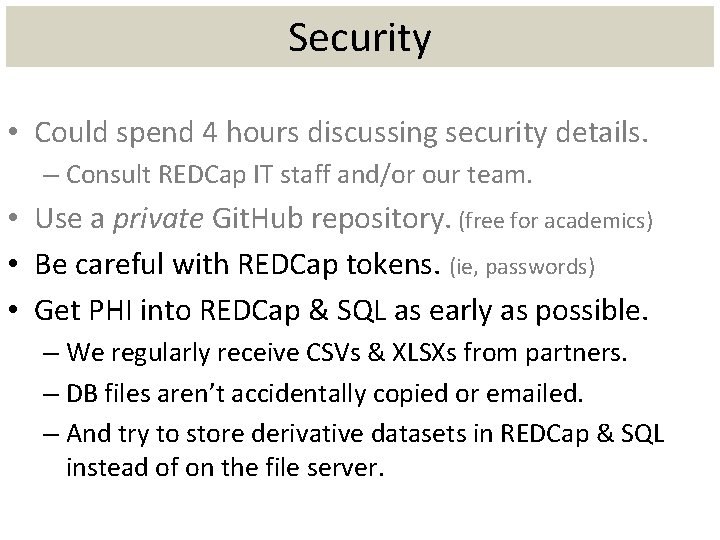
Security • Could spend 4 hours discussing security details. – Consult REDCap IT staff and/or our team. • Use a private Git. Hub repository. (free for academics) • Be careful with REDCap tokens. (ie, passwords) • Get PHI into REDCap & SQL as early as possible. – We regularly receive CSVs & XLSXs from partners. – DB files aren’t accidentally copied or emailed. – And try to store derivative datasets in REDCap & SQL instead of on the file server.
About R R is a free software environment for statistical computing and graphics. R compiles and runs on a wide variety of UNIX platforms, Windows and Mac. OS. For more information: www. r-project. org
REDCap. R What is this REDCap. R you speak of? REDCap. R is an R package developed to streamline API calls from R to REDCap by encapsulating various functions.
REDCap. R History “Necessity is the mother of invention” -English Proverb REDCap. R was born out of the necessity of breaking one large data call from REDCap, which is prone to timing out, into multiple small calls to REDCap. From the user perspective, the data call has the look of one call. From REDCap’s perspective, the data call is multiple smaller calls that are later assembled. Created to help with the Maternal Infant and Early Childhood Home Visiting (MIECHV) evaluation.
Motivation for REDCap. R Our current MIECHV investigation uses two REDCap projects: • Recruiting: 84, 000 records and 204 fields (17 million EAV rows) • Community Survey: 1, 500 records and 2, 330 fields (3. 5 million EAV rows) • We were constantly timing out the operations, and tying up the server. • Timeouts make things unpredictable and unnecessarily DOS our own people repeatedly.
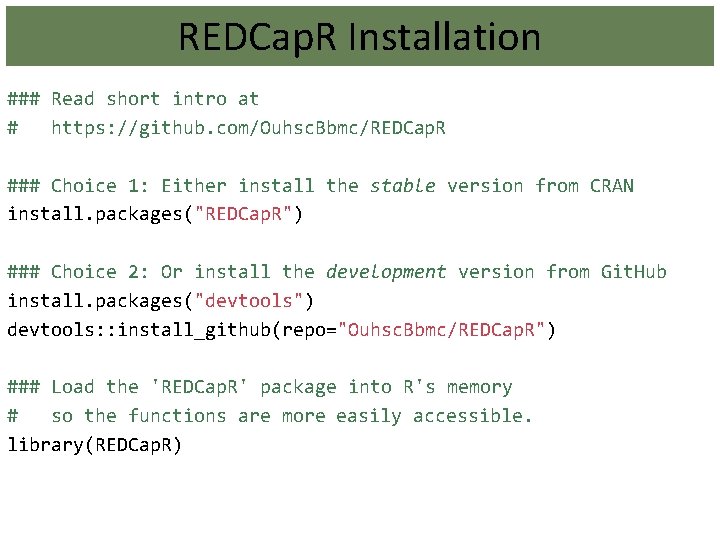
REDCap. R Installation ### Read short intro at # https: //github. com/Ouhsc. Bbmc/REDCap. R ### Choice 1: Either install the stable version from CRAN install. packages("REDCap. R") ### Choice 2: Or install the development version from Git. Hub install. packages("devtools") devtools: : install_github(repo="Ouhsc. Bbmc/REDCap. R") ### Load the 'REDCap. R' package into R's memory # so the functions are more easily accessible. library(REDCap. R)
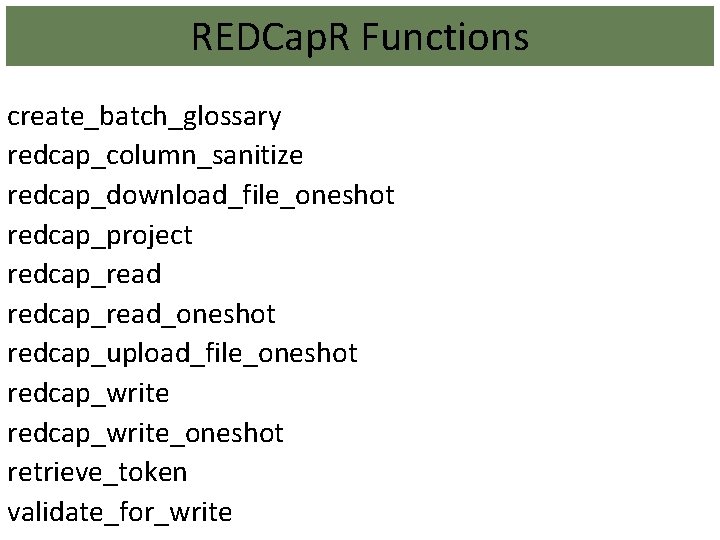
REDCap. R Functions create_batch_glossary redcap_column_sanitize redcap_download_file_oneshot redcap_project redcap_read_oneshot redcap_upload_file_oneshot redcap_write_oneshot retrieve_token validate_for_write
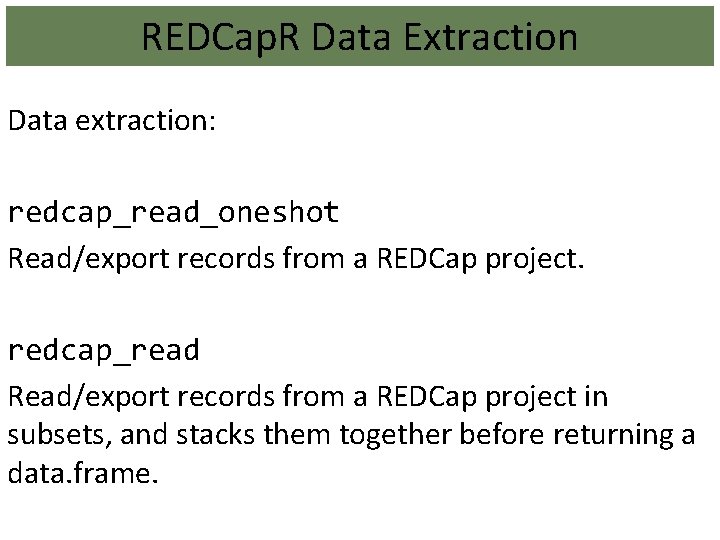
REDCap. R Data Extraction Data extraction: redcap_read_oneshot Read/export records from a REDCap project. redcap_read Read/export records from a REDCap project in subsets, and stacks them together before returning a data. frame.
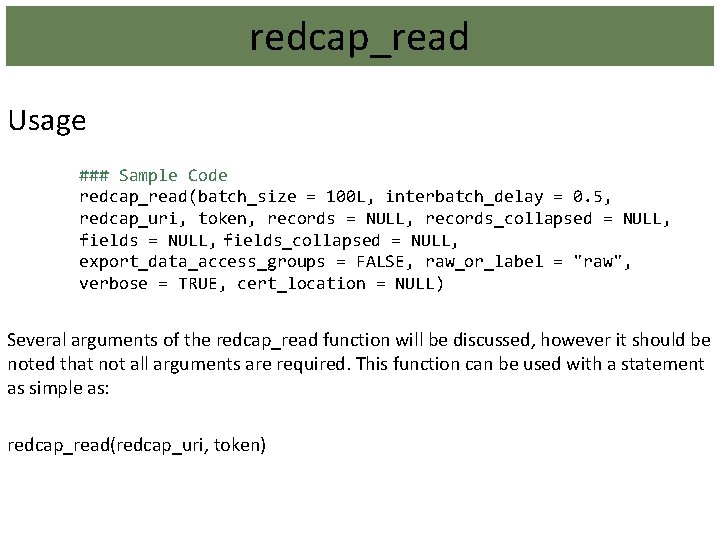
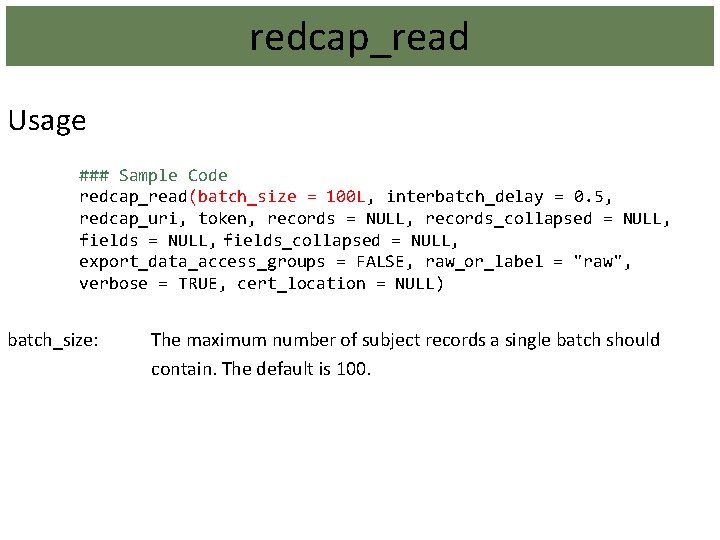
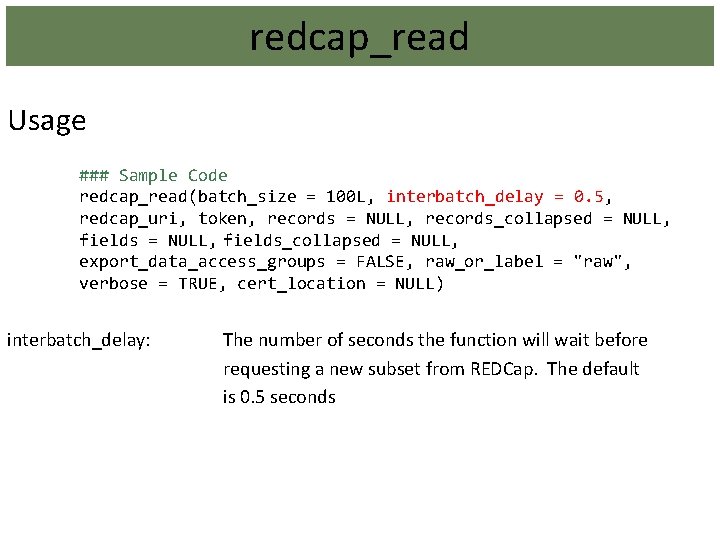
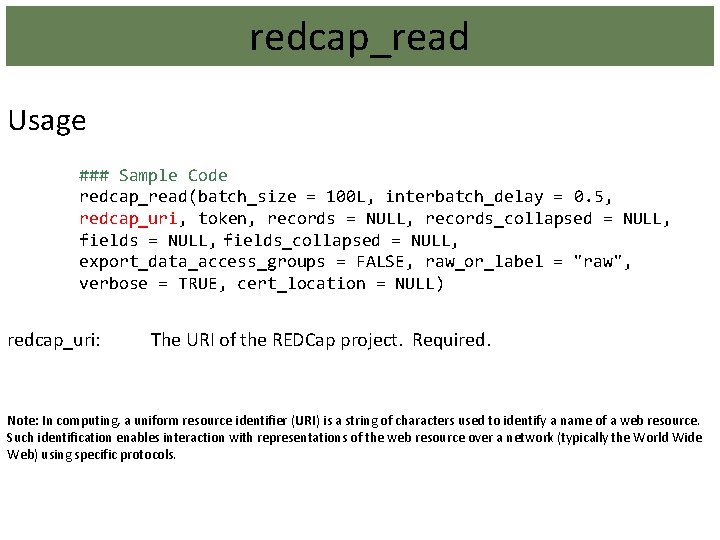
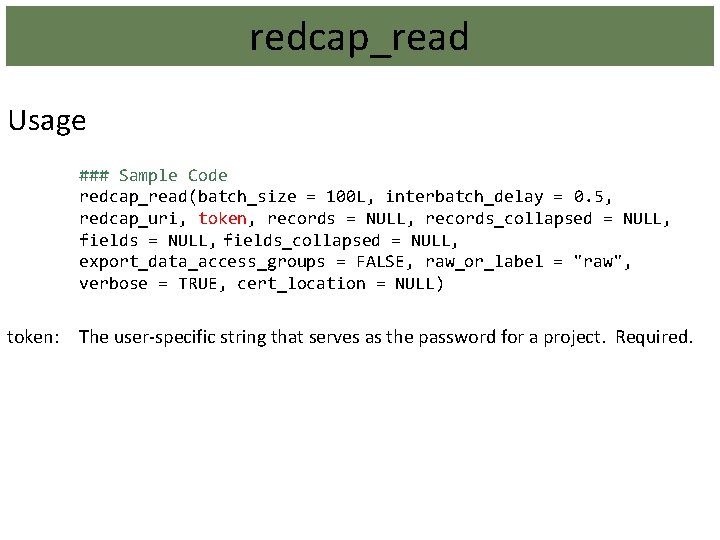
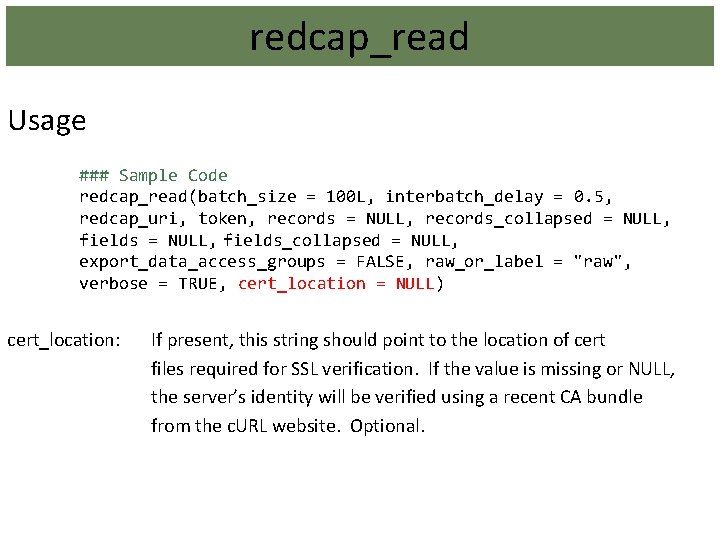
redcap_read Usage ### Sample Code redcap_read(batch_size = 100 L, interbatch_delay = 0. 5, redcap_uri, token, records = NULL, records_collapsed = NULL, fields_collapsed = NULL, export_data_access_groups = FALSE, raw_or_label = "raw", verbose = TRUE, cert_location = NULL) Several arguments of the redcap_read function will be discussed, however it should be noted that not all arguments are required. This function can be used with a statement as simple as: redcap_read(redcap_uri, token)
redcap_read Usage ### Sample Code redcap_read(batch_size = 100 L, interbatch_delay = 0. 5, redcap_uri, token, records = NULL, records_collapsed = NULL, fields_collapsed = NULL, export_data_access_groups = FALSE, raw_or_label = "raw", verbose = TRUE, cert_location = NULL) batch_size: The maximum number of subject records a single batch should contain. The default is 100.
redcap_read Usage ### Sample Code redcap_read(batch_size = 100 L, interbatch_delay = 0. 5, redcap_uri, token, records = NULL, records_collapsed = NULL, fields_collapsed = NULL, export_data_access_groups = FALSE, raw_or_label = "raw", verbose = TRUE, cert_location = NULL) interbatch_delay: The number of seconds the function will wait before requesting a new subset from REDCap. The default is 0. 5 seconds
redcap_read Usage ### Sample Code redcap_read(batch_size = 100 L, interbatch_delay = 0. 5, redcap_uri, token, records = NULL, records_collapsed = NULL, fields_collapsed = NULL, export_data_access_groups = FALSE, raw_or_label = "raw", verbose = TRUE, cert_location = NULL) redcap_uri: The URI of the REDCap project. Required. Note: In computing, a uniform resource identifier (URI) is a string of characters used to identify a name of a web resource. Such identification enables interaction with representations of the web resource over a network (typically the World Wide Web) using specific protocols.
redcap_read Usage ### Sample Code redcap_read(batch_size = 100 L, interbatch_delay = 0. 5, redcap_uri, token, records = NULL, records_collapsed = NULL, fields_collapsed = NULL, export_data_access_groups = FALSE, raw_or_label = "raw", verbose = TRUE, cert_location = NULL) token: The user-specific string that serves as the password for a project. Required.
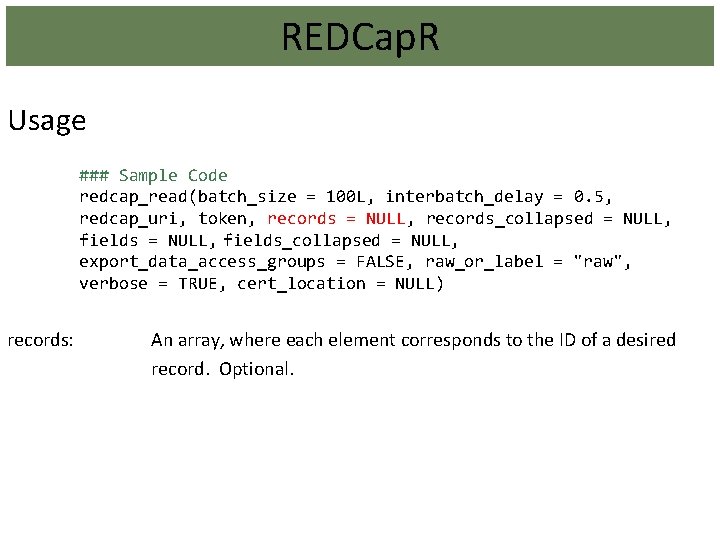
REDCap. R Usage ### Sample Code redcap_read(batch_size = 100 L, interbatch_delay = 0. 5, redcap_uri, token, records = NULL, records_collapsed = NULL, fields_collapsed = NULL, export_data_access_groups = FALSE, raw_or_label = "raw", verbose = TRUE, cert_location = NULL) records: An array, where each element corresponds to the ID of a desired record. Optional.
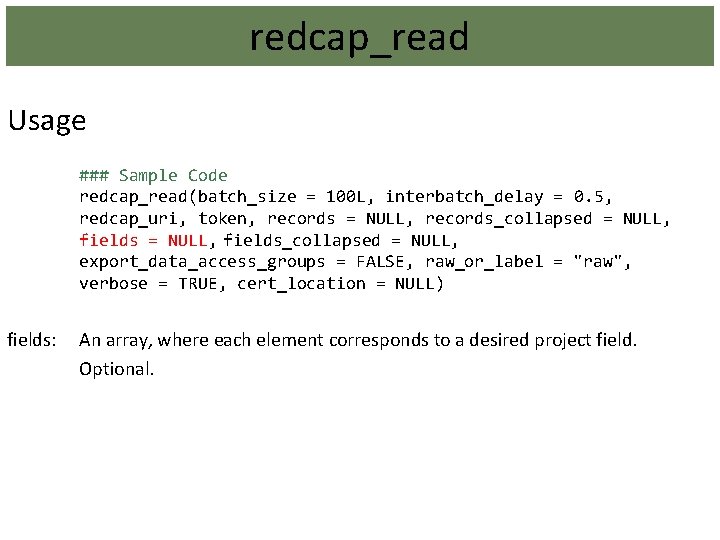
redcap_read Usage ### Sample Code redcap_read(batch_size = 100 L, interbatch_delay = 0. 5, redcap_uri, token, records = NULL, records_collapsed = NULL, fields_collapsed = NULL, export_data_access_groups = FALSE, raw_or_label = "raw", verbose = TRUE, cert_location = NULL) fields: An array, where each element corresponds to a desired project field. Optional.
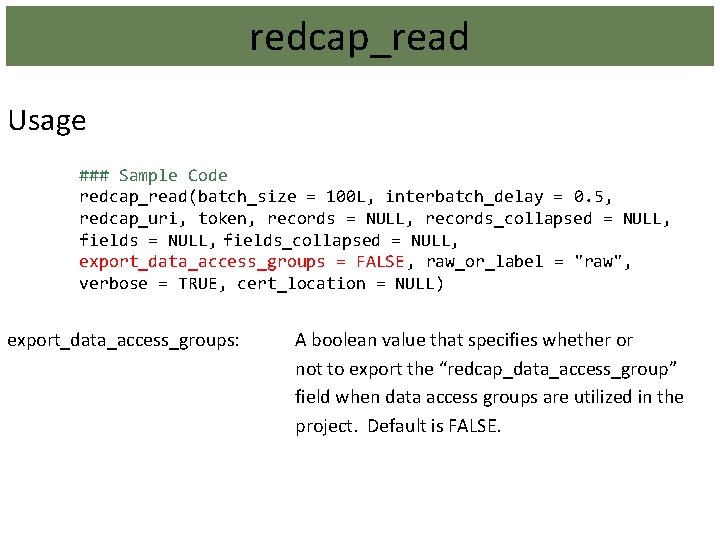
redcap_read Usage ### Sample Code redcap_read(batch_size = 100 L, interbatch_delay = 0. 5, redcap_uri, token, records = NULL, records_collapsed = NULL, fields_collapsed = NULL, export_data_access_groups = FALSE, raw_or_label = "raw", verbose = TRUE, cert_location = NULL) export_data_access_groups: A boolean value that specifies whether or not to export the “redcap_data_access_group” field when data access groups are utilized in the project. Default is FALSE.
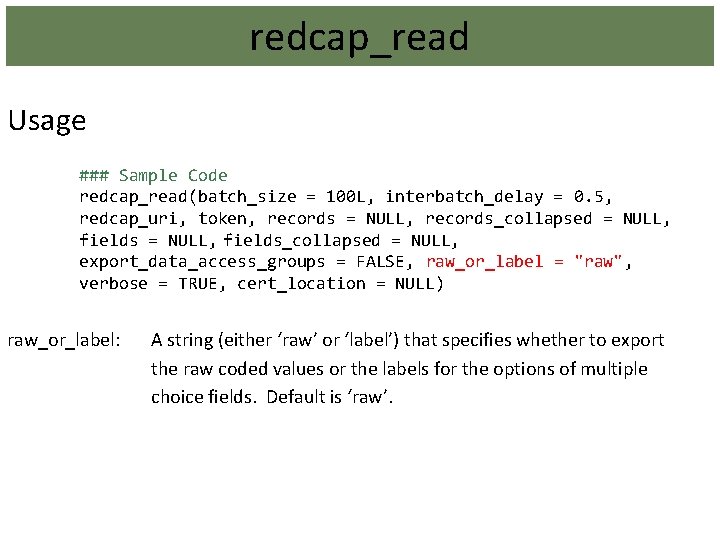
redcap_read Usage ### Sample Code redcap_read(batch_size = 100 L, interbatch_delay = 0. 5, redcap_uri, token, records = NULL, records_collapsed = NULL, fields_collapsed = NULL, export_data_access_groups = FALSE, raw_or_label = "raw", verbose = TRUE, cert_location = NULL) raw_or_label: A string (either ‘raw’ or ‘label’) that specifies whether to export the raw coded values or the labels for the options of multiple choice fields. Default is ‘raw’.
redcap_read Usage ### Sample Code redcap_read(batch_size = 100 L, interbatch_delay = 0. 5, redcap_uri, token, records = NULL, records_collapsed = NULL, fields_collapsed = NULL, export_data_access_groups = FALSE, raw_or_label = "raw", verbose = TRUE, cert_location = NULL) cert_location: If present, this string should point to the location of cert files required for SSL verification. If the value is missing or NULL, the server’s identity will be verified using a recent CA bundle from the c. URL website. Optional.
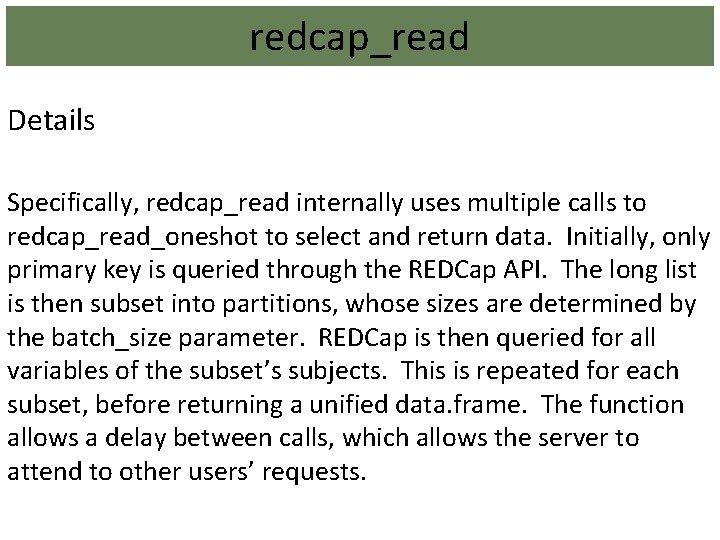
redcap_read Details Specifically, redcap_read internally uses multiple calls to redcap_read_oneshot to select and return data. Initially, only primary key is queried through the REDCap API. The long list is then subset into partitions, whose sizes are determined by the batch_size parameter. REDCap is then queried for all variables of the subset’s subjects. This is repeated for each subset, before returning a unified data. frame. The function allows a delay between calls, which allows the server to attend to other users’ requests.
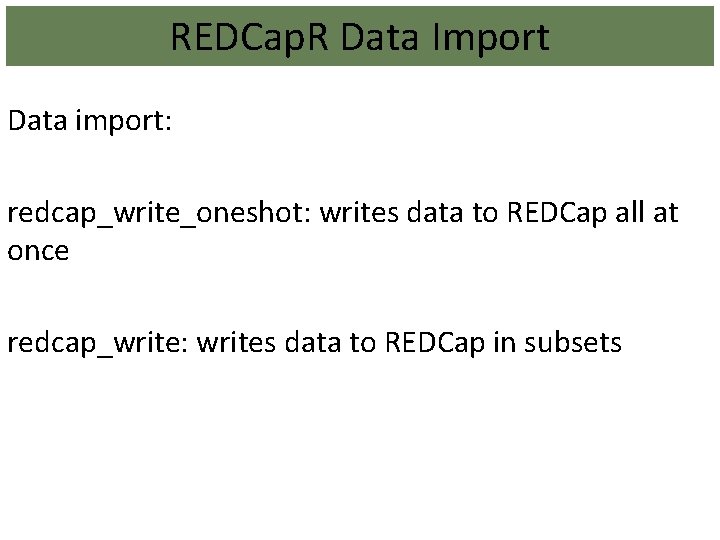
REDCap. R Data Import Data import: redcap_write_oneshot: writes data to REDCap all at once redcap_write: writes data to REDCap in subsets
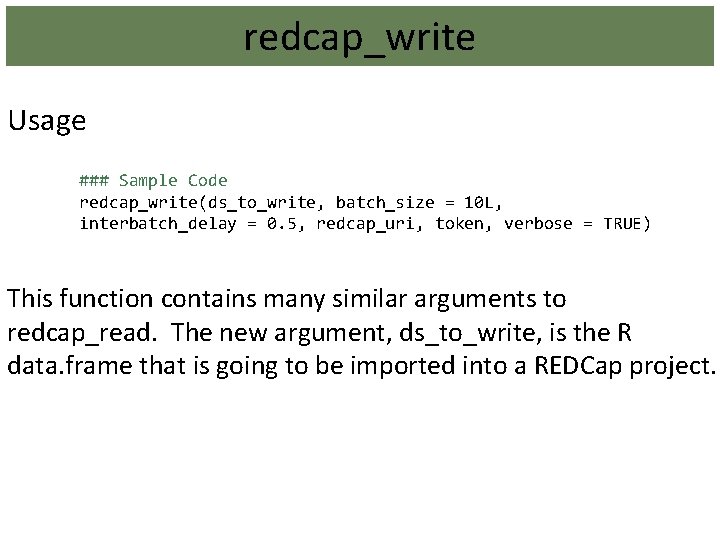
redcap_write Usage ### Sample Code redcap_write(ds_to_write, batch_size = 10 L, interbatch_delay = 0. 5, redcap_uri, token, verbose = TRUE) This function contains many similar arguments to redcap_read. The new argument, ds_to_write, is the R data. frame that is going to be imported into a REDCap project.
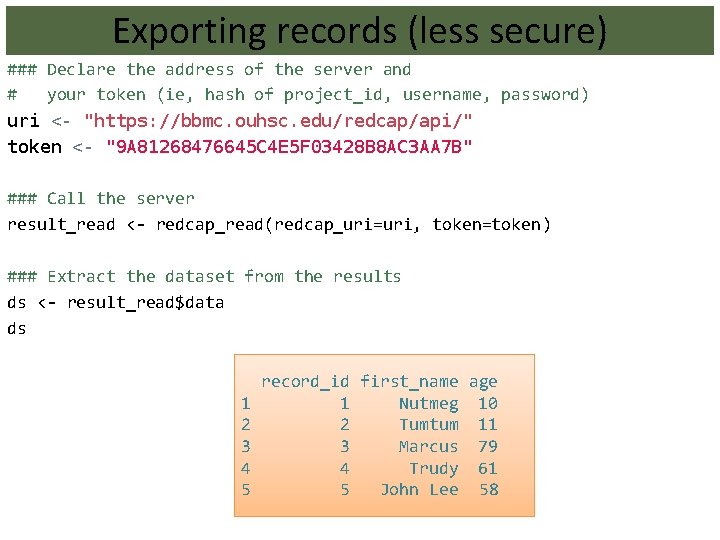
Exporting records (less secure) ### Declare the address of the server and # your token (ie, hash of project_id, username, password) uri <- "https: //bbmc. ouhsc. edu/redcap/api/" token <- "9 A 81268476645 C 4 E 5 F 03428 B 8 AC 3 AA 7 B" ### Call the server result_read <- redcap_read(redcap_uri=uri, token=token) ### Extract the dataset from the results ds <- result_read$data ds 1 2 3 4 5 record_id first_name age 1 Nutmeg 10 2 Tumtum 11 3 Marcus 79 4 Trudy 61 5 John Lee 58
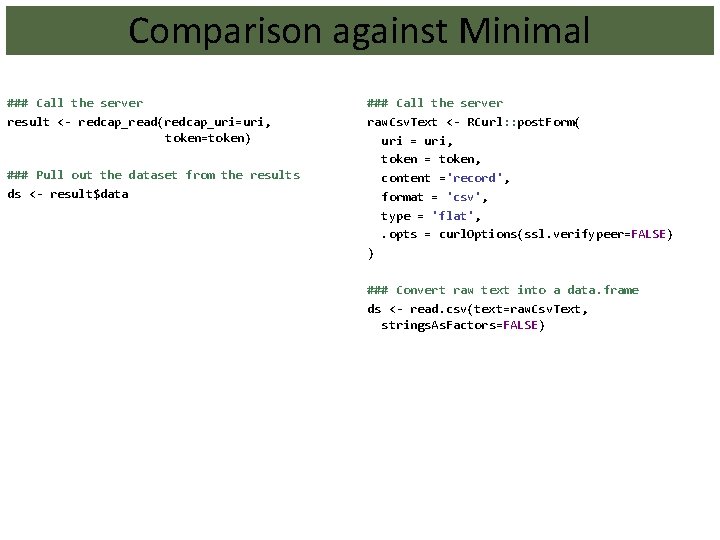
Comparison against Minimal ### Call the server result <- redcap_read(redcap_uri=uri, token=token) ### Pull out the dataset from the results ds <- result$data ### Call the server raw. Csv. Text <- RCurl: : post. Form( uri = uri, token = token, content ='record', format = 'csv', type = 'flat', . opts = curl. Options(ssl. verifypeer=FALSE) ) ### Convert raw text into a data. frame ds <- read. csv(text=raw. Csv. Text, strings. As. Factors=FALSE)
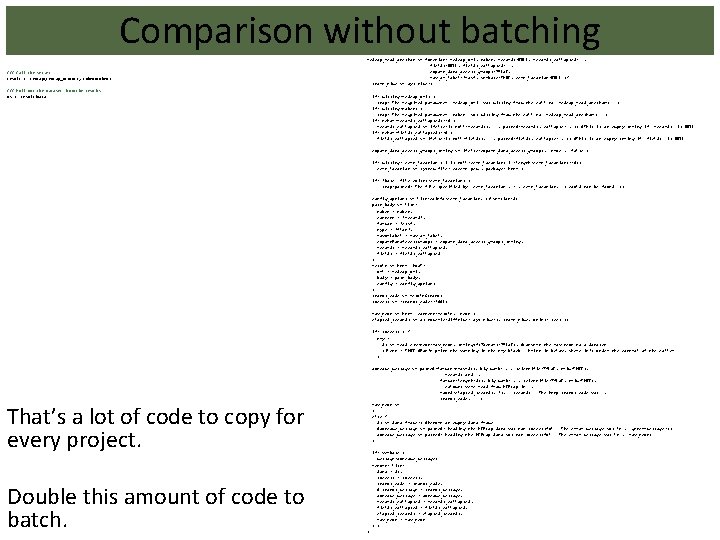
Comparison without batching ### Call the server result <- redcap(redcap_uri=uri, token=token) redcap_read_oneshot <- function( redcap_uri, token, records=NULL, records_collapsed="", fields=NULL, fields_collapsed="", export_data_access_groups=FALSE, raw_or_label='raw', verbose=TRUE, cert_location=NULL ) { start_time <- Sys. time() ### Pull out the dataset from the results ds <- result$data if( missing(redcap_uri) ) stop("The required parameter `redcap_uri` was missing from the call to `redcap_read_oneshot()`. ") if( missing(token) ) stop("The required parameter `token` was missing from the call to `redcap_read_oneshot()`. ") if( nchar(records_collapsed)==0 ) records_collapsed <- ifelse(is. null(records), "", paste 0(records, collapse=", ")) #This is an empty string if `records` is NULL. if( nchar(fields_collapsed)==0 ) fields_collapsed <- ifelse(is. null(fields), "", paste 0(fields, collapse=", ")) #This is an empty string if `fields` is NULL. export_data_access_groups_string <- ifelse(export_data_access_groups, "true", "false") if( missing( cert_location ) | is. null(cert_location) | (length(cert_location)==0)) cert_location <- system. file("cacert. pem", package="httr") if( !base: : file. exists(cert_location) ) stop(paste 0("The file specified by `cert_location`, (", cert_location, ") could not be found. ")) config_options <- list(cainfo=cert_location, sslversion=3) post_body <- list( token = token, content = 'record', format = 'csv', type = 'flat', raw. Or. Label = raw_or_label, export. Data. Access. Groups = export_data_access_groups_string, records = records_collapsed, fields = fields_collapsed ) result <- httr: : POST( url = redcap_uri, body = post_body, config = config_options ) status_code <- result$status success <- (status_code==200 L) raw_text <- httr: : content(result, "text") elapsed_seconds <- as. numeric(difftime( Sys. time(), start_time, units="secs")) if( success ) { try ( ds <- read. csv(text=raw_text, strings. As. Factors=FALSE), #Convert the raw text to a dataset. silent = TRUE #Don't print the warning in the try block. Print it below, where it's under the control of the caller. ) outcome_message <- paste 0(format(nrow(ds), big. mark=", ", scientific=FALSE, trim=TRUE), " records and ", format(length(ds), big. mark=", ", scientific=FALSE, trim=TRUE), " columns were read from REDCap in ", round(elapsed_seconds, 2), " seconds. The http status code was ", status_code, ". ") raw_text <- "" } else { ds <- data. frame() #Return an empty data. frame #outcome_message <- paste 0("Reading the REDCap data was not successful. The error message was: n", geterrmessage()) outcome_message <- paste 0("Reading the REDCap data was not successful. The error message was: n", raw_text) } That’s a lot of code to copy for every project. Double this amount of code to batch. if( verbose ) message(outcome_message) return( list( data = ds, success = success, status_code = status_code, # status_message = status_message, outcome_message = outcome_message, records_collapsed = records_collapsed, fields_collapsed = fields_collapsed, elapsed_seconds = elapsed_seconds, raw_text = raw_text ) ) }
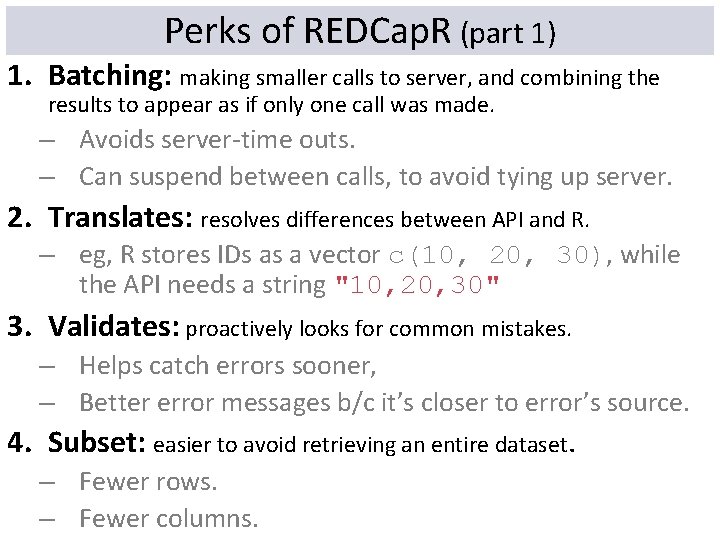
Perks of REDCap. R (part 1) 1. Batching: making smaller calls to server, and combining the results to appear as if only one call was made. – Avoids server-time outs. – Can suspend between calls, to avoid tying up server. 2. Translates: resolves differences between API and R. – eg, R stores IDs as a vector c(10, 20, 30), while the API needs a string "10, 20, 30" 3. Validates: proactively looks for common mistakes. – Helps catch errors sooner, – Better error messages b/c it’s closer to error’s source. 4. Subset: easier to avoid retrieving an entire dataset. – Fewer rows. – Fewer columns.
Perks of REDCap. R (part 2) 1. SSL: provides extra transport security, by default. – Assumes responsibility for updating certificates. 2. Unit & Integration Tested: 100+ checks before release. – Corner cases are being added every month. 3. Wider Adoption: Library is used across multiple projects. – More assurances than evolving code that’s copy & pasted. – Builds on experience within and between libraries (eg, Py. Cap Python package and redcap R package).
Future Directions • Attaching data labels to the variable names and values • Extracting Calendar Events • Cloning Projects
To contribute https: //github. com/Ouhsc. Bbmc/REDCap. R Contributors: William H. Beasley David E. Bard Thomas N. Wilson John J. Aponte Rollie Parrish Benjamin Nutter Andrew R. Peters
Thanks to Funders HRSA/ACF D 89 MC 23154 OUHSC CCAN Independent Evaluation of the State of Oklahoma Competitive Maternal, Infant, and Early Childhood Home Visiting (MIECHV) Project. Evaluates MIECHV expansion and enhancement of Evidence-based Home Visitation programs in four Oklahoma counties.