
INTERACTING WITH THE CLUSTER SSH SFTP SLURM BATCH
INTERACTING WITH THE CLUSTER SSH, SFTP, & SLURM BATCH SCRIPTS HOST: DARREN G. THIFAULT
SSH “THE SECURE SHELL” • A Secure Shell (SSH) is a network security protocol used to protect a users data while operating on unsecured networks. • A shell is the interface used to access an operating system (Windows, Linux, and OS X).

WHY DO WE NEED DATA SECURITY?
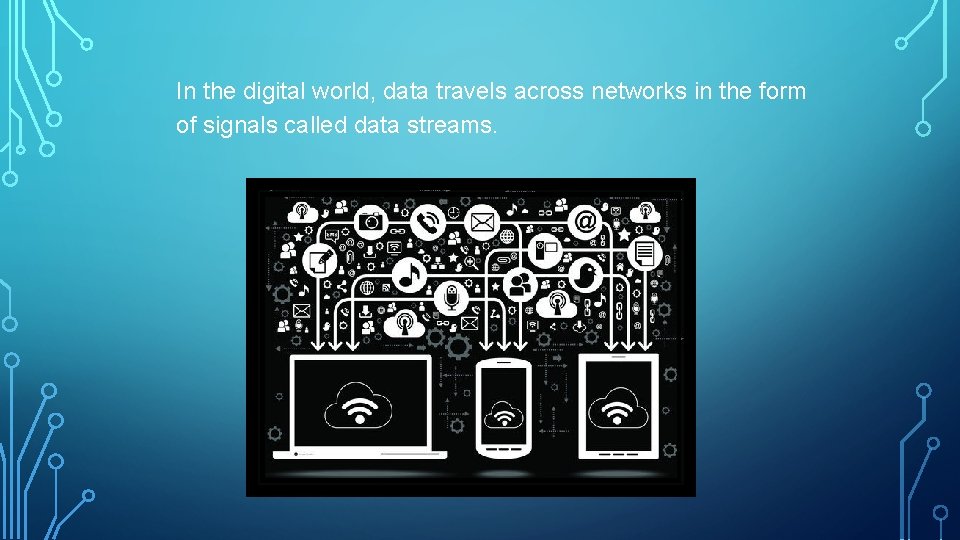
In the digital world, data travels across networks in the form of signals called data streams.
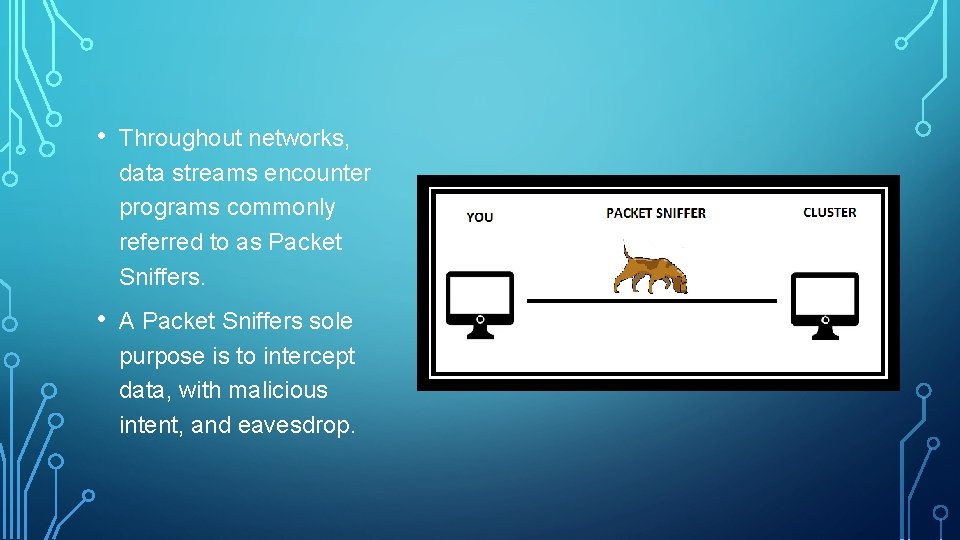
• Throughout networks, data streams encounter programs commonly referred to as Packet Sniffers. • A Packet Sniffers sole purpose is to intercept data, with malicious intent, and eavesdrop.
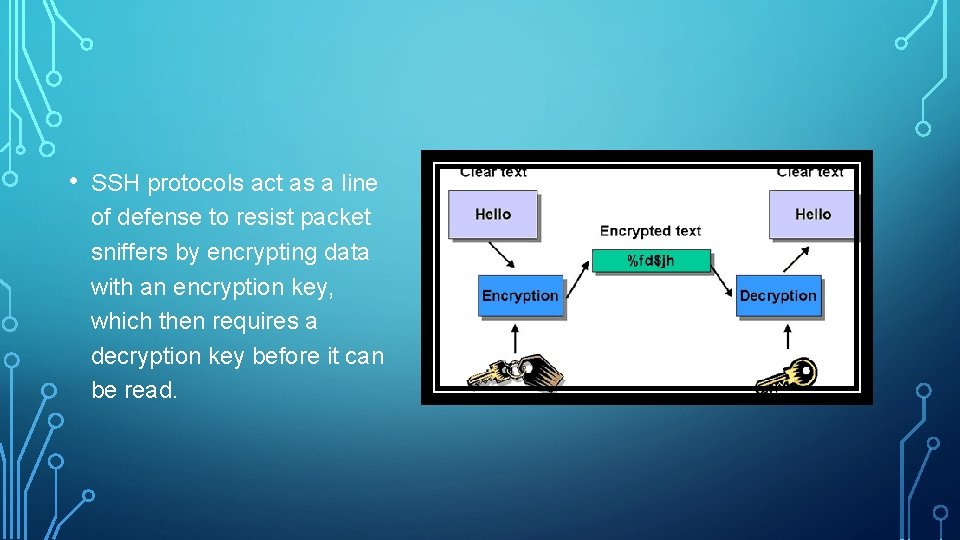
• SSH protocols act as a line of defense to resist packet sniffers by encrypting data with an encryption key, which then requires a decryption key before it can be read.
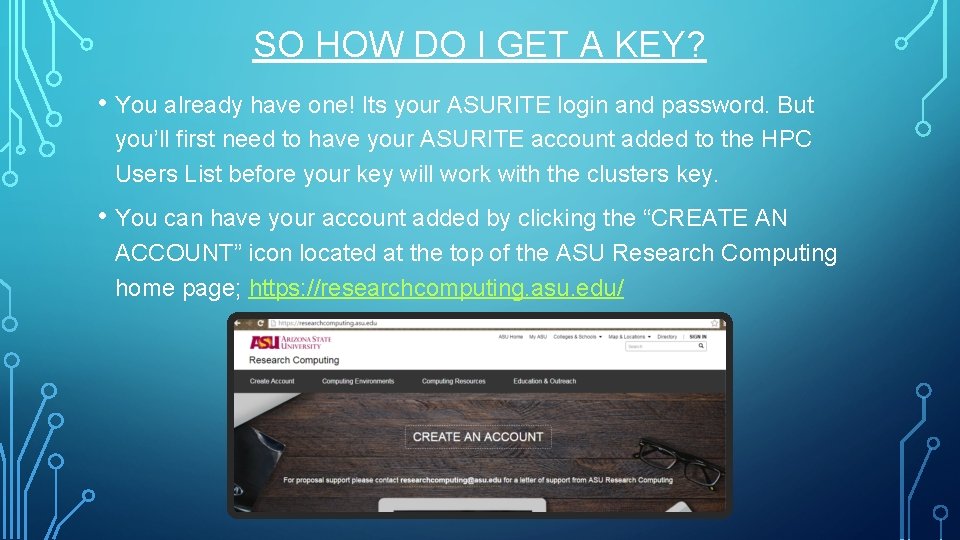
SO HOW DO I GET A KEY? • You already have one! Its your ASURITE login and password. But you’ll first need to have your ASURITE account added to the HPC Users List before your key will work with the clusters key. • You can have your account added by clicking the “CREATE AN ACCOUNT” icon located at the top of the ASU Research Computing home page; https: //researchcomputing. asu. edu/
WHERE DO I GO TO USE THE CLUSTER? • Anywhere you want! • The benefit of using the SSH protocol is that you can access the cluster securely from any computer you'd like, whenever you'd like.
OK, I’VE BEEN ADDED TO THE HPC USERS LIST, BUT HOW DO I GO ABOUT INTERACTING WITH THE CLUSTER?
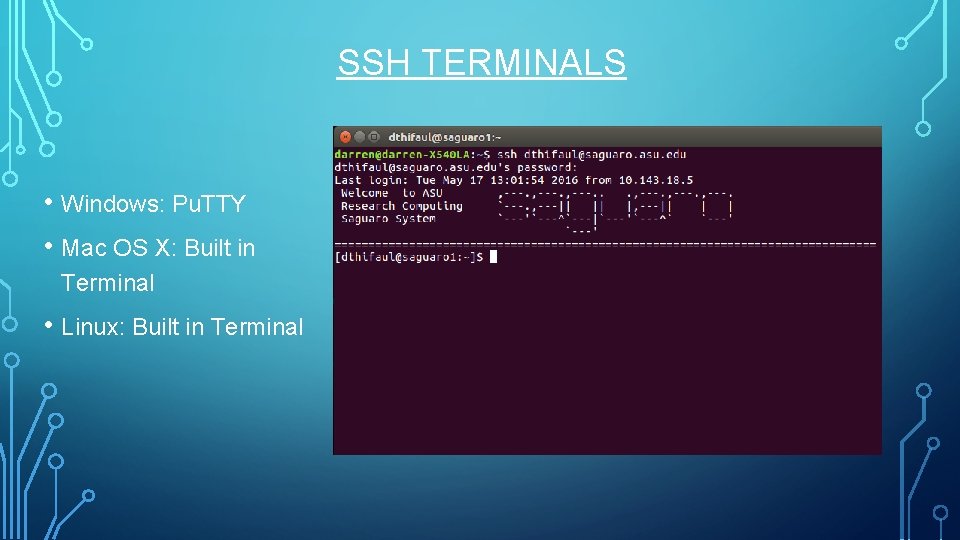
SSH TERMINALS • Windows: Pu. TTY • Mac OS X: Built in Terminal • Linux: Built in Terminal
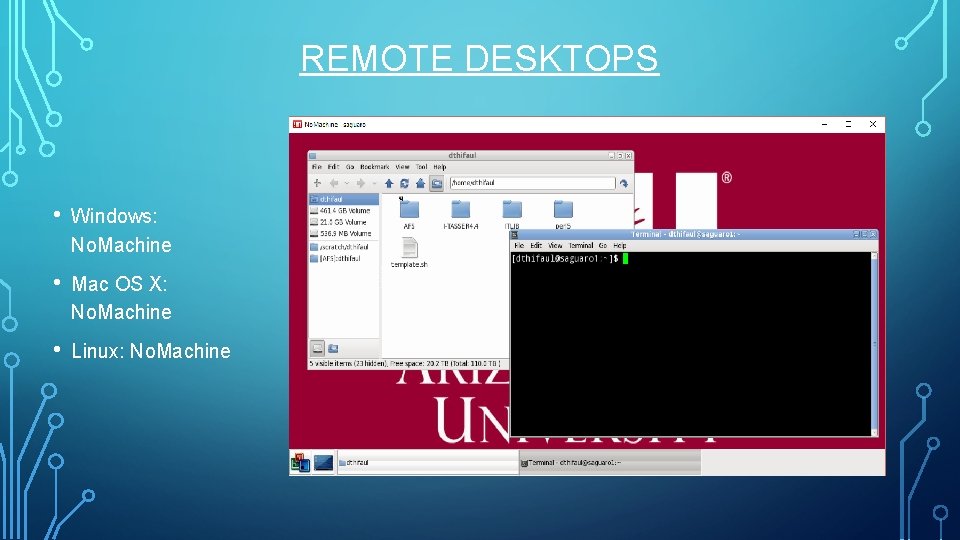
REMOTE DESKTOPS • Windows: No. Machine • Mac OS X: No. Machine • Linux: No. Machine
WHAT IF I NEED TO TRANSFER FILES TO OR FROM THE CLUSTER TO A LOCAL COMPUTER?
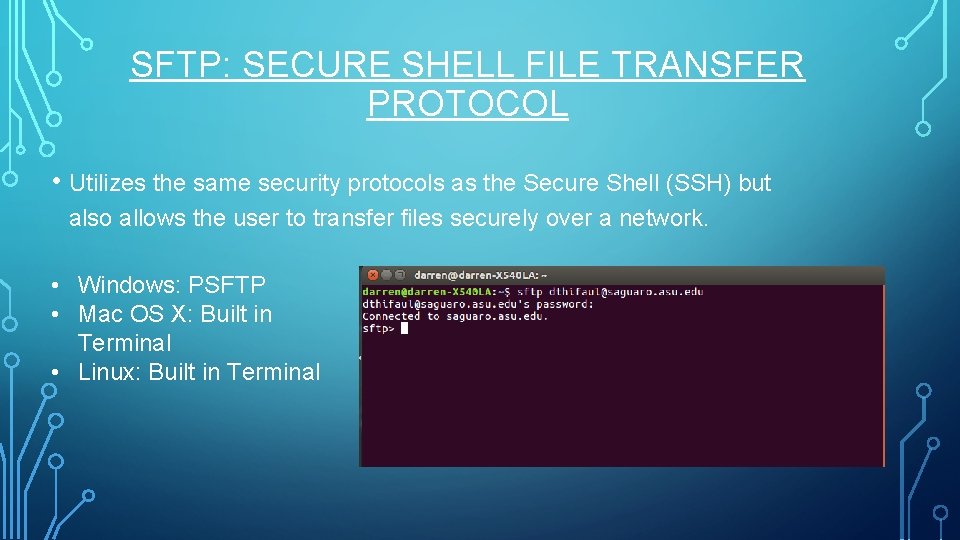
SFTP: SECURE SHELL FILE TRANSFER PROTOCOL • Utilizes the same security protocols as the Secure Shell (SSH) but also allows the user to transfer files securely over a network. • Windows: PSFTP • Mac OS X: Built in Terminal • Linux: Built in Terminal
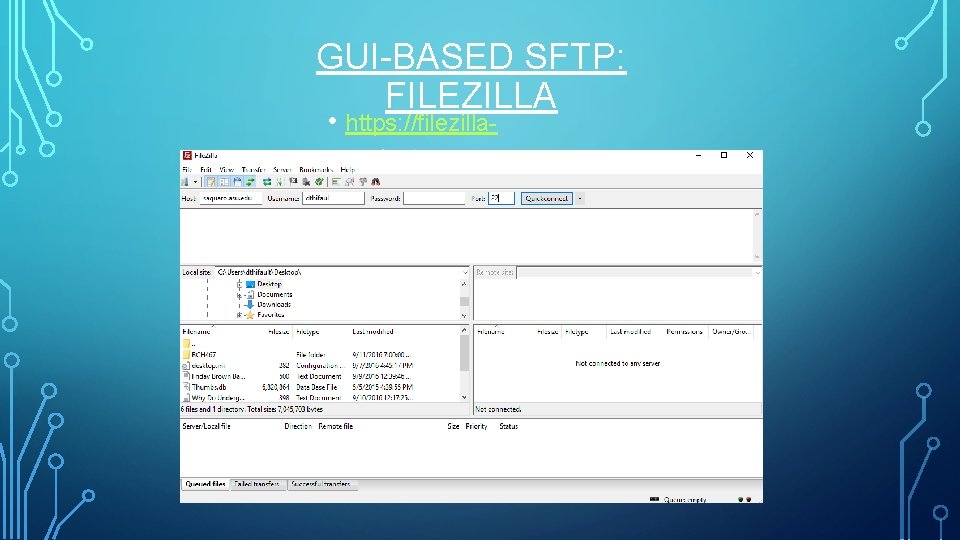
GUI-BASED SFTP: FILEZILLA • https: //filezillaproject. org
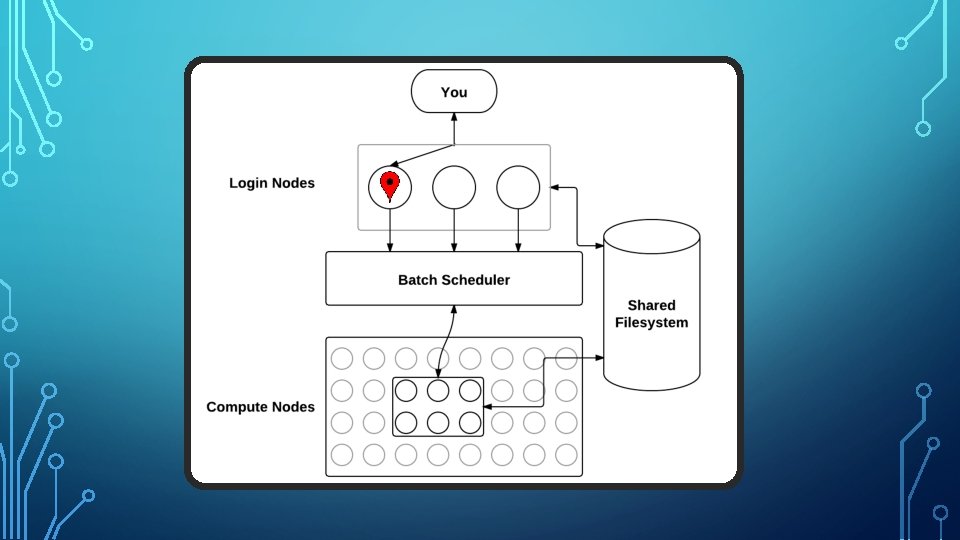

NOW THAT YOU’RE ON THE CLUSTER, HOW DO YOU USE IT?
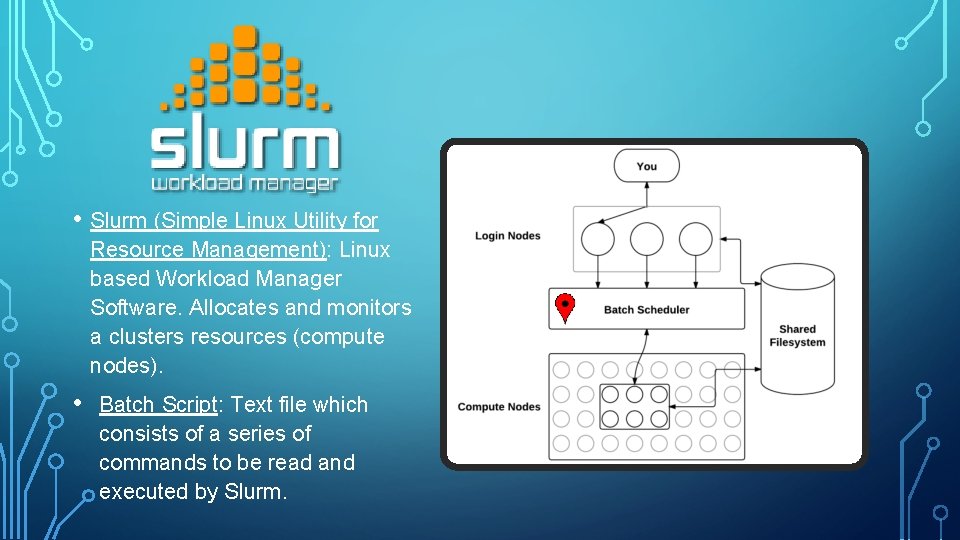
• Slurm (Simple Linux Utility for Resource Management): Linux based Workload Manager Software. Allocates and monitors a clusters resources (compute nodes). • Batch Script: Text file which consists of a series of commands to be read and executed by Slurm.

THE BATCH SCRIPT, FINALLY!
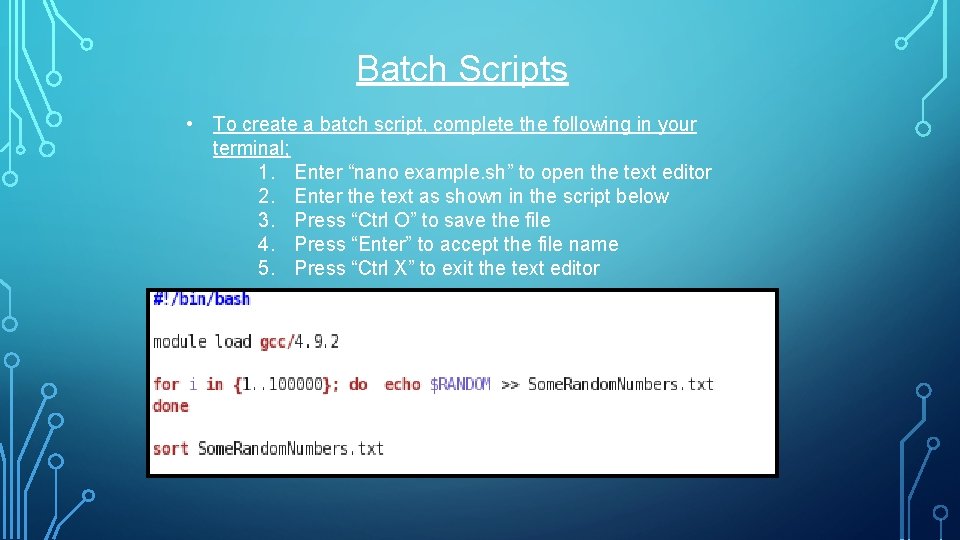
Batch Scripts • To create a batch script, complete the following in your terminal; 1. Enter “nano example. sh” to open the text editor 2. Enter the text as shown in the script below 3. Press “Ctrl O” to save the file 4. Press “Enter” to accept the file name 5. Press “Ctrl X” to exit the text editor
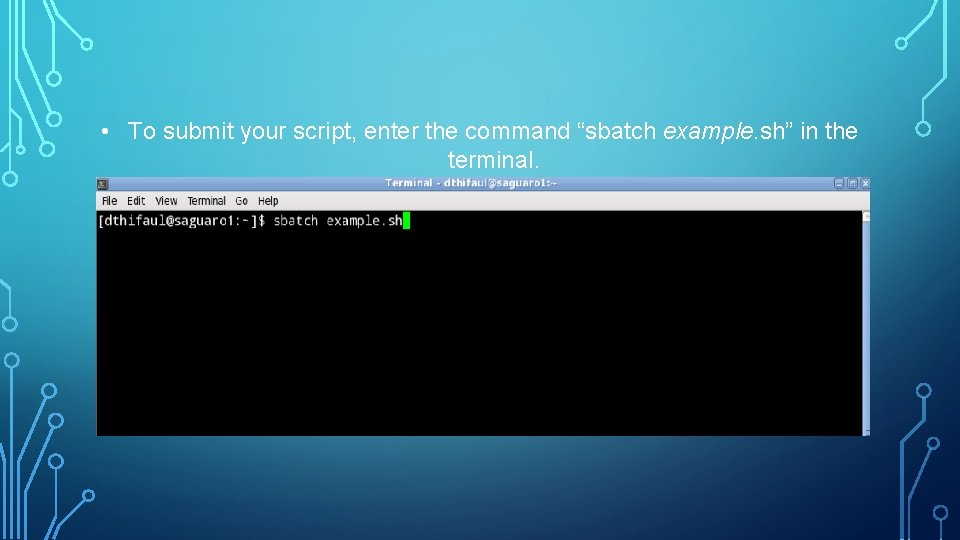
• To submit your script, enter the command “sbatch example. sh” in the terminal.
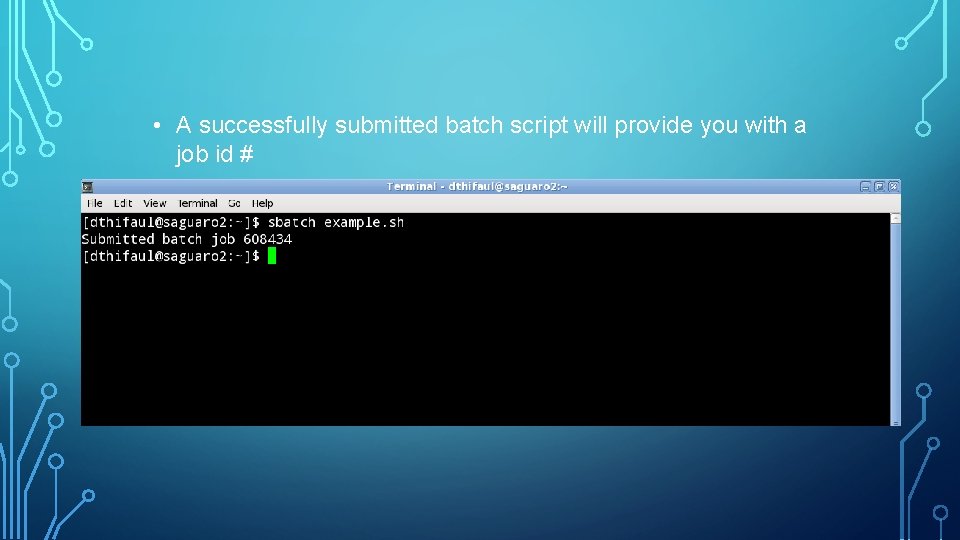
• A successfully submitted batch script will provide you with a job id #
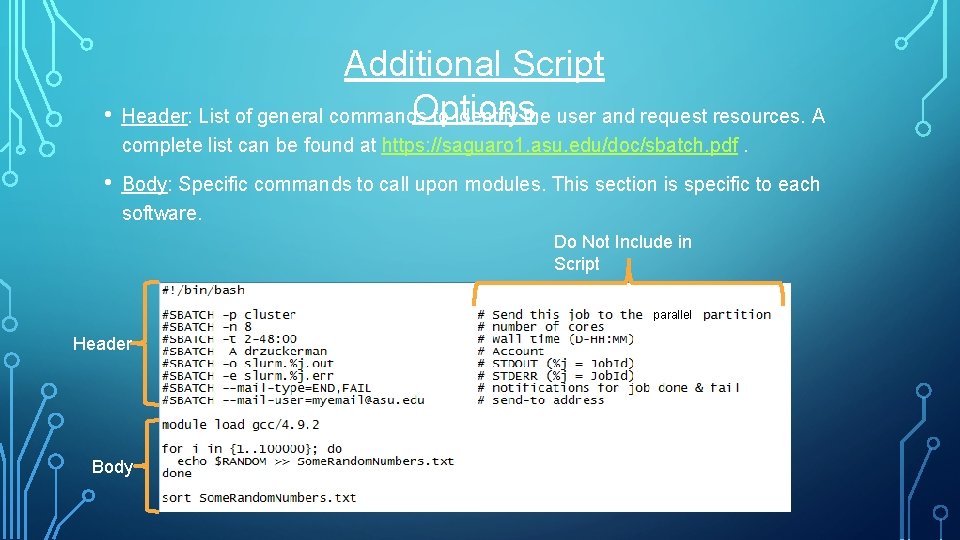
Additional Script Options • Header: List of general commands to identify the user and request resources. A complete list can be found at https: //saguaro 1. asu. edu/doc/sbatch. pdf. • Body: Specific commands to call upon modules. This section is specific to each software. Do Not Include in Script parallel Header Body
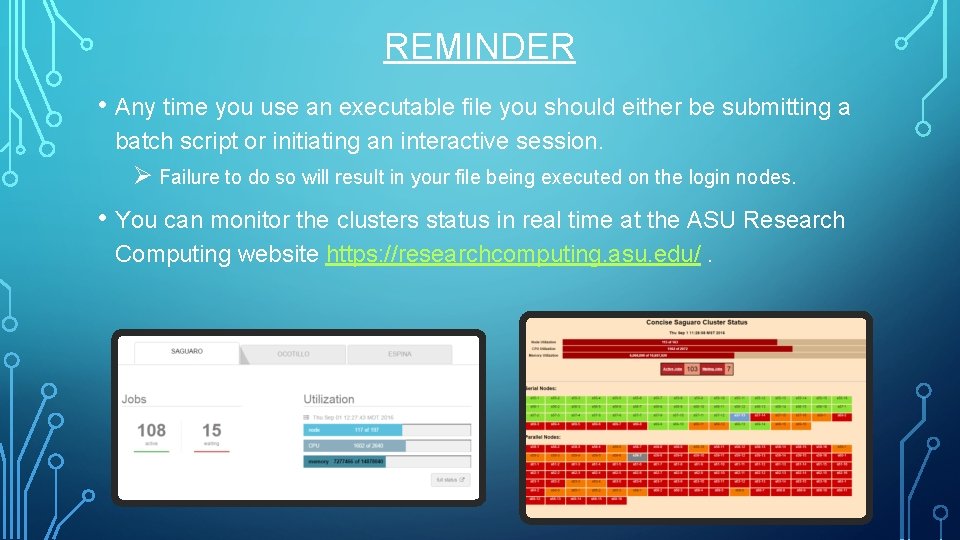
REMINDER • Any time you use an executable file you should either be submitting a batch script or initiating an interactive session. Ø Failure to do so will result in your file being executed on the login nodes. • You can monitor the clusters status in real time at the ASU Research Computing website https: //researchcomputing. asu. edu/.

QUESTIONS?
- Slides: 24