
Intelligent User Interfaces Frank Shipman Department of Computer
- Slides: 68
Intelligent User Interfaces Frank Shipman Department of Computer Science Texas A&M University E-mail: shipman@cs. tamu. edu
What this is about n n n Designing, building, and evaluating intelligent user interfaces Particular technologies used to create intelligent user interfaces Issues concerning applicability of intelligent user interfaces
Intelligent user interfaces (IUI)? n n Systems that provide interactive support based on embedded AI mechanisms Interfaces to AI functionality and knowledge representations Adaptive systems Cooperative problem-solving systems
Technologies I User models, Situation models, and Programming by Demonstration
Adaptive Interfaces n Requirements: – interface that can be adapted – user or situation model – adaptation strategy n Frequently used for providing assistance or training to user
User Model n “any information which a program has which is specific to a particular user. The information itself could range from a simple count of errors, to some complicated data structure which purports to represent relevant parts of the user’s knowledge of the problem domain. ”
Stereotyping vs. Individual n Stereotyping (canonical user modeling) – provide interfaces for classes of users – classes might be based on skill (novices, midrange users, experts) or role n Individual approach – dynamically adapt to suit each user – can be based on observed use of system or self assessment
Representations for User Models n Descriptive method – modeling the user’s observed behavior – describes what system has seen user do n Skill-based or cognitive method – attempt to model the internal cognitive models and processes of the user – represents background knowledge, goals, plans, preferences, misconceptions
Acquisition of User Model n Model based on a combination of: – Observations of system use • statistical history • chronological history – Self-assessment – Testing n How can model evolve over time? – Any of the above
Berkeley UNIX Consultant n Goal: Provide help to new UNIX users n Generates user model based on “successful” use of UNIX commands – Explanations of difficult commands can make use of student’s knowledge.
Intelligent Tutoring Systems n Task is generally well-known – assignments given to student by system – systems track partial completion n Systems keep record of student’s success and failure. – used to determine future assignments – used to determine how to help when student has difficulties
Situation Models n Components of situation: users, system, environment n Users – multiple user models n System – hardware constraints and load – device / resource availability
Representing the Environment n Identifying environmental influences – anticipating use situations – classes of use vs. detailed model of environment n Monitoring environment – direct input devices – user description
Mars Medical Assistant n n n Goal: Provide medical support for astronauts on three year trip to Mars Consider educational, consultation, and emergency situations Models of user and patient – limited highly-trained user community – no new users joining during mission
Other Adaptive Systems n Typing completion – suggests completions for partial terms based on prior use n Emacs suggestions – notifies user when more efficient method available to complete task n Computer Chess Game – determines quality of own play based on perceived level of opponent
Programming by Demonstration n n Generalizing from demonstrated action and situation sequences to programs Difficulties: – knowing what must stay the same – knowing what are variables and their types – connecting to programmed application code
Programming by Demonstration Systems n n Peridot -- demonstration of simple interface Marquise -- demonstration of graphical editors including palettes and modes DEMO -- demonstrating dynamically created objects DEMO 2 -- refinement by system based on multiple demonstrations
Pavlov n n Focus on programming animation Includes: – graphical objects – models of motion and time n Stimulus-response demonstration – modes for creating objects and behaviors – mode for demonstrating interaction
Technologies II Presentation generation, Design Environments, and Interface agents
Presentation Generation n Generating dynamic links to information – enabling user-controlled flow n Generating presentations based on current situation and/or user – Use of user or situation model n Generating rhetorical structure/transition – Scripting events – Media-based decisions
Presentations and Explanations n Examples: – Explainer (Redmiles) – Explainable Expert System (Moore) – Story Presentation System (Sgouros, …)
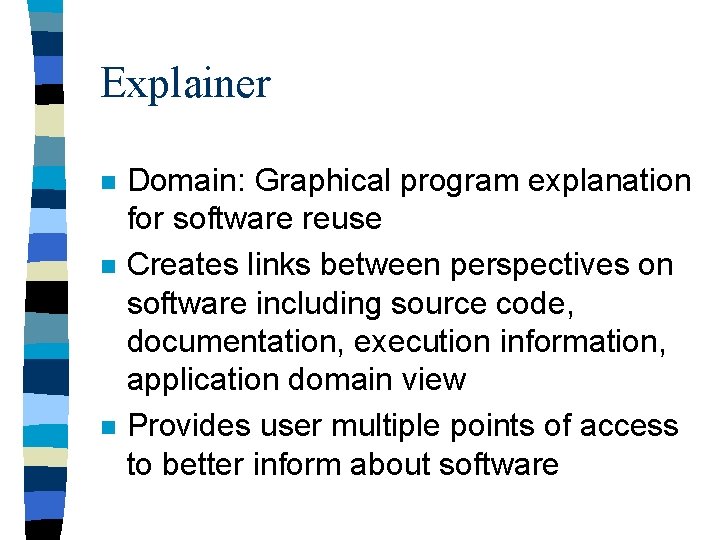
Explainer n n n Domain: Graphical program explanation for software reuse Creates links between perspectives on software including source code, documentation, execution information, application domain view Provides user multiple points of access to better inform about software
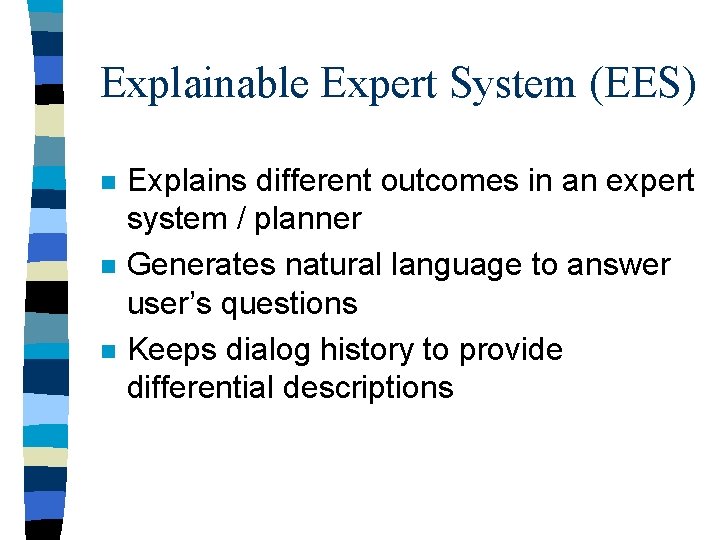
Explainable Expert System (EES) n n n Explains different outcomes in an expert system / planner Generates natural language to answer user’s questions Keeps dialog history to provide differential descriptions
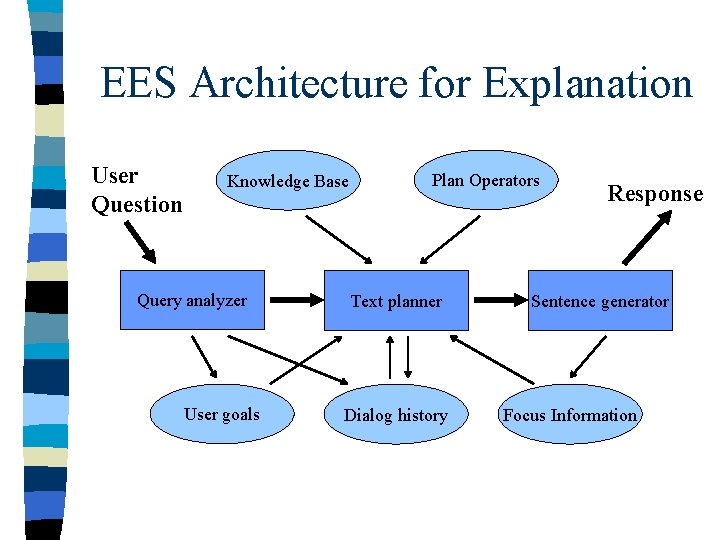
EES Architecture for Explanation User Question Knowledge Base Query analyzer User goals Plan Operators Text planner Dialog history Response Sentence generator Focus Information
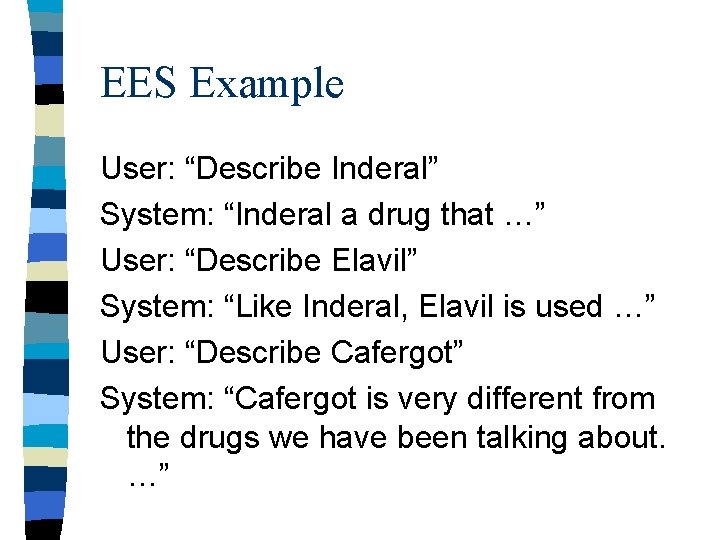
EES Example User: “Describe Inderal” System: “Inderal a drug that …” User: “Describe Elavil” System: “Like Inderal, Elavil is used …” User: “Describe Cafergot” System: “Cafergot is very different from the drugs we have been talking about. …”
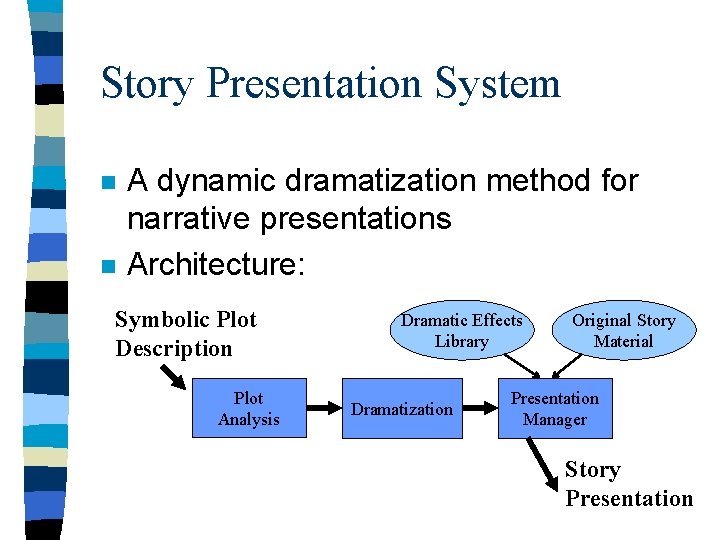
Story Presentation System n n A dynamic dramatization method for narrative presentations Architecture: Symbolic Plot Description Plot Analysis Dramatic Effects Library Dramatization Original Story Material Presentation Manager Story Presentation
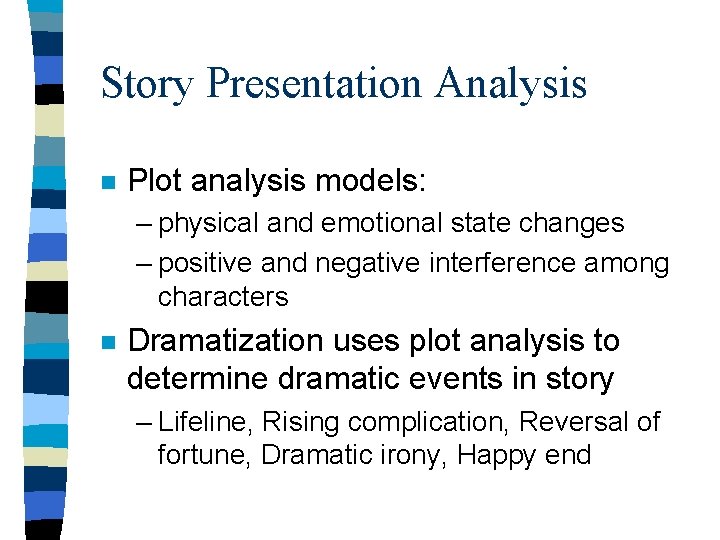
Story Presentation Analysis n Plot analysis models: – physical and emotional state changes – positive and negative interference among characters n Dramatization uses plot analysis to determine dramatic events in story – Lifeline, Rising complication, Reversal of fortune, Dramatic irony, Happy end
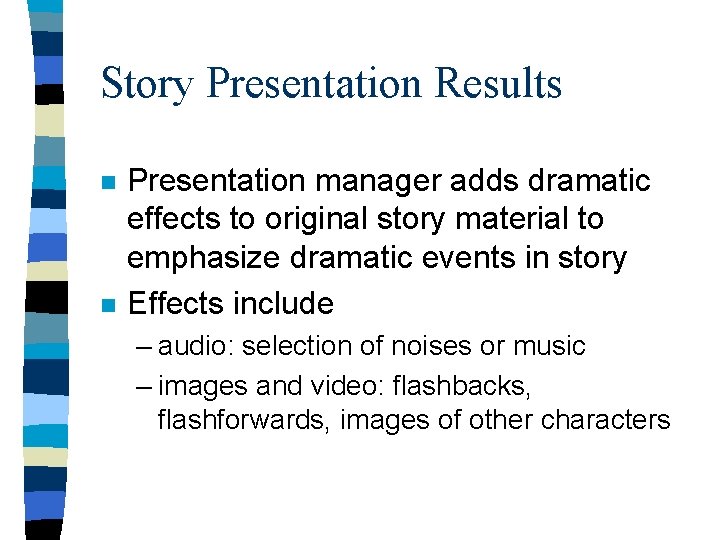
Story Presentation Results n n Presentation manager adds dramatic effects to original story material to emphasize dramatic events in story Effects include – audio: selection of noises or music – images and video: flashbacks, flashforwards, images of other characters
Design Environments n Provide a software environment supporting the activities part of design. – specification, construction – argumentation, documentation, communication n Examples: – Framer (Lemke, Fischer) – JANUS (Morch, Mc. Call, Fischer , . . . )
Framer n n Knowledge-based support for interface design Approach: direct manipulation interface builder Framer 1 -- construction kit approach Framer 2 -- design environment
Design Environment Components (1) n Checklist – system provides decomposition of task, – user identifies current focus n Palette & Workspace – system provides primitive components – user identifies components used and organization of components in design
Design Environment Components (2) n Specification sheets – system brings design issues to user’s attention, presents potential answers, and explains significance and consequences of design choices – user symbolically specifies answers to design issues
Design Environment Components (3) n Critics – system points out sub-optimal design decisions, explains why this is believed, and provides heuristics for making decisions – users may accept or reject the system’s critique
Design Environment Components (4) n Catalog – system provides examples – user selects designs to reuse and modify n Code generator – system generates an executable representation of designed interface
Other Design Environments n JANUS -- kitchen design – designed for non-technical users n XNetwork -- computer network design – identified need for simulation component n VDDE -- voice dialog design – another type of interface design with interesting constraints
Software Agents n One view: Software processes that have non-trivial tasks delegated to them which require independent action and a report on the results.
Issues for Software Agents (1) n Personification – Should agents be represented as a living or animated character? – Does it improve adoption of software? – Does it create inflated expectations? – Is it just too annoying?
Issues for Software Agents (2) n Trust and Competence – How does user develop an informed level of trust? – Can agent give self-assessment on likely outcome of task? n Delegation – How can user delegate tasks? – How can user check on status of delegated tasks?
Issues for Software Agents (3) n Control – How does user set limits on the agent’s activity? – When does the agent get to interrupt the user (mixed-initiative dialog)? n Dealing with multiple agents – How can the user manage many agents? – How can interactions between agents be predicted?
Information Retrieval Agents n n Watch user patterns to infer interests or goals which are used to classify, rank, or suggest new information Examples: – INFOSCOPE: patterns in Netnews use – BASAR: patterns in Web access n Issue: the “cold start” problem – must watch a while before suggesting
Social Filtering n Finding elements liked by others (with similar preferences) – requires some notion of preferences – improves with more users n Examples – Tapestry -- rating of documents – Group. Lens -- collaboration & user profiles – Amazon. com and CD-NOW
Technologies III Knowledge manipulation and Using recognized structure
Interacting with Knowledge n User tasks – Adding knowledge – Editing rule bases and object hierarchies n Examples – HITS Knowledge Editor (Terveen) – Modifier (Girgensohn) – Hyper-Object Substrate (Shipman)
Knowledge Representations n Informal – text, graphics, audio, video n Semi-formal – hypertext, argumentation n Formal – frames, semantic nets, scripts, rules, inheritance hierarchies,
HITS Knowledge Editor n Knowledge editor for CYC project n Difficulties of knowledge representation formalization - articulation in precise detail comprehension - complex vocabulary, size modification - location and consistency
Terveen’s Design Principle #1 n Provide a workspace in which users and systems can jointly construct and manipulate a context for problem-solving, and in which the state of the problem-solving is represented visibly.
Terveen’s Design Principle #2 n Deliver intelligent assistance through critics.
Terveen’s Design Principle #3 n Exploit the interactive potential of computational media to manage the user-system interaction according to conventions that are appropriate to the role of each party in the interaction.
Support Provided by HKE n n n Inferences -- information inferred from workspace and existing KB Troubles -- inconsistencies between workspace and KB Suggestions -- relevant representational issues for users to consider
Modifier n Support for End-User Modifiability – Users are not knowledge engineers n Example: – Adding new object class to existing system n Support: suggestions based on similarity of features and efficiency of representation
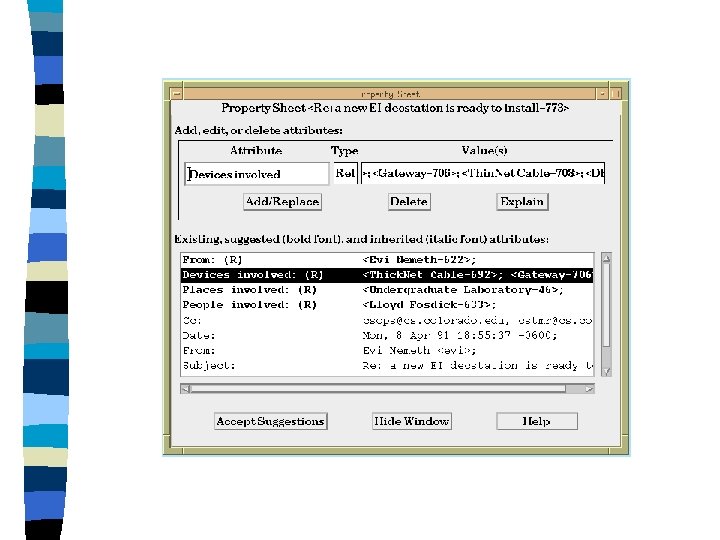
Hyper-Object Substrate n Formalization as difficulty – cognitive load – tacit knowledge – premature structure n Supporting incremental formalization – Flexible knowledge representation – Suggestions based on informal content – Automating knowledge acquisition?
Using Recognized Structure n n When can it be used without user acknowledging correctness? Examples: Tile. Bars (Hearst) • graphically presents results of text analysis inferring topic changes within text corpus Data Mining • search for patterns within database
Non-Verbal Representations n n n Non-verbal communication allows expression of emergent thoughts Systems need to recognize implicit structure Examples: – VIKI (Marshall, Shipman, …) – Per. Sketch (Saund, Moran) – Tivoli (Moran, van Melle, Chui, …)
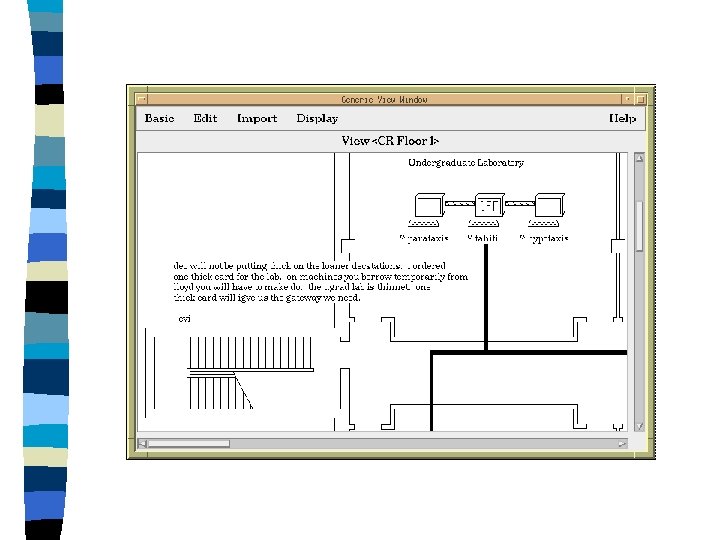
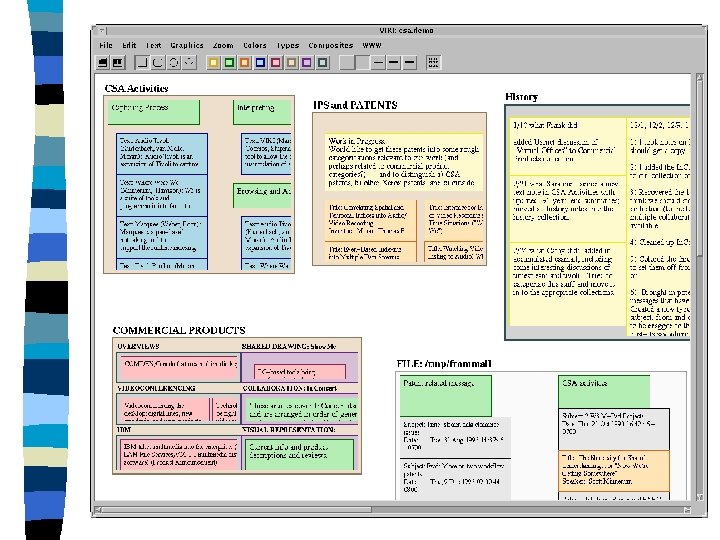
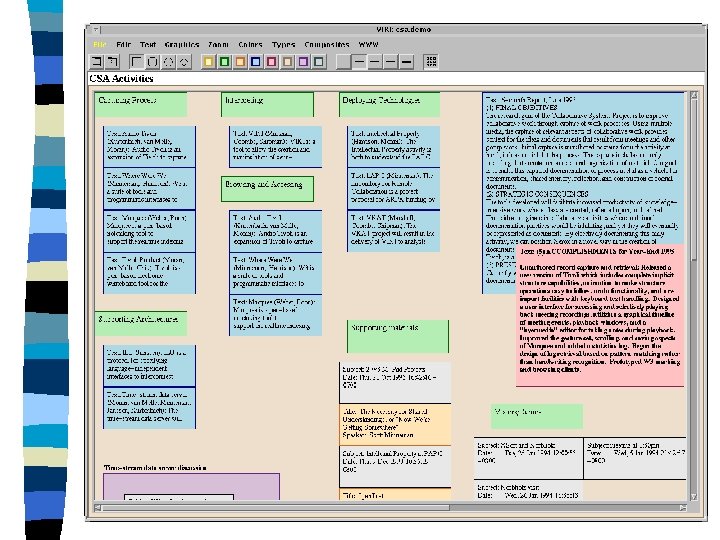
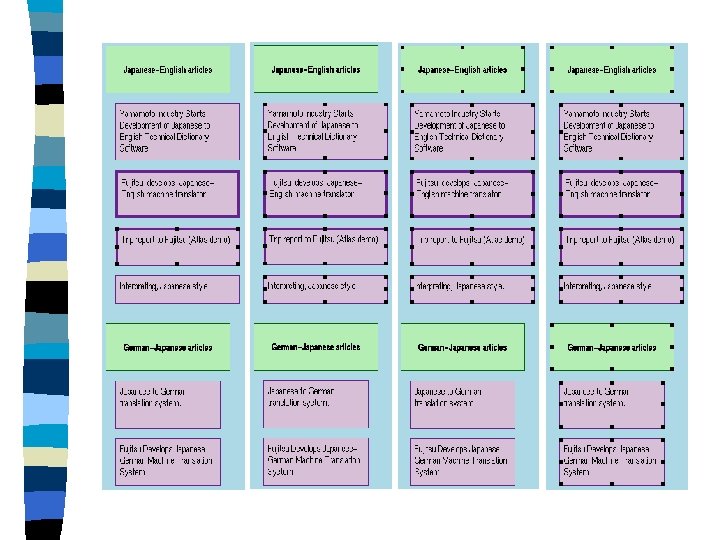
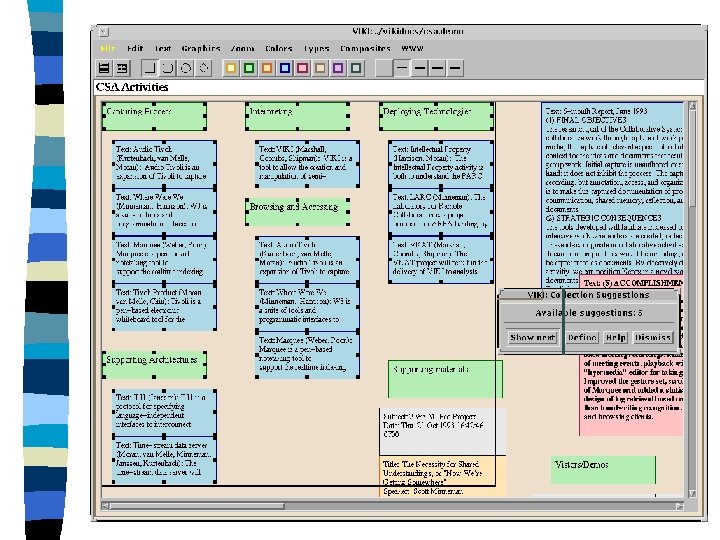
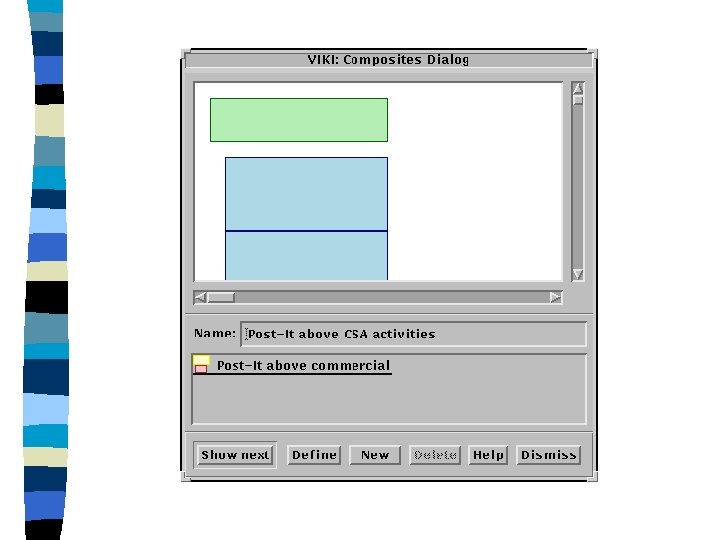
VIKI: An Analyst’s Workspace n n Task: collect, organize, and interpret information Characteristics: – evolving understanding – ephemeral structures – emerging visual languages n Goal: Recognize visual structures and languages
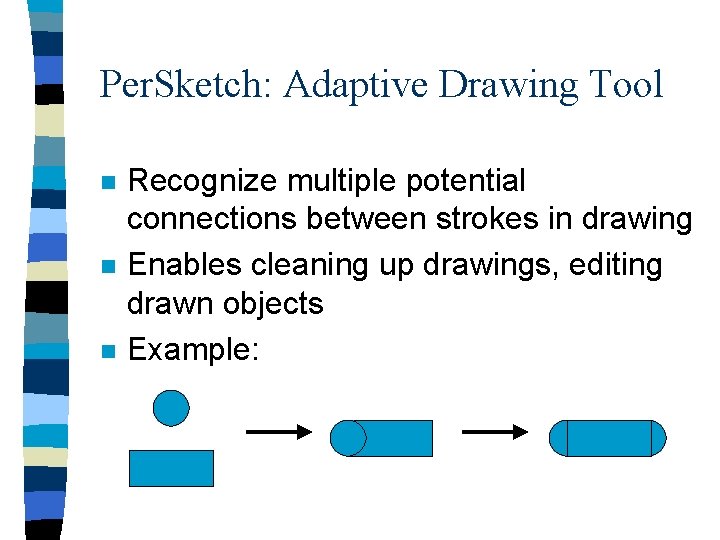
Per. Sketch: Adaptive Drawing Tool n n n Recognize multiple potential connections between strokes in drawing Enables cleaning up drawings, editing drawn objects Example:
TIVOLI: Meeting Room Support n n Manipulating structures on an electronic whiteboard Recognize gestures, characters, etc. Recognize lists, groupings Map changes in visual structure to underlying database
Design Considerations Issues of applicability, Evaluating interfaces, and Discussion
IUI: Appearing Too Smart? n A central danger of creating IUI is, like ELIZA, appearing too smart – Creating unrealistic expectations – Communication difficulties • false alarm • garden path n Design guideline: do not hide system’s knowledge or lack thereof
Evaluation Methods n n n n Interviews Cognitive Walkthroughs Questionnaires Videotapes of use Usage data from software monitoring Comparative evaluations Pre- and post- use testing
Evaluating Interfaces n Deciding between observational and empirical methods – Is there a specific question being asked? – How mature is the technology? – Is having real tasks in a natural setting important?
Expectation Agents n Support for greater user participation in software design – Software designers encode expectations of use which are matched against actual use. – When expectations are not met, a dialog can be started between designers and users.