
Intel Teach Program Essentials Online Course Copyright 2008

- Slides: 34
Intel® Teach Program Essentials Online Course Copyright © 2008 Intel Corporation. All rights reserved. Intel, the Intel logo, Intel Education Initiative, and the Intel Teach Program are trademarks of Intel Corporation in the U. S. and other countries. *Other names and brands may be claimed as the property of others.
Welcome and Introductions • • 2 School. Net SA introduction and welcome Facilitator introduction and welcome Participant Teacher introductions will take place in Module 1 Housekeeping and logistics Copyright © 2008 Intel Corporation. All rights reserved. Intel, the Intel logo, Intel Education Initiative, and the Intel Teach Program are trademarks of Intel Corporation in the U. S. and other countries. *Other names and brands may be claimed as the property of others.
Agenda Review Orientation Module Complete Module 1 Complete Module 2 Begin Module 3 Prepare for Online 3 Copyright © 2008 Intel Corporation. All rights reserved. Intel, the Intel logo, Intel Education Initiative, and the Intel Teach Program are trademarks of Intel Corporation in the U. S. and other countries. *Other names and brands may be claimed as the property of others.
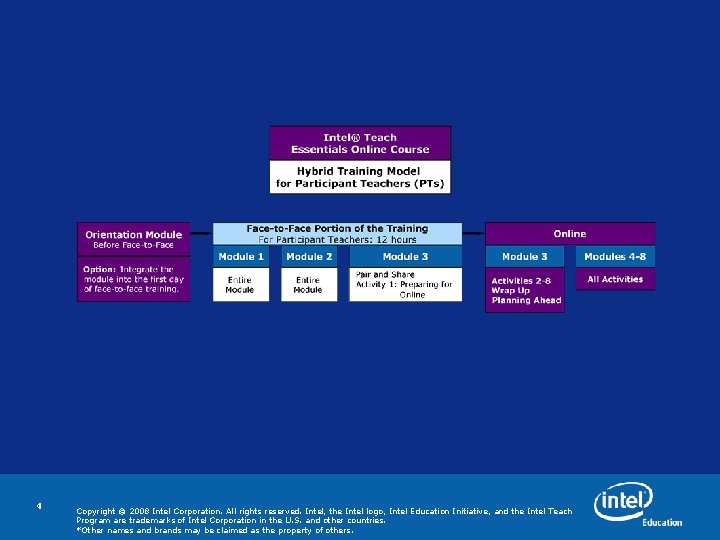
4 Copyright © 2008 Intel Corporation. All rights reserved. Intel, the Intel logo, Intel Education Initiative, and the Intel Teach Program are trademarks of Intel Corporation in the U. S. and other countries. *Other names and brands may be claimed as the property of others.
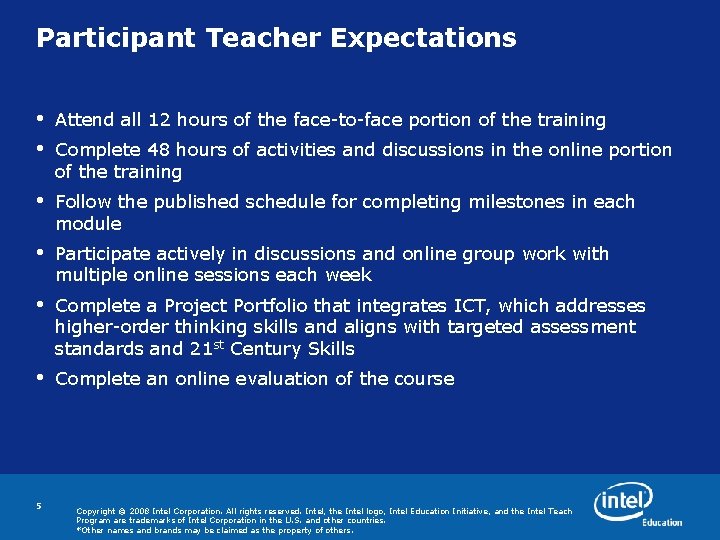
Participant Teacher Expectations • • Attend all 12 hours of the face-to-face portion of the training • Follow the published schedule for completing milestones in each module • Participate actively in discussions and online group work with multiple online sessions each week • Complete a Project Portfolio that integrates ICT, which addresses higher-order thinking skills and aligns with targeted assessment standards and 21 st Century Skills • Complete an online evaluation of the course 5 Complete 48 hours of activities and discussions in the online portion of the training Copyright © 2008 Intel Corporation. All rights reserved. Intel, the Intel logo, Intel Education Initiative, and the Intel Teach Program are trademarks of Intel Corporation in the U. S. and other countries. *Other names and brands may be claimed as the property of others.
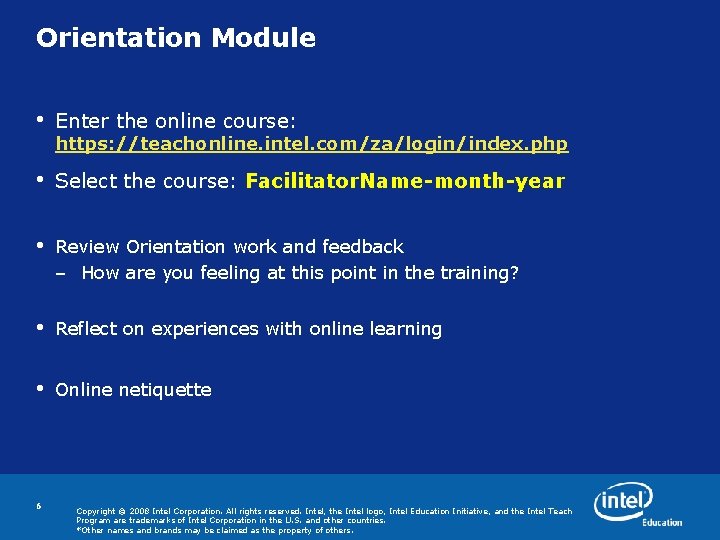
Orientation Module • Enter the online course: • Select the course: Facilitator. Name-month-year • Review Orientation work and feedback – How are you feeling at this point in the training? • Reflect on experiences with online learning • Online netiquette 6 https: //teachonline. intel. com/za/login/index. php Copyright © 2008 Intel Corporation. All rights reserved. Intel, the Intel logo, Intel Education Initiative, and the Intel Teach Program are trademarks of Intel Corporation in the U. S. and other countries. *Other names and brands may be claimed as the property of others.
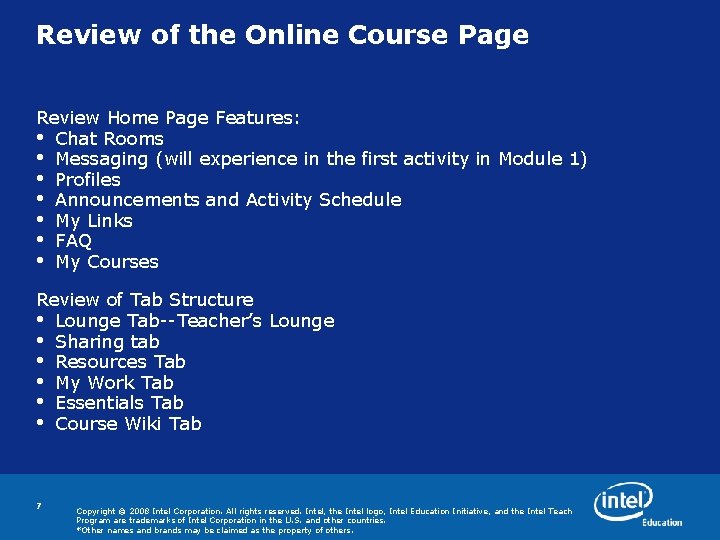
Review of the Online Course Page Review Home Page Features: • Chat Rooms • Messaging (will experience in the first activity in Module 1) • Profiles • Announcements and Activity Schedule • My Links • FAQ • My Courses Review of Tab Structure • Lounge Tab--Teacher’s Lounge • Sharing tab • Resources Tab • My Work Tab • Essentials Tab • Course Wiki Tab 7 Copyright © 2008 Intel Corporation. All rights reserved. Intel, the Intel logo, Intel Education Initiative, and the Intel Teach Program are trademarks of Intel Corporation in the U. S. and other countries. *Other names and brands may be claimed as the property of others.
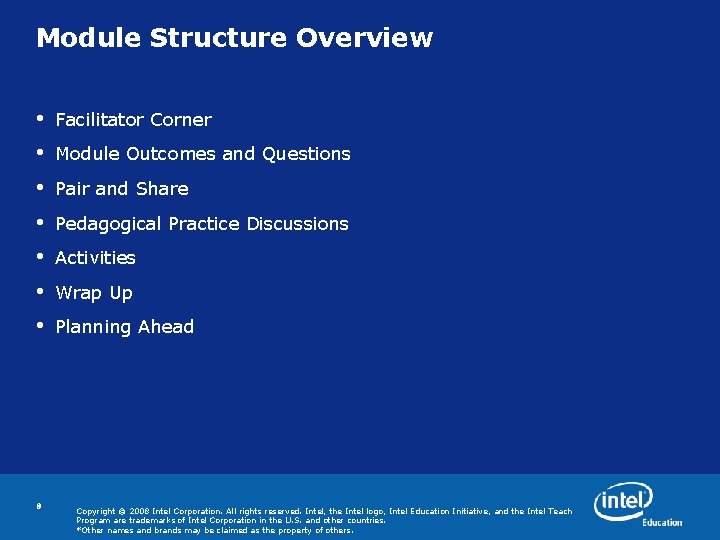
Module Structure Overview • Facilitator Corner • Module Outcomes and Questions • Pair and Share • Pedagogical Practice Discussions • Activities • Wrap Up • Planning Ahead 8 Copyright © 2008 Intel Corporation. All rights reserved. Intel, the Intel logo, Intel Education Initiative, and the Intel Teach Program are trademarks of Intel Corporation in the U. S. and other countries. *Other names and brands may be claimed as the property of others.
Module 1: Teaching with Projects Activity 1, Step 2 Prompts for Face-to-Face Discussion Experiencing the Content Think about the following: • Which topics interest you the most? • Which topics will be the most challenging for you? Participate in a discussion with the whole group. 9 Copyright © 2008 Intel Corporation. All rights reserved. Intel, the Intel logo, Intel Education Initiative, and the Intel Teach Program are trademarks of Intel Corporation in the U. S. and other countries. *Other names and brands may be claimed as the property of others.
Module 1: Teaching with Projects Activity 1, Step 3 Help Guide and CD Resources Creating a Portfolio Folder Introducing the Intel® Education Help Guide • Resource includes step-by-step directions for how to complete ICT skills • Provides ICT skills instructions for – Microsoft Office 2003* • Provides support for various operating systems – Microsoft Windows 2000* and XP* • 10 Locate other resources on CD and Resource Tab Copyright © 2008 Intel Corporation. All rights reserved. Intel, the Intel logo, Intel Education Initiative, and the Intel Teach Program are trademarks of Intel Corporation in the U. S. and other countries. *Other names and brands may be claimed as the property of others.
Module 1: Teaching with Projects Activity 1, Step 4 Prompts for Face-to-Face Discussion Project Plan Template Discussion • What questions do you have about the structure or contents of the template? • What are the advantages and challenges of using the template? 11 Copyright © 2008 Intel Corporation. All rights reserved. Intel, the Intel logo, Intel Education Initiative, and the Intel Teach Program are trademarks of Intel Corporation in the U. S. and other countries. *Other names and brands may be claimed as the property of others.
Module 1: Teaching with Projects Activity 3, Step 2 Multiple Windows Demonstration • How can you open, resize, and view multiple windows in the online environment? • Make sure you click the Submit button any time you are finished entering information. 12 Copyright © 2008 Intel Corporation. All rights reserved. Intel, the Intel logo, Intel Education Initiative, and the Intel Teach Program are trademarks of Intel Corporation in the U. S. and other countries. *Other names and brands may be claimed as the property of others.
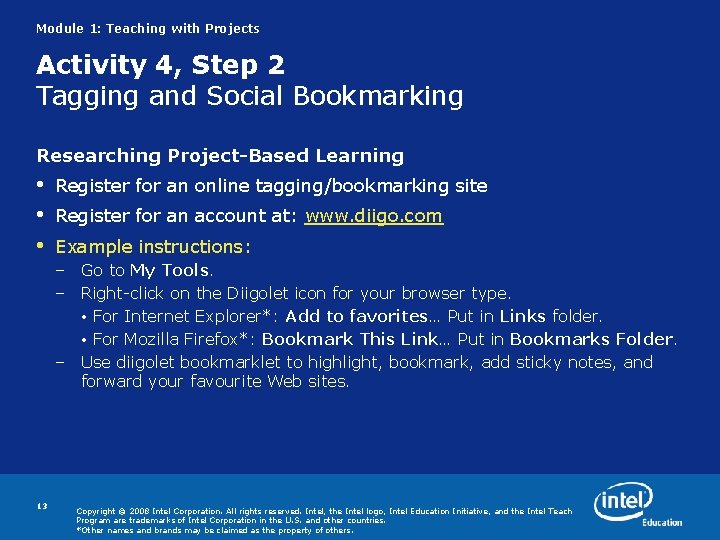
Module 1: Teaching with Projects Activity 4, Step 2 Tagging and Social Bookmarking Researching Project-Based Learning • • • Register for an online tagging/bookmarking site Register for an account at: www. diigo. com Example instructions: – Go to My Tools. – Right-click on the Diigolet icon for your browser type. • For Internet Explorer*: Add to favorites… Put in Links folder. • For Mozilla Firefox*: Bookmark This Link… Put in Bookmarks Folder. – Use diigolet bookmarklet to highlight, bookmark, add sticky notes, and forward your favourite Web sites. 13 Copyright © 2008 Intel Corporation. All rights reserved. Intel, the Intel logo, Intel Education Initiative, and the Intel Teach Program are trademarks of Intel Corporation in the U. S. and other countries. *Other names and brands may be claimed as the property of others.
Feedback on Module 1 What questions do you have about our class or your individual blog? What do you think of your hybrid online learning experience so far? • • 14 Positive Comments Concerns Questions Your comfort level with the course so far Copyright © 2008 Intel Corporation. All rights reserved. Intel, the Intel logo, Intel Education Initiative, and the Intel Teach Program are trademarks of Intel Corporation in the U. S. and other countries. *Other names and brands may be claimed as the property of others.
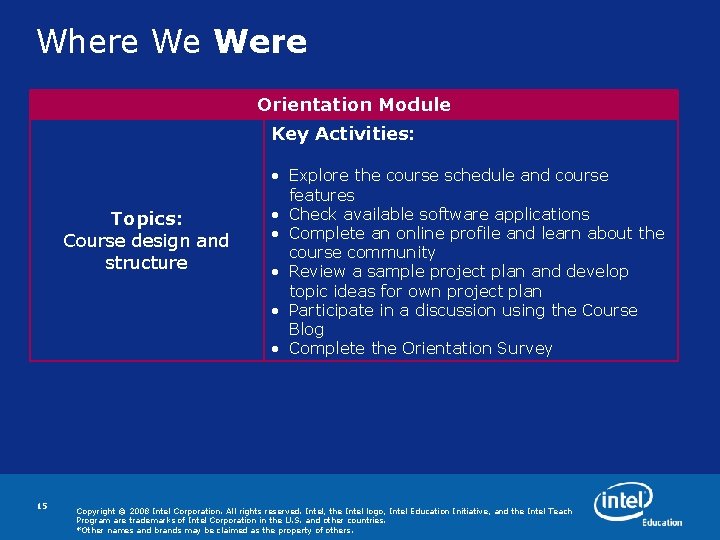
Where We Were Orientation Module Key Activities: Topics: Course design and structure 15 • Explore the course schedule and course features • Check available software applications • Complete an online profile and learn about the course community • Review a sample project plan and develop topic ideas for own project plan • Participate in a discussion using the Course Blog • Complete the Orientation Survey Copyright © 2008 Intel Corporation. All rights reserved. Intel, the Intel logo, Intel Education Initiative, and the Intel Teach Program are trademarks of Intel Corporation in the U. S. and other countries. *Other names and brands may be claimed as the property of others.
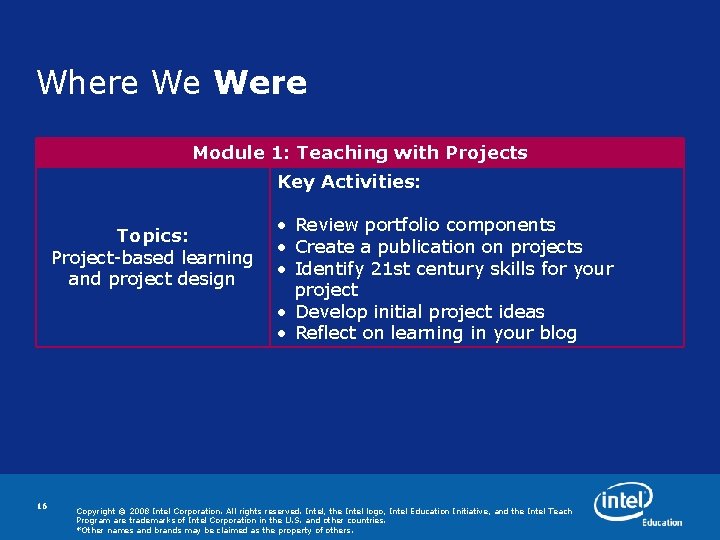
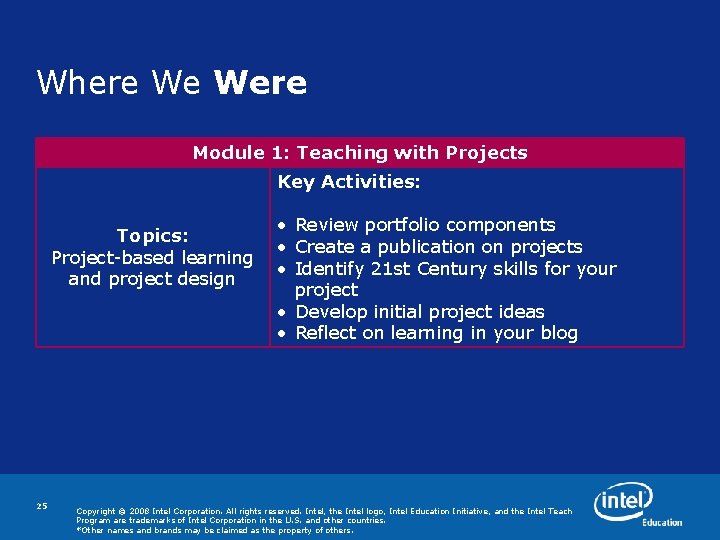
Where We Were Module 1: Teaching with Projects Key Activities: Topics: Project-based learning and project design 16 • Review portfolio components • Create a publication on projects • Identify 21 st century skills for your project • Develop initial project ideas • Reflect on learning in your blog Copyright © 2008 Intel Corporation. All rights reserved. Intel, the Intel logo, Intel Education Initiative, and the Intel Teach Program are trademarks of Intel Corporation in the U. S. and other countries. *Other names and brands may be claimed as the property of others.
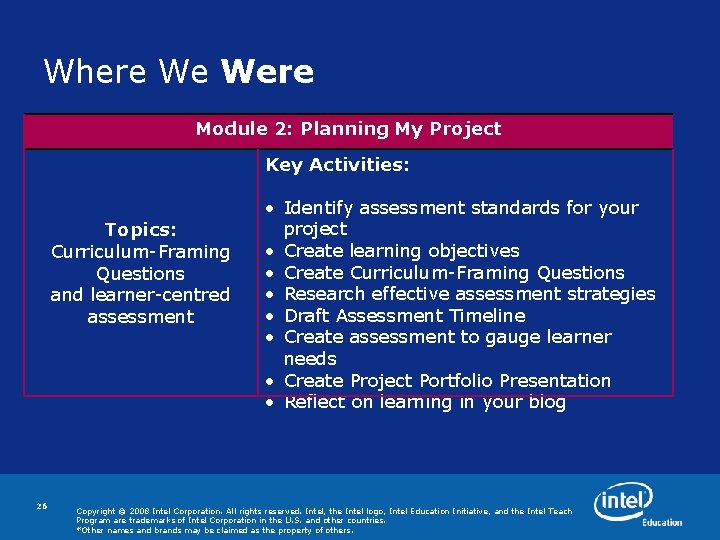
Where We Are Module 2: Planning My Project Key Activities: Topics: Curriculum-Framing Questions and learner-centred assessment 17 • Identify assessment standards for your project • Create project goal(s) • Create Curriculum-Framing Questions • Research effective assessment strategies • Draft Assessment Timeline • Create assessment to gauge learner needs • Create Project Portfolio Presentation • Reflect on learning in your blog Copyright © 2008 Intel Corporation. All rights reserved. Intel, the Intel logo, Intel Education Initiative, and the Intel Teach Program are trademarks of Intel Corporation in the U. S. and other countries. *Other names and brands may be claimed as the property of others.
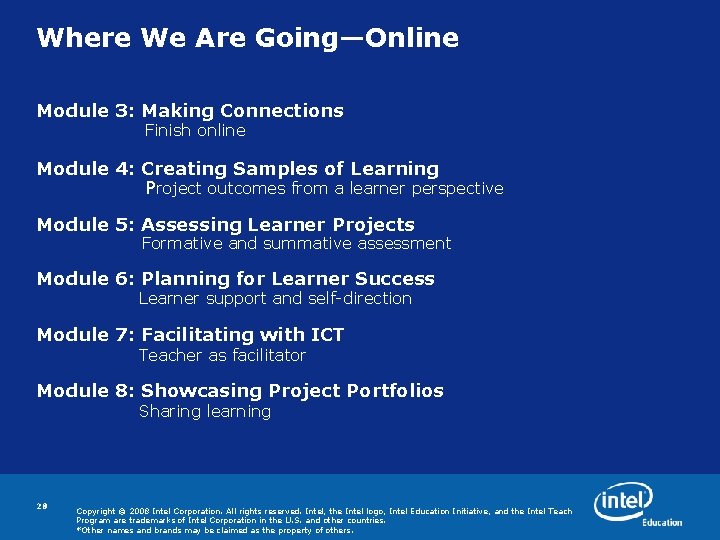
Where We Are Going Face-to-Face • Module 3: Making Connections Two activities during face-to-face Online • Module 3: Making Connections Complete remaining activities online • Module 4: Creating Samples of Learning Project outcomes from a learner perspective • Module 5: Assessing Learner Projects Formative and summative assessment • Module 6: Planning for learner Success Learner support and self-direction • Module 7: Facilitating with ICT Teacher as facilitator • Module 8: Showcasing Project Portfolios Sharing learning 18 Copyright © 2008 Intel Corporation. All rights reserved. Intel, the Intel logo, Intel Education Initiative, and the Intel Teach Program are trademarks of Intel Corporation in the U. S. and other countries. *Other names and brands may be claimed as the property of others.
Module 2: Planning My Project Activity 1 Addressing Assessment Standards • What does backwards design mean to you? • How is your province / district / school addressing 21 st Century learning? 19 Copyright © 2008 Intel Corporation. All rights reserved. Intel, the Intel logo, Intel Education Initiative, and the Intel Teach Program are trademarks of Intel Corporation in the U. S. and other countries. *Other names and brands may be claimed as the property of others.
Module 2: Planning My Project Activity 2 Step 1: Curriculum-Framing Questions • Register for the online collaborative Web site <http: //docs. google. com/> • What new insights do you have after working with Curriculum-Framing Questions? • What were the benefits and challenges of using the online collaborative Web site? 20 Copyright © 2008 Intel Corporation. All rights reserved. Intel, the Intel logo, Intel Education Initiative, and the Intel Teach Program are trademarks of Intel Corporation in the U. S. and other countries. *Other names and brands may be claimed as the property of others.
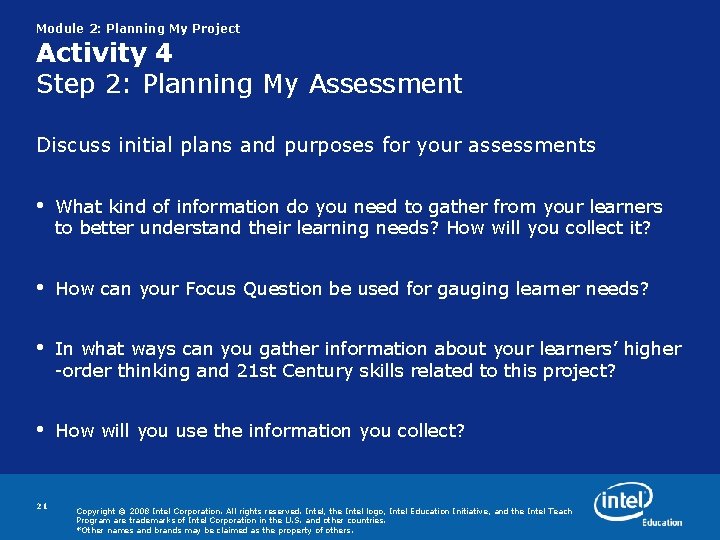
Module 2: Planning My Project Activity 4 Step 2: Planning My Assessment Discuss initial plans and purposes for your assessments • What kind of information do you need to gather from your learners to better understand their learning needs? How will you collect it? • How can your Focus Question be used for gauging learner needs? • In what ways can you gather information about your learners’ higher -order thinking and 21 st Century skills related to this project? • How will you use the information you collect? 21 Copyright © 2008 Intel Corporation. All rights reserved. Intel, the Intel logo, Intel Education Initiative, and the Intel Teach Program are trademarks of Intel Corporation in the U. S. and other countries. *Other names and brands may be claimed as the property of others.
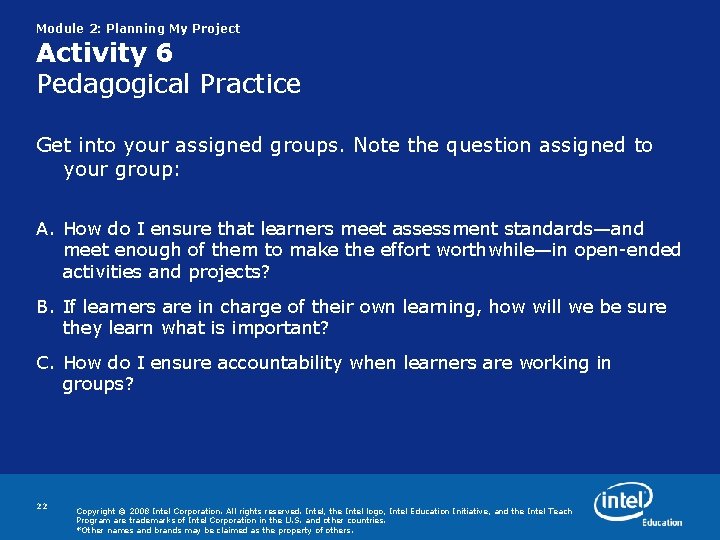
Module 2: Planning My Project Activity 6 Pedagogical Practice Get into your assigned groups. Note the question assigned to your group: A. How do I ensure that learners meet assessment standards—and meet enough of them to make the effort worthwhile—in open-ended activities and projects? B. If learners are in charge of their own learning, how will we be sure they learn what is important? C. How do I ensure accountability when learners are working in groups? 22 Copyright © 2008 Intel Corporation. All rights reserved. Intel, the Intel logo, Intel Education Initiative, and the Intel Teach Program are trademarks of Intel Corporation in the U. S. and other countries. *Other names and brands may be claimed as the property of others.
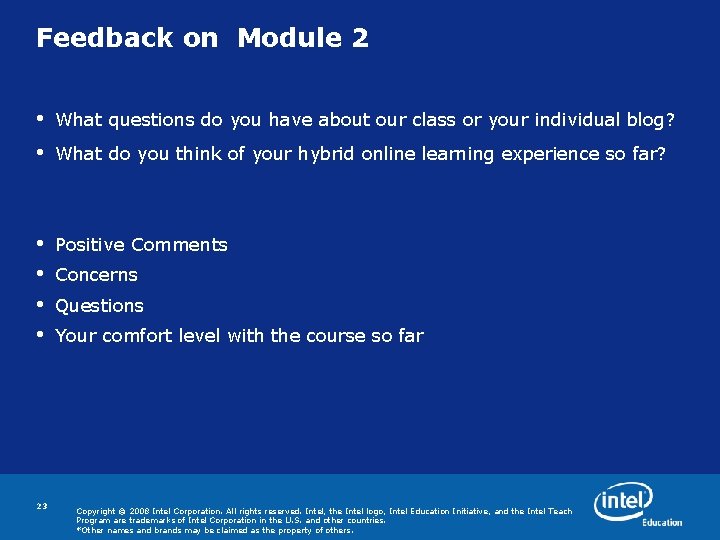
Feedback on Module 2 • What questions do you have about our class or your individual blog? • What do you think of your hybrid online learning experience so far? • • Positive Comments 23 Concerns Questions Your comfort level with the course so far Copyright © 2008 Intel Corporation. All rights reserved. Intel, the Intel logo, Intel Education Initiative, and the Intel Teach Program are trademarks of Intel Corporation in the U. S. and other countries. *Other names and brands may be claimed as the property of others.
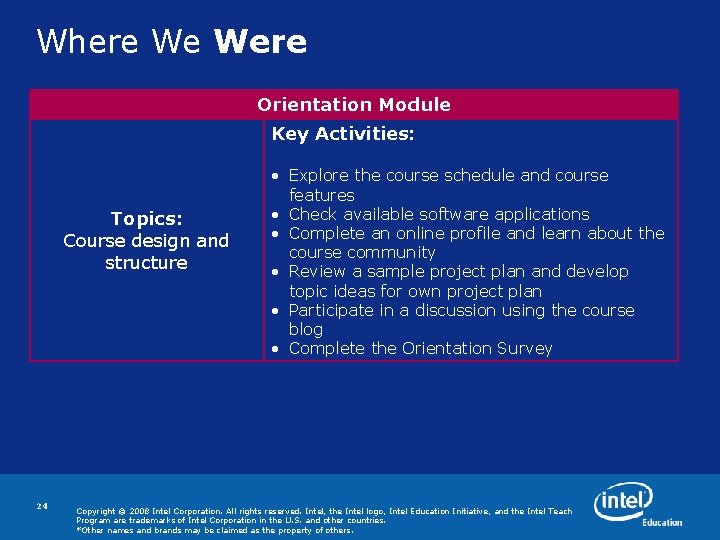
Where We Were Orientation Module Key Activities: Topics: Course design and structure 24 • Explore the course schedule and course features • Check available software applications • Complete an online profile and learn about the course community • Review a sample project plan and develop topic ideas for own project plan • Participate in a discussion using the course blog • Complete the Orientation Survey Copyright © 2008 Intel Corporation. All rights reserved. Intel, the Intel logo, Intel Education Initiative, and the Intel Teach Program are trademarks of Intel Corporation in the U. S. and other countries. *Other names and brands may be claimed as the property of others.
Where We Were Module 1: Teaching with Projects Key Activities: Topics: Project-based learning and project design 25 • Review portfolio components • Create a publication on projects • Identify 21 st Century skills for your project • Develop initial project ideas • Reflect on learning in your blog Copyright © 2008 Intel Corporation. All rights reserved. Intel, the Intel logo, Intel Education Initiative, and the Intel Teach Program are trademarks of Intel Corporation in the U. S. and other countries. *Other names and brands may be claimed as the property of others.
Where We Were Module 2: Planning My Project Key Activities: Topics: Curriculum-Framing Questions and learner-centred assessment 26 • Identify assessment standards for your project • Create learning objectives • Create Curriculum-Framing Questions • Research effective assessment strategies • Draft Assessment Timeline • Create assessment to gauge learner needs • Create Project Portfolio Presentation • Reflect on learning in your blog Copyright © 2008 Intel Corporation. All rights reserved. Intel, the Intel logo, Intel Education Initiative, and the Intel Teach Program are trademarks of Intel Corporation in the U. S. and other countries. *Other names and brands may be claimed as the property of others.
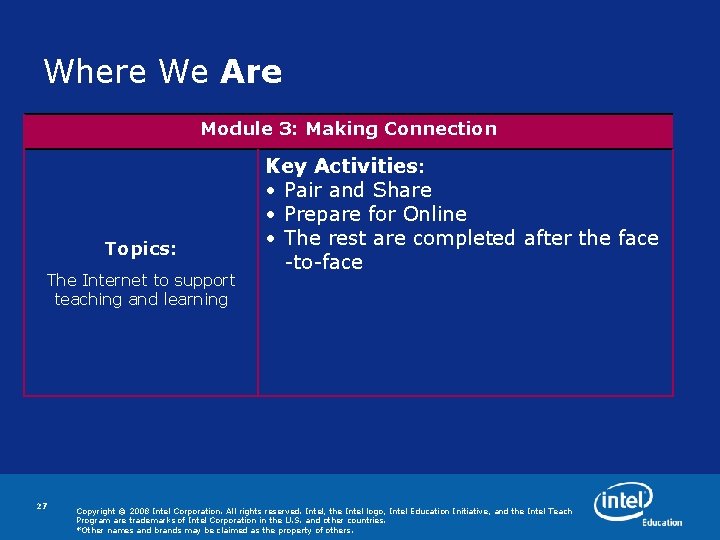
Where We Are Module 3: Making Connection Topics: The Internet to support teaching and learning 27 Key Activities: • Pair and Share • Prepare for Online • The rest are completed after the face -to-face Copyright © 2008 Intel Corporation. All rights reserved. Intel, the Intel logo, Intel Education Initiative, and the Intel Teach Program are trademarks of Intel Corporation in the U. S. and other countries. *Other names and brands may be claimed as the property of others.
Where We Are Going—Online Module 3: Making Connections Finish online Module 4: Creating Samples of Learning Project outcomes from a learner perspective Module 5: Assessing Learner Projects Formative and summative assessment Module 6: Planning for Learner Success Learner support and self-direction Module 7: Facilitating with ICT Teacher as facilitator Module 8: Showcasing Project Portfolios Sharing learning 28 Copyright © 2008 Intel Corporation. All rights reserved. Intel, the Intel logo, Intel Education Initiative, and the Intel Teach Program are trademarks of Intel Corporation in the U. S. and other countries. *Other names and brands may be claimed as the property of others.
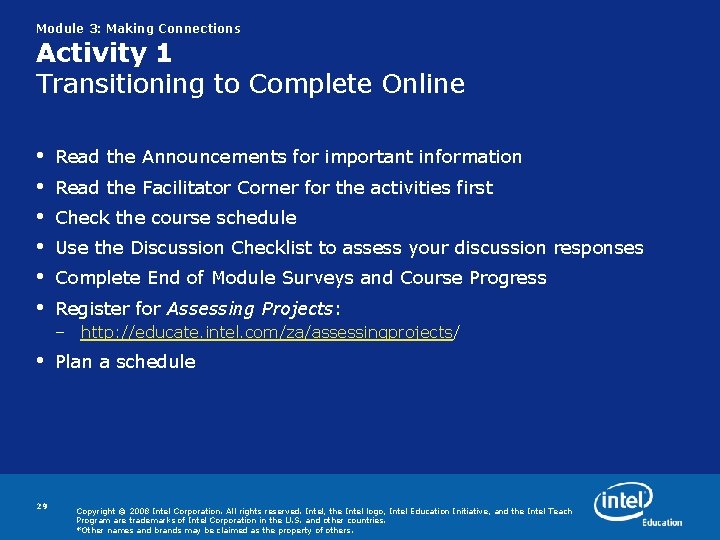
Module 3: Making Connections Activity 1 Transitioning to Complete Online • • • Read the Announcements for important information Read the Facilitator Corner for the activities first Check the course schedule Use the Discussion Checklist to assess your discussion responses Complete End of Module Surveys and Course Progress Register for Assessing Projects: – http: //educate. intel. com/za/assessingprojects/ • 29 Plan a schedule Copyright © 2008 Intel Corporation. All rights reserved. Intel, the Intel logo, Intel Education Initiative, and the Intel Teach Program are trademarks of Intel Corporation in the U. S. and other countries. *Other names and brands may be claimed as the property of others.
End of Training Feedback • • 30 Positive Comments Concerns Questions Your comfort level with the course so far Copyright © 2008 Intel Corporation. All rights reserved. Intel, the Intel logo, Intel Education Initiative, and the Intel Teach Program are trademarks of Intel Corporation in the U. S. and other countries. *Other names and brands may be claimed as the property of others.
31 Programs of the Intel® Education Initiative are funded by the Intel Foundation and Intel Corporation. Copyright © 2007 Intel Corporation. All rights reserved. Intel, the Intel logo, Intel Education Initiative, and Intel Teach Program are trademarks of Intel Corporation in the U. S. and other countries. *Other names and brands may be claimed as the property of others.
Back Up 32 Programs of the Intel® Education Initiative are funded by the Intel Foundation and Intel Corporation. Copyright © 2007 Intel Corporation. All rights reserved. Intel, the Intel logo, Intel Education Initiative, and Intel Teach Program are trademarks of Intel Corporation in the U. S. and other countries. *Other names and brands may be claimed as the property of others.
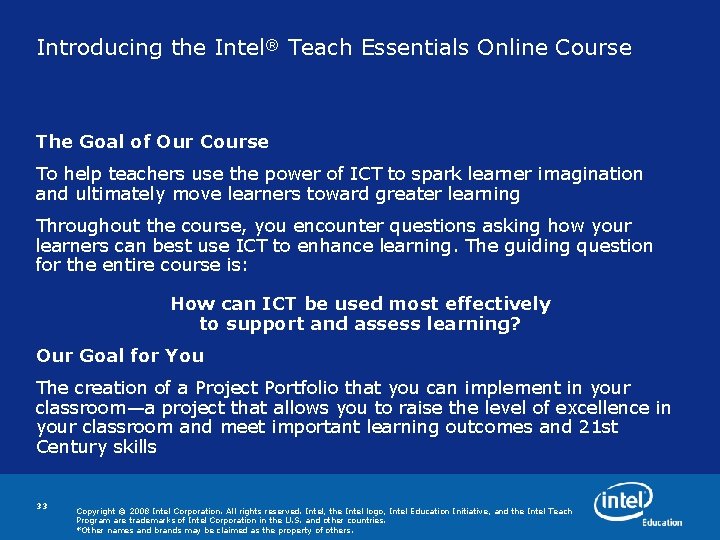
Introducing the Intel® Teach Essentials Online Course The Goal of Our Course To help teachers use the power of ICT to spark learner imagination and ultimately move learners toward greater learning Throughout the course, you encounter questions asking how your learners can best use ICT to enhance learning. The guiding question for the entire course is: How can ICT be used most effectively to support and assess learning? Our Goal for You The creation of a Project Portfolio that you can implement in your classroom—a project that allows you to raise the level of excellence in your classroom and meet important learning outcomes and 21 st Century skills 33 Copyright © 2008 Intel Corporation. All rights reserved. Intel, the Intel logo, Intel Education Initiative, and the Intel Teach Program are trademarks of Intel Corporation in the U. S. and other countries. *Other names and brands may be claimed as the property of others.
Considering My Role as Curriculum Designer • During this course, you design and develop resources for a project that you facilitate. • The project may range in length from a couple weeks to several months, but it should encompass a key area of study in your curriculum. • Your Project Portfolio is developed throughout the course's eight modules. 34 Copyright © 2008 Intel Corporation. All rights reserved. Intel, the Intel logo, Intel Education Initiative, and the Intel Teach Program are trademarks of Intel Corporation in the U. S. and other countries. *Other names and brands may be claimed as the property of others.