
Integrity Checks and What Matters Julie Thompson ITS





- Slides: 37
Integrity Checks and What Matters Julie Thompson, ITS September 29, 2011
Agenda �We will be talking about Integrity, Month End, and Year End queries collectively �We’ll review what the queries are showing you �Tips for finding variances �Effect variances can have
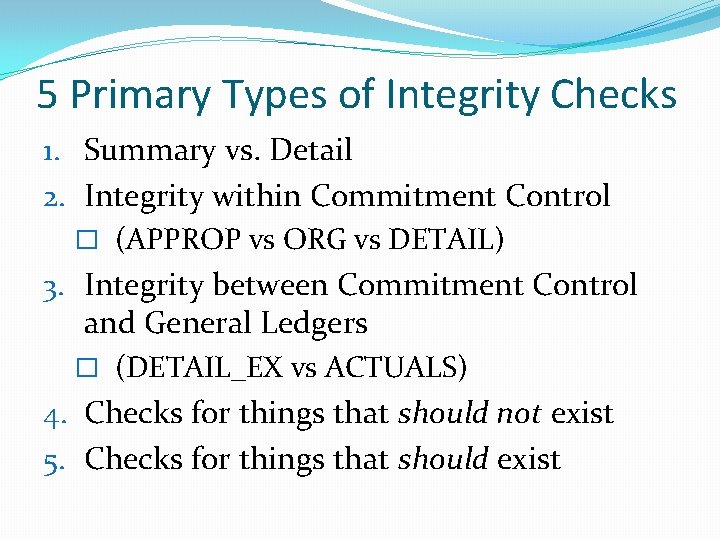
5 Primary Types of Integrity Checks 1. Summary vs. Detail 2. Integrity within Commitment Control � (APPROP vs ORG vs DETAIL) 3. Integrity between Commitment Control and General Ledgers � (DETAIL_EX vs ACTUALS) 4. Checks for things that should not exist 5. Checks for things that should exist
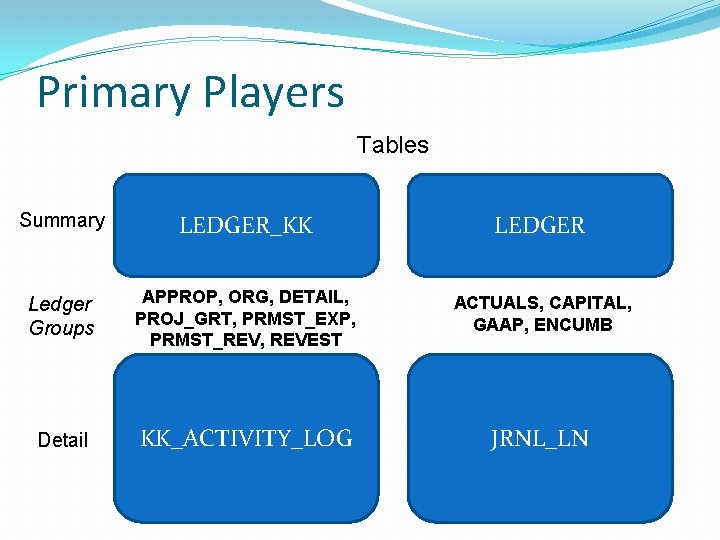
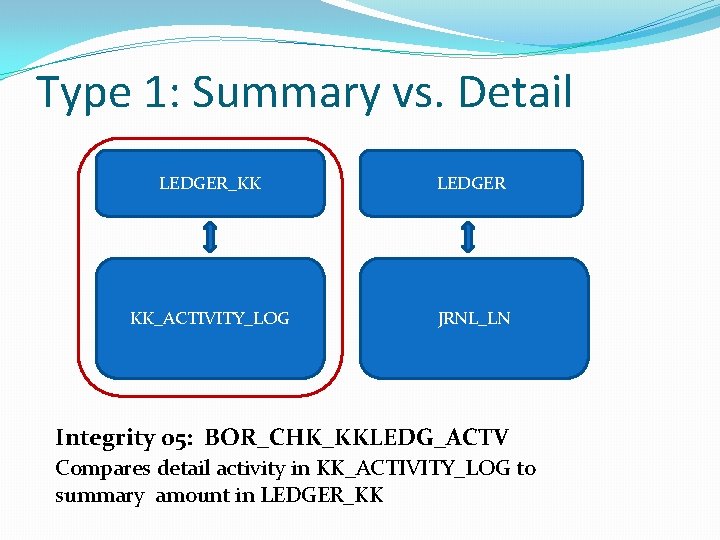
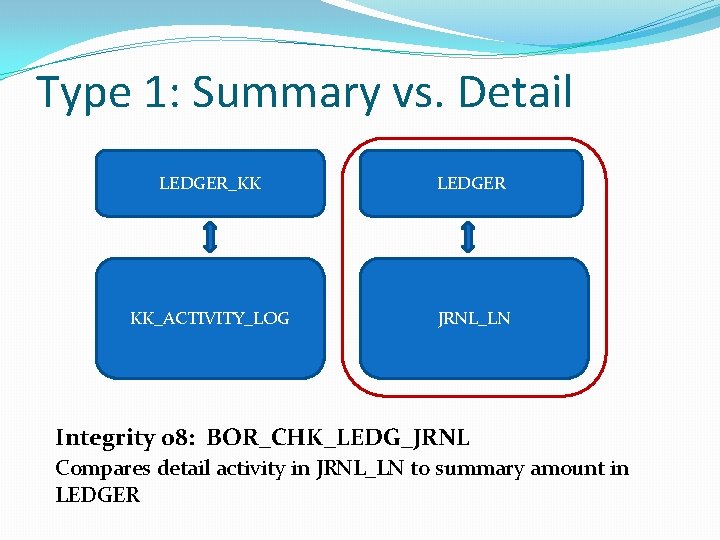
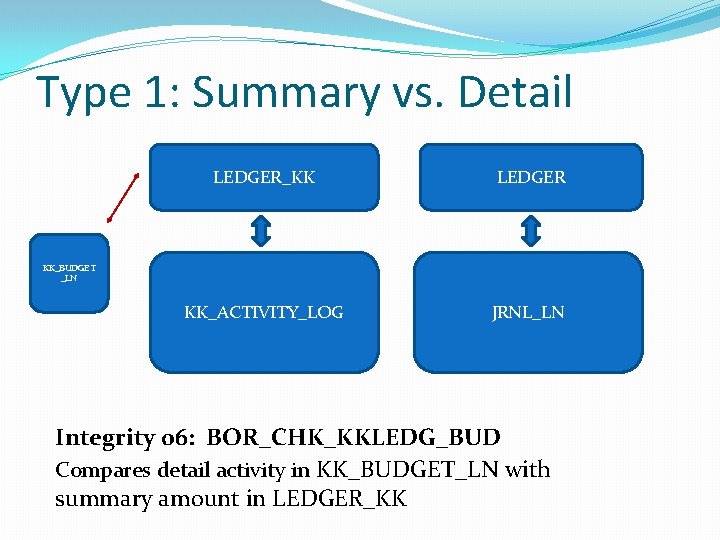
Primary Players Tables Summary LEDGER_KK LEDGER Ledger Groups APPROP, ORG, DETAIL, PROJ_GRT, PRMST_EXP, PRMST_REV, REVEST ACTUALS, CAPITAL, GAAP, ENCUMB Detail KK_ACTIVITY_LOG JRNL_LN
Type 1: Summary vs. Detail LEDGER_KK LEDGER KK_ACTIVITY_LOG JRNL_LN Integrity 05: BOR_CHK_KKLEDG_ACTV Compares detail activity in KK_ACTIVITY_LOG to summary amount in LEDGER_KK
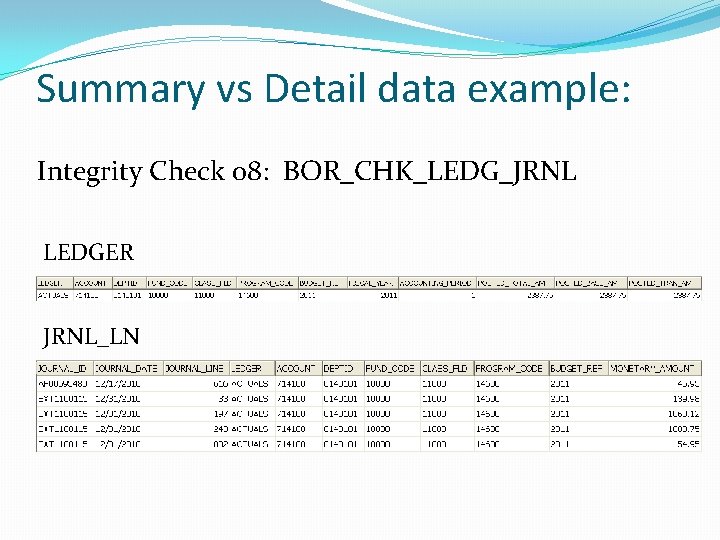
Type 1: Summary vs. Detail LEDGER_KK LEDGER KK_ACTIVITY_LOG JRNL_LN Integrity 08: BOR_CHK_LEDG_JRNL Compares detail activity in JRNL_LN to summary amount in LEDGER
Type 1: Summary vs. Detail LEDGER_KK LEDGER KK_ACTIVITY_LOG JRNL_LN KK_BUDGET _LN Integrity 06: BOR_CHK_KKLEDG_BUD Compares detail activity in KK_BUDGET_LN with summary amount in LEDGER_KK
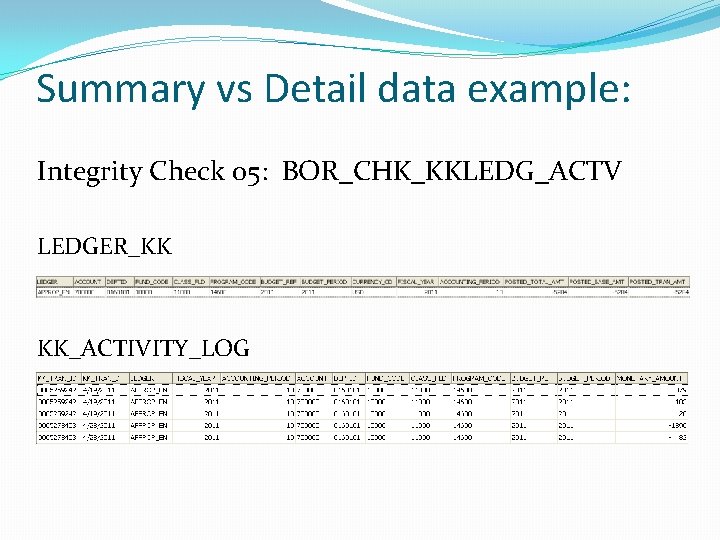
Summary vs Detail data example: Integrity Check 05: BOR_CHK_KKLEDG_ACTV LEDGER_KK KK_ACTIVITY_LOG
Summary vs Detail data example: Integrity Check 08: BOR_CHK_LEDG_JRNL LEDGER JRNL_LN
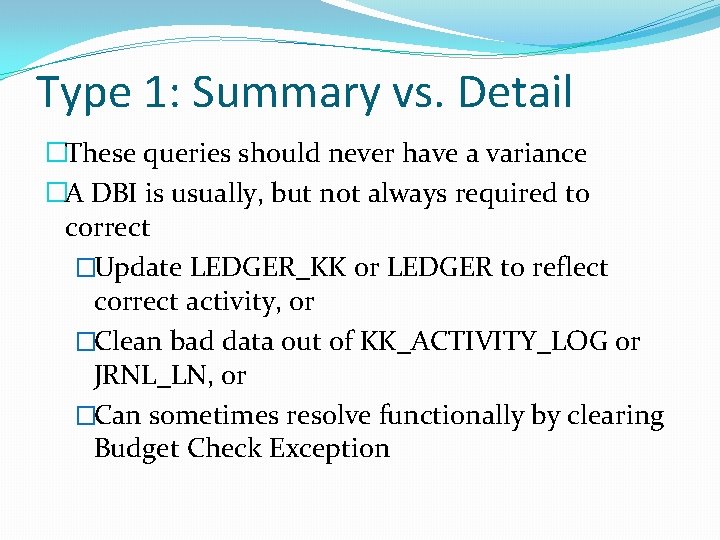
Type 1: Summary vs. Detail �These queries should never have a variance �A DBI is usually, but not always required to correct �Update LEDGER_KK or LEDGER to reflect correct activity, or �Clean bad data out of KK_ACTIVITY_LOG or JRNL_LN, or �Can sometimes resolve functionally by clearing Budget Check Exception
Type 2: Integrity within Commitment Control LEDGER_KK APPROP ORG DETAIL PRMST_EXP PRMST_REV PROJ_GRT REVEST Integrity 01: BOR_CHK_PROJ_ENC_LEG - Encumbrances between PRMST, PROJ_GRT, and DETAIL Integrity 04: BOR_CHK_UNREST_LEDGER - Encumbrances and Expense between APPROP, ORG, and DETAIL Integrity 10: BOR_CHK_REVAPPROP_BUD - Budgets between REVEST and APPROP
Integrity within Commitment Control data examples: Integrity Check 01: BOR_CHK_PROJ_ENC_LEG LEDGER_KK
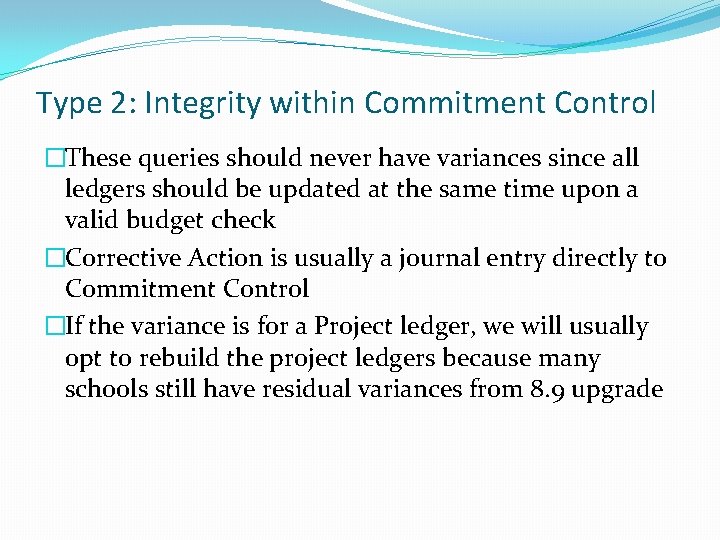
Type 2: Integrity within Commitment Control �These queries should never have variances since all ledgers should be updated at the same time upon a valid budget check �Corrective Action is usually a journal entry directly to Commitment Control �If the variance is for a Project ledger, we will usually opt to rebuild the project ledgers because many schools still have residual variances from 8. 9 upgrade
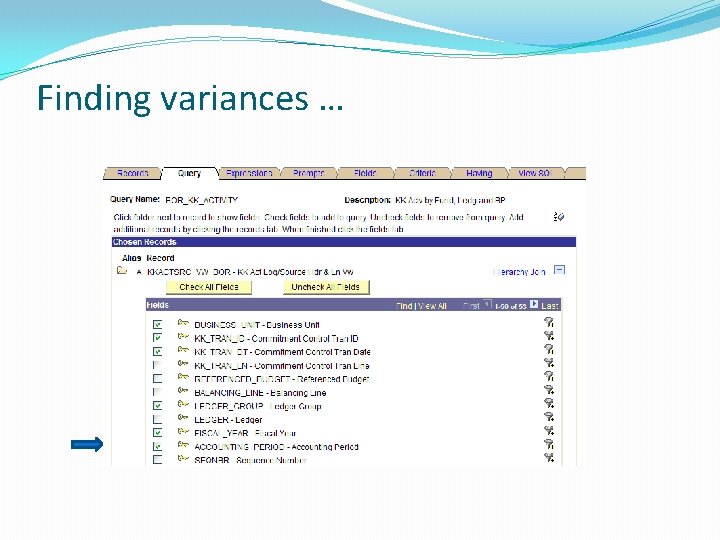
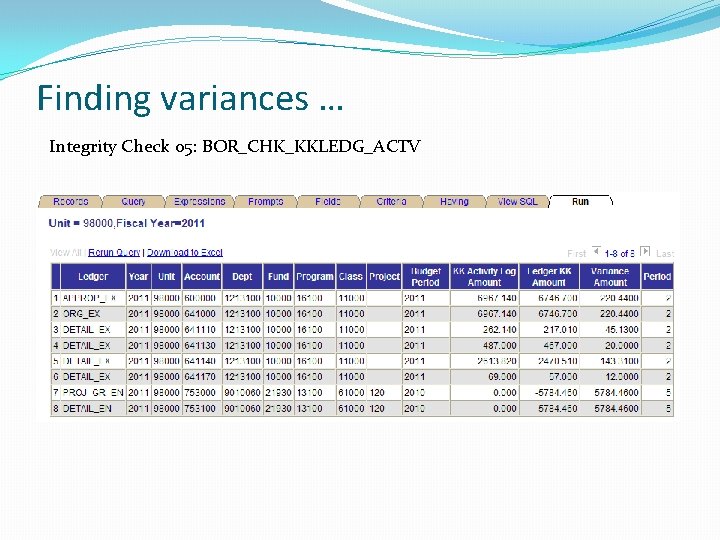
So, how do you find these variances? �For variances in the Summary vs Detail and Integrity within Commitment Control queries find the accounting period where the variance exists �Then use a detail query to identify the specific transaction(s)
Finding variances … Integrity Check 05: BOR_CHK_KKLEDG_ACTV
Finding variances …
Finding variances … Integrity Check 05: BOR_CHK_KKLEDG_ACTV
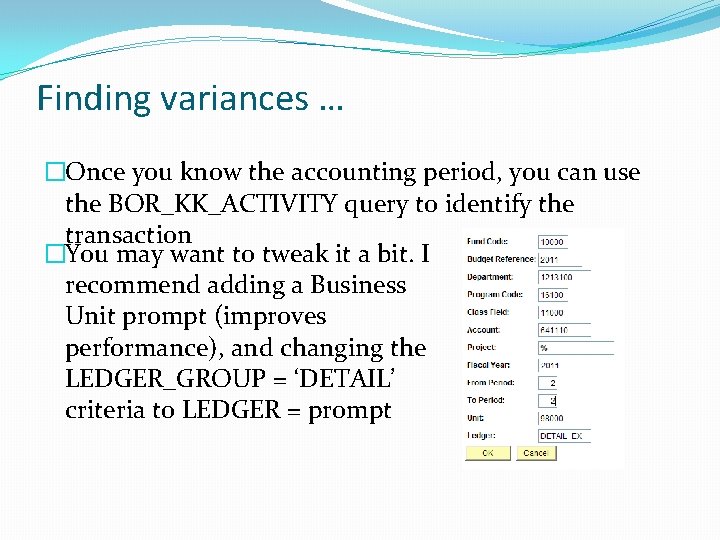
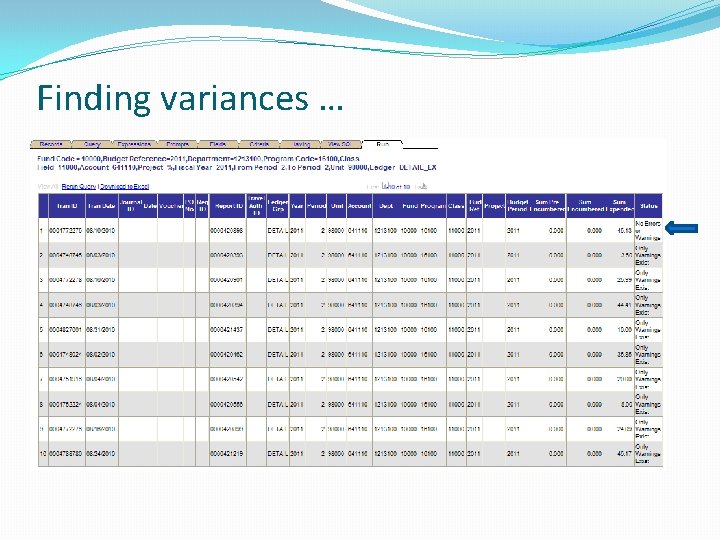
Finding variances … �Once you know the accounting period, you can use the BOR_KK_ACTIVITY query to identify the transaction �You may want to tweak it a bit. I recommend adding a Business Unit prompt (improves performance), and changing the LEDGER_GROUP = ‘DETAIL’ criteria to LEDGER = prompt
Finding variances …
So now what? � Once you’ve found the transaction, check for any budget errors. If they exist, clear them. �Even if the transaction does not show as having a Budget Error, re-budget checking can sometimes clear the issue (may need to trick the system to reset the budget flags) �If the variance persists, submit a ticket to ITS
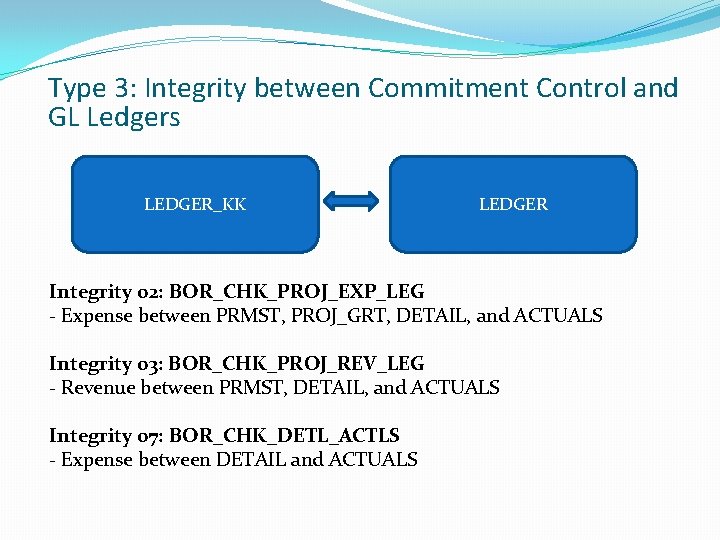
Type 3: Integrity between Commitment Control and GL Ledgers LEDGER_KK LEDGER Integrity 02: BOR_CHK_PROJ_EXP_LEG - Expense between PRMST, PROJ_GRT, DETAIL, and ACTUALS Integrity 03: BOR_CHK_PROJ_REV_LEG - Revenue between PRMST, DETAIL, and ACTUALS Integrity 07: BOR_CHK_DETL_ACTLS - Expense between DETAIL and ACTUALS
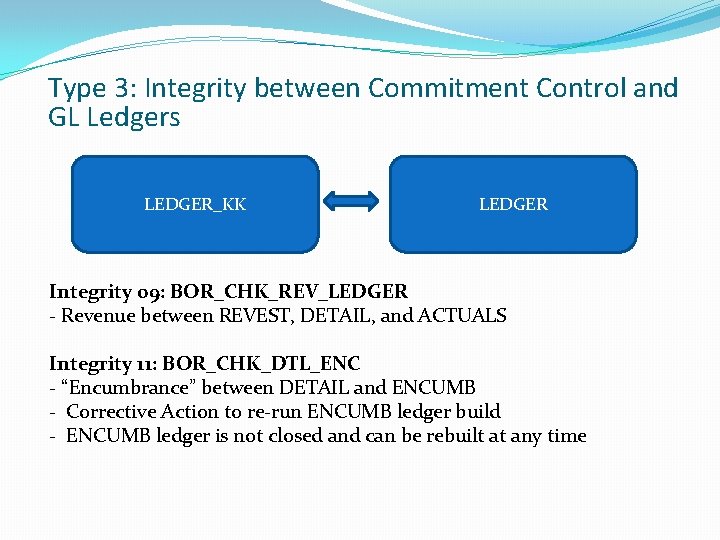
Type 3: Integrity between Commitment Control and GL Ledgers LEDGER_KK LEDGER Integrity 09: BOR_CHK_REV_LEDGER - Revenue between REVEST, DETAIL, and ACTUALS Integrity 11: BOR_CHK_DTL_ENC - “Encumbrance” between DETAIL and ENCUMB - Corrective Action to re-run ENCUMB ledger build - ENCUMB ledger is not closed and can be rebuilt at any time
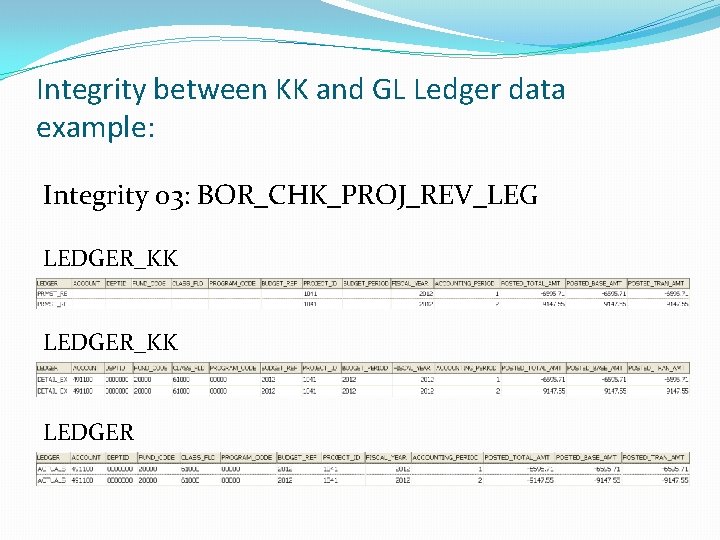
Integrity between KK and GL Ledger data example: Integrity 03: BOR_CHK_PROJ_REV_LEG LEDGER_KK LEDGER
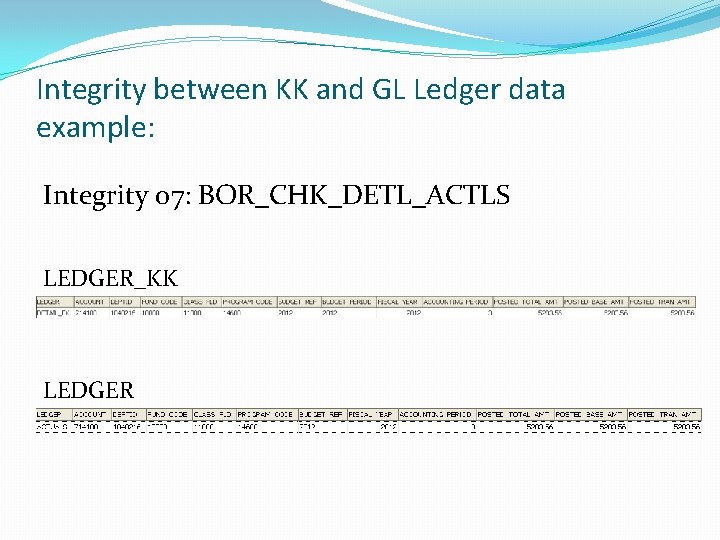
Integrity between KK and GL Ledger data example: Integrity 07: BOR_CHK_DETL_ACTLS LEDGER_KK LEDGER
Type 3: Integrity between Commitment Control and GL Ledgers �Variances between Commitment Control and ACTUALS very common �Timing Issue - Any transaction that has been budget checked and not posted will be a variance �If running throughout year, monitor for lingering variances �Will probably only be clear at Fiscal Year End �If “true” variance, then journals to Commitment Control are usually needed
Finding variances… � 3 primary sources of variances: �Vouchers budget checked, but not yet posted (BOR_AP_UNPOSTED_VCHR) �Expense Reports budget checked, but not yet posted (BOR_EX_UNPOSTED_ACCRUALS) �Expense Reports posting for different amount than budget checked
Finding variances… �“Known Issue” with Expense Reports not re-budget checking when mileage is changed �Workaround: uncheck/recheck “approve expense” box �If you are an Expense user, add BOR_KK_EX_ER_RECON to your month end list of queries to run �This query will return any Expense Reports budget checked for a different amount than posted for �Relatively easy DBI to fix if caught before Expense Reports are closed
Type 4: Checks for Things that Should Not Exist �Month End 01: BOR_CHK_JE_PENDING - Returns transactions not journal generated or journals with errors �Month End 02: BOR_CHK_UNPOST_SUBSYSTEM - Returns any subsystem journal that has been unposted (ability to unpost subsystem journals has been removed) - Will cause FDM errors
Type 4: Checks for Things that Should Not Exist �Month End 03: BOR_CHK_CASH_ENCUMB - Returns cash encumbrances (ITS can run utility to delete them) - Coming from Encumbrance journals on which the ‘DEFAULT’ transaction code is used. Can be either Payroll Encumbrance process of manual Encumbrance journals - Will cause your BOR_BTA_ENCUMB_PAYABLE query to be out - Will cause FDM editor errors for period 0
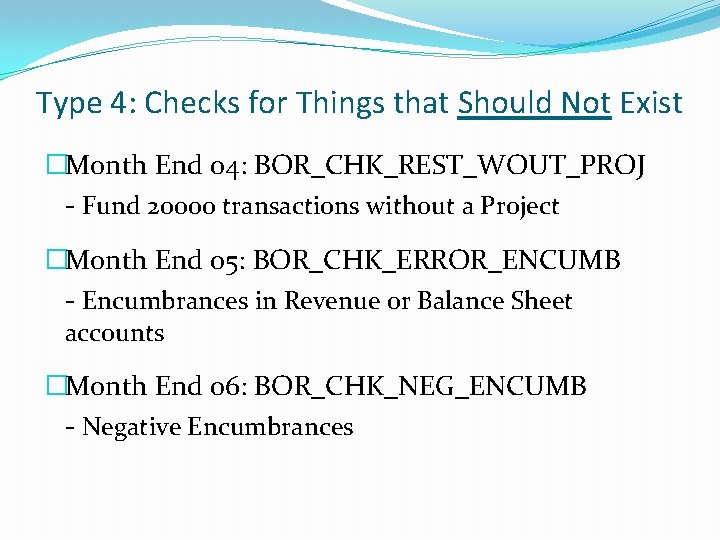
Type 4: Checks for Things that Should Not Exist �Month End 04: BOR_CHK_REST_WOUT_PROJ - Fund 20000 transactions without a Project �Month End 05: BOR_CHK_ERROR_ENCUMB - Encumbrances in Revenue or Balance Sheet accounts �Month End 06: BOR_CHK_NEG_ENCUMB - Negative Encumbrances
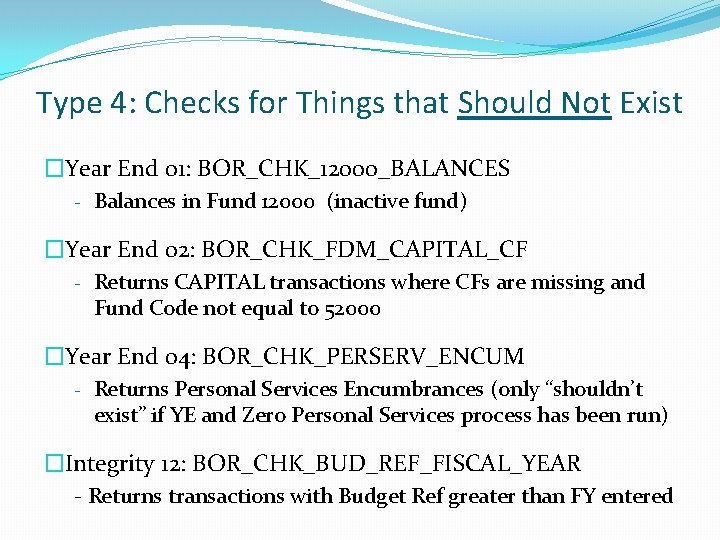
Type 4: Checks for Things that Should Not Exist �Year End 01: BOR_CHK_12000_BALANCES - Balances in Fund 12000 (inactive fund) �Year End 02: BOR_CHK_FDM_CAPITAL_CF - Returns CAPITAL transactions where CFs are missing and Fund Code not equal to 52000 �Year End 04: BOR_CHK_PERSERV_ENCUM - Returns Personal Services Encumbrances (only “shouldn’t exist” if YE and Zero Personal Services process has been run) �Integrity 12: BOR_CHK_BUD_REF_FISCAL_YEAR - Returns transactions with Budget Ref greater than FY entered
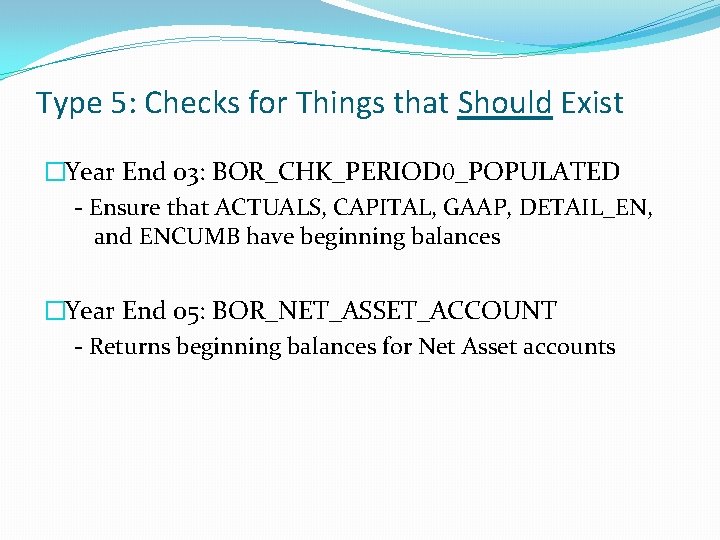
Type 5: Checks for Things that Should Exist �Year End 03: BOR_CHK_PERIOD 0_POPULATED - Ensure that ACTUALS, CAPITAL, GAAP, DETAIL_EN, and ENCUMB have beginning balances �Year End 05: BOR_NET_ASSET_ACCOUNT - Returns beginning balances for Net Asset accounts
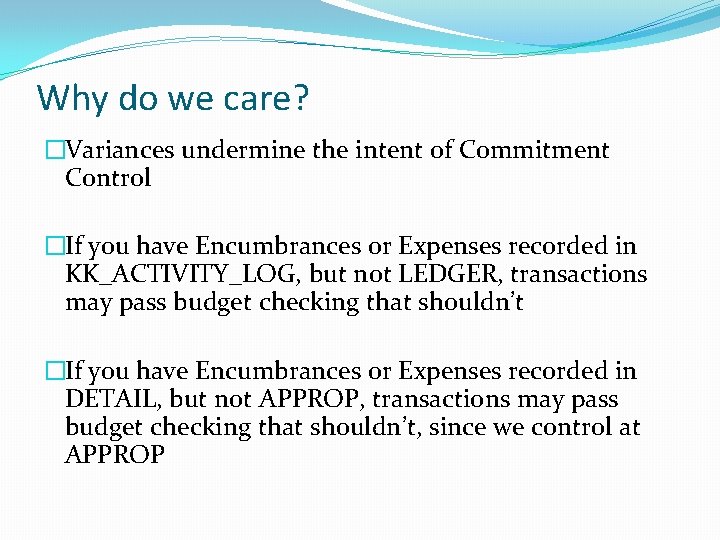
Why do we care? �Variances undermine the intent of Commitment Control �If you have Encumbrances or Expenses recorded in KK_ACTIVITY_LOG, but not LEDGER, transactions may pass budget checking that shouldn’t �If you have Encumbrances or Expenses recorded in DETAIL, but not APPROP, transactions may pass budget checking that shouldn’t, since we control at APPROP
Why do we care? �Can cause overspending or underspending �Year End Reporting of Expenses does come from ACTUALS, but if you’re spending based on KK, then your numbers may not be what you expected �Causes inaccurate reporting to your departments
Why do we care? �Encumbrance errors can affect your ENCUMB ledger which affects the BTA_ENCUMB_PAYABLE query and the Budgetary Compliance Report �Encumbrance errors will affect your Surplus/Deficit reporting �Bad data can cause FDM editor errors
Wrap-Up �Run Summary vs Detail, Integrity within Commitment Control, and Checks for things that shouldn’t exist throughout the year, don’t wait until Year End �Begin the hunt for variances by adding accounting period to queries �You may still need ITS to find or correct the variance
Questions