
Integrating Technology in the Learning Process 2 Indonesia



- Slides: 42
Integrating Technology in the Learning Process - 2 Indonesia AG Bible School Consultation - 2007
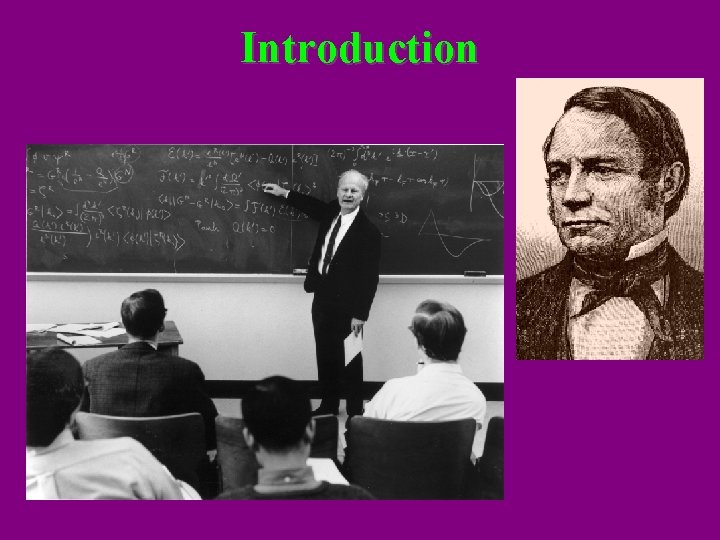
Introduction
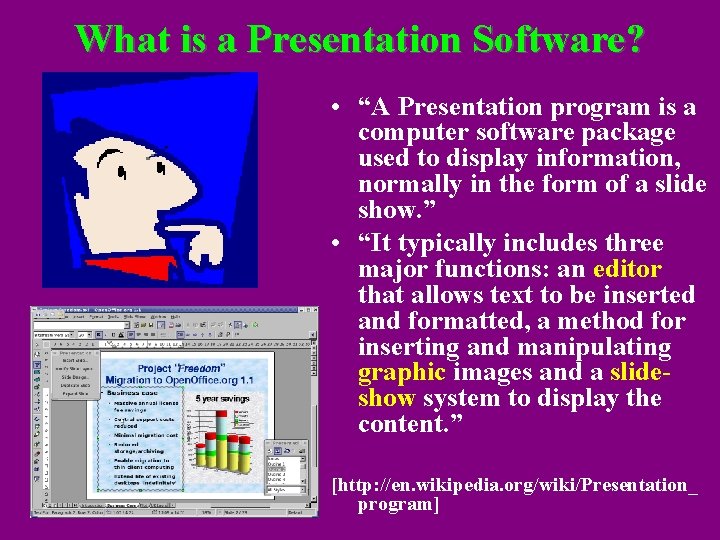
What is a Presentation Software? • “A Presentation program is a computer software package used to display information, normally in the form of a slide show. ” • “It typically includes three major functions: an editor that allows text to be inserted and formatted, a method for inserting and manipulating graphic images and a slideshow system to display the content. ” [http: //en. wikipedia. org/wiki/Presentation_ program]
Presentation Software: Facts • Over 10 Million copies of Microsoft’s Power. Point can be found on computers in public schools in the U. S. A. • "At a conservative estimate, Power. Point can be found on 250 million computers worldwide. According to Microsoft, 30 million Power. Point presentations take place every day: 1. 25 million every hour. " [Mahin]
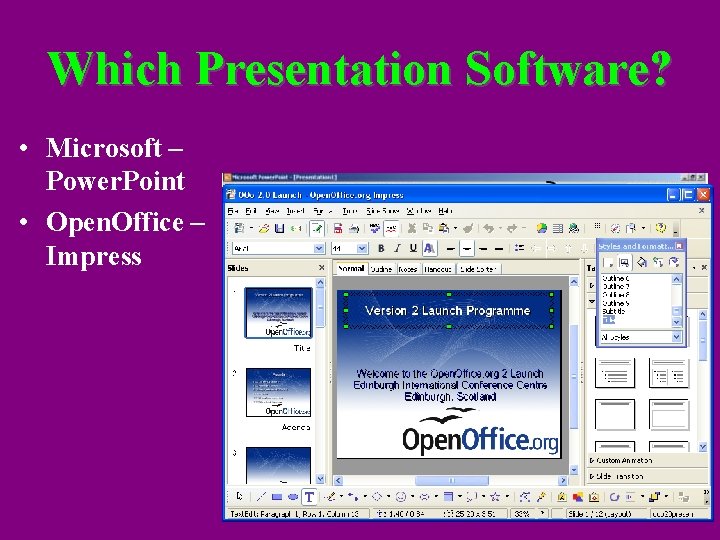
Which Presentation Software? • Microsoft – Power. Point • Open. Office – Impress
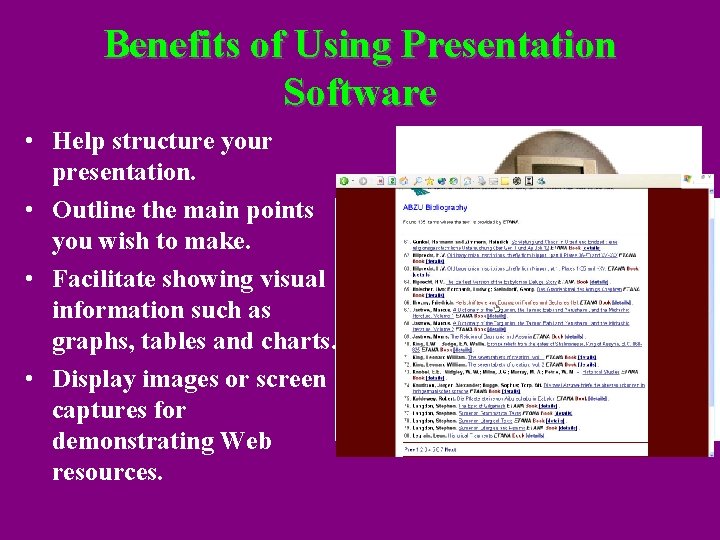
Benefits of Using Presentation Software • Help structure your presentation. • Outline the main points you wish to make. • Facilitate showing visual information such as graphs, tables and charts. • Display images or screen captures for demonstrating Web resources.
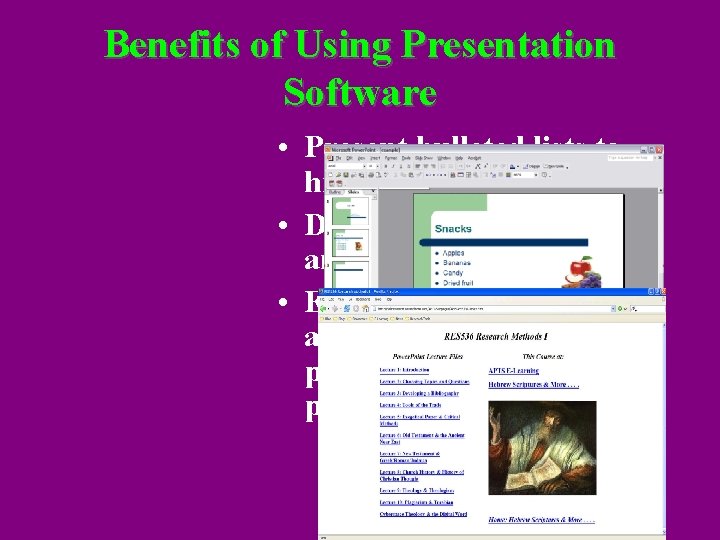
Benefits of Using Presentation Software • Present bulleted lists to highlight key points. • Display graphics, sound and video clips. • Easily make information available on the Web by posting it after the presentation.
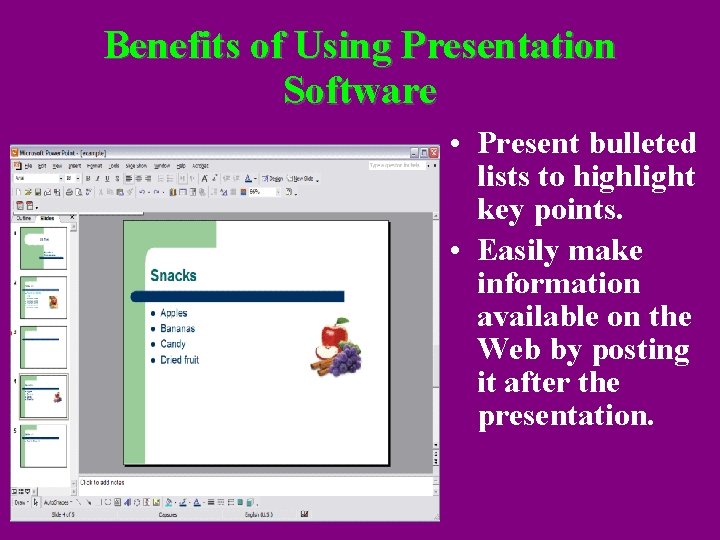
Benefits of Using Presentation Software • Present bulleted lists to highlight key points. • Easily make information available on the Web by posting it after the presentation.
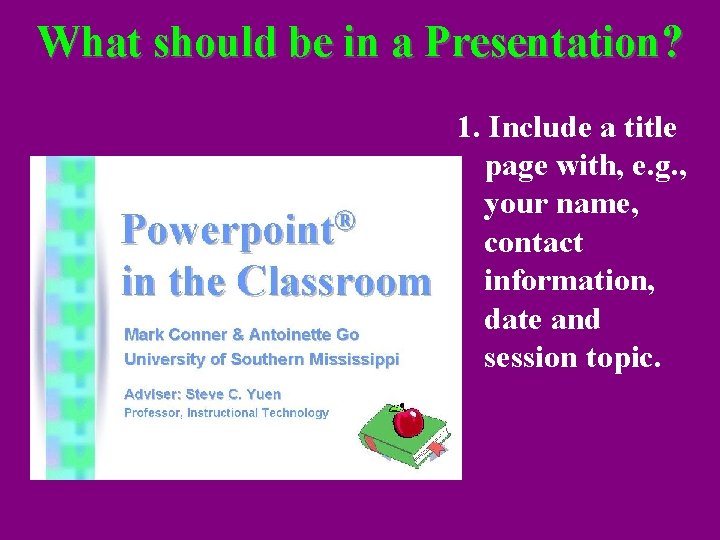
What should be in a Presentation? 1. Include a title page with, e. g. , your name, contact information, date and session topic.
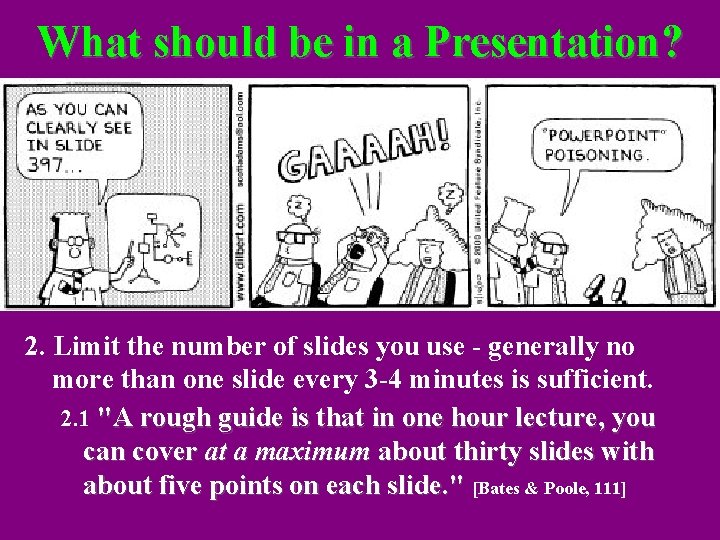
What should be in a Presentation? 2. Limit the number of slides you use - generally no more than one slide every 3 -4 minutes is sufficient. 2. 1 "A rough guide is that in one hour lecture, you can cover at a maximum about thirty slides with about five points on each slide. " [Bates & Poole, 111]
What should be in a Presentation? 3. Include only the main points. 4. Include only one main concept per slide.
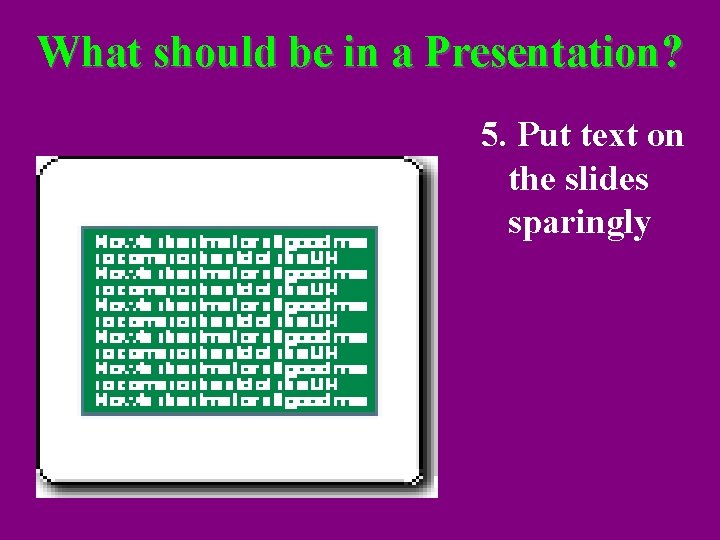
What should be in a Presentation? 5. Put text on the slides sparingly - you don't want students to read your slides while you are talking (try to limit your text to 6 -7 words per line and 5 -6 lines per slide). 5. 1 “. . . it is conventional wisdom to put no more than six lines of text on a Power. Point slide, six words per line. But that convention is no longer wise in the light of research that shows that even that amount of text on a slide can be a recipe for information overload. ” [Atkinson & Mayer]
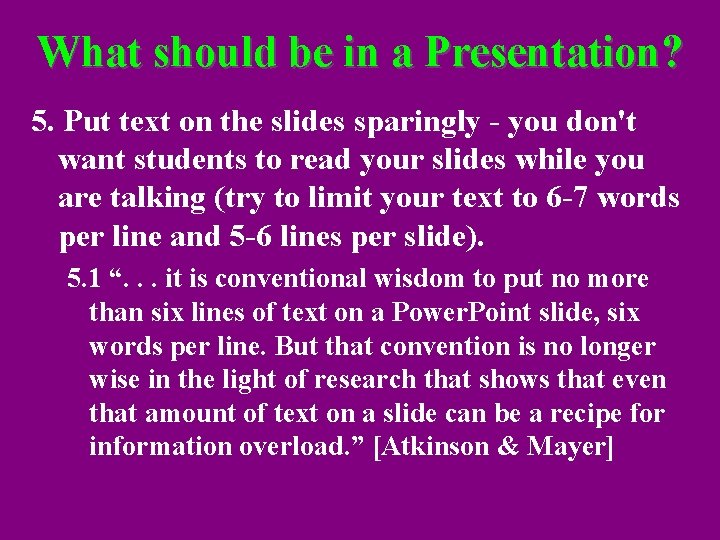
What should be in a Presentation? 5. Put text on the slides sparingly
What should be in a Presentation? 6. Sounds, color, animation, video clips, or other effects can be used minimally to support your presentation.
What should be in a Presentation? 7. Include a conclusion slide with a summary.
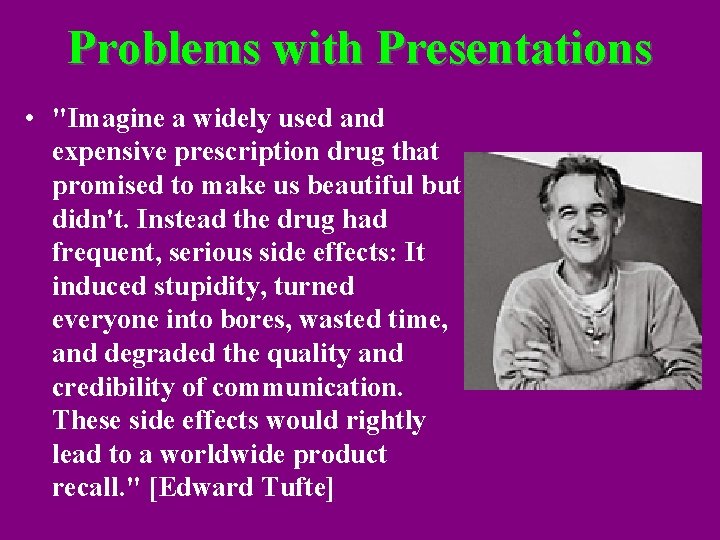
Problems with Presentations • "Imagine a widely used and expensive prescription drug that promised to make us beautiful but didn't. Instead the drug had frequent, serious side effects: It induced stupidity, turned everyone into bores, wasted time, and degraded the quality and credibility of communication. These side effects would rightly lead to a worldwide product recall. " [Edward Tufte]
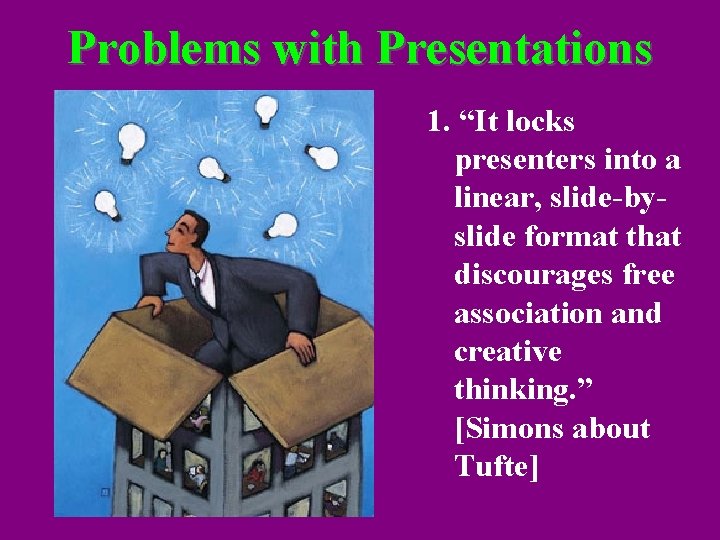
Problems with Presentations 1. “It locks presenters into a linear, slide-byslide format that discourages free association and creative thinking. ” [Simons about Tufte]
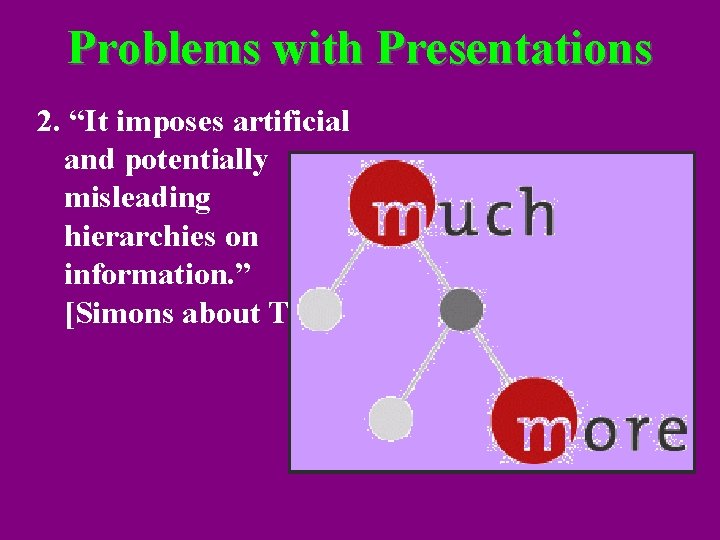
Problems with Presentations 2. “It imposes artificial and potentially misleading hierarchies on information. ” [Simons about Tufte]
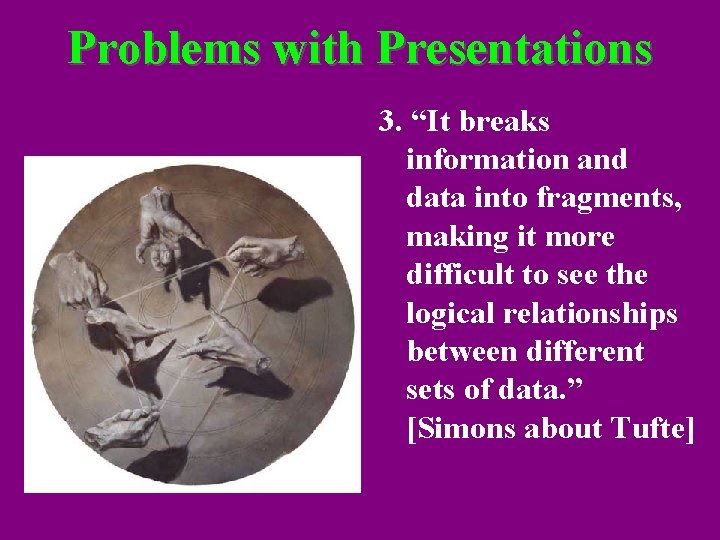
Problems with Presentations 3. “It breaks information and data into fragments, making it more difficult to see the logical relationships between different sets of data. ” [Simons about Tufte]
Problems with Presentations 4. “It encourages oversimplification by asking presenters to summarize key concepts in as few words as possible – e. g. , bullet points – which can lead to gross generalizations, imprecise logic, superficial reasoning and, quite often, misleading conclusions. ” [Simons about Tufte]
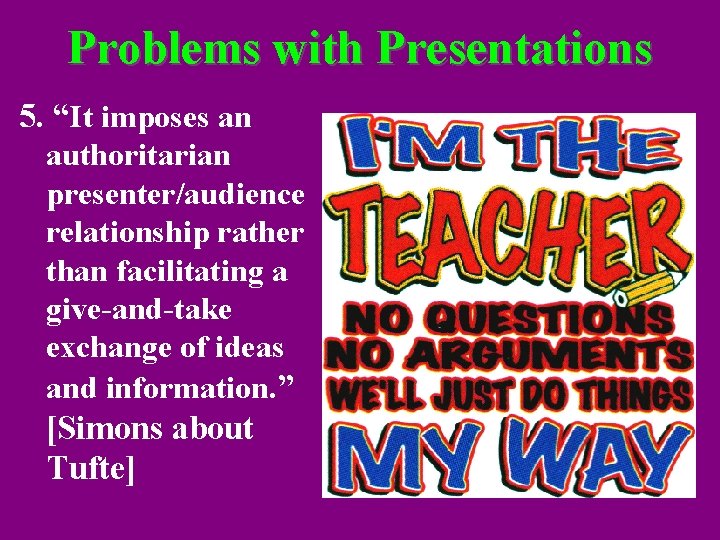
Problems with Presentations 5. “It imposes an authoritarian presenter/audience relationship rather than facilitating a give-and-take exchange of ideas and information. ” [Simons about Tufte]
A Warning • “Good teaching may overcome a poor choice in the use of technology, but technology will never save bad teaching; usually it makes it worse. ” [Bates & Poole, Effective Teaching with Technology in Higher Education: Foundations for Success]
Philosophy of Presentations Atkinson & Mayer argue that we must align “Power. Point with the mind. ” This involves: 1. One Mind, Two Channels 2. Limitation of Perception 3. Learning by Acting
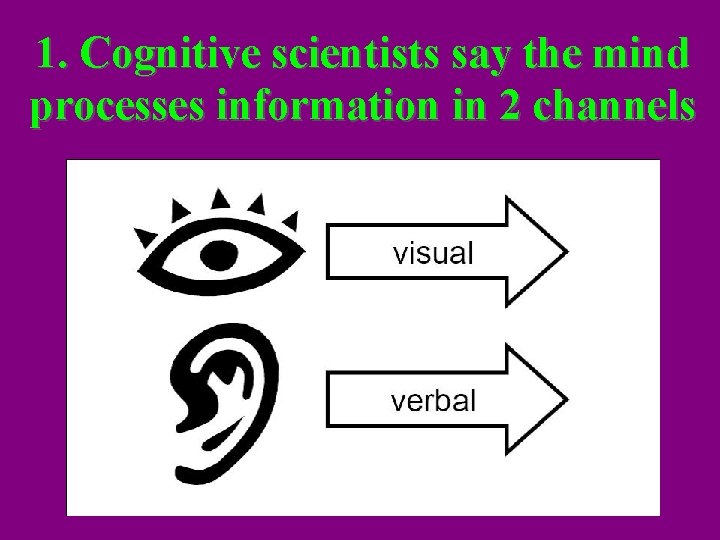
1. Cognitive scientists say the mind processes information in 2 channels
1. Cognitive scientists say the mind processes information in 2 channels • Does the presentation take advantage of the dual-channel structure of the human information processing system, by presenting complementary material in words and pictures?
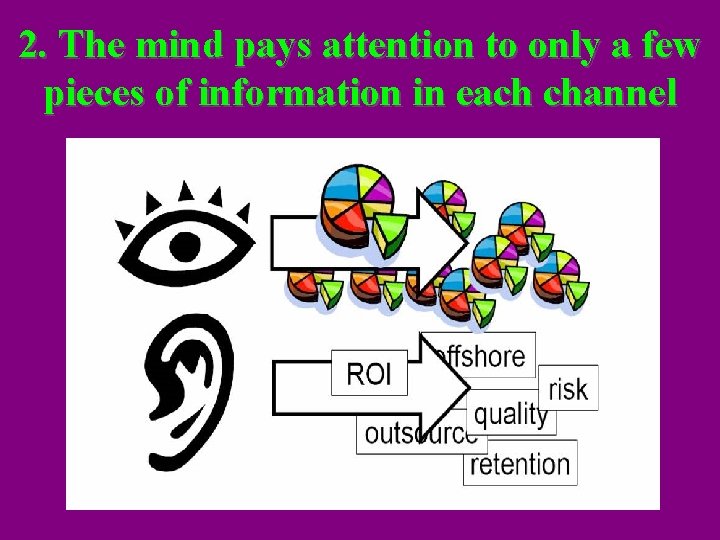
2. The mind pays attention to only a few pieces of information in each channel
2. The mind pays attention to only a few pieces of information in each channel • Does the presentation take into consideration the limited capacity of the information processing channels, by minimizing the chances of overloading the cognitive system?
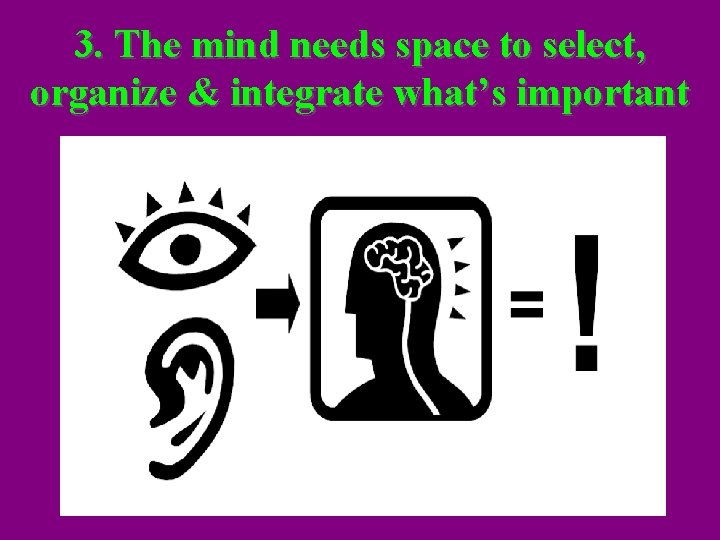
3. The mind needs space to select, organize & integrate what’s important
Active processing People understand the presented material when they: 1. Pay attention to the relevant material 2. Organize it in a coherent mental structure 3. Integrate it with their prior knowledge
3. The mind needs space to select, organize & integrate what’s important • Does the presentation promote active cognitive processing by guiding the processes of selecting, organizing, and integrating information?
How the Mind Works: Summary 1. Use both visual and verbal forms of presentation 2. Too much information will cause an overload 3. Help learners select, organize and integrate information
Five Research-based principles can help you reduce the Presentation load 1. The Signaling Principle 2. The Segmenting Principle 3. The Modality Principle 4. The Multimedia Principle 5. The Coherence Principle
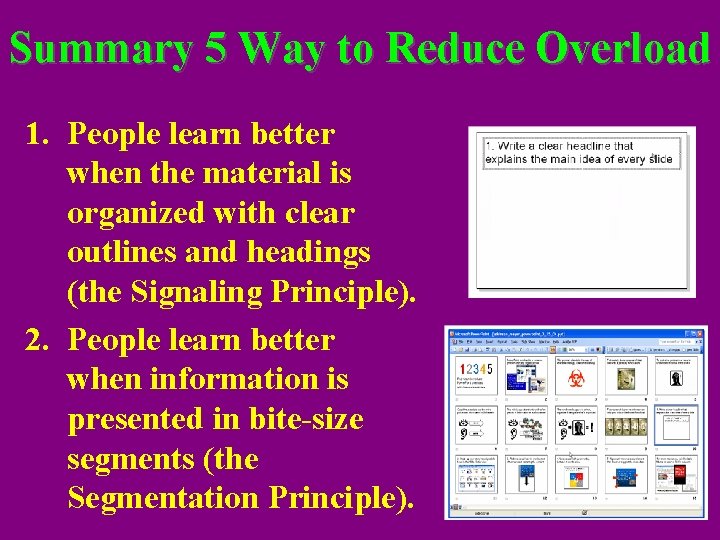
1. Write a clear headline that explains the main idea of every slide The Signaling Principle: “Research finding: people learn better when the material is organized with clear outlines and headings. ”
2. Break up your story into digestible bites in the Slide Sorter view The Segmentation Principle: “Research finding: People learn better when information is presented in bite-size segments”
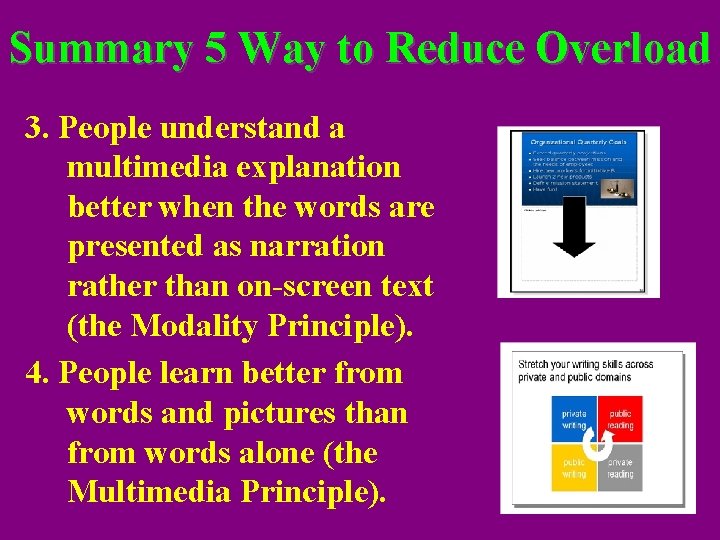
3. Reduce visual load by moving text off-screen and narrating the content The Modality Principle: “Research finding: People understand a multimedia explanation better when the words are presented as narration rather than on-screen text. ”
4. Use visuals with your words, instead of words alone The Multimedia Principle: “Research finding: people learn better from words and pictures than from words alone. ”
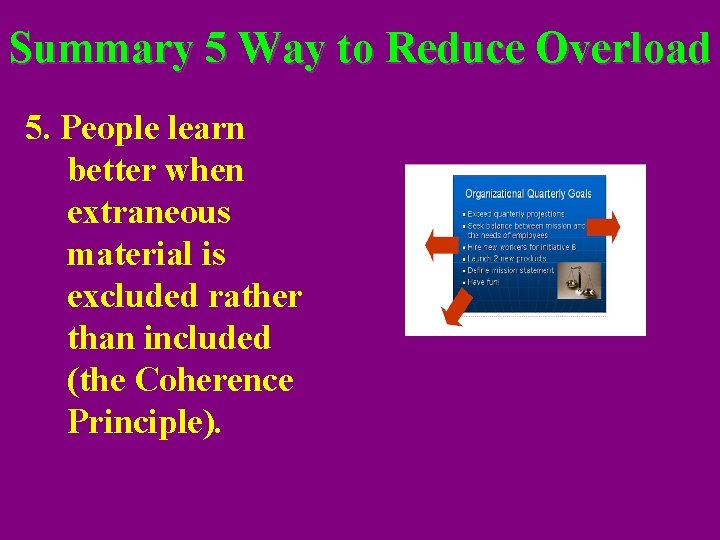
5. Rigorously remove every element that does not support the main idea The Coherence Principle: “Research finding: people learn better when extraneous material is excluded rather than included. ”
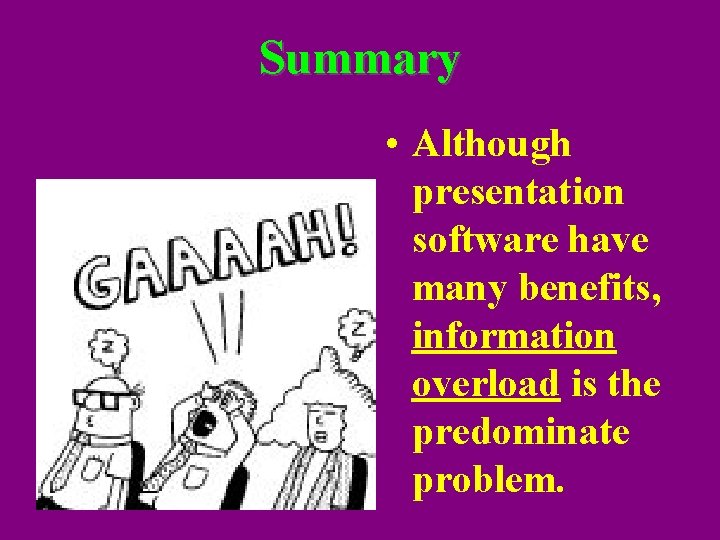
Summary • Although presentation software have many benefits, information overload is the predominate problem.
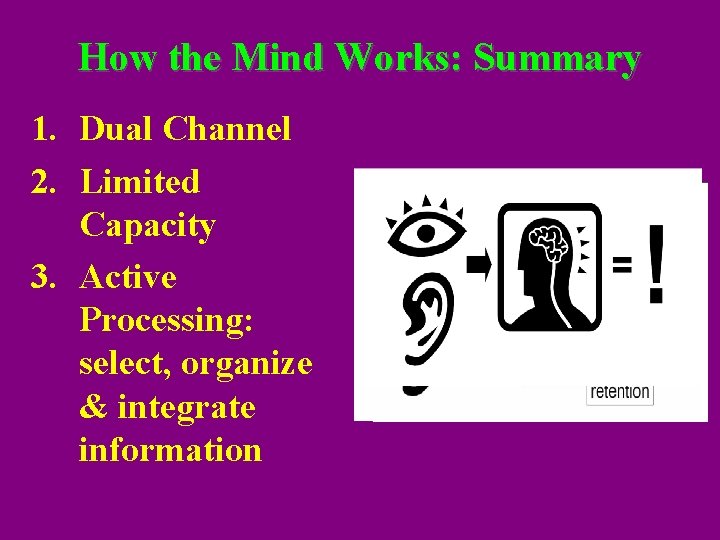
How the Mind Works: Summary 1. Dual Channel 2. Limited Capacity 3. Active Processing: select, organize & integrate information
Summary 5 Way to Reduce Overload 1. People learn better when the material is organized with clear outlines and headings (the Signaling Principle). 2. People learn better when information is presented in bite-size segments (the Segmentation Principle).
Summary 5 Way to Reduce Overload 3. People understand a multimedia explanation better when the words are presented as narration rather than on-screen text (the Modality Principle). 4. People learn better from words and pictures than from words alone (the Multimedia Principle).
Summary 5 Way to Reduce Overload 5. People learn better when extraneous material is excluded rather than included (the Coherence Principle).