
Integrating Educational Technology Into Teaching Transforming Learning Across
- Slides: 31
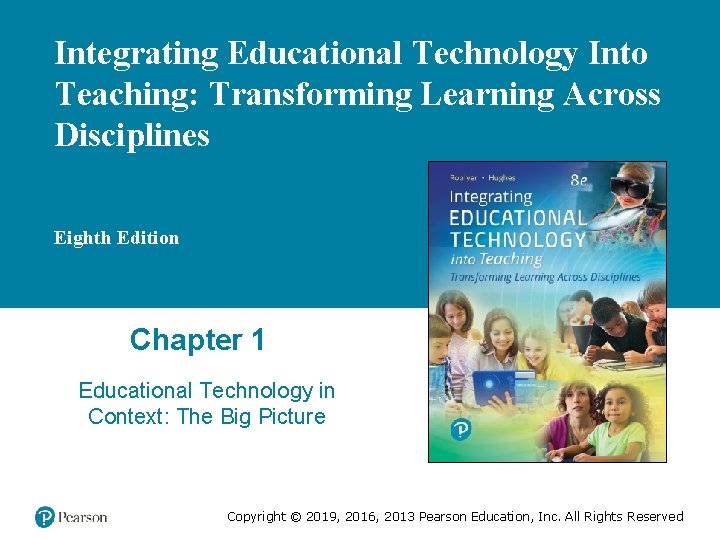
Integrating Educational Technology Into Teaching: Transforming Learning Across Disciplines Eighth Edition Chapter 1 Educational Technology in Context: The Big Picture Copyright © 2019, 2016, 2013 Pearson Education, Inc. All Rights Reserved
Learning Objectives (1 of 2) 1. 1 Analyze how (a) historical perspectives on educational technology, (b) current definitions for educational technology and integrating educational technology, and (c) educational technology resources in schools shape opportunities for integrating educational technology in classrooms. (ISTE Standards for Educators: 1—Learner; 5 —Designer) 1. 2 Describe how the history of digital technology shapes opportunities for integrating educational technology in classrooms. (ISTE Standards for Educators: 1—Learner; 5 —Designer) Copyright © 2019, 2016, 2013 Pearson Education, Inc. All Rights Reserved
Learning Objectives (2 of 2) 1. 3 Understand technology literacy and other 21 st-century learning standards that teachers implement for student learning and growth. (ISTE Standards for Educators: 1—Learner; 5— Designer; 6—Facilitator) 1. 4 Articulate the impact of educational, political, technical, societal, equity/cultural, and legal/ethical conditions on current uses of technology in education. (ISTE Standards for Educators: 2—Leader; 3—Citizen; 4—Collaborator; 5—Designer) 1. 5 Characterize trends in emerging technologies and describe how they shape teaching and learning. (ISTE Standards for Educators: 1—Learner; 2—Leader; 5—Designer) Copyright © 2019, 2016, 2013 Pearson Education, Inc. All Rights Reserved
Technology Integration in Action: Then and Now • Ms. Thomas - Then (1981 -1982) – – – • MECC Oregon Trail software Logo computer programming Ms. Thomas - Now (2018+) – – – • Computer-assisted instruction Interactive whiteboards One-to-one computing Makerspaces Social networking sites Graphing calculators Virtual fieldtrips “Ms. Thomas is looking forward to the future” Copyright © 2019, 2016, 2013 Pearson Education, Inc. All Rights Reserved
The “Big Picture” on Technology in Education Copyright © 2019, 2016, 2013 Pearson Education, Inc. All Rights Reserved
Why We Need the “Big Picture” • Learn key terminology • Reflect on the past to shape the future • Consider currently available resources and how to use them • Look ahead to emerging trends Copyright © 2019, 2016, 2013 Pearson Education, Inc. All Rights Reserved
Perspectives That Define Educational Technology • Perspective 1: Educational Technology as Communications Media • Perspective 2: Educational Technology as Instructional Systems and Instructional Design • Perspective 3: Educational Technology Vocational Training • Perspective 4: Educational Technology as Computer Systems (a. k. a. Educational and Instructional Computing) • Perspective 5: Educational Technology as Learning Sciences Copyright © 2019, 2016, 2013 Pearson Education, Inc. All Rights Reserved
Components of Integrating Educational Technology • Educational processes – Learning theories – Pedagogical or instructional practices – Curriculum standards or content knowledge • Technology resources – Technology tools (media, software, hardware) – Technology support – Technology expertise • Educational technology – Resources leveraged to support educational processes Copyright © 2019, 2016, 2013 Pearson Education, Inc. All Rights Reserved
Definition of Integrating Educational Technology • Integrating Educational Technology – Identifying problems of practice (POPs) – Identifying technological resources as possible solutions – Using the resources as educational technology in learning environments – Assessing if the educational technology solves the POP in ways that replace, amplify, or transform teaching and learning Copyright © 2019, 2016, 2013 Pearson Education, Inc. All Rights Reserved
Technology Resources (1 of 2) • Hardware in Schools – Network (wireless or hardwired) – Computers (desktop, laptop) – Handheld technologies (mobile phones, tablets, e-book – – readers, calculators) Display technologies (projector, interactive whiteboard) Imaging technologies (cameras, scanners, head-mounted displays) Peripherals (keyboard, mouse, microphone) External storage (hard drive, storage media) Copyright © 2019, 2016, 2013 Pearson Education, Inc. All Rights Reserved
Technology Resources (2 of 2) • Software Applications in Schools – Productivity – Instructional – Administrative • Technology Support and Expertise – Technology specialists – Leaders – Parents and students – Technology policies – Technology procedures Copyright © 2019, 2016, 2013 Pearson Education, Inc. All Rights Reserved
Educational Technology: How the Past Shapes the Present and Future Copyright © 2019, 2016, 2013 Pearson Education, Inc. All Rights Reserved
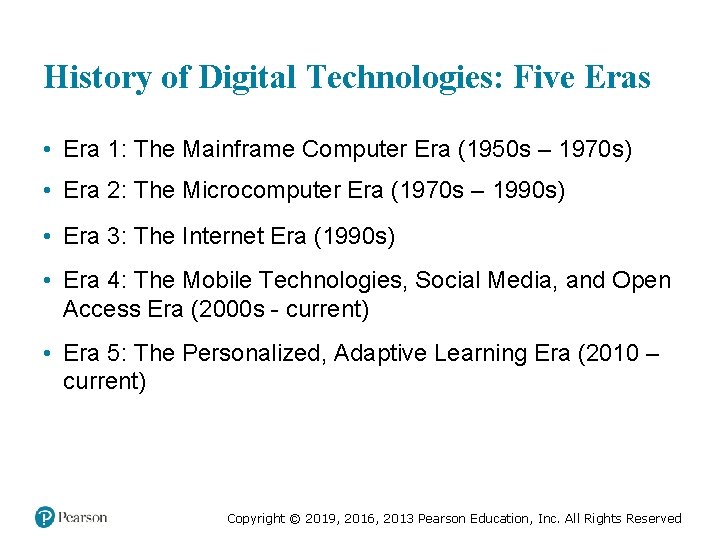
History of Digital Technologies: Five Eras • Era 1: The Mainframe Computer Era (1950 s ‒ 1970 s) • Era 2: The Microcomputer Era (1970 s ‒ 1990 s) • Era 3: The Internet Era (1990 s) • Era 4: The Mobile Technologies, Social Media, and Open Access Era (2000 s - current) • Era 5: The Personalized, Adaptive Learning Era (2010 ‒ current) Copyright © 2019, 2016, 2013 Pearson Education, Inc. All Rights Reserved
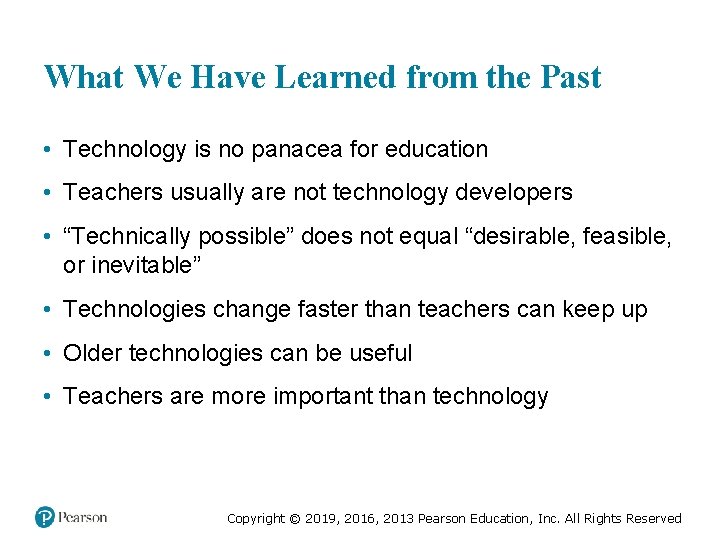
What We Have Learned from the Past • Technology is no panacea for education • Teachers usually are not technology developers • “Technically possible” does not equal “desirable, feasible, or inevitable” • Technologies change faster than teachers can keep up • Older technologies can be useful • Teachers are more important than technology Copyright © 2019, 2016, 2013 Pearson Education, Inc. All Rights Reserved
Today’s Educational Technology Standards and Teaching Competencies Copyright © 2019, 2016, 2013 Pearson Education, Inc. All Rights Reserved
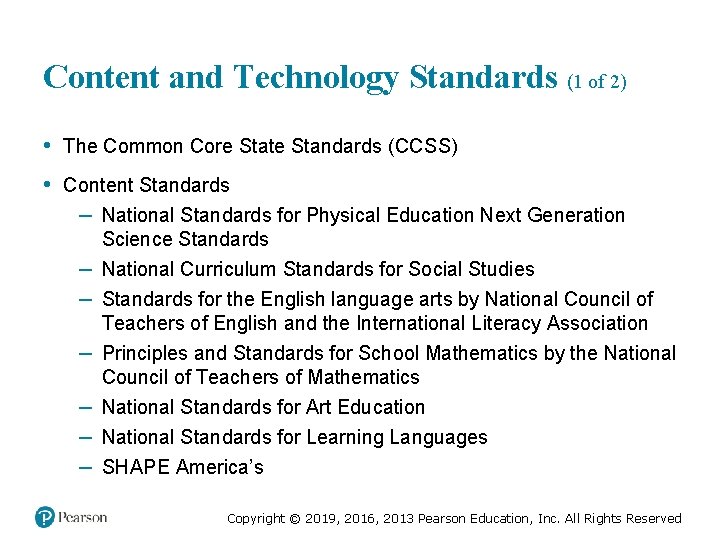
Content and Technology Standards (1 of 2) • The Common Core State Standards (CCSS) • Content Standards – National Standards for Physical Education Next Generation – – – Science Standards National Curriculum Standards for Social Studies Standards for the English language arts by National Council of Teachers of English and the International Literacy Association Principles and Standards for School Mathematics by the National Council of Teachers of Mathematics National Standards for Art Education National Standards for Learning Languages SHAPE America’s Copyright © 2019, 2016, 2013 Pearson Education, Inc. All Rights Reserved
Content and Technology Standards (2 of 2) • ISTE Standards for Students and Educators – Is a road map to helping students become empowered learners. These standards will deepen the practice, promote collaboration with peers, challenge students to rethink traditional approaches and prepare them to drive their own learning. • Partnership for 21 st Century Learning (P 21) Framework – The P 21 Framework for 21 st Century Learning is developed with input from educators, education experts, and business leaders to define and illustrate the skills, knowledge, expertise, and support systems that students need to succeed in work, life, and citizenship. Copyright © 2019, 2016, 2013 Pearson Education, Inc. All Rights Reserved
Content and Technology Standards (2 of 2) • The Information and Communication Technology (ICT) Competency Framework – It is a tool to guide pre- and in- service teacher training on the use of ICTs across the education system. It is intended to be adapted and contextualized to support national and institutional goals. • The Technological Pedagogical Content Knowledge (TPAC K/TPCK) Framework – It refers to knowledge about the complex relations among technology, pedagogy, and content that enable teachers to develop appropriate and context-specific teaching strategies. Copyright © 2019, 2016, 2013 Pearson Education, Inc. All Rights Reserved
Today’s Essential Conditions That Shape Technology Integration Copyright © 2019, 2016, 2013 Pearson Education, Inc. All Rights Reserved
Educational Conditions • Technology Leadership and Vision – A technological leader fosters technological innovation, and understands the technology life cycle. • Digital Literacy and Digital Citizenship – Digital literacy refers to an individual's ability to find, evaluate, and compose clear information through writing and other mediums on various digital platforms. – Digital citizenship is a concept which helps teachers, technology leaders and parents to understand what students/children/technology users should know to use technology appropriately. Copyright © 2019, 2016, 2013 Pearson Education, Inc. All Rights Reserved
Educational Conditions • Optimal Technology-Based Pedagogy – It is the integration of instructional technology into the learning environment of schools. – Refers to educational settings that apply advanced technologies such as computer and the internet in the process of teaching and learning. • Online Learning Opportunities – Distance education or long-distance learning is the education of students who may not always be physically present at a school. Copyright © 2019, 2016, 2013 Pearson Education, Inc. All Rights Reserved
Political Conditions • Visionary Technology Policies – Every organization with computer systems needs to have information technology policies in place to govern the use and management of those systems. – Visionary Technologies provides a wide range of products and services related to machine vision Smart Cameras and PC based systems. • Teacher and Student Accountability for Quality and Progress – The teacher has the most direct impact on a student's success in the classroom. – Accountability means holding everyone with responsibilities to high standards of performance. – Teachers are responsible to help and motivate every student to learn better, not just those students who are self-motivated learners. • (In)Consistent and (In)Adequate Technology Funding Copyright © 2019, 2016, 2013 Pearson Education, Inc. All Rights Reserved
Political Conditions • (In)Consistent and (In)Adequate Technology Funding – To ensure consistent and adequate funding for a technology initiative, administrators need to develop a strategic plan for acquiring funding and using it to support all aspects of the program. – It’s not enough to merely purchase hardware and software. – The budget should also allow for ongoing maintenance, updates, system support and professional development to support the implementation and use of the technology in an area that’s often overlooked during budget planning. Copyright © 2019, 2016, 2013 Pearson Education, Inc. All Rights Reserved
Technical Conditions • Technology Infrastructure – Refers to the composite hardware, software, network resources and services required for the existence, operation and management of an enterprise IT environment. It allows an organization to deliver IT solutions and services to its employees, partners and/or customers and is usually internal to an organization and deployed within owned facilities. • Technology Support – Refers to a range services companies provide to their customers for products such as software, mobile phones, printers, and other electronic, mechanical or electromechanical products. • Malware, Viruses, Spam, and Hacking Copyright © 2019, 2016, 2013 Pearson Education, Inc. All Rights Reserved
Social Conditions • Protecting Personal Privacy • Health • Multitasking • Online Behavior • Community Engagement Copyright © 2019, 2016, 2013 Pearson Education, Inc. All Rights Reserved
Equitable and Cultural Conditions • Digital Equity – ensuring students have equal access and opportunity to digital tools, resources, and services to increase digital knowledge, awareness, and skills. • Racial and Gender Equity – Gender equality, also known as sexual equality, is the state of equal ease of access to resources and opportunities regardless of gender; and the state of valuing different behaviors, aspirations and needs equally, regardless of gender. – Racial equality occurs when institutions give equal opportunities to people of all races. In other words, regardless of physical traits such as skin color, institutions and are to give individuals legal, moral, and political equality. • Equity for Students with Special Needs Copyright © 2019, 2016, 2013 Pearson Education, Inc. All Rights Reserved
Legal and Ethical Conditions • Academic Honesty – Demonstrating and upholding the highest integrity and honesty in all the academic work that you do. In short, it means doing your own work and not cheating, and not presenting the work of others as your own. • Student Privacy – many school districts around the country are making use of cloud-based educational platforms and assigning laptops and tablets to students. – many of these devices present a serious risk to student privacy – the safety of their sensitive personal information should lie in the hands of parents and trusted school officials – not private companies • Safety • Responsible Use • Illegal Activity Copyright © 2019, 2016, 2013 Pearson Education, Inc. All Rights Reserved
Emerging Trends in Technological Resources Copyright © 2019, 2016, 2013 Pearson Education, Inc. All Rights Reserved
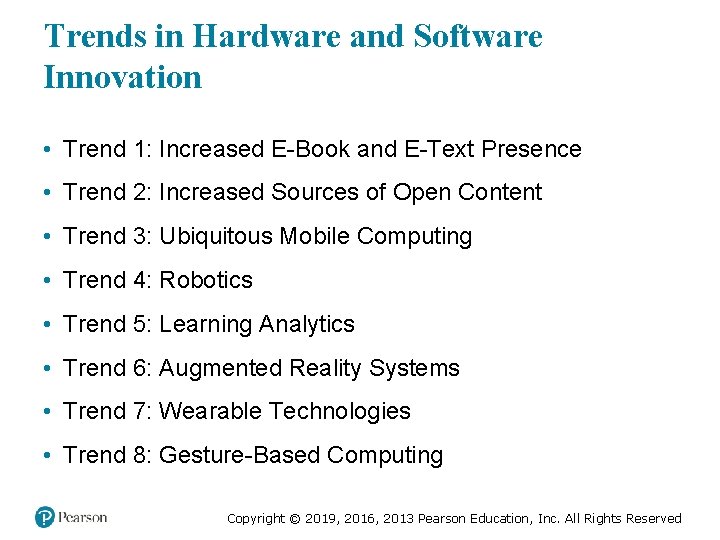
Trends in Hardware and Software Innovation • Trend 1: Increased E-Book and E-Text Presence • Trend 2: Increased Sources of Open Content • Trend 3: Ubiquitous Mobile Computing • Trend 4: Robotics • Trend 5: Learning Analytics • Trend 6: Augmented Reality Systems • Trend 7: Wearable Technologies • Trend 8: Gesture-Based Computing Copyright © 2019, 2016, 2013 Pearson Education, Inc. All Rights Reserved
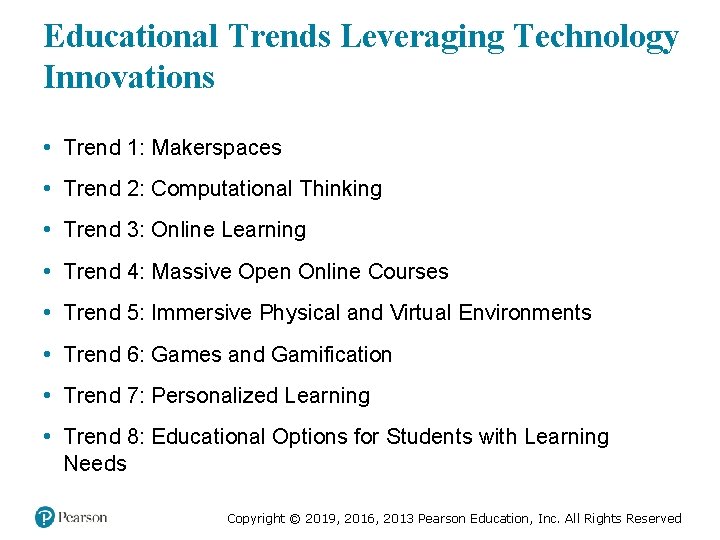
Educational Trends Leveraging Technology Innovations • Trend 1: Makerspaces • Trend 2: Computational Thinking • Trend 3: Online Learning • Trend 4: Massive Open Online Courses • Trend 5: Immersive Physical and Virtual Environments • Trend 6: Games and Gamification • Trend 7: Personalized Learning • Trend 8: Educational Options for Students with Learning Needs Copyright © 2019, 2016, 2013 Pearson Education, Inc. All Rights Reserved
Copyright © 2019, 2016, 2013 Pearson Education, Inc. All Rights Reserved