
Integrating Data from an API Using Flow Twitter


- Slides: 13
Integrating Data from an API Using Flow Twitter in Power BI Stephen Gessling Email: Stephen. Gessling@NWEA. org
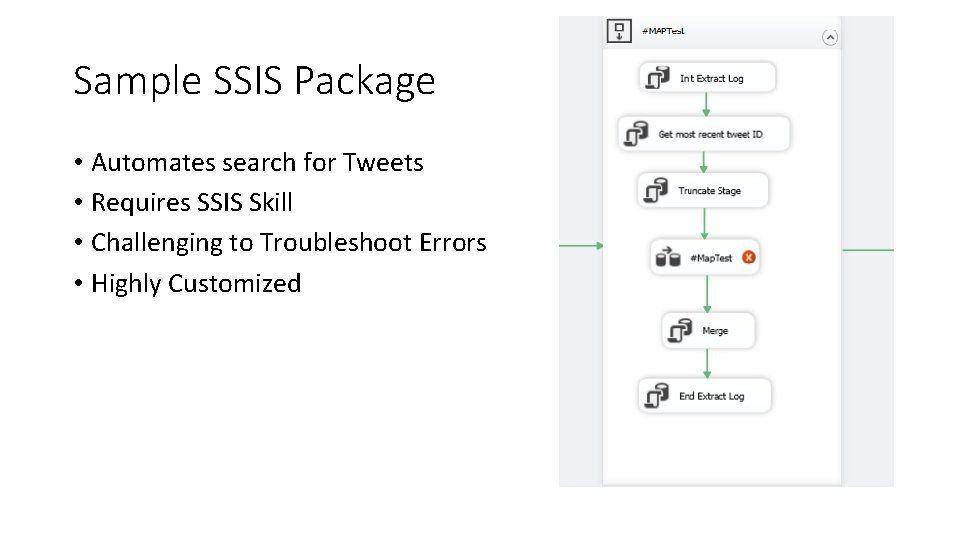
Sample SSIS Package • Automates search for Tweets • Requires SSIS Skill • Challenging to Troubleshoot Errors • Highly Customized
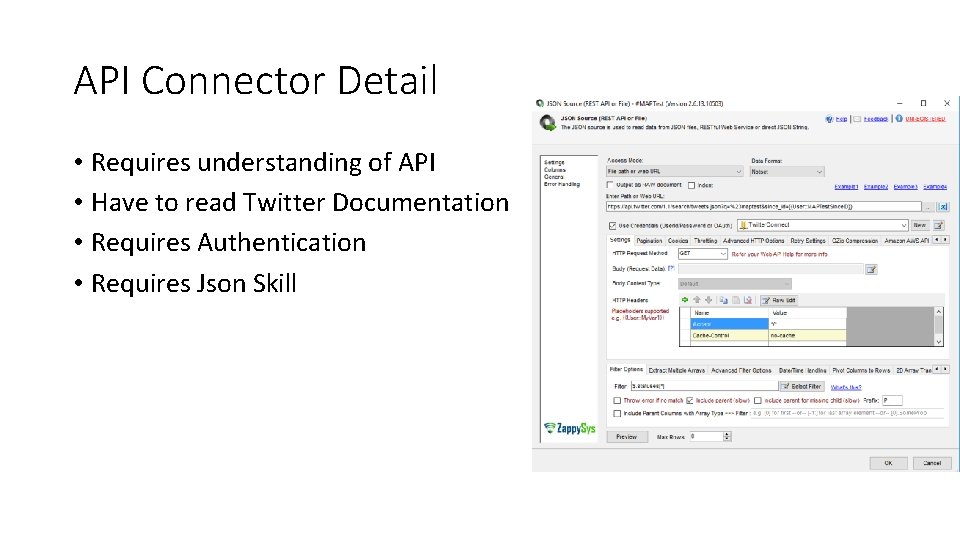
API Connector Detail • Requires understanding of API • Have to read Twitter Documentation • Requires Authentication • Requires Json Skill
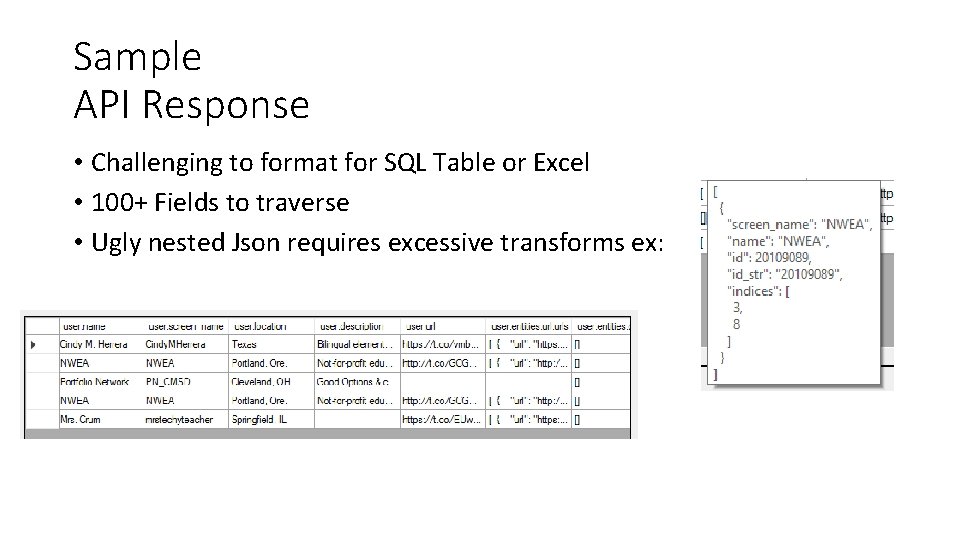
Sample API Response • Challenging to format for SQL Table or Excel • 100+ Fields to traverse • Ugly nested Json requires excessive transforms ex:
Cons of SSIS • Need SSIS Skill • Need API Skill • Need to read Twitter API Documentation • Need to Schedule job for Package • Need to deploy to server • Need to commit to source • Highly customized • Challenging to troubleshoot errors
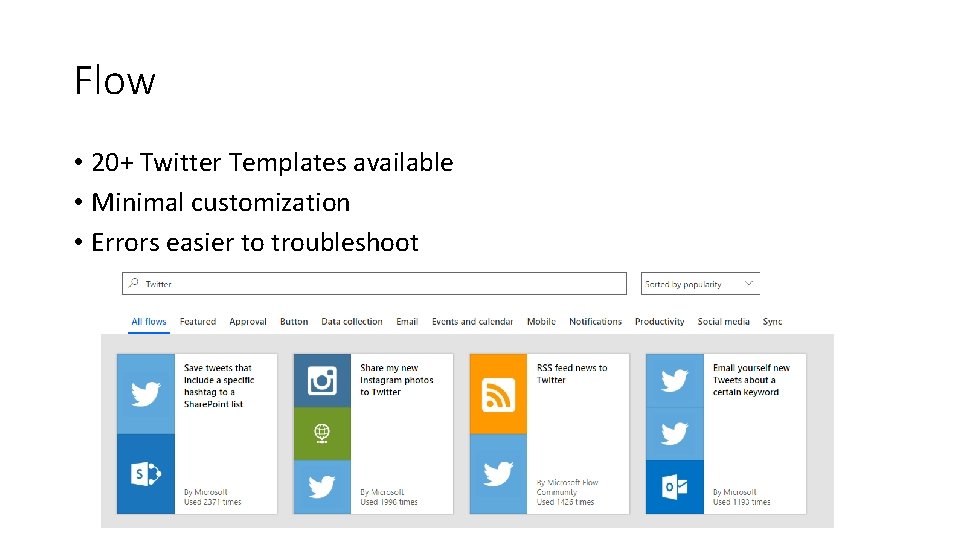
Flow • 20+ Twitter Templates available • Minimal customization • Errors easier to troubleshoot
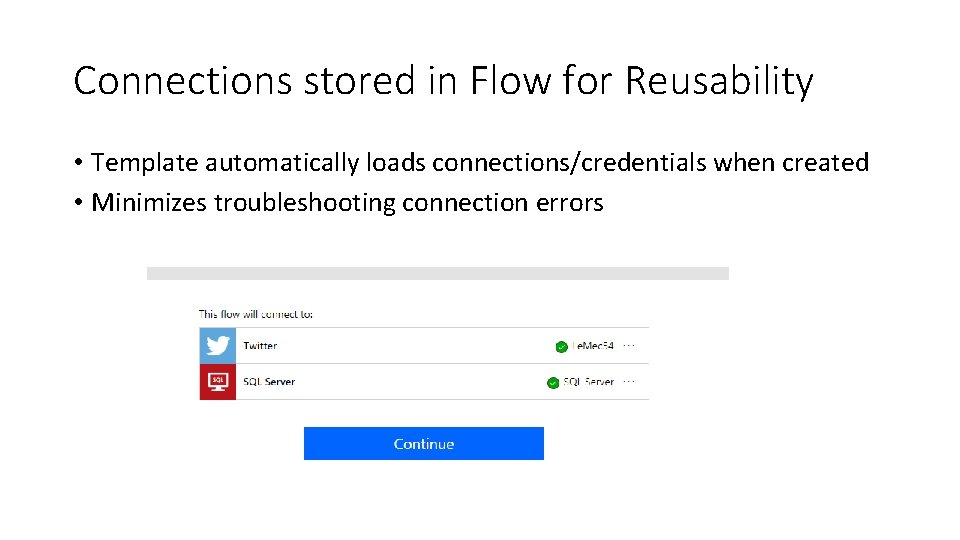
Connections stored in Flow for Reusability • Template automatically loads connections/credentials when created • Minimizes troubleshooting connection errors
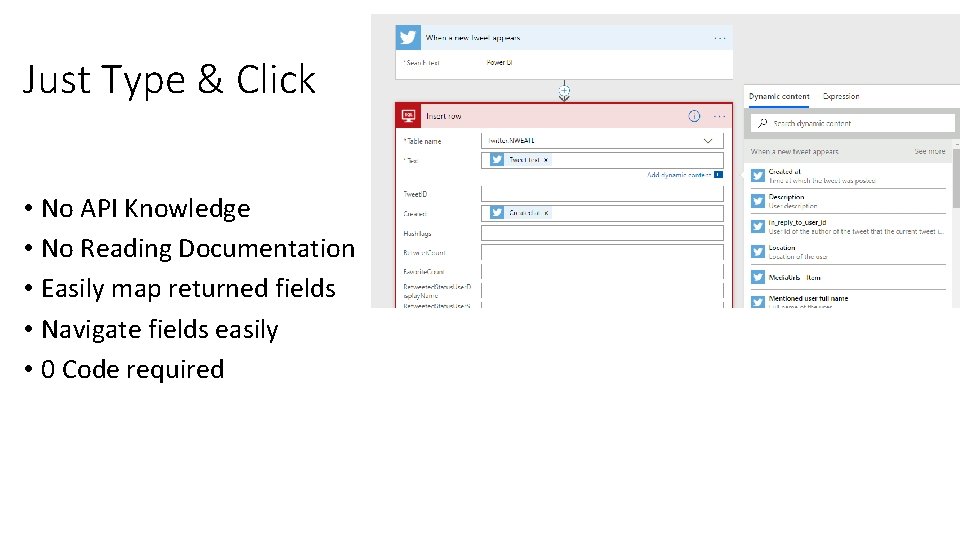
Just Type & Click • No API Knowledge • No Reading Documentation • Easily map returned fields • Navigate fields easily • 0 Code required
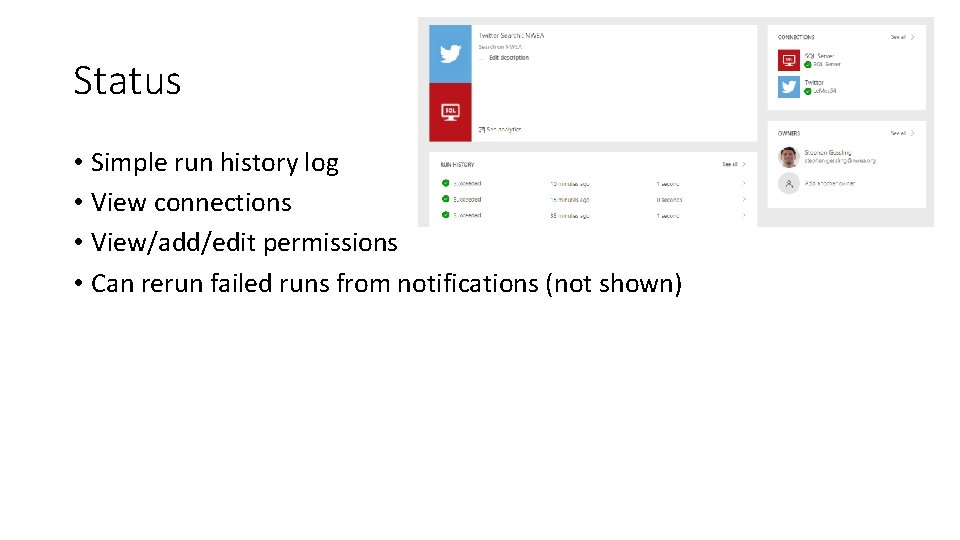
Status • Simple run history log • View connections • View/add/edit permissions • Can rerun failed runs from notifications (not shown)
Pros of Flow • Fast to set up • 0 Code • 0 API documentation reading • Templates reduce required customization • Lightweight logging and troubleshooting • Low maintainability • Embedded in O 365
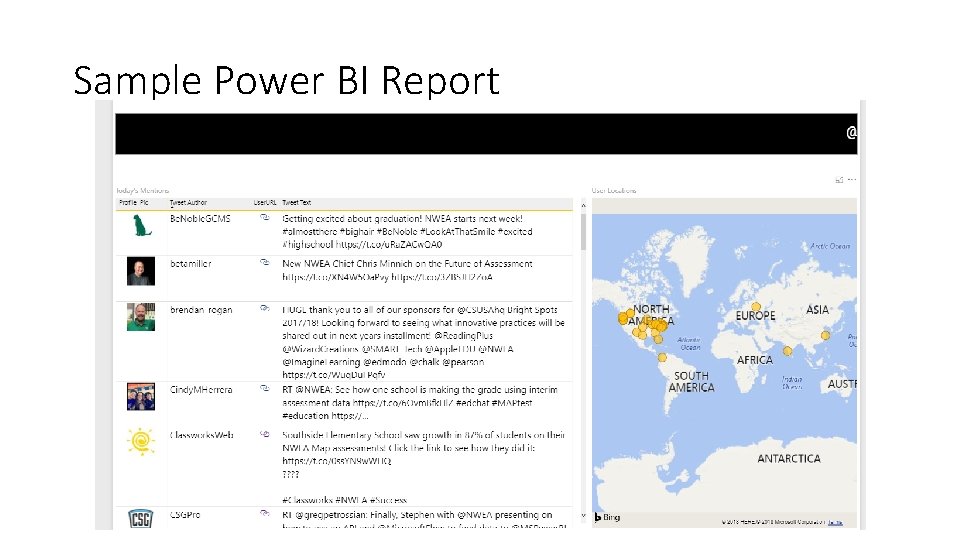
Sample Power BI Report
Amazing Insights Await! • Greg’s Realtime Tweet • Paul’s Realtime Tweet • Students Sillystring Teacher for meeting NWEA Assessment Goals • Students Dunk Teacher for meeting NWEA Assessment Goals
Final Thoughts • Flow requires minimal skill and no code • Flow empowers you acquire valuable data quickly and easily Please email me if you have questions: Stephen. Gessling@NWEA. org