
INTEGRATED LIBRARY SYSTEMS THE OPAC Integrated Library Systems
INTEGRATED LIBRARY SYSTEMS: THE OPAC
Integrated Library Systems (ILS) • An ILS is product of modern digital development • Enables multitasking • Entirely new tools for searching and browsing, maintenance of the catalog, circulation, acquisitions, statistics, budgeting, cataloguing and patron accessibility to the collection and own holding Online Public Access Catalogue (OPAC)
Some of the ILSes
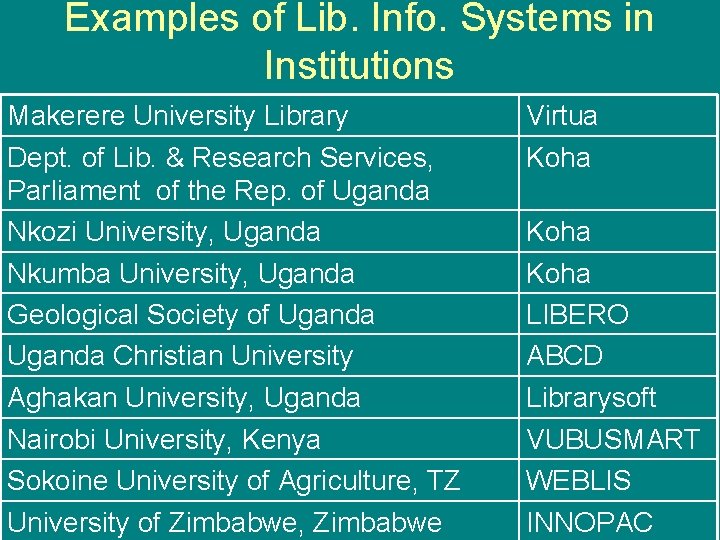
Examples of Lib. Info. Systems in Institutions Makerere University Library Dept. of Lib. & Research Services, Parliament of the Rep. of Uganda Nkozi University, Uganda Nkumba University, Uganda Geological Society of Uganda Christian University Aghakan University, Uganda Nairobi University, Kenya Sokoine University of Agriculture, TZ University of Zimbabwe, Zimbabwe Virtua Koha LIBERO ABCD Librarysoft VUBUSMART WEBLIS INNOPAC
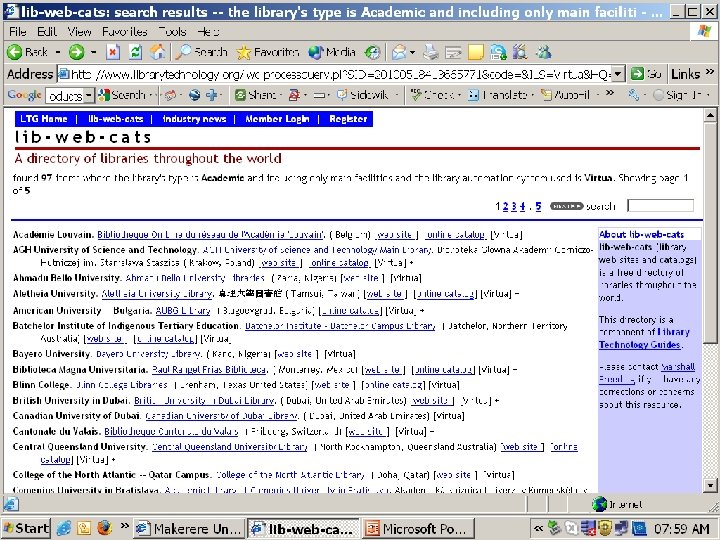
Virtua • Virtua (182 libraries, 377 facilities in lib-web-cats) Public libraries: 24 Academic libraries: 97 School libraries: 2 14 libraries have migrated away from this system. • In Africa, two countries have been represented among Virtua Users • Makerere Univ. Library is reaching out to other University Libraries through training in ILSes like Koha and virtua to help them move along with the First World Libraries • Universities so far reached include University of Juba (Go. SS) and six others in Nigeria
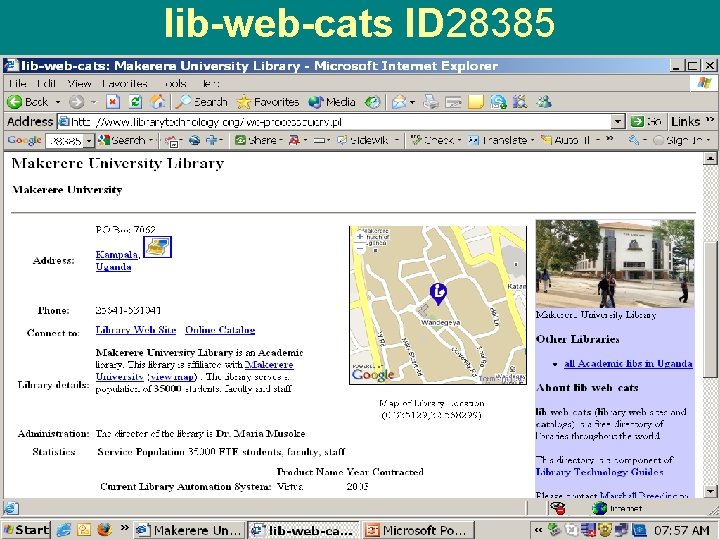
lib-web-cats ID 28385
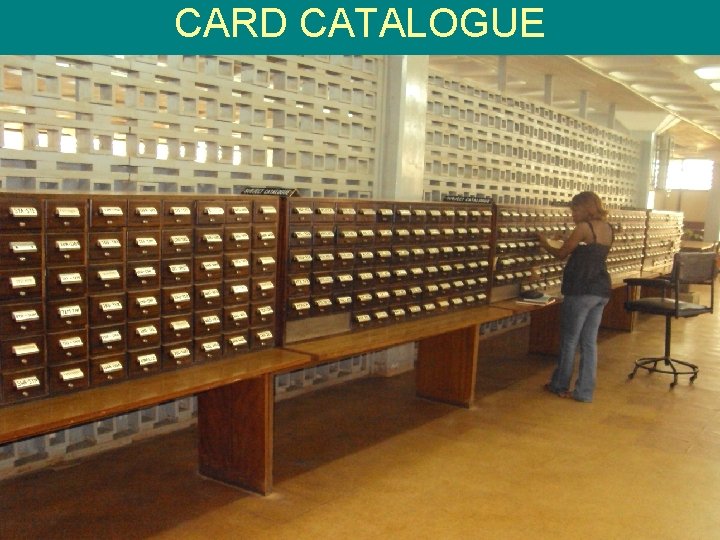
CARD CATALOGUE
Mak. ULA- Makerere University Library Access • The OPAC for Makerere University was named Mak. ULA • It is a powerful tool that one can use to carryout research from anywhere; this is gradually replacing the wooden card catalogue • Mak. ULA : Translated from one of the languages of the people as “Splendid”
Mak. ULA • A tool that can be used from anywhere as long as one has access to the Internet • It is simple to use with brief instructions on how to use it • Enables a User to retrieve sources of information; those located within the library and in electronic environment (e-resources) • OPAC arena within the Library for those who do not have PCs and Internet
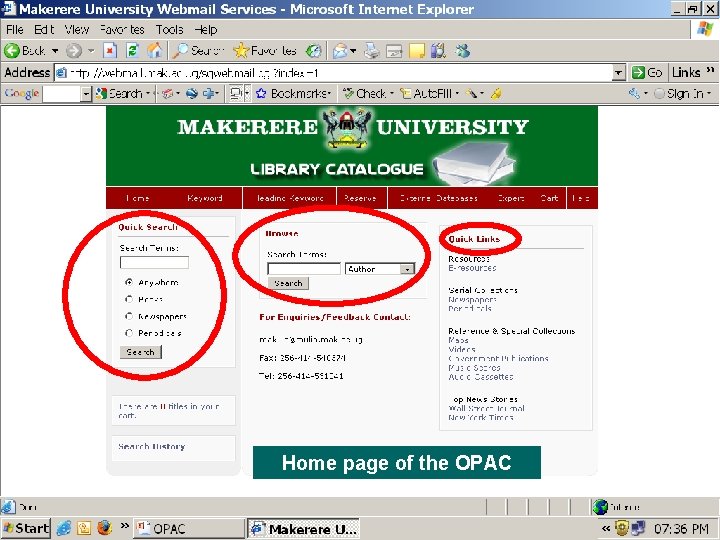
Home page of the OPAC
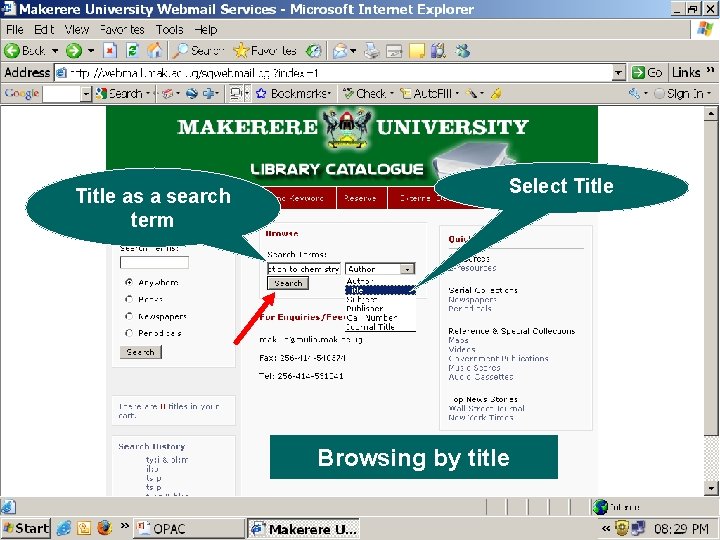
Title as a search term Select Title Browsing by title
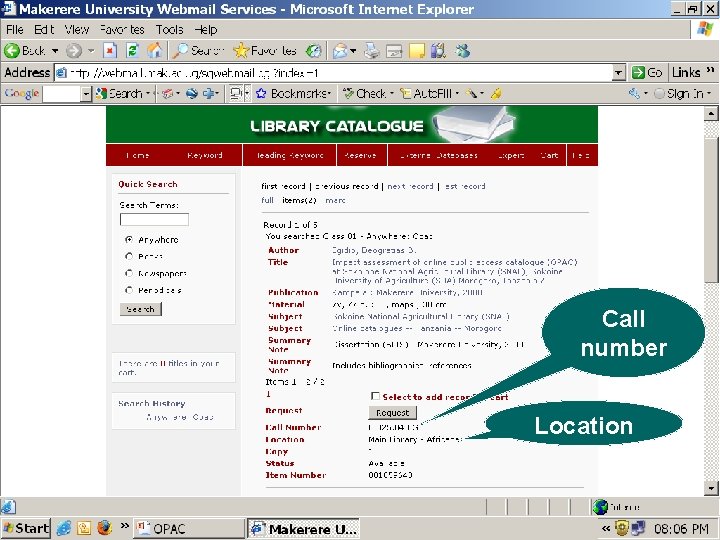
Call number Location
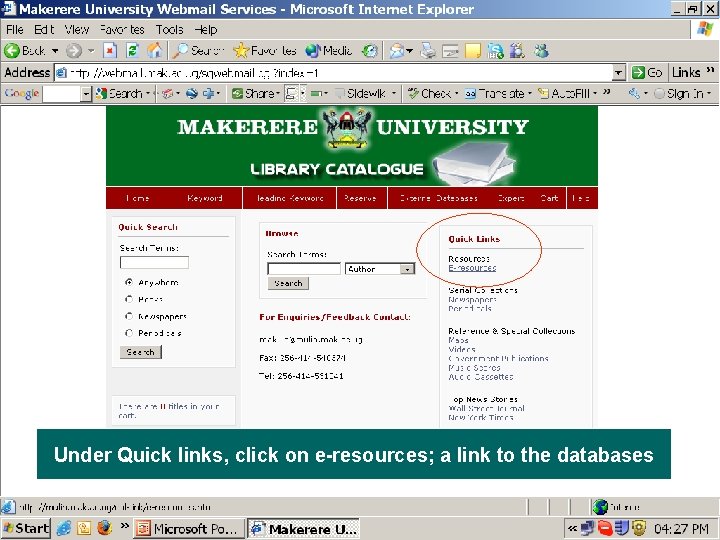
Under Quick links, click on e-resources; a link to the databases
- Slides: 14