
INT 21 H Dos Input Output Instructions Objectives
INT 21 H Dos Input Output Instructions

Objectives • • ASCII Control Characters Selected Input Functions Selected Output Functions Date/Time Functions

General Syntax • MS-DOS provides a lot of functions for displaying and reading the text on the console (200 functions). • The general syntax for calling the functions is mov ah, function number ; input parameters int 21 h ; return values

Functions 4 Ch: Terminate Process • Ends the current process (program), returns an optional 8 -bit return code to the calling process. • A return code of 0 usually indicates successful completion. mov ah, 4 Ch ; terminate process mov al, 0 ; return code int 21 h ; Same as: . EXIT 0
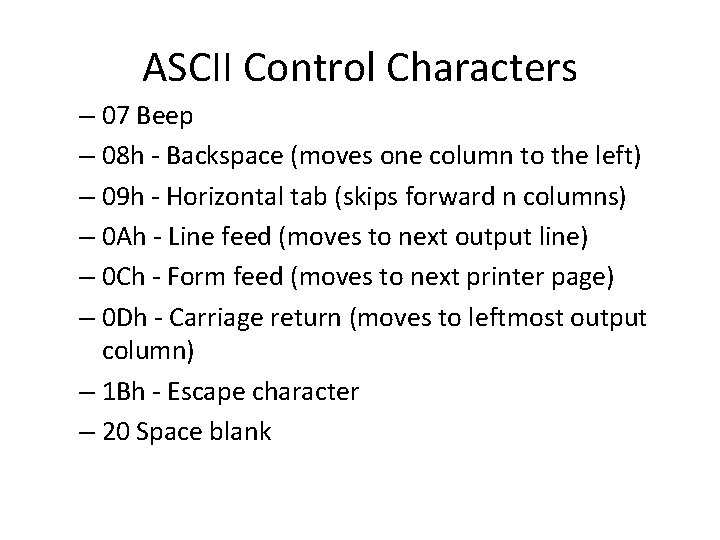
ASCII Control Characters – 07 Beep – 08 h - Backspace (moves one column to the left) – 09 h - Horizontal tab (skips forward n columns) – 0 Ah - Line feed (moves to next output line) – 0 Ch - Form feed (moves to next printer page) – 0 Dh - Carriage return (moves to leftmost output column) – 1 Bh - Escape character – 20 Space blank
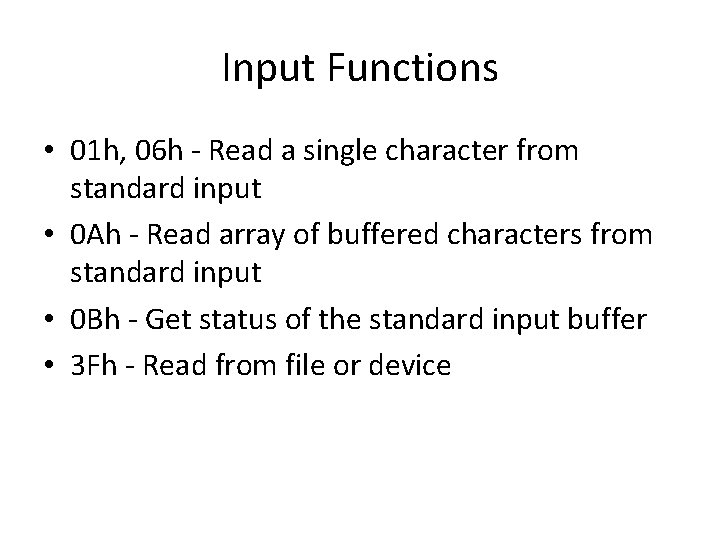
Input Functions • 01 h, 06 h - Read a single character from standard input • 0 Ah - Read array of buffered characters from standard input • 0 Bh - Get status of the standard input buffer • 3 Fh - Read from file or device
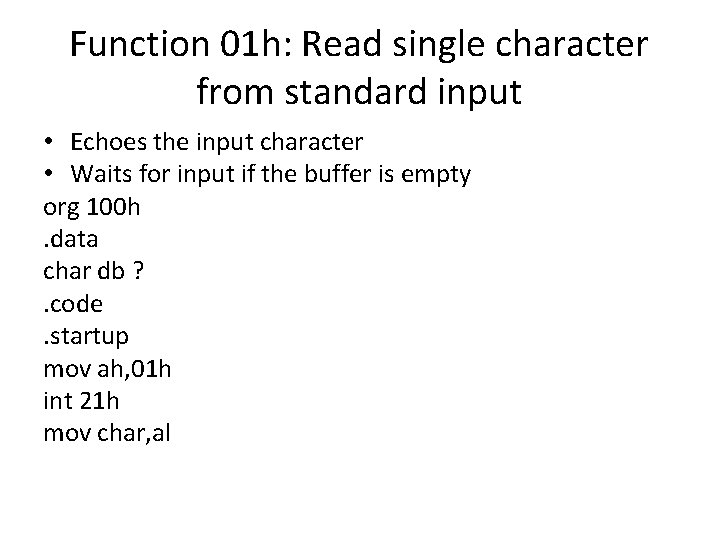
Function 01 h: Read single character from standard input • Echoes the input character • Waits for input if the buffer is empty org 100 h. data char db ? . code . startup mov ah, 01 h int 21 h mov char, al
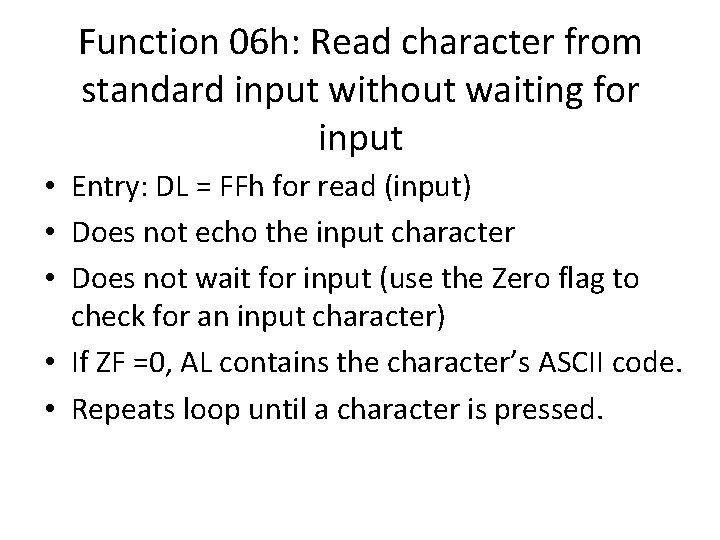
Function 06 h: Read character from standard input without waiting for input • Entry: DL = FFh for read (input) • Does not echo the input character • Does not wait for input (use the Zero flag to check for an input character) • If ZF =0, AL contains the character’s ASCII code. • Repeats loop until a character is pressed.
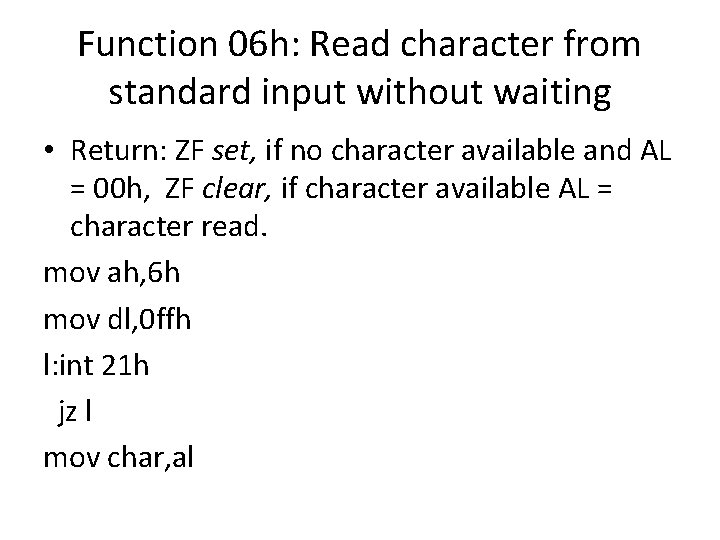
Function 06 h: Read character from standard input without waiting • Return: ZF set, if no character available and AL = 00 h, ZF clear, if character available AL = character read. mov ah, 6 h mov dl, 0 ffh l: int 21 h jz l mov char, al
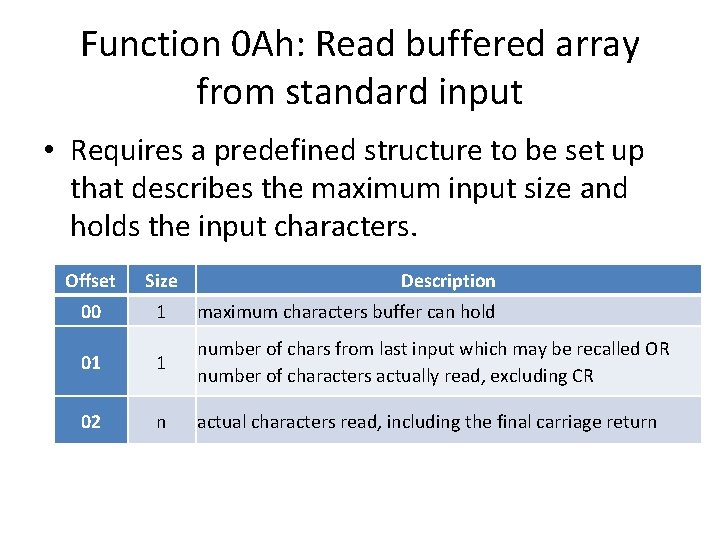
Function 0 Ah: Read buffered array from standard input • Requires a predefined structure to be set up that describes the maximum input size and holds the input characters. Offset Size Description 00 1 maximum characters buffer can hold 01 1 number of chars from last input which may be recalled OR number of characters actually read, excluding CR 02 n actual characters read, including the final carriage return
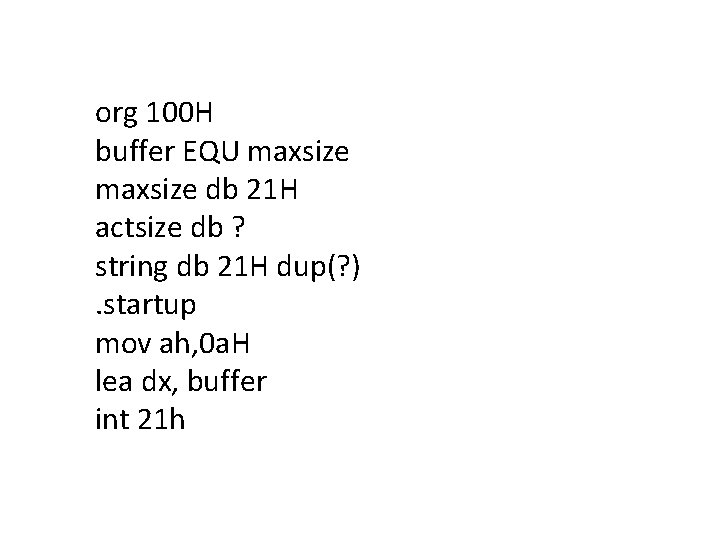
org 100 H buffer EQU maxsize db 21 H actsize db ? string db 21 H dup(? ). startup mov ah, 0 a. H lea dx, buffer int 21 h
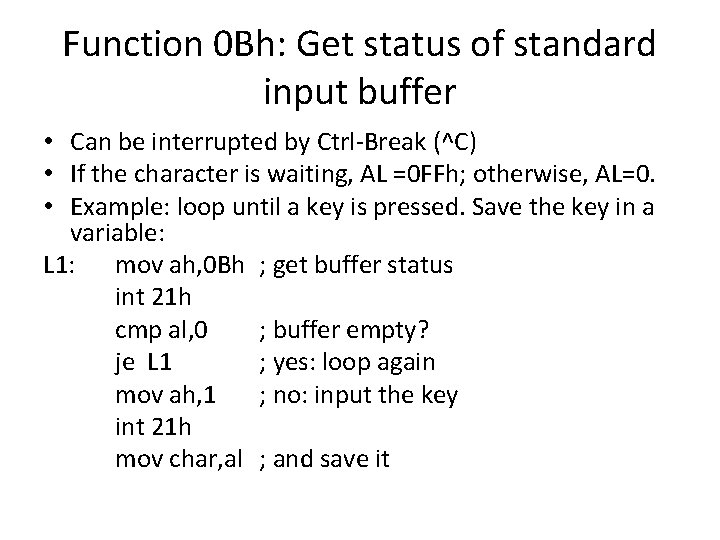
Function 0 Bh: Get status of standard input buffer • Can be interrupted by Ctrl-Break (^C) • If the character is waiting, AL =0 FFh; otherwise, AL=0. • Example: loop until a key is pressed. Save the key in a variable: L 1: mov ah, 0 Bh ; get buffer status int 21 h cmp al, 0 ; buffer empty? je L 1 ; yes: loop again mov ah, 1 ; no: input the key int 21 h mov char, al ; and save it
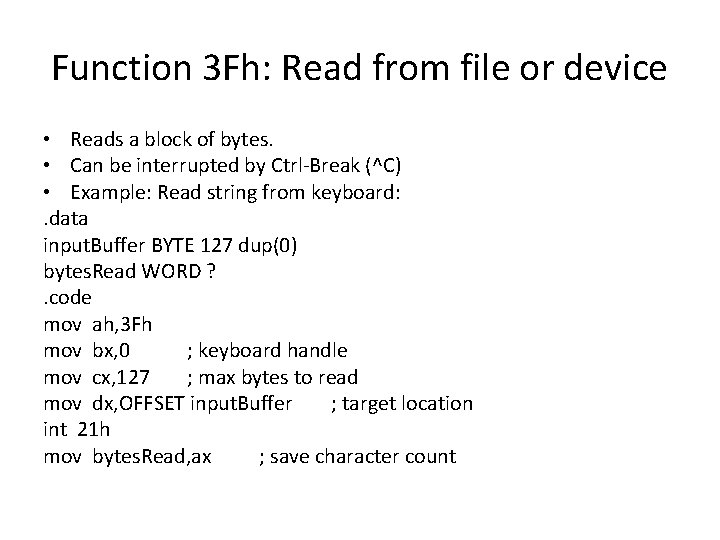
Function 3 Fh: Read from file or device • Reads a block of bytes. • Can be interrupted by Ctrl-Break (^C) • Example: Read string from keyboard: . data input. Buffer BYTE 127 dup(0) bytes. Read WORD ? . code mov ah, 3 Fh mov bx, 0 ; keyboard handle mov cx, 127 ; max bytes to read mov dx, OFFSET input. Buffer ; target location int 21 h mov bytes. Read, ax ; save character count
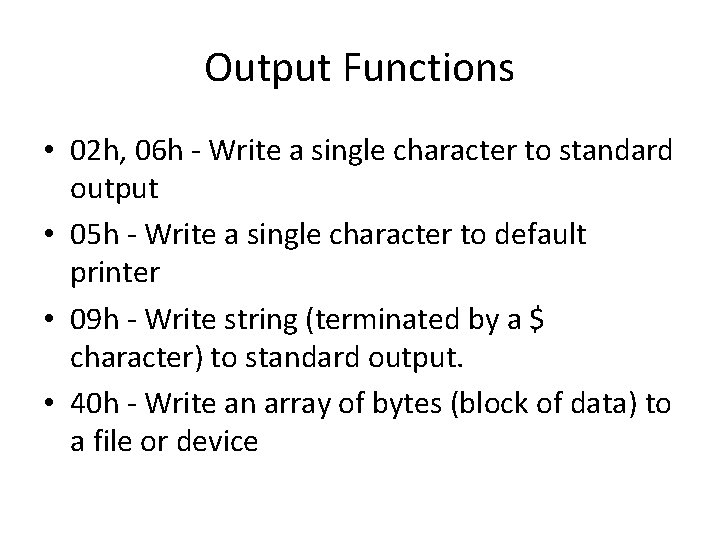
Output Functions • 02 h, 06 h - Write a single character to standard output • 05 h - Write a single character to default printer • 09 h - Write string (terminated by a $ character) to standard output. • 40 h - Write an array of bytes (block of data) to a file or device
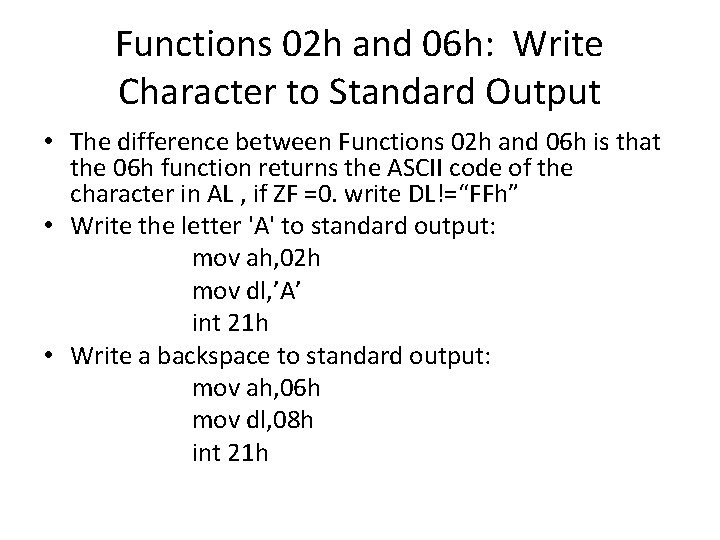
Functions 02 h and 06 h: Write Character to Standard Output • The difference between Functions 02 h and 06 h is that the 06 h function returns the ASCII code of the character in AL , if ZF =0. write DL!=“FFh” • Write the letter 'A' to standard output: mov ah, 02 h mov dl, ’A’ int 21 h • Write a backspace to standard output: mov ah, 06 h mov dl, 08 h int 21 h
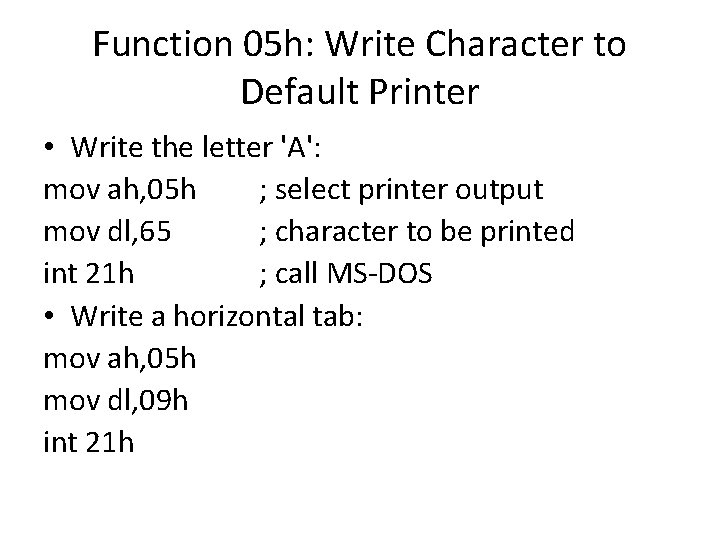
Function 05 h: Write Character to Default Printer • Write the letter 'A': mov ah, 05 h ; select printer output mov dl, 65 ; character to be printed int 21 h ; call MS-DOS • Write a horizontal tab: mov ah, 05 h mov dl, 09 h int 21 h
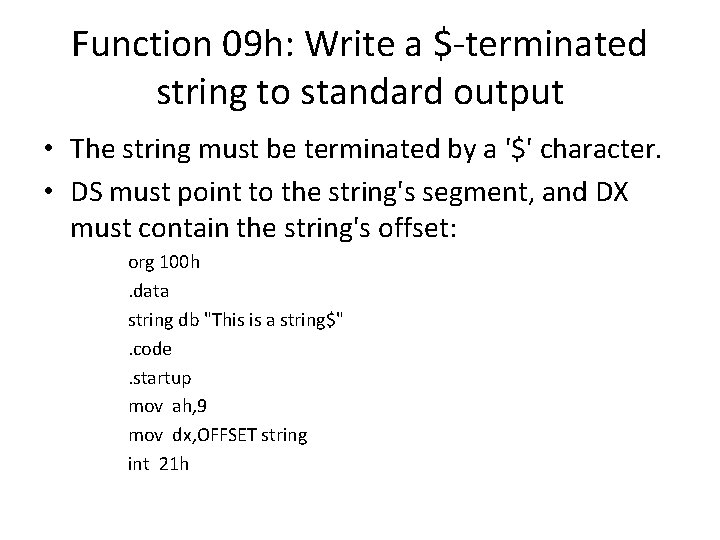
Function 09 h: Write a $-terminated string to standard output • The string must be terminated by a '$' character. • DS must point to the string's segment, and DX must contain the string's offset: org 100 h. data string db "This is a string$" . code . startup mov ah, 9 mov dx, OFFSET string int 21 h
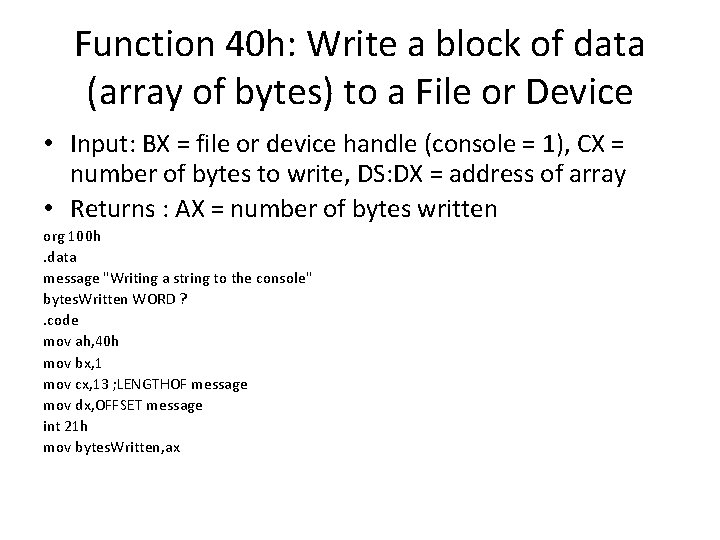
Function 40 h: Write a block of data (array of bytes) to a File or Device • Input: BX = file or device handle (console = 1), CX = number of bytes to write, DS: DX = address of array • Returns : AX = number of bytes written org 100 h. data message "Writing a string to the console" bytes. Written WORD ? . code mov ah, 40 h mov bx, 1 mov cx, 13 ; LENGTHOF message mov dx, OFFSET message int 21 h mov bytes. Written, ax
Date/Time Functions • • 2 Ah - Get system date 2 Bh - Set system date 2 Ch - Get system time 2 Dh - Set system time
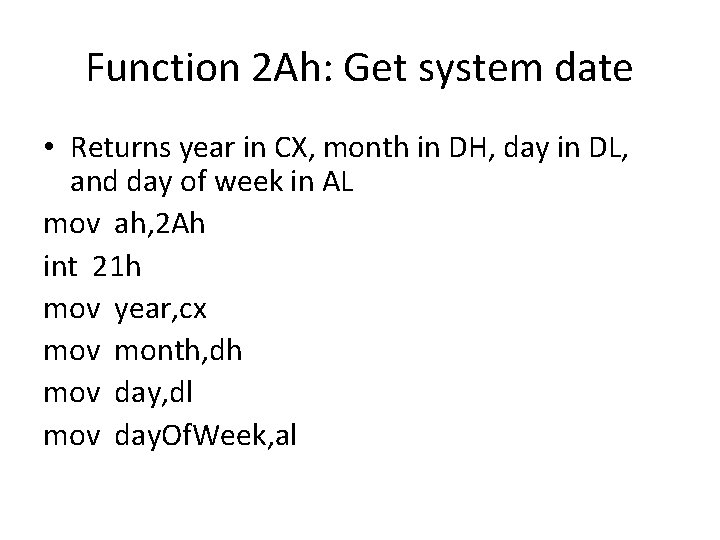
Function 2 Ah: Get system date • Returns year in CX, month in DH, day in DL, and day of week in AL mov ah, 2 Ah int 21 h mov year, cx mov month, dh mov day, dl mov day. Of. Week, al
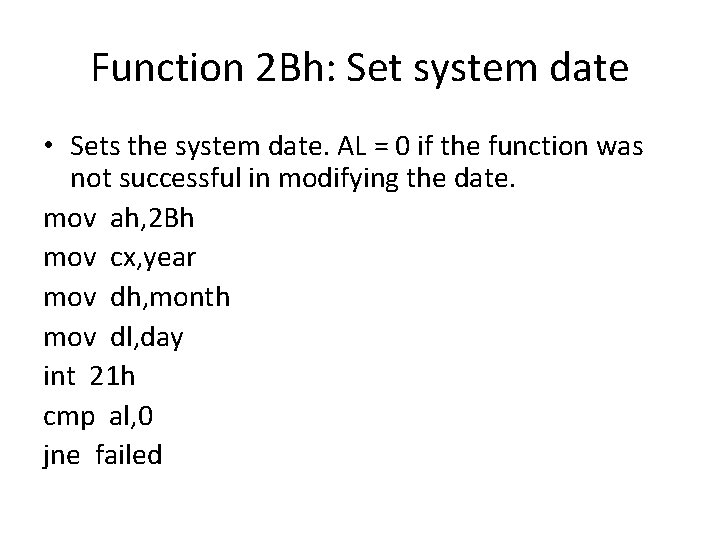
Function 2 Bh: Set system date • Sets the system date. AL = 0 if the function was not successful in modifying the date. mov ah, 2 Bh mov cx, year mov dh, month mov dl, day int 21 h cmp al, 0 jne failed
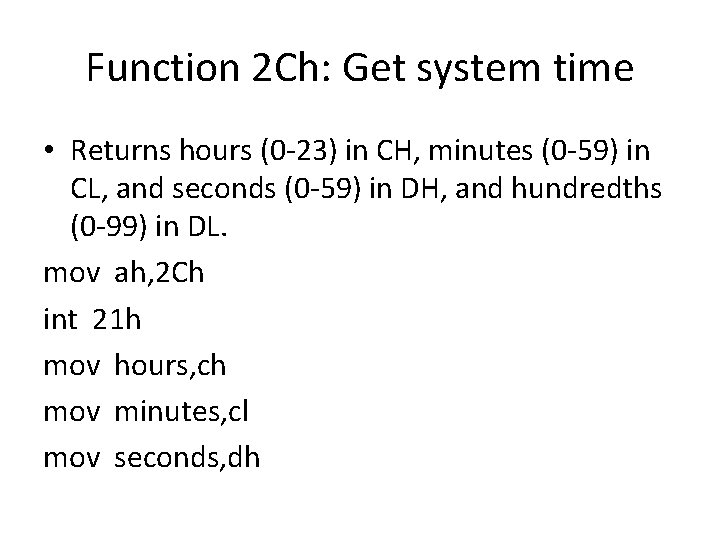
Function 2 Ch: Get system time • Returns hours (0 -23) in CH, minutes (0 -59) in CL, and seconds (0 -59) in DH, and hundredths (0 -99) in DL. mov ah, 2 Ch int 21 h mov hours, ch mov minutes, cl mov seconds, dh
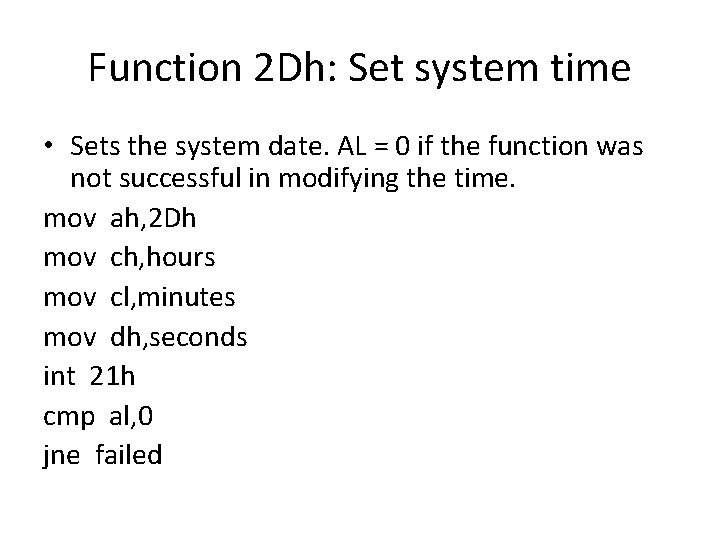
Function 2 Dh: Set system time • Sets the system date. AL = 0 if the function was not successful in modifying the time. mov ah, 2 Dh mov ch, hours mov cl, minutes mov dh, seconds int 21 h cmp al, 0 jne failed
- Slides: 23