
Instructional Strategies and Technology Part 1 With reference


- Slides: 20
Instructional Strategies and Technology Part 1 With reference to strategies suggested by Doug Buehl
Targets: Putting it all Together These sessions will describe ways to use technology with strategies for the following: ● Assessment for Learning ● Teaching for Learner Differences ● 21 st Century Skills ● Utilizing Chromebooks (Technology) ● Strategies to check for comprehension
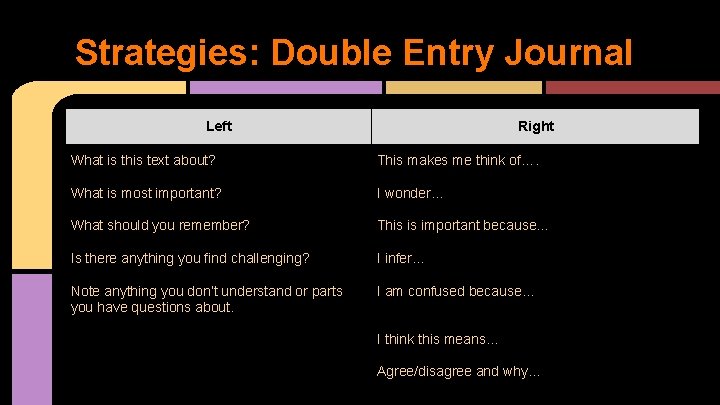
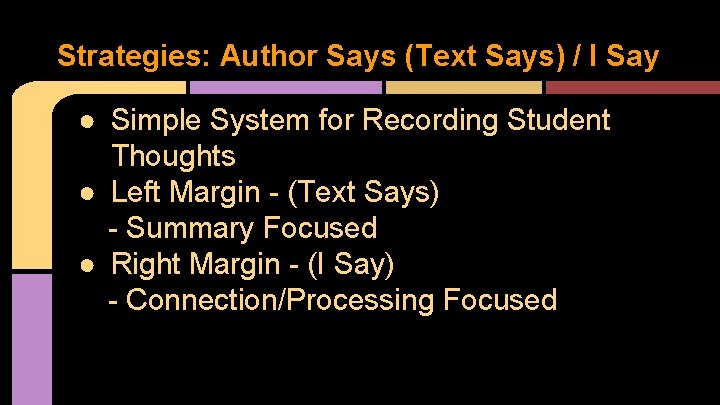
Strategies: Annotating Text ● Double Entry Journal ● Author Says (Text Says) / I Say
Annotating Text -- Reminders ● Grade-Level Text with New Information ● Complete Two Reads (Annotate on the 2 nd Read) ● Number the Paragraphs ● Consider Chunking the Passage ● Use a Relevant Marking System (Dependent on What Outcome Looking For) ● Have a System for Recording Student Thoughts (Margins) ● Start Simple then Build
Strategies: Double Entry Journal Left Right What is this text about? This makes me think of…. What is most important? I wonder… What should you remember? This is important because… Is there anything you find challenging? I infer. . . Note anything you don’t understand or parts you have questions about. I am confused because… I think this means… Agree/disagree and why…
Strategies: Author Says (Text Says) / I Say ● Simple System for Recording Student Thoughts ● Left Margin - (Text Says) - Summary Focused ● Right Margin - (I Say) - Connection/Processing Focused
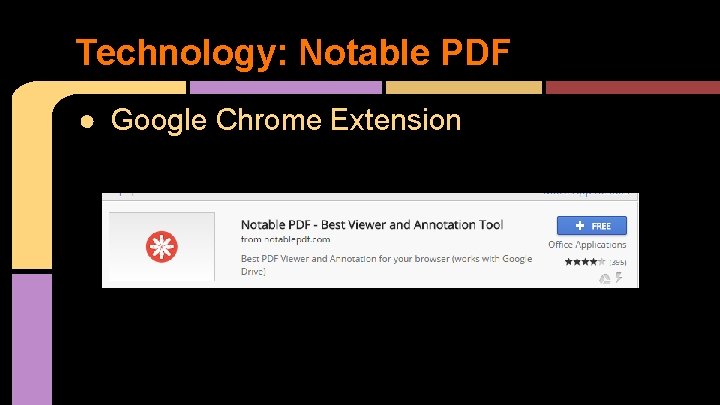
Technology: Notable PDF ● Google Chrome Extension
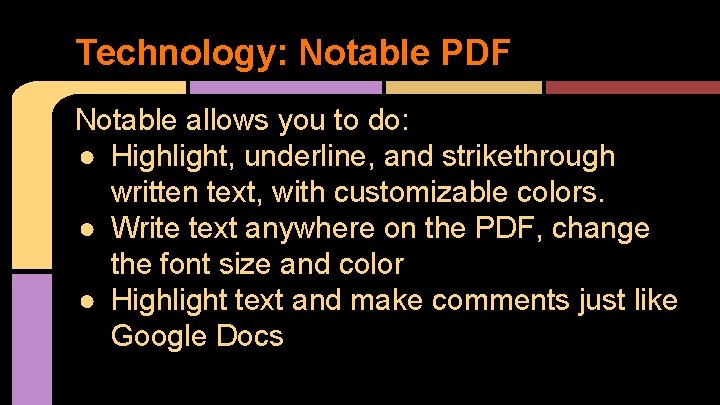
Technology: Notable PDF Notable allows you to do: ● Highlight, underline, and strikethrough written text, with customizable colors. ● Write text anywhere on the PDF, change the font size and color ● Highlight text and make comments just like Google Docs
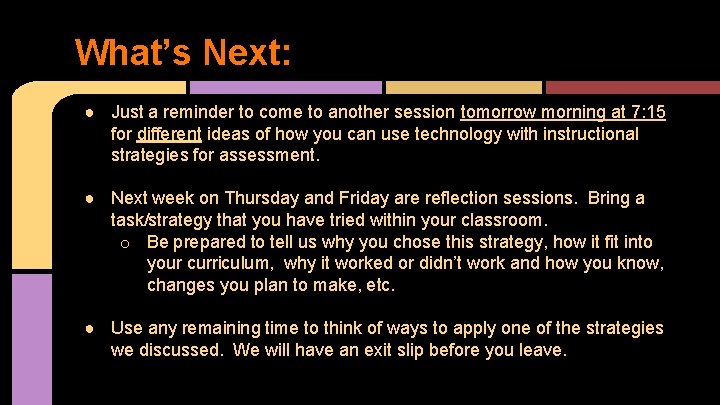
What’s Next: ● Just a reminder to come to another session tomorrow morning at 7: 15 for different ideas of how you can use technology with instructional strategies for assessment. ● Next week on Thursday and Friday are reflection sessions. Bring a task/strategy that you have tried within your classroom. o Be prepared to tell us why you chose this strategy, how it fit into your curriculum, why it worked or didn’t work and how you know, changes you plan to make, etc. ● Use any remaining time to think of ways to apply one of the strategies we discussed. We will have an exit slip before you leave.
Thursday’s Exit Slip ● Exit Slip: http: //goo. gl/forms/x. S 55 euy. Zpw
Instructional Strategies and Technology Part 2 With reference to strategies suggested by Doug Buehl
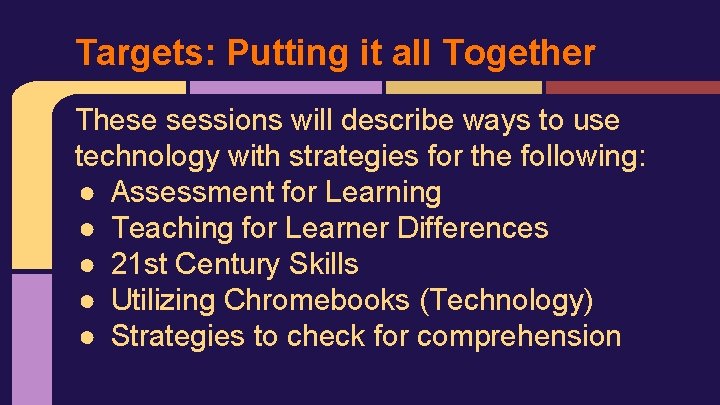
Targets: Putting it all Together These sessions will describe ways to use technology with strategies for the following: ● Assessment for Learning ● Teaching for Learner Differences ● 21 st Century Skills ● Utilizing Chromebooks (Technology) ● Strategies to check for comprehension
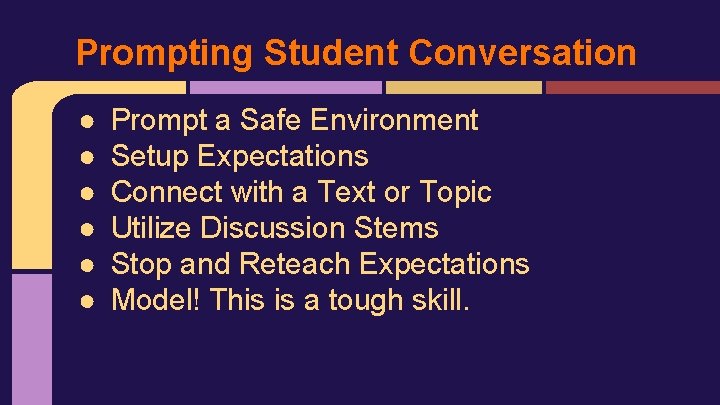
Prompting Student Conversation ● ● ● Prompt a Safe Environment Setup Expectations Connect with a Text or Topic Utilize Discussion Stems Stop and Reteach Expectations Model! This is a tough skill.
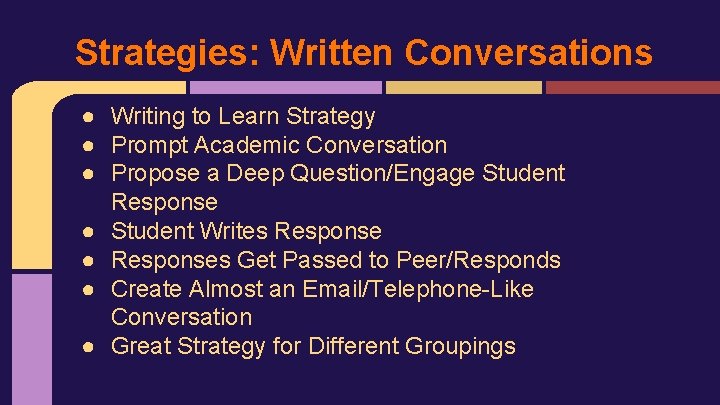
Strategies: Written Conversations ● Writing to Learn Strategy ● Prompt Academic Conversation ● Propose a Deep Question/Engage Student Response ● Student Writes Response ● Responses Get Passed to Peer/Responds ● Create Almost an Email/Telephone-Like Conversation ● Great Strategy for Different Groupings
Strategies: Socrative Smackdown Rules and Guidelines
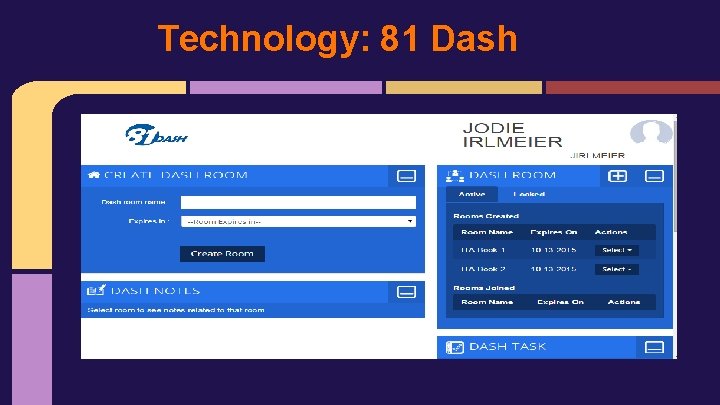
81 Dash in Action 1. Go to 81 dash. com/TQ-Session. 2. Click need to register to signup for an account.
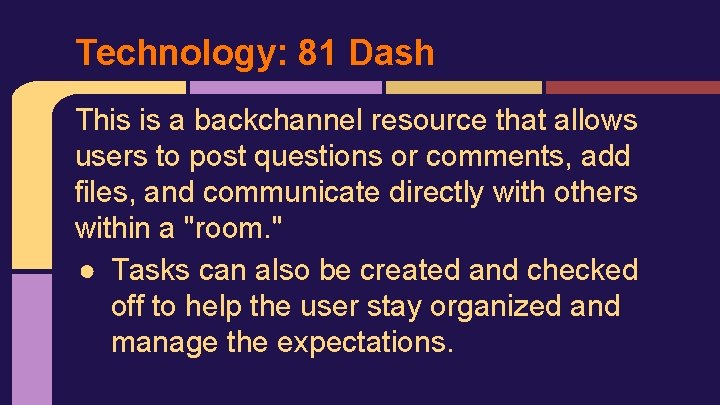
Technology: 81 Dash This is a backchannel resource that allows users to post questions or comments, add files, and communicate directly with others within a "room. " ● Tasks can also be created and checked off to help the user stay organized and manage the expectations.
Technology: 81 Dash
What’s Next: ● Next week on Thursday and Friday are reflection sessions. Bring a task/strategy that you have tried within your classroom. o Be prepared to tell us why you chose this strategy, how it fit into your curriculum, why it worked or didn’t work and how you know, changes you plan to make, etc. ● Use any remaining time to think of ways to apply one of the strategies we discussed. We will have an exit slip before you leave.
Exit Slip ● Exit Slip: http: //goo. gl/forms/x. S 55 euy. Zpw