
Installation Guide of GNU RADIO On Ubuntu By
Installation Guide of GNU RADIO On Ubuntu By, Sathya S. Tushar A. Kiran K. Veera B.

SOFTWARE RADIO • A software (defined) radio is a radio that includes a transmitter in which the operating parameters of the transmitter, including the frequency range, modulation type or maximum radiated or conducted output power can be altered by making a change in software without making any hardware changes. • A technique for moving digital signal processing as close as possible to the antenna. • Replacing rigid Hardware with flexible software based solutions.

What is GNU radio • Free software toolkit for: Building and deploying software radios Creating new kinds of radios, modulations, protocols, development environments. . . • GNU Radio is a free software toolkit for learning about, building, and deploying software-defined radio systems.
Framework • An open source software toolkit • Supports, Linux, Mac OS and Windows ØCreating signal processing applications ØDefining waveforms in software ØProcessing waveforms in software • A hardware platform Ø USRP, Ø USRP 2
• Free Software – All the software free (Python and C++ source code/Linux environment) – In most condition, no need expensive RF test machine. – Only a development board needed (Universal Software Radio Peripheral 2) • Flexible – Software: • Reconfigurable for many other modulation methods for both standardize radio or self-defined radio. – Hardware: • Rx and Tx are selectable. • Intermediate frequency is controllable.
Extensive Knowledge Involved • Software and Environment: – Python/Numeric python library/wx. Python – C++/boost C++ libraries – Linux environment and lots of support packages: FFTW/cppunit/SWIG/SDCC/ – GNU Radio architecture • Communications and RF: – DSP – Digital communications – Wireless communications theory – FPGA and Assemble language may be used
STEPS INVOLVED IN INSTALLATION AND SETUP OF GNURADIO
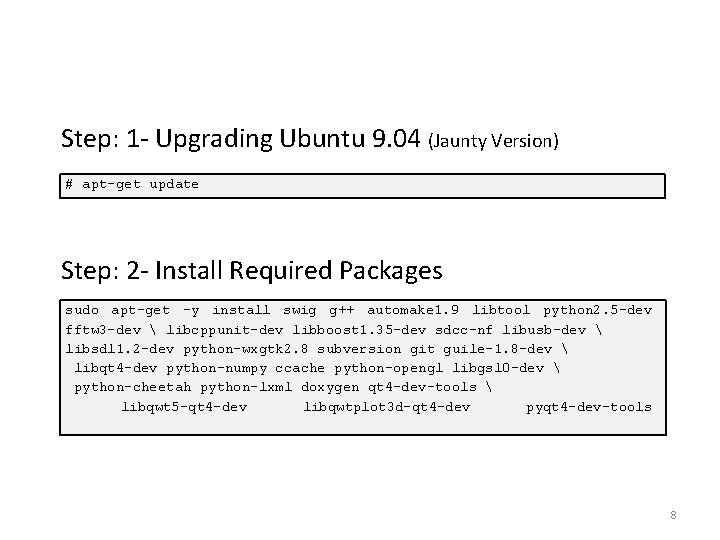
Step: 1 - Upgrading Ubuntu 9. 04 (Jaunty Version) # apt–get update Step: 2 - Install Required Packages sudo apt-get -y install swig g++ automake 1. 9 libtool python 2. 5 -dev fftw 3 -dev libcppunit-dev libboost 1. 35 -dev sdcc-nf libusb-dev libsdl 1. 2 -dev python-wxgtk 2. 8 subversion git guile-1. 8 -dev libqt 4 -dev python-numpy ccache python-opengl libgsl 0 -dev python-cheetah python-lxml doxygen qt 4 -dev-tools libqwt 5 -qt 4 -dev libqwtplot 3 d-qt 4 -dev pyqt 4 -dev-tools 8
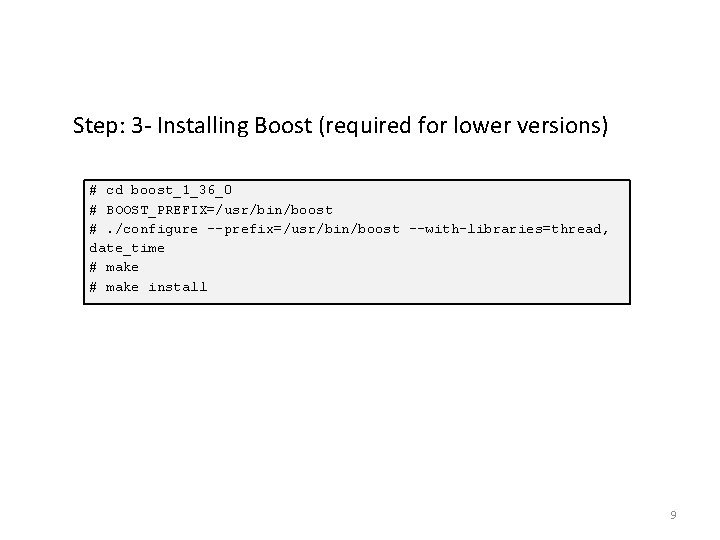
Step: 3 - Installing Boost (required for lower versions) # cd boost_1_36_0 # BOOST_PREFIX=/usr/bin/boost #. /configure --prefix=/usr/bin/boost --with-libraries=thread, date_time # make install 9

Step: 4 - Downloading & Compiling GNU Radio Install GNU Radio either from: -SVN svn co http: //gnuradio. org/svn/gnuradio/trunk gnuradio or from git: -git clone http: //gnuradio. org/git/gnuradio. git cd gnuradio -export LD_LIBRARY_PATH=$BOOST_PREFIX/lib # As per the instructions for installing Boost -. /bootstrap -. /configure --with-boost=$BOOST_PREFIX # As per the instructions for installing Boost -make check -sudo make install Ref. [2] 10
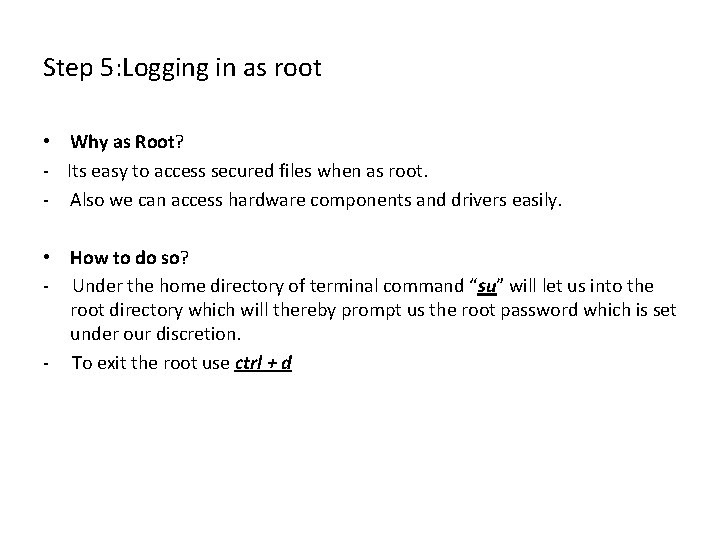
Step 5: Logging in as root • Why as Root? - Its easy to access secured files when as root. - Also we can access hardware components and drivers easily. • How to do so? - Under the home directory of terminal command “su” will let us into the root directory which will thereby prompt us the root password which is set under our discretion. - To exit the root use ctrl + d
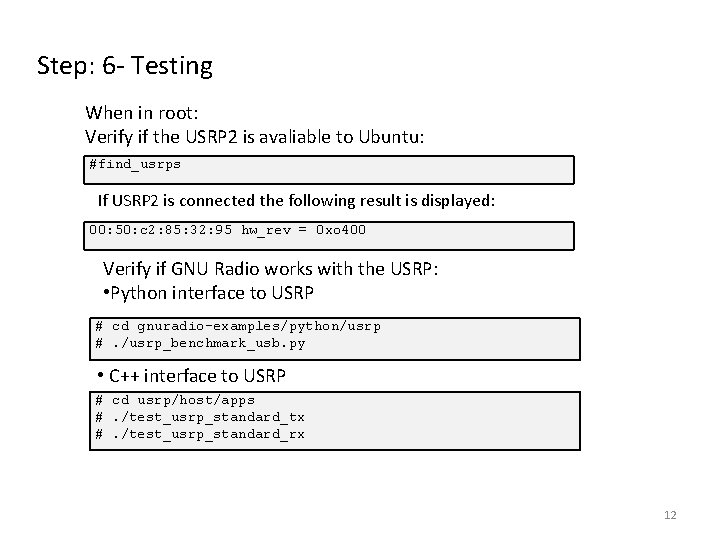
Step: 6 - Testing When in root: Verify if the USRP 2 is avaliable to Ubuntu: #find_usrps If USRP 2 is connected the following result is displayed: 00: 50: c 2: 85: 32: 95 hw_rev = 0 xo 400 Verify if GNU Radio works with the USRP: • Python interface to USRP # cd gnuradio-examples/python/usrp #. /usrp_benchmark_usb. py • C++ interface to USRP # cd usrp/host/apps #. /test_usrp_standard_tx #. /test_usrp_standard_rx 12
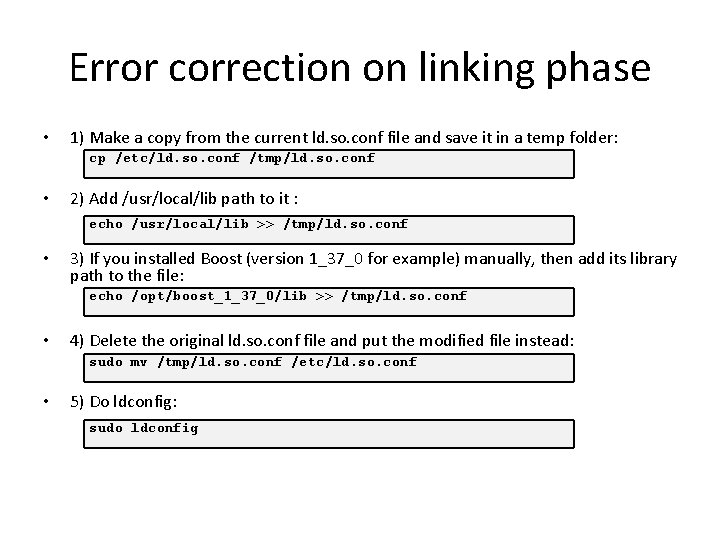
Error correction on linking phase • 1) Make a copy from the current ld. so. conf file and save it in a temp folder: cp /etc/ld. so. conf /tmp/ld. so. conf • 2) Add /usr/local/lib path to it : echo /usr/local/lib >> /tmp/ld. so. conf • 3) If you installed Boost (version 1_37_0 for example) manually, then add its library path to the file: echo /opt/boost_1_37_0/lib >> /tmp/ld. so. conf • 4) Delete the original ld. so. conf file and put the modified file instead: sudo mv /tmp/ld. so. conf /etc/ld. so. conf • 5) Do ldconfig: sudo ldconfig

Demonstrations
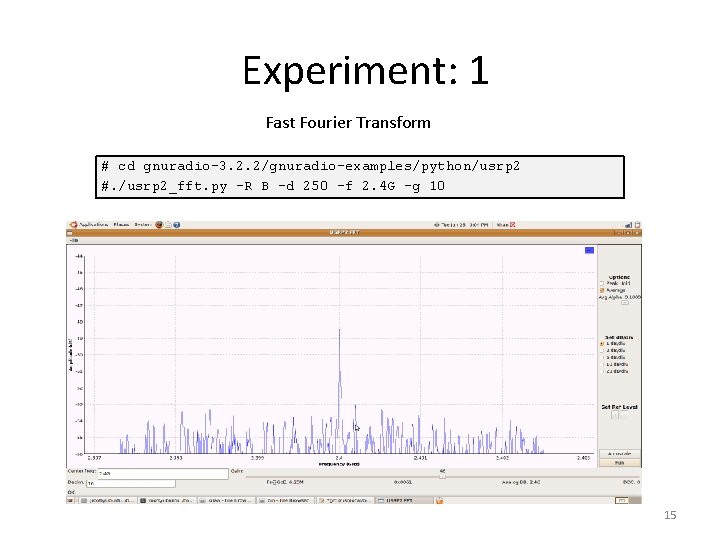
Experiment: 1 Fast Fourier Transform # cd gnuradio-3. 2. 2/gnuradio-examples/python/usrp 2 #. /usrp 2_fft. py -R B -d 250 –f 2. 4 G –g 10 15
References • http: //gnuradio. org/download • http: //gnuradio. org/redmine/wiki/gnuradio/Ubuntu. Install • http: //www. wu. ece. ufl. edu/projects/software. Radio/document s/Library_20061129. doc.

THANK YOU
- Slides: 17